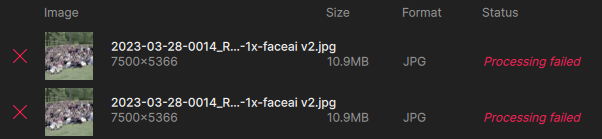
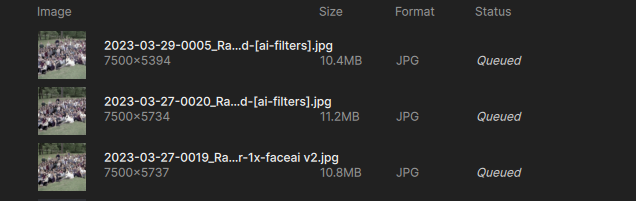
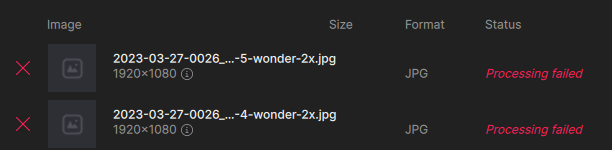
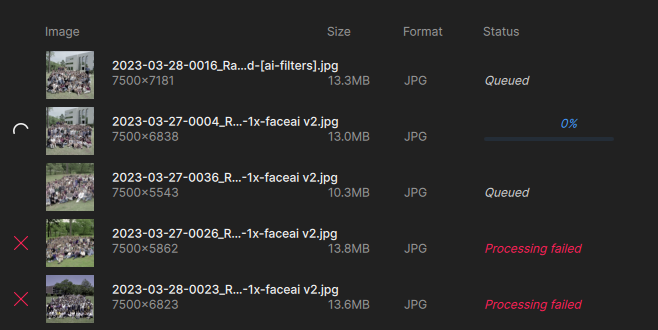
Yes, this is painful…
For as long as each render takes, queuing is a must, unless you want to babysit the process all day.
I’m on a 2022 Apple M1 Ultra Studio with 64 GB RAM at the moment so it’s a decent machine. I was switching back and forth among apps but quit PS to save RAM. I am at 61% usage.
Last evening I had fewer issues. Maybe server traffic is heavy today?
I may have to try those 4090 PCs next time!
Now at home on the M2 Mac Mini, trying again. Seems I didn’t prep one of the images properly (too big), and got this dialog:
The answer is obviously No, but how do I say that here? To me, “Cancel” might mean either “cancel cloud rendering of this large image” or “cancel the queue”.
I chose “Cancel”, then tried to delete the large image from the queue. Then GP crashed…:
Crashed Thread: 37 QThread
Exception Type: EXC_CRASH (SIGABRT)
Exception Codes: 0x0000000000000000, 0x0000000000000000
Termination Reason: Namespace SIGNAL, Code 6 Abort trap: 6
Terminating Process: Topaz Gigapixel [71719]
Application Specific Information:
abort() called
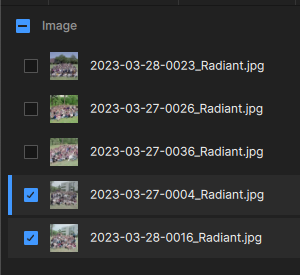
One more time for today: I fixed the large image and dragged it and several others into GP’s interface. So why does the queue have 3/5 unchecked? What is the criteria for auto-check?
Let’s get them all checked and run this thing in Wonder (cloud)… Estimated time: 4:39.
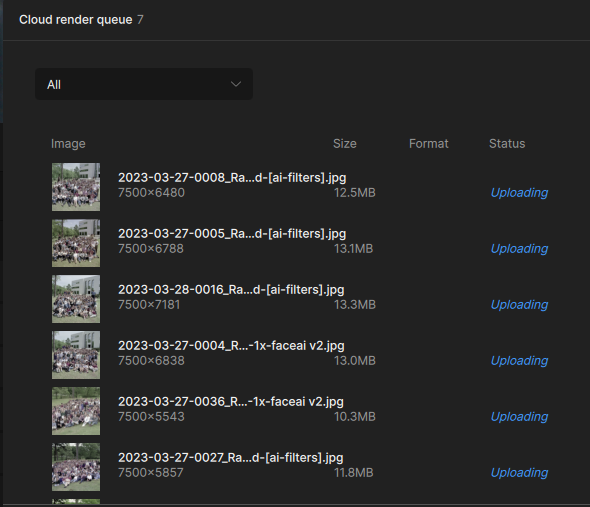
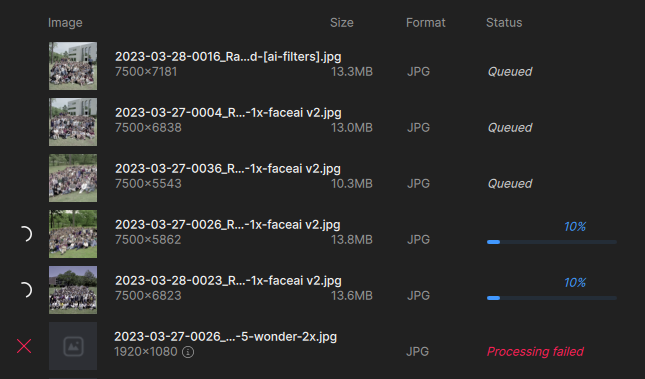
It begins! Uploaded, queued and processing beginning. No way will it make anywhere near that estimated time.
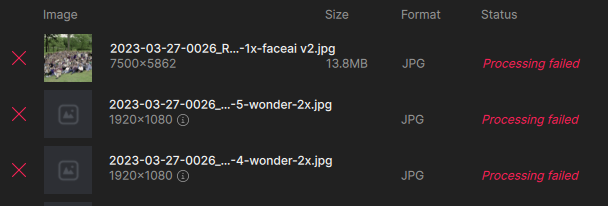
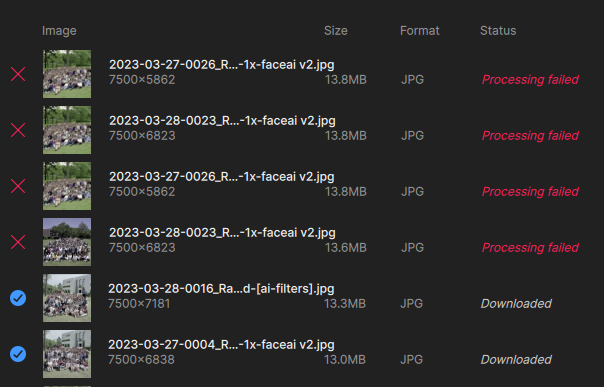
You can see the last of my earlier failed attempts at bottom; many other finished ones are still there as well and I really want to clear them out):
Now we are at the estimated time and 2 images are still at 10% as shown above (just went to 20%, now suddenly at the looooong 100% – that needs to be fixed, it is totally inaccurate, unless save time is included in there somewhere). We’re 6 minutes past the time estimate with only 2 “nearly finished”.
But wait! More failure. And I was wondering if the rest of the queue would then activate, and it seems to have:
I’ll give it some time and come back in a bit.
OK, so in this batch I got 3/5. What was wrong with the 2? The sizes are similar.
I would like to see a way to re-try failed renders within the queue dialog.
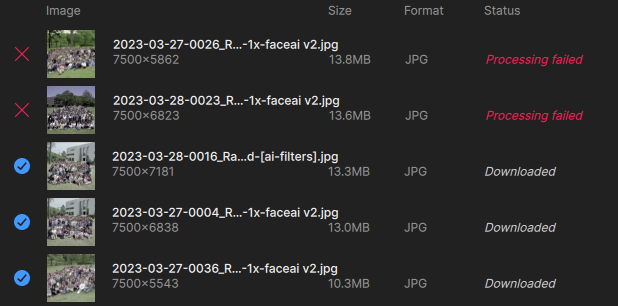
Tonight’s final score:
Another day of failure (I re-sent the last 2). I feel like I’m taking a math test back in grammar school! 
Back at it on the Mac Studio, brand new day…
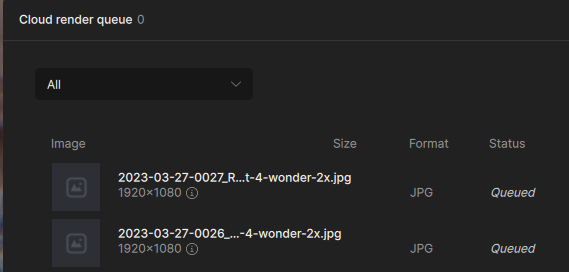
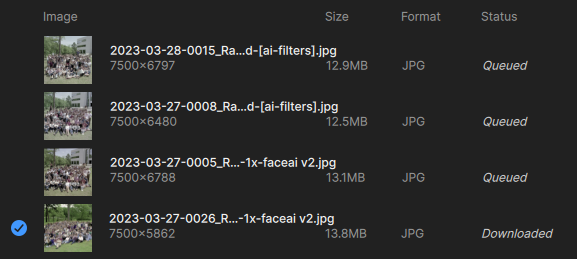
Got 1 finished in this queue of 4! Waiting to see if the rest will start on their own:
This is interesting: I installed GP on one of the 4090 PCs and got a new queue going. I guess I should have expected this but it is showing the previous render currently running on the Mac, as well as the new queue. So I guess there is no point being on the PC if the Mac is in use. I was used to using GPAI and having separate local queues.
PS: I am getting more failures in this latest queue, and the estimated time is WAY off. It’s at least 10X as much. Even if the clock only starts once a render is in progress, it still seems way off. No way is the entire queue going to get done in a few minutes – though you’d think it would, being in the cloud.
Does Refreshing break the queue? I feel this is needed to keep things moving or make something happen, otherwise it seems super unusual slow.
And I’ve been noticing, sometimes the finished image is downloading twice:

Everything was displaying as queued until I refreshed and suddenly all images are ready for download. The cloud process requires too much babysitting…
I’m noticing something else when adding images in batches to a queue – the model settings do not apply to the entire queue (even though I thought all images were checked)! This may be why I’m getting failures (some trying to enlarge to 2X when it’s not supported). UPDATE: This latest batch is behaving as expected, all selected images changed to “Wonder” at once.
Images that already downloaded themselves are now “Ready for download”…
Images queued up and available, but button is inactive. I was able to trick it earlier but can’t activate it now by unchecking and rechecking list.
I’m having overall much better luck today but still seeing the greyed out Cloud render button as well as getting some crashes.
 model is very detailed & flexible but smooths a bit to an almost more illustration-y look, and the Firefly models seem left in the dust.