Assume that’s ON1. If so, they’ve improved it and it is good. It was soft-ish initially (more like TL Wonder).
That’s them! I’m working with the beta of 2026 now.
1 Like
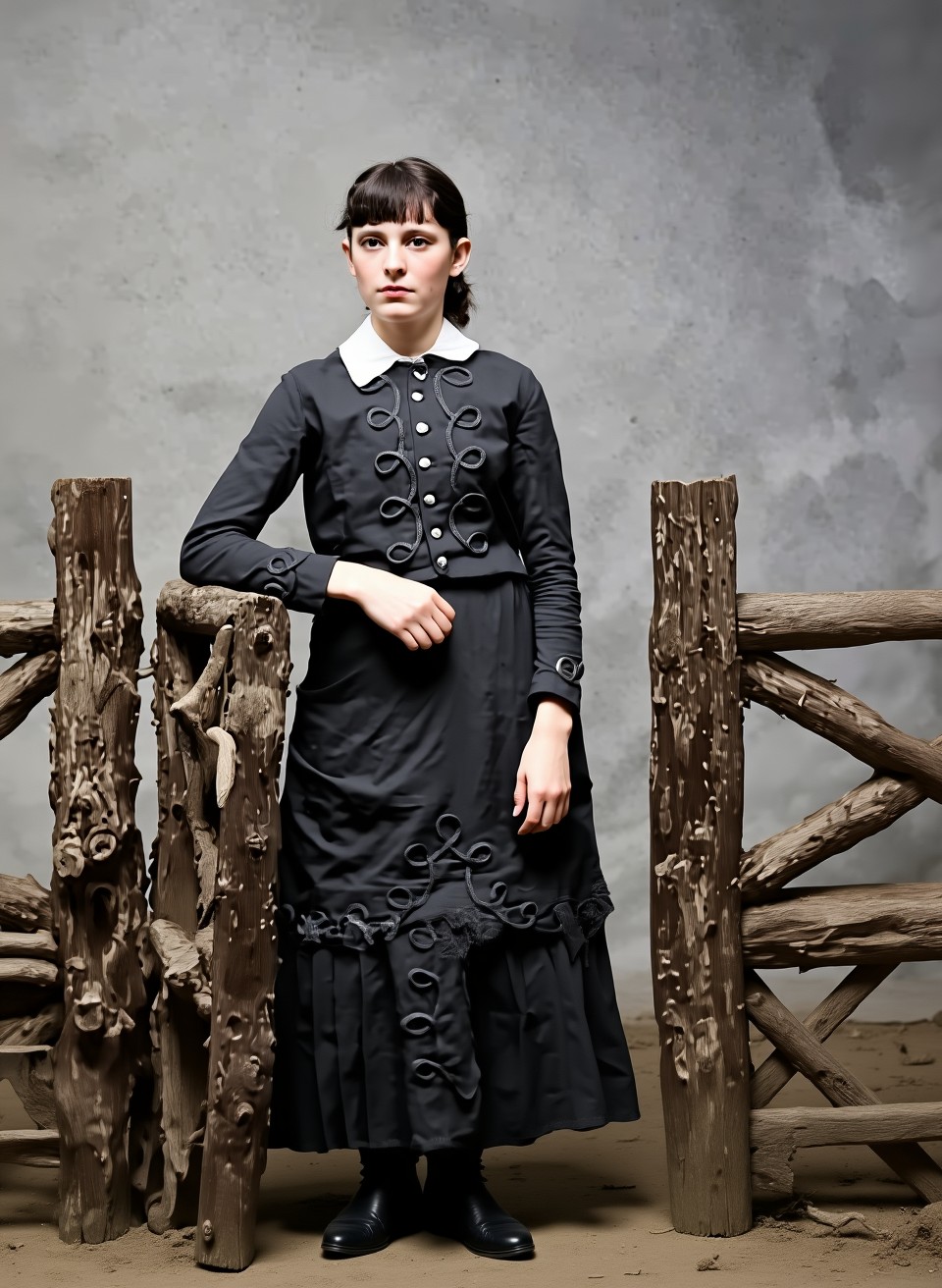
Here’s the first batch; I hope I can upload ZIP files here. It contains 18 versions of “Flux.1 Context”. I did no further edit.
I have Flux running locally on my computer (with Forge UI).
Image1.zip (2.8 MB)
One example from this:
6 Likes
Thanks again, those are great! I’m feeling a little better about this mailing fiasco…
I’ve got Flux loaded up in DiffusionBee but it doesn’t seem to be an option for image-to-image.
Do you have the normal Flux or the “Flux-Kontext”? Those are different things (the models have same architecture, but in Kontext you prompt “make this and that with the picture”). It is not the normal Image-to-Image. I had to install an extra plugin in Forge to make this work.
1 Like
I’ll need to research this more but it seems Forge UI is more Windows-based (?). I mainly use Macs.
I had Stable Diffusion installed locally but removed it awhile back. I’ll have to look into it again. Things are getting very geeky!
Yes, that’s it (Windows). Another option is “Pinokio” (https://pinokio.co).
It’s not a standalone app, but you can easily install other apps (image/video/audio-AI) through it. For example, I installed “WAN-GP” (for video rendering) through it.
On the Pinokio website, there’s an app called “MFLUX-WEBUI” (Flux only for Mac). I don’t know if it includes Flux context.
So, maybe try it: First, install Pinokio, then “Mflux” on top. It basically works automatically and downloads everything you need.
I took a look at the corresponding page (GitHub - CharafChnioune/MFLUX-WEBUI: MFLUX-WEBUI using MLX and the FLUX DEV and Schnell models), and the context seems to be included.
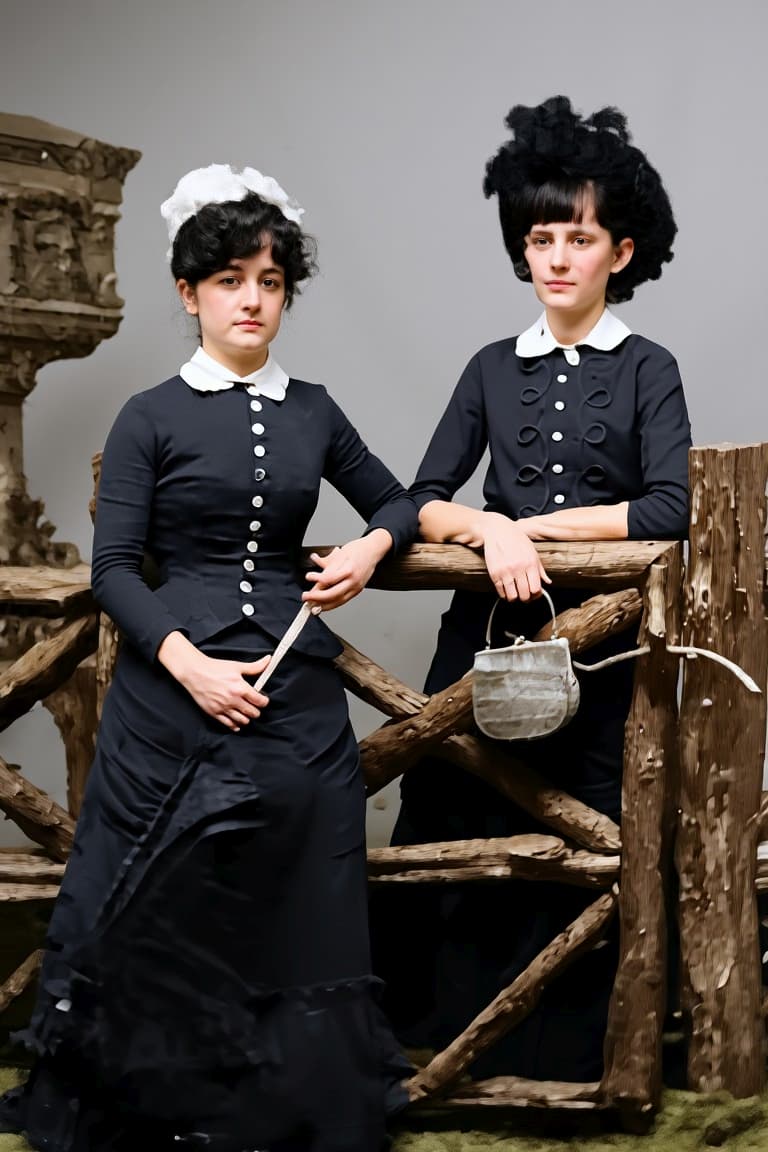
And here the next batch:
Image2.zip (5.5 MB)
4 Likes
Thanks again, more great work!
I made note of your advice above and will check out those options soon.
I assume someone will move this whole conversation to a new, general discussion thread … but I just had to say these outputs you’ve posted look virtually 3D. Very impressive.
You are right.
To keep on topic: There is still a difference in “Redefine” between this Version and the old “Gigapixel AI” version, this version is to much creative in the lowest settings.
3D: I made this with “Owl3D” (it’s for videos and images, the quality is very good, i converted “Bladerunner” from the 80s to 3D with it for example)
1 Like
Nice result! Except for a small detail that, as it seems to me, often appears in AI photo editing: fingers on the hands. The right hand (left from our perspective) seems to have no thumb. (Just my small observation.)
Just say “Gigapixel” somewhere in your replies and it’s all good. 
1 Like
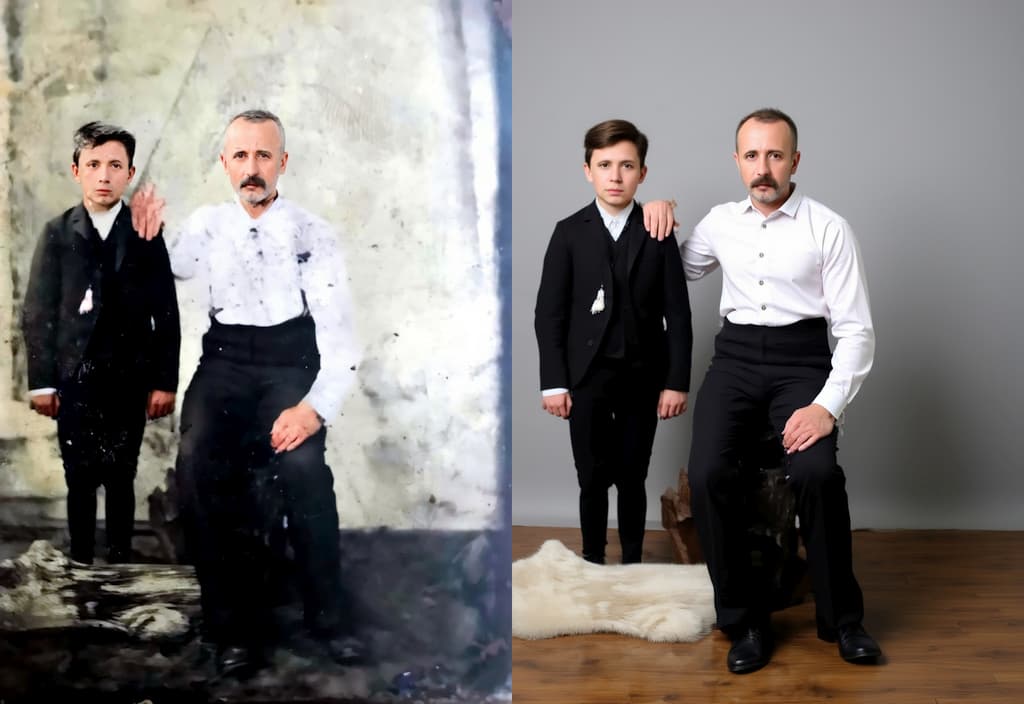
That’s true, it’s not that simple; there are always small errors. I sometimes create 50 images for one picture until I get something good (sometimes everything is completely wrong). Or things like hands and other details: I then go into detail with Inpaint and the corresponding prompts, or different layers in Gimp, and then I “pick” what works best.
But the ability to colorize the images is very good (better than some other software).
1 Like
Yes, the coloring is very nice. I would say it corresponds to the time the photo was taken (but I can’t judge, I wasn’t alive then). I like that the colors are so decent, not flashy (I guess that’s how they were worn back then, if I can take inspiration from the films depicting that time  – or hand-painted paintings).
3 Likes
Thanks again for your efforts, this is great stuff!
Also, ON1 2026 still has a small flaw. The colors of the final rendering are a little dull. As if there had been a slight decontrast. It is therefore necessary to recontrast the image in an image editor like Photoshop, Lightroom Affinity and many others. But for a good quality final rendering, the best is to make several variations with different models and to assemble the parts of each. Because each model has its strengths and weaknesses.
2 Likes
If you want to see some enhanced DSLR-like quality photos from a Galaxy S25 Ultra source, here’s the link here :
Results | Improvement of various animal photos - Gigapixel AI / General - Topaz Community
1 Like
Hi rcoquet! do you have the original image we can test?
i think the cropped samples are a little hard for us to review side by side.
You can use the same Dropbox. Please let me know if you send something.
