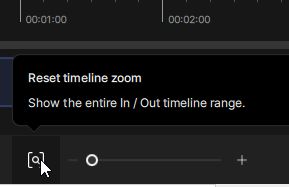
The full-length timeline is truncated for a sequence of still frame images that were derived from an 18 fps Super 8 film. For example: 3800 images is shown to have a full length of 10.736 seconds instead of 15 seconds. The same ratio will be exhibited for even longer sets of images.
Clicking the [o] icon, that is supposed to show the full timeline length only shows the erroneous, shorter length.
This had not been a problem when the icon was located above the timeline in version 7.0
Workaround: Add 40% more image frames at the end of your folder of images. Blank frames should be OK, since Topaz will never process them.