Let’s have you proceed with the following steps to see if that will allow Starlight Mini to render:
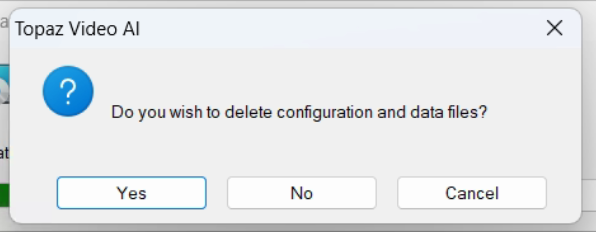
- Navigate to the Windows add/remove (or search for it using the search bar)>Search for Video AI and click “Uninstall.” When asked if you wish to delete configuration and data files, click yes.
- Delete any files and folder for the main drive - C:\Program Files\Topaz Labs LLC\Topaz Video AI\
- Open the Registry Editor on your system. - Windows Key+R will open the run option and then type regedit. Click yes when it prompts.
- Navigate down to the following folders and right-click on it to delete it.
- I. Computer\HKEY_CURRENT_USER\Software\Topaz Labs LLC\ Topaz Video AIII. Computer\HKEY_LOCAL_MACHINE\Software\Topaz Labs LLC\Topaz Video AI
- Reboot your system
- Roll back to 7.1.0 Video AI | 7.1.0 | Windows
- Download Starlight Mini and let me know if that works when exporting
