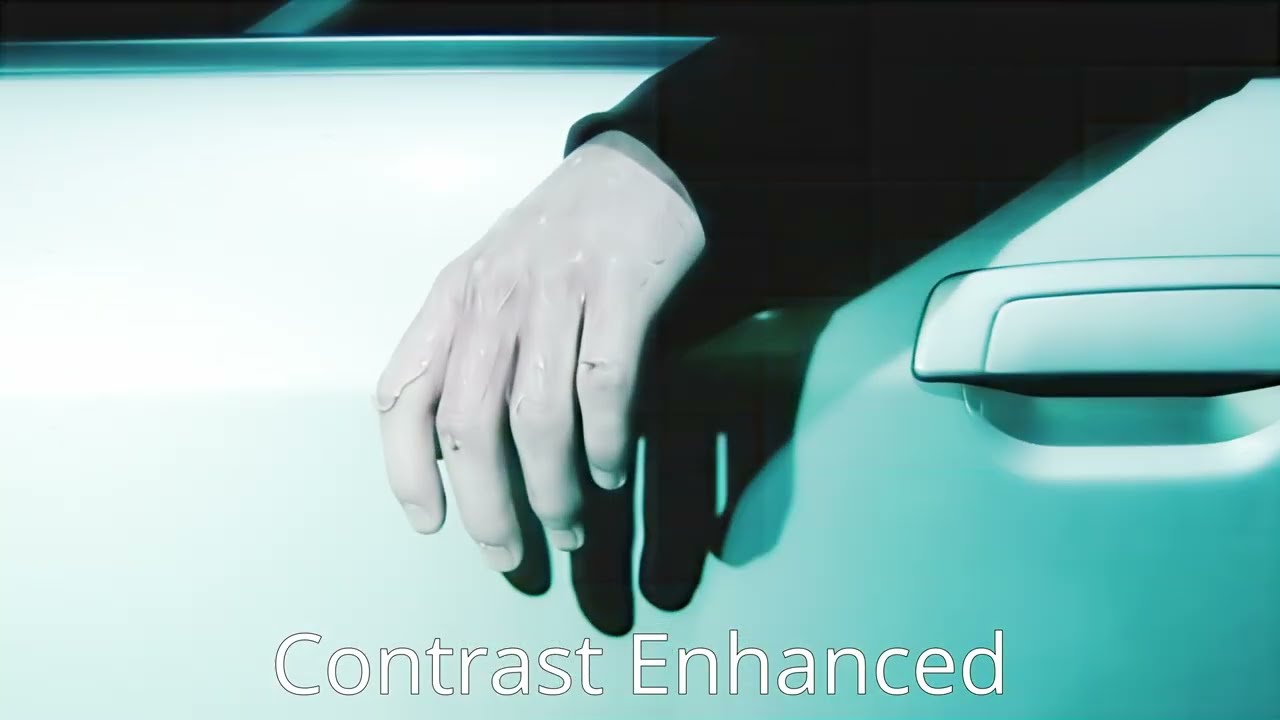
I LOVE the Starlight (Mini) model A LOT. Generally it does absolute digital magic for my projects.
It has a few issues, though, the main ones being the garbled text and the visible tiling…
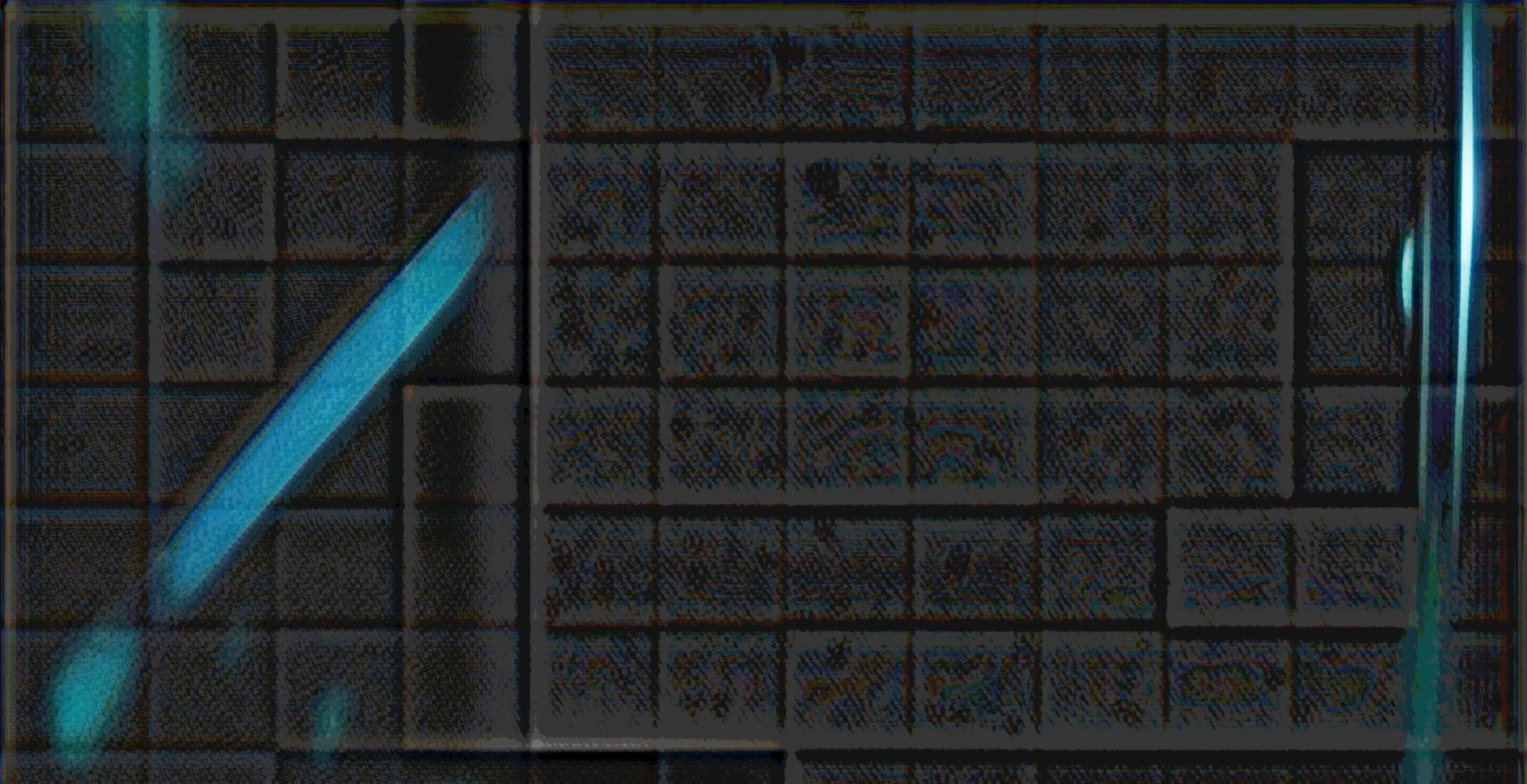
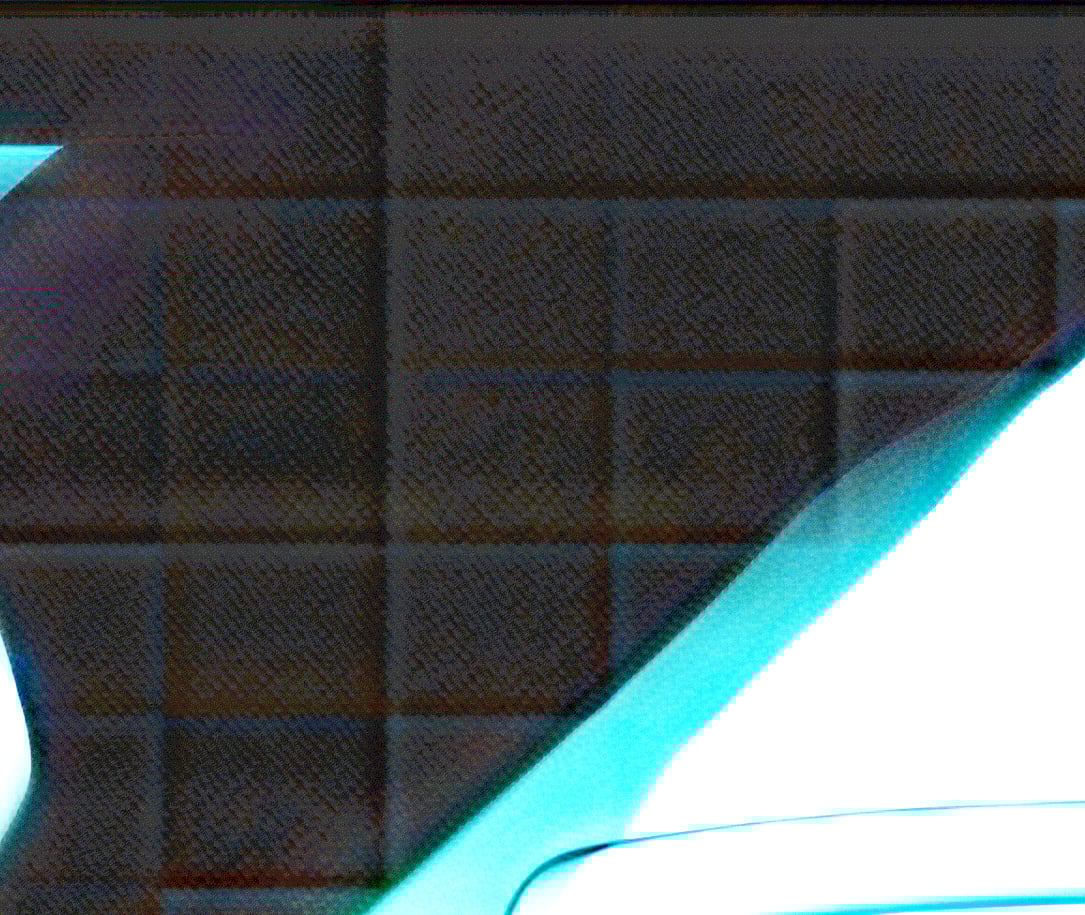
Looking more into the tiling issue, I think it can be fixed to a high extent by changing the way the tiles are blended together. Here is one example from an upscale I just did:
As you can see here in my example, the visibility of the tiles is actually increased because of the “blending” between them. Almost as if the borders between them are enhanced using “Unsharp Mask”, instead of smoothing them together, which should be the goal here…
It is not the content of the tiles themselves that make them visible to the extent that they are, but the borders between them.
I encourage the Topaz Video Team to try and fix this by using another type of blending of the tile borders that does exactly that - Blending them together smoothly.
This should be very much possible as I see it.
Apparently this is not tiled, it is just a texture made by artificial intelligence, SLM and SLS make extremely artificial additions, this is one of them, it actually makes up these kinds of textures instead of correcting the original.
because this is the texture of the tiles in the bathroom you know )) The process is not like this with Tiled, it divides the image into pieces, performs the process in separation and then combines them.
I know it’s not a bathroom)) What I’m saying is that the Topaz model doesn’t detect some things, so it generates them artificially. It seems it detected that part that way and added texture. Why did I stop using SLS and SLM? That’s why it’s not faithful to the original at all, its model spindle isn’t trained, and the worst part is that they use the SLM model on SLM. They didn’t train the new model, and it still can’t read the text.
Please share the original video, zooming in on the same spot. You haven’t fully grasped the Tiled logic, but please excuse me. The Tiled system divides the image into pieces, processes each piece separately, and then reassembles them, much like a puzzle. That’s why it’s called a tiling system. But the example you showed only has the standard tile texture. This has nothing to do with the Tiled system.
Man, sorry, but I don’t understand your logic. What I am showing is this Tiled system, as you call it. And for my export it is 12x12 tiles. Please stop derailing my thread.
These are boundary artifacts caused by how the image is processed in chunks and then recombined.
The AI is purposefully adding an imaginary texture to that area because it “thinks” one was there in the original scene. It’s assuming that the low resolution it was captured in blurred the actual texture away to nothingness.
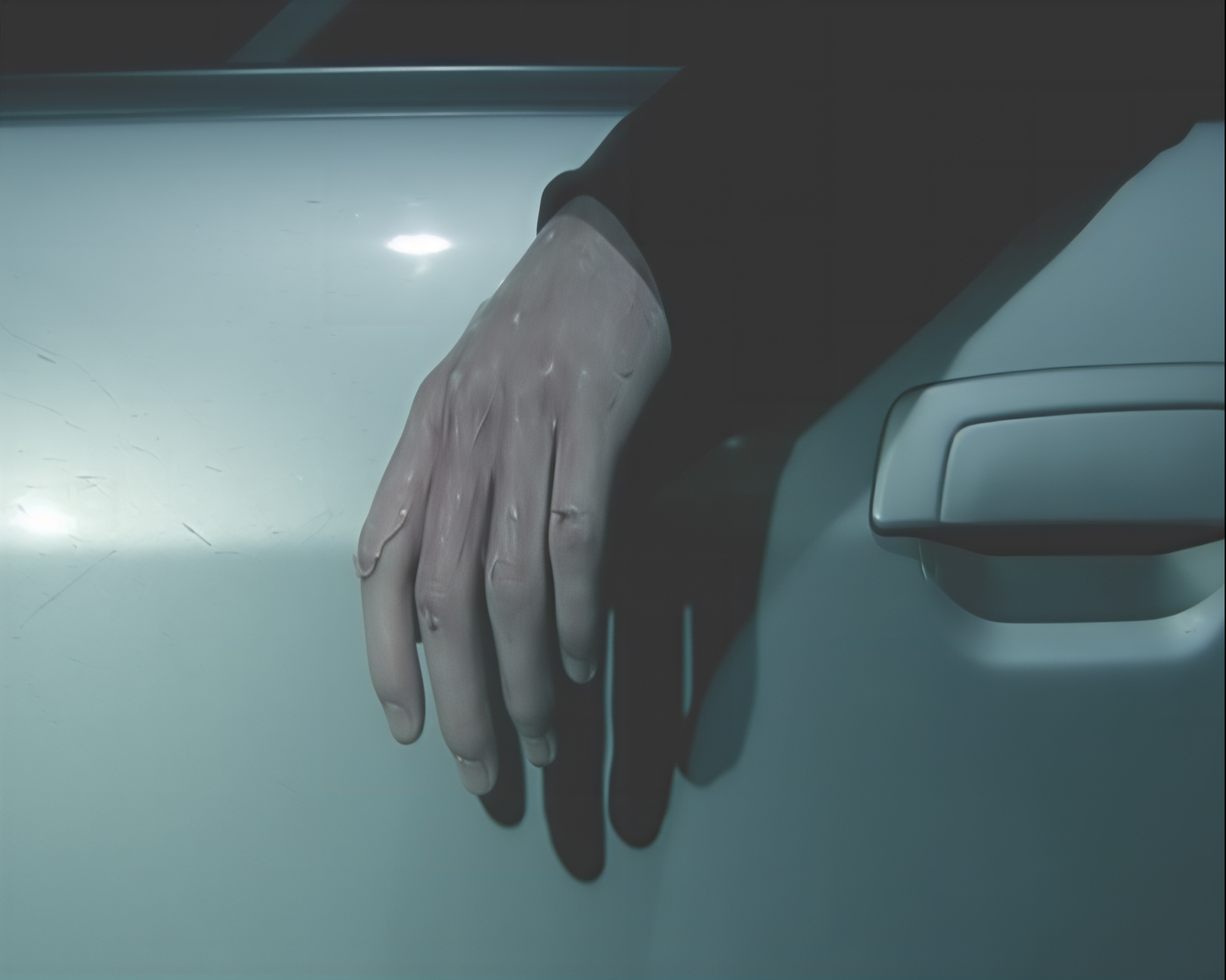
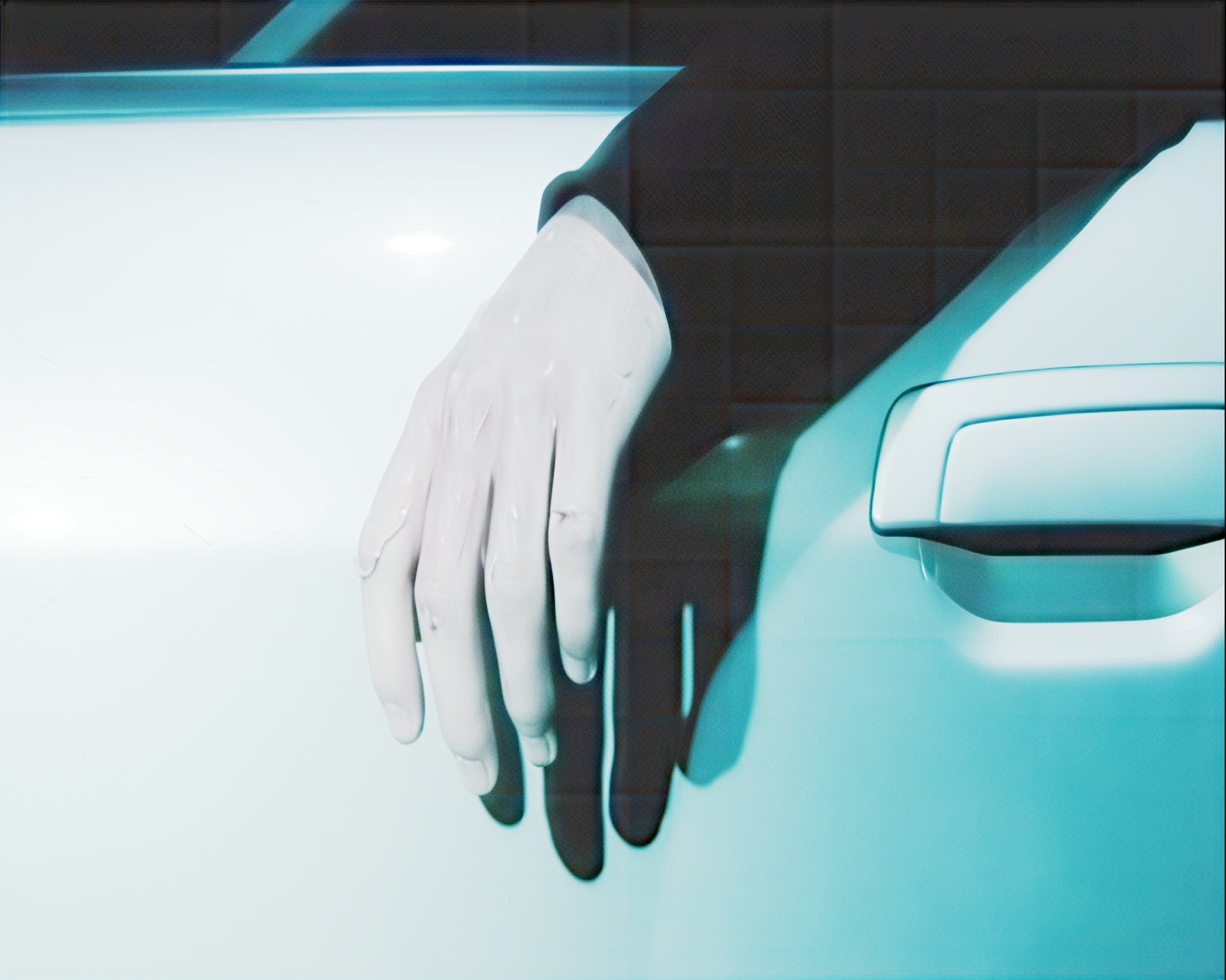
Okay then, here you have it in motion. You should now easily see that it is the fixed tile grid and not some random imaginary standard bathroom texture artifact: ()
There is no grid in the original video, and I am not gonna bother showing that.
I know it has been reported since the model came out. But I don’t see how it should not be possible to make the borders/boundaries of the tiling grid less visible by adjusting how the processing of the model is done, not by altering he model itself…
As they now are handled they make the tiles MORE visible, so it is something that should still be focused on fixing.
I think maybe the issue is created in the diffusion rendering itself, whereas the left an top sides of each tile end up brighter than they should be, and the right and bottom sides end up darker. Leading to the tile grid visibility being increased because of the generated contrast between the tiles. There is no reason why a change in the settings of how the edges of the tiles are handled during rendering/blending should not be possible…
I have the tiled issue too… it depends on the resolution and VRAM… If you use the cloud version, the tiling is almost gone, but unfortunately the App does compress the video before uploading to the cloud.
To gather logs, please open the app and select Help > Logging > Get Logs for Support and attach the zip file to your reply.
You can securely submit your file(s) to our Dropbox using the link below. Please be sure to send me a note to let me know you sent something and include the file name. Submit File to Dropbox
Because the problem arises from the fact that not everyone has $10,000 lying around for a 96GB GPU, because a Starlight frame like this takes up quite a bit of space for this generation.
Because Starlight should also work for people who don’t have that much money.


 )
)