Thank you very much for the link and I apologize for duplication. It was created by the new and everything I have to translate the translation before translating writing before translating the entire page so the fault is waved. Perhaps I’ll learn it, I didn’t do it  Keep pretty. Sleha
1 Like
Assuming you are on a Windows system, it’s probably something to do with your drivers. Post the details and another Win user should be able to advise.
I have a MacBook Pro 2019 and files take about 5 seconds to process using my GPU and the current version.
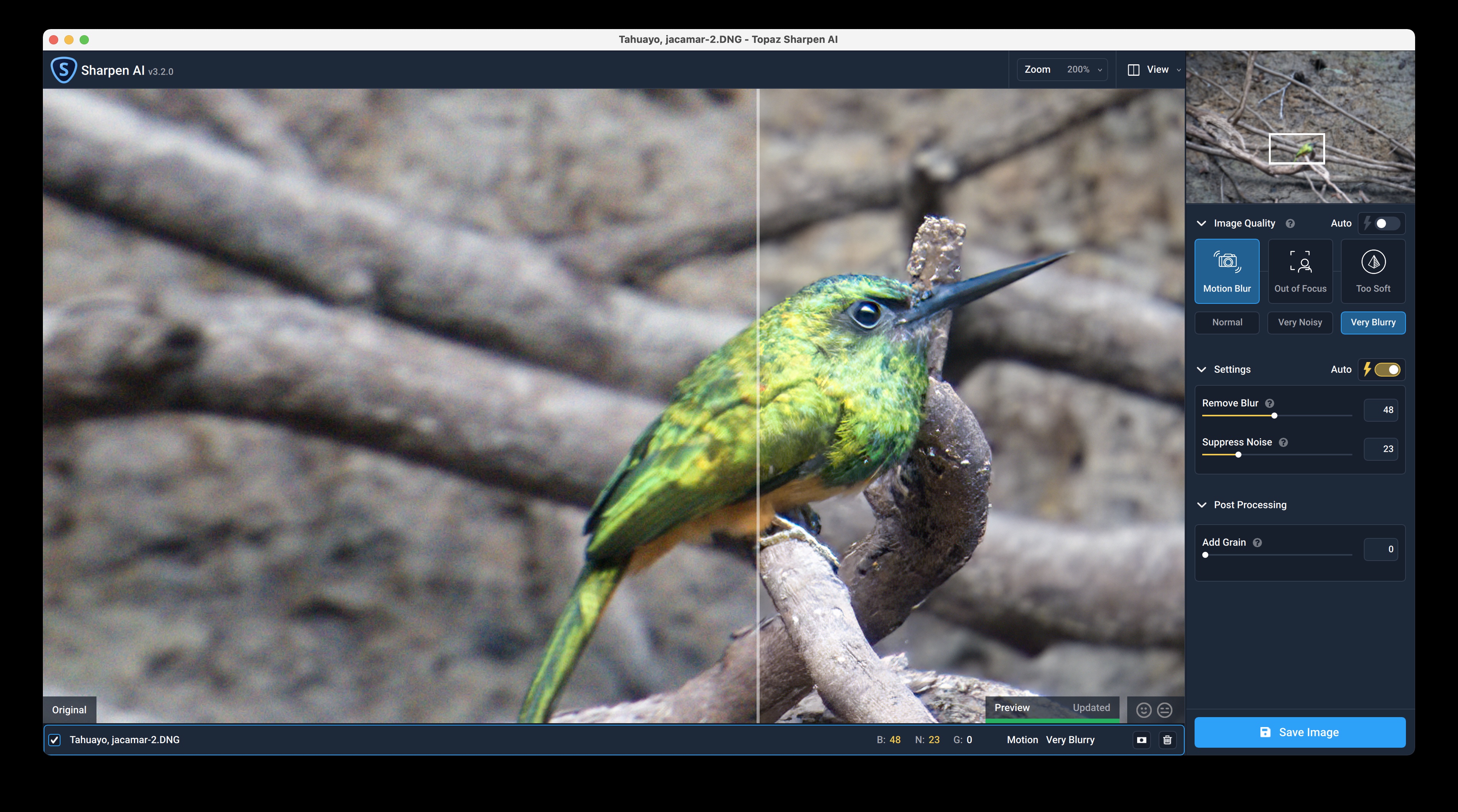
Hmm, interesting. Actually using a 2020 MacBook Pro running an M1.
Just checking in…
Is anyone using v3.2 with Win 10 Pro, GPU is nVidia GTX 1050ti on driver version 462.31 Studio ?
And as such is it AOK and without issue.
Lastly, can v3.2 be installed separately to my current earlier versions?
I just looked through the beta thread and there was only one tester who reported using an M1. It’s possible he missed this issue, but you might want to contact him to see if he can duplicate it: He is cw-5864.
Otherwise, I guess you need to report it as a bug to Tech Support on the main Topaz website.
I’m with you on the Win 10 part. But I’m running it with CPU. So can’t help with that.
I’m not aware of a way to run 2 side x side different commercial versions of any of the products. But folks like Paul, Don, Thomas, etc. are much more technically astute and might know. My sense is the answer is ‘no’ b/c releases are designed to overwrite. And, if you want to roll back I think you’d have to (or, should) uninstall a later version before going back to an earlier version for best results. Good luck.
The latest Studio driver is 471.41. I think it’s only the RTX series that has problems with it so you should be OK updating on your 1050ti. I have no problems with my GTX 1060.
You used to be able to install an earlier version somewhere other than the default location and then install a later version in the default, but at least one of the recent installers (I think it was Sharpen AI 3.1.2) seemed to detect where the previous version was located and overwrote it. So, unless somebody else knows better it seems the answer now is no.
1 Like
agreement
I am the end user for which I pay the program- license to work according to my ideas / could work on his thoughts and photographs / not to labore what and how and tried. From this, development technicians in Topaz, who are to prepare it to buy and restore. Check out other programs that work and try to eliminate IT demands and PC equipment. Adobe, DXO, Zoner and more. I will not change PC about Topaz- I changed graphics cards 2x when everything works perfect for other programs. I have a more and more fear upgrading topps, whether everything will work as it has or to drive and everything bad and I’m half day I will solve problems.
So, how is the speed of the 3.2 in CPU mode? Am still on 2.2.4 (also in CPU mode) and so far was reluctant to upgrade my workflow towards 3.X because of the reported halos in GPU mode. Thanks.
1 Like
Big problems (halos) in Quadro RTX cards in GPU mode.
2 Likes
That most certainly depends on the CPU, but with my Intel I5 Laptop, where I have to use CPU because the weak on-board GPU is even slower, 3.2 is unusable because of processing times of 6 to 8 minutes per 24MP photo. I had to revert to 2.2.1 which is just as slow in GPU mode but gets the job done in 100 seconds with CPU and OpenVino activated.
1 Like
I’m afraid I’m having a bit of difficulty understanding your post. The translations are not very close to actual English (overall).
But, I don’t think you need to be afraid to upgrade to later Topaz product versions (if that’s what you intended to communicate). If a particular release doesn’t work in a way you hope for on your system you can roll back to a previous version that does work (from the Product Releases page).
If you do experience unfixable issues (in the sense that another user here can’t provide suggestions that help you resolve them) then it would likely be very helpful (both to Topaz developers and to you) to report your issue and open a trouble ticket on the Topaz Tech Support website. Versus in this user - user forum. At best they can help you get your system working as you’d like. Or, the developers could learn what needs some adjustments to make the product(s) work for you & other users experiencing the same things you are.
Thx for writing in!
I sent a bug report to Topaz and I got a reply. They said they are already aware of a problem with some hardware and are working on a fix.
3.2.1 was released today and I installed it. The problem is fixed now for me. Both my Nvidia and Intel GPUs now work properly with Motion Blur + Very Blurry. Thank you for the quick fix!
Thanks much, I have i5 desktop with GTX1650 which I’m not going to replace at least for a couple of years. Therefore, I guess, I will stick to 2.2.4 and CPU mode rather than have either a very slow CPU or unreliable GPU results with the 3.X version.
1 Like
Thank you for the answer, I sent a query and report on Topaz technical assistance. They replied that they were working on axle and today they wrote to download 3.2.1, problems should be removed. Yeah I translate in Google translate, so I don’t know what quality. I am falling back on the other side to understand Thank you again and keep it pretty
1 Like
Anthony,
I have an older 2012 iMac running 10.15.7 Catalina and with an NVIDIA GeForce GT 640M 512 MB graphics card, 2.7 GHz Quad-Core Intel Core i5 processor, and 16 GB of RAM. The previous version of Sharpen AI (3.0.3) I have has been working fine. Is it recommended that I upgrade to v3.2 with this setup?
Thanks,
Michael
I hope it works out in a way you feel good to work with! 

I just upgraded to the 471.68 SD, and then upgraded to Sharpend 3.2.1… Still crashes. ON auto. I had an error show up from Windows, because I had turned on the Graphic Settings to allow for “Hardware-accelerated GPU scheduling” I turned it off, rebooted - no difference. Still get the error in Sharpen using Soft mode.
