The development team is investigating an issue happening for some users trying to use the Wonder Model on the Cloud.
You can send your apps logs to support@topazlabs.com if you want us to confirm if the logs contain the error we are investigating or if its anything else which we can resolve right away. Help menu > Open Logs folder to access the logs.
Running Super Focus or Wonder Beta. I always get an error. I have a ticket open last week for Wonder Beta, but I also get the error with Super Focus. Cloud rendering does not work for any feature that could use it.
That is not related, this thread here is something only related to the cloud process of Wonder and not related to CPU. For the issue you flagged, Lingyu opened a separate development team ticket and we have your contact information on it to contact you once that is fixed.
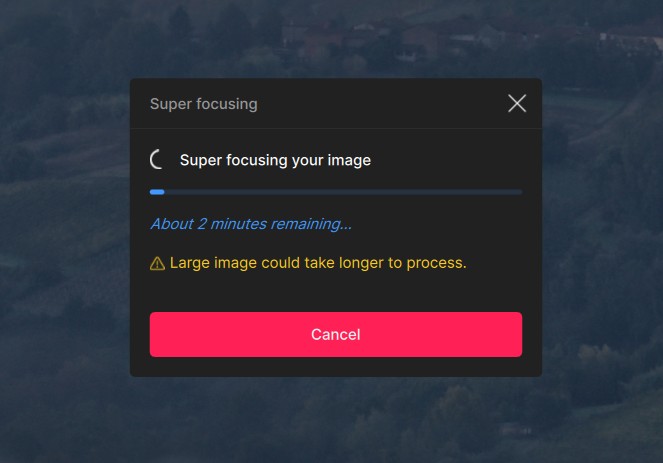
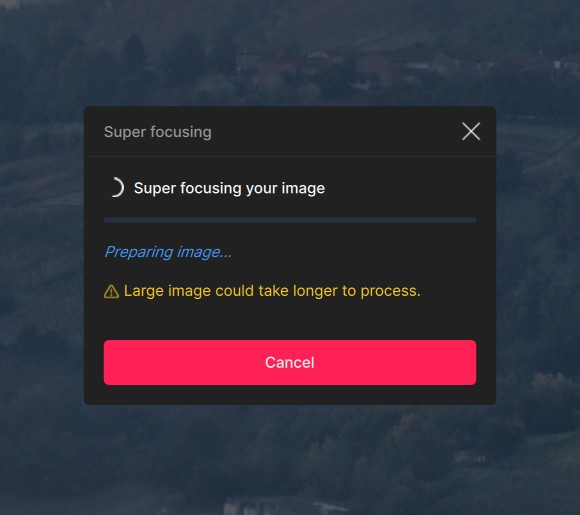
I use Topaz Photo within Lightroom and I am restoring old b/w photos that I have scanned earlier. I use the “Wonder” filter a lot but I can only run it on my PC. When I try cloud rendering nothing happens. My first thought is that it does not work from within Lightroom så I copied two photos (one .jpg and one .tiff) and tried that but it is not working. It seems to be stuck in "uploading. I do not have a problem with my internet connection.
@mike16 i moved your logs to a DM since they have machine information etc that should not be public. At your request i have added your contact information on the Super Focus development team as well. We will message here on this thread once the Wonder issue is resolved as well.
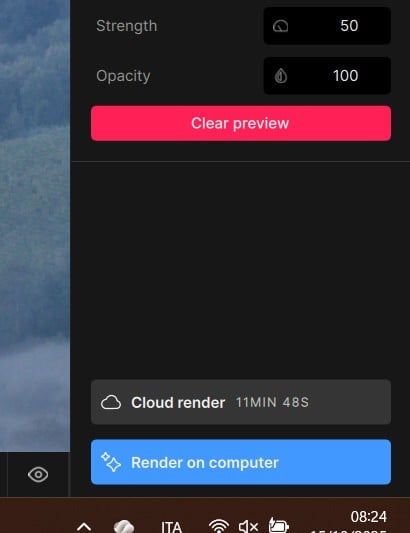
Many thanks! Can I ask whether it is expected behaviour that cloud processing of super focus (when it works, obvs!) might take significantly longer than local processing - as it has for my largeish TIF files? Even allowing for my rather sluggish internet connection (nominal upload is only 6 mpix/sec, IIRC), and no longer very spiffy gamer laptop? The estimates are 11 minutes for cloud and 2 for local. The cloud estimate is about right, the local estimate maybe under by 50% or so.
@mike16 - the cloud processing would exclude upload and download, but should be lower then local processing. You can send logs (Help > Open Logs folder), the image size, and a screen recording of the different ETAs for cloud vs local and we can show the development team!
I’m also experiencing an issue with Wonder’s cloud processing—it isn’t working. At the bottom of the screen, there’s a message that says: 'Error running model’.
Although not listed in other categories, this is also a problem in Gigapixel, BTW.
Note also there is a bug where the status bar has a link to click for more information about the error that has occurred, but clicking on the status bar is not possible while the modal render dialog is open. The link disappears from the status bar when the render dialog is closed.
With Gigapixel, images just get stuck on “uploading” indefinitely, but eventually clicking the refresh button will cause the content of the queue to vanish with no information as to what actually happened (initially very confusing because it is not at all clear that an error has occurred or whether the job succeeded but the results have to be picked up from somewhere else unknown before the time limit is up, etc).
Has the development team yet identified what the cause of the error with Wonder and Super Focus is ? For example they should be able to say “we know that the cause is ( ) and we are working out how to fix it . Or are they still in the dark as to what the actual problem is . Is the problem the size of the file that I upload ? If so what is the current maximum file size ?
I have successfully used both Wonder and Superfocus with a jpeg file but not with a raw file.
The results of Wonder on the jpeg was very good . It seems that Wonder is a simpler to use version of Auto Pilot . I could achieve exactly the same result with autopilot and then my choice of model / amount sliders / plus minus selection .