Thanks for the good words about us acknowledging the issue. We are tracking everyone with these issues too and we will post here when it’s resolved!
My Photo Ai keeps crashing on my Apple Mac Studio M1 Ultra 20 Core CPU 64 Core GPU 128 Ram 8TB Storage.
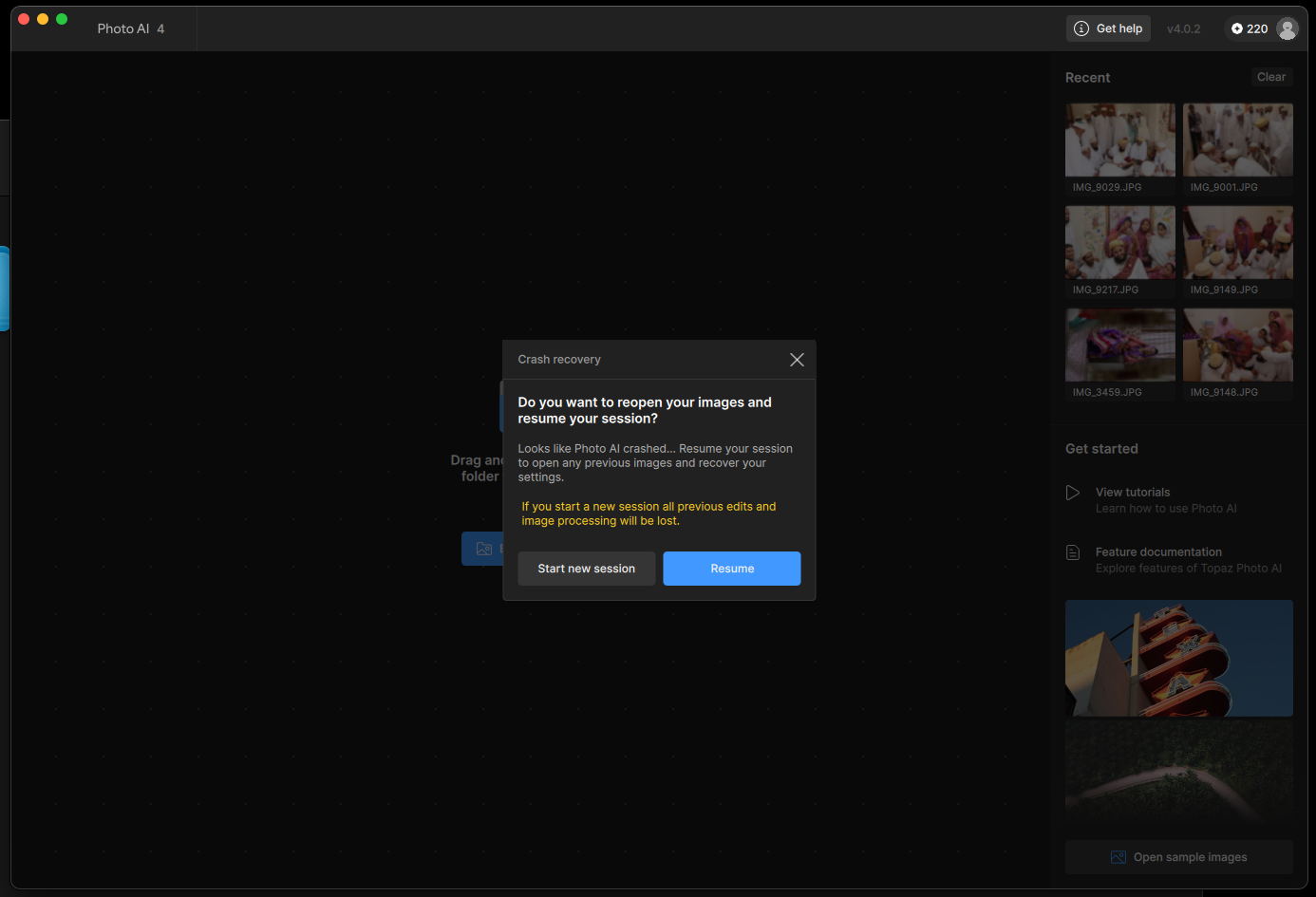
It happens every single time I try to do a batch processing. My gpu settings are set to Apple M1 Ultra. Not on auto or CPU.
@shabbirth see above!
Same.
OS: Mac v15.05
CPU: Apple M4 Max 128 GB
GPU: Apple M4 Max 96 GB
Processing Settings
device: 0 vram: 1 instances: 1
Input Resolution: 3840x2160
I’ve just bought this software like 2 days ago and starting to regret my decision. If crashes and when it tries to resume it keeps on skipping files saying that there is no edit done. M4 Max 36GB RAM. I’m just trying to batch process JPEGs with Autopilot.
Hi.
There’s an issue, with Topaz Photo AI 4.0.2 and Batch Processing.
The recommended strategy is to Download and Install the previous version 4.0.1 until a fix is available properly, with the next release.
Here’s the link to Download Topaz Photo AI 4.0.1 for both Windows and Mac I’ve included the link for Windows incase Windows users have the same issue
Simply Download and Install the Application and no need to Uninstall, Remove or Delete version 4.0.1 first as this will taken care of during the installation process
Mac
https://downloads.topazlabs.com/deploy/TopazPhotoAI/4.0.1/TopazPhotoAI-4.0.1.pkg
Windows
https://downloads.topazlabs.com/deploy/TopazPhotoAI/4.0.1/TopazPhotoAI-4.0.1.msi
Hope this helps
1 Like
Adding you to the thread so you get a notification when we release the fix.
Just purchased Topaz Photo AI today after happy results on one month subscription. However, the program crashed 5 times this morning - both while editing and while exporting. Thankfully one can resume their work easily - just not used to software crashing this often! Hope this bug gets worked out! And happy with my results today.
I added you to this thread as I believe you have this issue. Please revert to the previous version while we work on a fix.
- Photo AI v4.0.1 - Mac: Download
I submitted my details via email, but yeesh. v4.0.2 is crashing like crazy, so I went back to v4.0.1 and it is crashing too. They are crashing on batch or one image a time, and sometimes as soon as it loads, other times waiting until I start exporting. Frustrating, to say the least. Neither version is working at all at this point. Please add me to the thread here so I know when this is resolved. Thanks.
If you get issues on v4.0.1, then something else is happening. See here link to send us your logs to support: Troubleshooting | Topaz Photo AI
1 Like
Please add me too. Macbook Pro, M4Max, 36gb, Sequoia 15.6 and it keeps crashing. I reverted to 4.0.1 but need a fix please. FC
1 Like
We will write on this thread once this is fixed. For now, it’s important to stay on v4.0.1
I tried the solution above (downgrading) and still have the issue… I have A MacBook Pro M4 Max 36GB, MacOS Sequoia 15.6 and I have been loading photos from my Nikon Z8.. I do it from my apple photos directly however even if I load one at a time or batch direct in Topaz it does the same thing…
Did the downgrade work for you with your system? I have the same system as yours and I still have the same problem..
Hi Rachel.
If the Downgrade didn’t work then, there’s another issue going on with your problem
Please contact Topaz Support for further help here’s the link to contact Topaz Support directly
Topazlabs Support
support@topazlabs.com
Sorry didn’t notice you were replying to Alexandre at Topaz Support
Hi,
Worth noting though : even in 4.0.1 I get inconsistent list of items that are processed instead of the ones I chose (mostly the previou batch
Hi, as I have written, no more crash butbsometimes
Sometimes the batch list is inconsistent though the process is done correctly
