@Pavel_Karizek Please upload the original image here so I can run some tests.
There isn’t enough information for me to see if it’s an image, hardware, or application conflict.
Thanks!
@Pavel_Karizek Please upload the original image here so I can run some tests.
There isn’t enough information for me to see if it’s an image, hardware, or application conflict.
Thanks!
Thanks for uploading that.
We’ve gotten several reports of the square mosaic artifact and we’re working on fixing it within the next 2-3 months.
We appreciate your patience!
No problem. I requested a full refund for Topaz Photo AI. When it is fixed, I will be back on board. But I am not willing to pay for something that is obviously still in its beta version…
Tim,
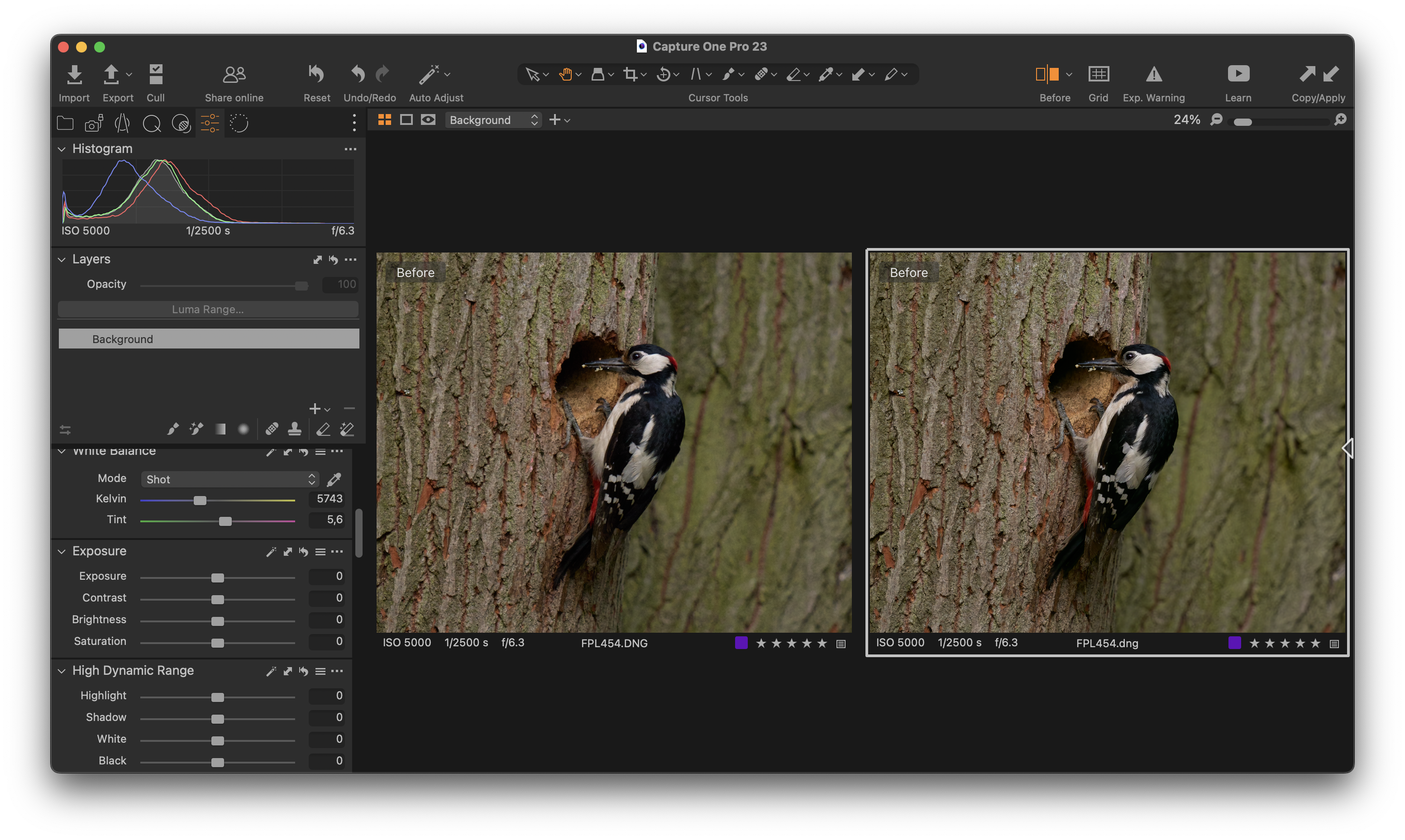
I am back on board with Topaz Photo AI v1.3.7 and I must say that the plugin for Capture One Pro 23 works very well. The original DNG (RAW) photo from my SIGMA fp L on the left, and the edited version (noise reduction + sharpening in TPAI v1.3.7) through Capture One Pro 23 on the right. No color shift or other problems like too much smoothing of my photos. Much more details in my photos than I process TIF files!
So the only pending problem is to fix resizing/enhancing resolution without any square mosaics in photos.
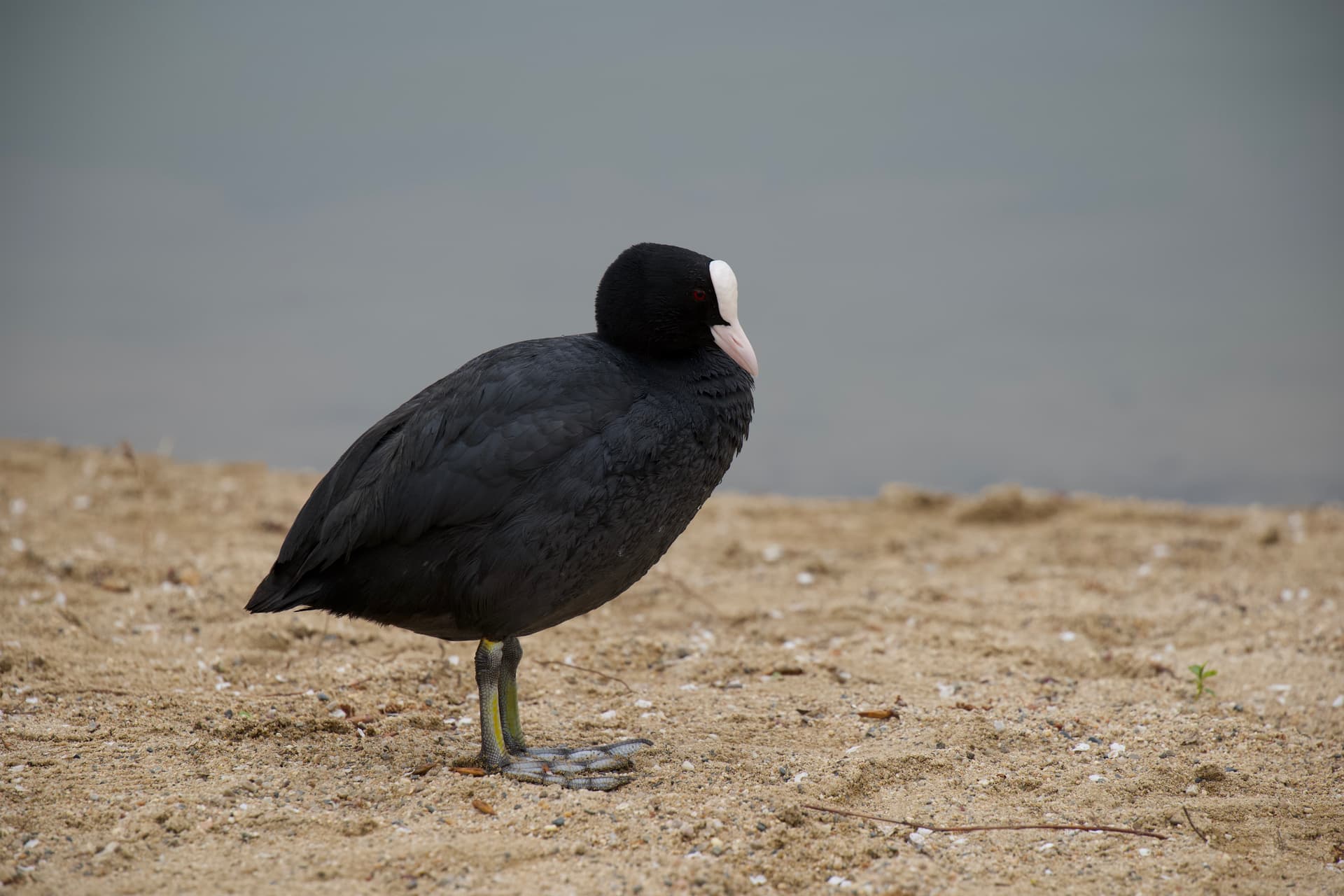
Here is the link for the original DNG file directly from my camera SIGMA fp L. You can try to apply noise reduction and see the results (square mosaic). iCloud Drive - Apple iCloud
@Pavel_Karizek I’m glad the Capture One plugin is working smoothly for you!
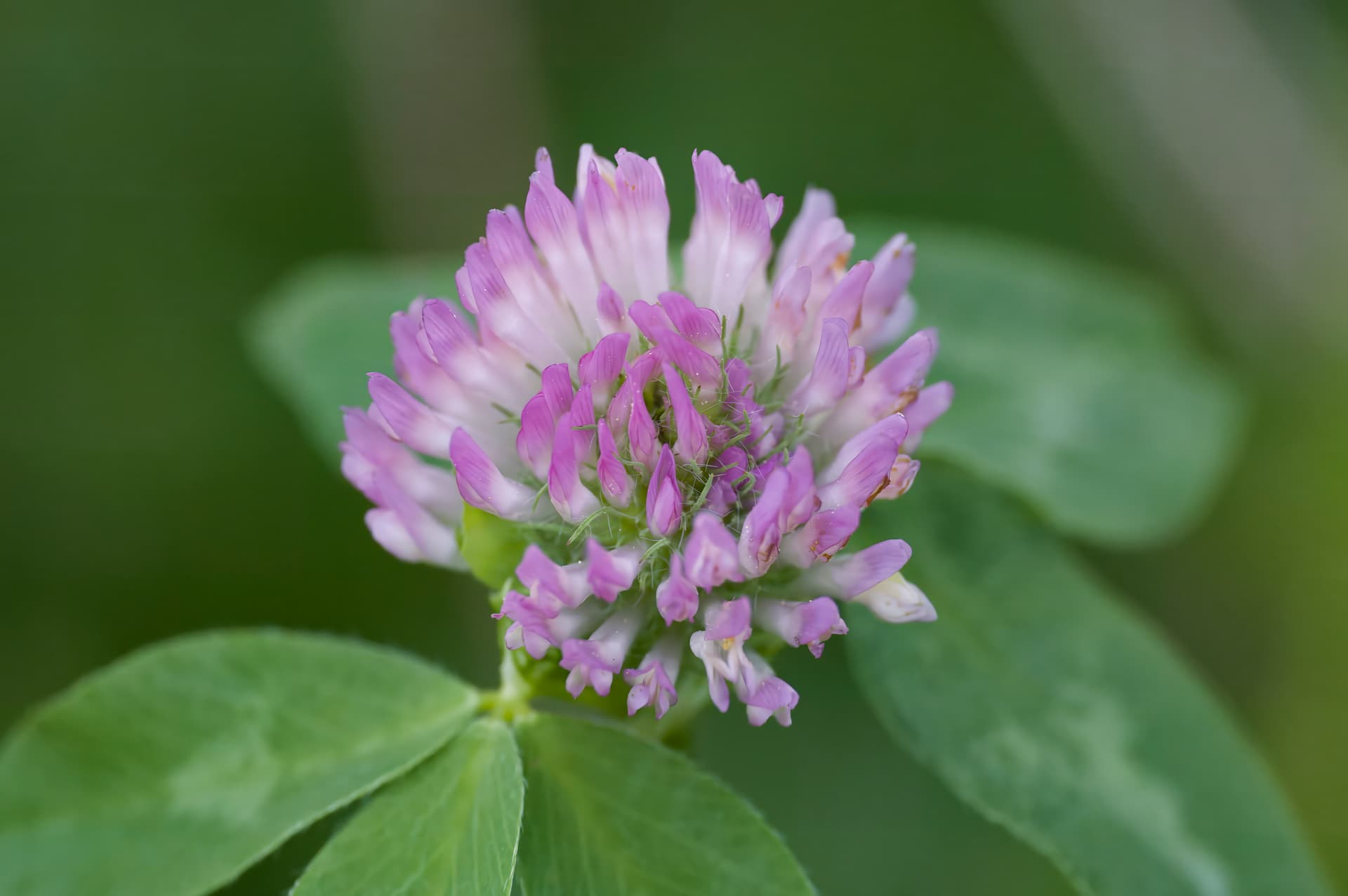
Thanks for uploading the original image of the flower.
We’ll continue testing with images like that to remove the square mosaic artifacts.
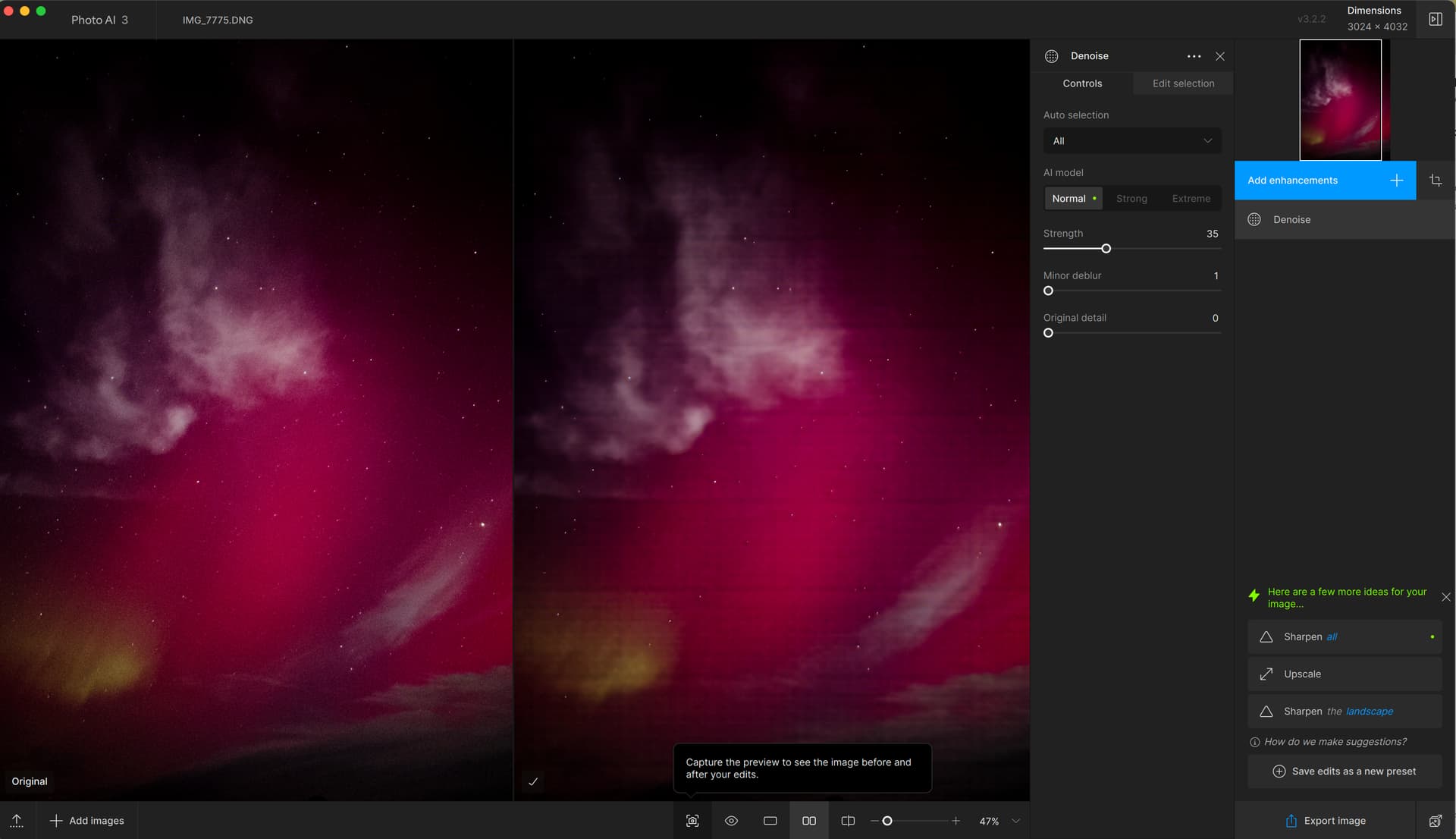
When trying using the recommended noise removal with a RAW iPhone image, I get a strong grid pattern. I load the image, choose the recommended edit and the result is the grid. See screenshot. I have closed the program and restarted it and it still gives the strong grid.
Steps to reproduce issue:
Topaz Photo AI [v1.x.x] on [Windows/Mac]
Upscaling photos appears to introduce a grid structure, visible in dark areas of the photo after zooming in. This is only seen after upscaling.
Steps to reproduce issue:
Topaz Photo AI [v2.1.0] on [Mac]
FIX RELEASED FOR MAC USERS
------> We transferred the Windows users to a new thread
We are circling back to let you know that we released a fix for the grid issue in Photo AI when using RAW Denoise on Macs. You can download the latest version to test it:
Our tests showed the issue did not happen when using the auto-pilot suggested settings 
If you have issues or feedback, please write us an email at help@topazlabs.com
Thank you for your patience