Hello,
We are investigating this issue some users have.
I am still waiting on more details from our development team but can you try this:
1-Click on Start then click on Settings
2-Click on Time & language then click on Date & Time
3-Then check if the time zone, date and time are set correctly
4-After you see the correct date and time try again.
Let me know if it works. If it doesn’t work, please write to help@topazlabs.com and send us the Photo AI logs. On Windows, they are located here:
C:\ProgramData\Topaz Labs LLC\Topaz Photo AI\Logs
hi Alexandre,
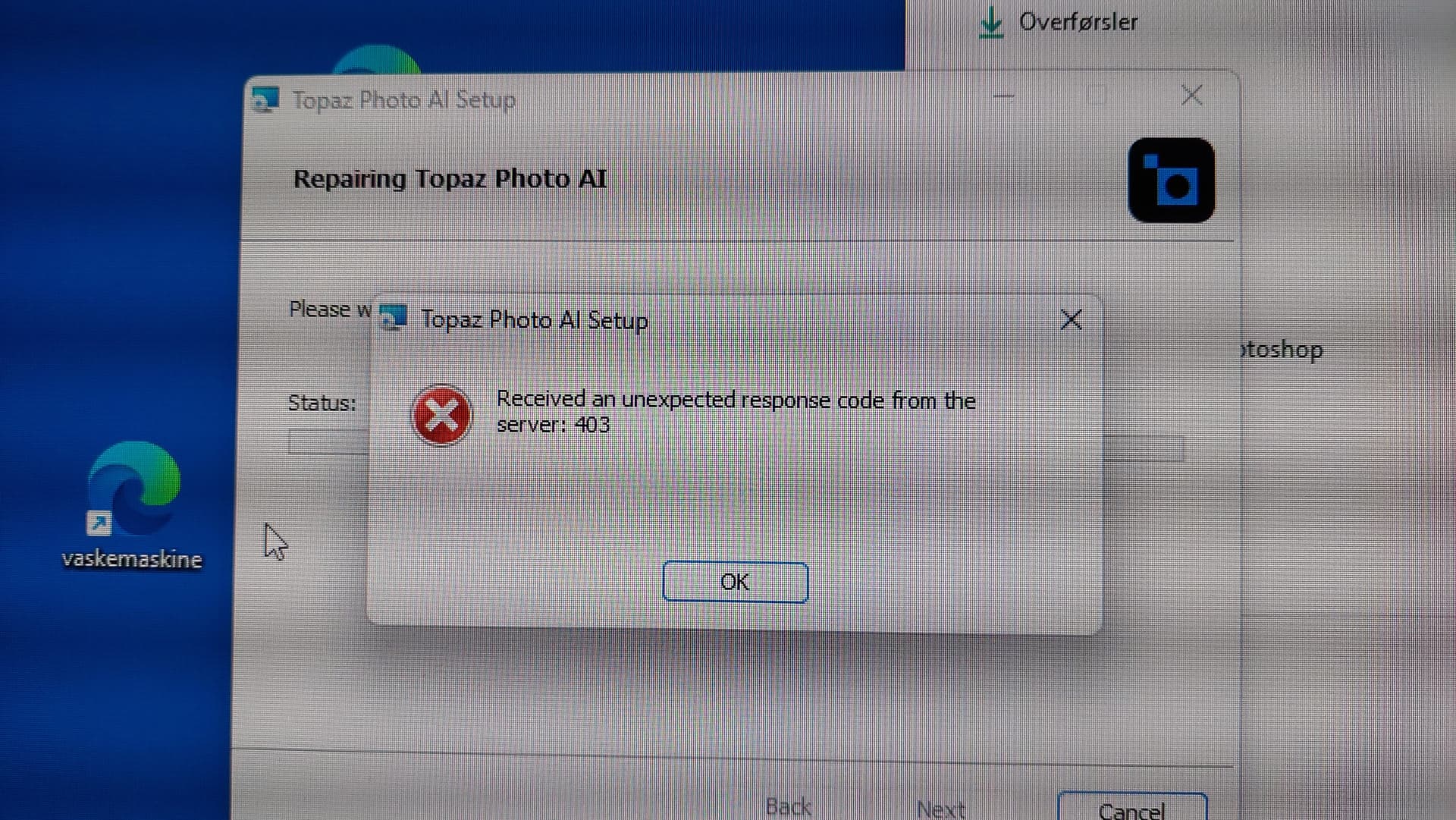
No - date, time etc. are ok, but still same code 403.
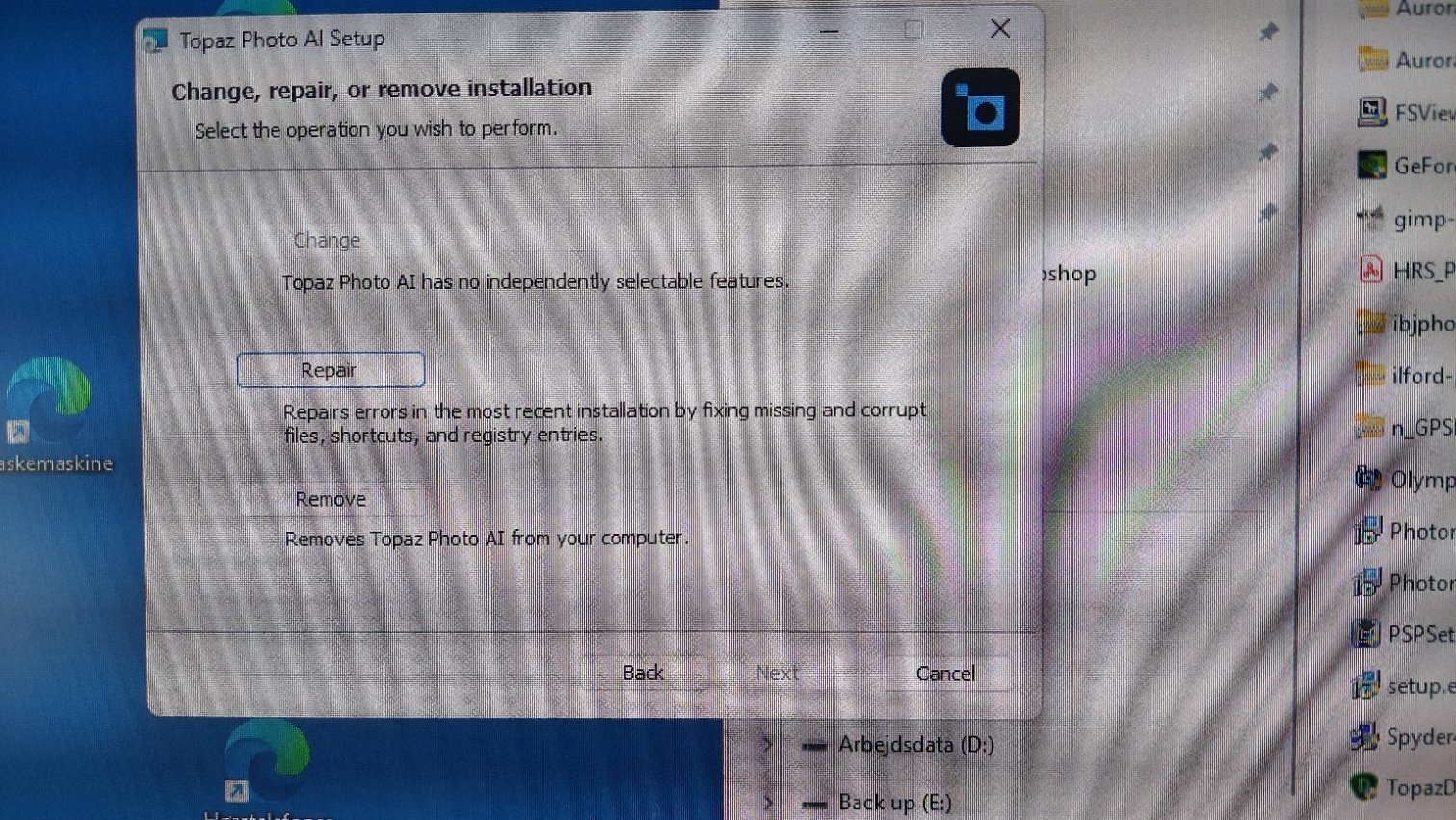
I have tried remove Photo AI and reinstalling the program but with the same result. still code 403
and “C:\ProgramData\Topaz Labs LLC\Topaz Photo AI\Logs” does’t excist.
please ib jensen
can you test again the install from your “My Products" page? the development team pushed a fix, let us know how it goes!