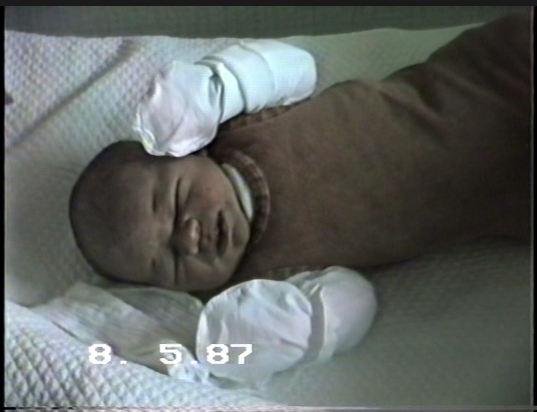
I have sucessfully imported DVDs of (originaly VHS) family footage and deinterlaced them. Because most parts are rather shaky, I have to stabilize it first, before any further enhancments.
My big problem are embedded date stamps, which after stabilzation in Topaz are wildely jumping around. Would be nice if the Topaz stabilization filter would recognize the date stamp and ‘keep’ it in its place.
So I have to get rid of the date stamps before, but how? I tried ‘object removal’ in DaVinci, but got very poor results. Any ideas?
I have a good results with HitPaw Watermark Remover, AI mode.
I’d suggest deinterlacing video first in Hybrid, export to almost lossless format like ProRes LT.
Then remove watermark, and stabilize and enhance in Topaz afterwards.
Thanks for your sugestions!
I have already completed deinterlacing and export as FFV1 of all my videos, but now I was stuck.
Did you mean HitPaw Video Object Remover or HitPaw VikPea? Looks like the Watermark Remover is not part of the test version of VikPea, but I will check this over the weekend.
I have an older version of the software that’s called simply HitPaw Watermark Remover. Video Object Remover is another tool to identify object and remove it.
It works worse for this purpose.
I found the correct HitPaw product and tested it (the test version is very limited) and then decided against it, also due to the companies bad reputation. From user comments I found Pixbim Watermark Remover, which does the job better than HitPaw and is cheaper.
Thank you very much for your support.