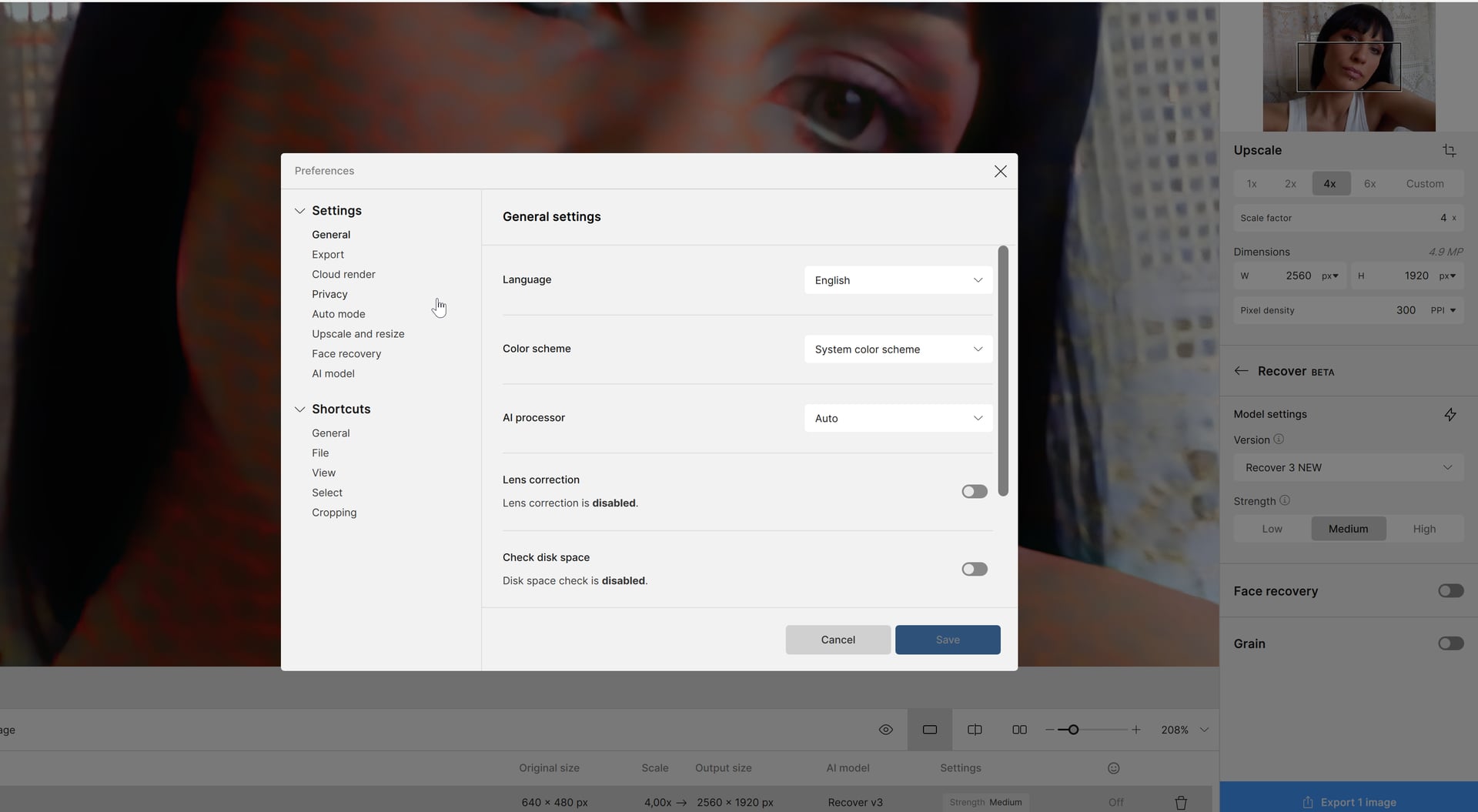
Moving here the users who have issues with Recover 3 in Topaz Gigapixel when rendering locally if they have a computer with a foreign langage using comma instead of dots for decimals
We will reach out here if we release a fix 
Moving here the users who have issues with Recover 3 in Topaz Gigapixel when rendering locally if they have a computer with a foreign langage using comma instead of dots for decimals
We will reach out here if we release a fix
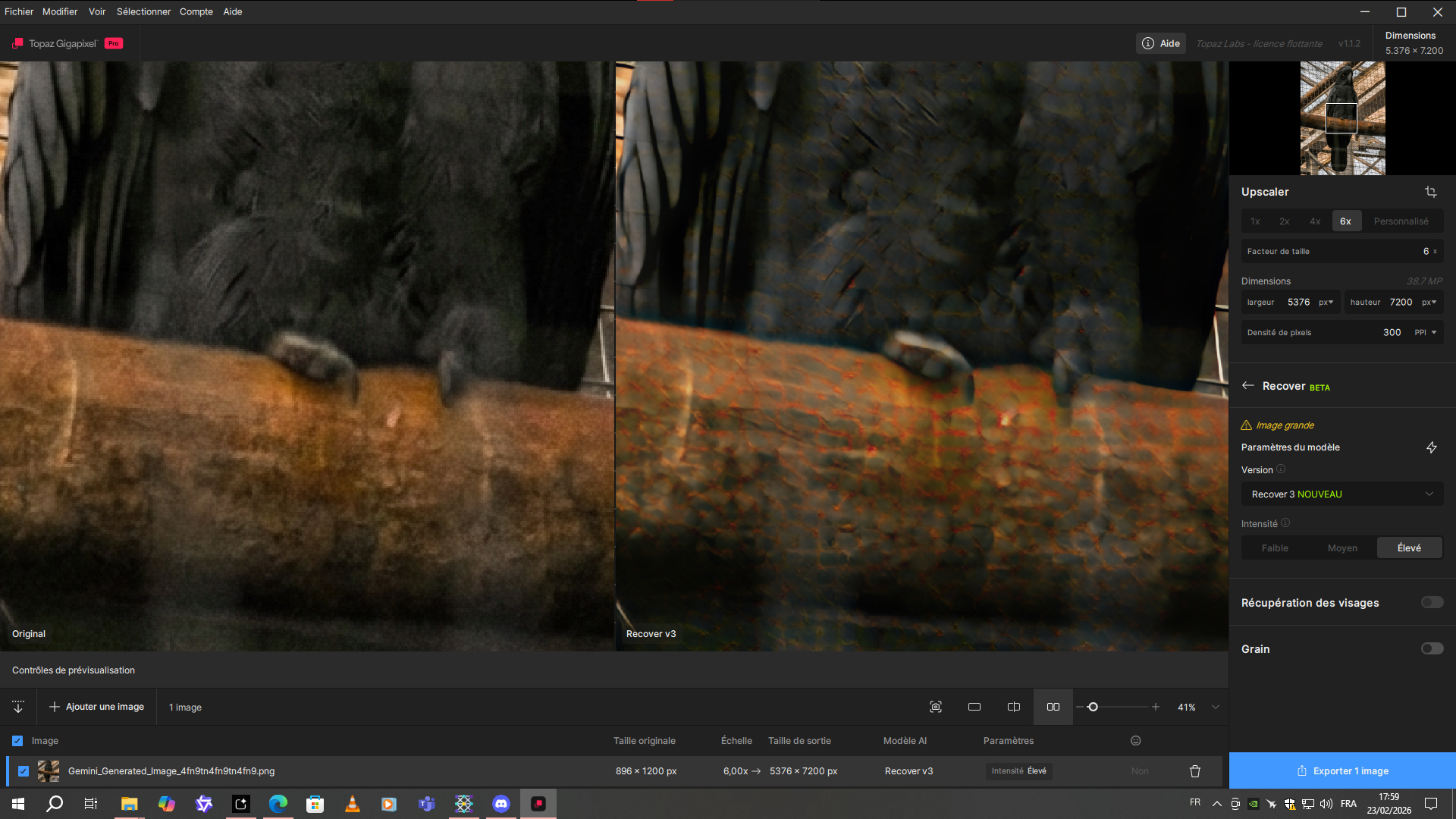
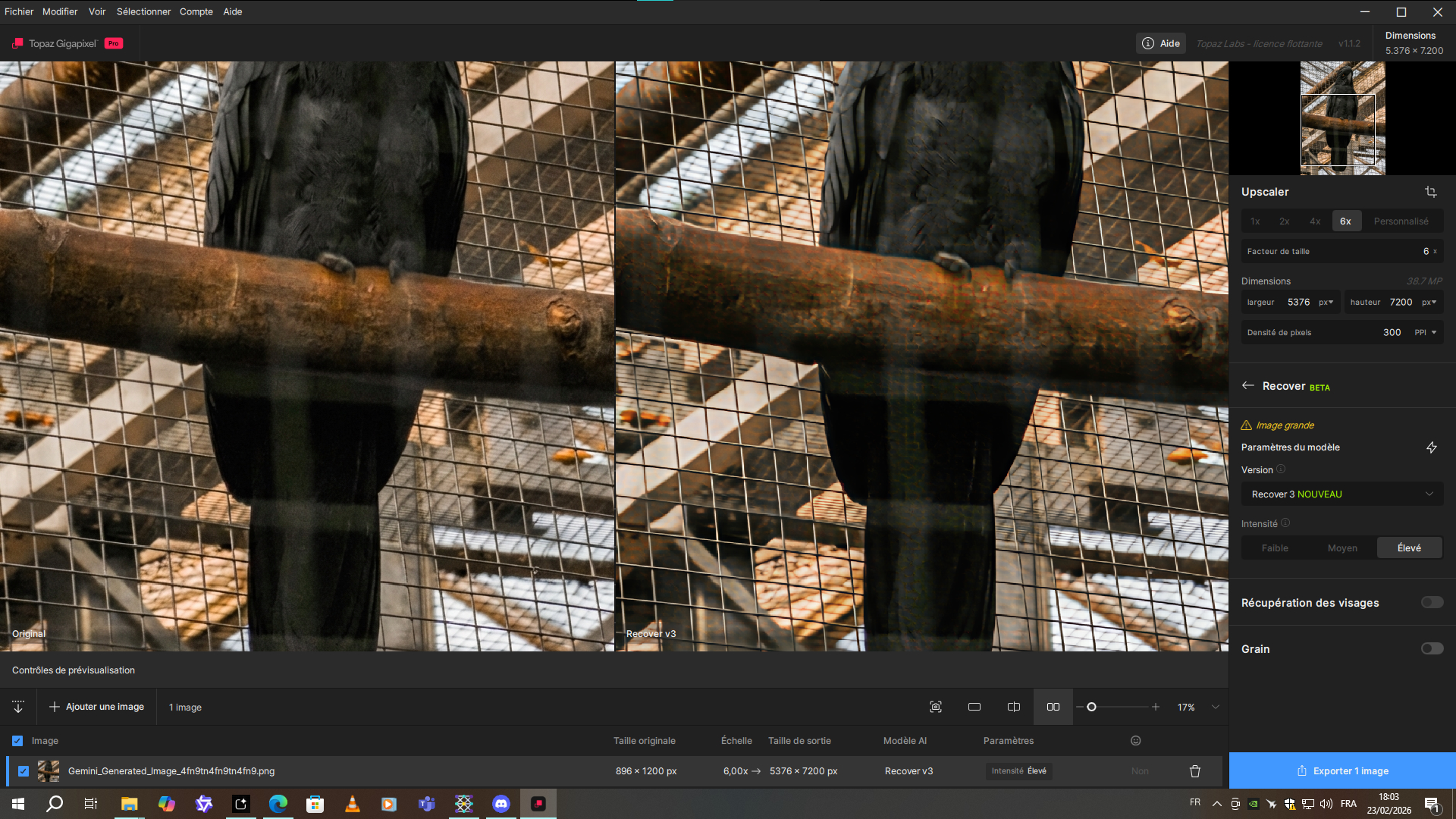
I just tested Recover v3 again. But this time on a 1K resolution image. And well, it’s really not good at all. It’s actually very bad because of those infamous honeycomb artifacts.
Without that problem, it could be better.
Rainbow Cow Pattern. 
@esther.huynh @alexandre.topazlabs
Would it be possible for people with GPUs that have a lot of VRAM to calculate either multiple tiles or multiple images at the same time?
By a lot of VRAM, I mean more than 24 GB.
It should be possible to use the Blackwell Architecture more effective.
Yes, that model is simply broken in its current state and Topaz should acknowledge that instead of telling us we are using it wrongly.
I’ve yet to find an image that doesn’t suffer from these artifacts - so what exact sources is this meant for?!
It wouldn’t be that bad if they hadn’t removed the well working Recover V2.
Ah, sorry, this is Gigapixel - I thought we’re in the TopazPhoto section here…
no no xd. It’s not a big deal. Mistakes happen.
Can you test Recover v2 to compare? I would be curious to see.
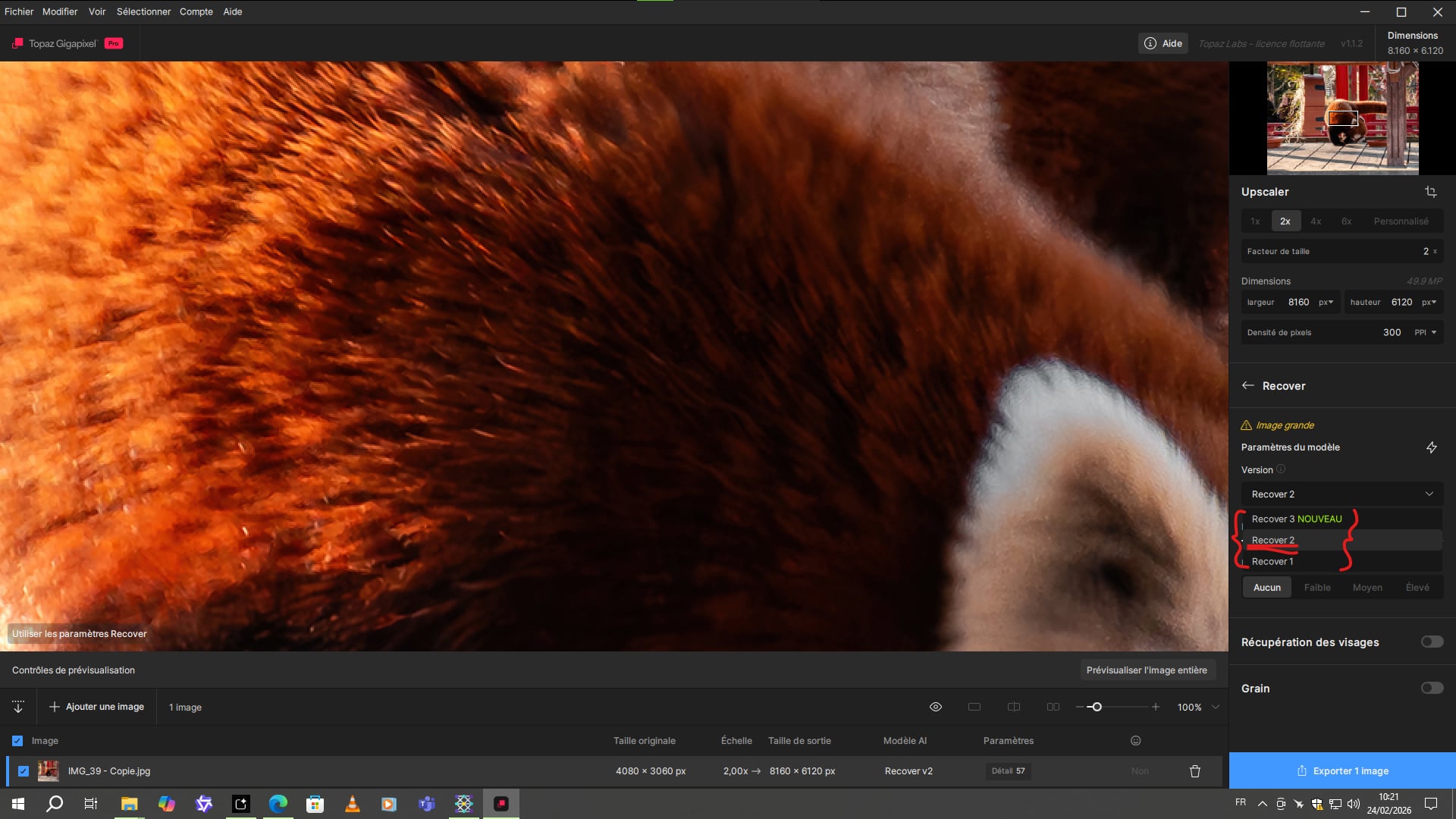
As mentioned above, Recover v2 is still there in Topaz Gigapixel
We have plenty of examples where Recover v3 gives better results than Recover V2. However, I agree that with bigger images or RAW images, Recover 2 seems to have better results. For these, Wonder 2 or Wonder 1 works best.
This screenshot shows the original file. Did you press export image or cloud render?
You can always attach the original file for us to test.
240MP file incoming! 
Yes, I also reported getting strange artifacts with the Recover v3 model.
I initially thought the issue persisted in CPU mode, but it turned out it was just loading a cached GPU result. The output is actually correct when using the CPU, although the processing time is significantly slower.
Could this be an issue specific to the Blackwell GPU series? For context, my system specs are:
GPU: RTX 5090 Gigabyte Aorus Master (OC BIOS mode)
CPU: Ryzen 9 7950X
RAM: 64GB DDR5
OS/Drivers: Fresh Windows 11 install with the latest Nvidia Studio drivers
Here is a comparison of the CPU and GPU outputs on my end:

GPU:

CPU:


GPU:

CPU:

No its the processed.
I did press “preview full image”.
No, its the same for my 4090.
The output has the same red pattern.
Yes, that was my fault - I somehow mixed this up with TopazPhoto (where we only have Recover V3 but unfortunately not the working V2 in the latest version).
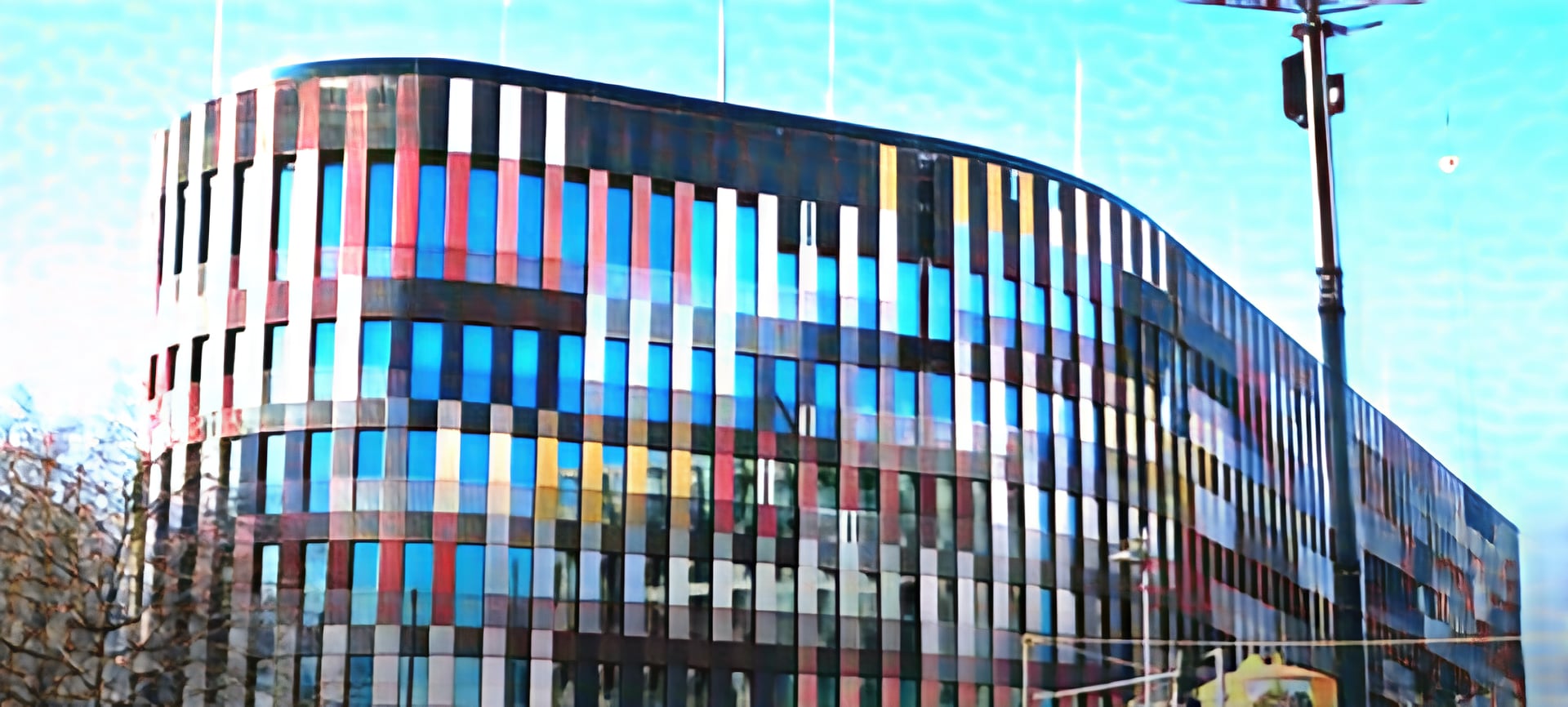
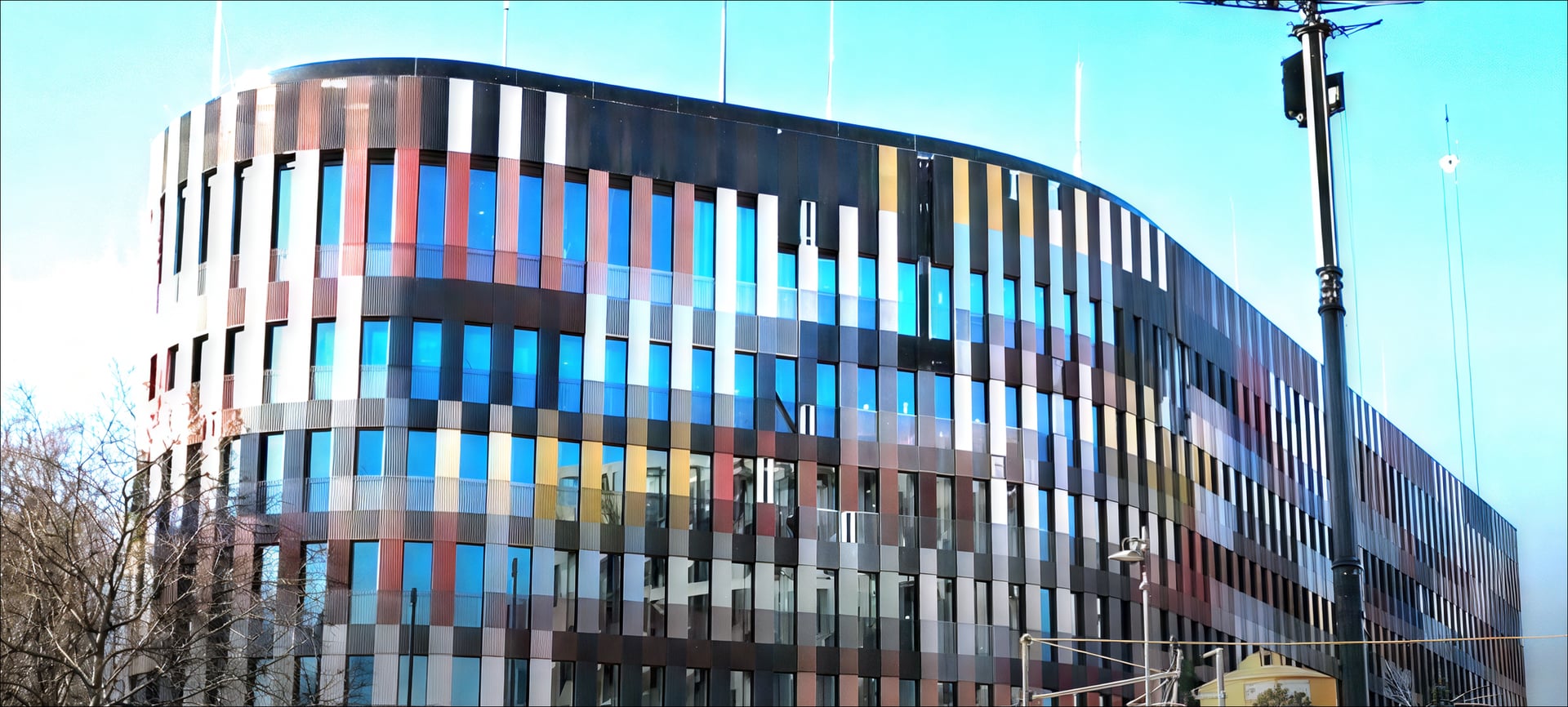
To the issue itself: this is NOT about Recover giving just a suboptimal outcome/being a little bit worse than other models depending on the image but about a real bug with that model constantly and reproducibly producing artifacts (that “honeycombing” or paving stone like patterns) all over the result regardles of the source image.
This happens here (RTX 5070 TI on Win 11, latest drivers) - as well as for others. Just look at those images you were provided here and also in that other thread that unfortunately was moved to a private message.
The fact that this artifacting only occurs with local GPU rendering but not when doing cloud rendering also points to a specific general issue of the current code with at least some (mostly 5xxx) NVidia setups.
P.S.: That exact same bug also appears with the Recover V3 model in TopazPhoto - just there cloud rendering for Recover V3 is broken as it stalls forever at the processing stage after “uploading” and “preparing”.
Here are some additional examples:
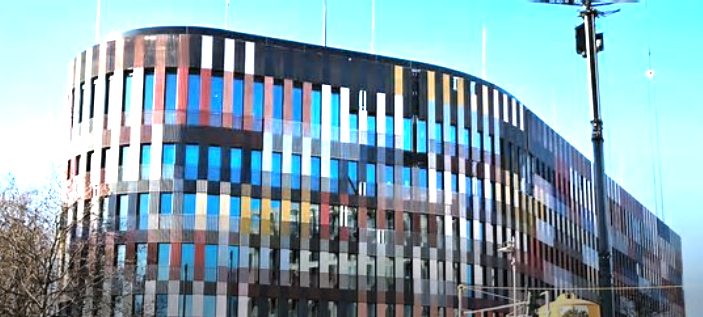
Original low-res image:
Recover V3 local:
Severe patterns/artifacts in the sky.
Recover V3 cloud:
→ everything OK
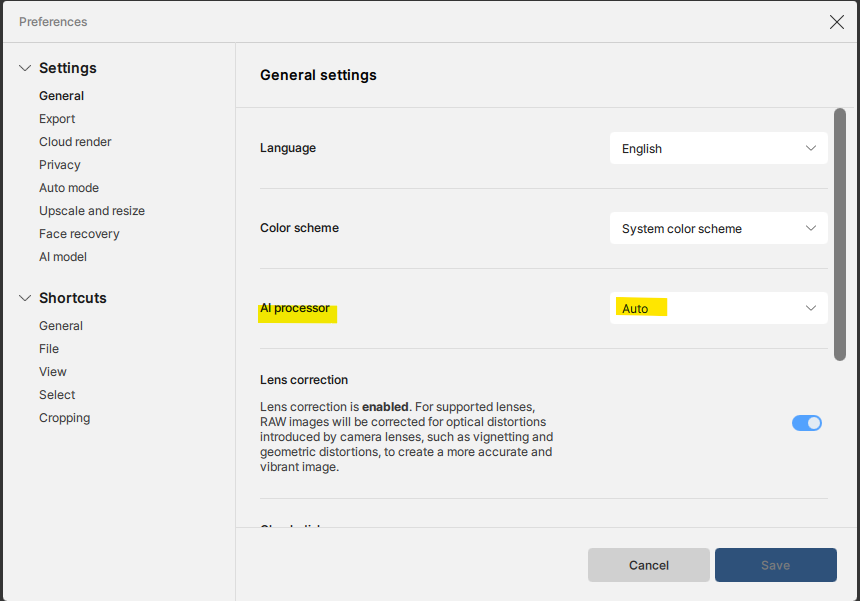
I also have a RTX 40 series graphics card, but cannot reproduce that issue. Can you let me know if you have the AI processor on something else than Auto?
Maybe I’m missing something here. I tried the original file, which is a screenshot, and I don’t have any issues with it rendering locally like you have. Can you share the settings you have on your test? If there is a bug, we will look into it, but so far I can’t replicate. I have a RTX 4050 on my computer.