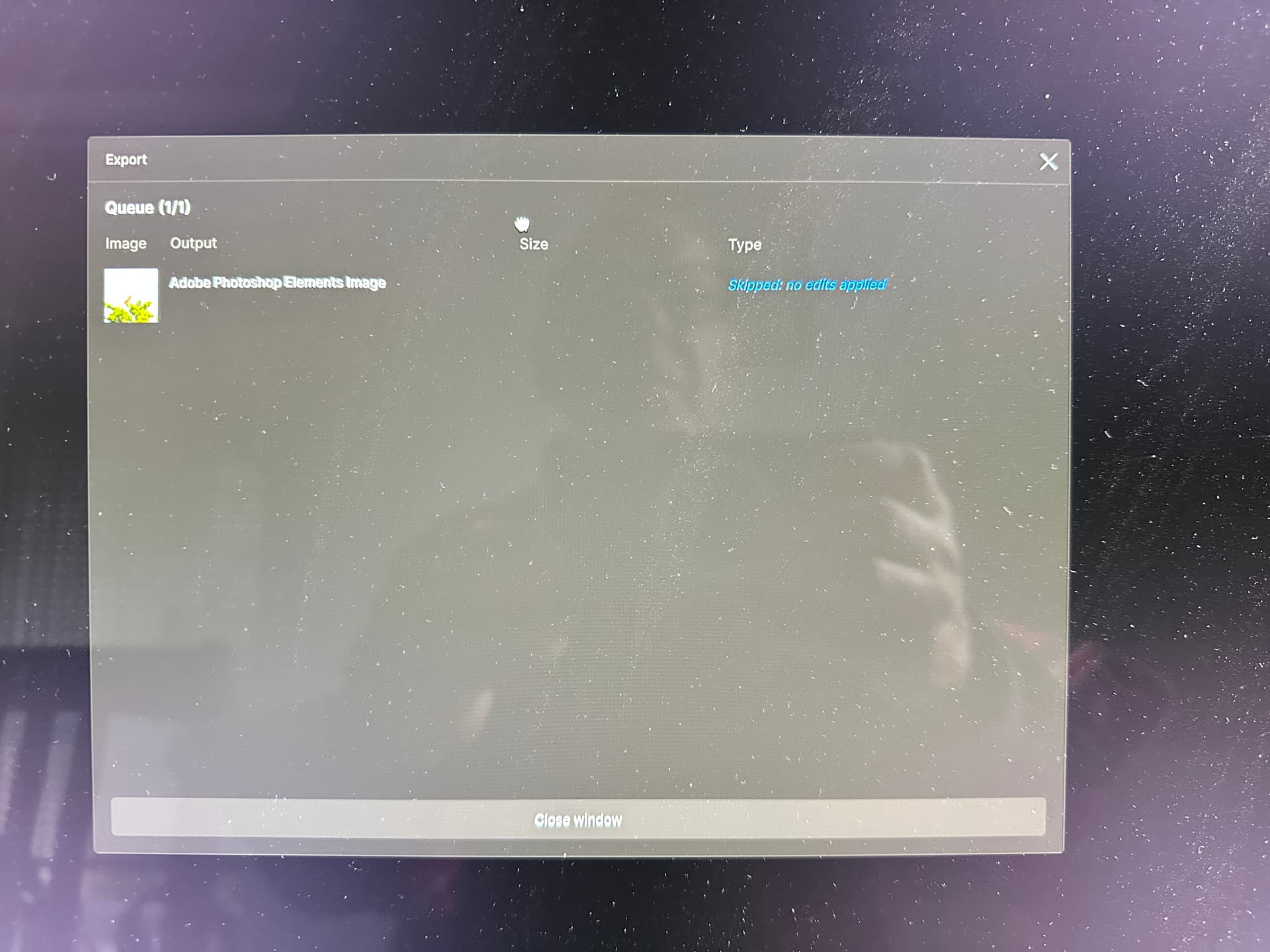
This issue has been reported by other users and our team is currently investigating why this error is happening.
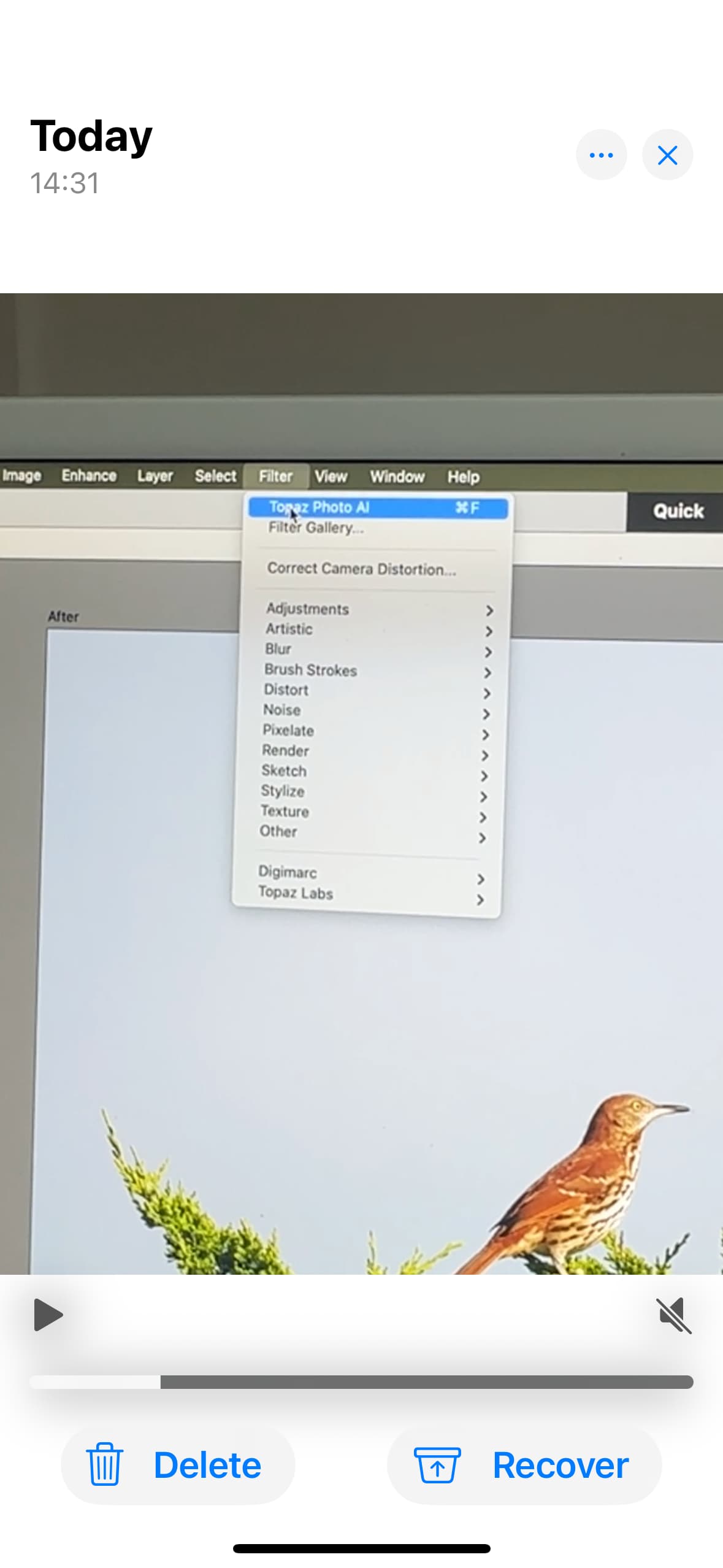
We have determined that this issue is occurring because of using the shortcut “Last Filter” option in Photoshop rather than the path Filter > Topaz Labs > Topaz Photo AI.
Could you confirm with me which workflow and path you are using with either a screenshot or you take a screen recording of this behavior so I can see exactly what is happening.
I tried to send a video to you but it says you can’t accept it?
This is the accompanying text that I included
Step by Step is as follows:
I edit the photo in Elements
I click on Filter and Topaz AI is at the top so I click on that
It moves to Topaz, starts to say Analysing, and then, flips back to the skipped page
When I click Close on the pop-up I then go straight into Topaz and can edit normally
I edit the photo in Elements
I click on Filter and Topaz AI is at the top so I click on that
It moves to Topaz, starts to say Analysing, and then, flips back to the skipped page
When I click on the Close on the pop-up I then go straight into Topaz and can edit normally.
If you are still experiencing problems please send us an email at help@topazlabs.com and include a link to this forum post so our team can work together to investigate the problem you are having.