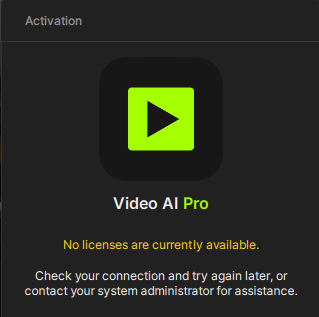
I’ve been experiencing this issue for the past few days. I’ve uninstalled and reinstalled Topaz Video AI multiple times, logged in through the website, and re-downloaded the software. However, I’m still receiving the same ‘Floating License’ pop-up stating that no licenses are available.
The activation issue you’re seeing is typically caused by a .lic file left over from an installation of a 3rd party version of the app.
Let’s have you follow these steps, please be sure not to skip a step!
Navigate to the Windows add/remove (or search for it using the search bar)>Search for Video AI and click “Uninstall.” When asked if you wish to delete configuration and data files, click yes.
Go to the following path and delete the entire “Topaz Video AI” root folder.