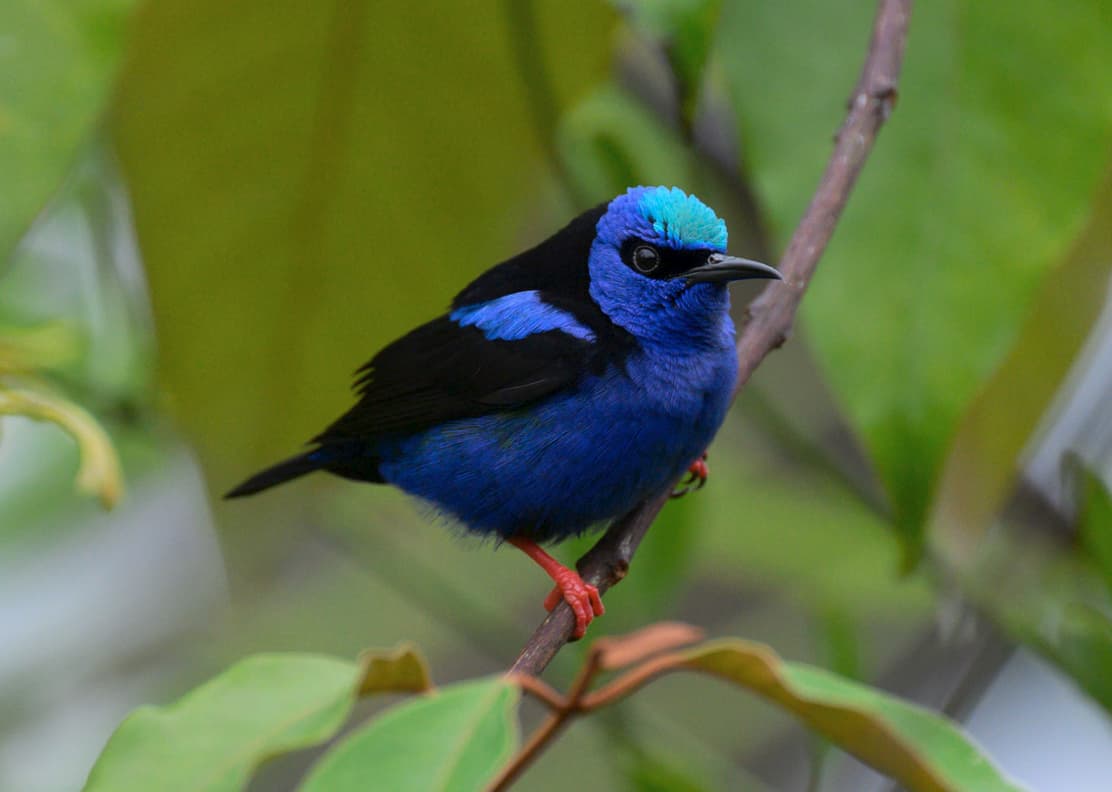
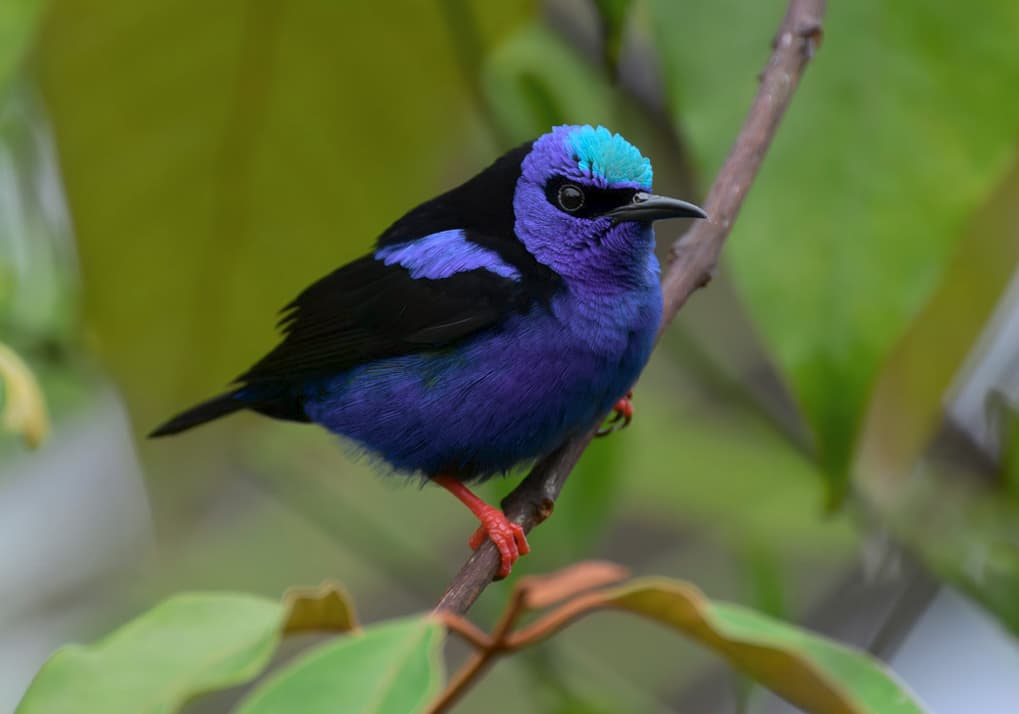
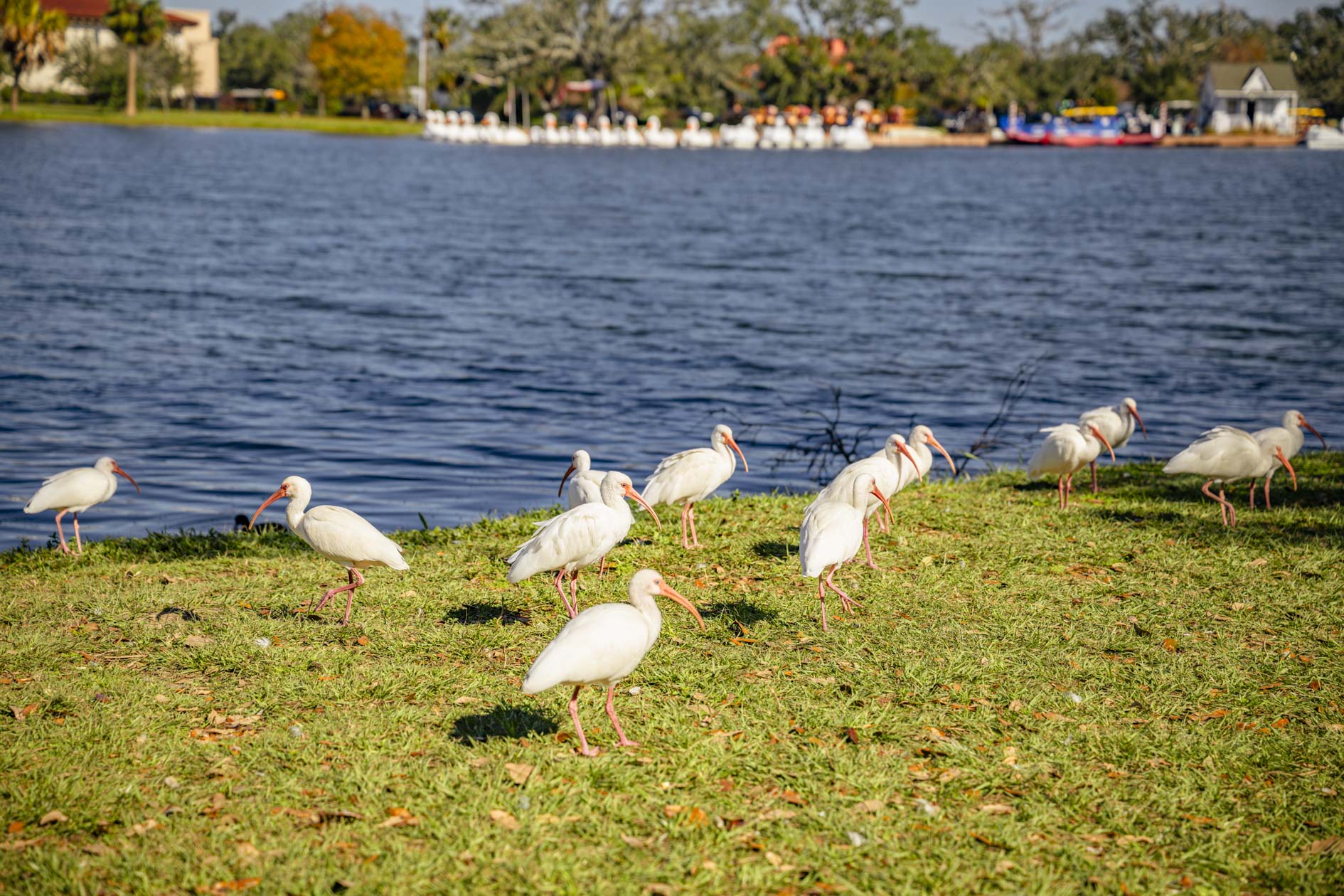
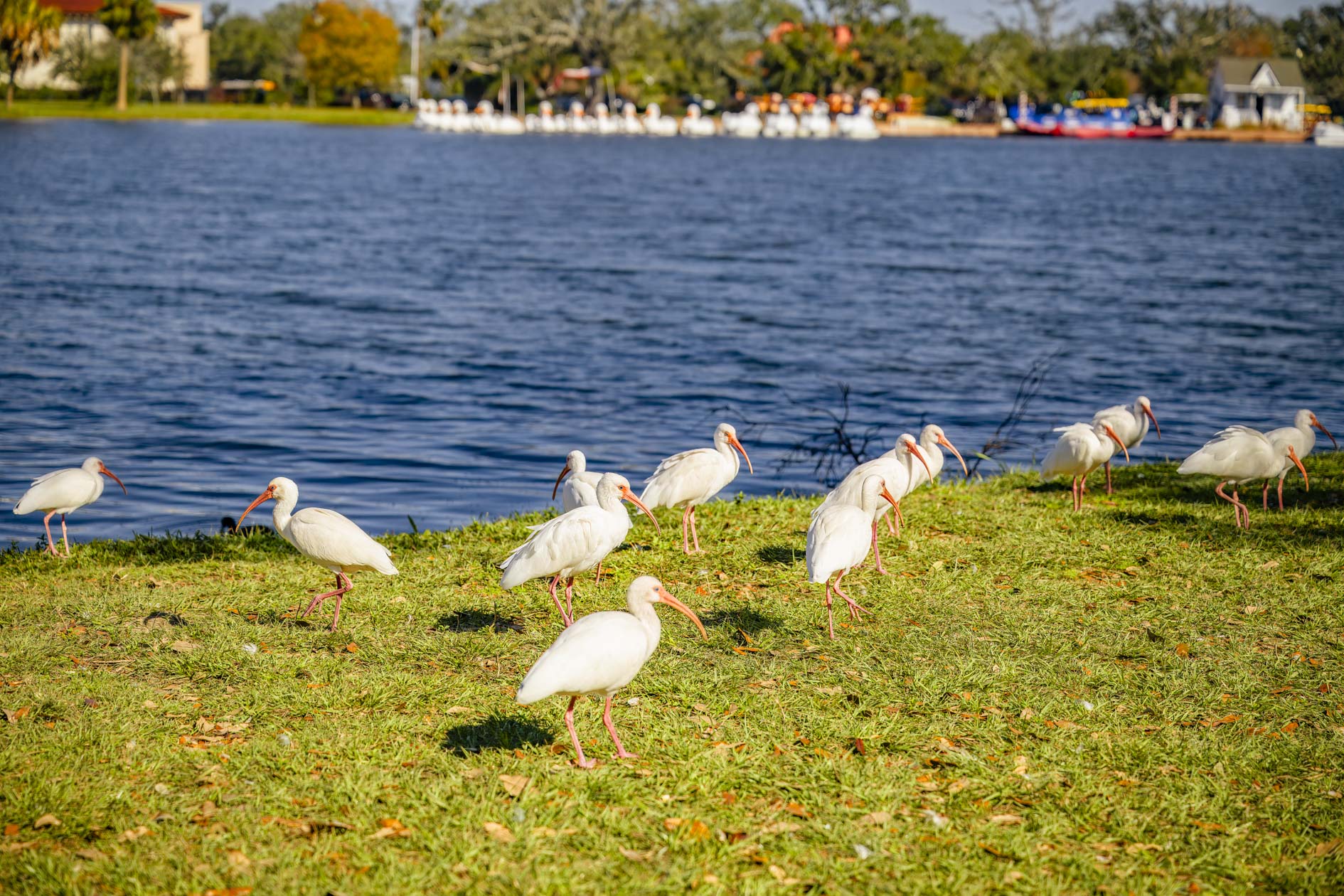
Would you mind sending in some more information to get a better understanding of the problem you are having with this particular type of image? Please send the following information:
The original image file.
The processed image.
A screenshot or description of the settings panel so I can see what adjustments were turned on.
You can securely submit your image(s) to my Dropbox using the link below.
I heard from Topaz Support yesterday and discovered it is an issue with Topaz AI and the latest Nikon raw files. “This confirms that it’s an issue happening in the White Balance Calibration on Z6/Z8/Z9 Nikon files.” Support turned it over to the development team. Hopefully, there will be a fix coming out soon to address this color shift.
If you are having a similar issue the work around is to convert the NEF file to DNG prior to processing in Topaz. It seems Topaz reads the Lightroom DNG correctly.
Thanks Roy. If anyone experiences this, our development team is looking to fix a White Balance issue occurring with RAW NEF files, where the white balance is shifted once back in LrC. As a workaround, make sure that on import in LrC, you choose the COPY AS DNG option, and the DNG will not get this White Balance shift. We will reply here (and Roy on your support email) once a fix is found and released!
The issue, from our tests, seems to be resolved on Mac once on the latest LrC and latest Photo AI, we are still testing. For Windows, it is still being looked into. We will reply here once a fix is found for all computer setups!
I tried all Photo AI’s since version 3.4.1 and just installed 3.5.2. . After installing last version 3.5.2 with “Use Addobe DNG SNK for export” - “ON" I had same result. When I turned “OFF” “DNG SNK…” I got better results, but that file twice as big.
Original file size - 46.5MB, “DNG SNK” “ON” - 149.2MB, “DNG SNK” “OFF” - 272.9MB.
File>Plug-In Extras> Edit a copy
MacBook Pro Sequoia 15.4, Lightroom 14.2