peter.hinz
(peter.hinz)
1
[If you are posting a new bug, please include the following]
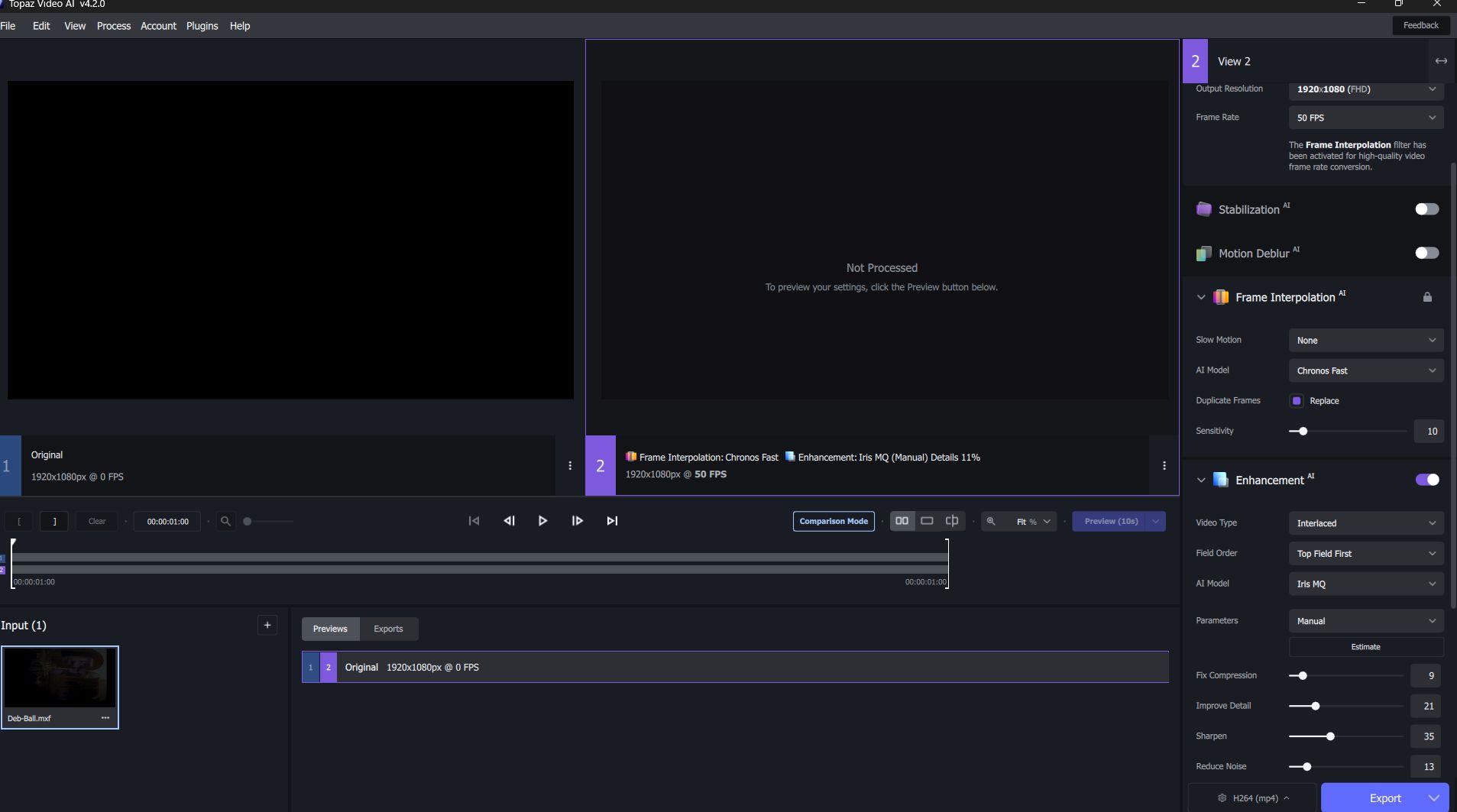
- an .mxf file HD 25i (Export from Premiere Pro)
logsForSupport.zip (187.2 KB)
not recognized. Displayed as 0 fps
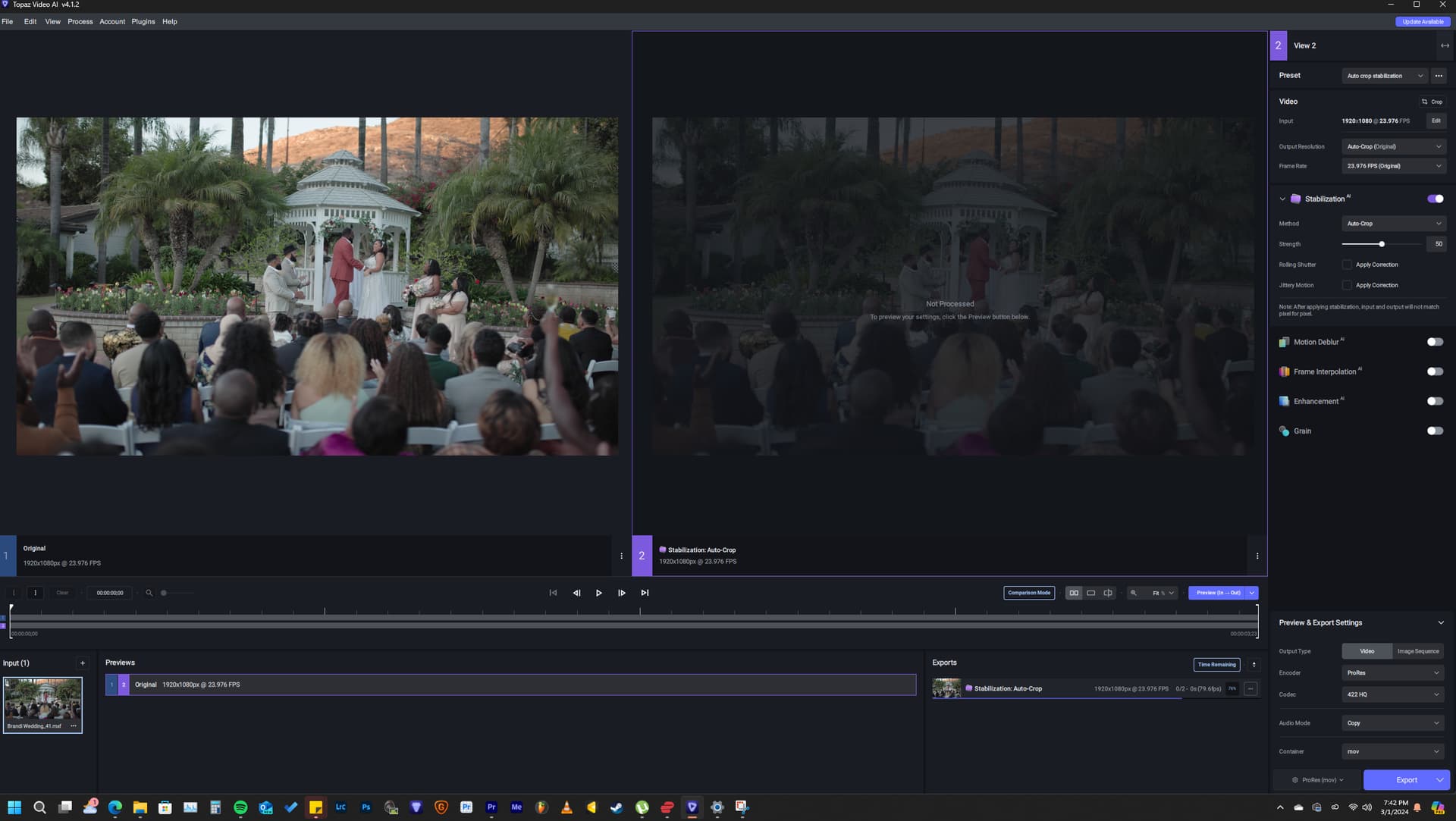
previous version of Topaz Video AI did it.
- Laptop win 11, core i7, Quadro RTX
- Your log files (Help > Logging > Get Logs for Support)
- Any screenshots as necessary
[Please be sure to have searched for your bug before posting. Duplicate posts will be removed.]
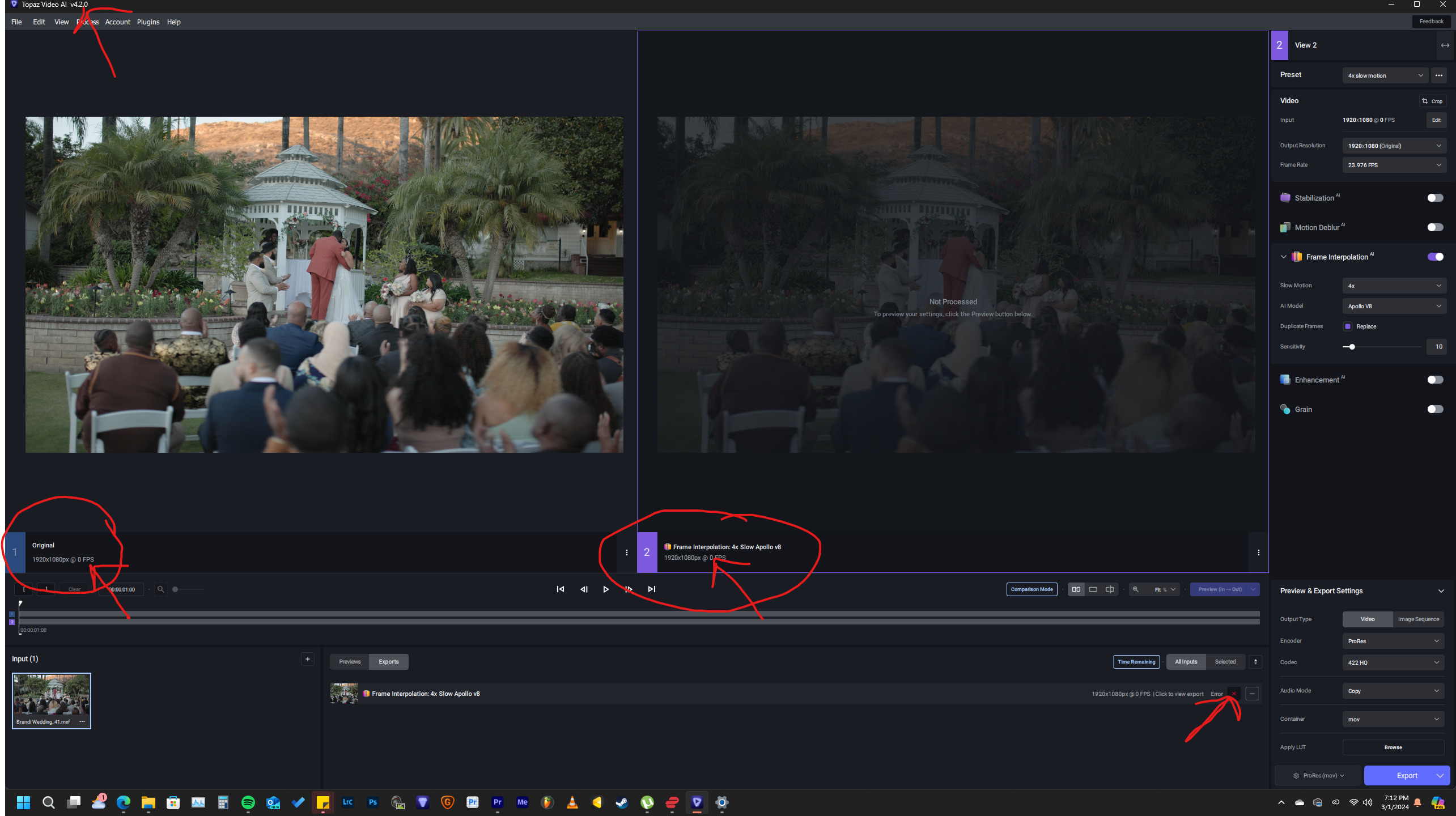
I’m having this exact same issue. The previous version could read .mxf. This version says 0 and ends up in an error
The team is looking into the issues with mxf files in the latest version and are working on a resolution for it.
[If you are posting a new bug, please include the following]
-
The bug / behavior you have encountered
When trying to import an .mxf file, Topaz Video Ai 4.2.0 can not read them where previous versions could
-
Your system profile
AMD Ryzen 9 5900X 12-Core Processor
4.28 GHz
128 GB
Windows 11 x64-bit operating system, x64-based processor
-
Your log files (Help > Logging > Get Logs for Support)
logsForSupport.zip (757.2 KB)
-
Any screenshots as necessary
[Please be sure to have searched for your bug before posting. Duplicate posts will be removed.]