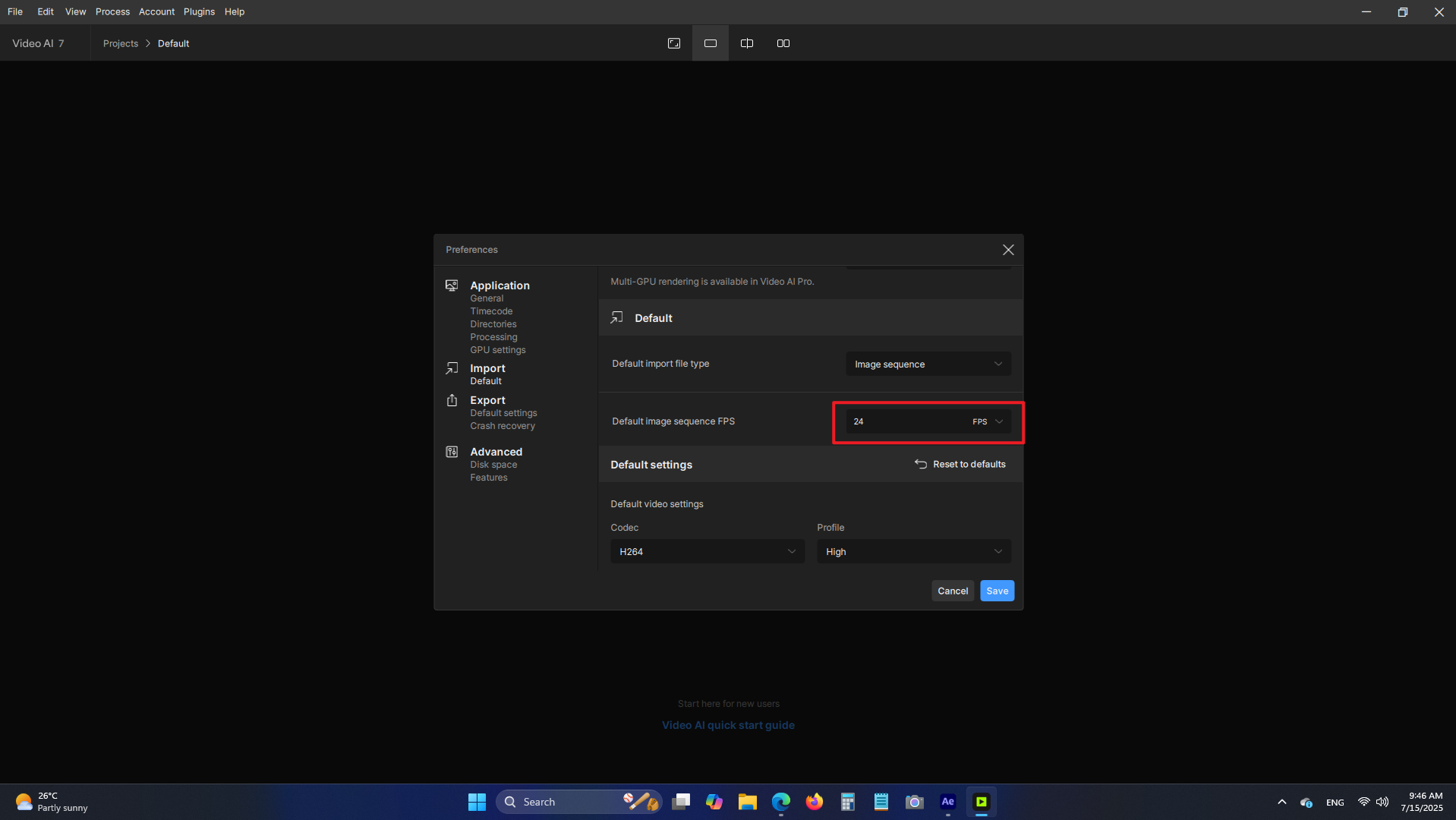
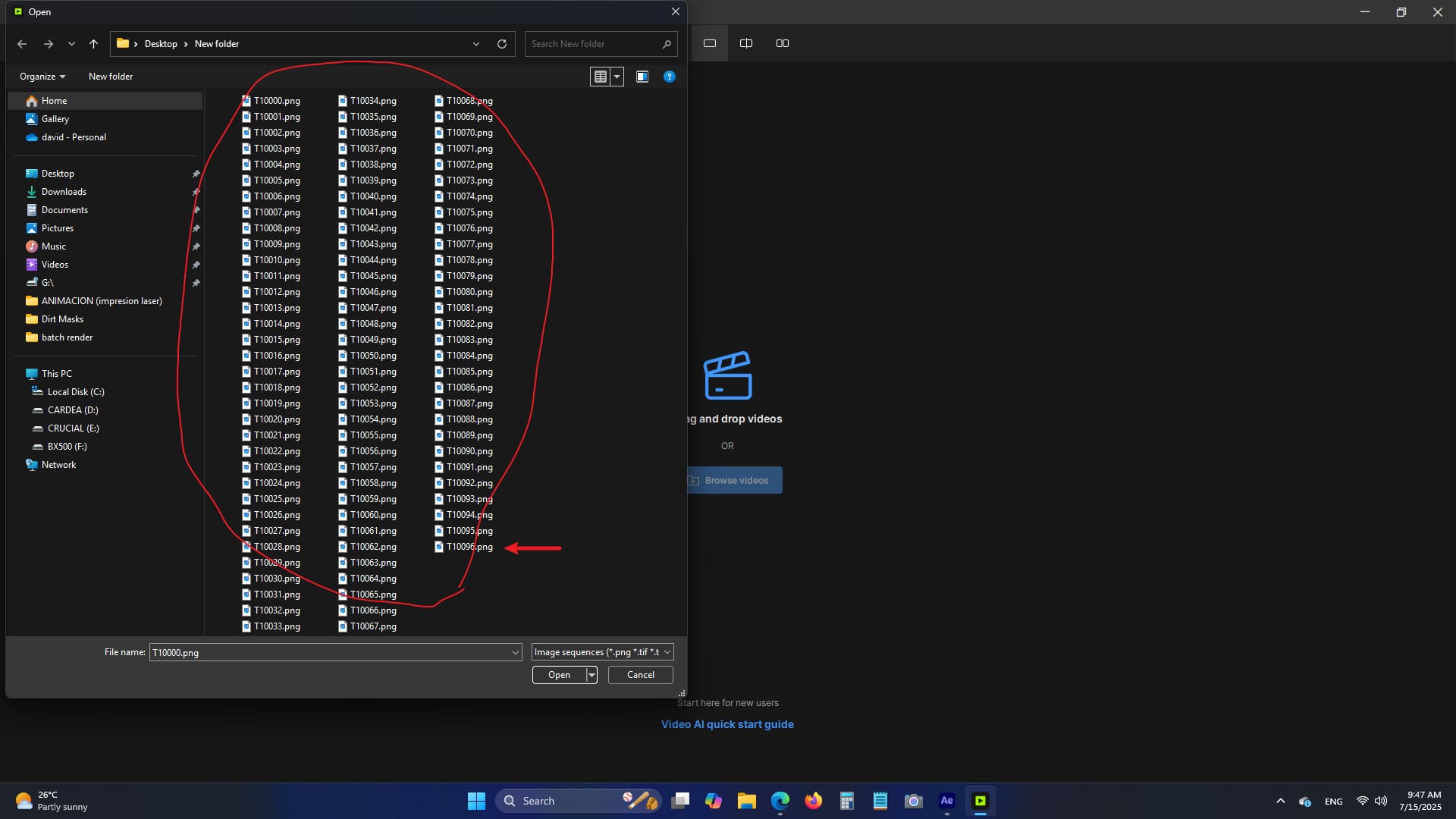
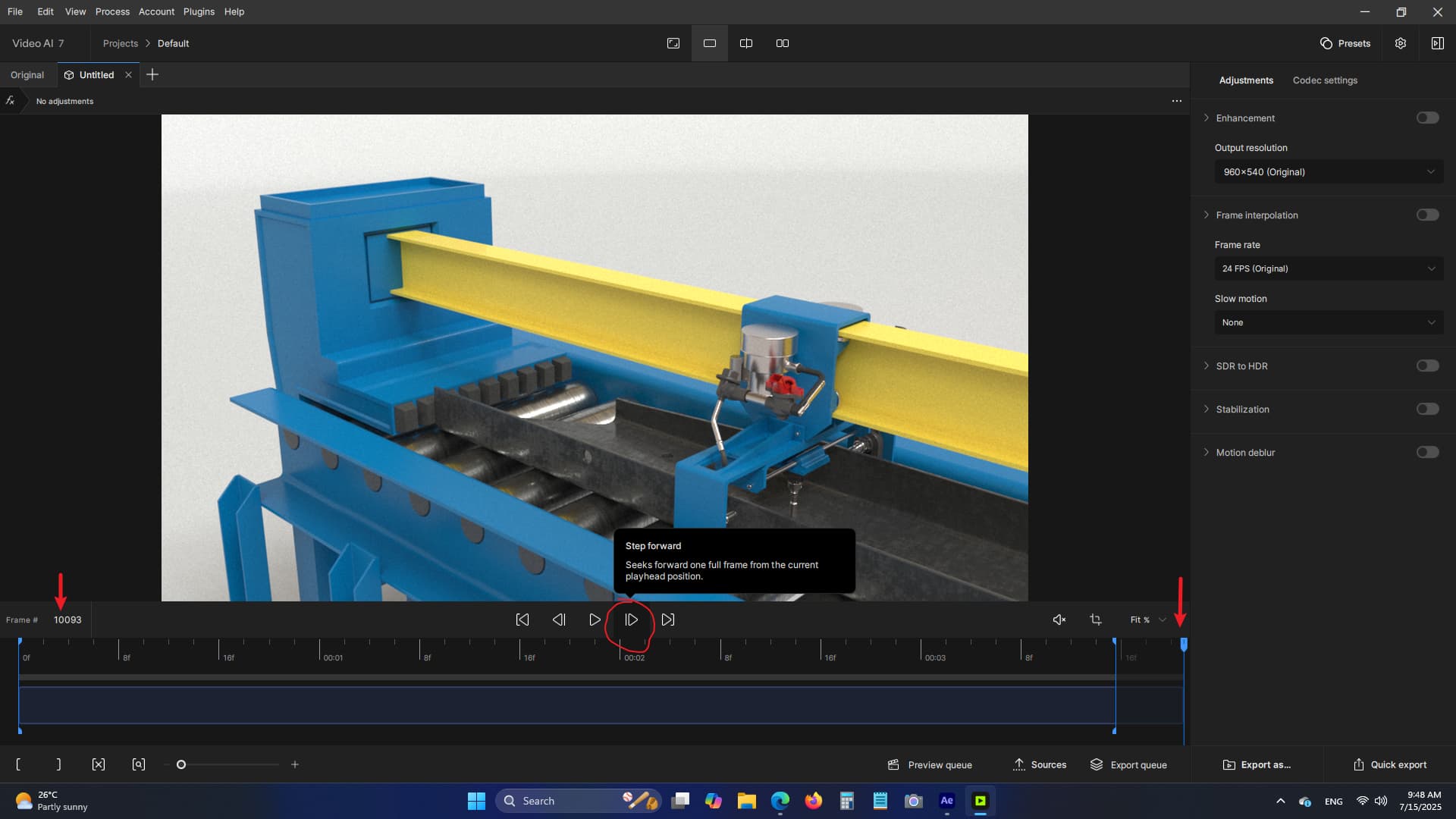
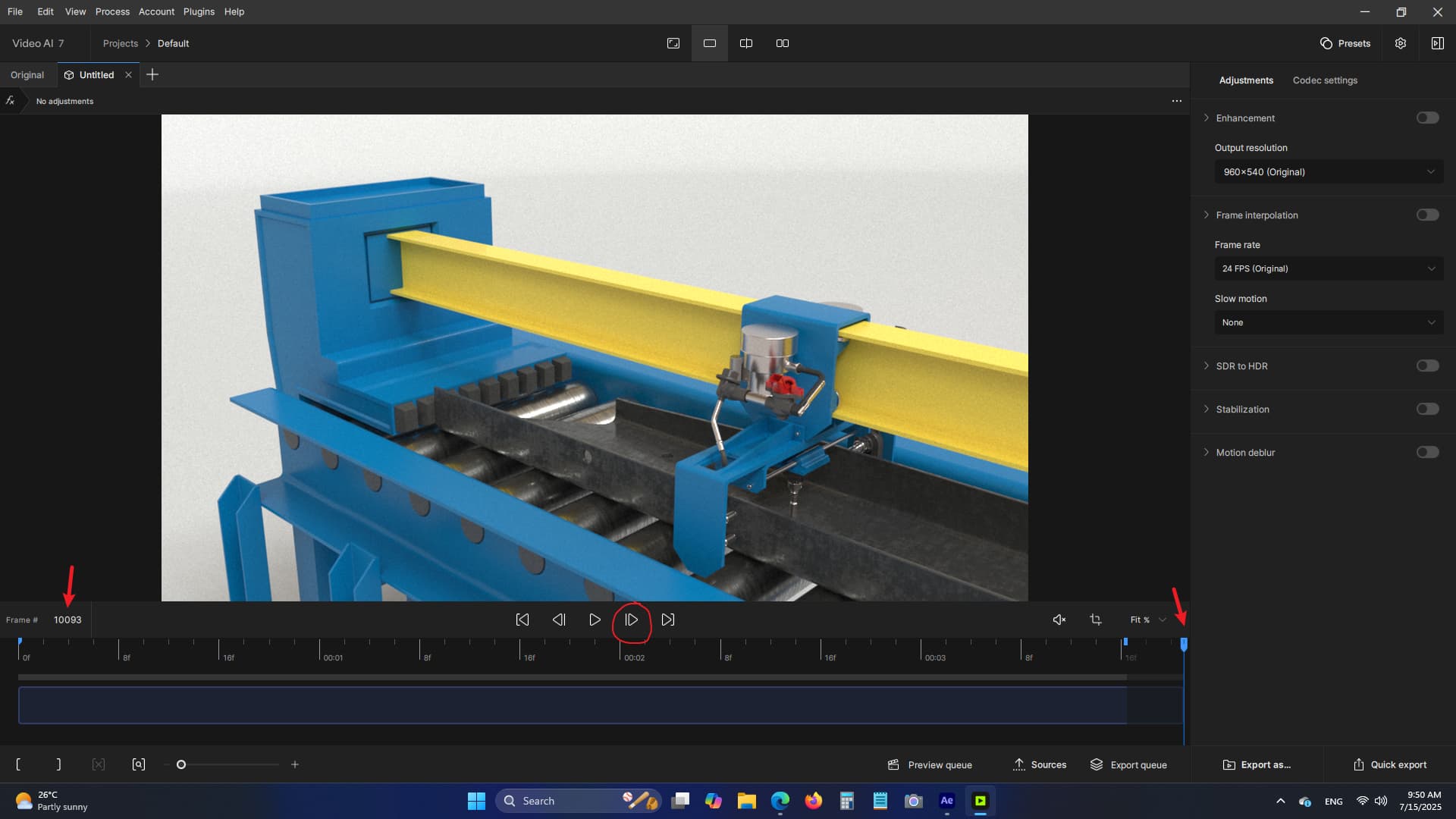
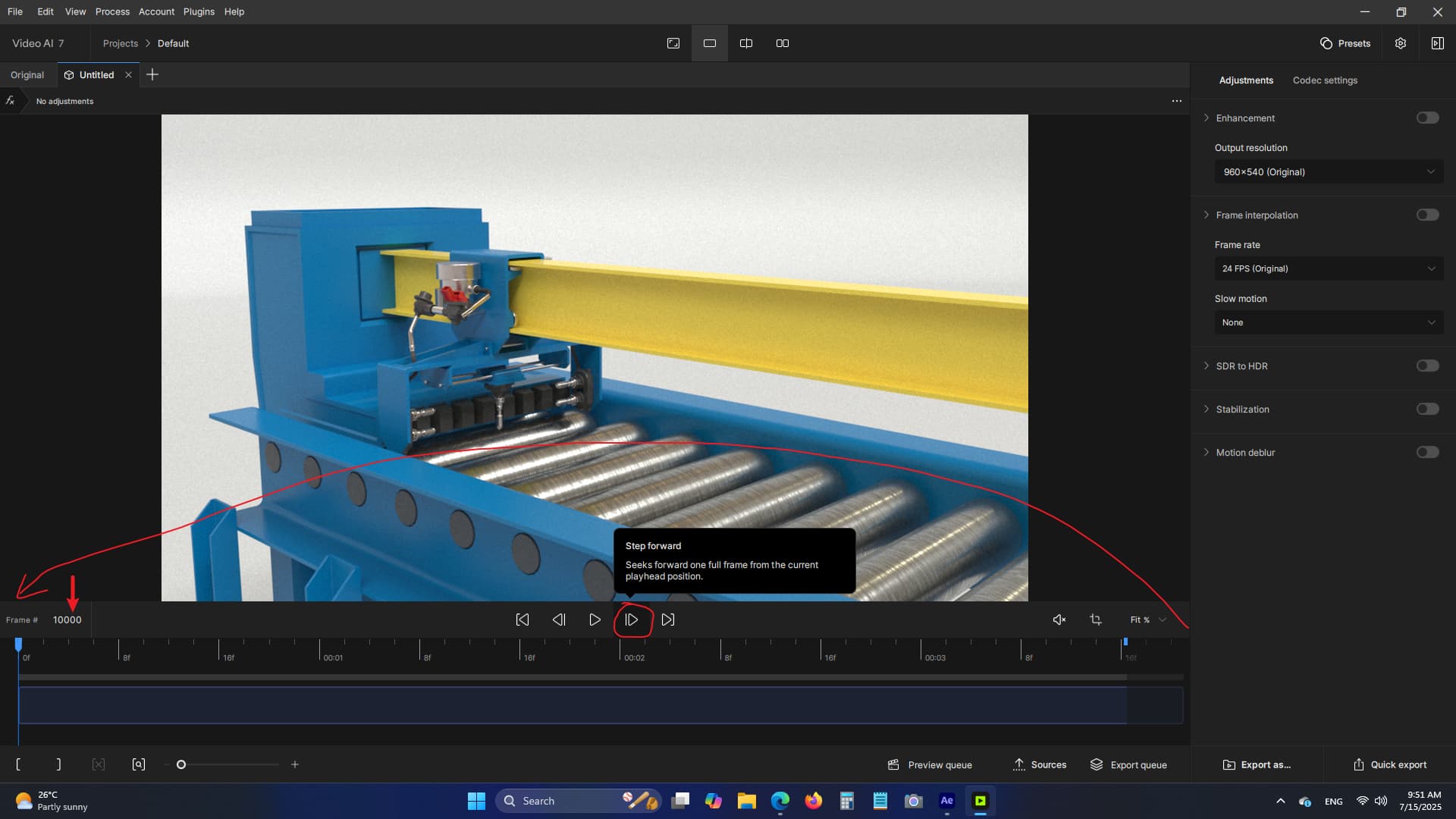
when trying to load image sequences, it won’t bring all the files, it always seems to stay short of 3 to 5 frames at the end. Even though fps is set correctly it still won’t bring all the files. Ive had this happen before, but not on version 5.3.6
This is being looked at by the team as a known issue at this time.
We have had a few users report that returning the image sequence frame rate input to the default setting of 25fps, and then using the Input settings after the video is imported has helped in some situations bring in all the frames.
I will share your logs and info with the team for their ongoing investigation of this issue.
When importing a series of images (e.g. super 8 scans) at the end there are missing images (not all files are imported). This means that it is not possible to make up the missing frames (from 18fps to 24fps e.g. with Chronos fast) and thus achieve natural movement and speed. This already worked correctly in older versions of Topaz video.
In the preferences did you set the input frame rate to be 18fps or is it still set to the default value of 25?
There is a known issue that the team is investigating that sometimes affects image sequence imports in this manner.
In tests some users reported that resetting it to the default value and then importing the sequence and clearing the In/Out markers updates and shows the missing frames.
If that does not work, can you grab the logs from the app and send to the support team for further review?
Hello.
I had it set to 18 fps in the preferences
and in the end the files are missing. When set to 25 fps all files are imported. I would like to import 18 fps and use Chronos to generate the missing frames (e.g. from 18fps to 24fps).
In previous versions this worked (when reviewing frame by frame you could see the newly generated frames, now this is no longer the case).
It would be nice if you could create a preset for 8mm scans (Normal8 16Fps and Super8 18Fps).
I am sending the log file.
Regards,
Boris