BTW, I was fed up enough with those ongoing SL mini issues (going from unusable to partly usable and then declining to absolutely rubbish again version by version) on AppleSilicon to finally setup ComfyUI.
Here, SeedVR2 seems to indeed work (although I’ve done only one not-optimal test clip) without those artifacts.
If the remaining time given is correct it seems to run at 0.66fps which wouldn’t be that bad for an M2 Ultra: 160 mins total rendering time (= 9600secs) for a 4:15 min:s clip (= 255 secs duration * 25 fps = 6375 frames). 6375frames/9600 secs = 0,66fps.Now, only the output quality has to be good enough.
Edit: OK, forget about the speed calculation - it’s still rendering - so totally unusable speed-wise at least with those current settings.
It’s NOT some exports but a general system wide issue that affects (at least nearly) ALL AppleSilicon systems - we have reports for M1, M2, M3 and M4 being affected. Just for the M5 there’s no error report likely due to only extremely few M5 systems sold that meet the requirements.
And as also told before it IS NOT A GENERAL macOS 26 issue as this was not present in macOS 26.0 but occurred in 26.2.
The description here as „Grid-RGB artifact is quite misleading considering that Starlight is absolutely unusable for all AppleSilicon systems. See the results above posted by me and everyone else.
It’s still the same on the Beta2 of macOS 26.3 - so,again, the question: are you in contact with Apple about what they changed in 26.2 that broke Starlight ?
I suspect theyve already lost a fair amount of Mac users (such as myself temporarily at least) because of all the issues and very specific hardware and software requirements (and going to subscription only)!
Confirmed on an M1 Mac as well using Topaz Video 1.2.0 I am thinking of rolling back to Tahoe 26.0, Can anyone confirm if Starlight Mini (Beta) still works on there?
Also having problems with the Proteus Natural model. The model appeared to download ok but I now get an Error after a few seconds ‘Estimating’ (in the Export Queue Status).
Yes, but this time they even state this in the release notes:
…although that description is sounding overly nice/quite misleading of what’s really happening.
It’s like if a car seller told you: there is an issue driving the car on special roads but we’re working with the manufacturer on solving that- and then the car you get looks like this:
At last, Starlight is now working locally on my M1 Ultra with Beta 3 of Tahoe 26.3. Well done Apple! I guess that we will have to wait another 4 months before my problem with the Proteus Natural model is sorted out by Topazlabs.
Regarding Proteus Natural, have you tried setting the max memory to 10% in the app’s settings? That made it work without errors on my M1 Max (but I’ve not had any issues with Natural on my M2 Air or M3 Ultra Studio).
Also, I wouldn’t get too excited about Starlight on 26.3 Beta 3. After running a “long” video clip on my M3 Ultra, there were still some very occasional problems ranging from “ghost” tiles to a “mist” coming and going. So Apple / Topaz still have work to do.
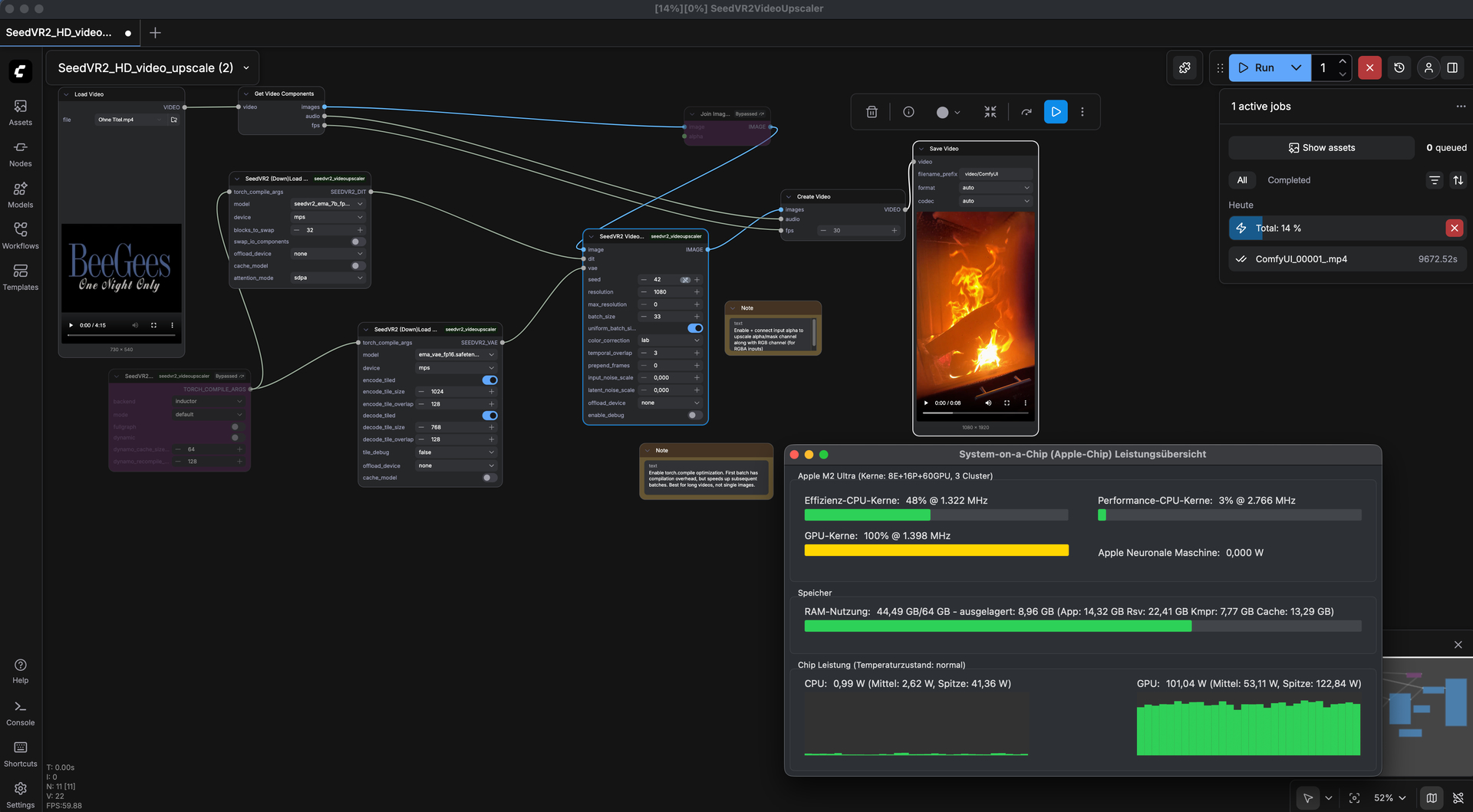
 - so totally unusable speed-wise at least with those current settings.