Hi found a glitch between AI v1.5 and Affinity Photo 2.1.1
Opened a raw image in AP and developed with no adjustments
Opened AI from Filters/Plugins (rasterised layer first}
Let AI do its magic saved back to AP
Need to apply a key line around the image
FX/Outline/colour white/inside/ as soon as radius is increased the image goes white.
closed everything down
Opened a raw image in AP and developed with no adjustments
Applied key line ok
Opened AI from Filters/Plugins (rasterised layer first)
Let AI do its magic saved back to AP
The whole image is white
Opened the raw image in AI
Saved as DNG file
Opened the DNG file in AP and developed with no adjustments
Rasterised layer applied key line worked fine
So it seems there is an issue when using AI as plug
Using Mac OS Ventura 13.4.1
Hi thanks for the reply. My usual workflow is to flatten the image resize for a projected image 1600 x 1200 px then apply the key line to the final layer as last action before exporting as jpeg. I’ve tested this with various images but it’s only after returning from Topaz Ai that it’s a problem.
It’s a bit bizarre I’ve tried close everything down then repeating the process with the same result.
In the tests I did there were no other layers or adjustments applied.
It’s easy to work around once you know its an issue, took me a while to find the problem though. Thought I’d share it.
Hope its not just me!
Hello I’ve had a bit more of a forensic look at this
The issue happens each time.
I have tried other images with the same result
Here is the outcome
I don’t know if this is a Topaz issue or an Affinity one.
Mac OS Ventura 13.4.1
Affinity Photo 2.1.1
Topaz Photo AI v1.5.1
Nikon raw file NEF
Image Dim 6048 x 4024 27.1MB
Workflow 1
Open raw image
Develop - no adjustments
Rasterise layer
Open Topaz AI plugin
Let Topaz autopilot make changes (remove noise)
Save back to AP
Apply key line to image
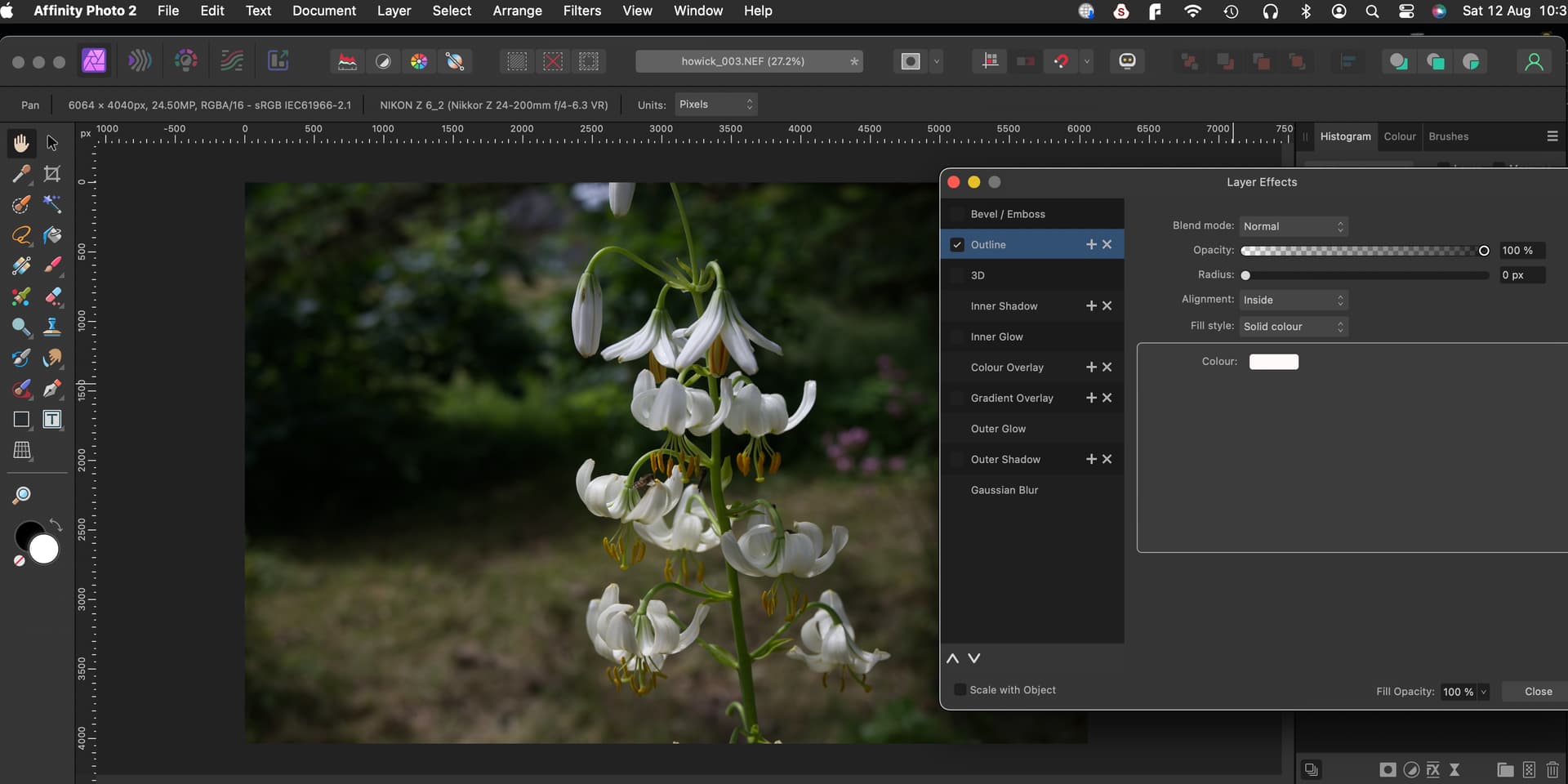
FX / colour white/ inside/ radius - Screenshot 1
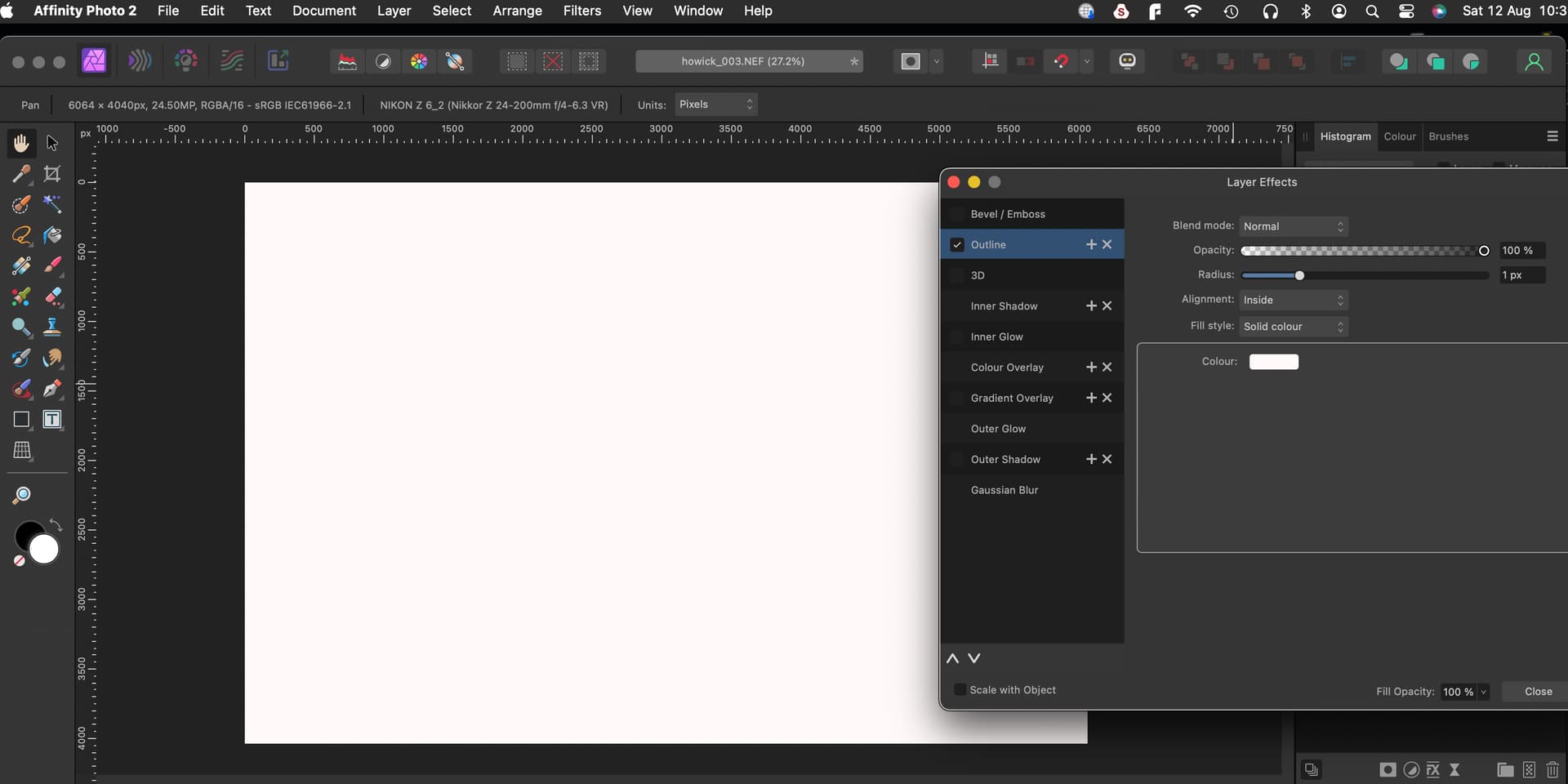
As soon as the radius slider is moved the whole of the image goes white - Screenshot 2
Closed image/don’t save
Workflow 2
Open raw image
Develop - no adjustments
Rasterise layer
Apply key line to image
FX / colour white/ inside/ radius
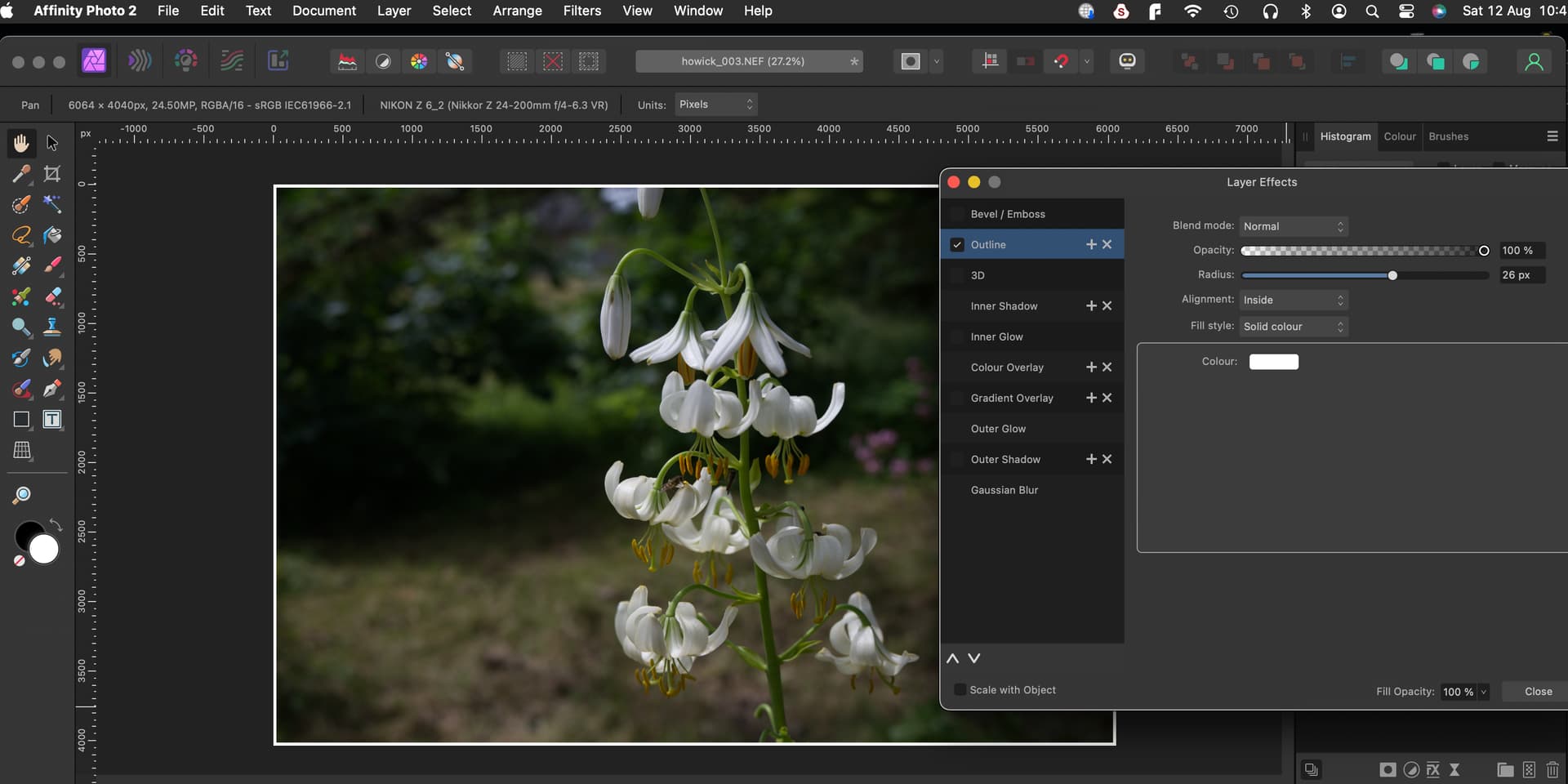
Key line applied - screen shot 3
Open Topaz AI plugin
Let Topaz autopilot make changes (remove noise)
Save back to AP
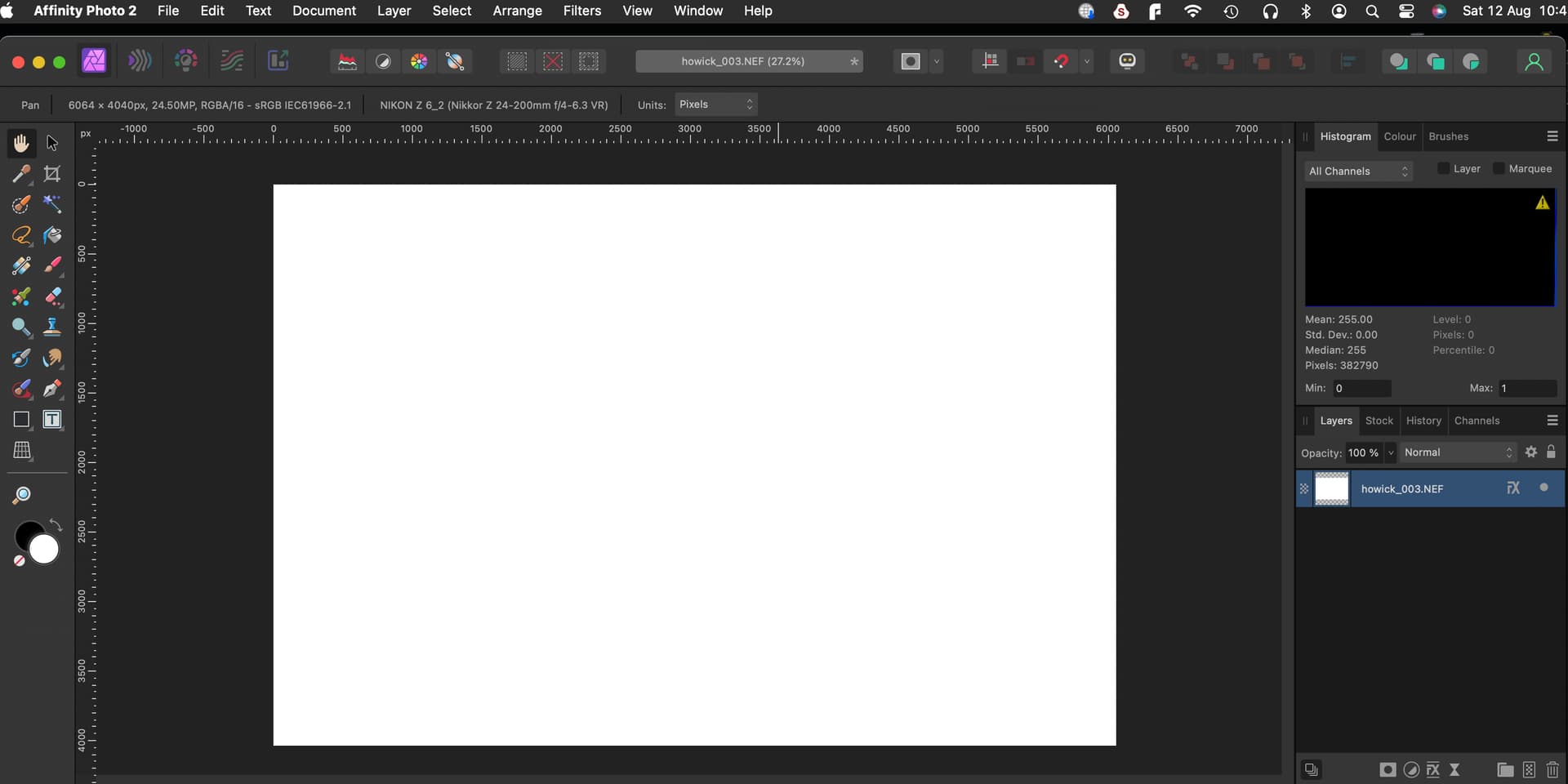
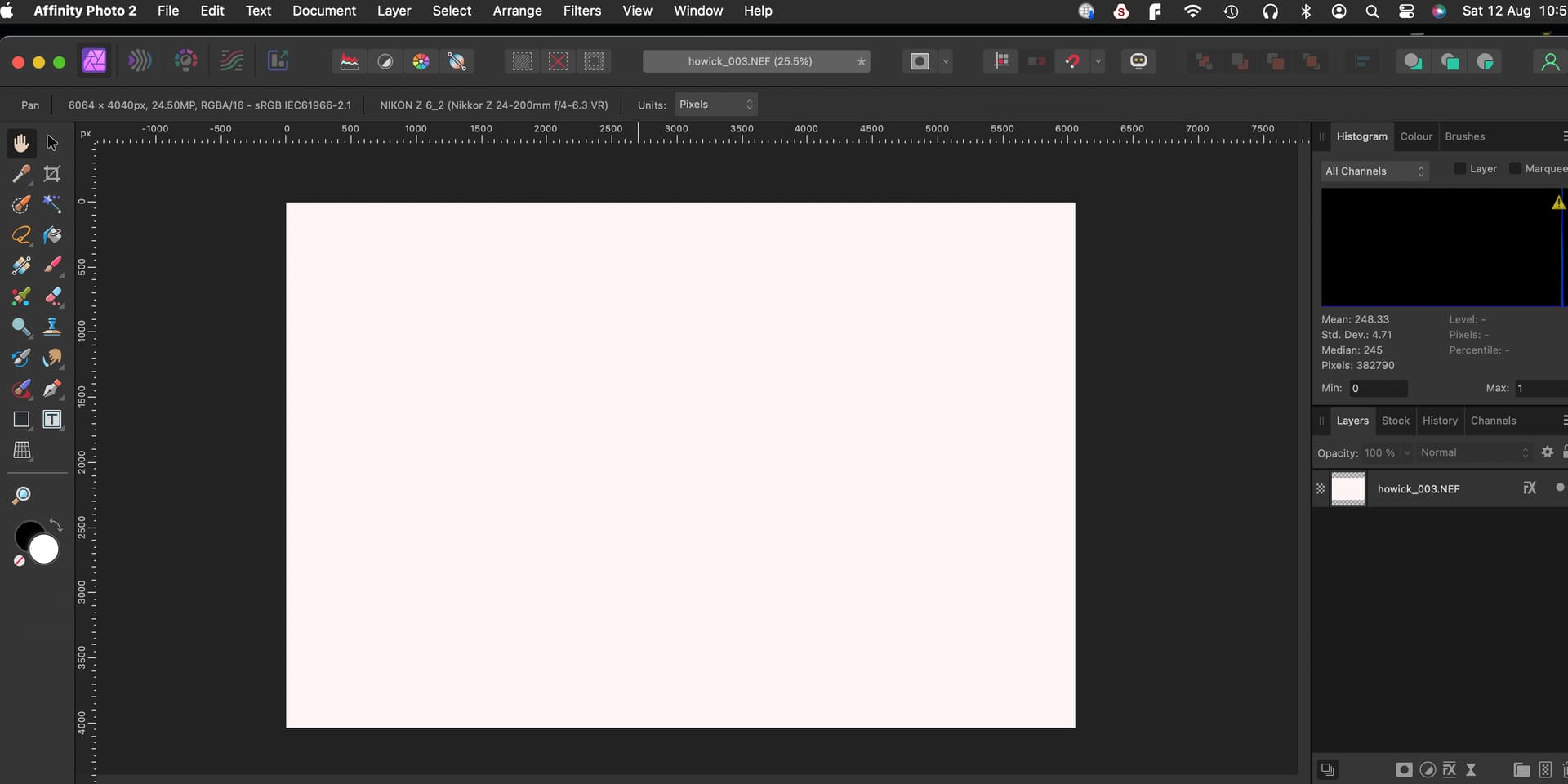
When AP reopens image is white - Screenshot 4
If I open the FX control and reduce the radius slider to zero the white fill disappears
Repeated workflow 1 and closed the FX control with the image white Screenshot 5
Used edit tab to step back through the actions
After deleting the plugin action the FX outline worked as expected.
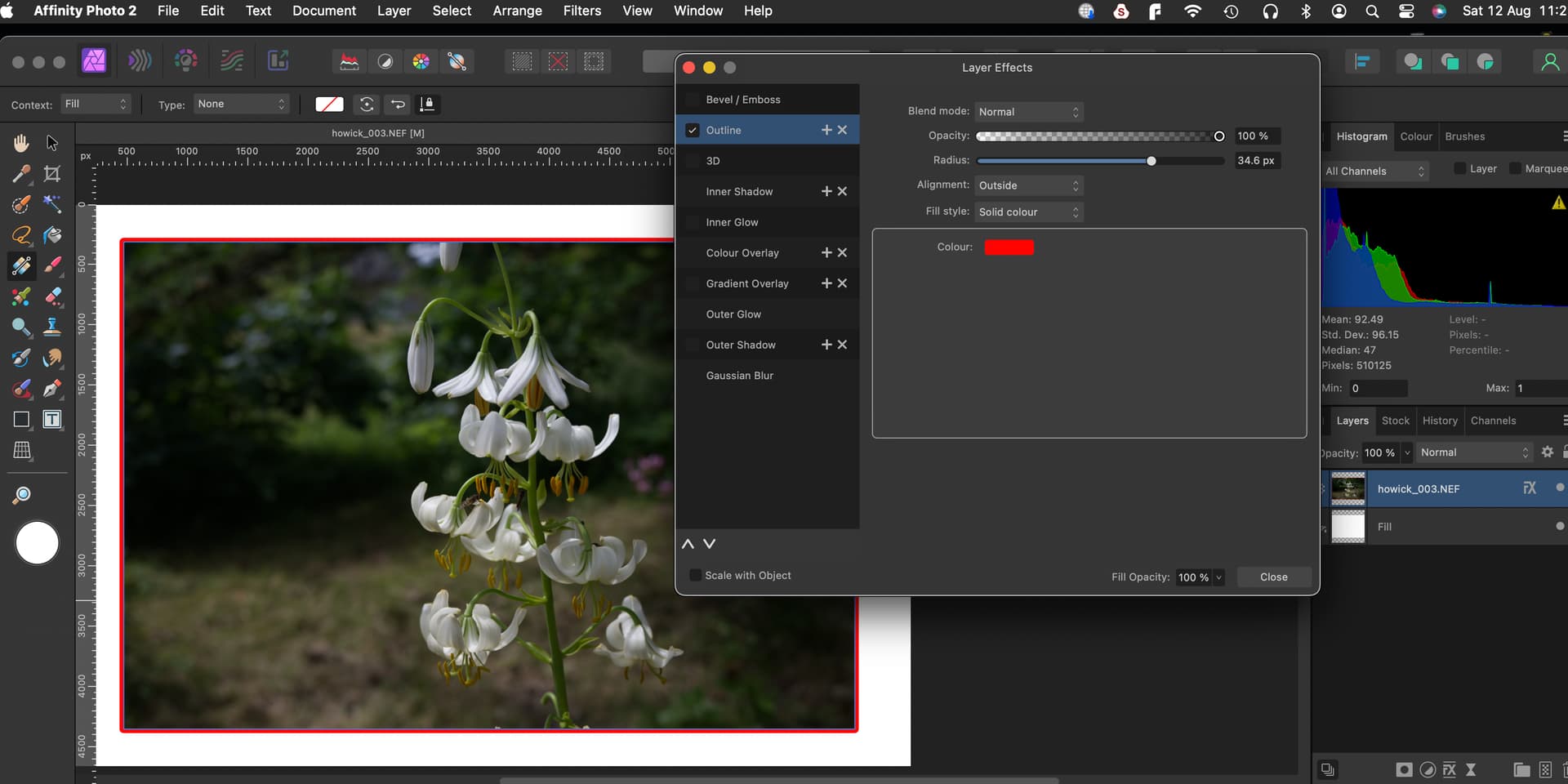
So I increased the canvass size added a white fill layer behind the image
and changed to Outside using a red line - worked ok - Screenshot 6
Changed to Centre** and Inside both changes filled the image - Screenshot 7
Also played around with other FX actions but only Outline seems to be affected
Hi
I’ve detailed in workflow 1 & 2 above, that after developing the Raw file it is rasterised before any further actions.
This is required in AP2 before it can be opened in Topaz plugin
It seems that in AP2 that after the Develop Persona, the base layer in Photo Persona is still a Raw file.
Just realised that this is because the “Output” in the Develop Persona is set to "Raw Layer (Embedded).
So I tried this again using “Pixel Layer” as the output
There was no need to rasterise this time as the base layer is already a pixel layer. Topaz plugin worked as expected but the key line process still resulted in the white image as seen above.