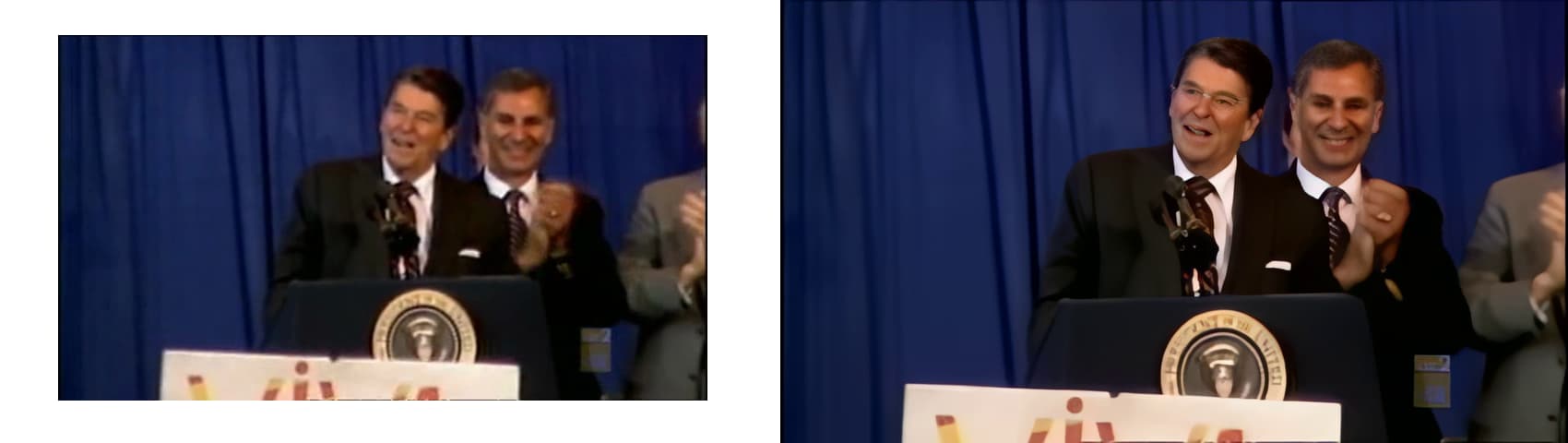
Matched to the same frame
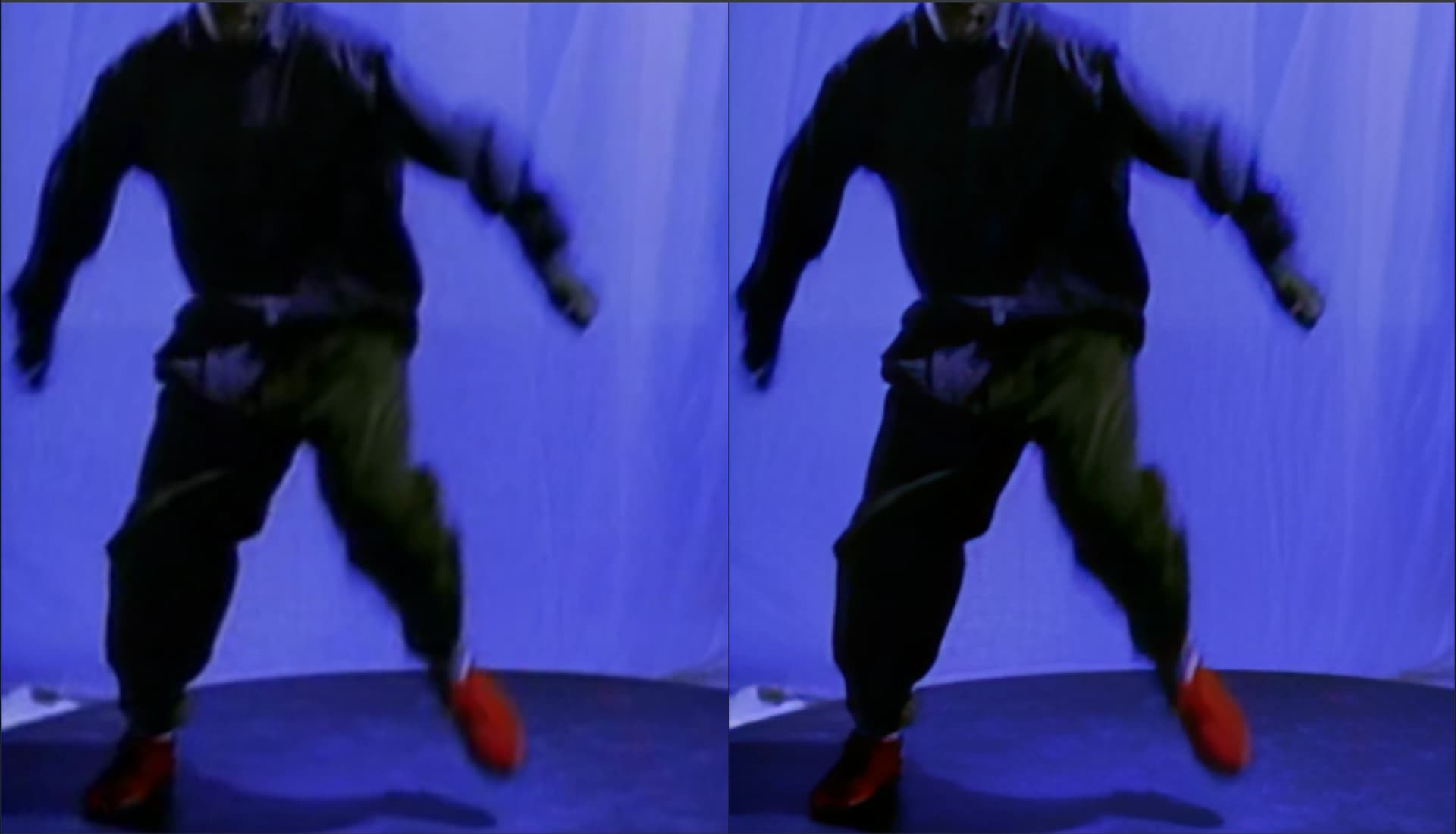
Only diff is I QTGMC deinterlaced prior to using Topaz
I deinterlaced lossless with QTGMC to mp4 and tried Iris and got the same results
Which tool did you use to deinterlace and what parameters?
Deinterlacing before results in double encoding correct? which can lead to overprocessing.
I used vapoursynth R61
clip = core.std.SetFieldBased(clip, 2) # 1=BFF, 2=TFF
clip = havsfunc.QTGMC(clip, TFF=True, Preset=‘Slow’, InputType=0, SourceMatch=3, Sharpness=0.2)
Did you found this -50 in the usermanual what about the other settings was 2 X or 1 X upscalw
This is only one of many samples, due to this issue many folks are not remastering with Iris until the issue is rectified.
Yes, but as said it also happens with Proteus…
Thankyou, vapoursynth R61 with which frontend? can you share the full setup details? some folks are new to vapoursynth, based on several tests, third party interlaced files are still affected with Iris and also with Proteus. Also, can you share the fully converted file?
Gotya
Iris has for me - beside face enhancement - a very interesting aspect in order to improve old VHS/SVHS footage.
I have around 80 old digitized VHS/SVHS tapes. Beside interlace they all show vertical “dirty/jagged edges/lines”. It looks like that the footage has not only horizontal interlace rather also “light vertical interlace”.
Therefore the BorixFX plugin “DV Fixer” was made, which I used so far to get rid of this vertical effects.
Iris does here a much better job than the “DV Fixer”. All vertical “dirty edges/lines” are now very good cleaned.
The thing with Iris is general, that the picture looks something to smooth.
Here I spend some time in manual adjusting of Iris. But on the maximal sharpness and detail level, the picture is always a little bit too smooth. E.g. hair structures nearly gone.
I know, that Iris wasn’t made especially to get rid of “vertical dirty edges/lines”, but perhaps Topaz take this in consideration for next upcoming features to give us the opportunity for a little bit more sharpness.
But in the actual “start” state of Iris it is so for very impressive.
Hi Joachim I tried your extreme settings with low quality video I have to say maybe it is a bit more blurry but definitely especially with water scenes far more natural it looks like using the high amount of blending gives back the details and all other settings such as bring back sharpening and denoising creates a more lively effect and automatic adjustment becomes less important hence manual is good sertting. Iris still does its main job when focused trying to create right faces.
Not sure if I need to add a round of artemis medium to remove the blurring but this is a lively setting which brings back details
Here’s the file I just quickly played with.
Thank you for sharing this.
Yes, the natural look is really important to me. The main clue for that is a high setting of the recover original details slider.
I’m willing to accept a little bit of blur against sharper, but kinda ‚generic’ faces that don’t fully match the original.
Besides with the deblur setting set to a high value you’ll get an overall sharpening compared to the original but without the artificial look of the sharpen slider (which I therefore don’t really use).
I belief Artemis sharpening denoising with high quality source and again 90 percent reverse detail makes the video better I did not add noise since the video is natural enough. I really love the transitions of streaming water no matter if it are rivers or ships floating in a harbour or a fast running swimming pool it all looks natural iris is really good at close up’s but the settings with 70 percent and 90 percent reverse bring back the back ground faces without artifacts. In short I have to redo most of my converted video’s again even the once I was happy with…
You are absolutely on point, apart from the patterning vertical lines issue which based on discussions seems to be related to flaws with the deinterlacing/encoding process, affecting Proteus as well, Topaz need to update their deinterlacing module too, or enable a third party deinterlacer option prior to encoding.
The Iris smoothening indeed causes hair and faces to look artificial and to some extent like mannequins with cakey texture on many HQ DVD sources. in fact, the source videos has more detail than the output. Consumers would expect Topaz development to be Lazer focused on this.
It’s good for the most part, however I’ve had a few instances where it’s attempted to generate glasses in LQ footage where no glasses exist.
woah! Can you share a screenshot and the input and output file with me?
You can securely submit your files(s) to our Dropbox using the link below. Please be sure to send me a note to let me know you sent something.
I’ve uploaded some material.
This appears to be the input file, can you please post a screenshot of where it is adding glasses? Preferably a side by side