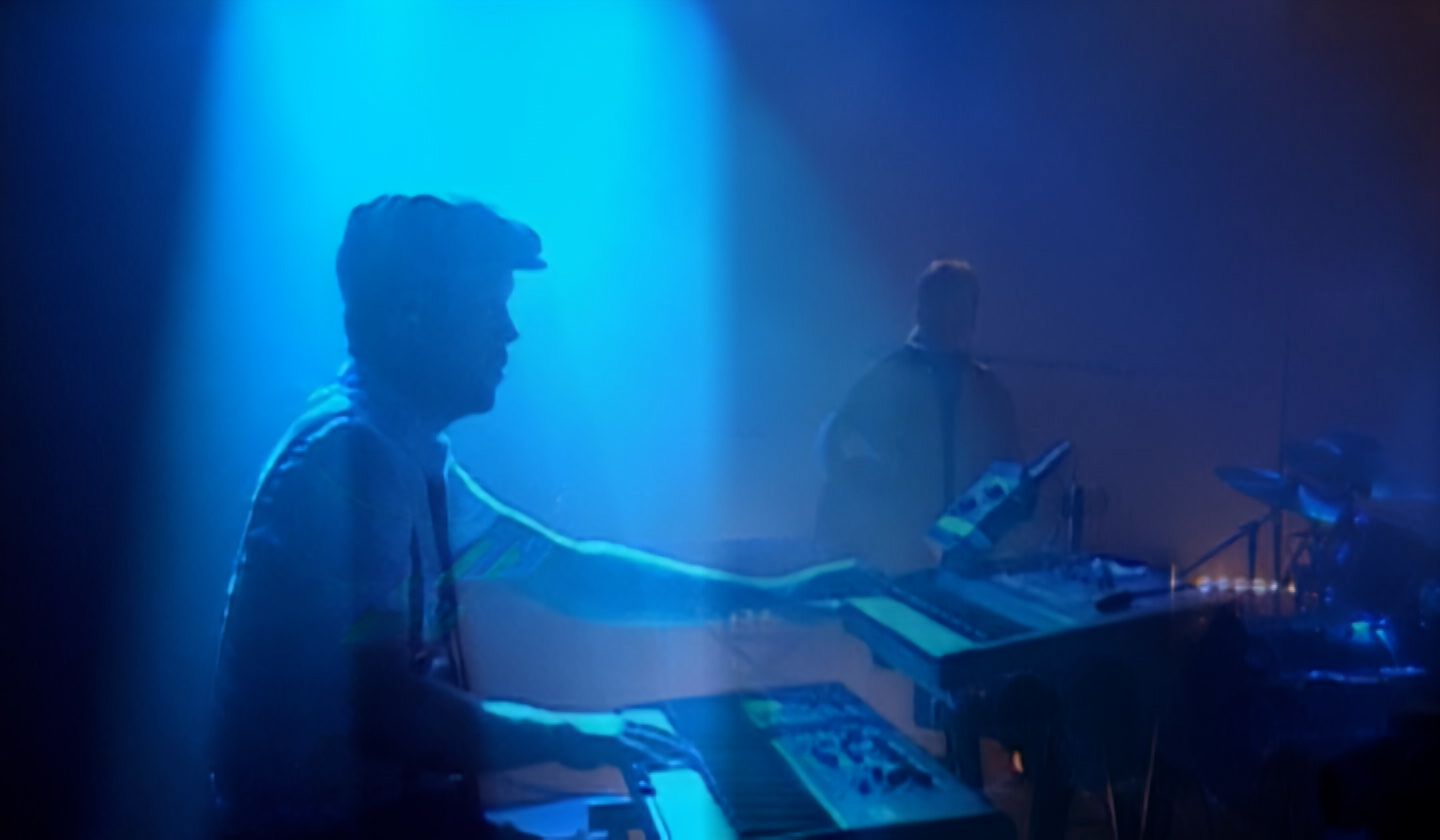
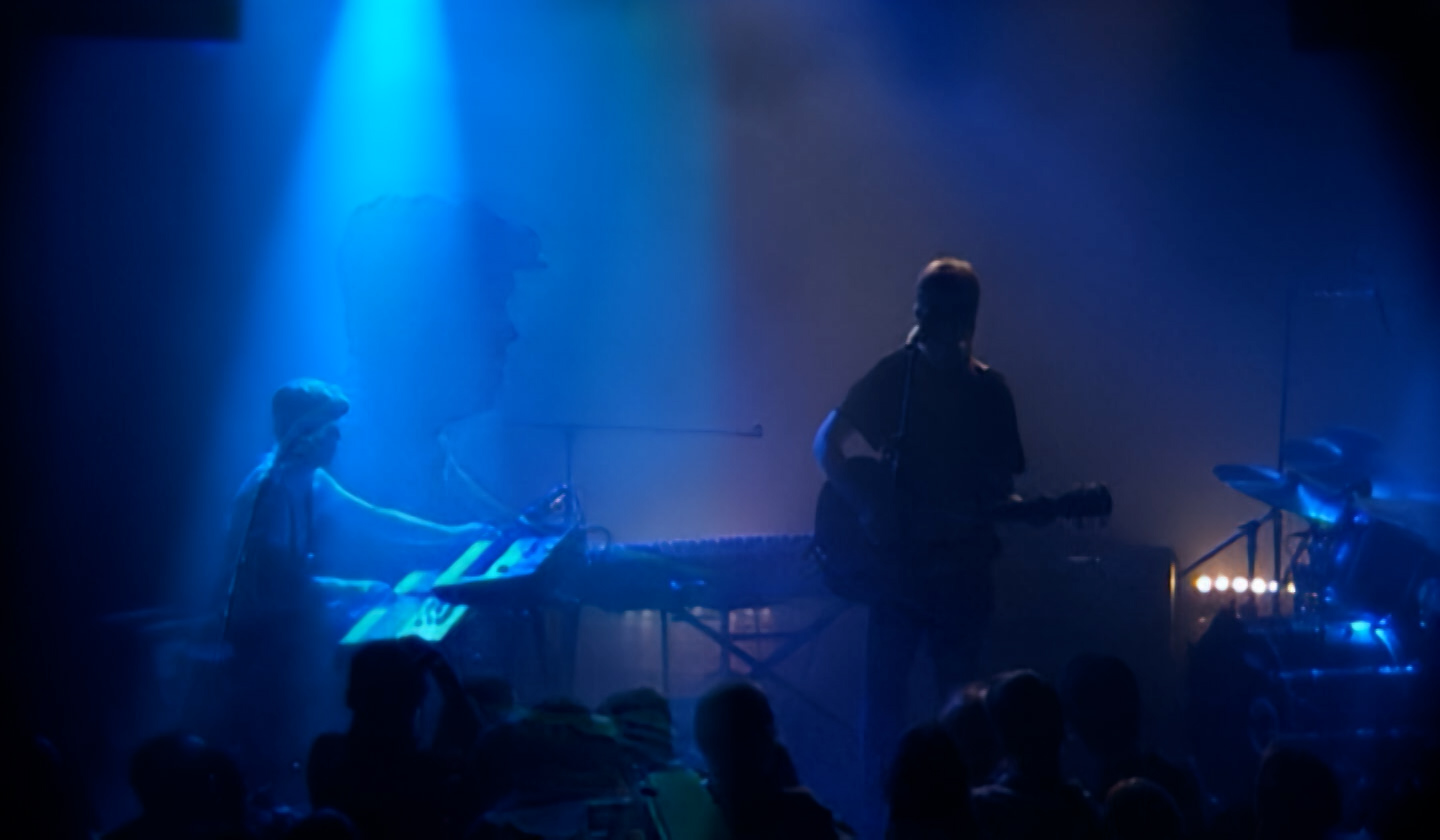
Hi, i just noticed something weird in one of my enhancement.
when there’s a cut between to scene
the 2 images blend together, which create phantom superposition images, wich are really not good to see…when playging the video it looks weird
here a few images ( the blue one is doing it for 3 frames instead of just cuting to the next shot..)
It’s doing this will all profile i think, i have exported with rhea1, iris3, apo8
source is DV video. Topaz Video AI 6
That’s an artifact of frame interpolation without scene detection.
If the video isn’t broken down into individual scenes (no cuts) for processing, then that’s the expected behaviour for any frame interpolation model that isn’t using scene detection.
That’s quite anoying that it does that though…how to prevent it?
In Topaz Video AI 6, the only option is to process individual scenes separately so the model doesn’t interpolate across scene cuts, then reassemble the parts in a video editor.
The new Topaz Video has scene detection, but that can have it’s own issues.
ah ok, but unfortunately, my video is edited..