Hi everyone,
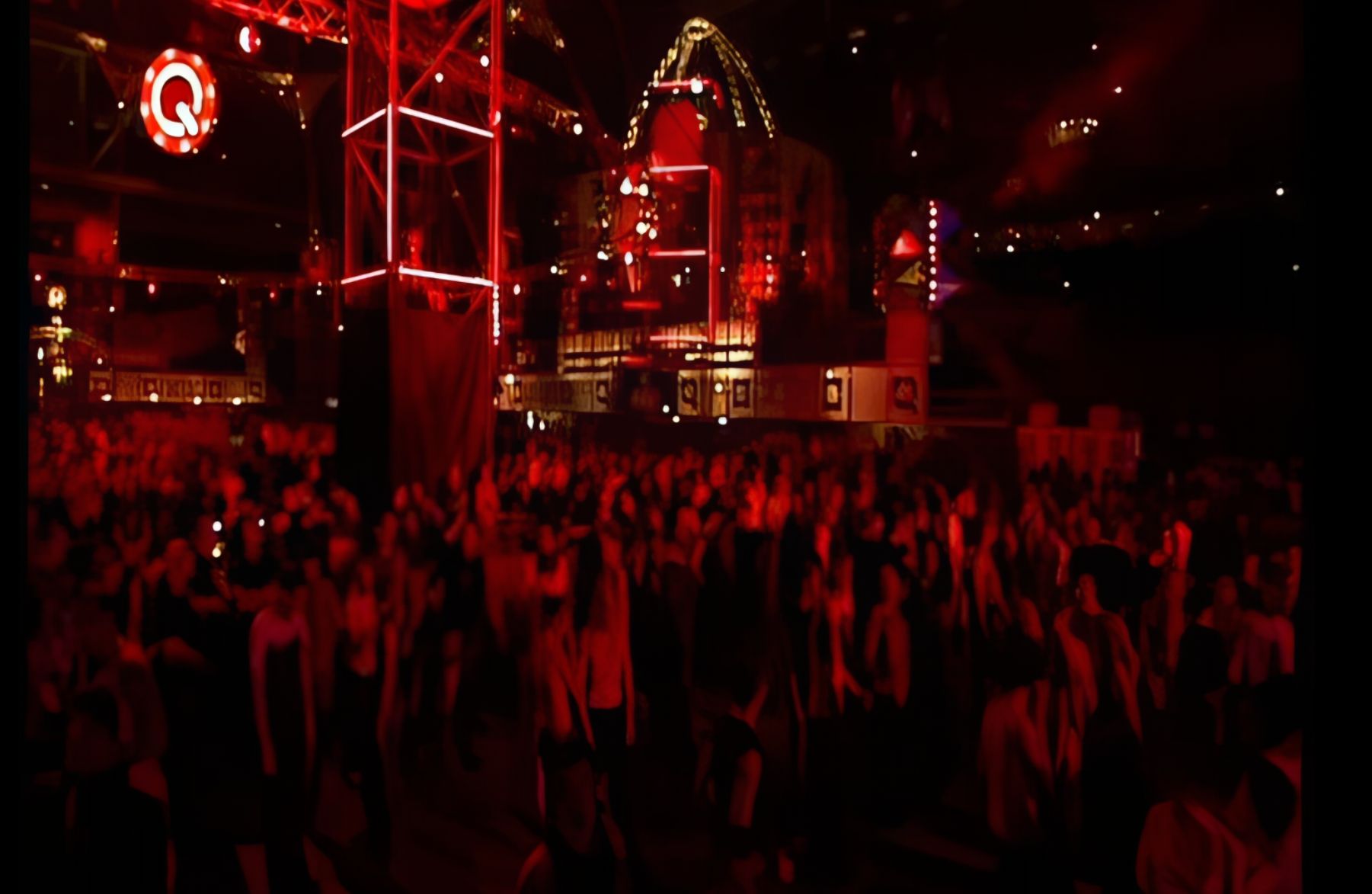
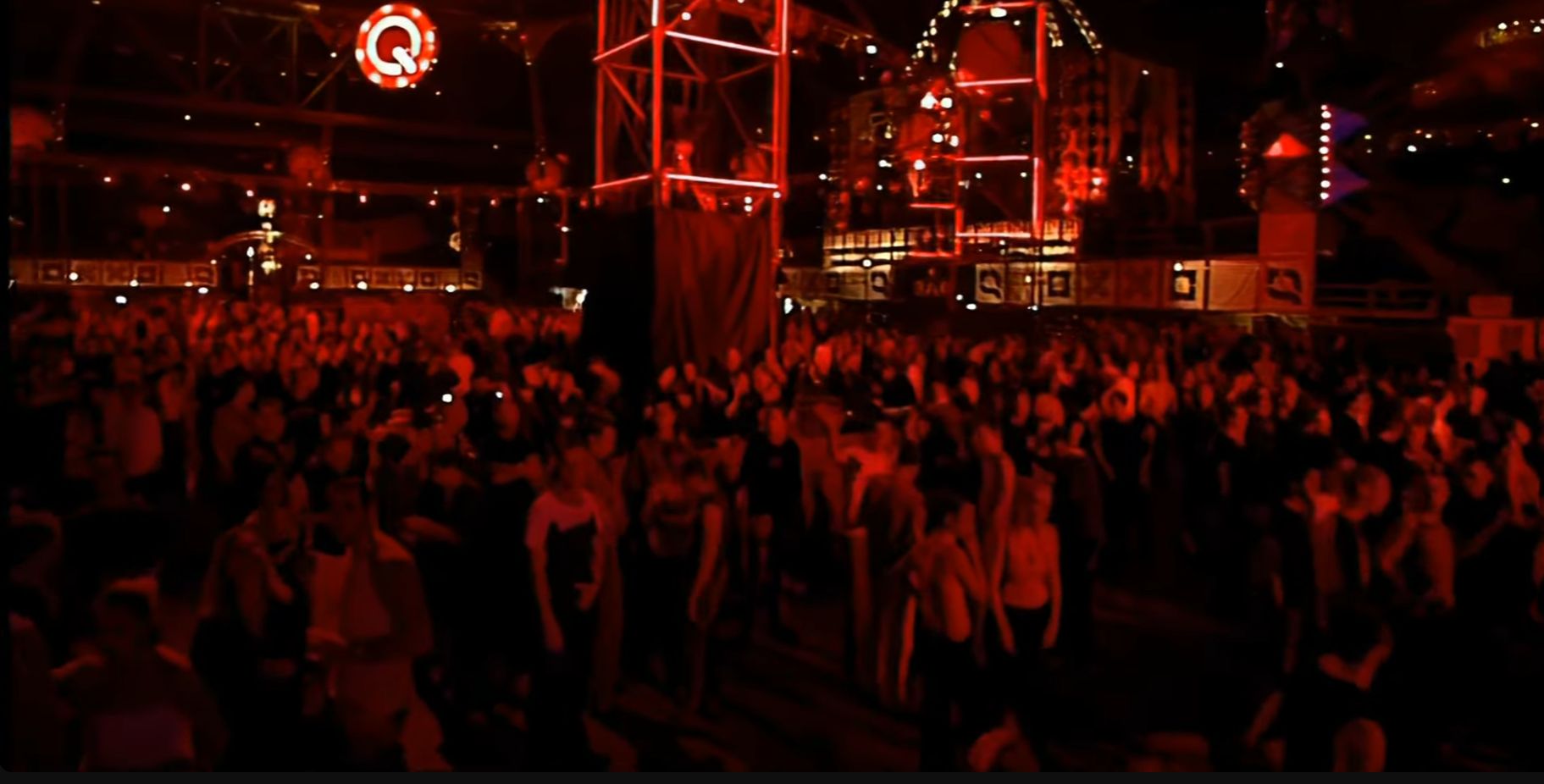
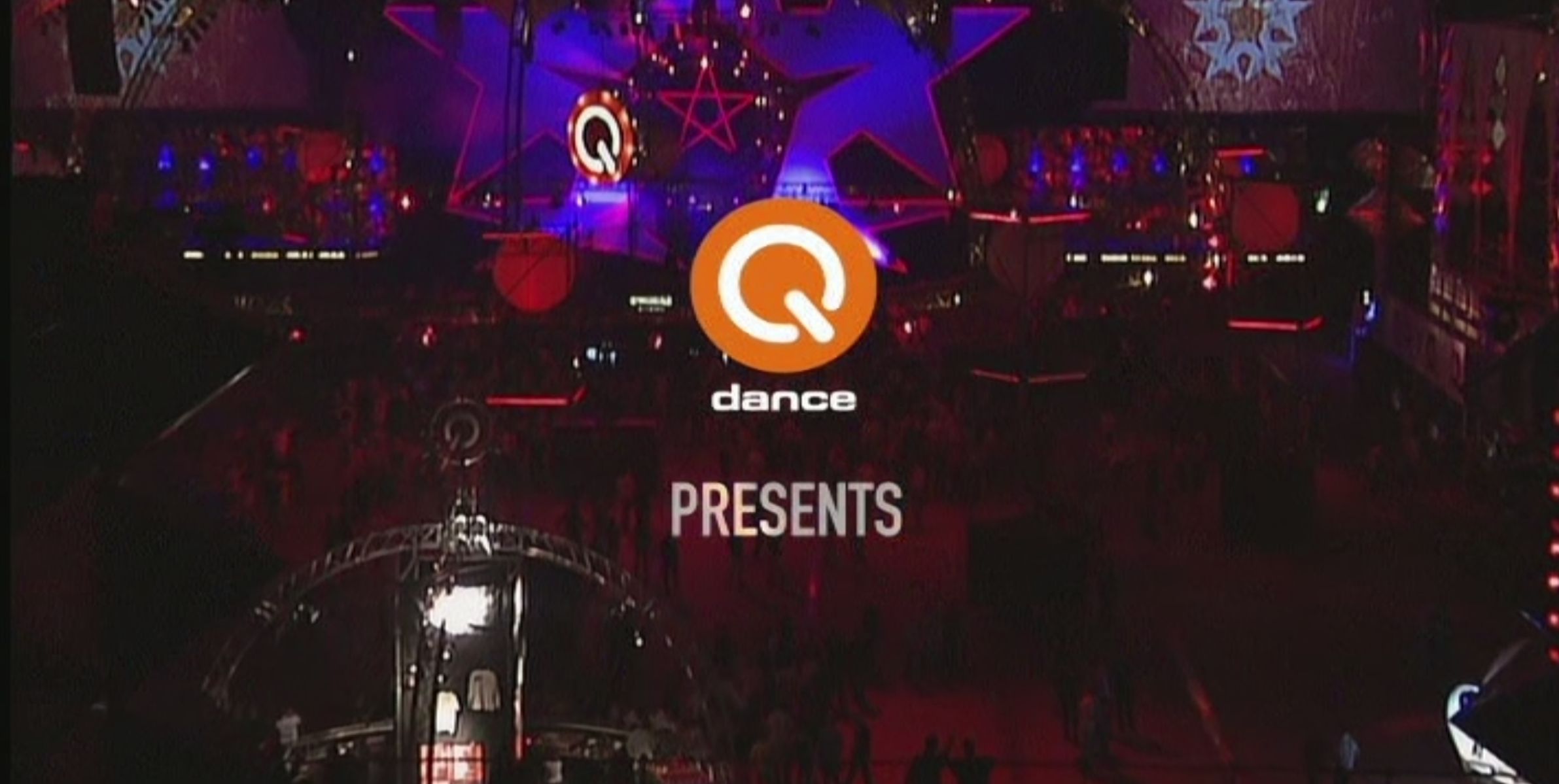
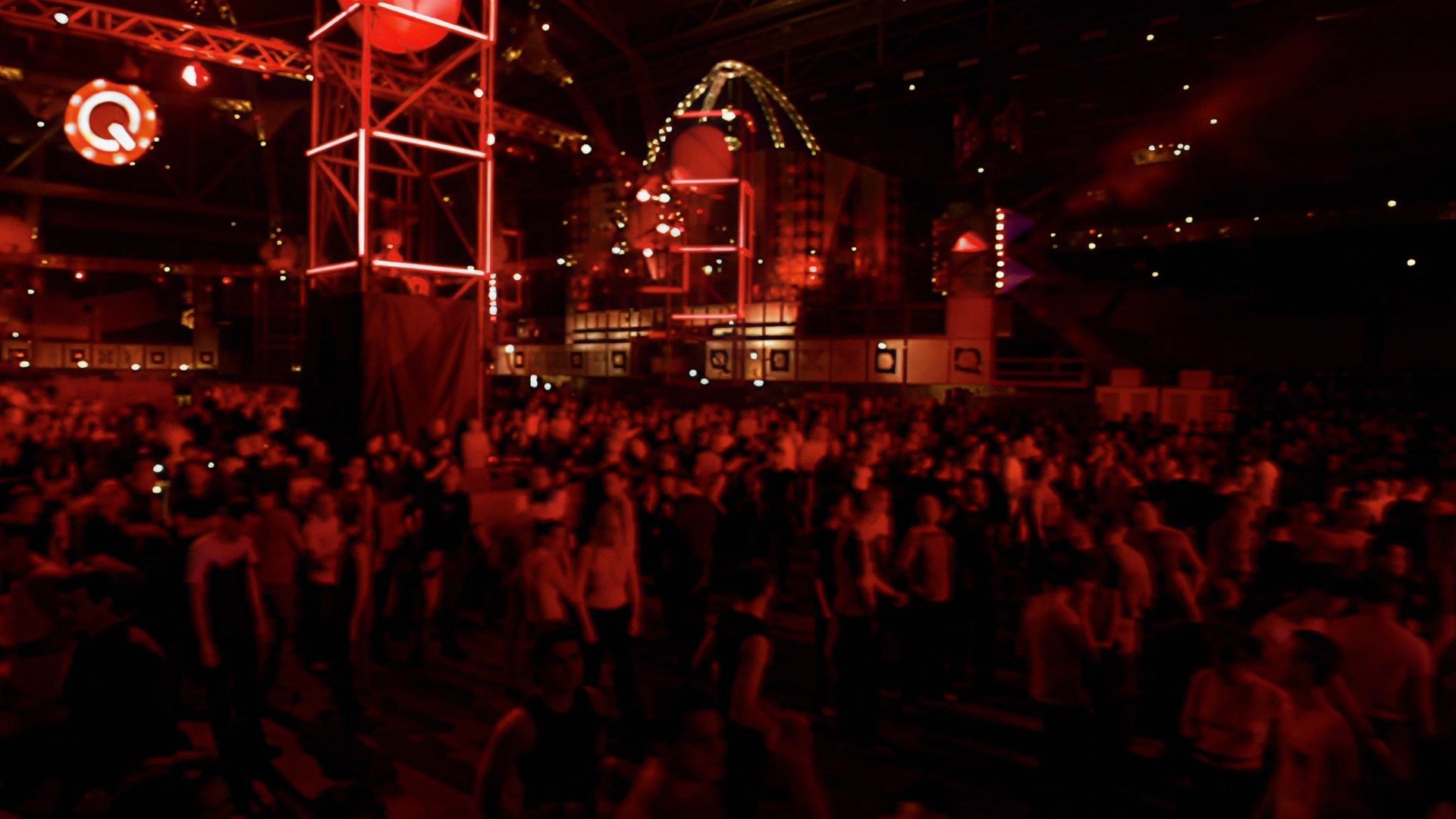
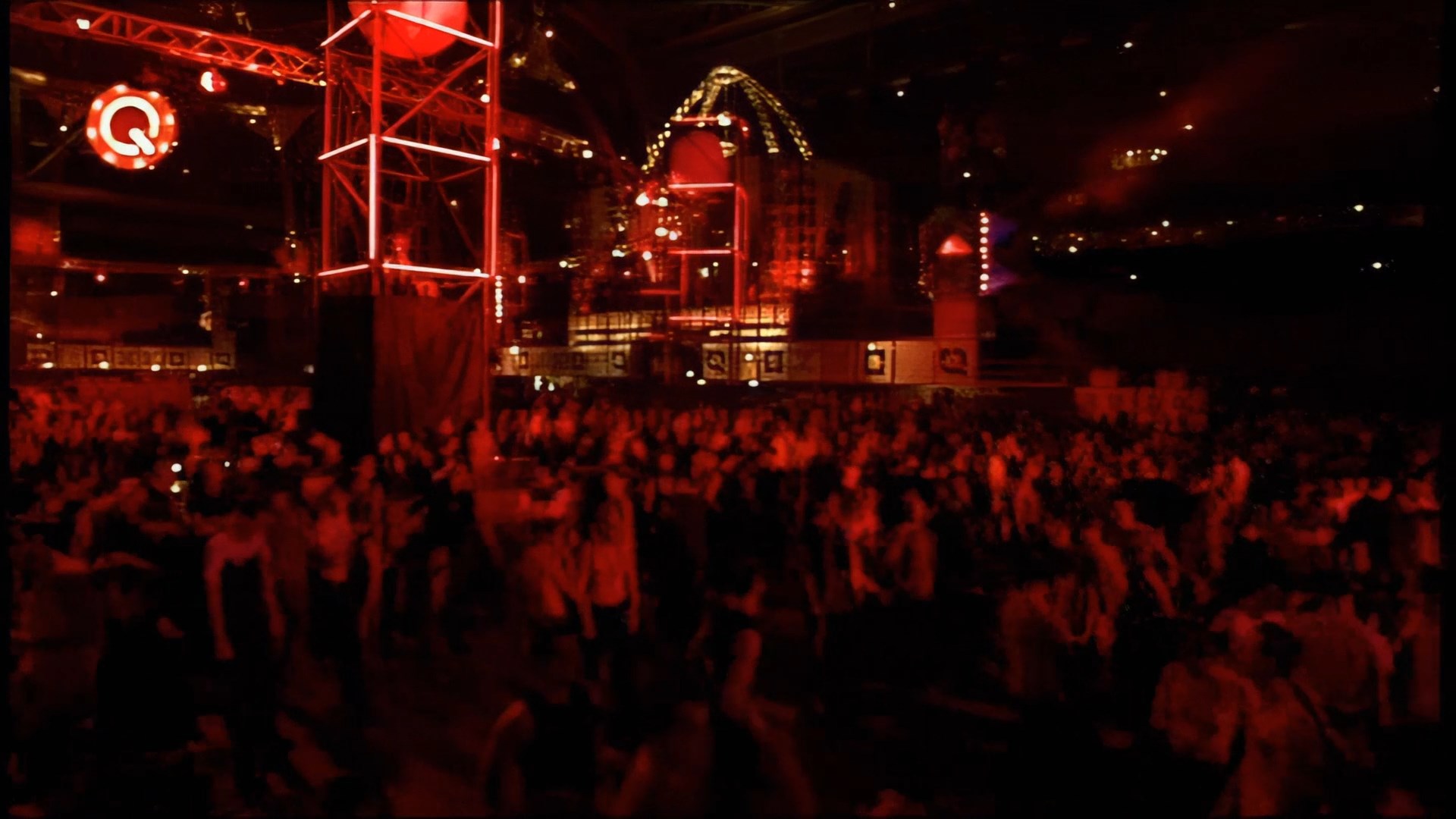
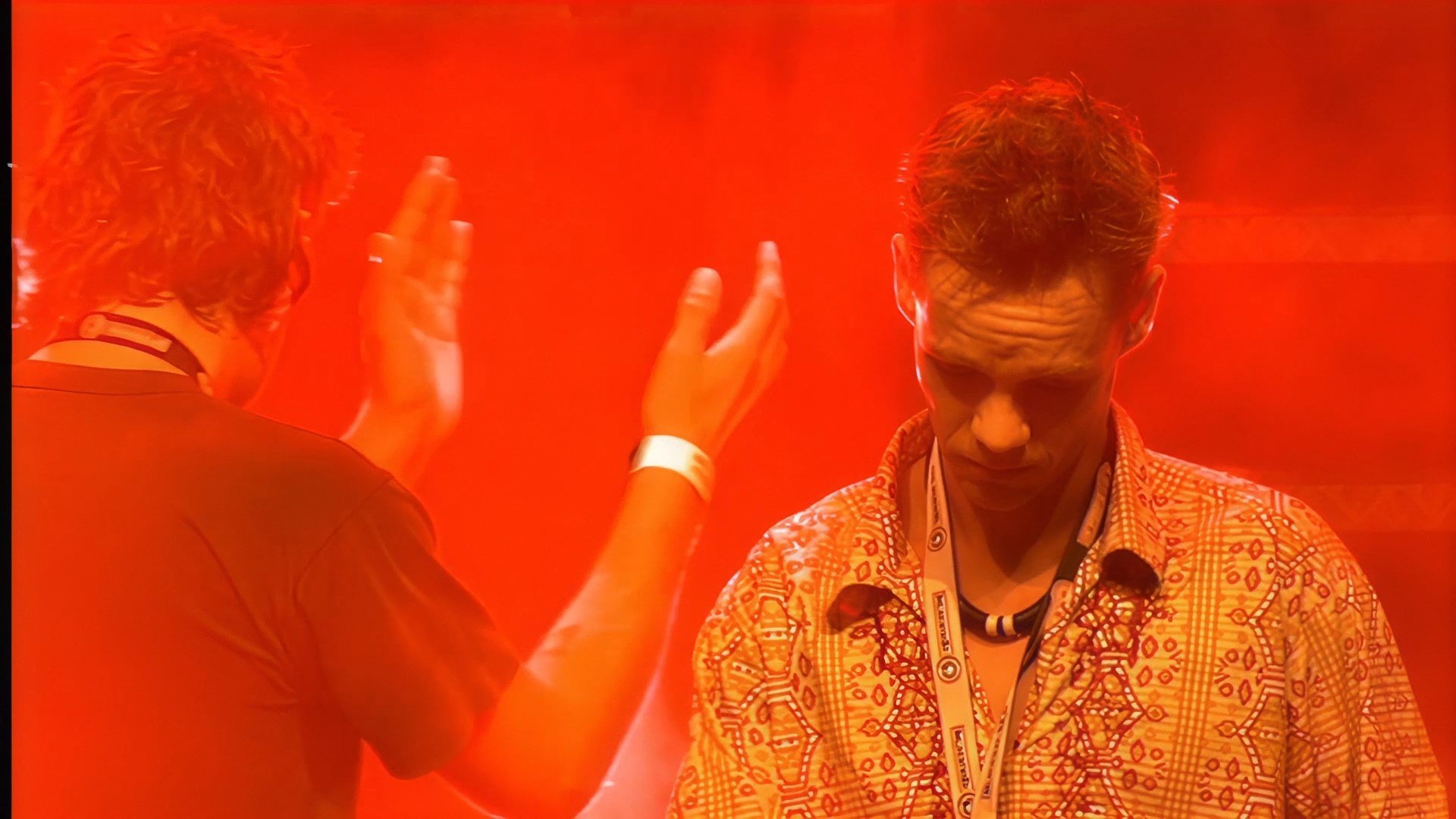
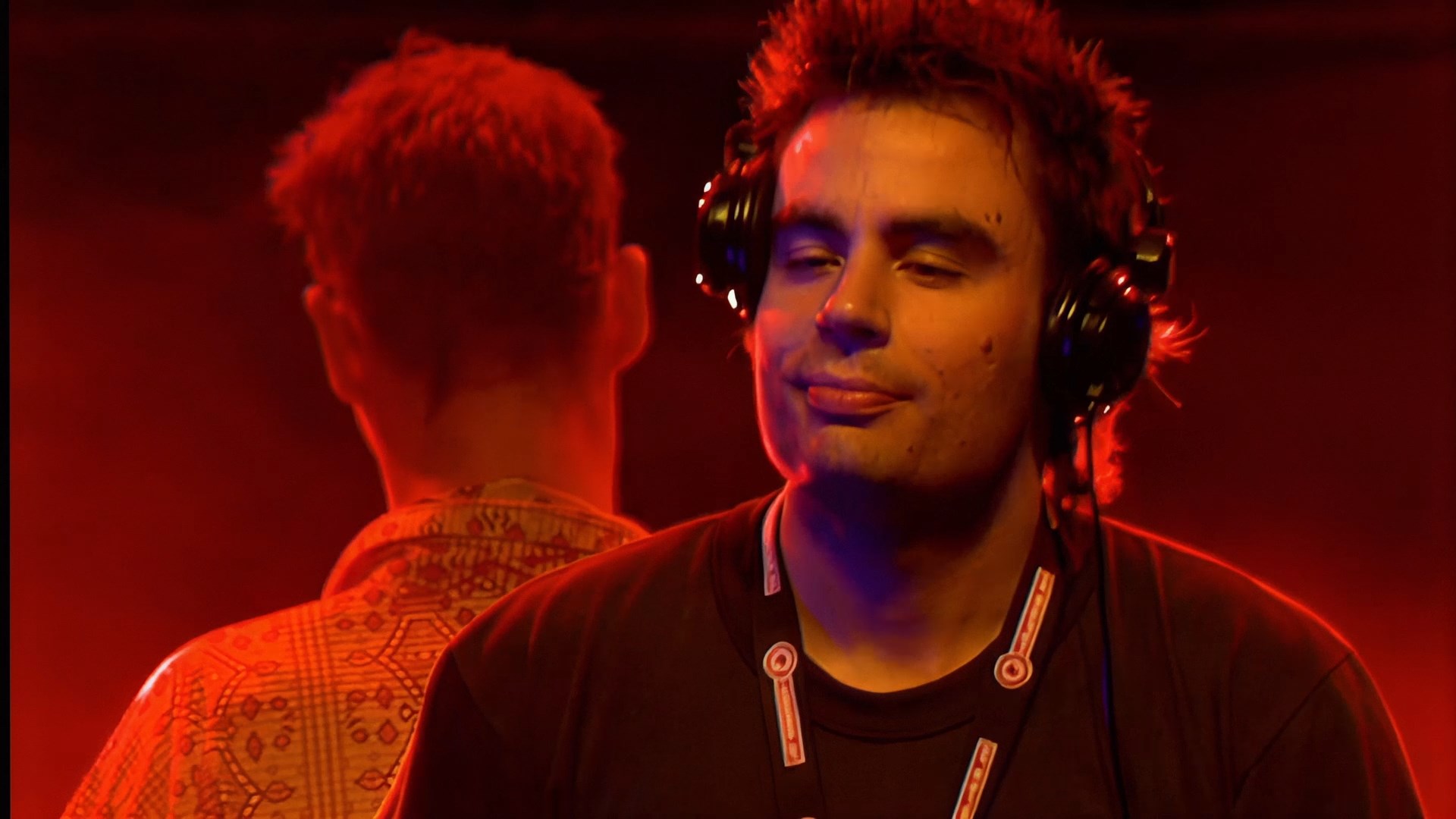
I’m trying to achieve a DVD-like image quality, similar to the effect shown in the video from the attached link.
My current workflow is:
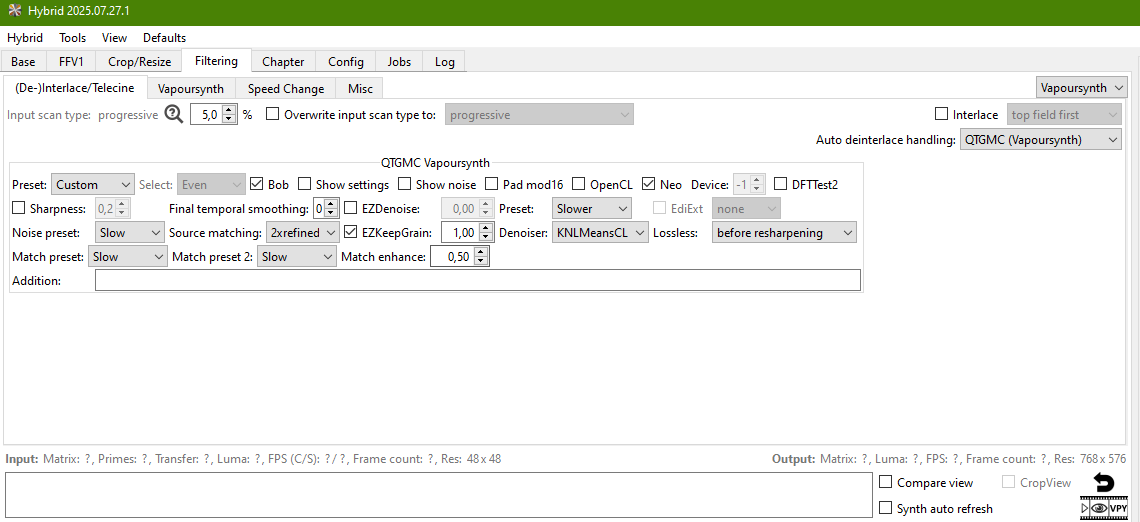
Deinterlacing with QTGMC in Hybrid
Then upscaling / enhancement using Topaz Video AI
However, even after this process, I can’t get an image that is as clear and well-defined, especially in scenes with a crowd of people. The image still looks softer and less detailed than in the example video.
I’m wondering:
Am I missing something in my workflow?
Are there specific QTGMC or Hybrid settings that could help preserve more detail?
Can anyone recommend Topaz Video AI models or parameters that work well for this kind of DVD-like result?
Any advice or example settings would be greatly appreciated.
Thank you in advance.
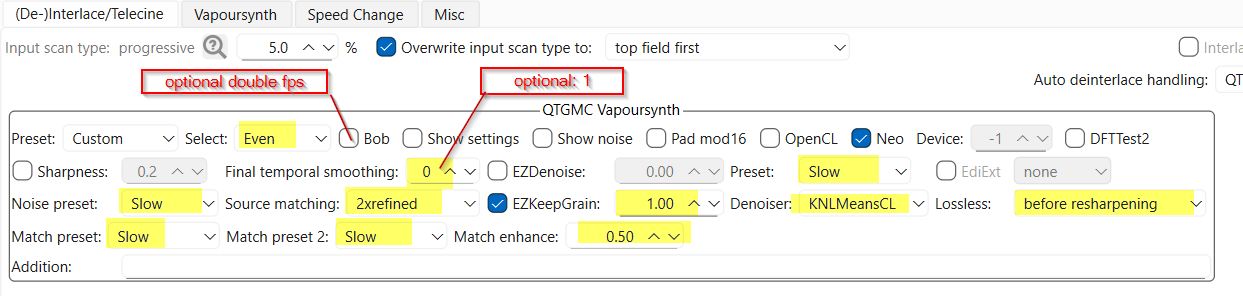
Hi, with this Parameters QTGMC keeps details, this was for me a breaktrough.
But if source interlaced artefacts are low, then it could be better doing simple YADIF deinterlace. QTGMC looks stunning when you check the deint result itself of unupscaled source, but hasn’t to be in any case better for using with Topaz models, because QTGMC is more invasiv than YADIF. So it pends on the source.
But you’d have to have a decent NVIDIA GPU with 16Gb of VRAM at least.
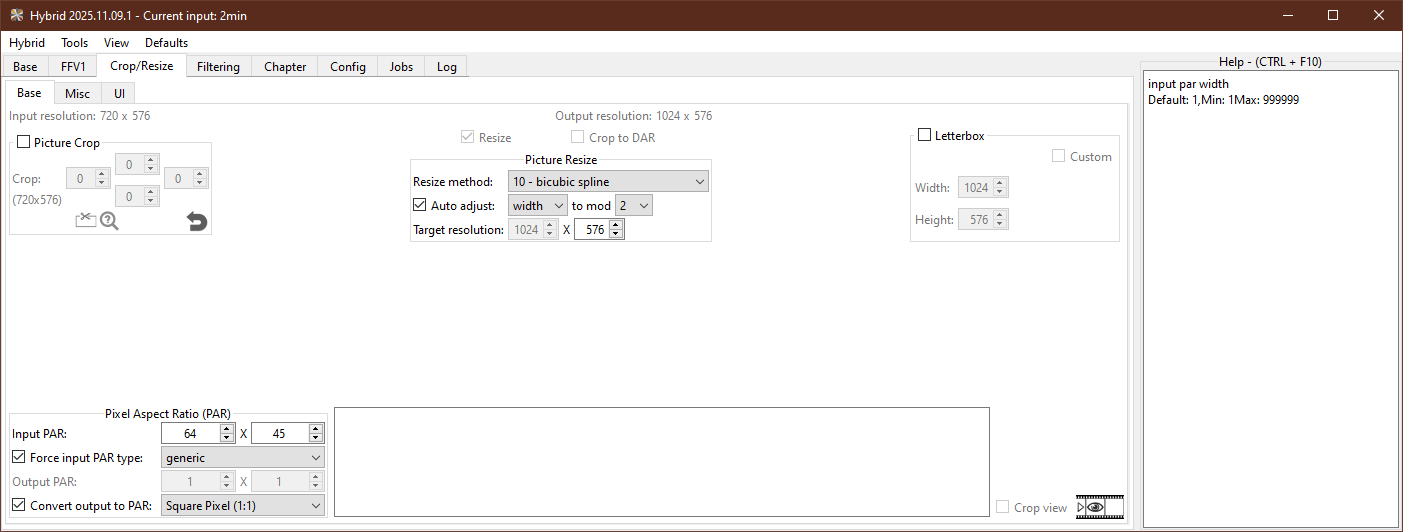
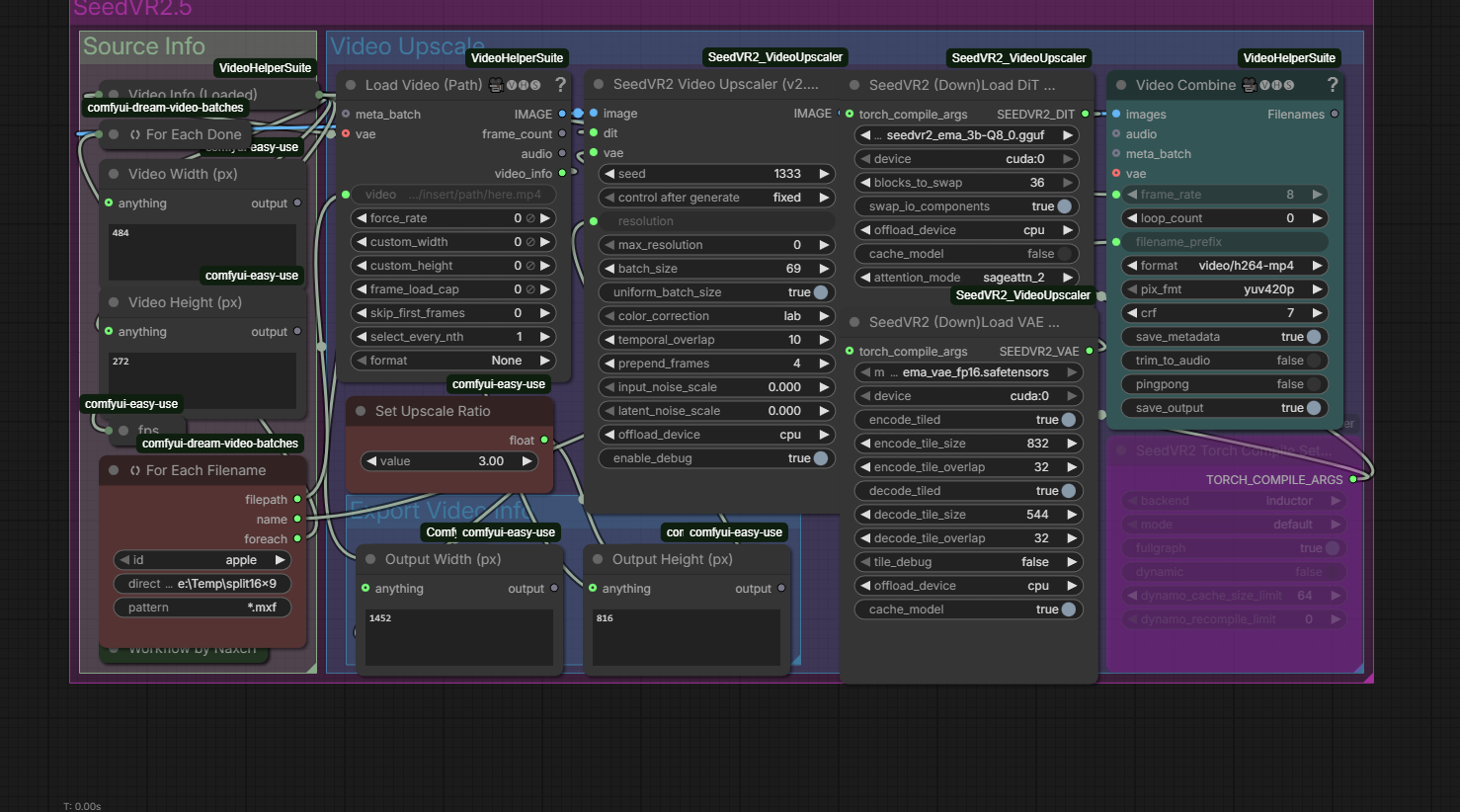
Our collective consensus is that you’ll have to downscale your footage to approximately 448x252 for 16x9 footage and 422x308 for 4:3 footage for 3x upscale with SEEDVR2.
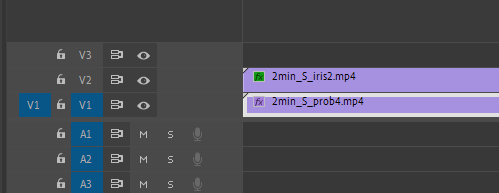
And then, after upscaling to 1152x864 or 1266x924 respectively, it’s a Topaz final step with Iris/Proteus/Rhea up to FullHD and combining them in NLE to get the best results.
I can share my whole workflow if you want.
In fact, you can drop the first step (Hybrid) if you have NLE that can downscale your footage for SEEDVR2. The free Davinci Resolve will do it without problems.
All you need to have is free Davinci Resolve and free SEEDVR2.
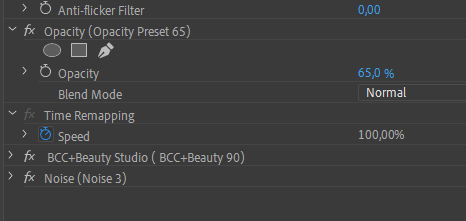
Add Sharpening (at your taste) and Noise (I usually add 3 to conceal washed-out patches that were recovered from MPEG compression).
The Beauty Studio by BCC is a nice touch to make faces more natural-looking, but if you don’t have it, no problem.
Now apply Sharpening and Noise to the lower Proteus layer:
Again, tune your Sharpening effect as you see it fit.
That’s all.
For a SEEDVR2 workflow I don’t use Hybrid, I downscale MPEG in Premiere Pro to 484x272 resolution. At this size the fine detail recovery doesn’t matter.
Export 484x272 footage to Apple ProRES MXF.
Cut it to 20-second long clips using LoselessCut or any other tool that can cut without re-encoding.
This workflow is optimized for RTX 5070Ti and 5080 (both are 16gb).
Now I concat 20-second outputs to one file using ffmpeg, then repeat steps 2, 3 and 4 - TVAI Proteus and Iris; two layers in Premiere Pro, same filters.
The difference between two workflows is that SEEDVR2 is slow. Really slow. Faster than Starlight though, but 0,85 fps at 5070Ti and 1,2 fps af 5080 will make you think twice - is it worth it?
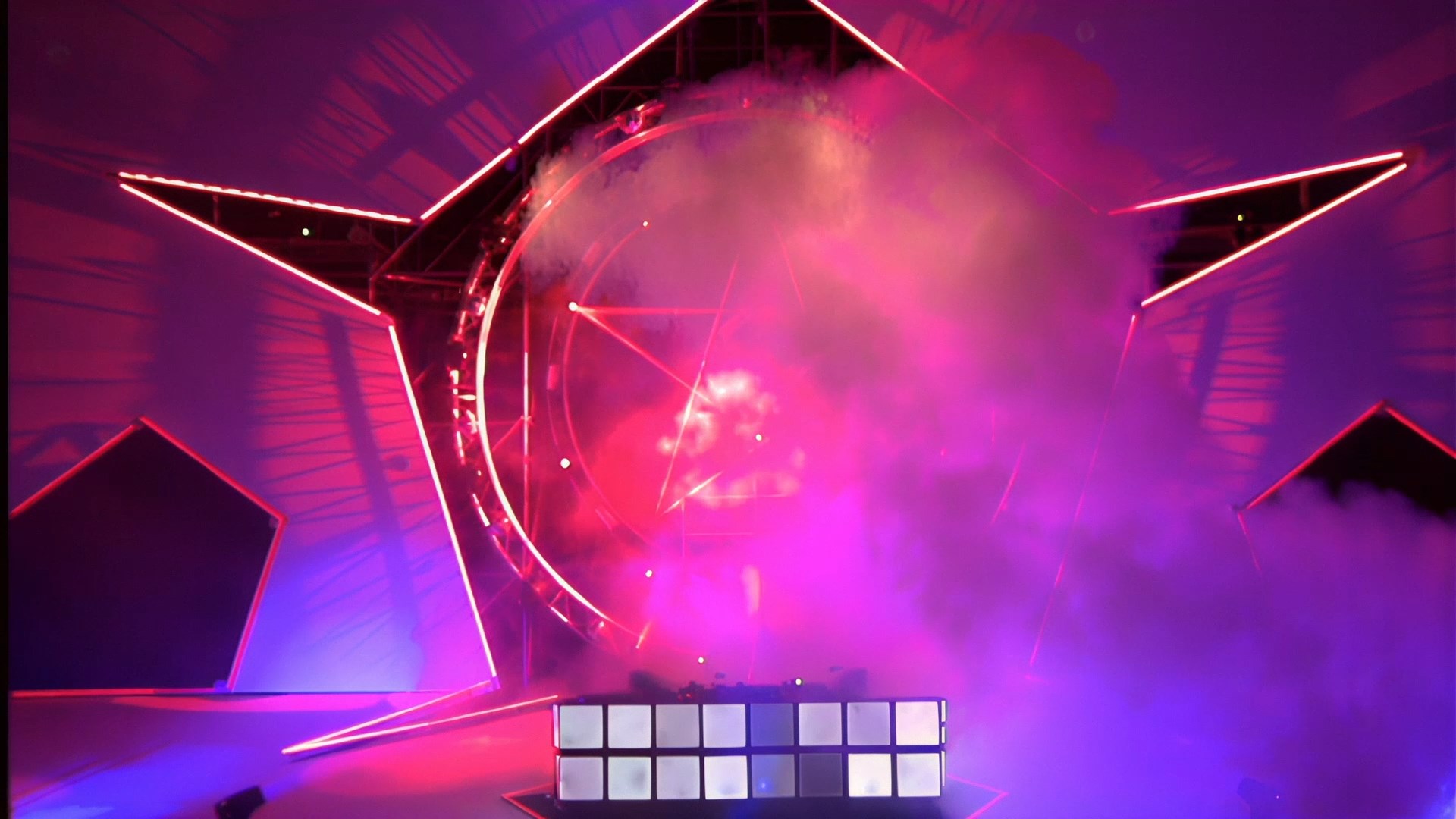
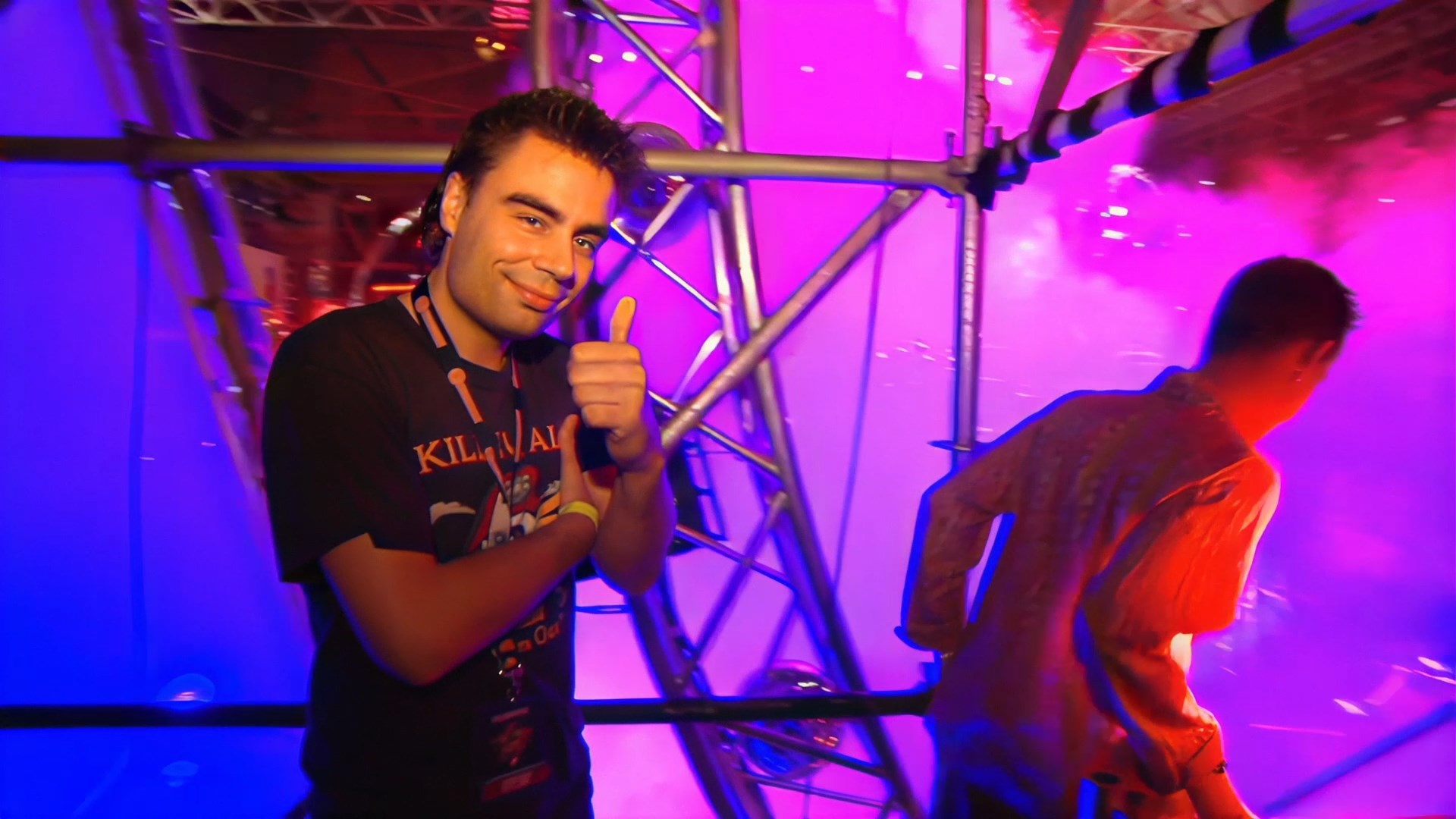
Here are some screenshots from SEEDVR2 and Topaz combo:
Thanks, I really appreciate it.
I’ve already tried a lot of different settings in Hybrid, including QTGMC at Slower and Placebo, as well as Degrain, Deband, Levels, Tweak, and SmoothLevels. I’ve also tested an AAF line that someone shared on the forum.
Despite all that, none of these approaches helped me get a result in Topaz that’s comparable to the YouTube example. Rhea does a nice job in some cases, but people often end up looking “painted,” and with so many options available, the more I experiment, the more confusing it becomes. At this point, I’m honestly not sure which settings are actually helping and which aren’t.
I’d be very grateful for any guidance or recommendations.
If you use “Iris LQ” for upscaling, I recommend use it out of the box and just “Deblur” parameter is allowed. Iris LQ works different to Iris MQ or Proteus, Parameters like “improve Details” or “Dehalo”, has a massive impact here which is often undesirable because it distorts the original too much, but Deblur does not. With Proteus and Iris MQ, it’s the opposite: Dehalo and Improve Details can be used for denoising, which is often the reason why these models are used.
Hi! I need help please! With Hybrid, I can't figure out how to render just a part of my video... my source is 1 hour long and the rendering takes too long for testing... :(
Avidemux can also do lossles cut on keyframesm using this arrows and it has eight implementel muxer, so you can export you cuts in mp4, mov, mkv or whatever you like
Thanks, I usually use Shutter Encoder to cut without compression. But I have the impression that even if it saves as AVI, it doesn’t preserve the same properties of the interlaced file as the original. The option with Hybrid is perfect because the filters are applied directly to the source file, allowing for easy cutting.