Already since the first versions of Gigapixel and even Photo AI, downscaling rendering will take much longer, as they’re not really designed for it in the first place. If you’re using Photoshop, it’s best to do your reduction there. You don’t need AI to downscale an image. AI is better for increasing resolution. 
1 Like
Nice photo. How many frames per second did you use? I also tried to select an image from a video (of a bird), but I only have a simple camera that only takes 25 frames per second and that’s not enough, it can’t be used to select a frame as a photo (birds are very fast in their actions).
Hi.
I agree it would be a good idea to have Realistic & Creative within the same options but, still keep them separated as I also believe, it was important for Topaz to change from a slider to buttons and name them None, Subtle, and from Low to Max which makes more sense.
The previous Level Slider was a bit misleading which, lead people to believe it was a fixed scale slider of intensity, when in actuality, each increment was an individual AI Model hence, the changes in naming convention to help improve clarity thus reduce confusion.
Andy
1 Like
You’re right that the original shared slider was misleading (I was confused by it at first too). I don’t mind the functional separation; I do mind the method of switching from Realistic to Creative and vice versa with the need to go through a higher menu level. I often have to try which level (of the original six) can still be used (while being aware of their nonlinearity), several times, so the clicking is too much. Maybe there could be a Redefine and two sliders or button switches in it, one for Realistic and one for Creative – or something like that.
1 Like
This is a 30 fps video. I used VLC to extract a single frame. If you have a 25 fps video, you can convert it to 30 or 60 fps with Video AI .
Gigapixel 8.41 is 2 steps backward. First, the longest side cropping tool implemented just a few releases ago is still missing.
Second, as others have mentioned, splitting the redefine models not only complicates things but removes an important feature. I can no longer add texture to a photo without totally altering the face. Before this was possible and a great feature. Now it is nothing more than 30gb bloat to run SDXL quality stable diffusion image generation.
The workflow is supposed to be Crop and scale to size with gigapixel, create Lora, generate image in Flux, upscale and add texture with gigapixel.
The way gigapixel is now structured the entire workflow is shot. I will be reinstalling an earlier version of gigapixel.
3 Likes
Topaz does preview the Model “Bloom” at instagram.
Interresting one, but its cloud only, like the original starlight, and made for artistic images only where precision does not matter that much.
I’d would like to have an precision model for still images.
1 Like
+1 definitely
1 Like
hah, i came back with an idea.
Know the “bug” that Recover V2 does produce good results with a small tile size?
Why not make a small tile but big model, the smaller the tile the bigger the model behind can be … yes i know that will lead to other problems, but maybe.
Still unable to use Recovery V2 model on Mac M1 Max…
2 Likes
It’s striking the details recovery with Recover v2 on this photo  .
.
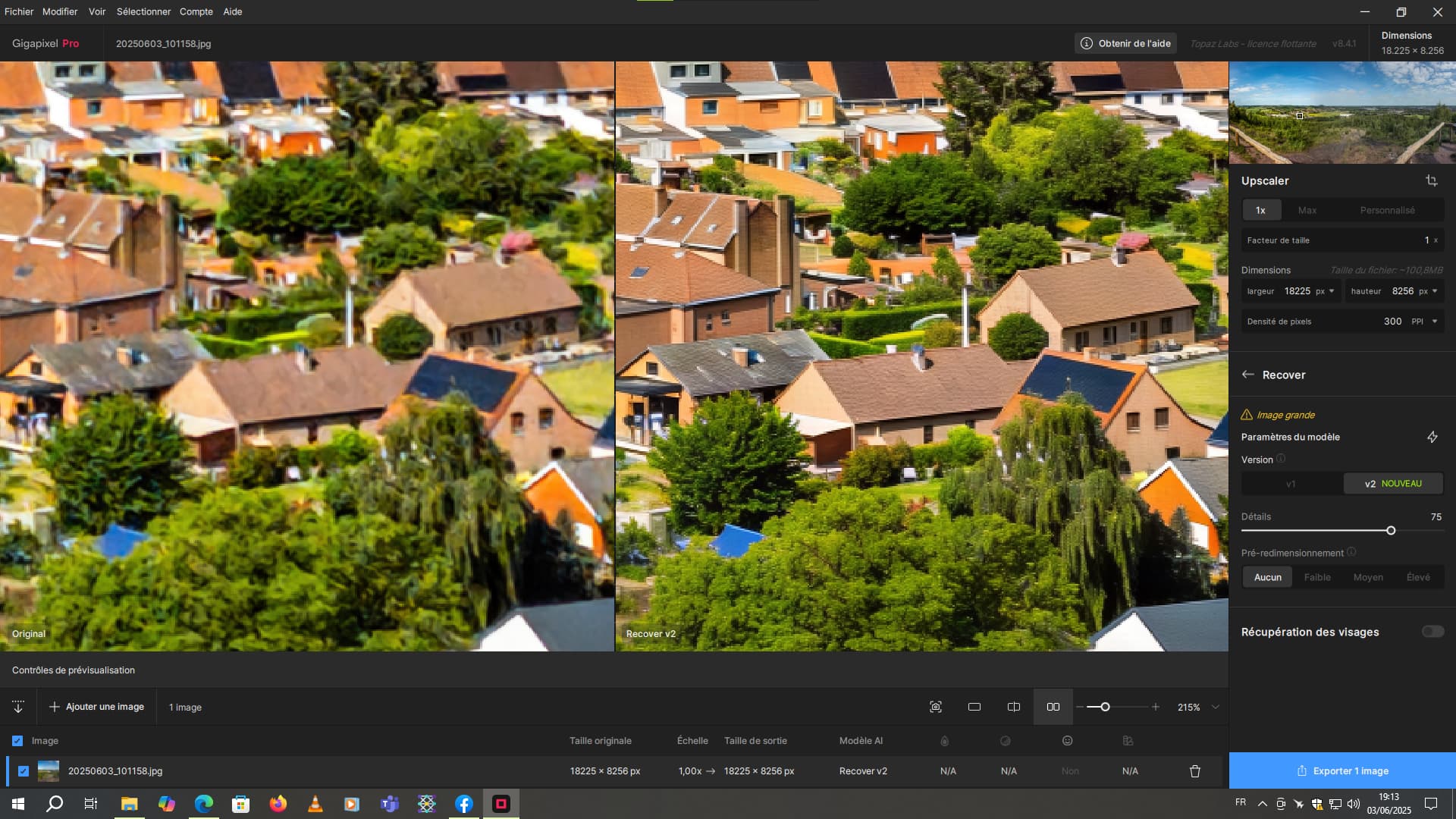
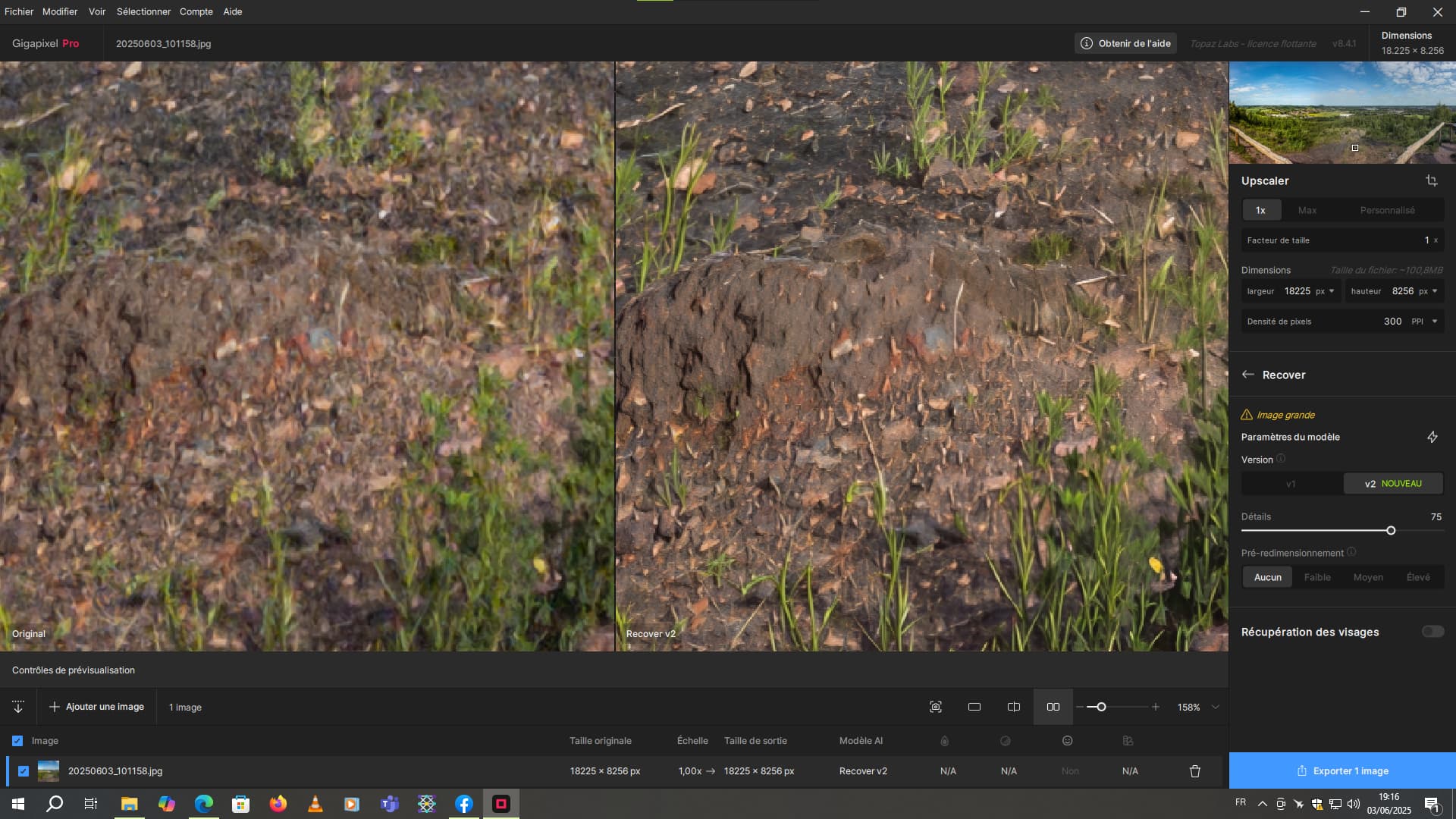
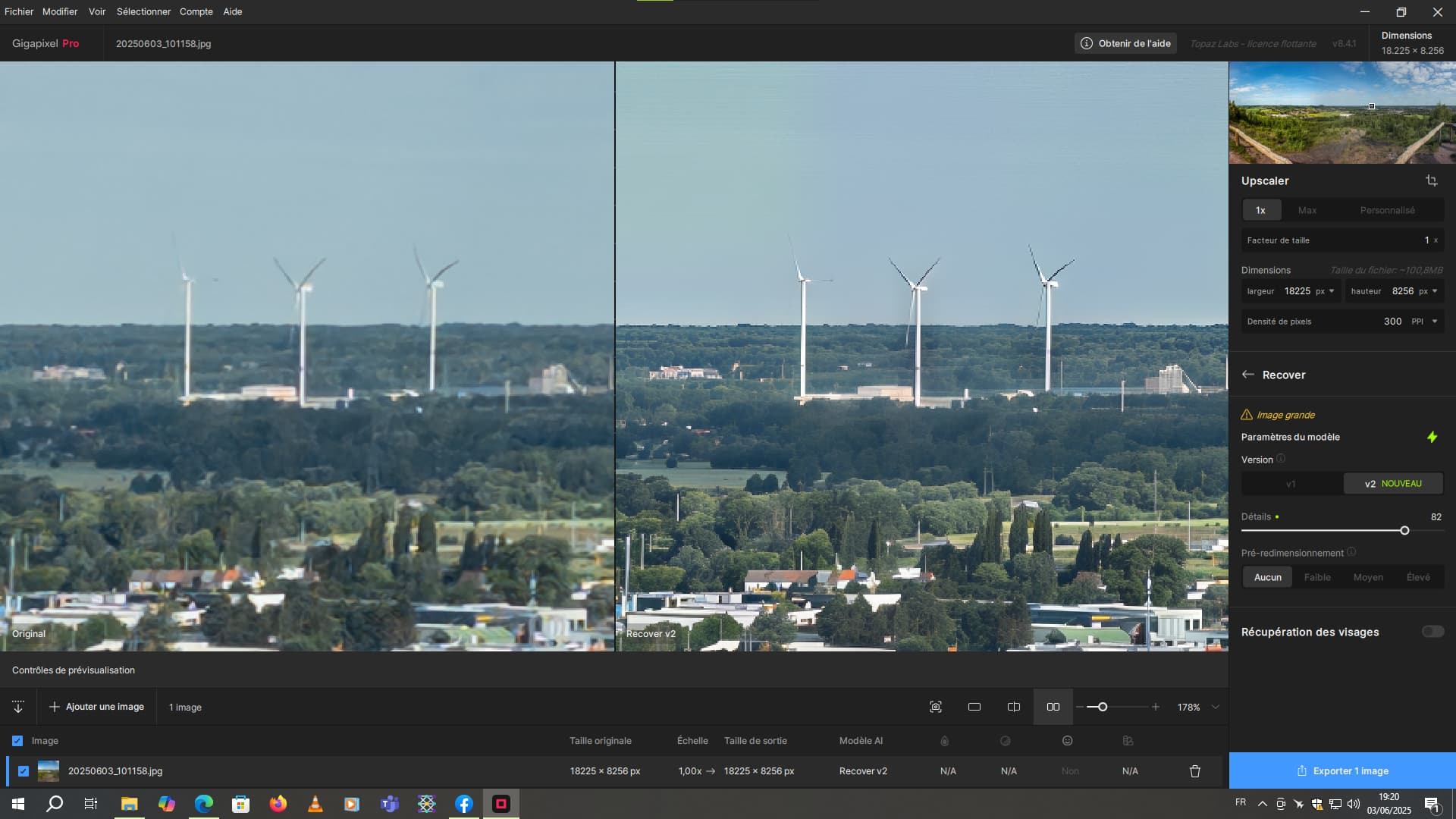
Application of the model without scaling. The basic resolution is already very high. This is a composite of several 50-megapixel portrait shots taken with my Galaxy S25 Ultra.
1 Like
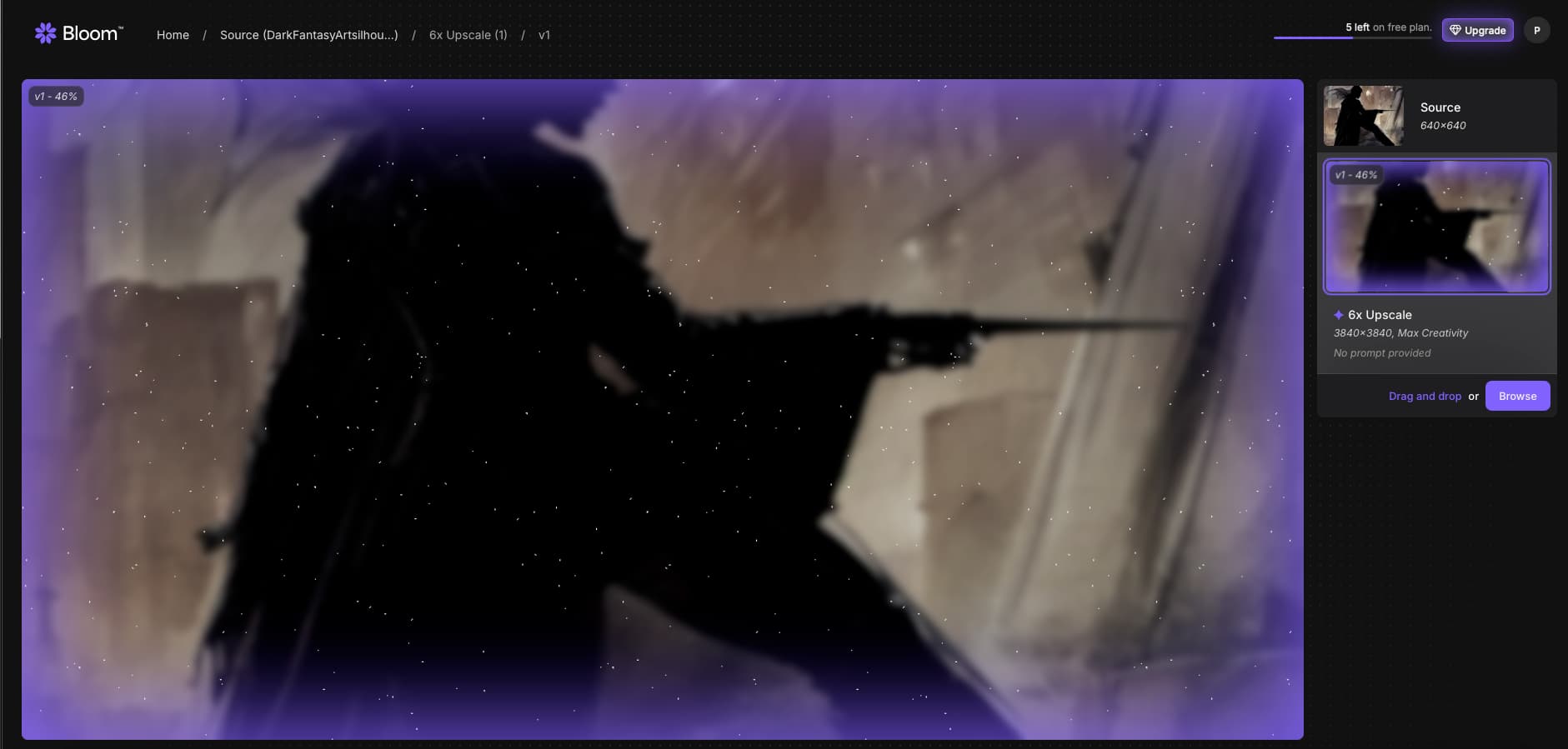
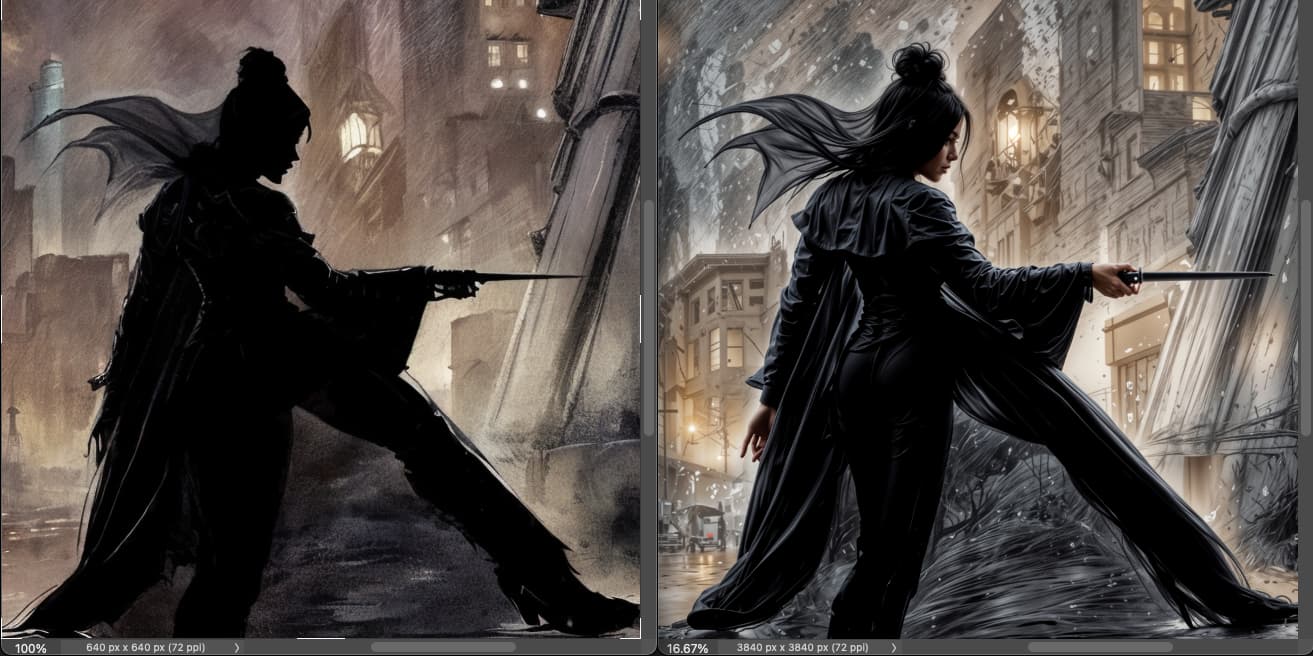
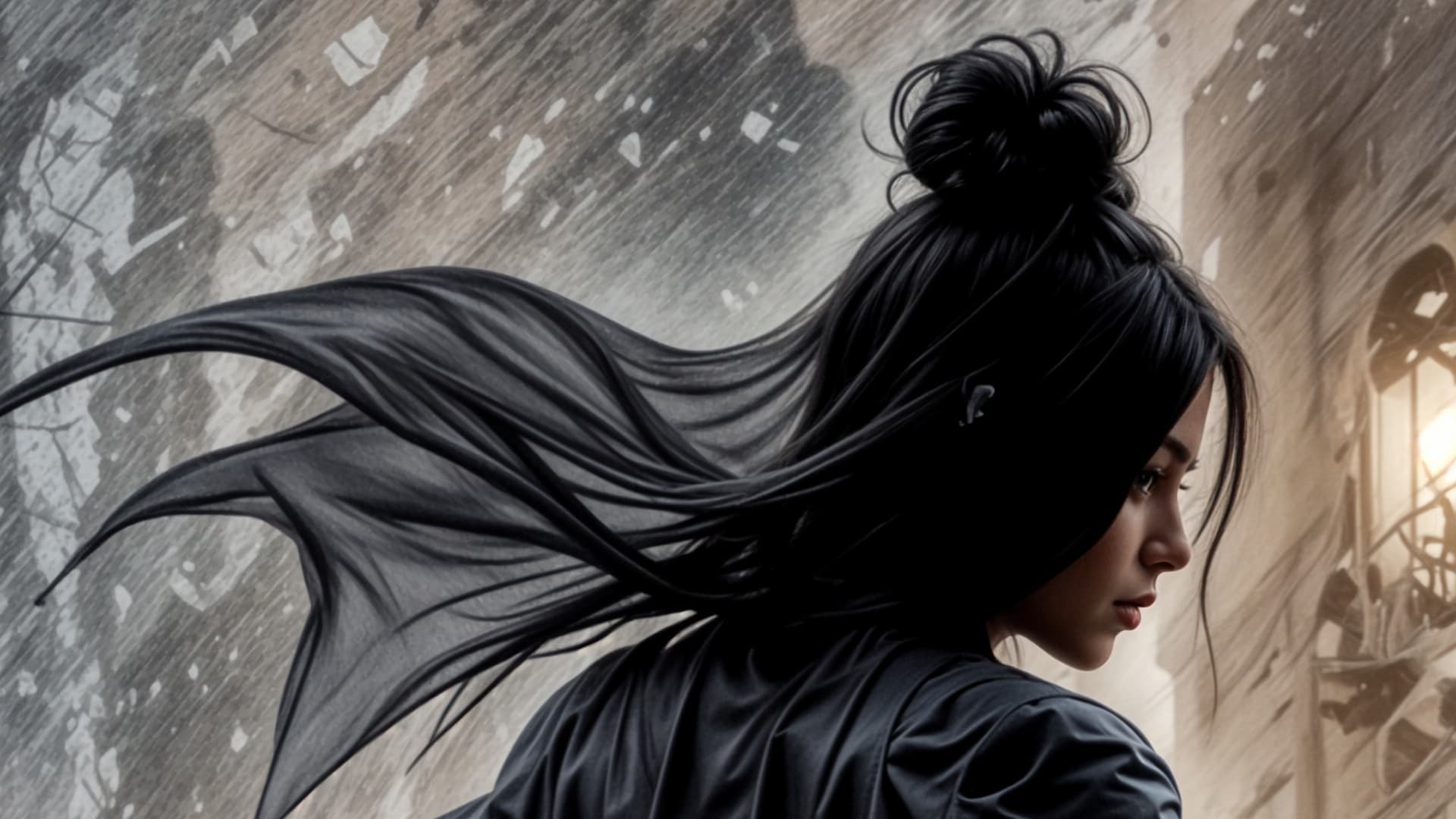
I received a Topaz email today about something called Bloom that is an upscaler. It is not clear if this is just a new model in Gigapixel AI or a different upscale product. Is this/will this be incorporated into Gigapixel AI?
I didn’t get that email yet.
But it seems to be a Web-based version of GAI that lets you scale up to 8x (at present) and produces 4 outputs for you to choose from. It didn’t seem to run as fast as I thought it might (being Web-based).
You can test it for free if you’d like… Here’s a snip of the page I got with my source image and 4 processed versions that I upscaled 6x from low res snips of a .jpg. I didn’t tell it to go Creative and I did include a prompt describing what’s in the scene.
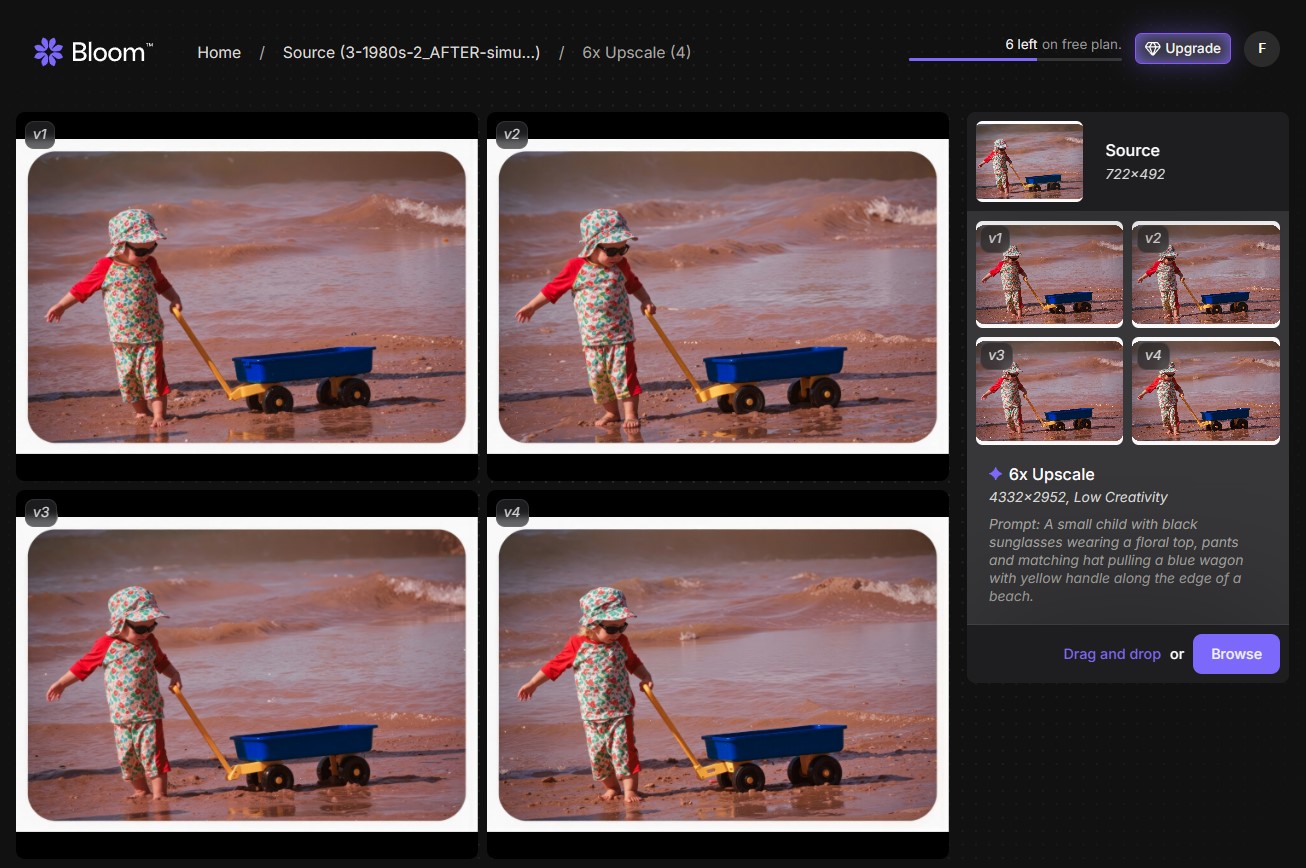
There may be some lighting differences b/wn the 4 options. I’m not sure I see very different takes.
1 Like
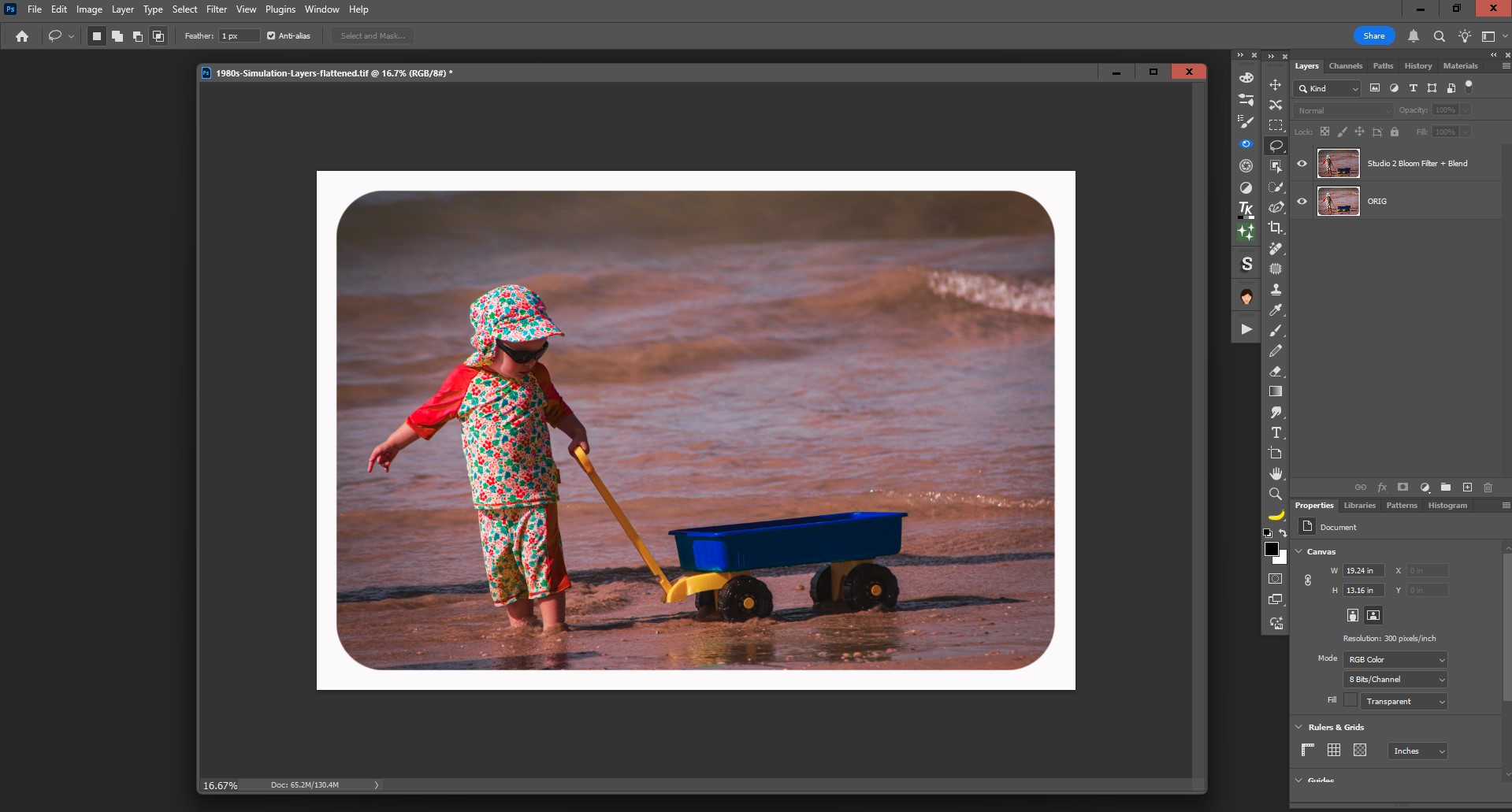
Just for giggles, I decided to try the same original image (I work in Ps, so use Topaz filters as plugins…), open it into the Topaz Studio 2 plugin (older classic Topaz product) then try the “Bloom” filter in that app on the image.
Here are some snips of that process (labeled in filenames):
Original image in Topaz Studio 2:
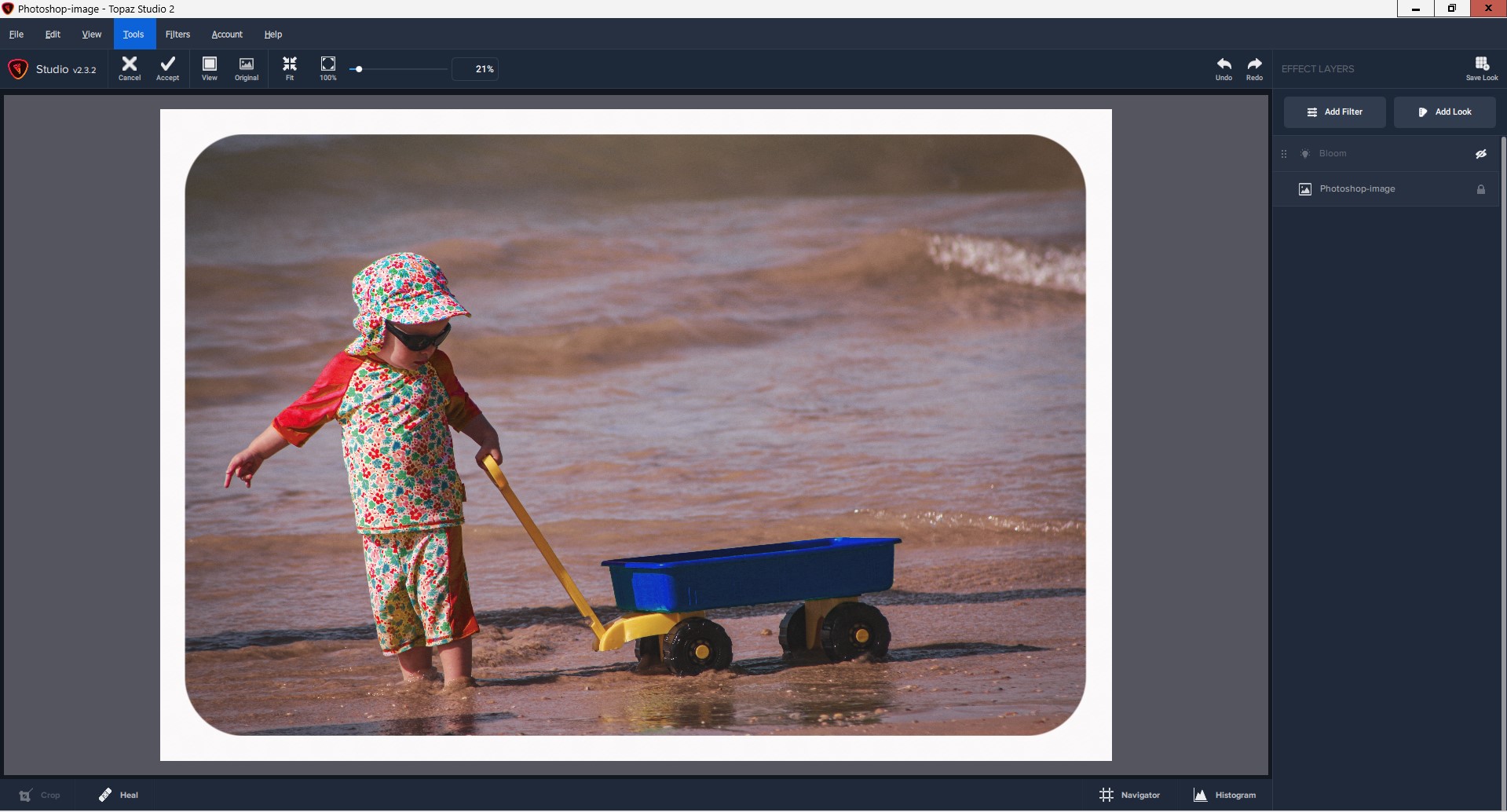
Image with Studio 2 “Bloom” filter settings:
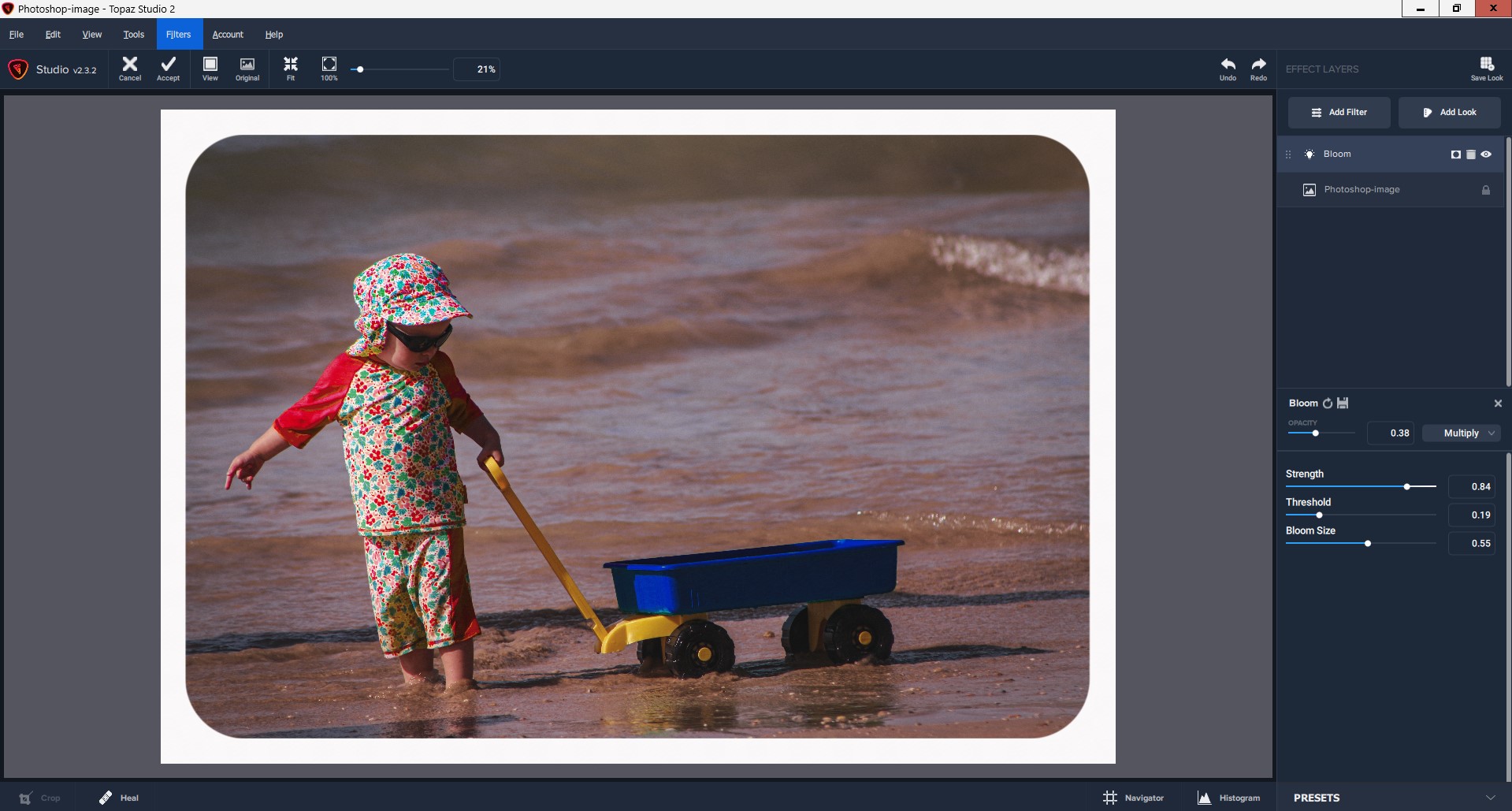
Topaz Studio 2 (Ps plugin) output saved back to Ps layer - with Ps blend mode applied (blending the Bloomified output with the Orig.):
1 Like
I see you got snookered into running 4 versions and quickly using up credits too
Yep! But, I learn… Do you see any differences among them? My eyes may be getting tired.
The hands and feet are different, as well as some of the detail in the waves. It’s almost as if this was a series of images taken in quick succession.
1 Like
In the meantime, I don’t think they can do that properly.
The data available to the AI companies has usually been compressed up to 4 times before anyone else has seen it on the net.
In the case of video:
Recording: MP4 format ← compressed.
Editing: ← Compressed data edited (leads to data loss).
Exported: MP4 compressed, lossy data is compressed.
Upload: Data is compressed by the platform.
Data is stolen and uploaded elsewhere and compressed again.
Professional photography:
RAW format: uncompressed.
Processing: Mostly no idea how to do it properly, data gets artifacts.
Export: Data is compressed. (jpeg etc.)
Upload to any Socail media platform: Data is compressed.
Smartphone photography:
Recording: (8bit) compressed, (bad signal/data processing) (jpeg, heic etc.)
Editing: any filters
Export: compression
Upload: compression.
And something like Bloom is another flight from reality.
Thank you. Now I see. That’s not good if the intent was not to change the physical attributes, but just highlights or tonality. Especially since no Creative option was selected.
