It’s crazy how long it takes to process generative recover without even upscaling the image. It’s unusable.
Keep an eye out for Recovery v2 coming soon!
4 Likes
But when is Recovery2 also available for Intel iMacs with AMD GPUs? Any News here?
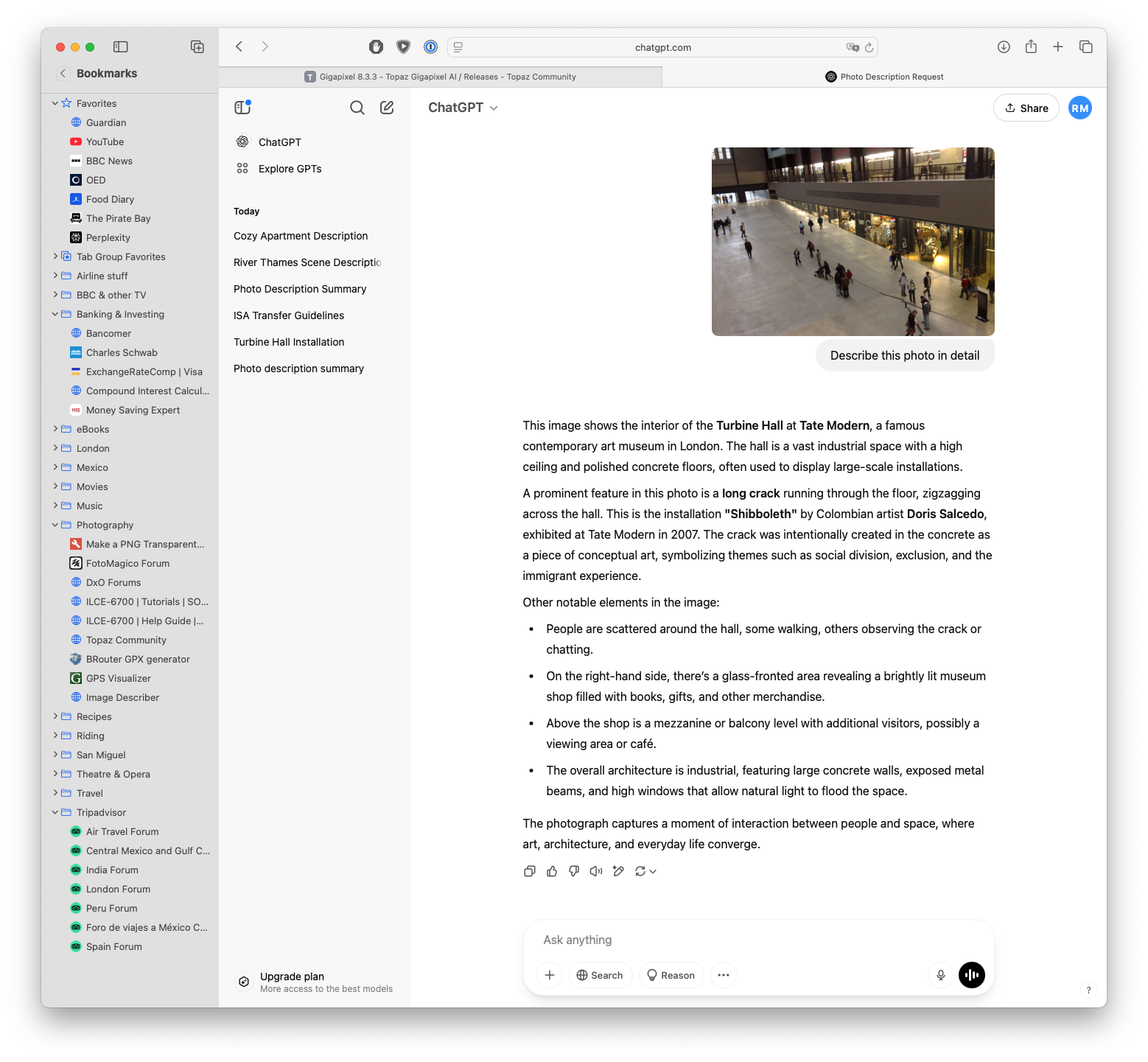
Always worth trying something new! I uploaded an image of the Turbine Hall at Tate Modern taken in 2007. It merely said it was a large urban space filled with people walking in different directions. Chat GPT identified it as the Turbine Hall and even gave details of the art installation at that time. So it’s Chat GPT for me!
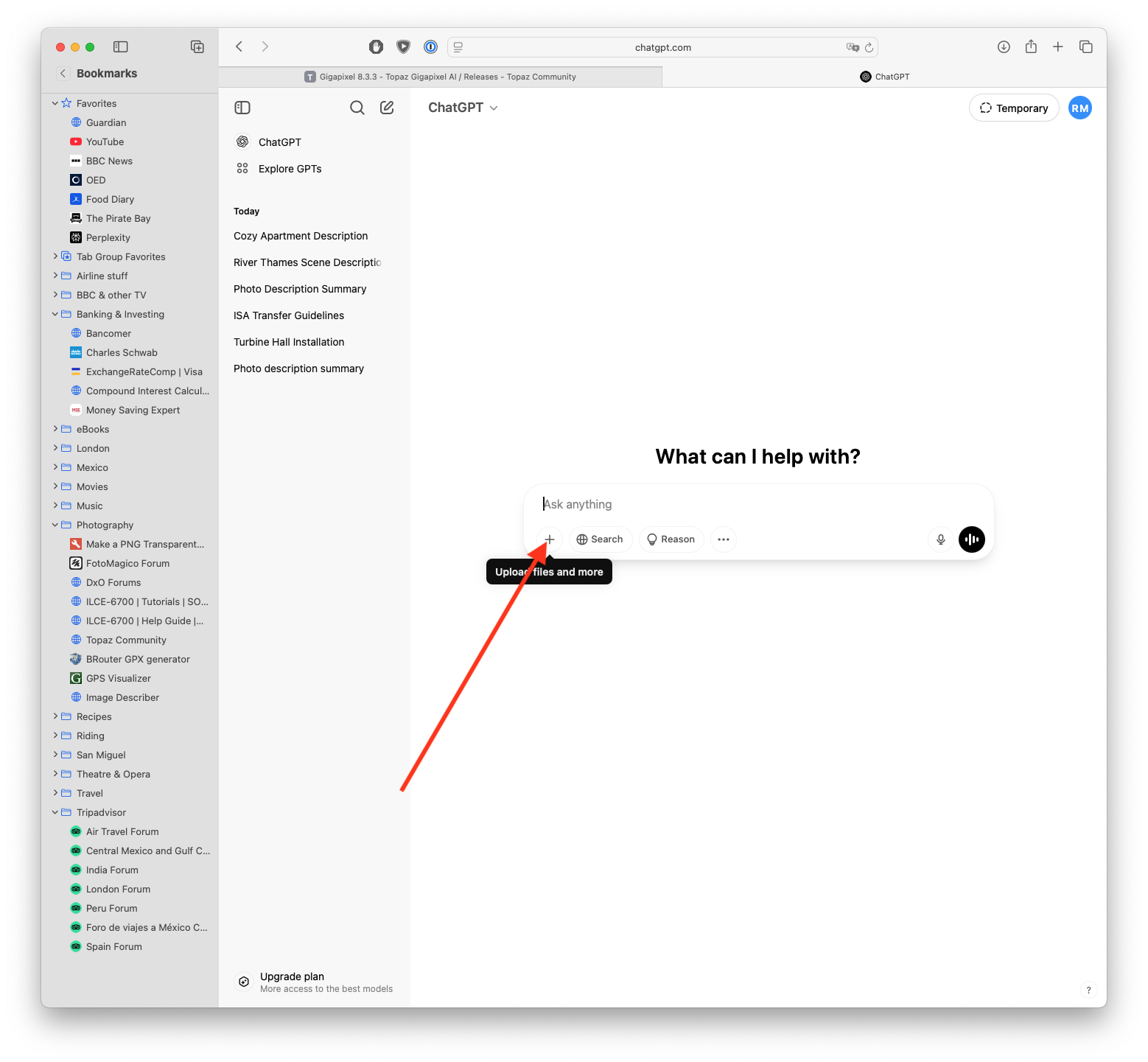
Click on the plus button to upload photo. Ask for a detailed description and hey presto:
2 Likes
That did it! Thanks!!!
Using my test blurry photo above:
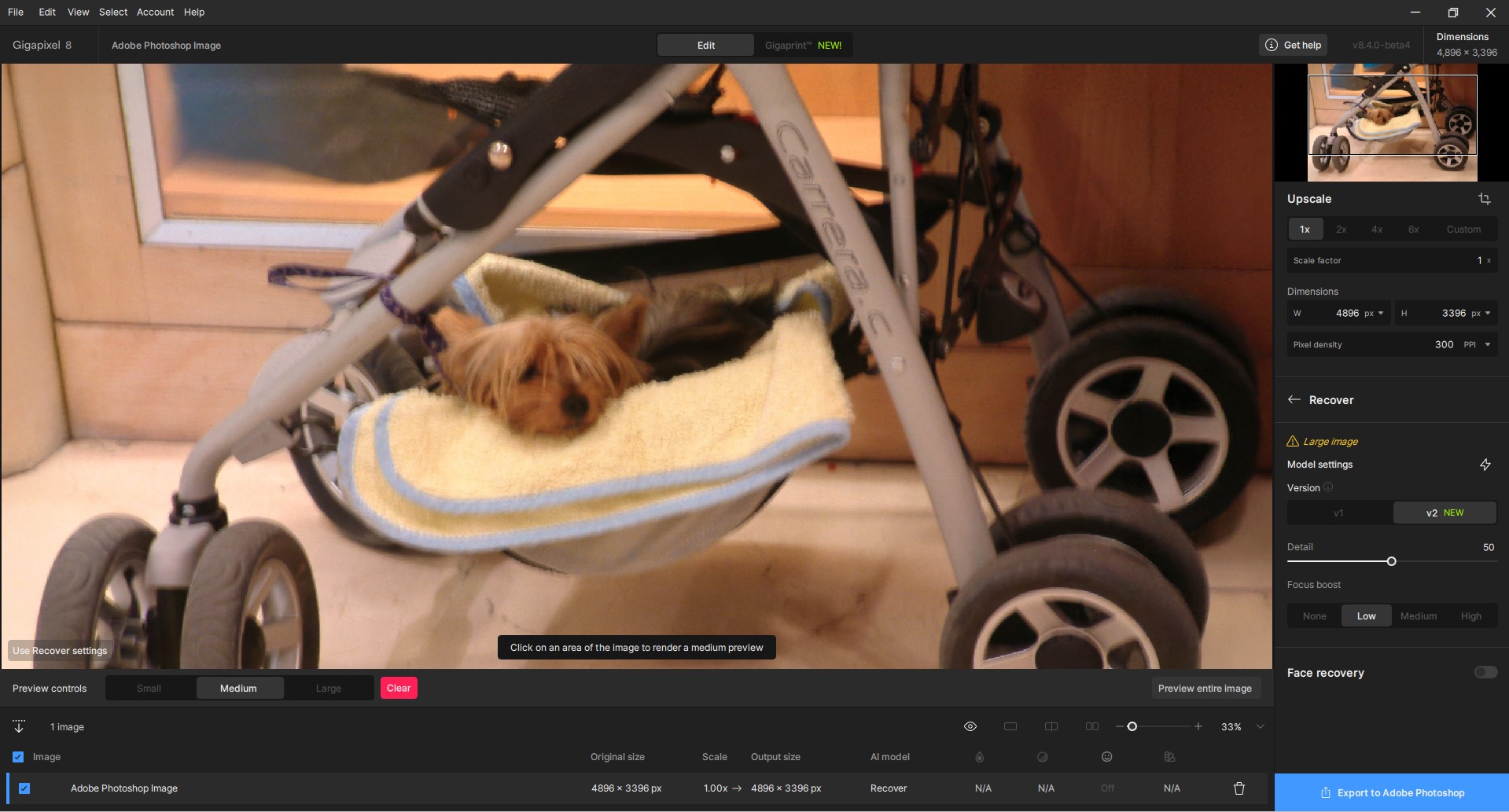
This is what CGPT came up with (which is right on the money):
This photograph shows a small dog, likely a Yorkshire Terrier, cozily resting in a stroller. Instead of sitting in the main seat, the dog is lying in the lower storage basket of the stroller, which has been made comfortable with a soft yellow towel. The stroller appears to be indoors, positioned near a wooden wall or display, possibly in a shopping mall or a store. The dog looks relaxed and content, peeking out from its little nest. The stroller is labeled “Carrera C” and has large, sturdy wheels, suggesting it’s a model designed for stability and ease of movement.
Wow.
1 Like
Thanks for the reply.
Harald.De.Luca, Fotomaker, rayinsanmiguel Ray, Zed1:
Many thanks for the useful advices and the subsequent discussion focused on generating a verbal description of photos. I tried it and indeed, it gives nice results, better than a two-headed tiger. For example, ChatGPT generated the following text for me, which I find very good, although a bit wordy, but that’s okay (and I don’t have to write it myself as a school assignment). It definitely helped in the form of a prompt to avoid wolf heads, etc.
So the AI creates a supporting verbal description and passes it on to another AI to edit the photo. I’m starting to feel quite useless… and what if the original photos are also made by AI, all I’ll have to do is view them (if the AI lends them to me).
This photo captures a deer (likely a young doe or fawn) mid-leap in a grassy field. The animal is suspended in the air with all four legs off the ground, suggesting swift motion or an attempt to escape or cross an area quickly. The deer’s ears are upright and alert, indicating heightened awareness or vigilance. Its fur is a reddish-brown color, typical of deer during the warmer months, and it blends naturally with the surrounding environment.
The background is a vibrant green field filled with tall grass and some small flowering plants or seed heads scattered throughout. The grass appears lush and thick, likely suggesting spring or early summer. The lighting is natural and bright, indicating that the photo was taken during the day, under direct sunlight, which casts soft shadows and highlights the texture of the deer’s fur.
Overall, the image conveys a sense of motion and natural beauty, capturing a fleeting, dynamic moment in a peaceful rural or forest-edge setting.
Do you mean just that Ps is open? Or, do you do any GAI processing with the GAI Ps plugin?
And although Gigapixel is in plugin or standalone mode, the speed is very slow with redefine when Photoshop is open. If redefine works (even just with a preview area) and I close Photoshop or open it if it’s not open, it’s a black screen with a Gigapixel rendering error and it closes itself. The worst thing is that I get the same thing when I open Discord while Redefine is running. But Discord isn’t resource-hungry. When I use Redefine as a Lightroom plugin, I have to close Lightroom otherwise the rendering takes 2 or 3 times longer.
Also, do you upload an original image to Gemini & ask for description of it? I’ve never tried that.
Yes, if you have a Google account, you can use Gemini Studio for free. You import your image and you can ask it for a description. The amount of detail Gemini will provide will depend on the prompt you give it.
Google AI Studio | API Gemini | Google pour les développeurs | Gemini API | Google AI for Developers
1 Like
I really ask myself how important prompting is when using Redefine.
While I am all into “telliing” Redefine briefly what is in the picture - to avoid a deer being transformed into a tiger, and vice versa  - my perception is that even at creativity 3, a prompt made by Gemini or another i2t analysing AI changes almost nothing as to the GPAI result. I have tested a couple of pictures using concise prompts against prompts inflated by Gemini or ChatGPT and against prompts directly drawn from the picture to be processed, and the difference between the outputs was close to zero.
Has someone else tried out short prompts vs elaborate ones and found a substantial difference in the outputs?
1 Like
Thx.
My Preview generating speed, with this release, has been slow. And, I always have Ps open. And I don’t use Topaz products Standalone.
I think the Preview gen spd is getting slower and slower with each successive release (though product claims are that it’s been goosed faster and faster). The current beta is unusable because of how slow previews generate on my system (2 minutes until a processing status bar even appears, then it crawls). Even trying to use Cloud is not responsive & it’s not clear where my image is or if it’s been processed b/c no change in appearance. Depending on feautures/models I’ve used, all I get are error msgs. Whether I have the processor set to Auto or AMD. Trend-wise kinda looks like the global mkt post someone’s “beautiful” tariffs…
I just use prompts generated by Chat GPT. It’s much quicker than even short sentences (mis)typed by mu=yself (sic).
I have found some of my old photos turn immediate foreground grass, gravel, sand or pavings into mush without prompts that describe the foreground. Also, here’s an example where without prompts the statues’ faces are Caucasianised
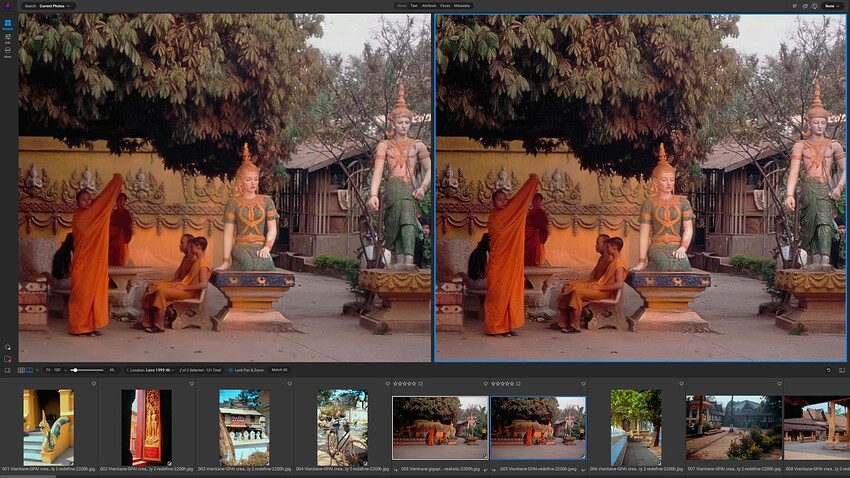
And this shot of the London skyline is a bit better once GPAI knows that The Gherkin has been identified:
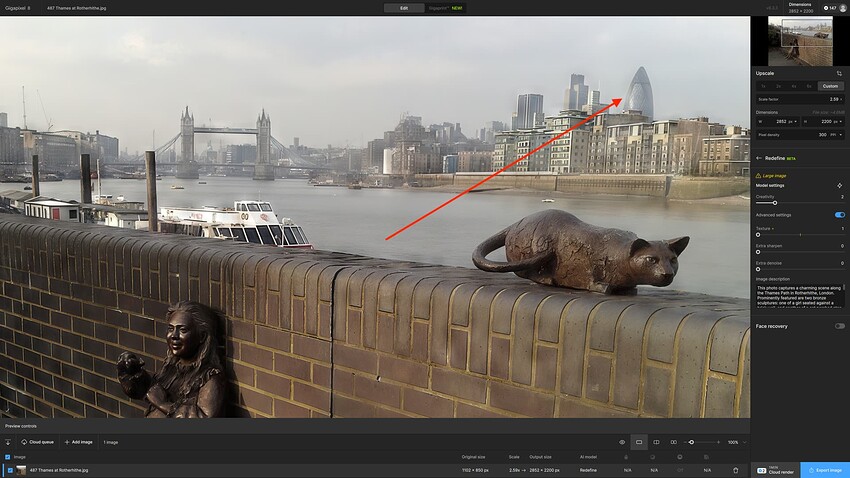
In many instances, though, the prompts make little or no difference. I am mostly batch re-processing my old JPGs without prompts and then going back to check if I can getter a better result for some of them with.
1 Like
According to my experience (comparing a Mac Studio M2Ultra with a windows PC with NVIDIA 4070 and another with 4060): yes, no real difference.
Of course, those generative models cannot be fully exactly compared as they deliver a bit different results in different runs even on the same machine due to the nature of the underlying technique.
For my part, I still have my 8 GB RTX 3070 Ventus. And despite everything, when redefine is running, I don’t dare open a demanding program such as the Adobe suite, for fear of a black screen.
1 Like
Hi, your app is amazing! I’m loving the recent updates as well. This “redefine” feature is especially incredible!
-I’d like to suggest a future update where we could use this redefine feature with custom masking, that way we could change/redefine individual portions of an image, separately from other portions of the image we may want to redefine with a different prompt (or perhaps not change at all).
Keep up the amazing work!
1 Like
I have been interacting with Topaz support for about 2 weeks concerning my 3 bug reports. Joshua and Alexandre have been very nice but, unfortunately, they have no idea when or even if these bugs will be fixed. It makes these new features totally unusable for me. Do you have some idea when I may expect a fix? Thank you.
Same here. Last I heard/read it was mainly M3 systems affected…
All in all Mac coding seems very limited .
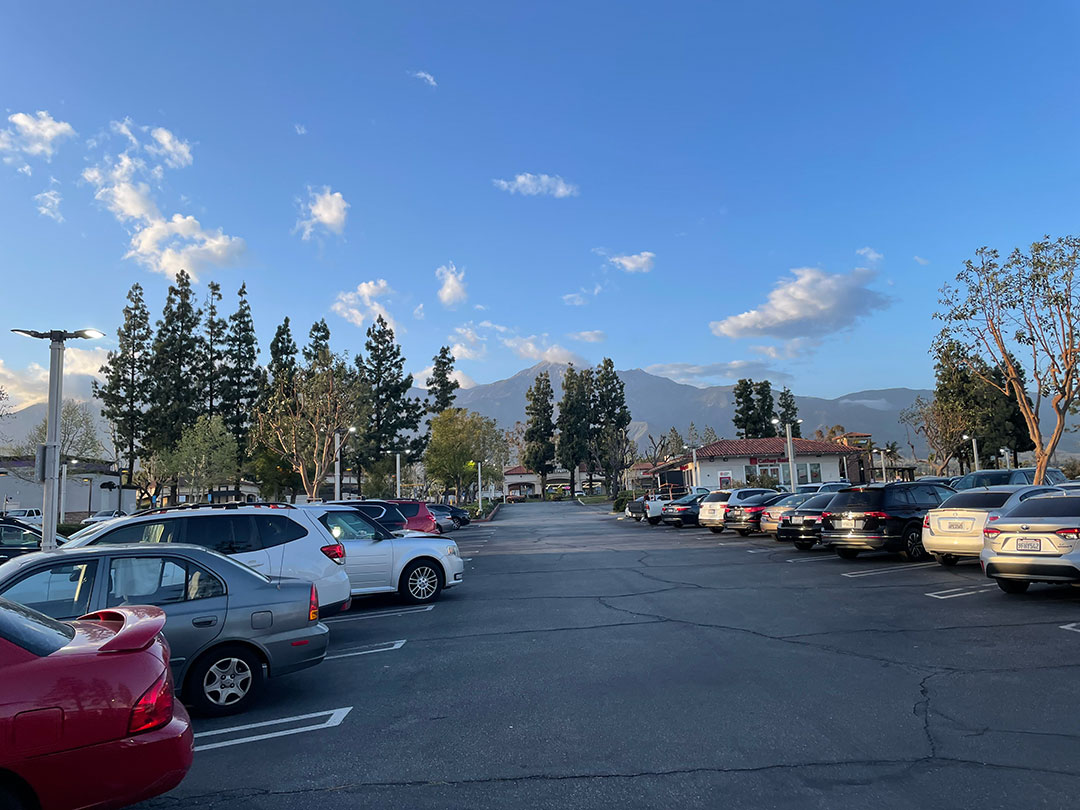
Another one of my “extreme enhancements” of a scenic, shot with Gigapixel Redefine in mind. Used PC with NVIDIA 4090 locally.
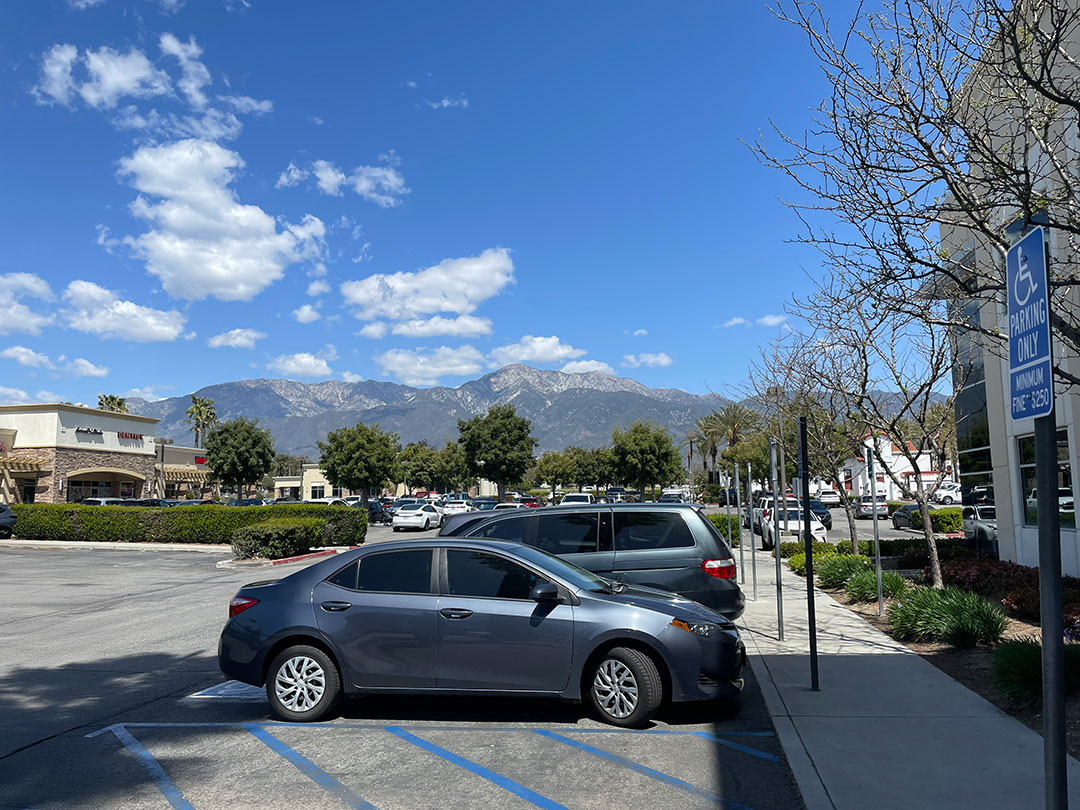
The original iPhone image, reduced:
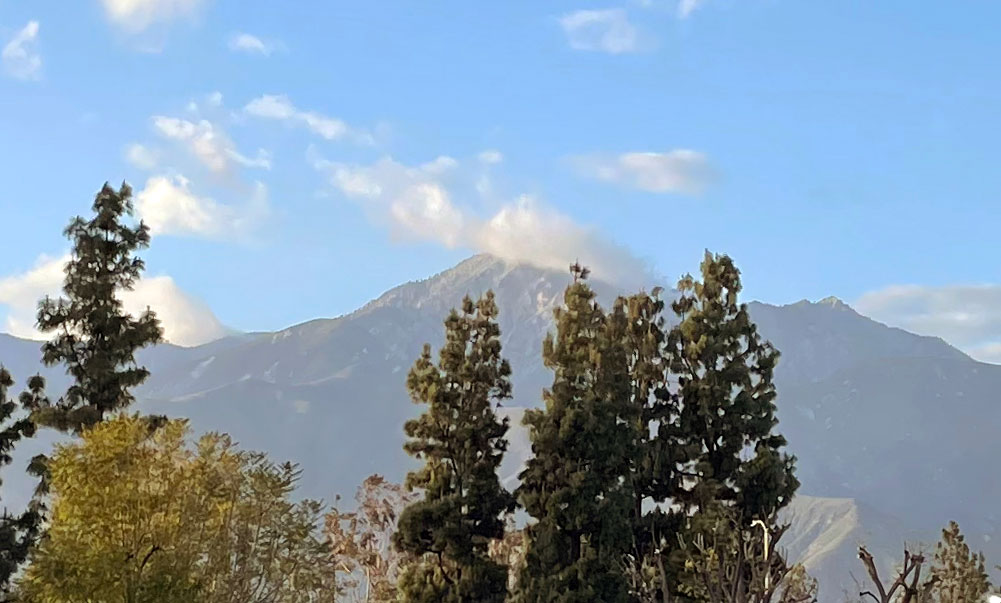
Cropped in Photoshop:
Redefined at Creativity=6, Texture=3 @ 6X (go big or go home!), reduced:
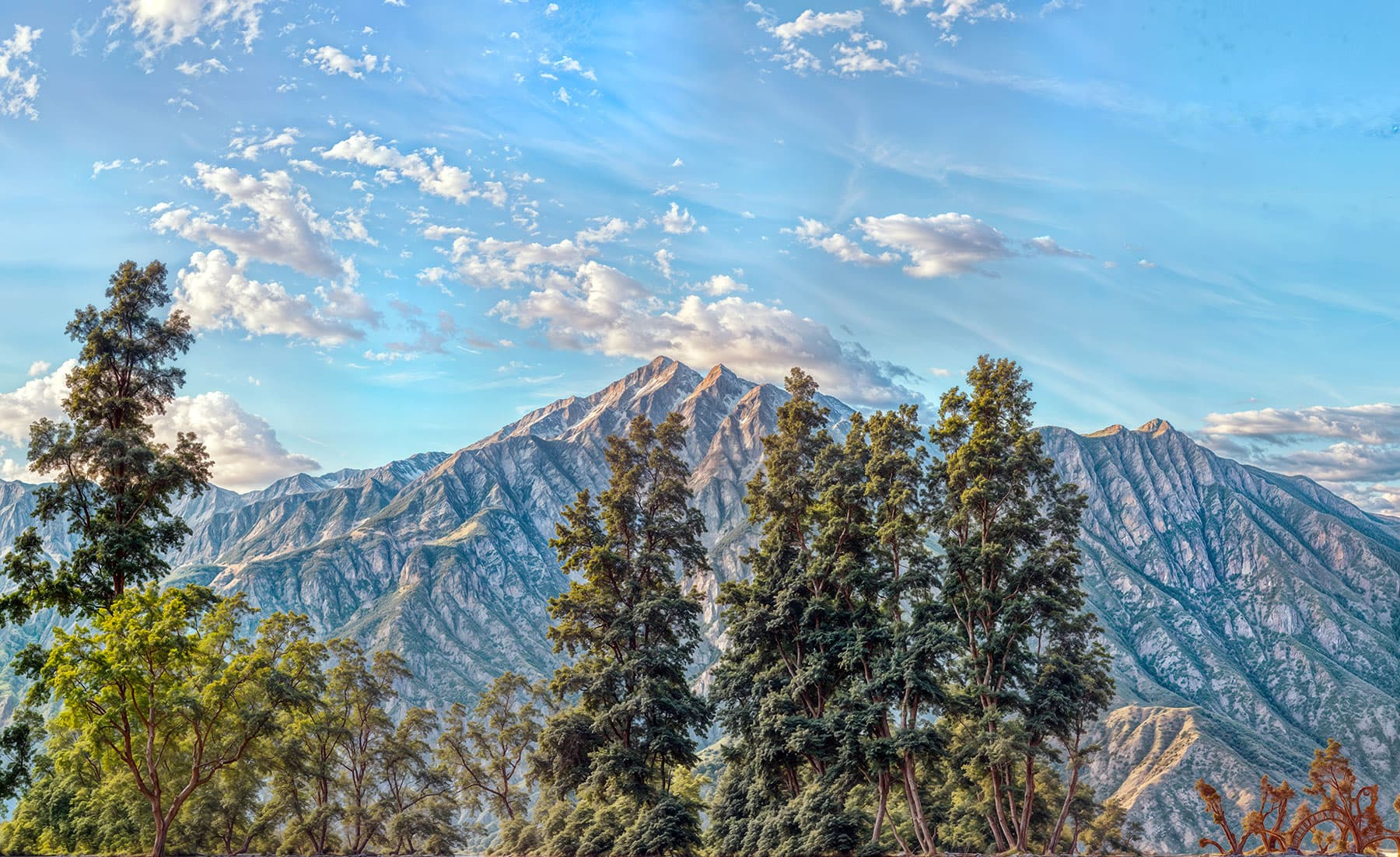
Got a little bit of blotching in the sky, but overall a nice re-imaging of the image.
Another, same process:
The original iPhone image, reduced:
Cropped in Photoshop:
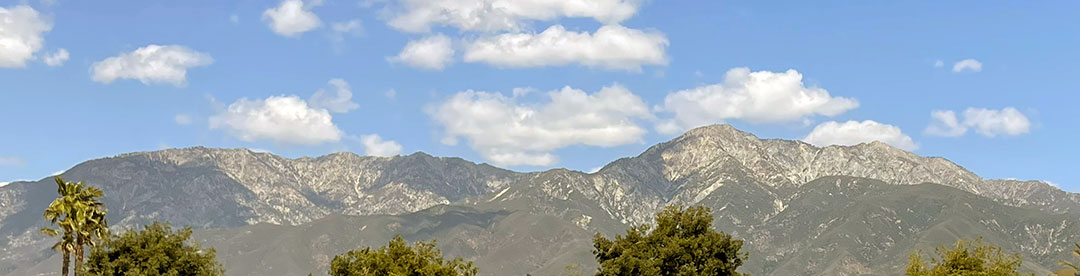
Redefined at Creativity=6, Texture=3 @ 6X (reduced):

Same sky issues.
In other news!
An instructor asked me to install Krita and its generative plugin in one of our labs, so I gave it a go (I didn’t know you could use the app this way, and supposedly there is live drawing/generating which I will learn how to do).
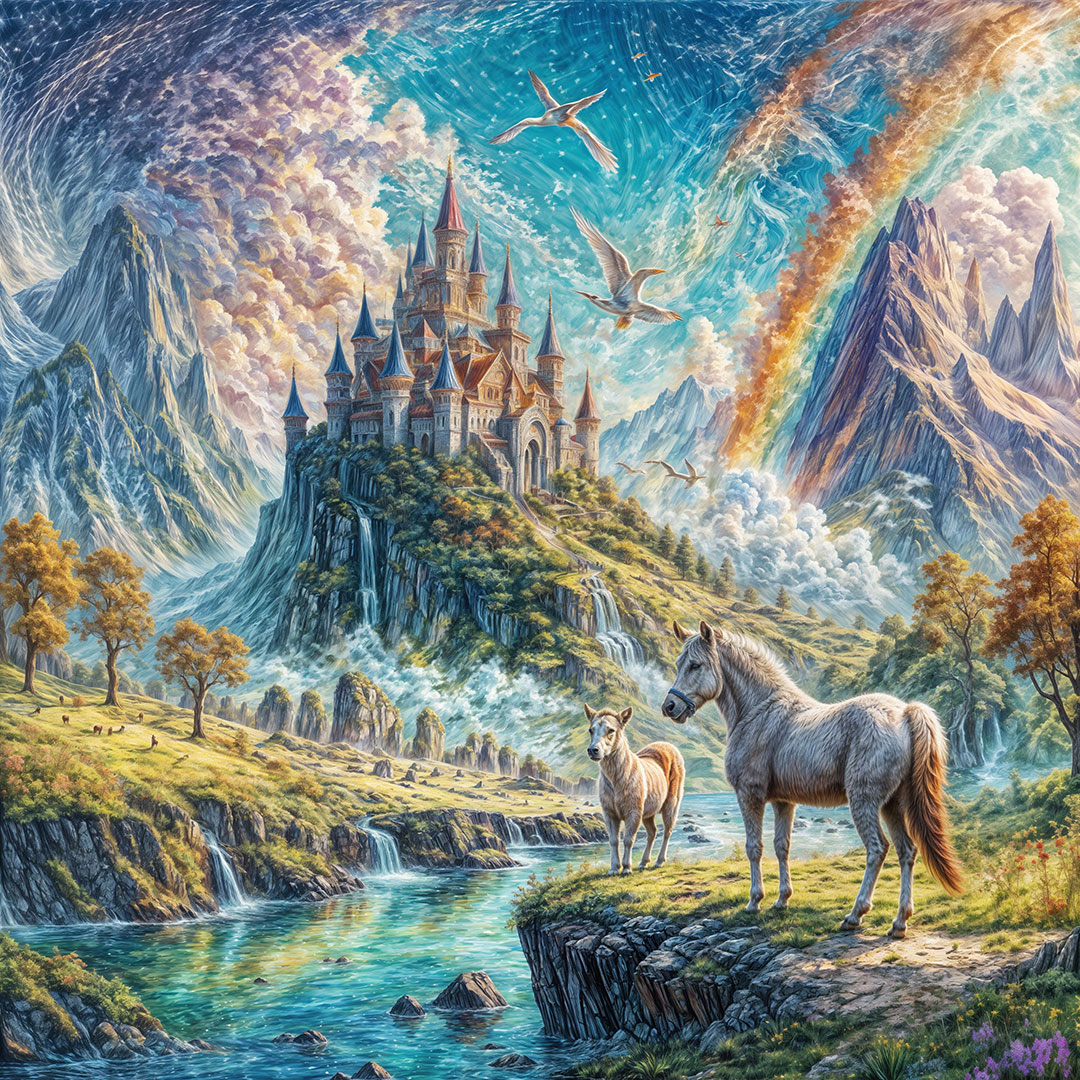
I did a quick text prompt to see if it was working and got these scenics, which of course I had to Redefine!
The original, followed by 2 different (reduced) Redefines at lower and higher Creativity and Texture settings. (I find the lower settings more natural looking but boring, until things go weird of course…):
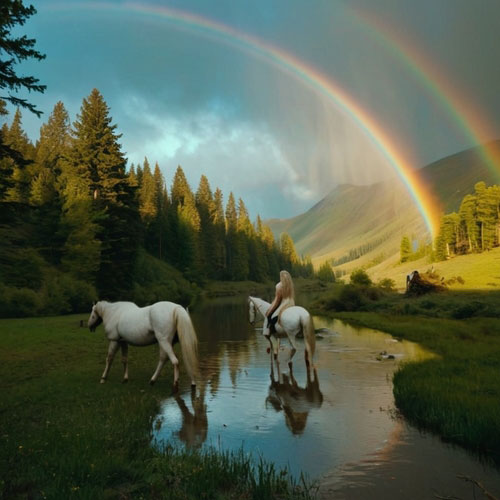
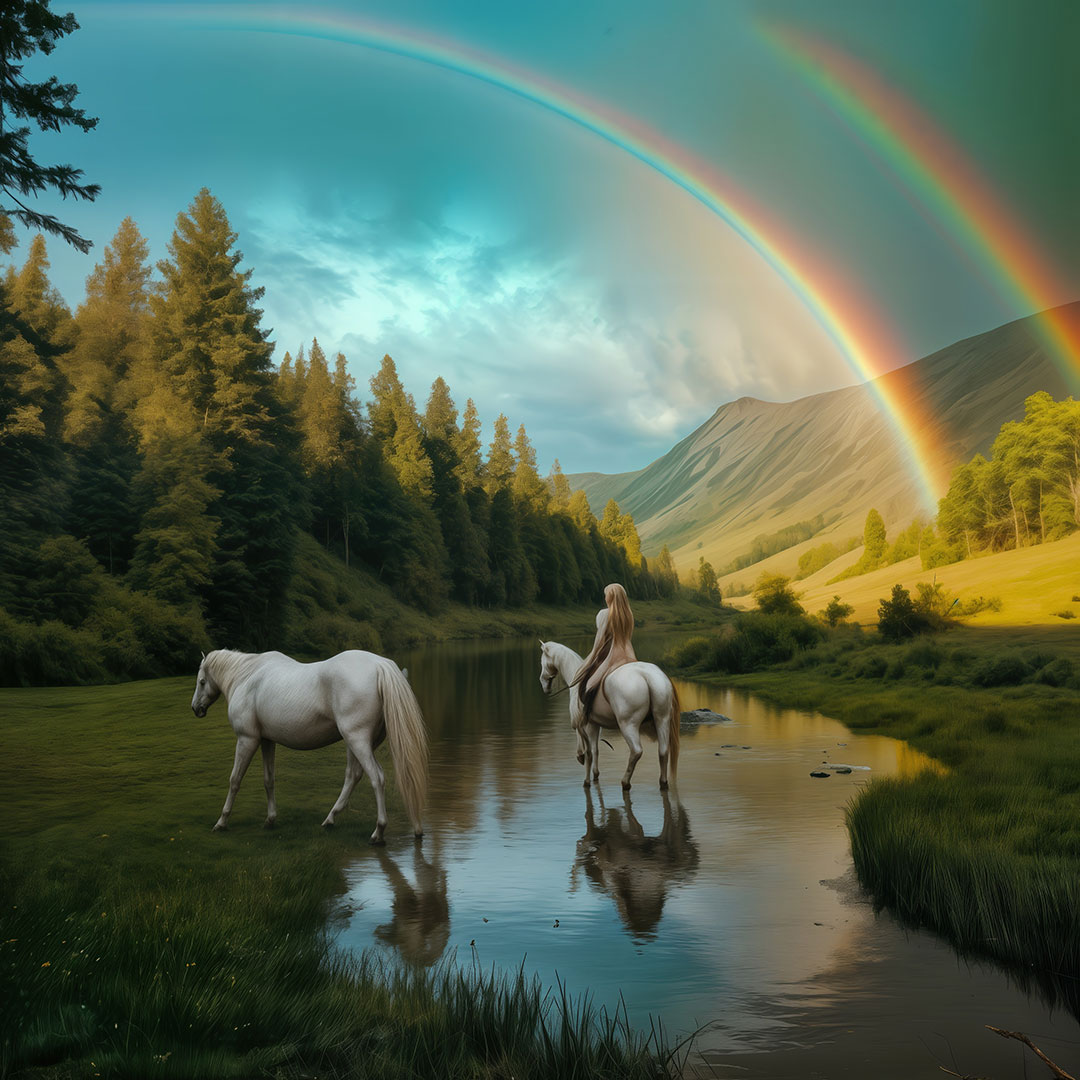

And another:
I’m waiting also. Stuck on 8.0.2 since it Redefine works with the M3. Anything above that and it doesn’t work.
1 Like
Got really a great result trying to recover a portrait.
MacStudio, 64 GB RAM. Recover low detail. Needed some additional work in Photoshop. There were artifacts (little dots) which I easily removed with the Dust and Scratch filter. Just Played with the threshold.


A little frequency separation and smoothing
Very happily surprised. Thank you

1 Like
Nice. Just needs some Red (or, Magenta) desat now on the skin.
