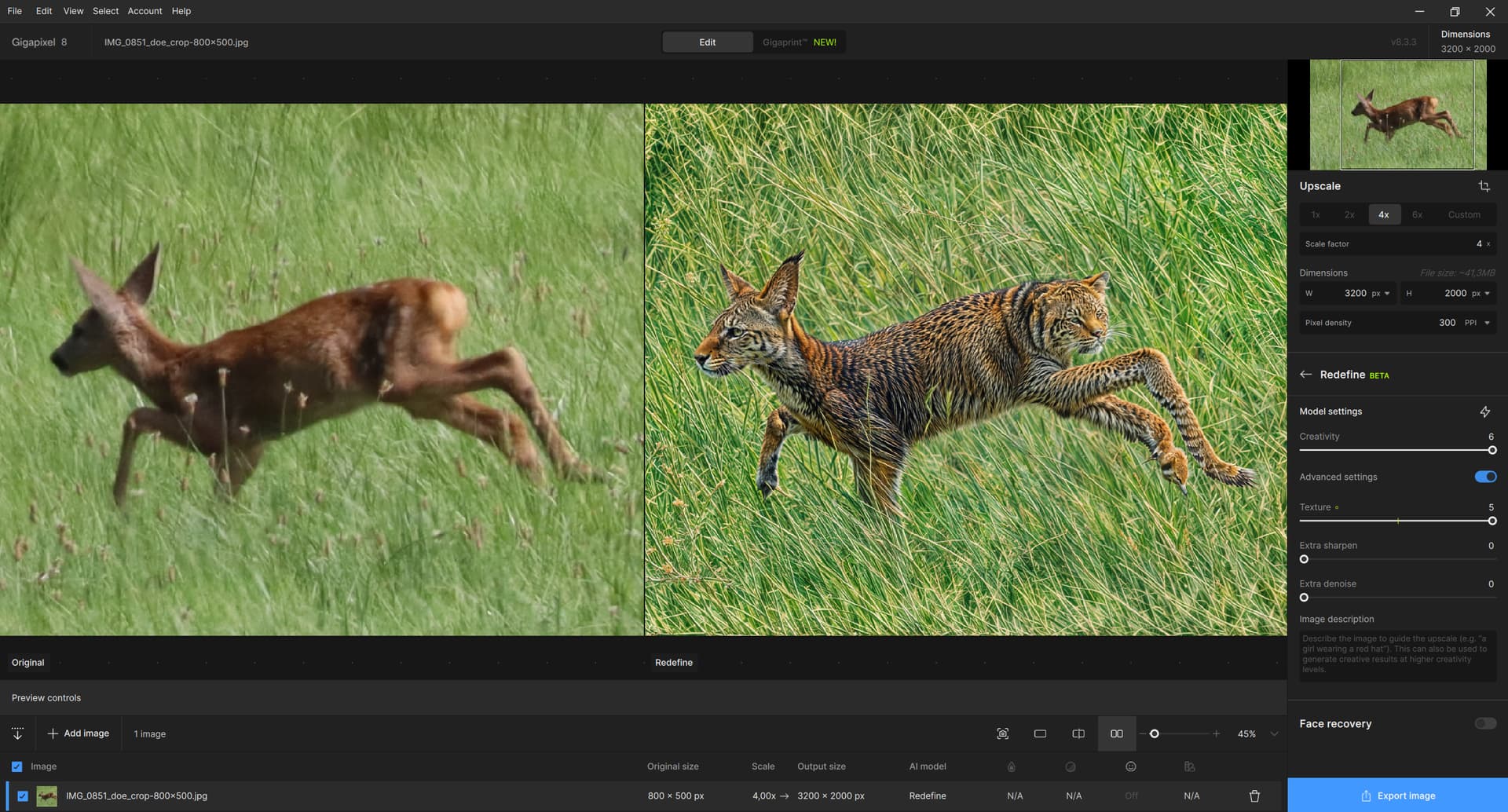
Unless you prompt a specific animal, GPAI Redefine will turn everything that has four legs into a dog. 
1 Like
 .)
.)
Pffff, WTF 
 .
.
You’re really going to have to stop making images like that hahahha. I’m joking, of course.
By the way, first try redefine without scaling and then from the resulting image, scale with Redefine or recovery. Normally, the result should be better.
1 Like
Here’s the description made with Google Gemini (I asked him to describe it in great detail).
“The image shows a roe deer (likely a female or a juvenile, as it has no visible antlers) in full motion, leaping or running through a field of tall green grass.
The animal is seen in profile, facing towards the left of the image. Its coat is a warm reddish-brown color, typical for the species in summer. Its silhouette is slender and agile.
Its head is stretched forward, with large ears pricked up, attentive to its surroundings. The muzzle is dark.
All four legs are captured in the midst of running or leaping. The left foreleg is slightly forward, while the right foreleg is folded back. The left hind leg is tucked under the body, and the right hind leg is extended backward, propelling the animal. This posture gives a strong impression of speed and energy.
The animal’s hindquarters feature a light patch, almost white, on the rump (the “mirror”), which is characteristic of roe deer. The tail is very short and barely visible.
The environment is a lush meadow, dominated by tall green grasses that reach about halfway up the animal’s body. Some lighter-colored flower heads or seed heads can be seen scattered throughout the grass, adding a bit of texture to the background. The lighting appears to be daylight, illuminating the scene well.
The entire image captures a snapshot of wildlife, highlighting the grace and liveliness of the roe deer in its natural habitat. The slight motion blur in the grass enhances the feeling of speed.”
And to avoid the artefact of miniature deer copies scattered throughout the photo, here’s a prompt without the animal that you can add to the deer.
“The image depicts a field or meadow dominated by tall grasses of a bright, lush green. The blades of grass are dense, creating a sea of vegetation that occupies most of the frame. Scattered throughout the grass, one can see numerous lighter-colored seed heads or flower spikes, likely wild grasses in bloom or gone to seed. These thin, vertical stems add texture and subtle contrast to the dominant green.
The scene is bathed in bright natural light, likely full daylight, which enhances the vibrancy of the vegetation. The overall texture is dynamic, with variations in the height and orientation of the grass blades, suggesting a natural and potentially breezy environment. The overall atmosphere is that of an undisturbed natural habitat, peaceful yet vibrant with plant life, typical of a meadow in late spring or summer.”
In Photoshop, for example, you can mix the 2 variants.
Here, in reduced 4/3 resolution (819x615), is a combination with redefine and creativity at 2 and texture 3 + prompt and a variant with Creativity at 1 and texture 1.
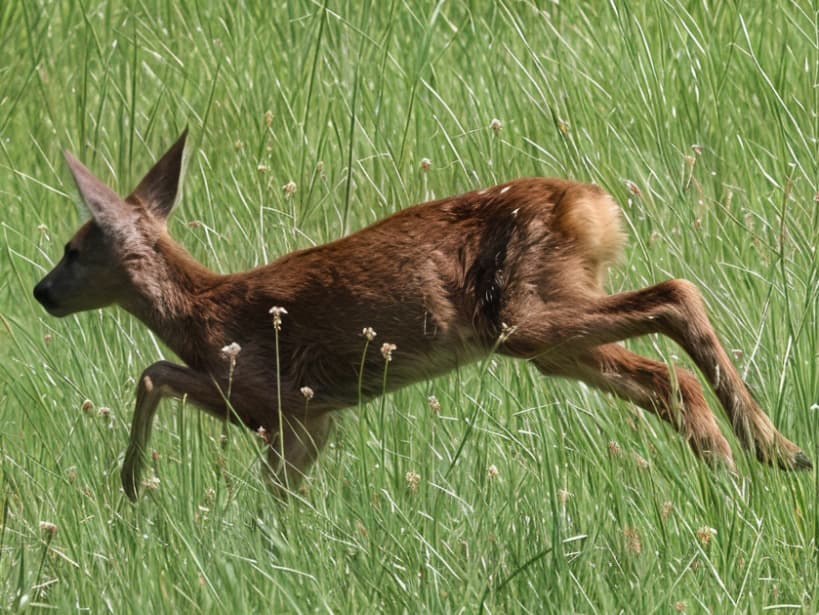
The one with creativity 1 was used for the head, because with creativity 2, the head was badly oriented and there were defects on the eye and ears.
Here’s a x6 rendering in 2 phases. The first with the prompt including the animal and a phase with the prompt without the animal to correct the artifacts in the tall grass.
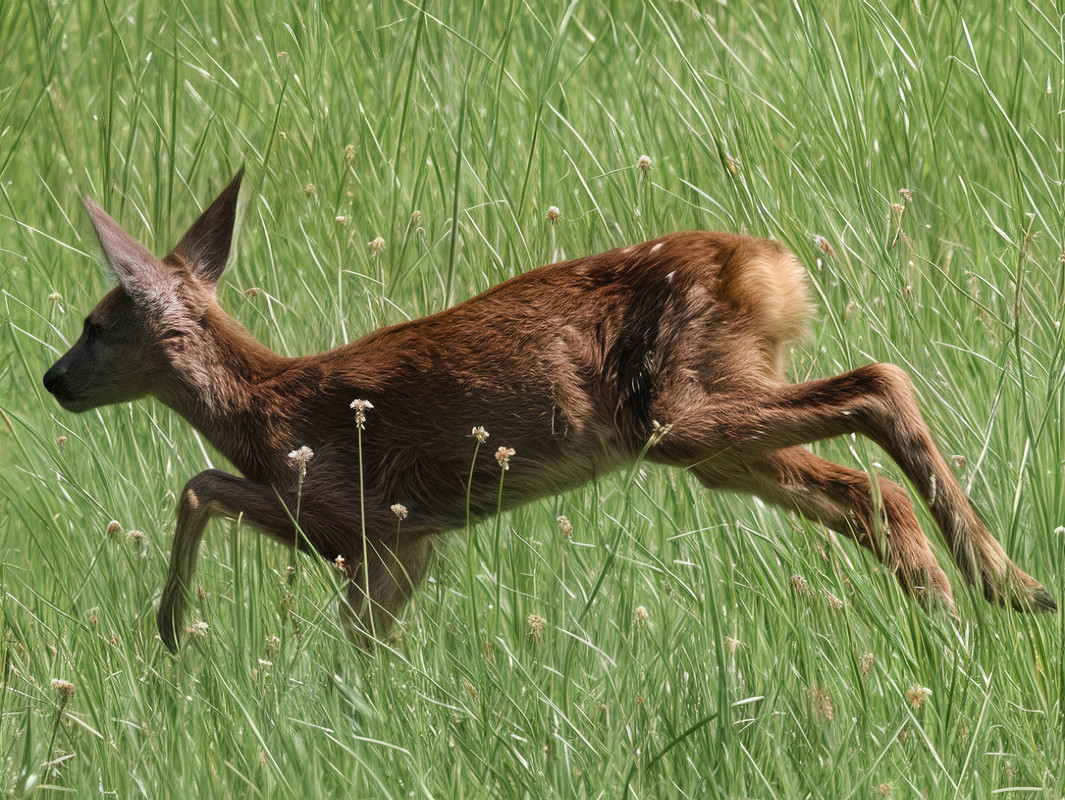
For your information, the 2 variants are made with 2 creativity and 3 textures.
Here’s the final result with a resolution of 50 Megapixels.
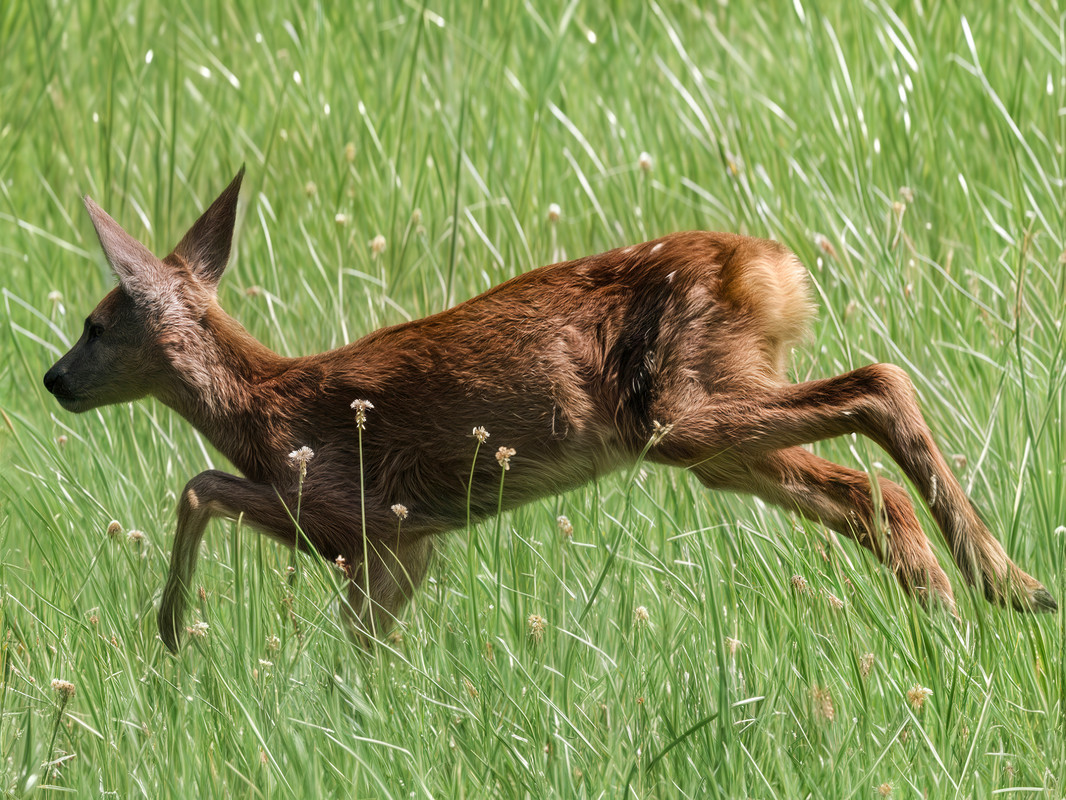
For the final rendering in this resolution, I used the Recovery V1 model with 1 in detail. It worked best in this scenario. Then I did a little post-processing in Photoshop and finished by adding a slight DOF (Deph Of Field). to focus on the animal.
Well, the herbs may not be 100% perfect, but the little flowers at the end of some of the stems are really quite nice. And I’m very happy with the realistic details I’ve been able to add to the animal while respecting its integrity 100%.
2 Likes
Also, a very, very annoying bug is that if I use Redefine when Photoshop is open, the speed is just horrible. If Redefine is running and I open Photoshop or Discord for example, I get a black screen followed by a rendering error and Gigapixel shuts down. As soon as I relaunch GAI and Redefine, my GPU fans start screaming. And I have to restart my PC to stop the fans screaming.
I see. But ideally, you want to combine the best parts of each variant to get the perfect photo.
1 Like
Yeah, with AI tools these days, it’s handy for recreating an accurate description of an image.
1 Like
I’m on a M2 Mac Studio and the update doesn’t seem to have fixed the Recovery bug, though instead of being blurry now it just looks all glitched out and weird. My question is this: what happens when the ‘12 months of free updates’ runs out if Topaz still hasn’t fixed this error? Am I just out of luck and will have to run 8.02 unless I fork over money for an upgrade even though the last 6 months of updates has rendered portions of the product unusable?
Please reach out to our support team - they keep track of these items and help notify users when fixes are available. Unfortunately we are still waiting on some M2 fixes from Apple from what I know. Most M1 and M3/M4 devices seem fine and fixed by prior updates.
Indeed, that’s what I have done on a number of occasions.
1 Like
Do you mean just that Ps is open? Or, do you do any GAI processing with the GAI Ps plugin?
Also, do you upload an original image to Gemini & ask for description of it? I’ve never tried that.
I’m not home so cannot try yet…
Gotcha, thanks for the response, I’ll reach out.
I have been using Image Describer to generate detailed descriptions of images. The subscription version costs $9.99 a month. However, I have just been put on to Chat GPT for this purpose and it does an even more brilliant job. Not that it will necessarily make any difference to the final upscale as far as I can tell so far. It is free, although I can’t tell if there is any limit to the number of photos you can upload. Just upload one and then type something like “Describe this photo in detail”
Fore example, I uploaded an old JPG of mine of George Eliot’s grave in Highgate Cemetery in London. It identified everything down to the detailed inscriptions on the tombstone! (Not the names of my two friends standing in front of it though!)
2 Likes
Will there be a GAI update tonight?
Thank you! I didn’t realize it could do that.
Well, geez, what kind of incompetent ChatGPT is that if it can’t give you your friends’ names, for gosh sakes. 
I’ll give it a try.
I have 3 open bug reports to support: 2 for Gigapixel AI 8.3.3 (Recover 2 - blurred and Redefine - preview totally different from result) and 1 for Photo AI 3.6.0 (Super Focus 2 - blurred). I have an M2 Pro 12/19/16 32gb running Sequoia 15.4. This is the first I have heard that it is a specific problem with the M2 series.
Hello - no, it’s not tonight
Will the redefine fix on Mac Silicon be in the next release?
1 Like
I just tried to upload an image to ChatGPT for description. No way to do it on my PC.
There’s no upload or related button, icon, etc. (I looked all over the page) I have the basic ChatGPT - do you have the super dooper pro paid version?
Boy am I striking out with AI stuff on this PC…  (at least I can be sophisticated and use a cricket bat icon - since I don’t see a lowly American baseball bat)
This site works for me - free to use so far …
2 Likes
