Peace.  I do not want any bad feelings or bad blood. Let’s just forget it and I will maintain a good image of you. Okay? It is finished.
3 Likes
There were times in which you would extend your update subscription for one year without receiving any significant update for the $$$ you paid. That is why I opted out for updates for quite some time, making the step from 6.3 (I think) to 8 without having suscribed for what I believe was far more than a year. By the way, I was reluctant to renew because Topaz claimed GPAI from V7 up would not work without a processor that supports AVX instructions. Well, the machine I now run 8.3 on most likely does not have AVX but GPAI runs fine.
As to the 1x thing, Topaz possibly is of the opinion that there is no need for an upscaler to support decent 1x. I rarely use 1x with the standard models, only need it when using Redefine but others may have different requirements. What I would like is using different seeds in Redefine as standalone image generators such as Stable Diffusion offer. With the current version I get identical images when running Redefine multiple times with the same parameters. And, as repeatedly stated, I’d love a generative model that does animal fur more realistic than Redefine. There are Stable Diffusion model finetunes that do an excellent job in that respect; transferring that quality to GPAI should not be a mission impossible.
Oh, and while we’re at it: It would be nice to have the preview window size freely adjustable. For now, even the “small” preview takes quite long to execute, and for me, half the size of the “small” window would be absolutely sufficient.
Now I have found that Redefine is also broken. 
The preview is totally different than the rendered image. Not even close. Yes, I have submitted another bug report along with screenshots, etc.
Agreed. V2 clearly causes detail loss and sky artifacts. It erases many fine details. V1 is sharper and creates less artifacts.
2 Likes
I find that when it adds artifacts like the odd building in the cops of trees, the remove tool in Photoshop 25 works well. It’s also useful when redefine adds women’s faces all over the place.
edit: It’s the remove tool, not magic eraser.
I’ve seen this as well in a number of photos. You really have to look at every part of your image with 1:1 zoom to make sure there is not weird stuff that was added.
1 Like
is this a bug/ quality and percision is being lowered by increasing preview size, output image always having lower quality than the small preview size.
here the photo i try to upscale
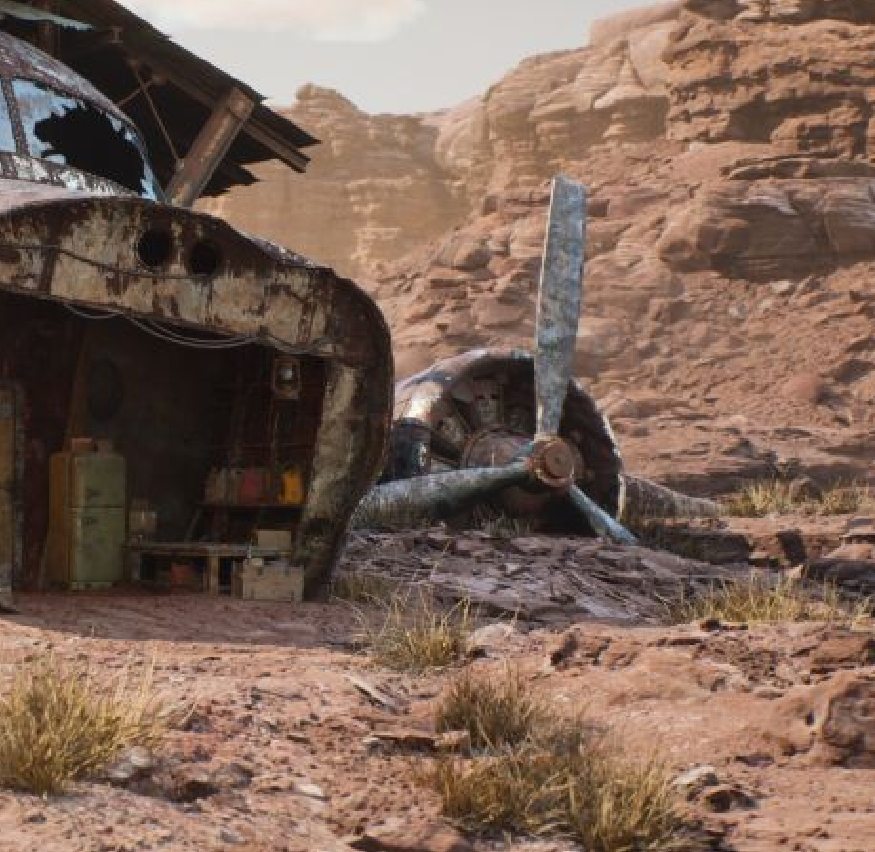
here’s the small preview size:high quality
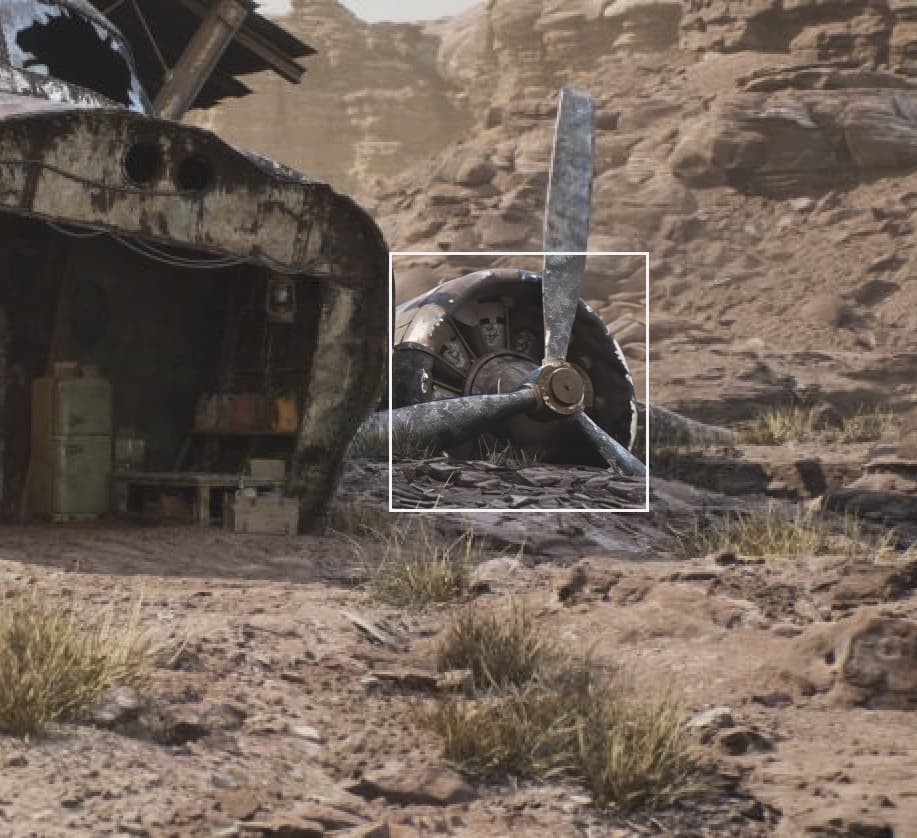
mediem preview size:
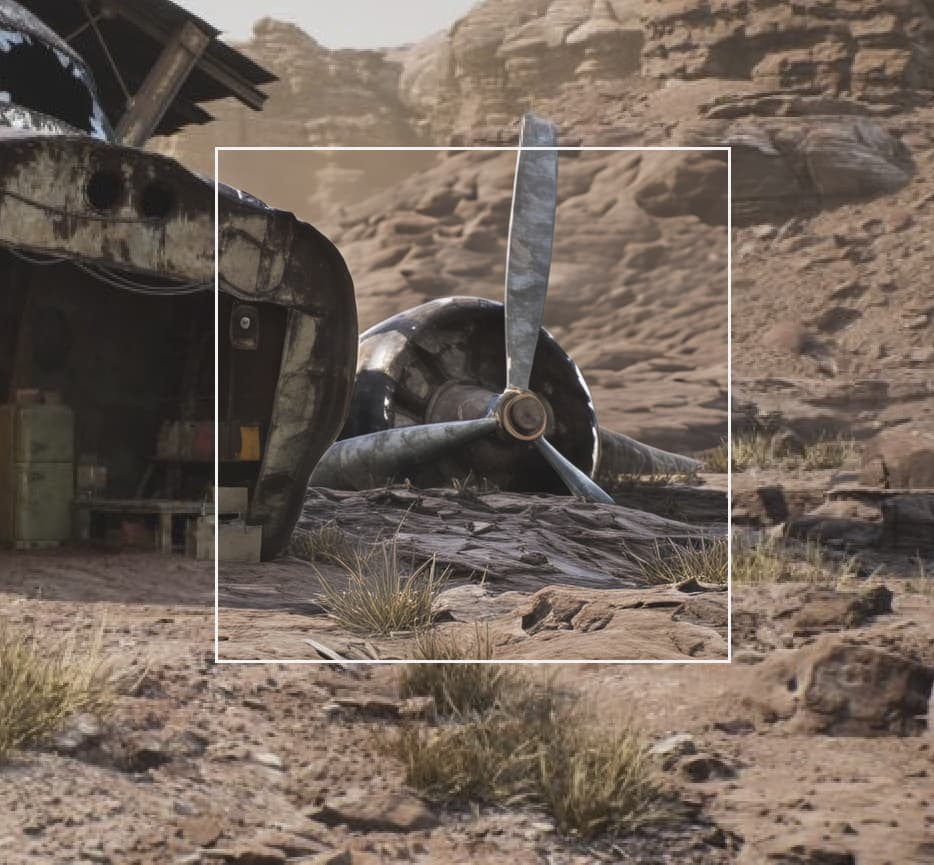
large preview size:
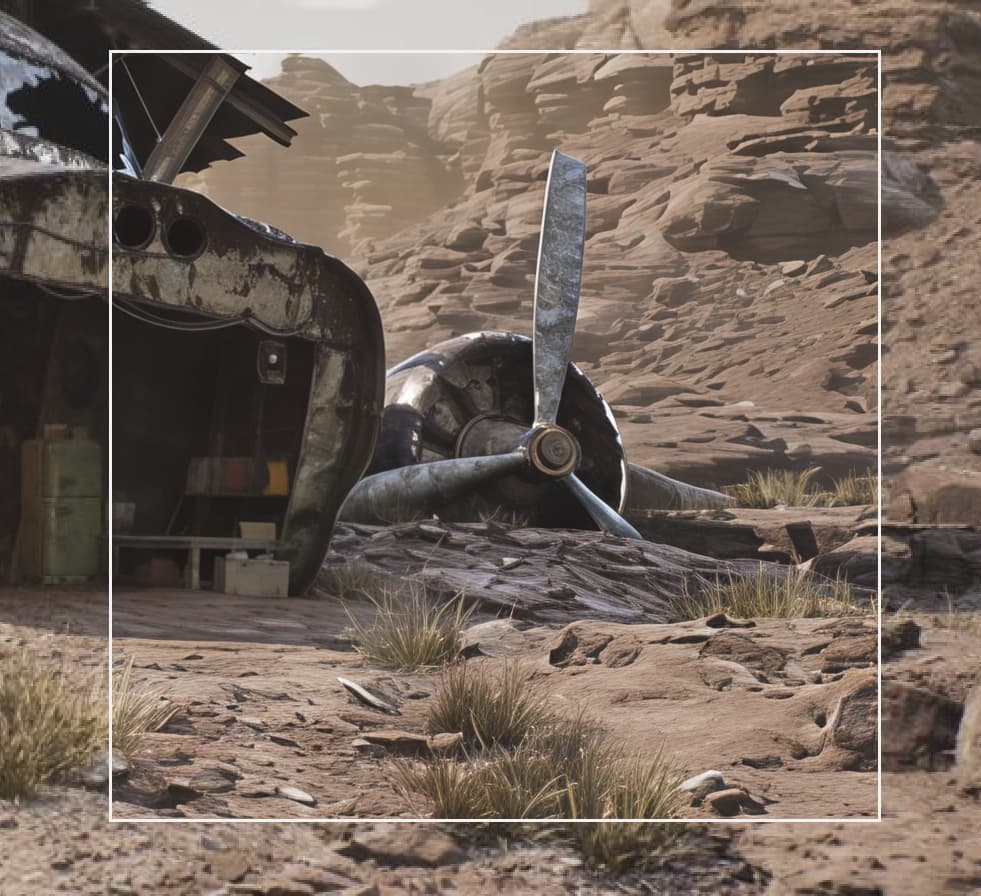
i think this can be fixed by rendering the output in small tiles and stich them togather.
The content in your preview box is soft. Which model did you use?
hi, i used recover v2,i used 2x and 4x upscale using gpu(rtx 3080)
i know ai always have a temporal inconsistency,but the small preview always give a good and consistant results,
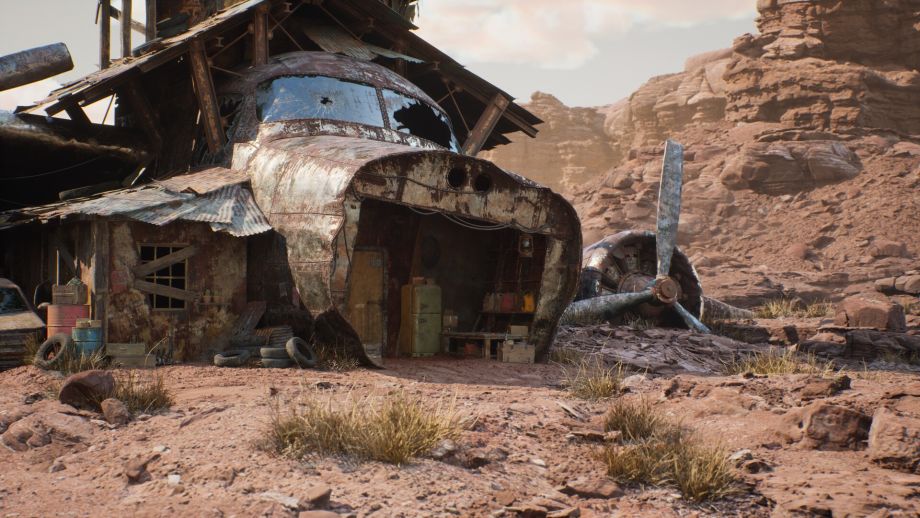
image i tried to upscale:
1 Like
Thx for the info. It’s interesting to me to know what works for others on certain types of images so I can try on mine too. That looks like a Thunderdome movie set. But, rats, you have an NVIDIA processor. I’m the lowly unworking AMD.
1 Like
madmax theme yes,
by the way i found a solution , using upscaling higher than 2.5x,
about performanc you can get a used gpu.it gets the job done
godspeed
1 Like
Getting errors (M1 Mac Studio Ultra, Sequoia). What was the folder deletion fix? I can’t find it here… Happens with different small images.
This is correct. The Creativity 1 and 2 settings are much different than 3 and up, running a different architecture under the hood.
Thanks. That’s very interesting. I guess we all need to experiment to find the settings that we like best for our particular needs. It’s just a pity that it’s all so slow on my Mac mini M4!
1 Like
Ah, that’s why the results are so different on the border between 2 and 3. I had a vague impression that it was done in a different way, because the difference is really dramatic. 2 is most often suitable for me, but sometimes only 1 is needed.
I always have to experiment, I’m not very good at estimating the correct parameter values (and especially their combinations). It probably works better for series of very similar photo contents. Fortunately, I only play with a maximum of a few dozen photos for my own pleasure, so it’s survivable. I use a laptop with Windows 11 (Nvidia Geforce RTX 4070 laptop GPU, 8 GB), so it works quite quickly for me (mostly in the order of minutes, sometimes to lower tens of minutes (say 15-40), usually much less than 60 minutes).
1 Like
Thanks for the tip and example, I’ll try it. I should probably write longer prompts, I usually write 1 or 2 not-so-long sentences; that’s probably not enough.
1 Like
Dear Support,
the issue the same as before: crash until upscaling. New fix does not matter, new version stuck/crash when upscaling and send error message (High fidelity option especially).
Only 8.2.2. version working well.
Windows 10, Nvidia GTX 10870 Ti., Intel(R) Core™ i5-8600K CPU @ 3.60GHz , 32 Gb RAM
Could you pls fix this?
Thanks, Eric
It seems to me that for each Creativity value the result has a lot of changes compared to the first image.
It might be worth trying TP Photo AI with the Super Focus Beta tool to see if that gives a better result. For me, the Super Focus sometimes helps (but other times it doesn’t at all).
1 Like
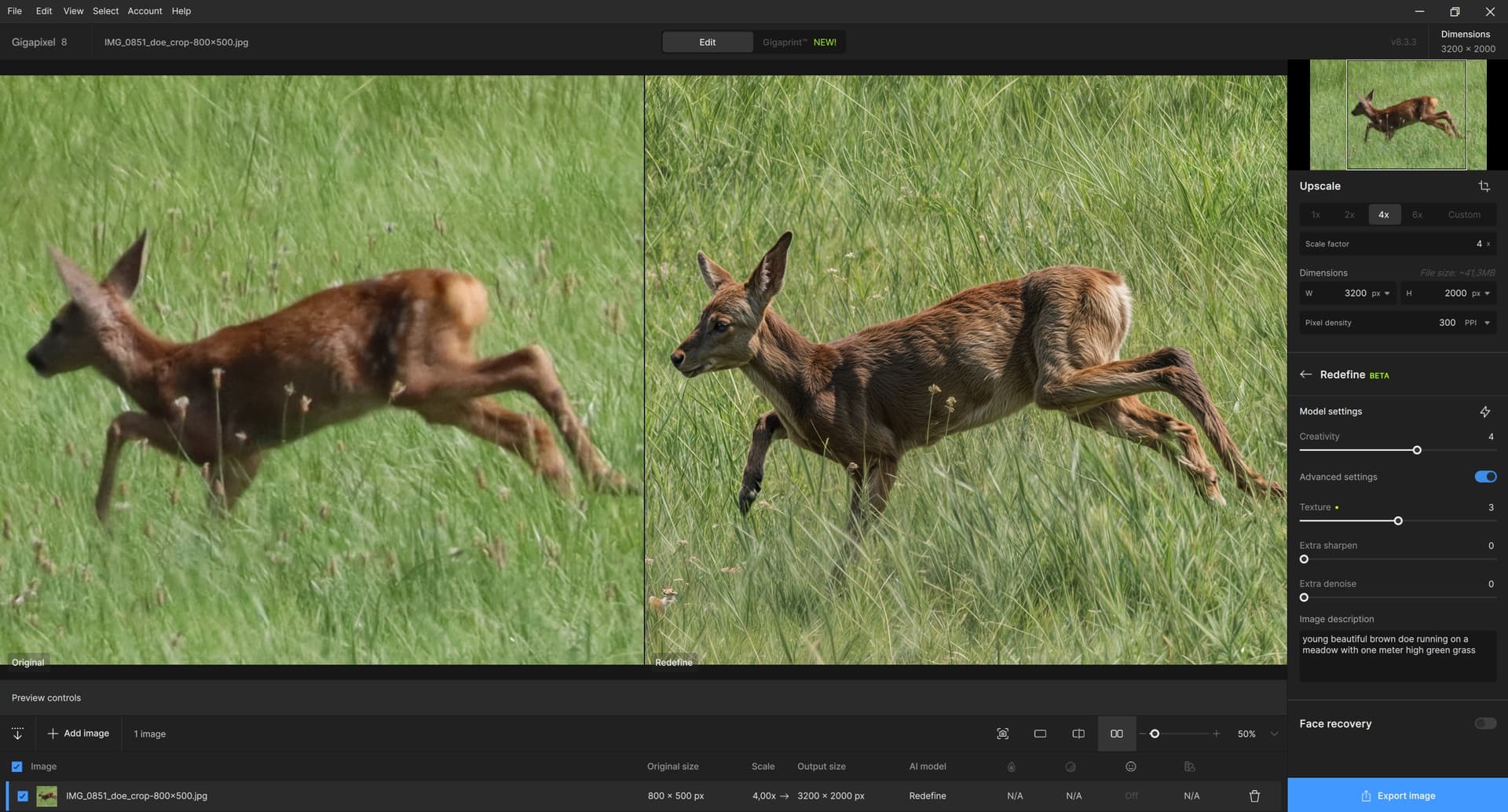
And the doe again. I first tried reducing the crop to 800x500 and then leaving the creative space to the AI in Redefine (plus Upscale 4x). The best result was for C = 4 and T = 3 with text prompt support – without the prompt, the result resembled a wolf (especially the head). I don’t think the result is completely bad (the grass turned out pretty well, I think; although the hind legs are probably not perfectly formed here), but the AI’s artistic hand surprised me mainly by changing the front part of the doe: its head turned to the left and its front legs swapped. Why not, it’s Redefine. But I’d rather have an improved original than a nicely rendered picture from the hands of the AI (which is not the task or goal of Redefine, of course).