Done!
I sent this information (logs and photos) to Joshua Hanlon of the support team.
I’m having the same issue of models not showing up. I tried a complete uninstall and reinstall and it’s still the same. If I click the “Auto” button to select a model, it will select one, such as Standard v2, that can be seen at the bottom of the program, but the list of models to choose from is simply missing.
Yes, yes, I’ve uninstalled and reinstalled it about 10 or 12 times, I’ve uninstalled it with Gigapixel_Support_Tool, I also uninstalled it with Revo Uninstaller Pro to do a deep clean and nothing, there’s no way to fix it. And when I open Gigapixel and upload a photo by dragging it, not even the arrow appears, I have to delete the photo and upload another one for the arrow to appear, which doesn’t work either.
Thank you. That is all that is necessary for a Mac and Windows PC? No other stuff is installed/changed in other places?
I just now thought I would download the trial, but I can’t find it anywhere. If the trial still exists it is very well hidden. Anyone know where I can download it?
steps to find the trial mode are here: Getting Started | Topaz Labs but please reach out to support@topazlabs.com if you’re still unable to find it.
can you share with us your system logs so we can review? How to Access System Logs
I don’t know if it works as well on a Mac, but on Windows it does.
Hello Dakota and Esther.
I’m guessing that with my Win 11 Pro, processor = AMD RX6800 XT GPU that I’d select the Windows Qualcomm ARM installer if I want to continue to process both color and monochrome images using GAI as a Plugin to Photoshop 2025.
Is that correct?
None of those tech terms mean anything to me as a mere photographer/Ps educator who processes photos.
Thx.
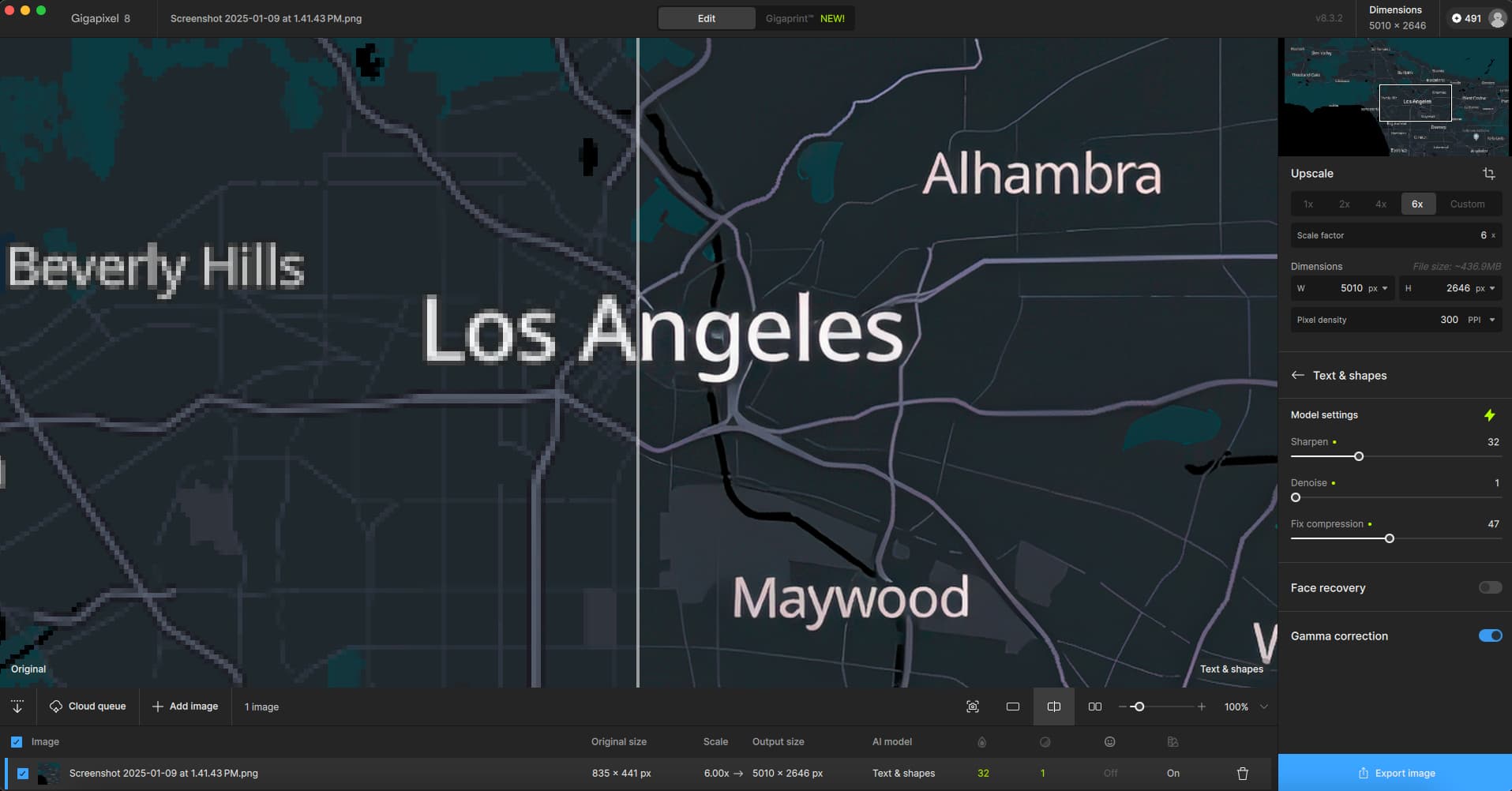
Quick test on M1 Ultra Mac Studio, latest Sequoia.
No issues with updating in place, loading, previewing and exporting a png screenshot at 6X:
Although I know better, I’m trying Redefine at high Creativity on a Mac… We shall see!
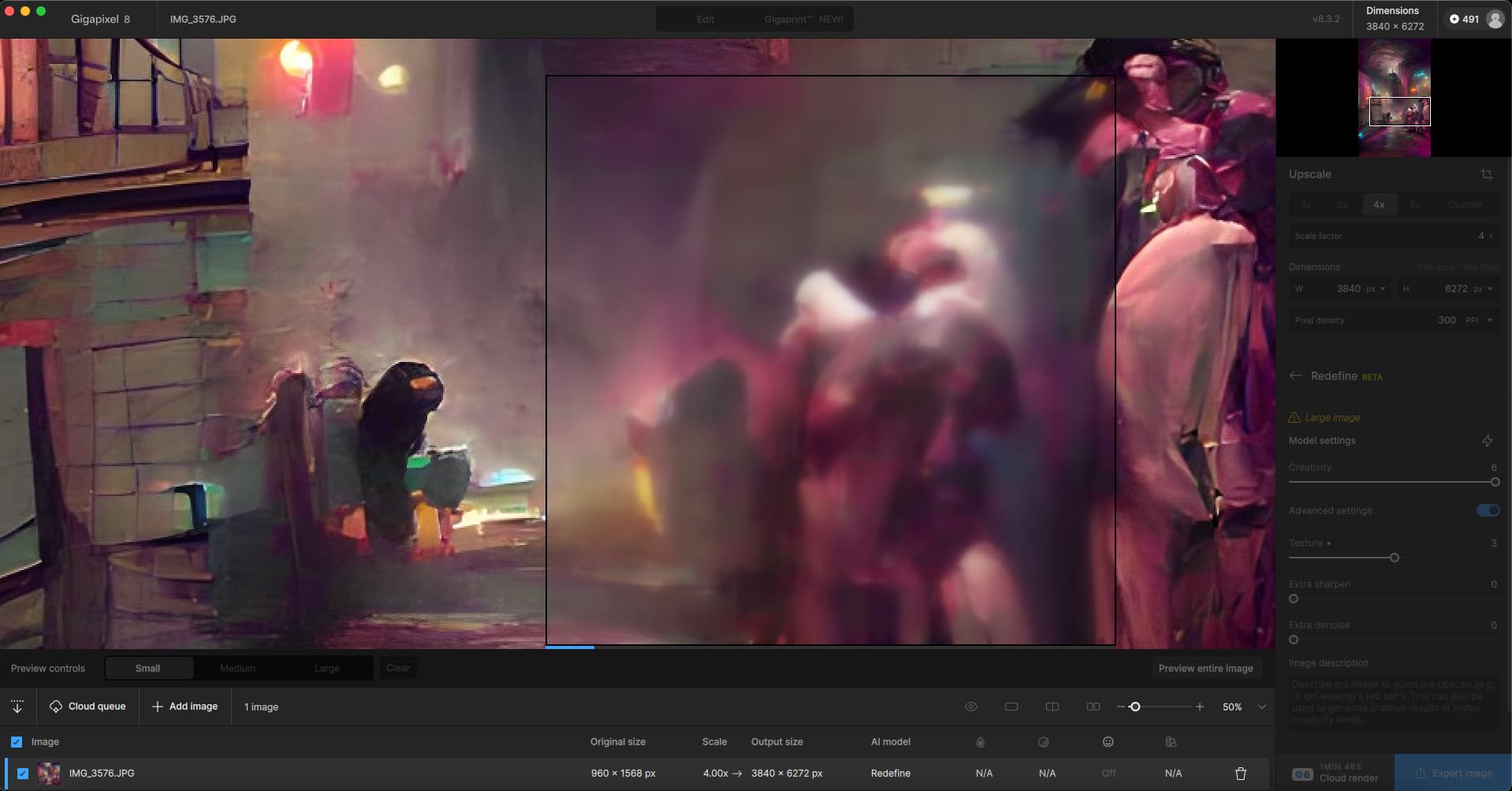
And there you go. I will try on a PC later.
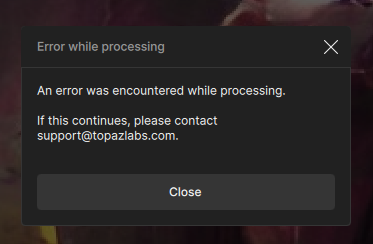
PC with 4090 is cruising along… No issues updating the app in place from v8.0.3
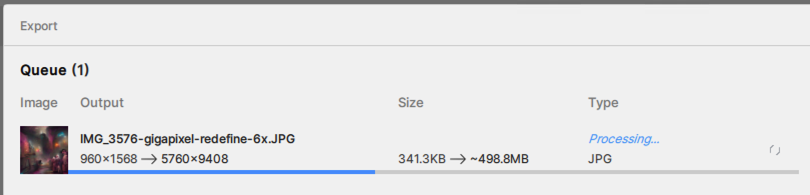
All done rather quickly!
Here is a detail version of a WOMBO abstract rendered at 6X with Creativity=6, Texture=3 from December in v8.0.3 [L] and today with the latest build [R] (below).
The original from 2022, reduced:

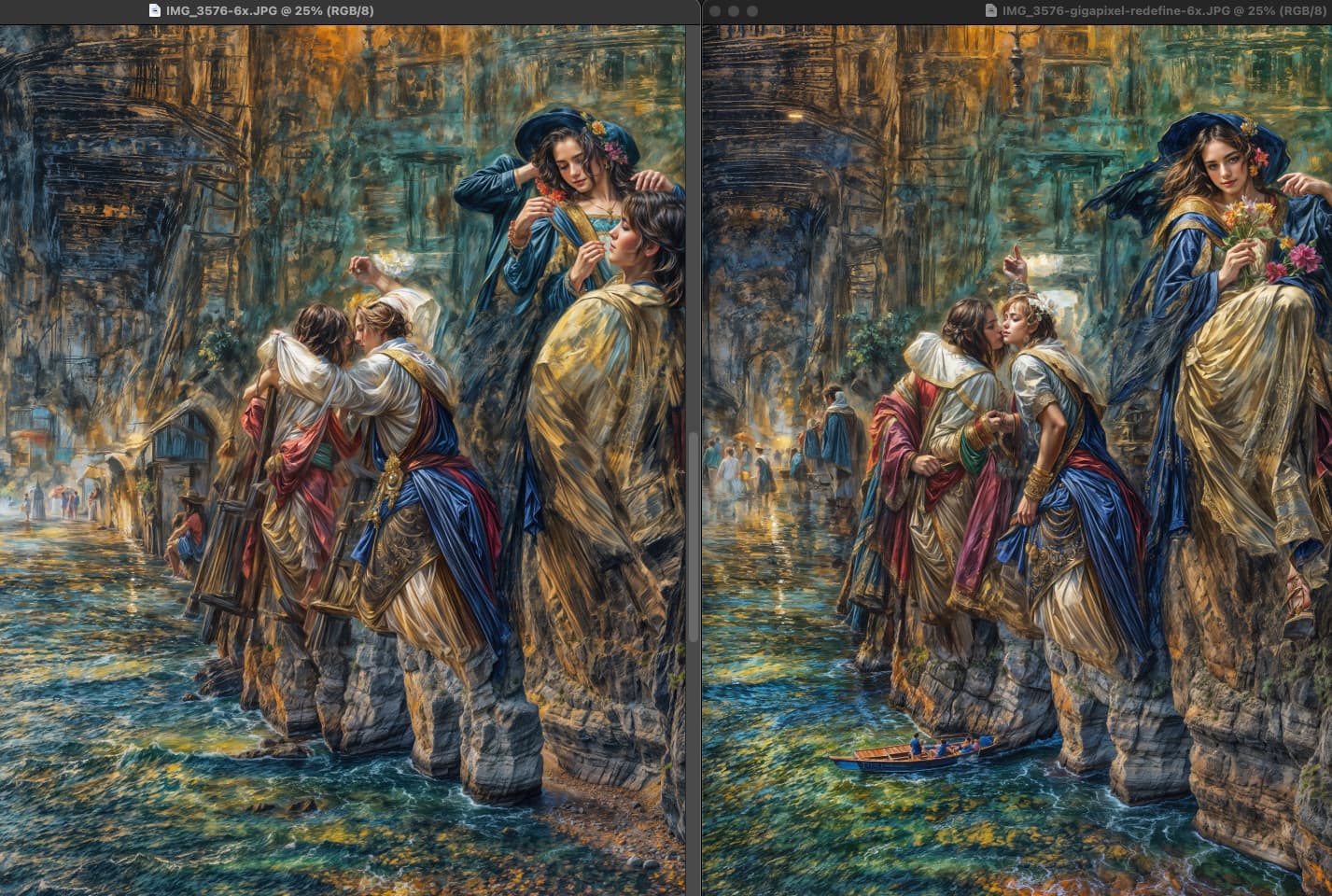
Topaz Girl lives!

3 Likes
And the number of her fingers keeps growing!
1 Like
Put a ring (or two) on it, ha!
Hey, no worries…
I have been doing IT (the building computer and installing OS part) for about 30 years and I was still a bit puzzled by the options presented.
A better split for a Windows computer would probably have been x64 vs ARM as I believe that the expression x64 is quite commonly used and cover just about everything AMD (by now probably exclusively Ryzen) and Intel except for the new snapdragon CPUs and similar.
Then again - I didn’t get the RTX 50-series reference either. Maybe my English is more flawed than I thought after having it as a second language for 40 years (yeah, us Swedes start early and don’t really dub anything except children shows) but I’m not sure if it’s “non ARM and non rtx 50-series” or just "non ARM and you who have rtx 50-series they mean…
The second interpretation would mean that I who have a Ryzen (non ARM) and a AMD gpu don’t benefit from the latest update…
Then again #2: I could just see if there’s an in-app update notification and hope for the best.
Edit: sorry I’m tired,long day… I meant to say x64 in the first part of my reply.
1 Like
x64 I would have gotten … Only ARMs I know are the ones I just exhausted in the past hour doing bicep and tricep curls and lateral raises at the gym.
I’m glad it wasn’t just me. Always reassuring.
The RTX I assumed was NVIDIA (though that would have been a clearer choice option). I knew that wasn’t me on my desktop PC.
Thank you for the reply! It helped me sort out the options.
1 Like
You’re welcome… And to digress a bit (and explain this thing with first writing x86 vs x64)…
In the end x64 is an extension of the x86 which for all means and purposes still is a very different architecture than ARM.
ARM for me is not about going to the gym though… More about what’s been under the hood of the majority of mobile phones released the last decade or so… 
It’s just recently (relatively speaking) that they started building laptops (and Windows) for ARM.
1 Like
Maybe I’m too old but I still have that in mind when I hear ARM (and/or RISC):
2 Likes
Never had the pleasure of knowing Acorn… Reading the Wikipedia page did however bring me down memory lane stopping by the pages about Microbee and Compis computers we had in the school computer lab back in the mid 80s. Network storage was a huge 10MB shared drive…
Good times!
(And completely off topic here. Sorry!)
1 Like
Is that a board game? 

1 Like
You will probably only need the regular Windows installer. There’s a new line of Qualcomm laptops which are super popular and are ARM-based, particular those with Snapdragon CPUs. I don’t think this applies to you.
1 Like
Thanks @Fotomaker for pointing out the confusion. I’ll try to clarify this in future posts. For almost everyone you’ll probably be using the regular Windows build link.
1 Like
