Hi, thanks for the v2 of the Recovery; the speed improvement is absolutely outstanding; not sure if creativity level is too much, need to test more
1 Like
But, but, but. There are issues with the luminosity of processed pictures. Both in PS plug-in and in the standalone version I can see a drop in picture brightnes. That is on top of the tint, which was mentioned among known issues.
1 Like
And again, what is displayed in the preview window is much better than the final processed output. I know the arguments about AI random handling, but I provided some samples proving those glaring quality differences.
This update is flawed. The program crashes when opening an image.
2 Likes
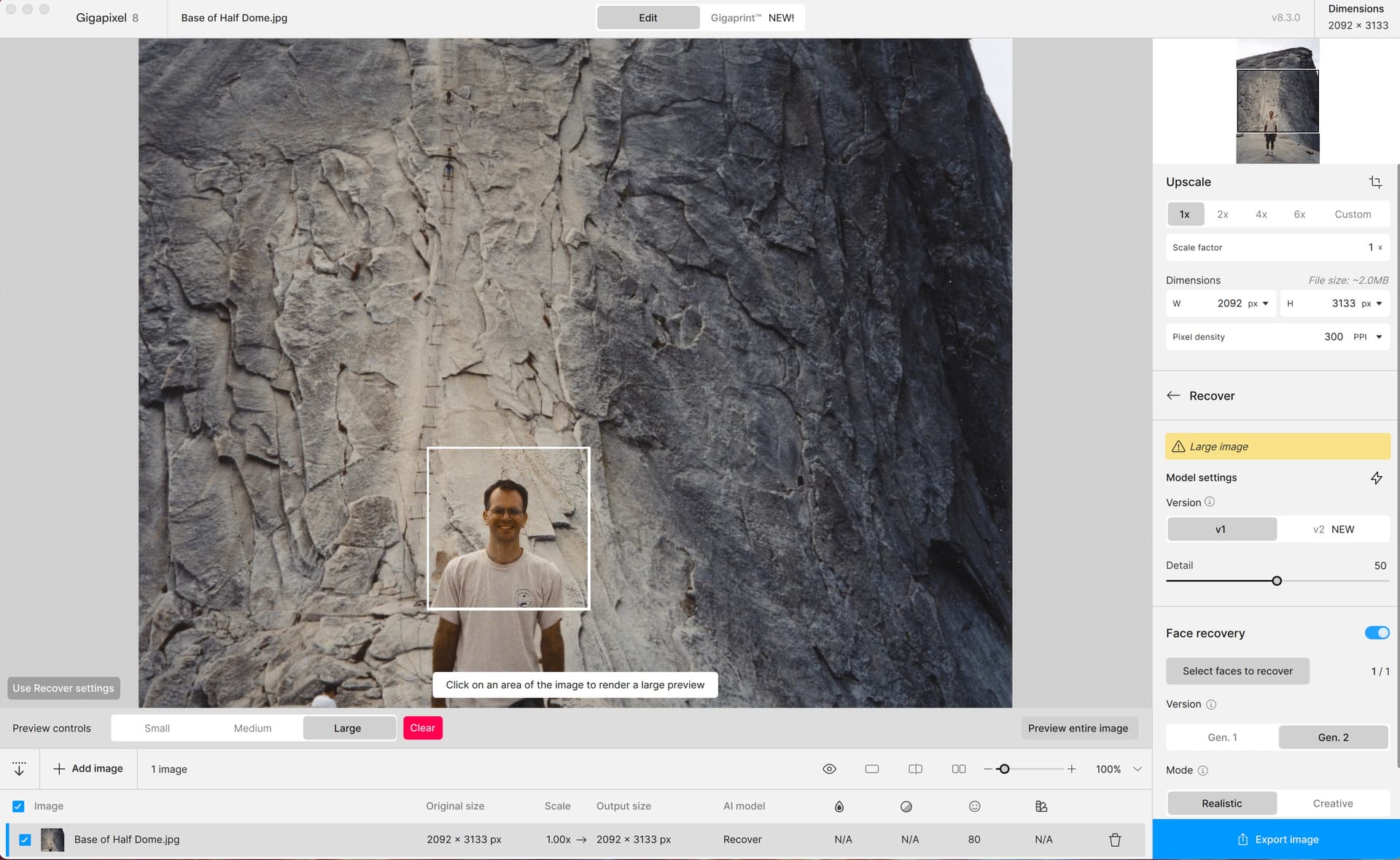
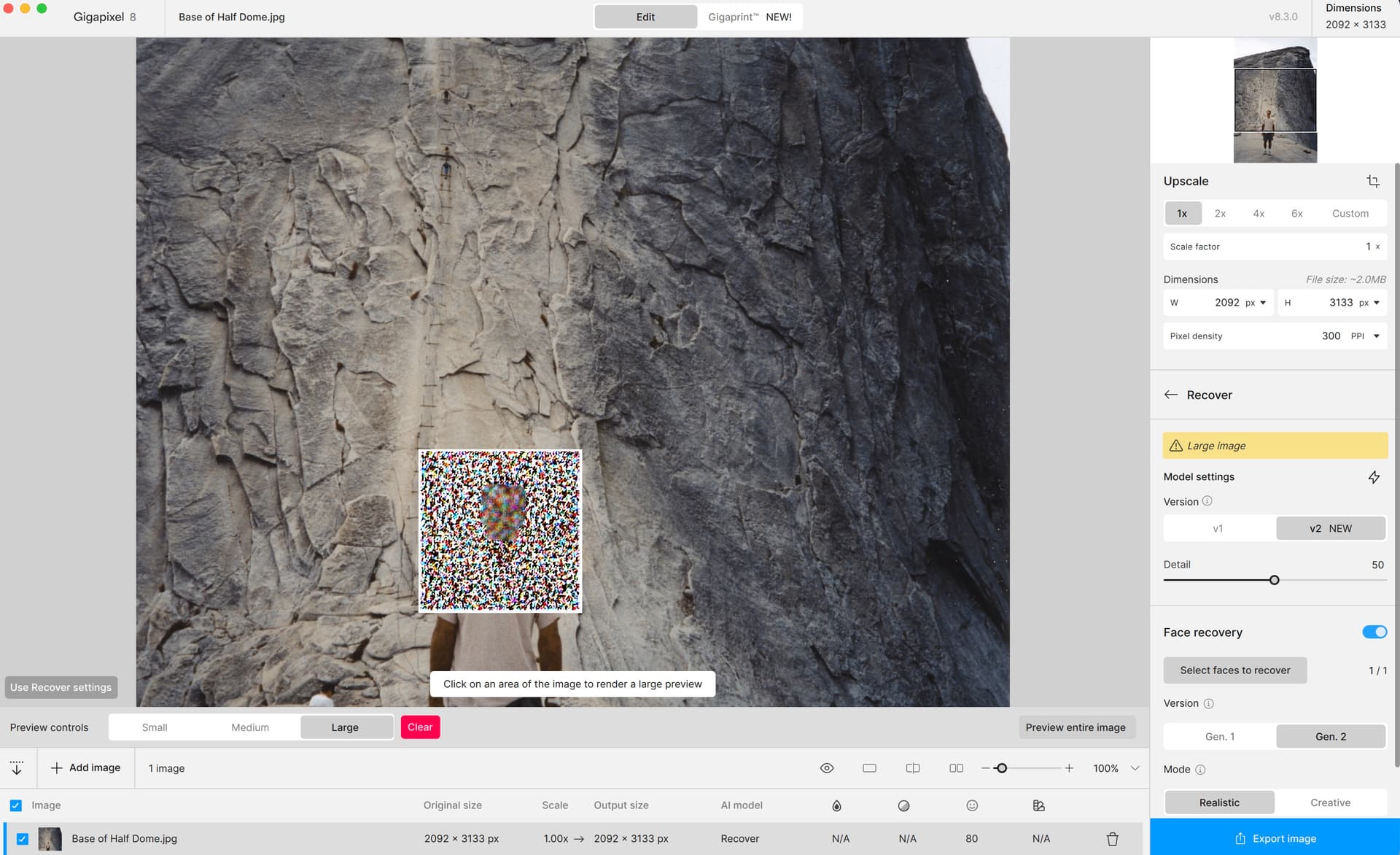
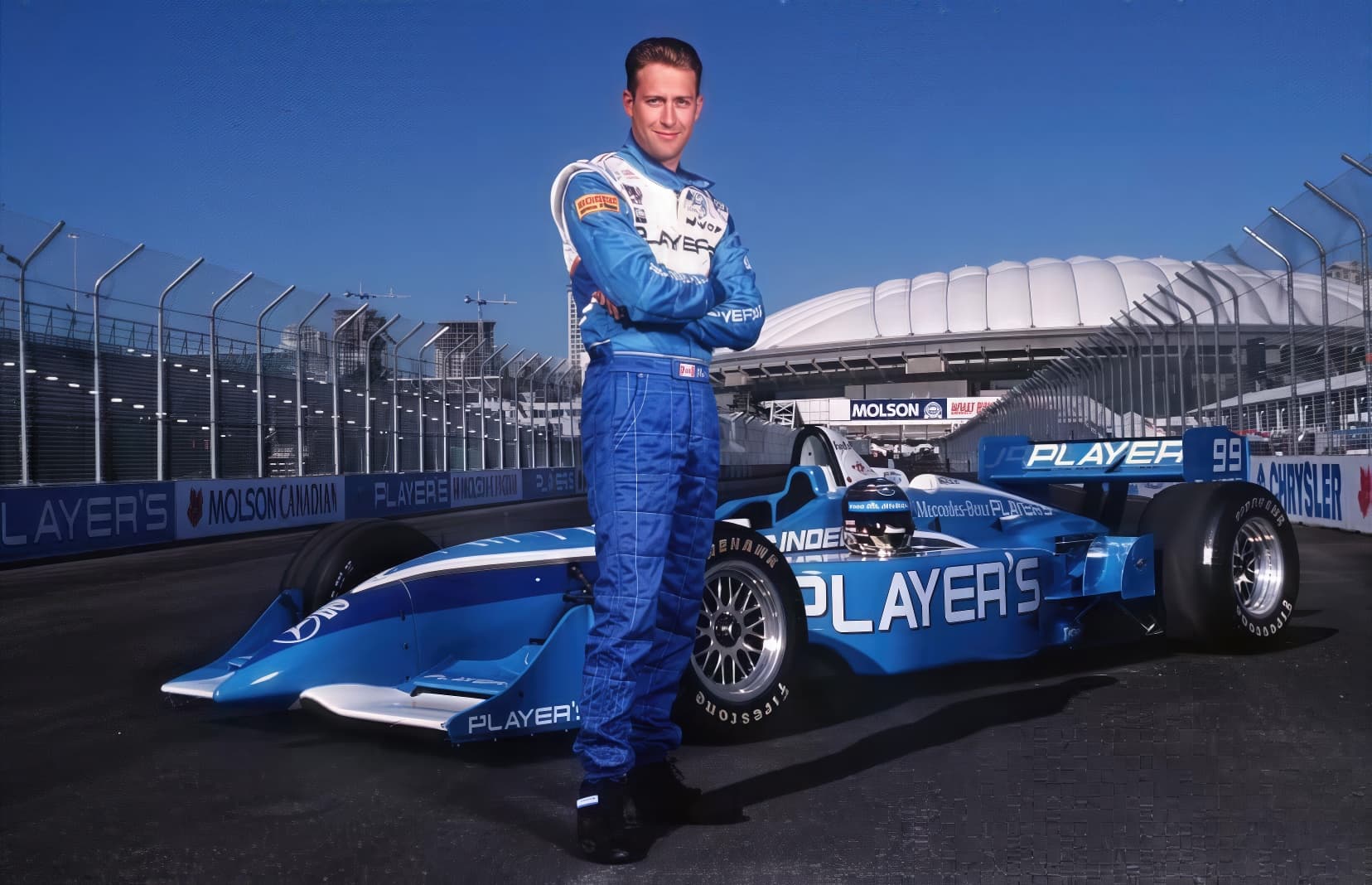
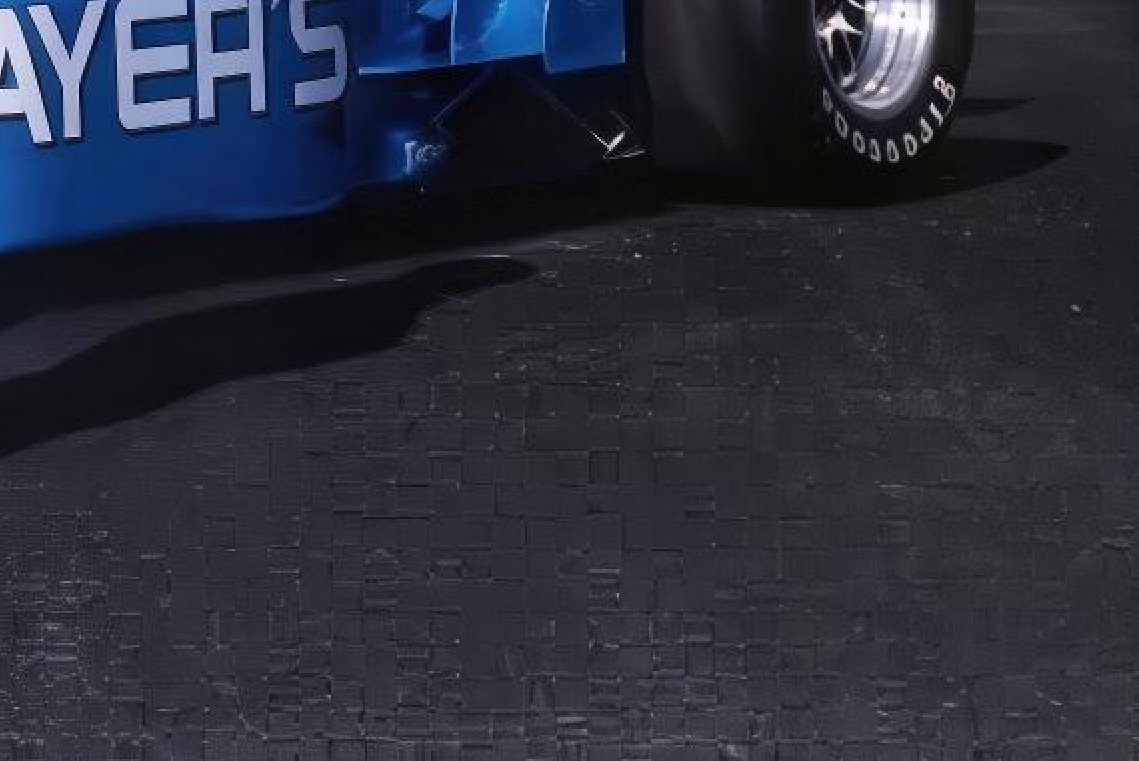

My bad. I had several different versions installed as I was comparing Gigapixel results across v4, v5, v6.33, and v8. I also had the new Alpha and Beta versions installed, which likely caused a conflict. I deleted all the older versions and reinstalled, and it’s working now! :))
2 Likes
Excellent, thank you so much!
Just so you know, I’m happy about every dollar I’m paying you. You’re amazing,
keep up the great work!
2 Likes
The levels of creativity should be very similar. Can you share some examples where they differ?
Recovery v2 is the faster version of v1.
This is likely due to the same issue with PS plugin flows. Please stay tuned - we are working on an patch for this issue as soon as possible.
Are you able to share any logs? What device and OS are you on? You may want to reach out to support@topazlabs.com and they can help you perform a clean install.
Are you running an Intel processor on this iMac by chance? If so, this is helpful to note because there’s a known issue with intel macs that we are still looking to resolve.
Very odd. False resolution or compressed image by chance? That’s normally the only scenarios when I see things like this. Recovery v2 is ok?
1 Like
Glad it’s working for ya now Zele! Enjoy!
Yes I have an iMac 2019 27 inch. 8 GB vram 80 GB ram. 4 TB SSD
Here’s a comparison between Recover v1 (first photo) and Recover v2 (second photo):
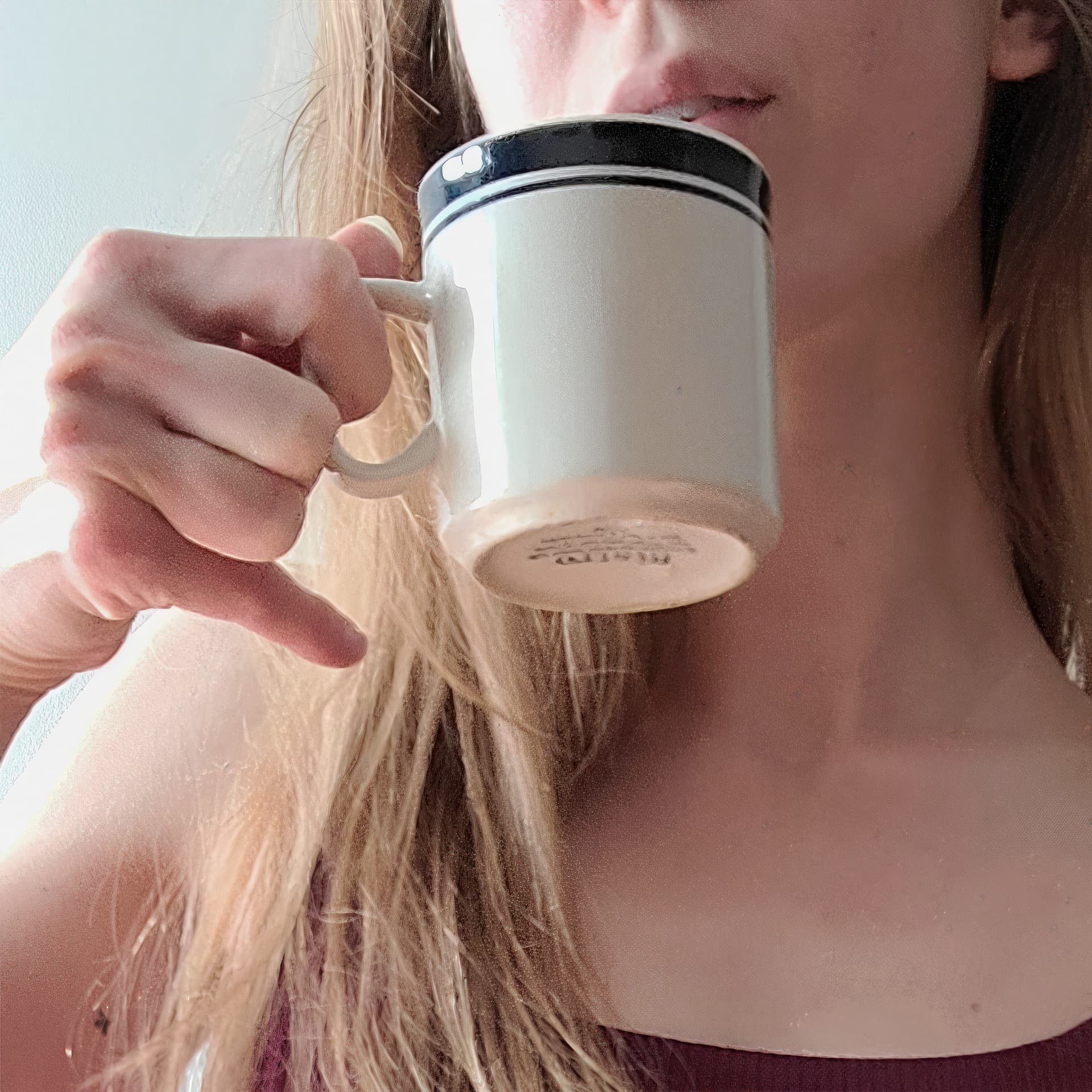

Recover v2 does this really weird thing where it’ll smooth out all detail from some portions of the photo, but add a leather-like texture to the rest. My first thought is that the model isn’t tuned to deal with the noise and compression that you typically see in smartphone photos.
1 Like
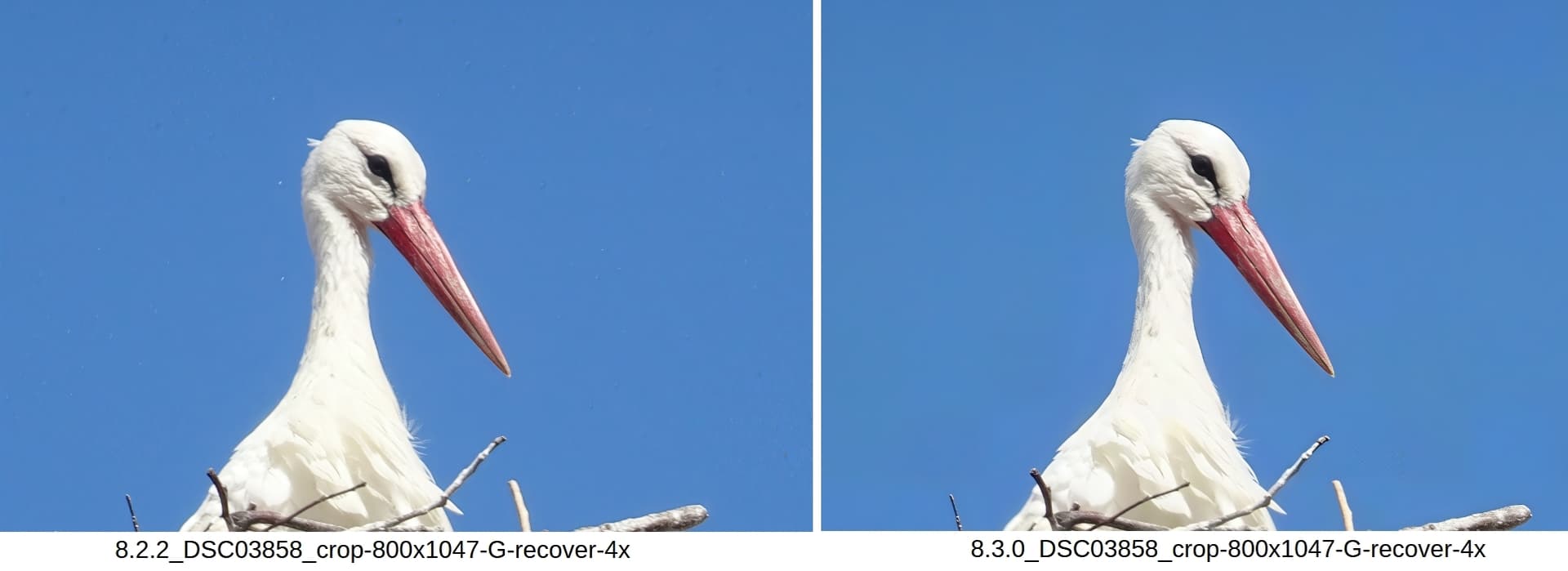
For me, a pretty good update of Gigapixel. I was most interested in Recover v. 2, the previous version of which was very useful to me, but which created ugly artifacts (see the first image on the left, especially lots of white spots, clearly visible to the left of the stork’s head). This has been greatly improved in version 2, see the right part of the image – I don’t see any artifacts there. In many nature photos, I often have the sky (blue, or gray) in the background, so I’m very pleased that it will now be artifact-free.
The rendering speedup is also pleasantly noticeable; more experiments with function parameters can be done in the same time.
It just seems to me that the blue in the left image has a different hue than the blue on the right. But I don’t know which of the two blues corresponds more to the natural one. And the red on the beak also seems a bit different to me. The source image was of course the same for 8.2.2 and 8.3.0.
1 Like
Just installed the March Nvidia Studio Drivers (572.83) without causing any issues.
On closer inspection the image was highly compressed and the compression artifacts were already there and made worse with the model.
1 Like
New update crashes both pc and laptop.
