I’m still having this problem also. As you pointed out, the last version where this worked was 8.0.2. M3 Max (14 core) here also.
Topaz, please address this ASAP. This issue has been open far too long. To be blunt, it’s really disrespectful to paid customers when new features are constantly rolled out while there are known flaws that haven’t been addressed.
The change was between minor versions 8.0.2 and 8.0.3. It can’t take too long to diff the changes and narrow down what change caused it. [That’s a gross assumption on my part, admittedly…]
Please provide an ETA on a fix. I don’t think that’s asking too much.
I believe the Topaz devs are dependent on something they need from Apple to resolve the issue with M3 processors. It is certainly not a problem on my M4. Just speed!
Oh ok. I just saw your post and it’s something they need from Apple? Which probably means it will be long time before this gets fix or if ever. Since it’s Apple they are relying on.
Techpowerup changed something recently with their TVAI test. There used to be some delineation between the cards on the list, but now they are all very close to each other, such that it doesn’t look like there’s a meaningful difference in perrmance.
-And the 4080S is faster than the 4090? Something is wrong with those numbers.
I’m talking about all GPU’s from all generations. There’s no meaningful difference now. Just last week, that same chart had larger differences that made more sense. Now the chart implies that it makes no difference what gpu you have. The 5090 review still has a chart that looks like the gpu matters;
Did you follow the link in his post leading to test results from TVAI 6? Those numbers are probably a bit more on the spot…
(and looking good for someone thinking about the 9070 XT )
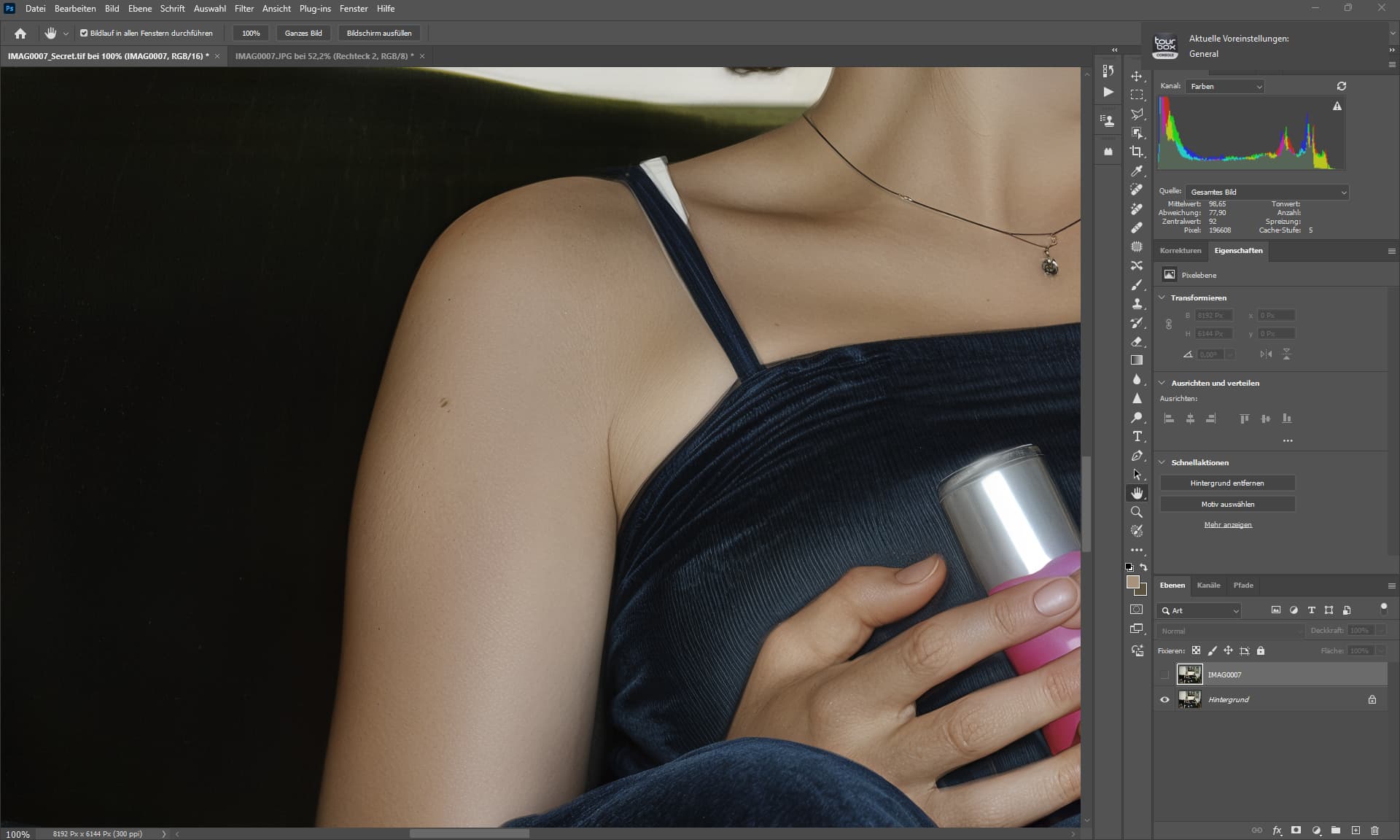
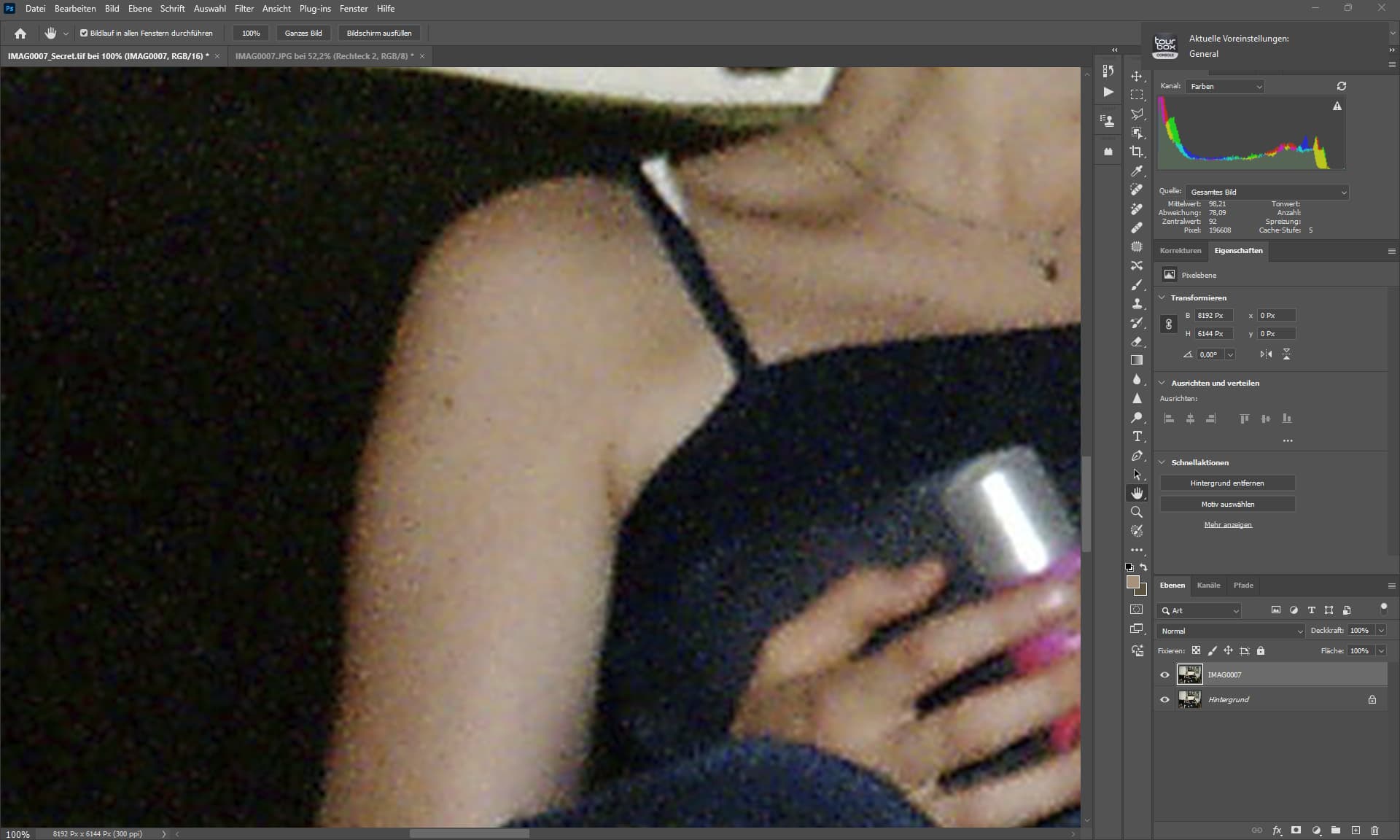
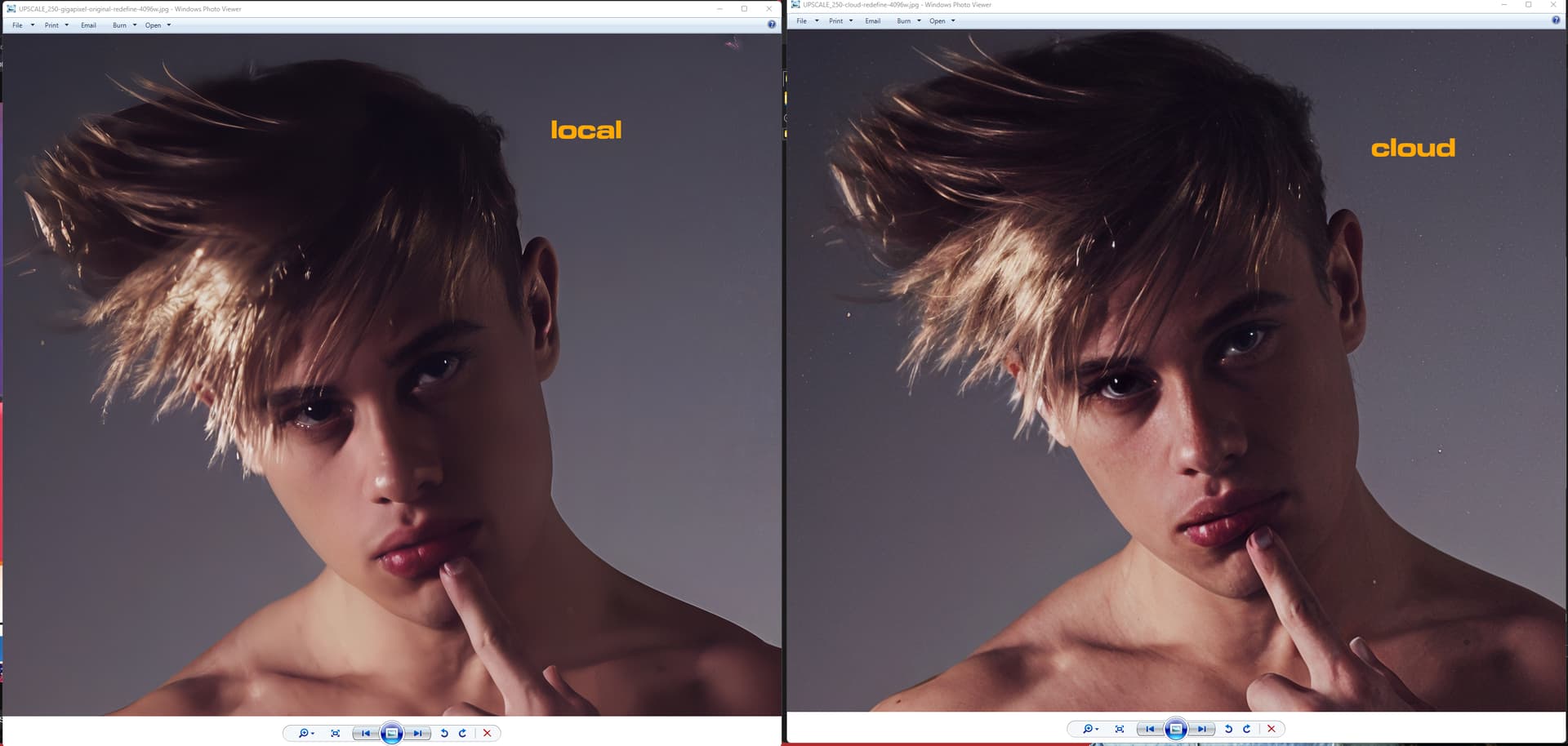
I have to say it is quite … let’s say off-putting how vastly different the results are between what’s rendered in the Topaz-cloud and locally on my PC with the exact same settings…
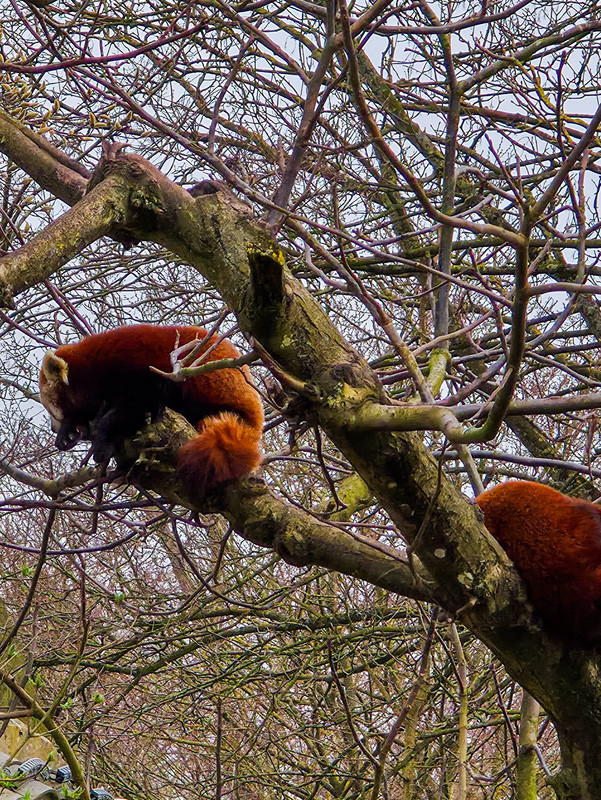
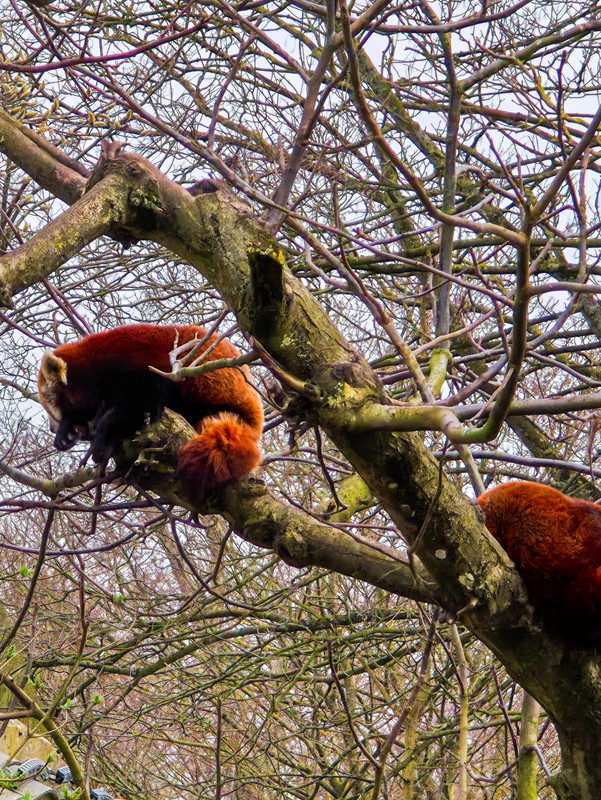
A quick test with Gigapixel. The first photo was a 50-megapixel HEIC shot, then cropped really hard on the red pandas.
Then I redid a 50-megapixel with Redefine in 3 steps. The first with a full description of the image and the texture creativity sliders set to 3 and 2. Then the second step, I just lowered the creativity to 2. I stitched the 2 output images together to get some goodness and correct some of the flaws from step 1. But there were still quite a few flaws, especially on the tree branches. Most of the branches had fur and mini red pandas were hanging from them. So, I made a 3rd step in Gigapixel by deleting all the words concerning red pandas and keeping only the part with tree branches and vegetation. The result was excellent. I then combined it with my other result and created a mask around the red pandas because obviously on step 3, the red pandas’ fur looked more like moss and red leaves hahaha.
So here’s the final result
Let me know what you think in the comments.
PS, the photo was taken with my Samsung Galaxy S25 Ultra with the x5 lens at 50 megapixels.
So, I’m really envious of your ability to take pictures of real (wild) pandas! If I understand correctly, you managed to achieve the original appearance and size of 50 Mpx by enlarging a very small section of the aforementioned photo while maintaining its original quality? I’m often forced to try something similar, especially with birds. I really like your approach and the result, and most importantly, there are no mini-pandas, mini-tigers, etc. (not to mention mini-Topaz Girls), which usually occurs when Creativity values > 2 are set. I was interested in the approach based on changing the content of the prompt, so it probably helped significantly by censoring the word “panda”. I’ll try it with my birds too, how it will work. Maybe the prompt processing has been improved? It hasn’t worked significantly for me so far.
Yeah, it’s a new approach I’ve been experimenting with to save time. It allows you to make fewer variations with different settings. And the result is really good. Note that the redefine value at 3 for creativity will render faster than the value at 2. That’s what I noticed on my photo. With the value at 2, rendering took 37 minutes. The value at 3 was faster, but I can’t remember by how much. But 2 was ideal for the rest of the set. The 3 for the red pandas.
Also, the photo was taken in Pairi Daiza. This is the world’s largest zoological park. Located in the province of Hainaut in Belgium. As I have a year-round pass, I can go there at any time of the year. What’s more, the park is only +/- 30 minutes from my home.

 )
)