Don’t forget that Vram speed on the RTX 5000 series is 30% faster than on the 4000 series. Knowing that an RTX 4070 Ventus will already go 2x faster than my RTX 3070 Ventus.
But GAI version 8.1.2 was much faster than this for the same source image size, by multiplying the scale by 6.
Everything is faster on the 5080 tbf
Don’t know if the same applies to Gigapixel, or if it has already been implemented, but for Topaz Video AI we’re yet to see proper render speeds as blackwell hasn’t been integrated yet. The 5080 is not even 50% faster than the 3080 currently. Will be interesting to see the actual difference when tensor cores are used on the 5080.
Around 3x memory bandwidth on the 5080 compared to my 3080.
This shouldn’t be common, but it definitely uses different context when generating the image with a small preview - can you share some examples of major differences? If anything, I’d assume the full export will look better than the preview.
hi Michael!
We’re trying to dig a little more into issue. Could you provide more details about what Mac processor you’re using (M1, M2, e.g.) and how much memory?
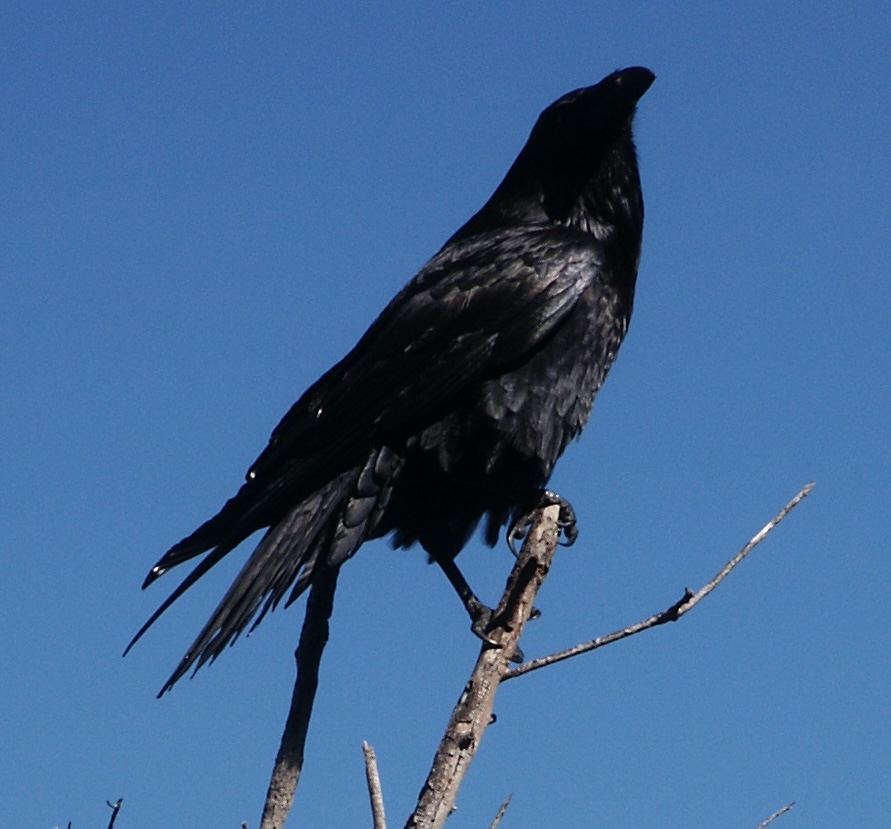
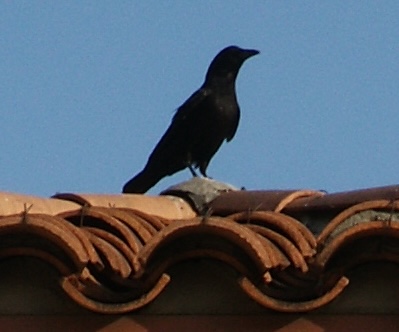
Encouraged, I tried to do something with a photo that was only about 2 years old. A small bird of prey, a buzzard, sitting (high and far) on a high-voltage power line. The original, poor image 1 (camera zoom 30x) also has spots from raindrops on the lens glass. I made a 300x300 pixel crop (image 2) and applied a high level of Denoise to it on a background with the sky.
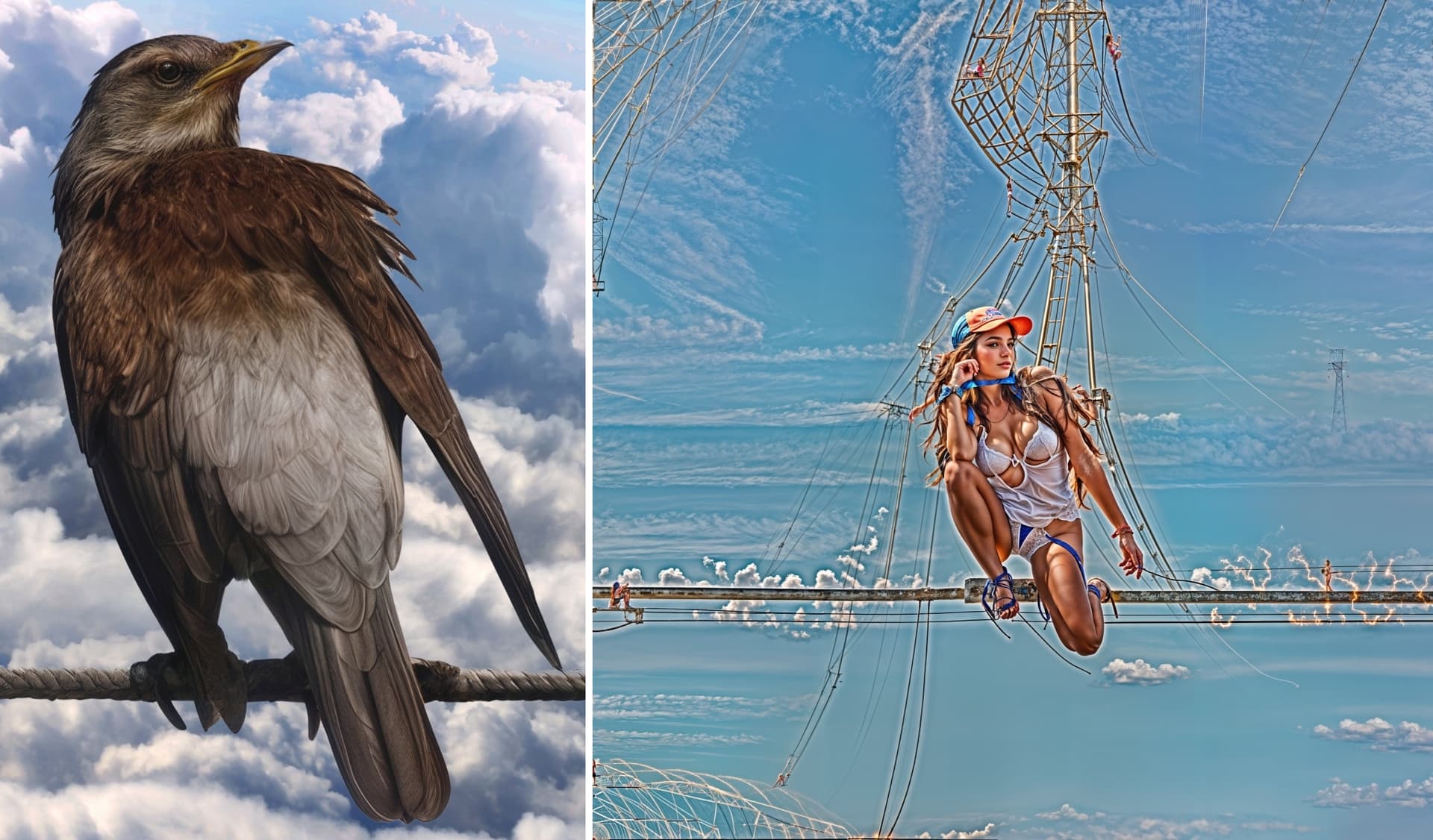
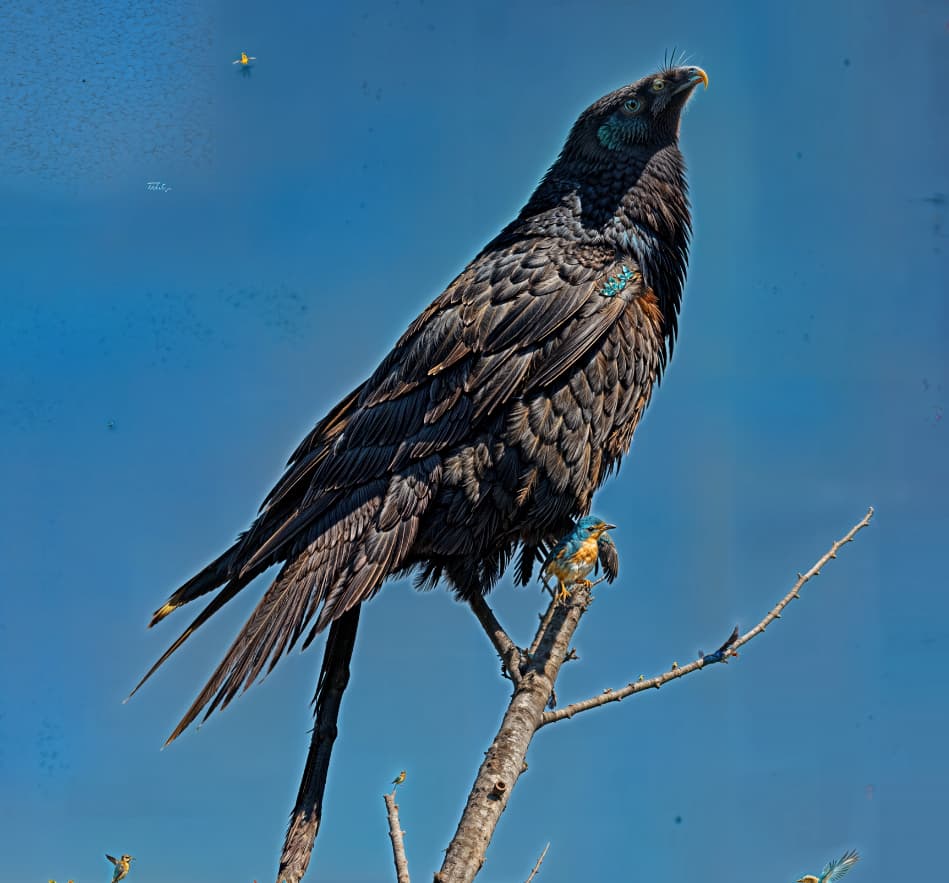
Then I searched for a long time for a suitable combination of Redefine parameters and the best was always Creativity=2 and Texture=3 and also with a magnification of 4x – for 2x or 6x this led not only to larger, but also different content results (retrogradely calculating the points-pixels for different sizes of gaps between the original ones). I repeated the same thing twice (to get a usable size of the result from the original 300x300) and a pretty nice buzzard was created. However, a lot of ugly artifacts were created on the monochrome sky (bug? no, feature!). Manually eliminating them turned out to be impossible (e.g. Remove object). So I cut out the buzzard with only a small piece of sky and (in another photo editor) replaced the sky with another one (frame 3).
As I tried Creativity and Texture for high values, the buzzard started to disappear and Topaz Girl emerged from the shadow of oblivion. I’m used to it. But the artifacts around her that look like the creation of a large electrical distribution come from my attempts (using the prompt) to improve the wire on which the buzzard sits. I’m not satisfied with the wire, but I am satisfied with the buzzard. And Topaz Girl… It’s pretty clear how the buzzard was transformed into a sitting figure. I was surprised by the unexpected ability of artificial intelligence and I preferred to stop continuing  . Maybe she managed to build the electrical wiring in order and functionally… (picture 4).
Gigapixel serves me quite well, except for the artifacts. But that has been going on for a very long time. I just find that removing artifacts then takes at least 80% of the total time for processing the photo.
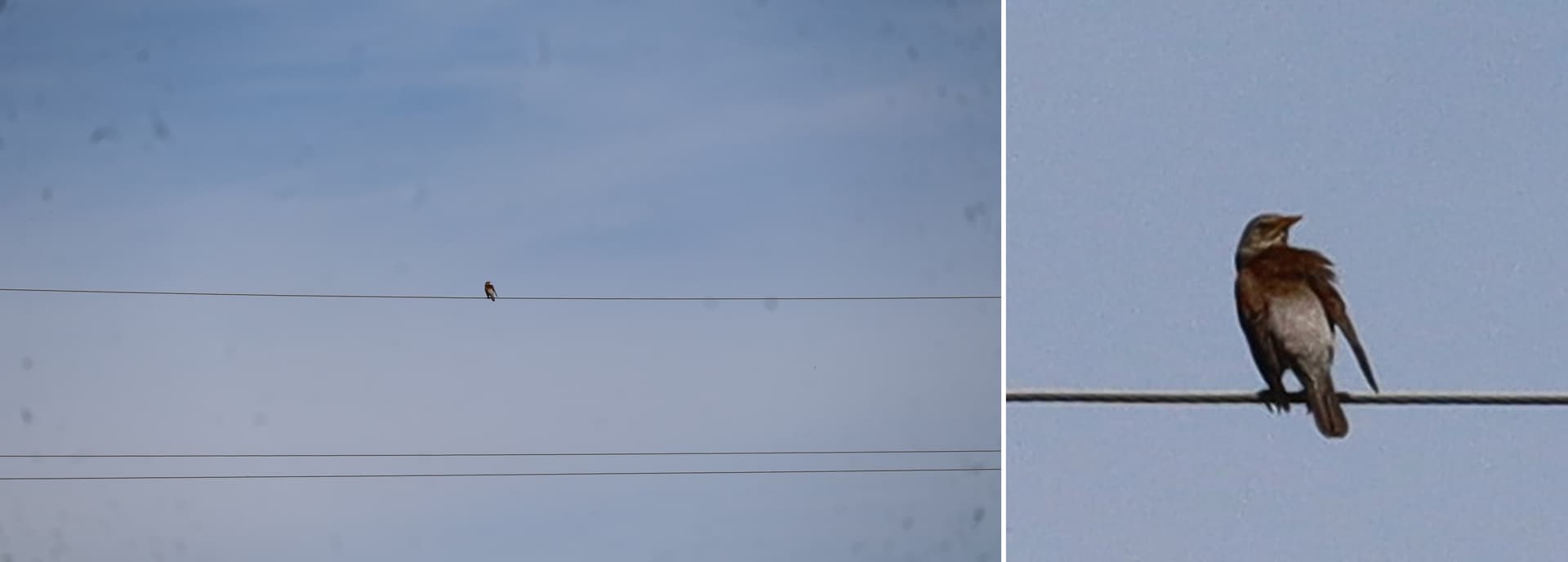
hi Steve!
We’re trying to dig a little more into issue.
Could you provide more details about what Mac processor you’re using (M1, M2, e.g.) and how much memory?
It might be worth trying to secretly (internally) calculate a preview for a slightly larger square than the one specified. This would add some sort of wider information (context) surrounding the desired size. However, only the area requested by the user would be shown. Maybe this would improve the problem (at some cost of longer computation time). Who knows.
Grouse grind?
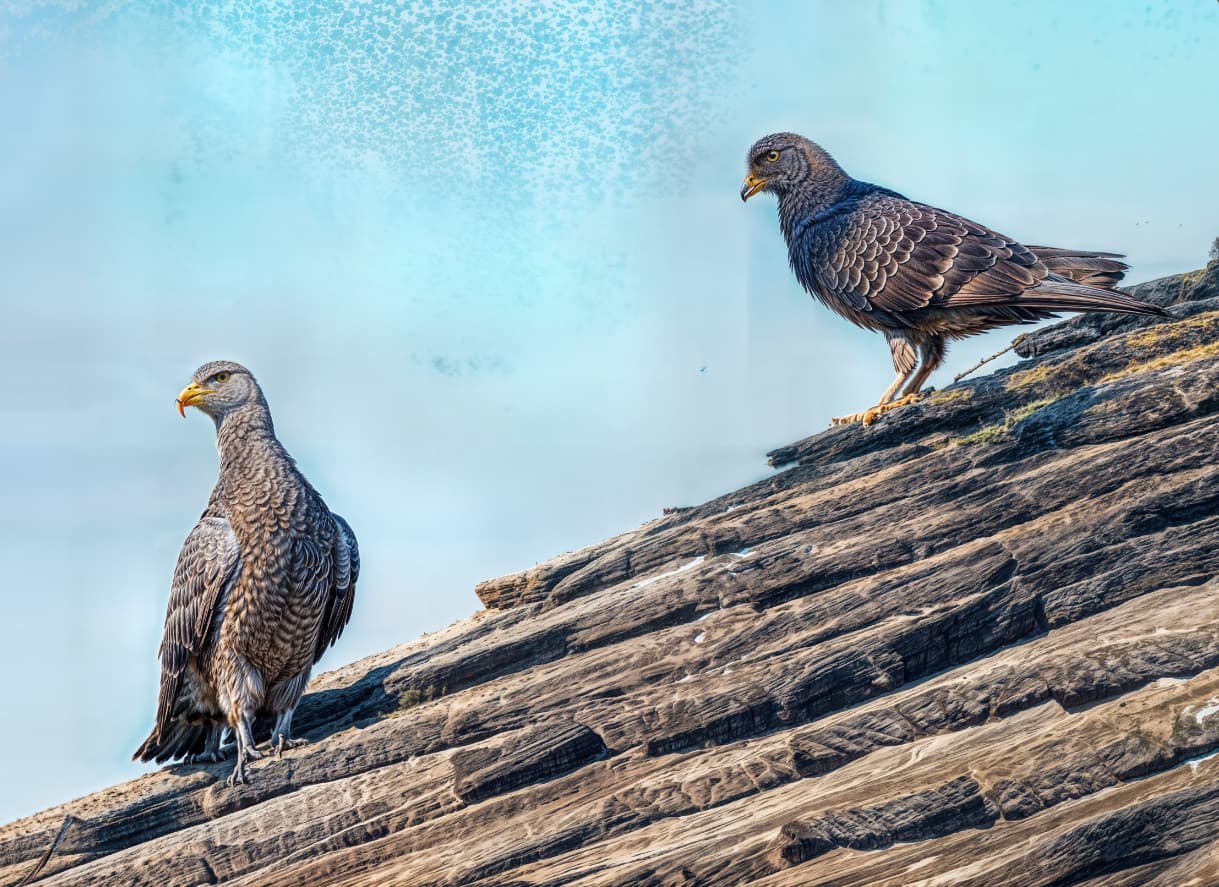
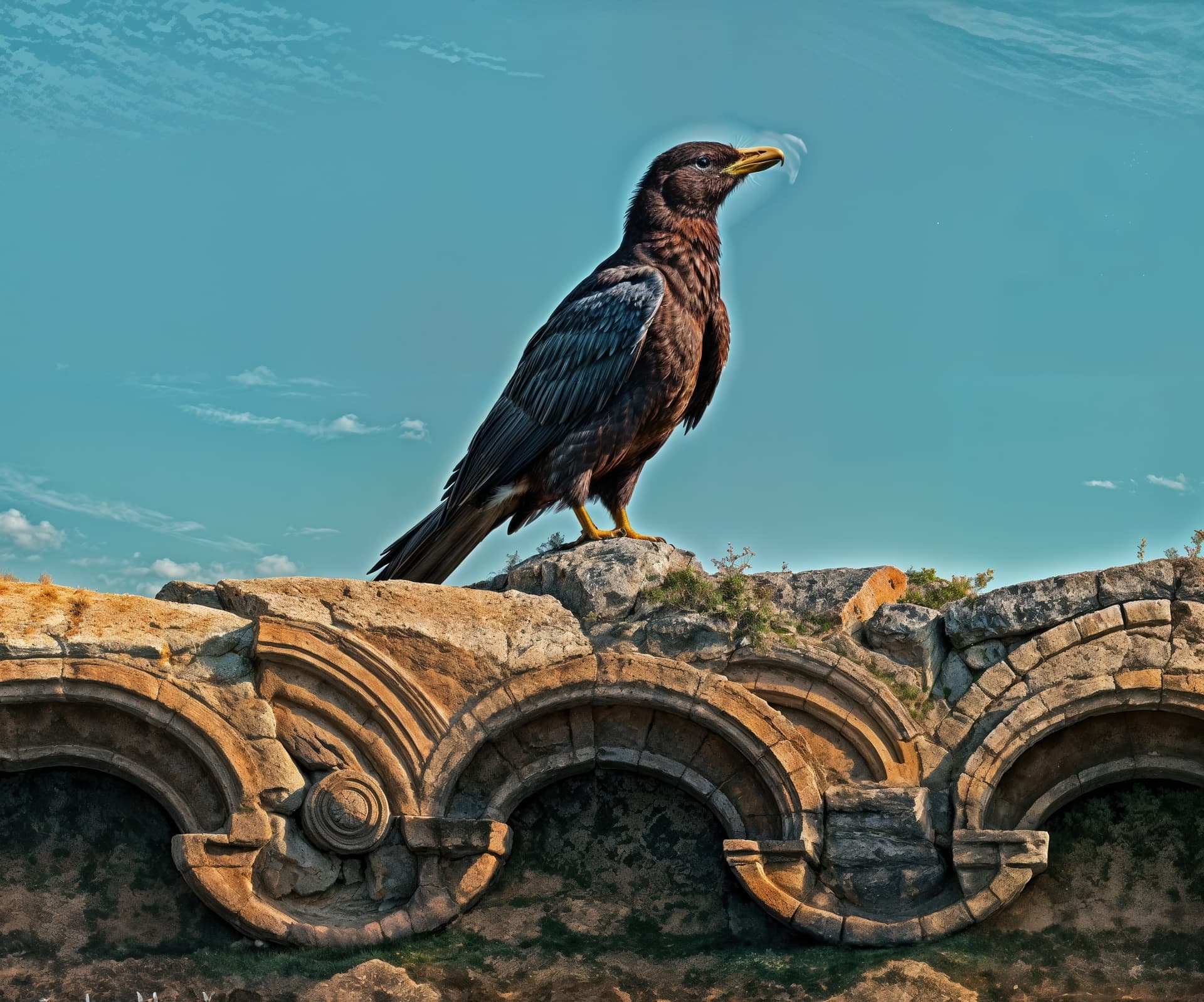
Some weird science! Gives new meaning to the word “bird”! Crazy type of evolution…
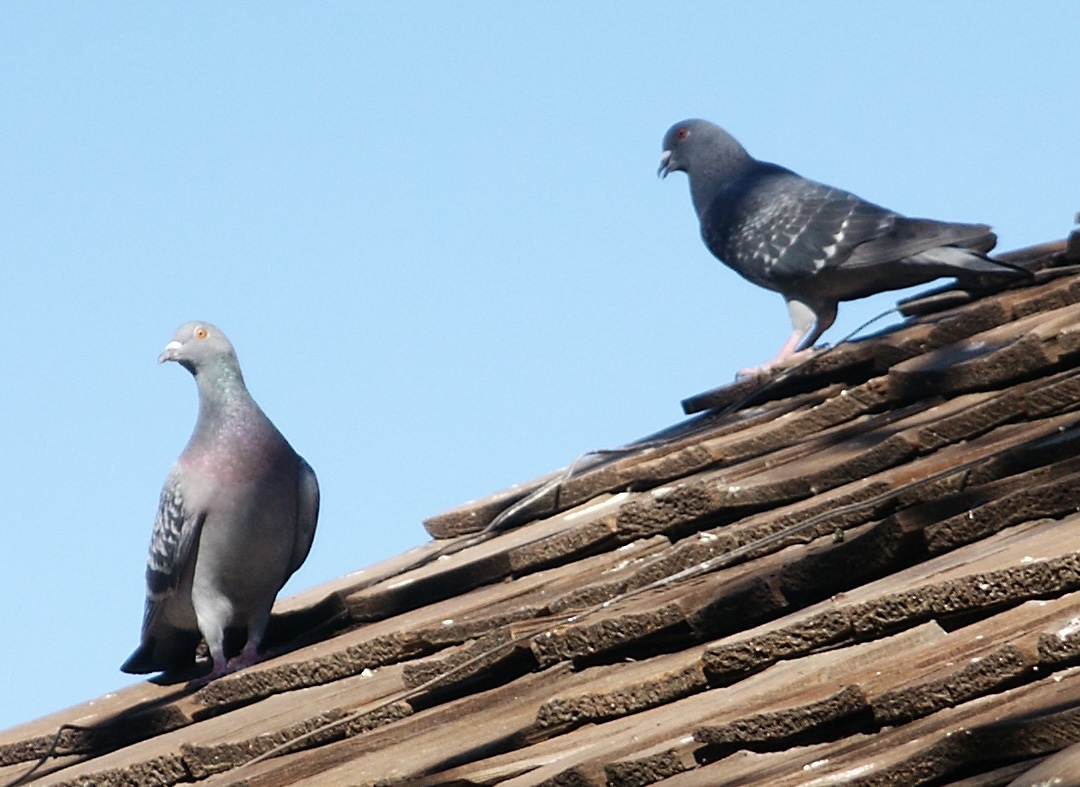
I had to see this for myself, so I threw a couple of similar bird photos onto the 4090 with the latest GPAI build using my favorite settings (Creativity=6, Texture=30) but at 2X instead of my usual 4 and 6.
Hmm. Tiles, but no smiles:
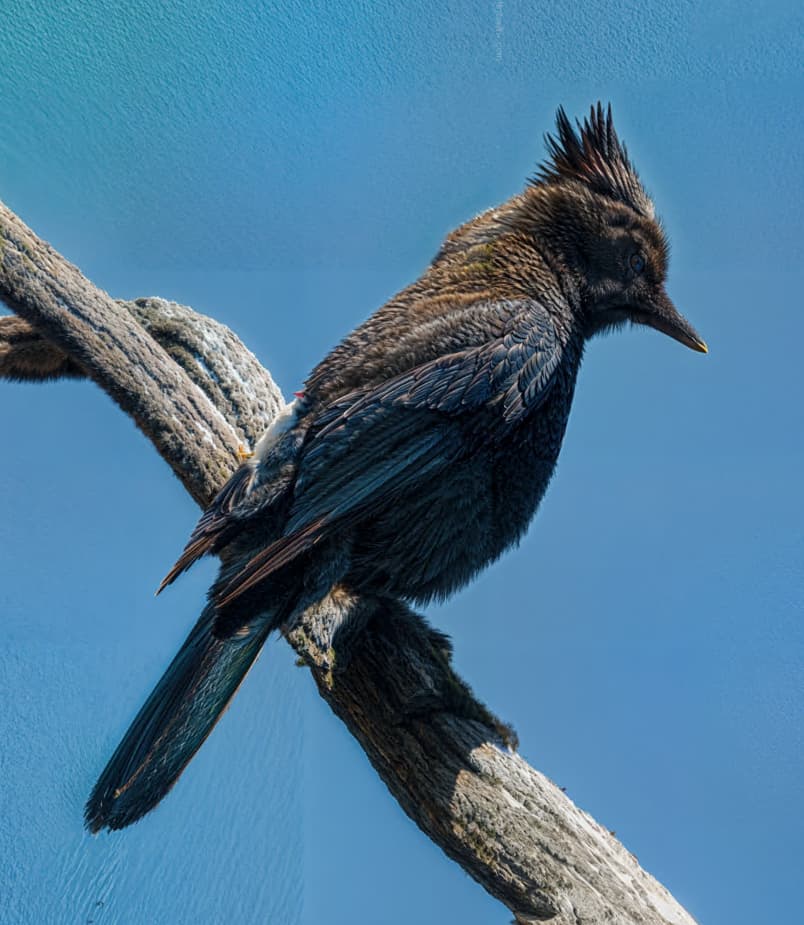
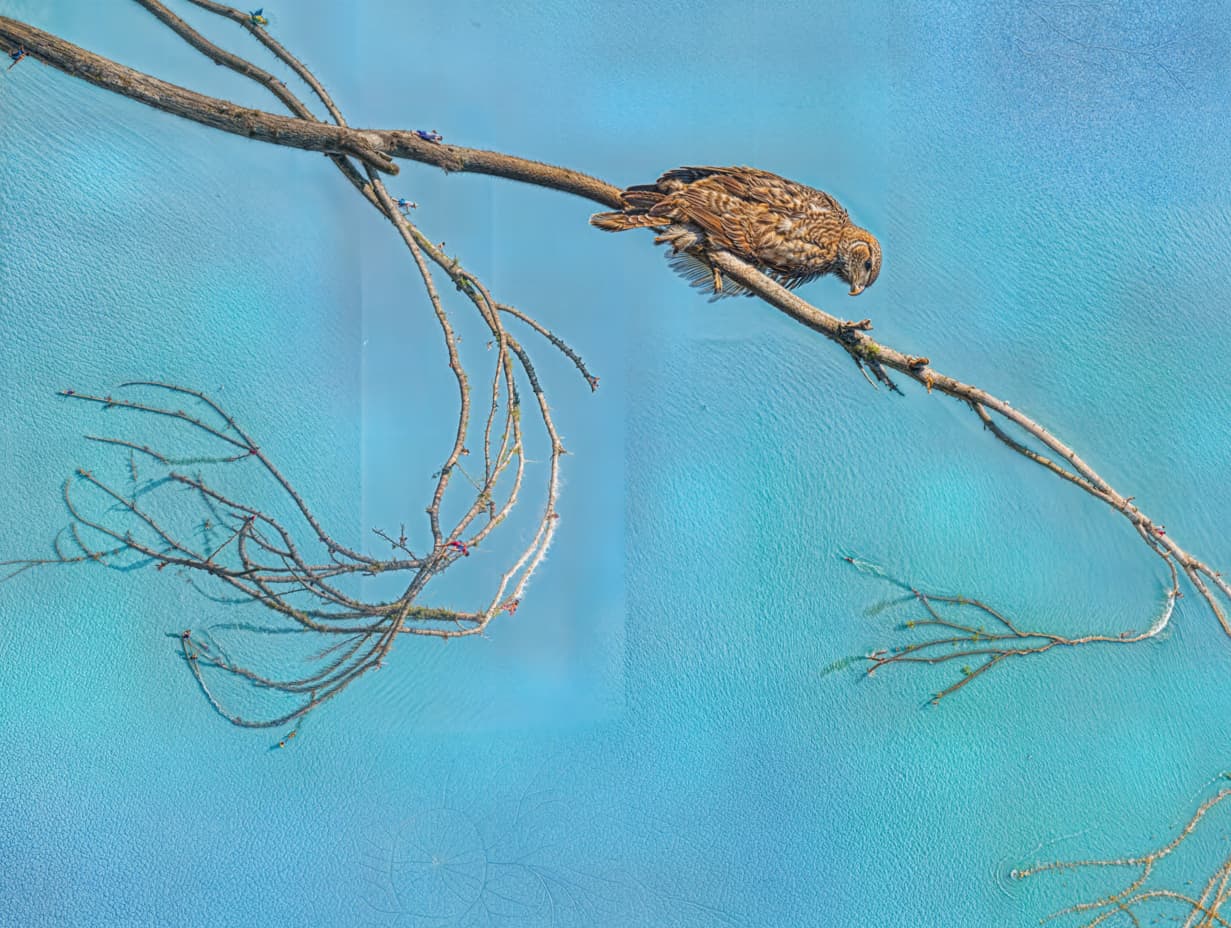
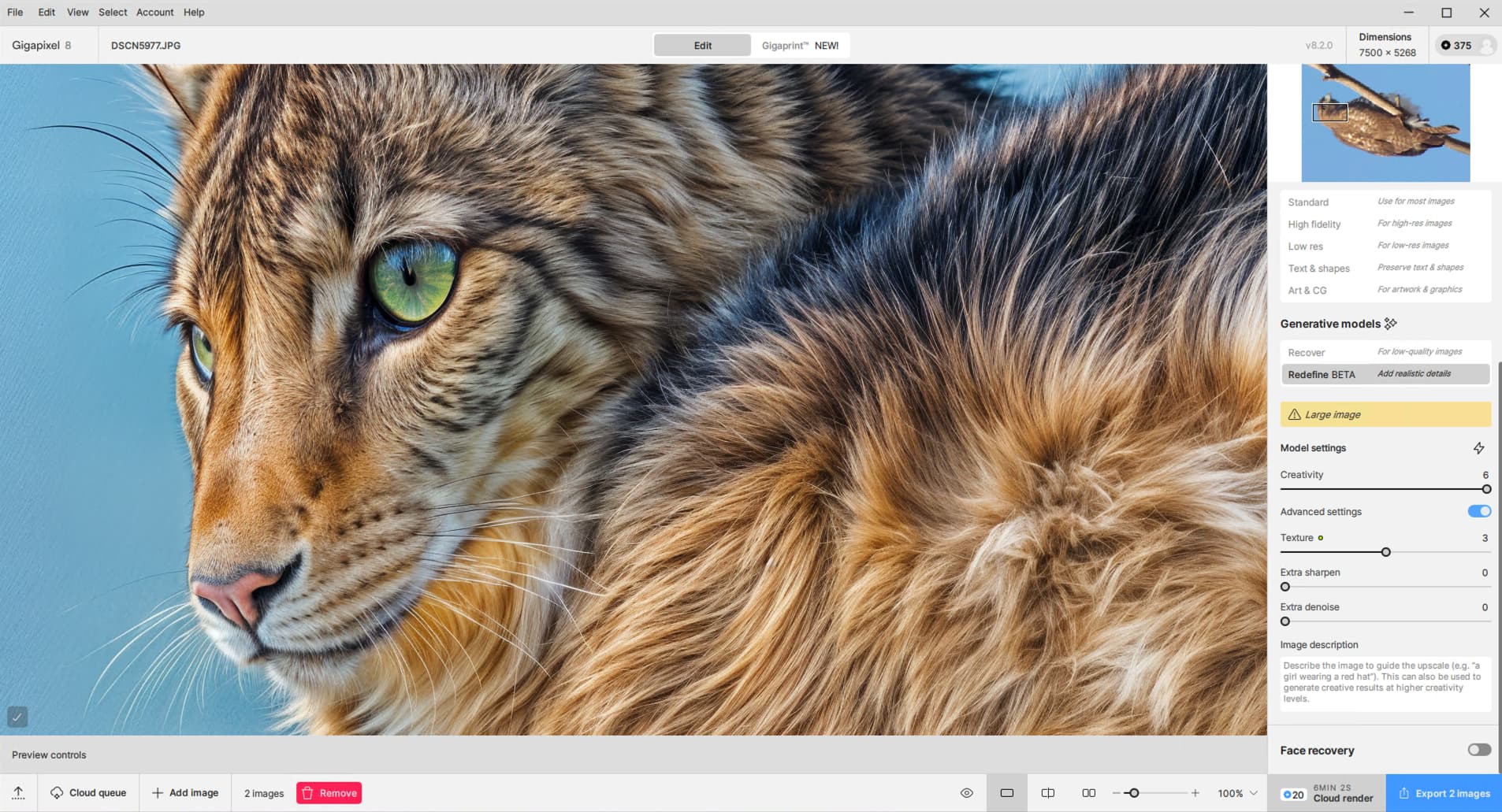
Also: I cropped these photos in Apple Preview to reduce processing but the PAI thumbnails still show full frames. I first tried the full frames; maybe there was persistance?
One image processed, cropped and rotated as expected, the other didn’t. And no Topaz Girl!
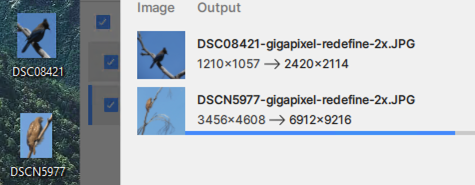
6X, same settings:
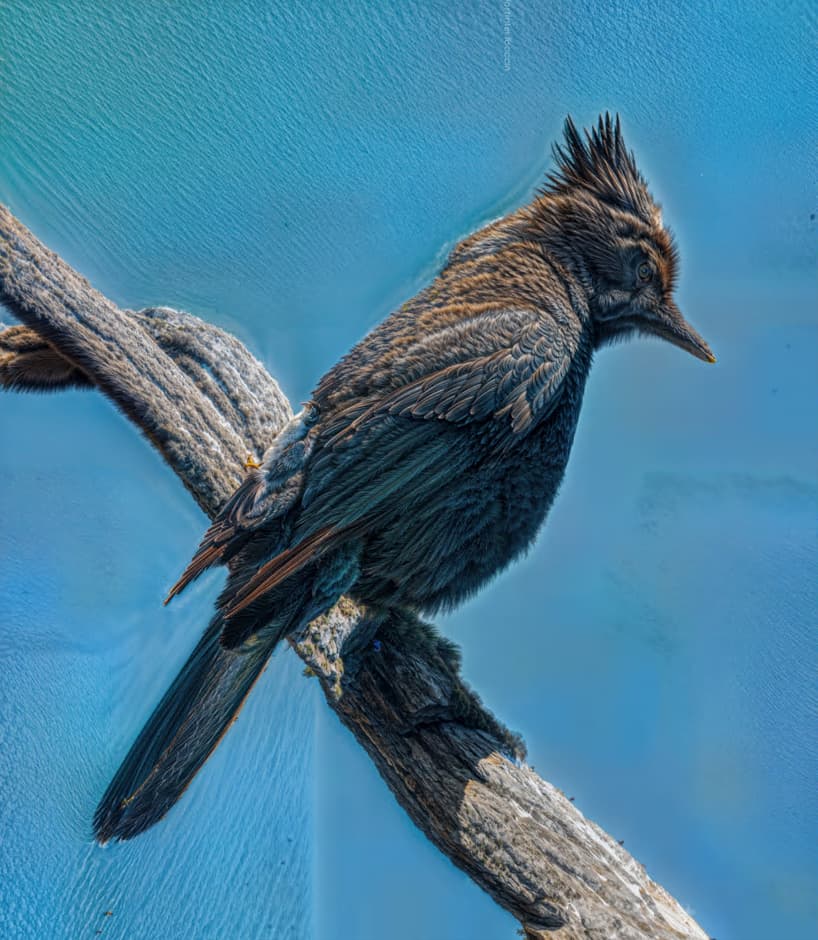
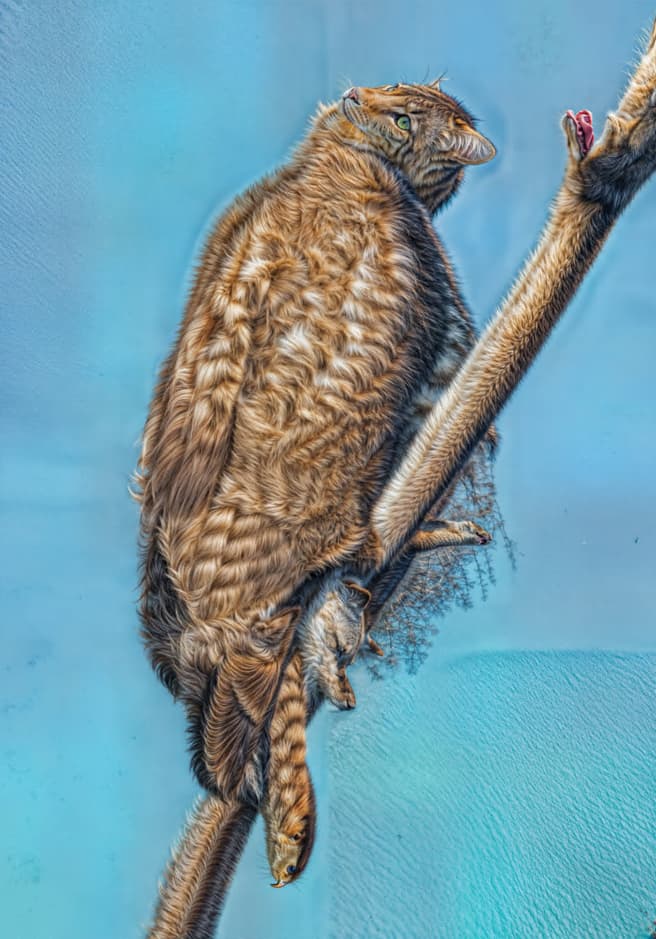
“Must be your gal mine don’t look like that!”
1 Like
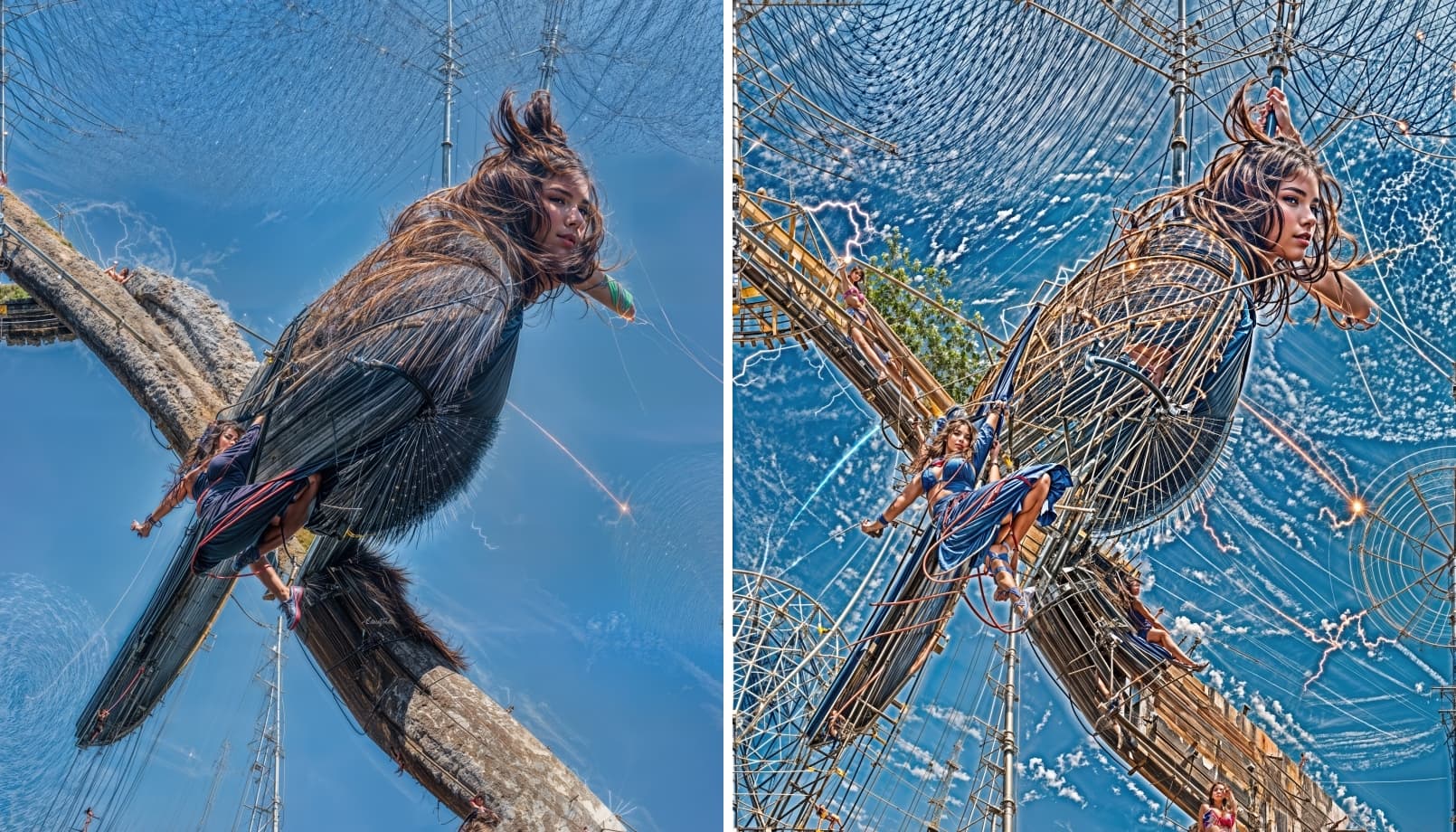
Gotta bake her good!
Oh dear.  Are y’all entering prompts to make this happen on purpose?
1 Like
Well… originally I wanted to achieve a realistic cable between two high-voltage poles and better rendering of the buzzard’s beak, legs and feathers. As I increased the Redefine parameter values and the image size, strange things started to appear and I remembered Topaz Girl (she hasn’t been here for a long time). I admit, I originally wrote something like “a beautiful buzzard sits on a thick braided high-voltage power line wire and looks for its next victim” in the prompt (I don’t remember exactly), which improved the cable a bit (but not completely realistically). Then I put “girl” instead of “buzzard”, curious if the prompt actually works. I tried it twice and she was here! (But I really only wanted the buzzard, that worked.) 
Me, no prompts. Early on they didn’t work so I never got in the habit.
I don’t use it most of the time, but sometimes it’s useful. It was used here, Topaz Girl hid very well. I usually can’t write it well, I have to try several times.
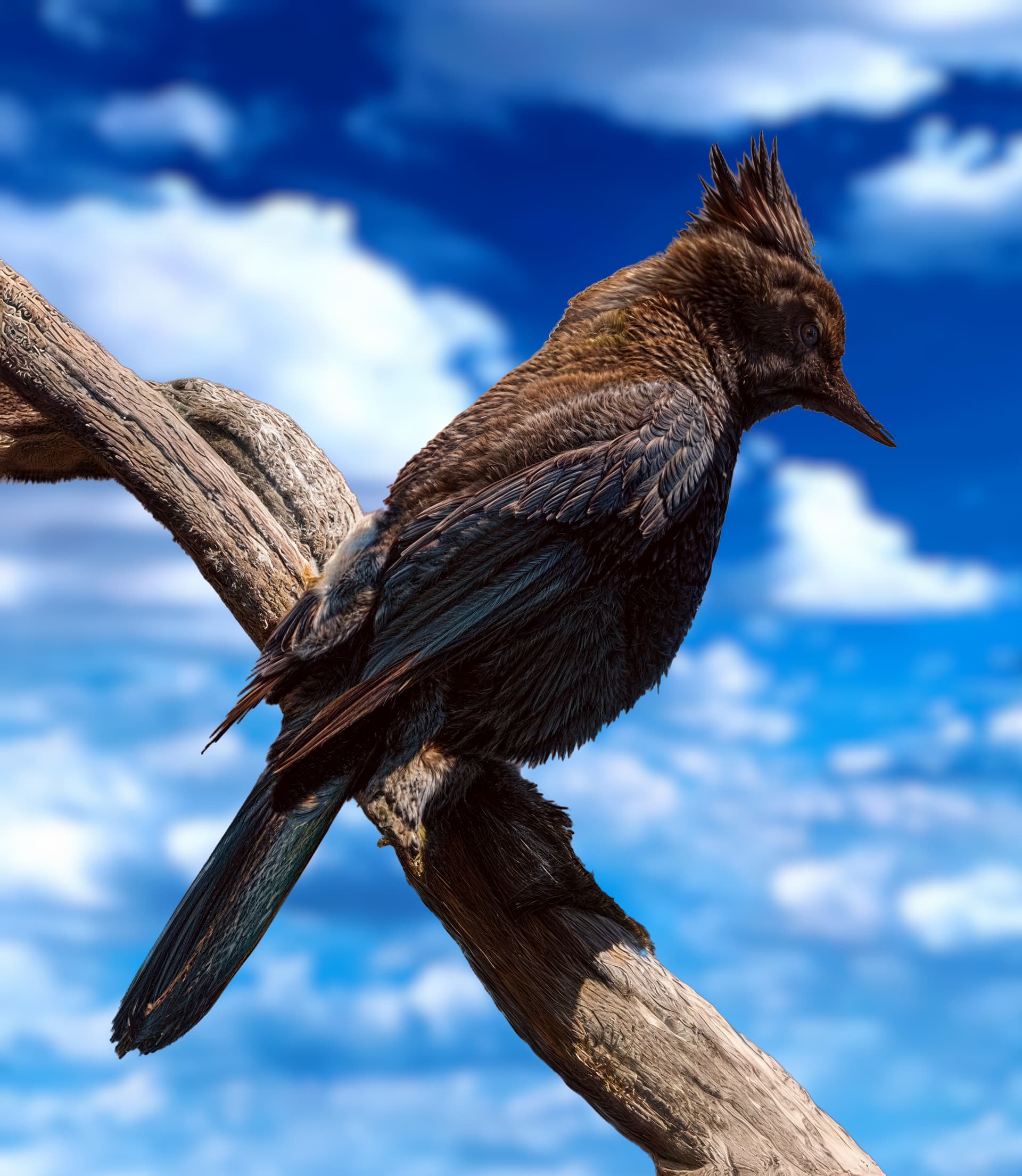
By the way, what’s the name of that bird? I don’t know it. It’s very pretty.
Hi Esther, M1 Max, 64 GB RAM, 10 CPU, 32 GPU
Latest MacOS
1 Like
“Bird in a tree”, I dunno.
Here is the original (reduced):
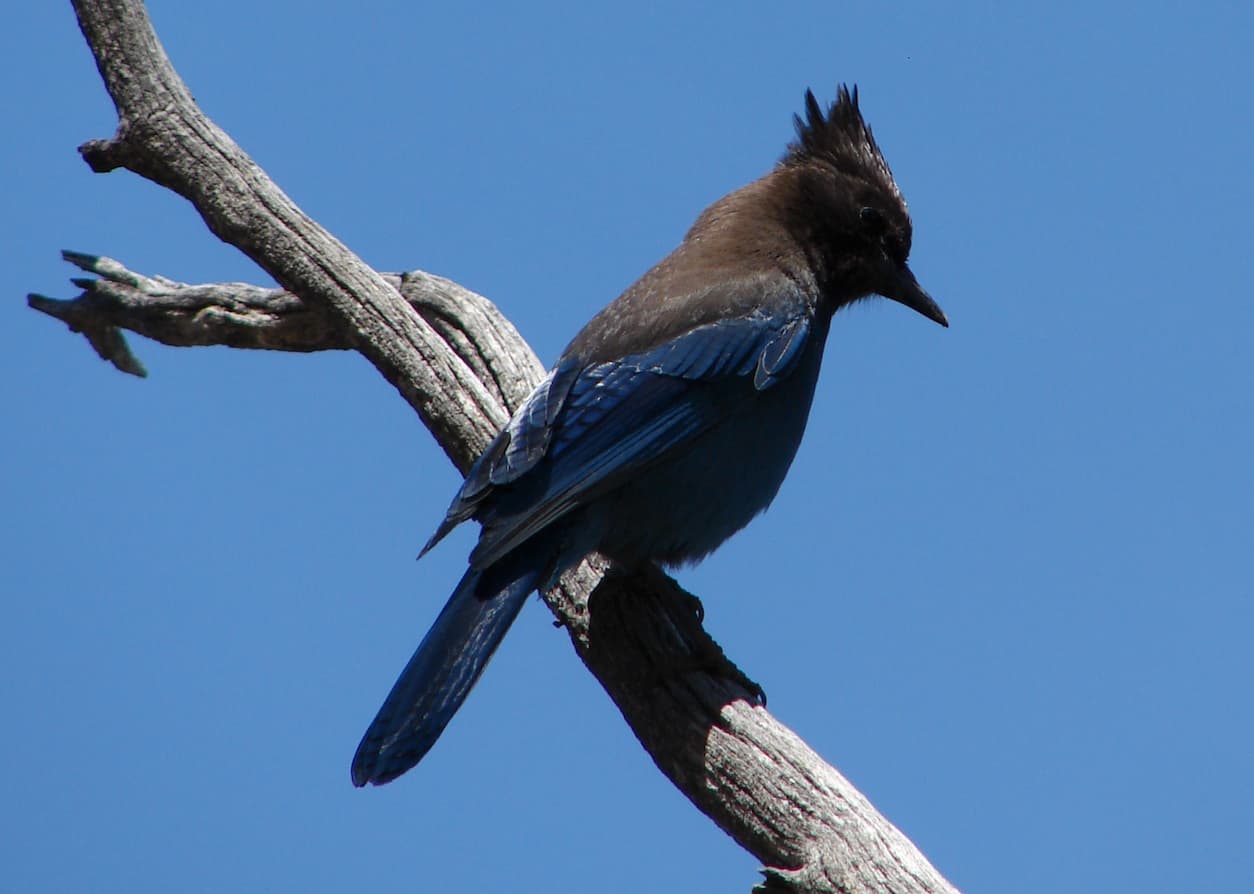
I tried the prompt “turn bird into Topaz Girl” and got neither gems nor fems…
1 Like
2 Likes
hi, thanks for getting back to me-
i’ve got an m1 max, mac studio, 32 core gpu, with 64gb of ram running macos sequoia 15.3
cheers-
1 Like
Please note that when I say 30% faster, I’m not talking about using Topaz software. I’m referring to the test NVIDIA carried out against previous versions of graphics cards  .
.
