Just use 8.0.2.
This is much faster on the M2 Ultra (in spite of Topaz‘ claims of a speed gain on AppleSilicon).
I don’t know what you mean by a static image. Can you give an example please.
GPAI has crashed on me twice today, both times when I clicked on the Save button for Redefine. The first time I deleted and did a clean install. That worked for a while. This time, I remembered about the coreML cache folder, so I have deleted that and it seems to be working again. However, I need to add my voice to the chorus of complaint from Mac M chip users!
2025-02-08-16-59-21.tzlog (61.7 KB)
2025-02-08-17-07-13.tzlog (56.5 KB)
Apple Mac mini M4, 24GB, Sequoia 15.3
It always comes out like this. Also I’ve never had a slow down using GPAI. I can be running TVAI, Handbrake, while using Safari heavily and no slowdown with the OS core functions and apps like some people post. Anyway this is what comes up.
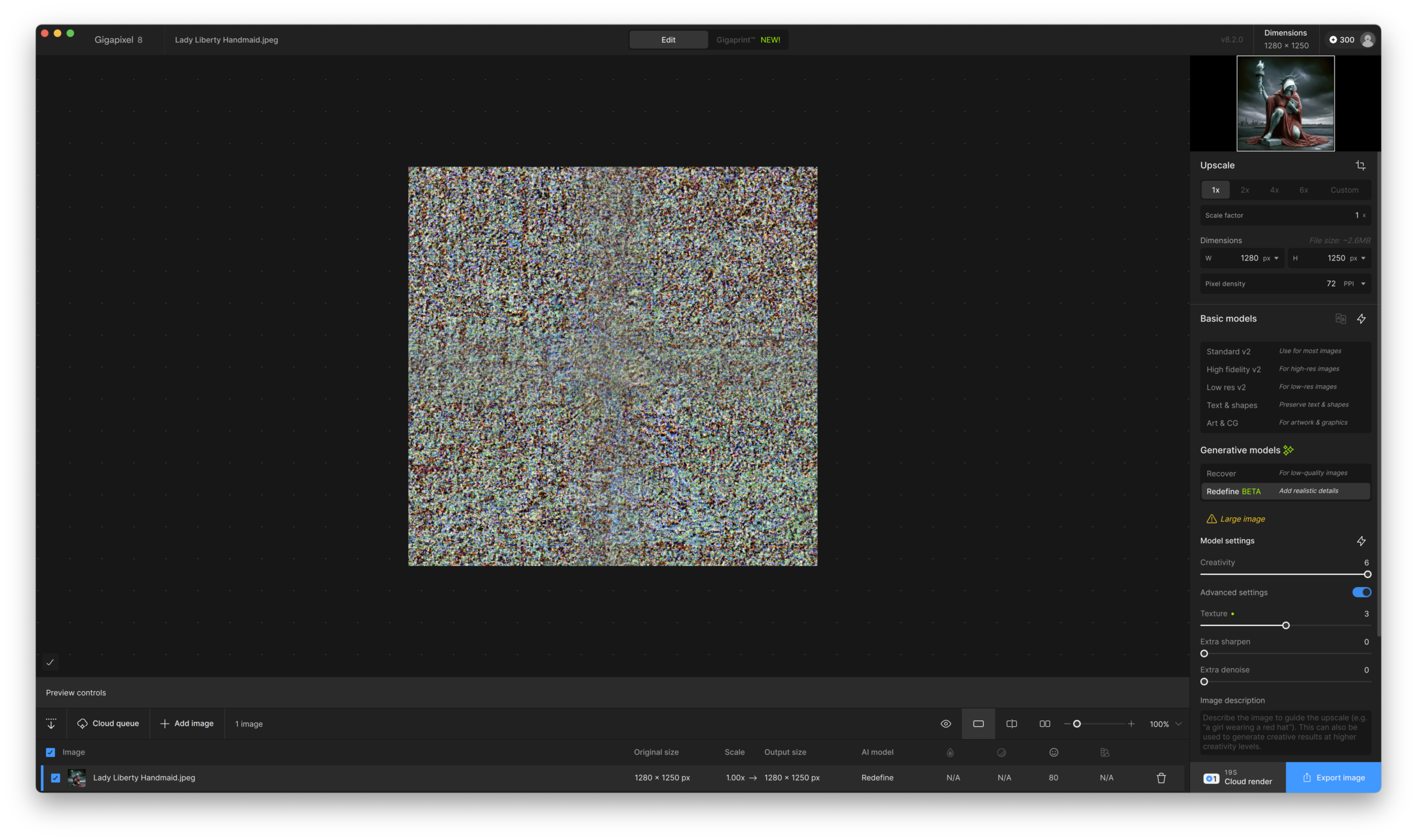
Oh yes, an image of static!
That seems to be a problem for some and has been reported, I think if it’s the M3.
1 Like
Win 11 Pro (desktop) PC. GAI 8.2.0 Standalone & Ps 2025 Plugin. Processor = Topaz “Cloud” & AMD RX6800 XT.
Image: Composite created in Ps from misc. elements (medium res photos & low res AI gen’d) & Ps fx processing of various ilks. Low res .tiff < 20 MB.
- Every time I tried to get a Preview with ReDefine (using this rel.) I got an error msg (posted above & reported to Spt.). While waiting for replies… I verified my drivers, etc. all up-to-date (they were). Decided to try a “Repair” of the GAI 8.2.0 rel. install. After running repair, I’m now able to gen Previews & subsequent Cloud renders.
Before/Starting Photographically-based Composite:
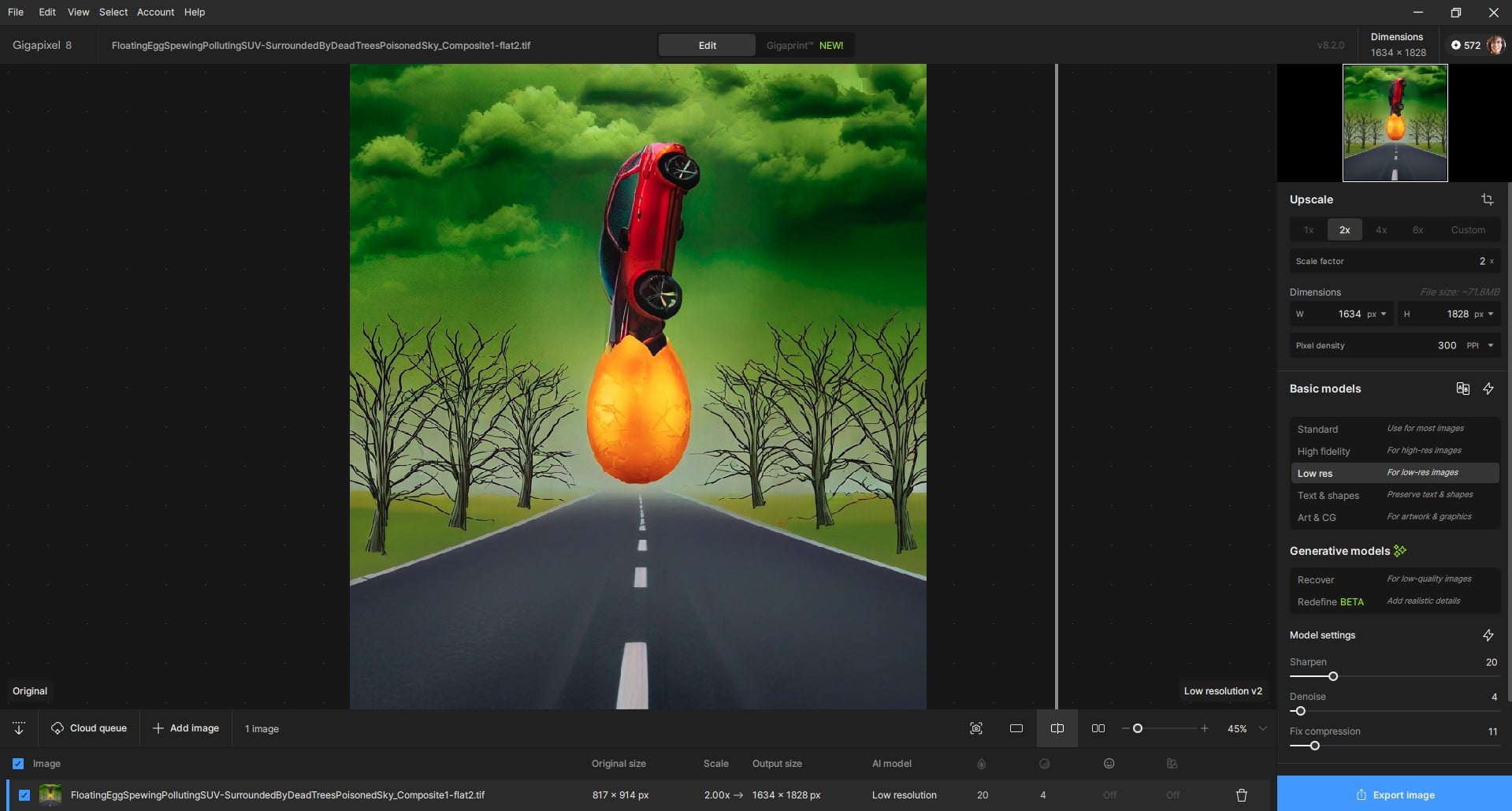
Unable to run the Redefine/Cloud Render from inside Ps Plugin (File > Automate). Switched to Standalone:
ReDefine Description Added -
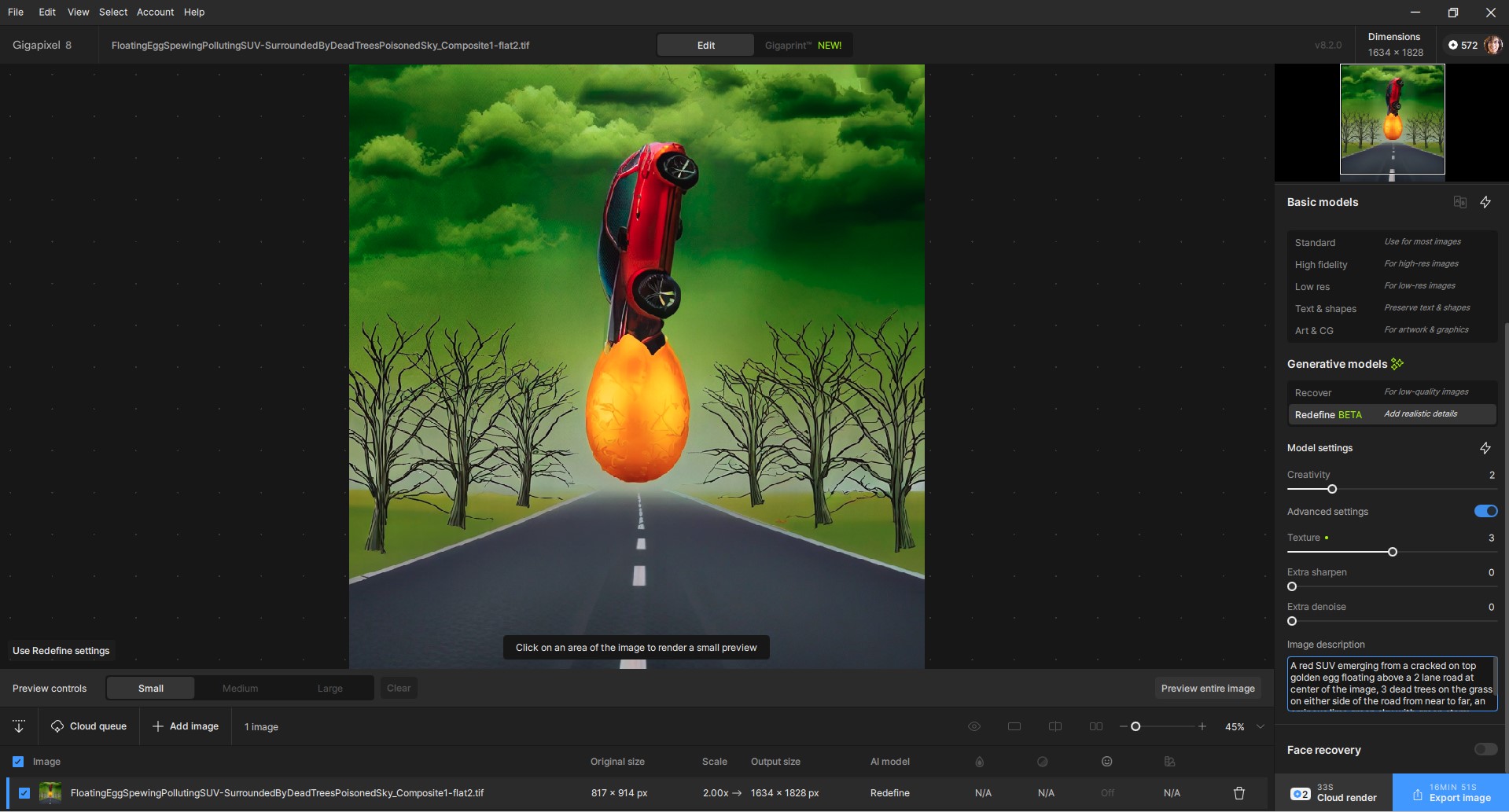
ReDefine Previews & 2 credits to Process Quoted - (very small low res image starting image, Scaling = 2x) Last I looked it had accurately deducted 2 credits for the very small image.
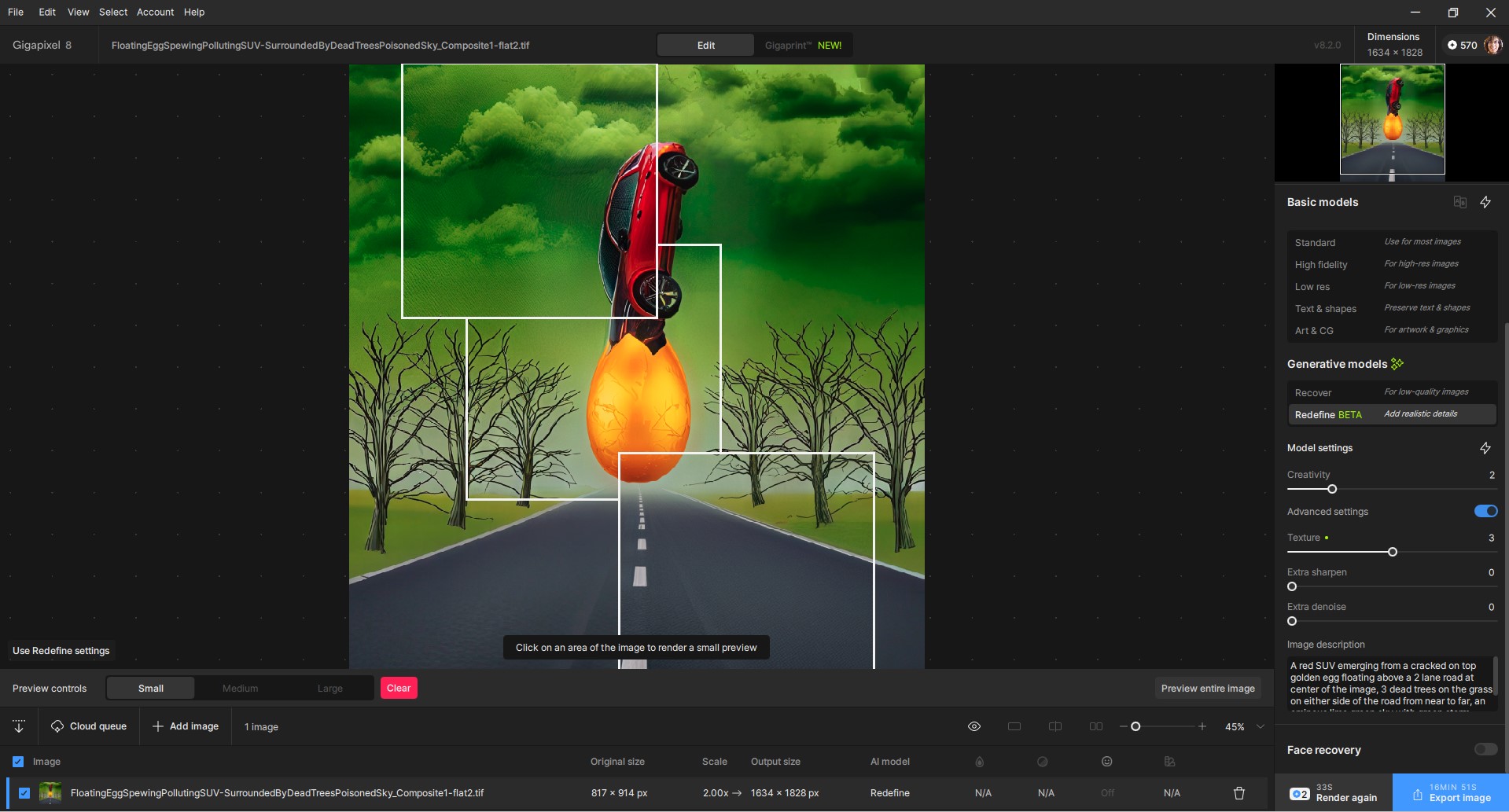
Output - ReDefine Cloud Output (Creative - 2, Texture - 3, Scaled 2x):
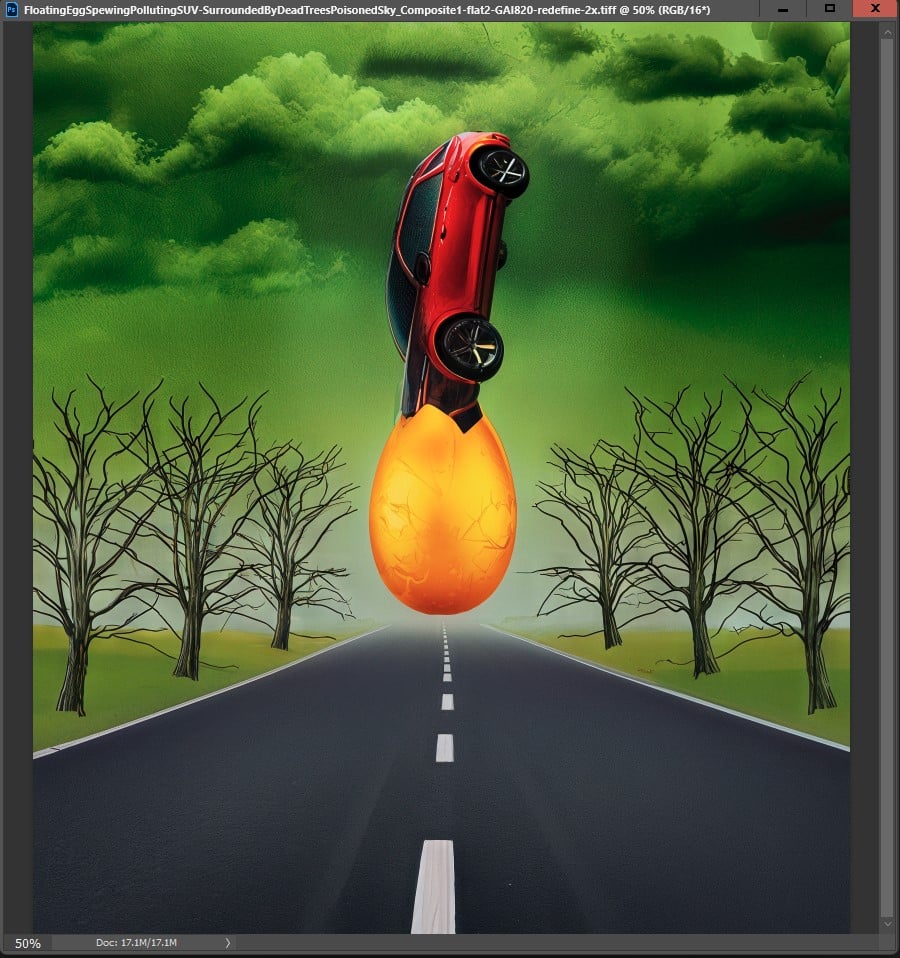
Brought 2x scaled, ReDefined output back into Ps 2025. Used GAI 8.2.0 Ps PLUGIN to Upscale Redefined output by 3.5x with High Fidelity model:
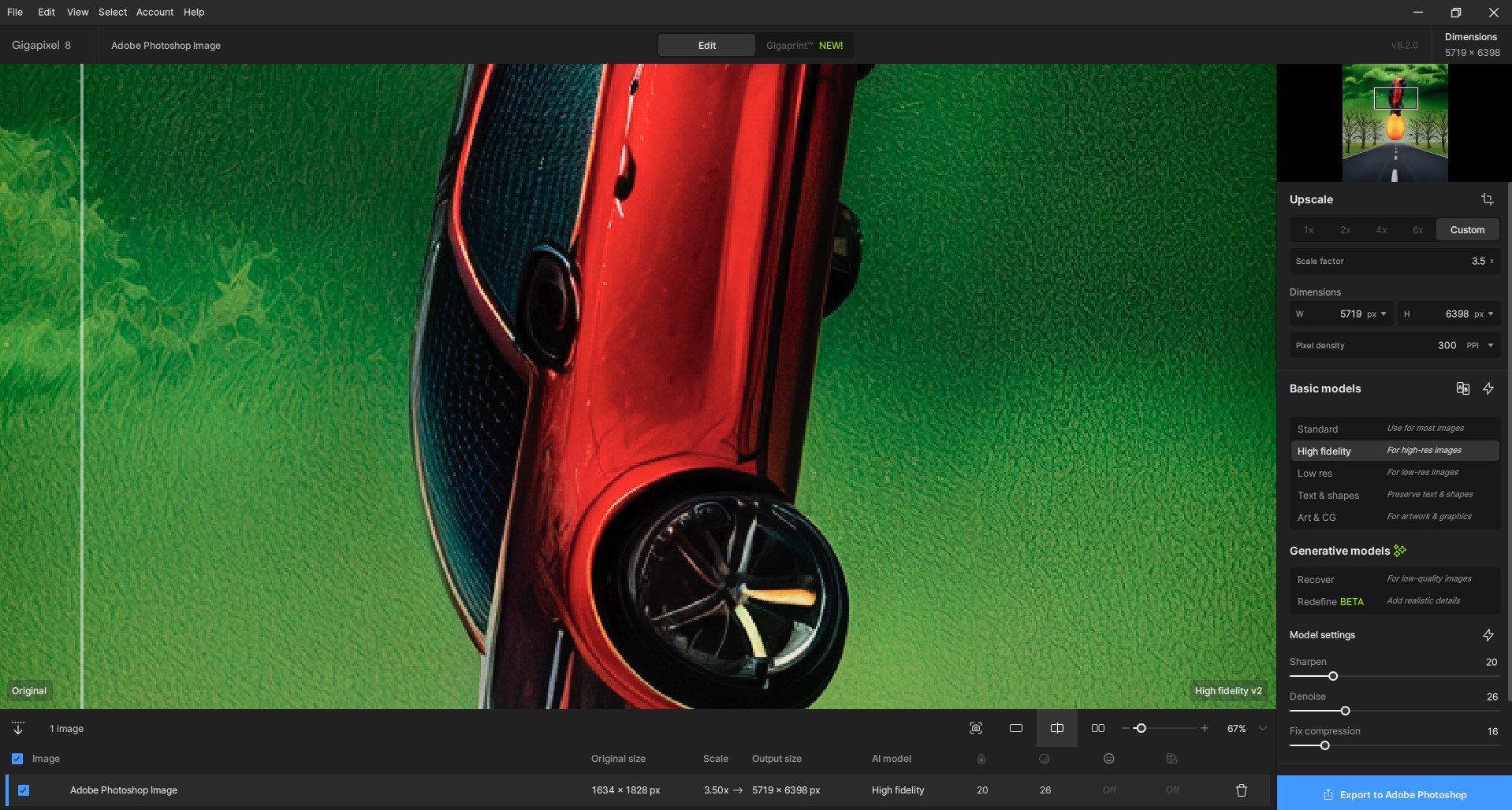
Scaled to larger size quickly & saved back to Ps layer stack with no issues. Was able to apply ACR Profile to upsized output. No barrier to do so b/c of prior GAI post-processing.
Image may or may not have something to do with idea of climate change. Working on a surrealism challenge for myself.
I just tried those settings too b/c of your feedback (now that GAI is repaired and working on my system…). I like that it gave my image some personality from its original flatness but didn’t go nuts.
Checking this version out and, still, one of the most important questions is: why is the preview significantly better than the final output for Redefine? I really cannot rely on GPAI predictions. That’s a big flaw, full stop.
2 Likes
Hmm, so why don’t you just do a preview of the entire image and after that save the result (if you like it) in this case?
That’s how I’m doing the Redefine edits here - and with that approach you can play with different face recovery settings without losing the other Redefine rendering.
And what difference does it make? If the preview is vastly different from the final output it’s valid for an entire image.
1 Like
@f.keely @kasimasi6810 @garito01
This is expected behavior for all generative AI models.
When you process a small portion of the image as a preview, it will never be exactly the same as processing the entire image.
The only way to make the preview identical to the exported image is by processing the full image.
This occurs due to how generative AI works. Even with the same seed number, upscaling a small section of an image will always produce slightly different results compared to processing the full image.
If you’re interested in a more technical explanation, see below 
Click here to Read more
Diffusion models, like those used in AI image generation, rely on context and noise to create details. When you upscale a small part of an image instead of the whole image, even with the same seed, the results can look slightly different. Here’s why:
- Context Matters:
Diffusion models use the entire image to understand how details should look. When you upscale just a small part, the model doesn’t have the full picture to work with. It only sees the cropped area, so it might guess details differently compared to when it processes the whole image. - Self-Attention Mechanisms:
These models use a feature called “self-attention” to figure out how different parts of the image relate to each other. When you crop the image, the model can only focus on the pixels in the small area, so it misses out on relationships with the rest of the image. This can lead to slightly different results. - Noise Behaves Differently:
Diffusion models start with random noise and gradually refine it into an image. Even with the same seed (which controls the starting noise), the noise interacts differently when processing a small crop versus the whole image. In a small crop, the noise has fewer pixels to work with, which can change how details are generated. - Local vs. Global Optimization:
When processing the whole image, the model optimizes for the entire scene. But when upscaling a small part, it only optimizes for that local area. This can lead to small differences in textures, patterns, or details.
1 Like
When you save the image after previewing the whole image it’s exactly saved as what you see and that without the need for an additional rendering / without having to wait again 
Or did I understand something wrong here?
Edit: after reading @lhkjacky s comment I think I understand your issue.
You want the preview of a small portion look the same as when you do the whole image. Unfortunately this won’t be possible with generative AI as with the whole image it has a totally different data set for the context as if it saw only a small part of it.
And when it had to see the whole image I guess it could as well also render it fully (?)
1 Like
I see. That’s a shame.
On another note, I still have the bug where the seed doesn’t change, so for Recover and Redefine I always get the same result upon saving, even if I regenerate the entire image, close out, reinstall, restart my PC, use the cloud, etc. I reported this to support, but I’m still waiting on a fix.
That’s cool but why is the preview better than the actual result? Shouldn’t it also be the other way around 50% of the time? Didn’t they, when redefine was first released, also say that the quailty of a cloud render was a bit better than a local render and they would fix that and then never mentioned it again? (not in patch notes at least)
On a sidenote; I have the same issue that Kasimasi is having where the result is always absolutely identical, even if I quit the program and restart it.
jo.vo, I hear you and I understand the concept and the conseqences of different AI seeds and variations of each render. I’m OK to preview the whole image and then save it. The point is this whole image preview is way worse than the small one. I simply do not get it.
I am having the same issue, Redefine completely stopped working after this update. I am on an M1 Mac with 128gb of ram. I use this app daily for my work and now this his cripples my work flow in a huge amount.
Are you having the same issue as me? Where the image just ends up like a TV screen with no signal?
yup, it either gives me some blurred weird image or gives me a “contact support” message. It seems Topaz didnt care enough to make sure it worked on Apple products.
1 Like
A 5080, so the different processing times make sense. Amount of vram shouldn’t matter at that size though? It doesn’t use more than 6-6.5GB of vram processing a 1152x864p photo x6 → 6912x5184p.
@dakota.wixom
Could need a quick grammatical fix:

2 Likes
