Well, that’s physically impossible, I fear - the 4090 does have MUCH higher GPU power compared to those low-power Apple ARM chips.
But enough OT.
I’d still like to see a comparison of GP 8.2.0 vs. 8.0.2 on your M1 Ultra - just to see if I’m really the only one experiencing the slowdown with the new version.
You could use a smaller image with about 800x1000 pixels and 2x upscale for that test, then it should be in the 5 minutes range.
Not earth shattering. Certainly not from a usage standpoint. But reflects not well on the company as not being attentive to details … Hopefully, an easy cosmetic fix.
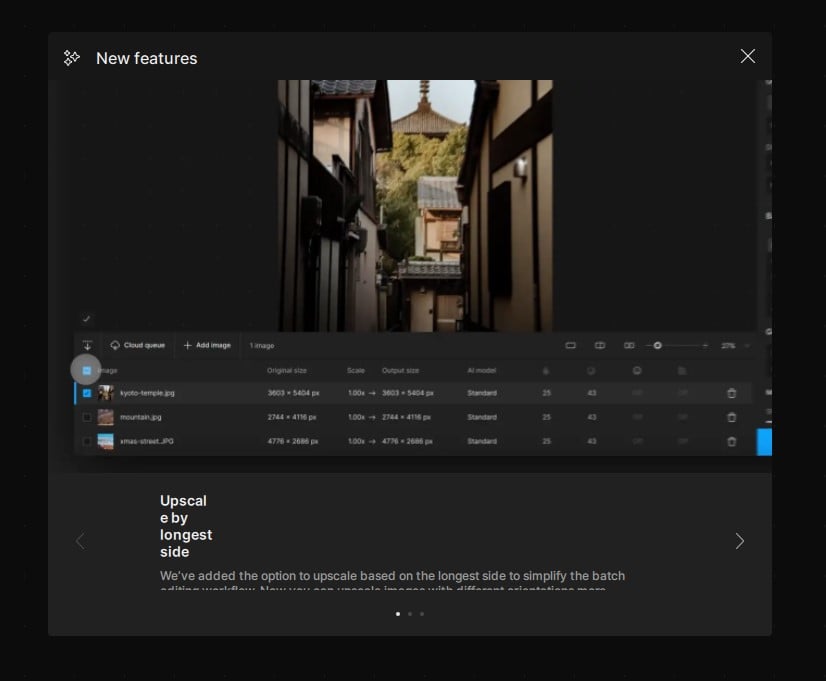
The Welcome Screen intro pop-up text is badly formatted:
Actually, all the left-justified new feature headers could be spread out (there’s plenty of space) to look less jammed up. Even though the others don’t have weird letter/word breaks.
Ok, so for you the 8.2.0 seems a little faster indeed (albeit the renderings do vary quite a bit not only regarding the result, but also rendering times - but which is to be expected with the generative AI approach).
Hmm, so what is going wrong with the M2Ultra?
P.S: I have both versions of Gigapixel installed at the same time - maybe that is explaining that discrepancy?
That both versions use the new model, but 8.0.2 is faster in that?
Further testing is needed as it seems
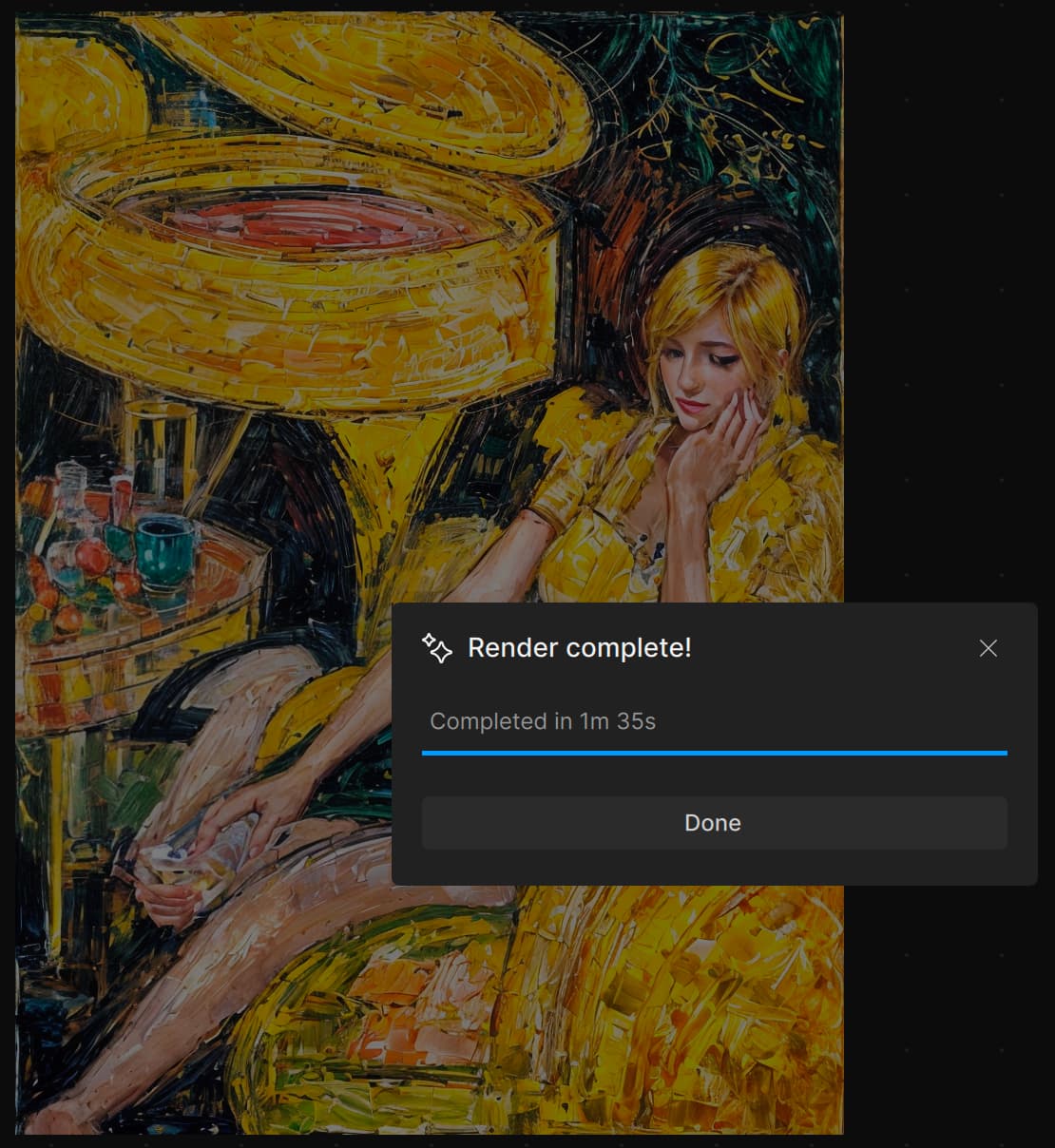
I missed the beta testing, but have just run the low-res test image through GPAI 8.2.0.
Redefine took 3m37s (compared with 5m50s in v8.1)
Recover took 20m30s (compared with 19m55s)
So that’s less than the 50% improvement in speed promised to Mac users!
M4 Mac Mini 24GB, Sequoia 15.2
Win 11 Pro (desktop PC). PAI 8.2.0 - Standalone (and Ps Plugin via File > Automate). Processor = AMD RX6800 XT.
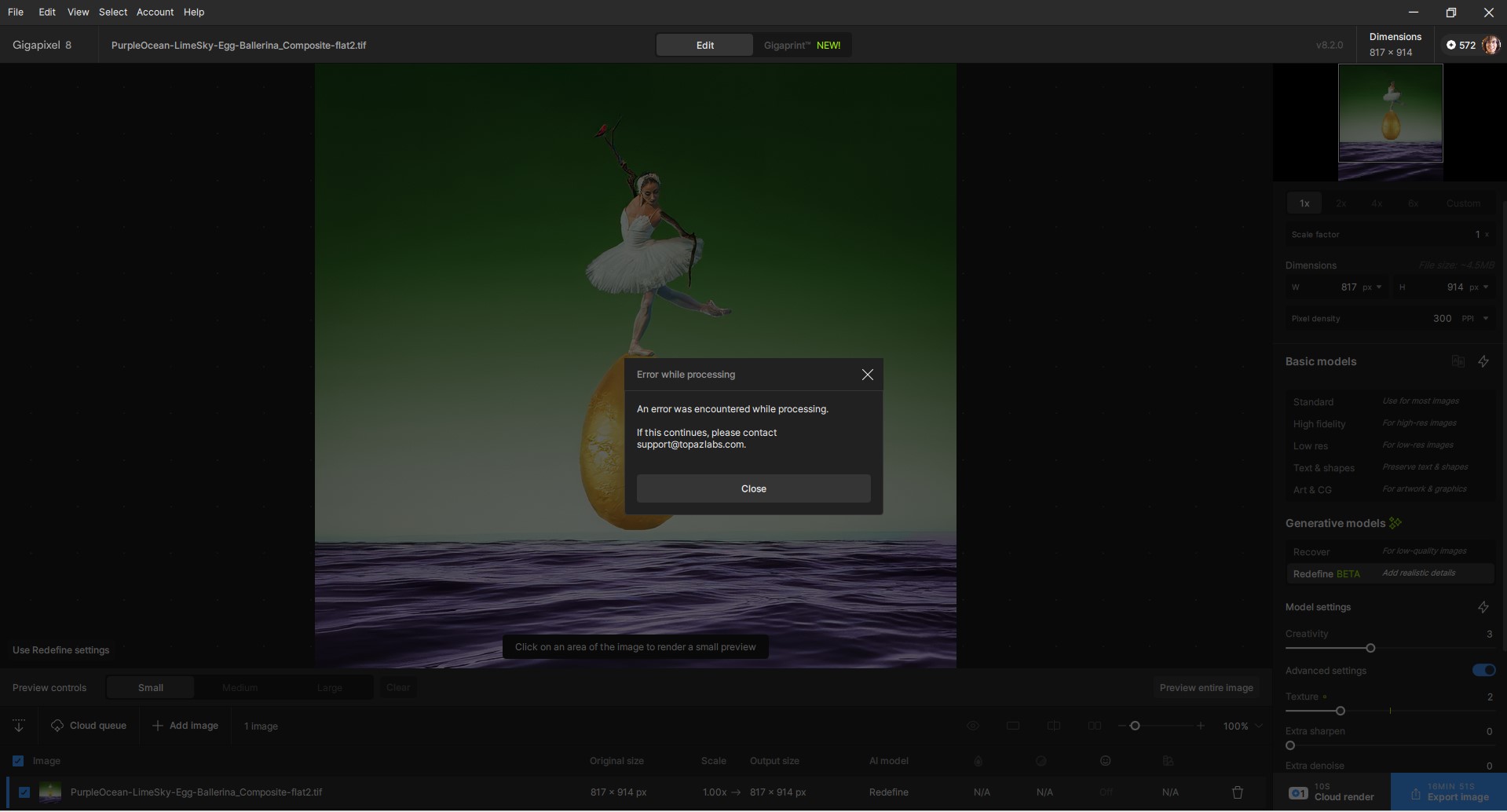
Consistently and repeatedly cannot generate a Preview for the image I’d like to ReDefine. Needed to see a Preview before risking tons of credits for a Cloud render… Have tried with 2 images so far.
Get Error Msg each time: (Image is < 1K px on both dimensions)
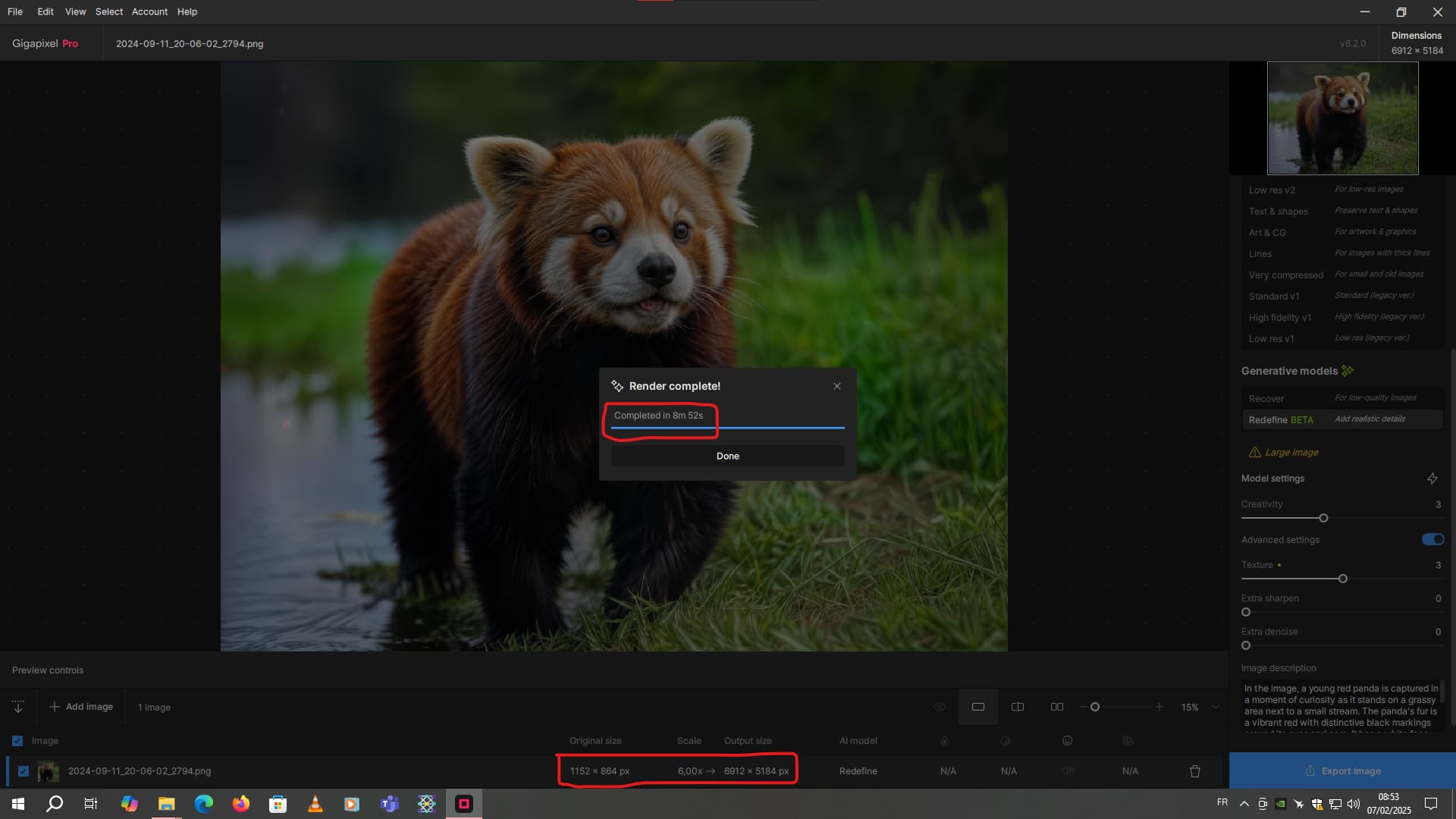
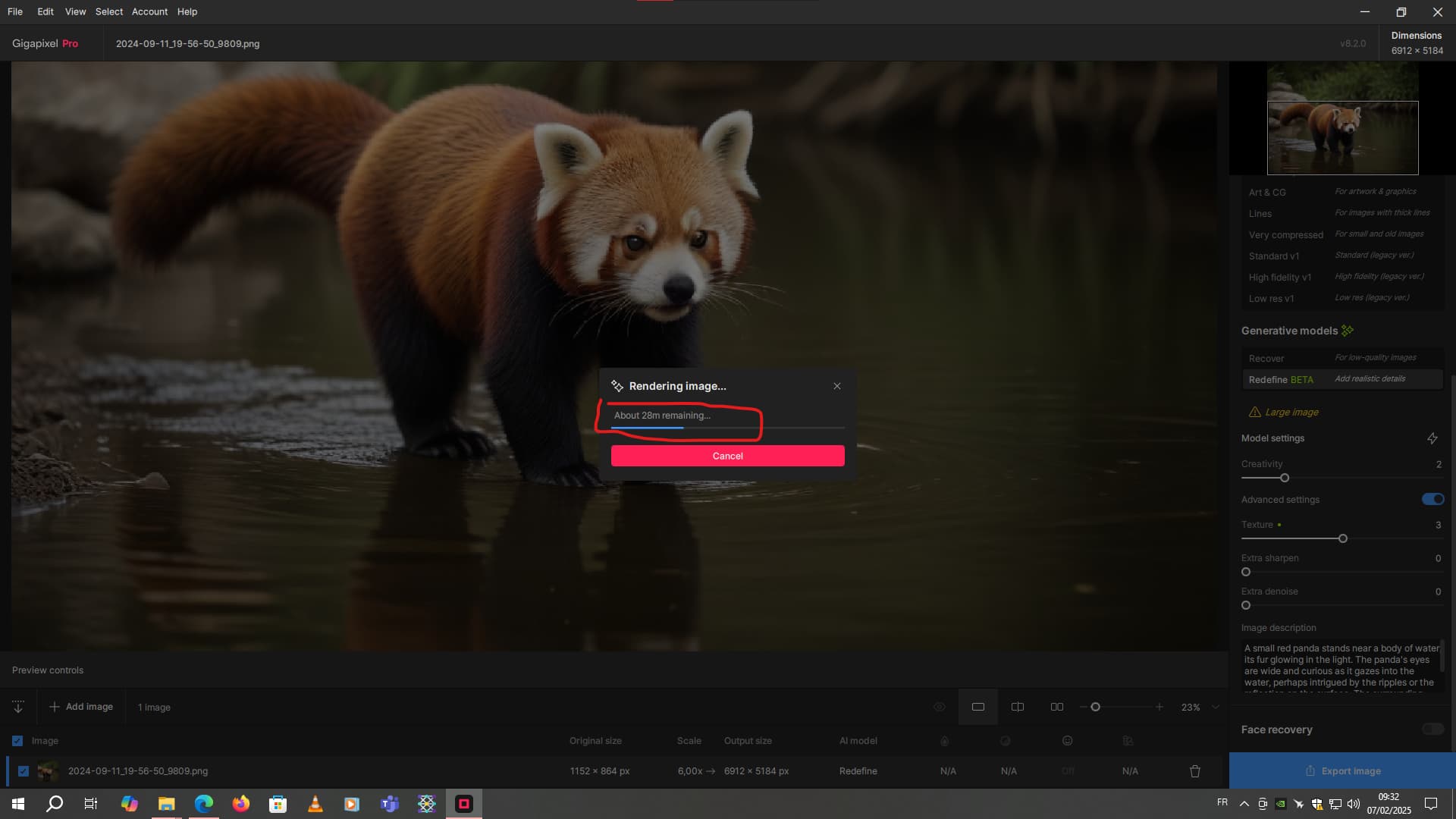
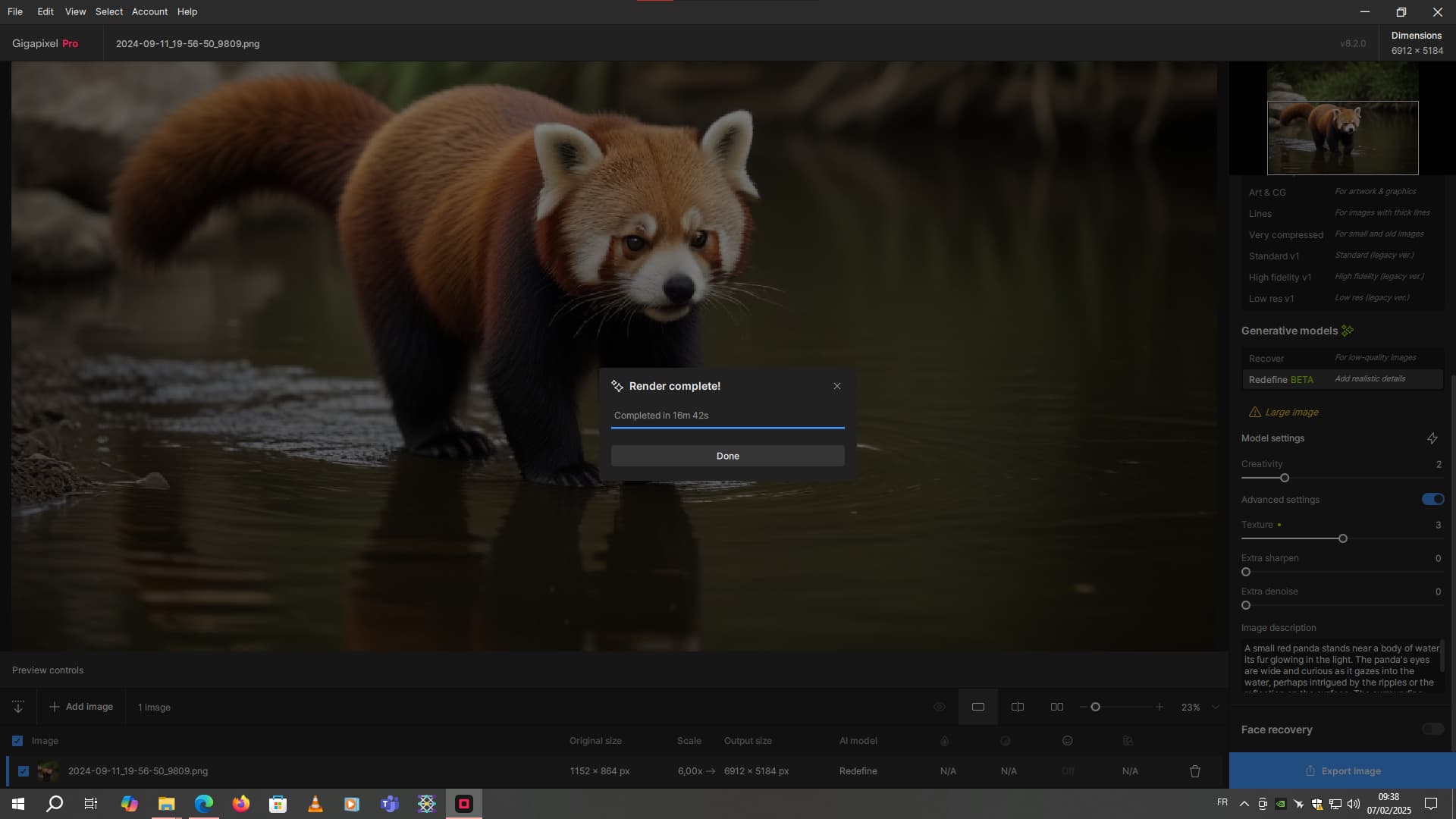
the first took just over 8 minutes. The 2nd a little over 9 minutes. And this one, with the same starting scale and magnification, seems to take much longer. So, yes, the output quality is much better, but the processing speed is much longer.
That’s a really long time, considering how small the starting image is. A rendering time like this, with older versions of the software, would require images with starting resolutions at least double or more on my machine.
For the record, I’ve got 32 GB of Ram and an RTX 3070 Ventus with 8 GB of VRam. And all my disks are very fast SSDs.
Image description is now supposed to be working better with the Mac so I thought I would give it a try.
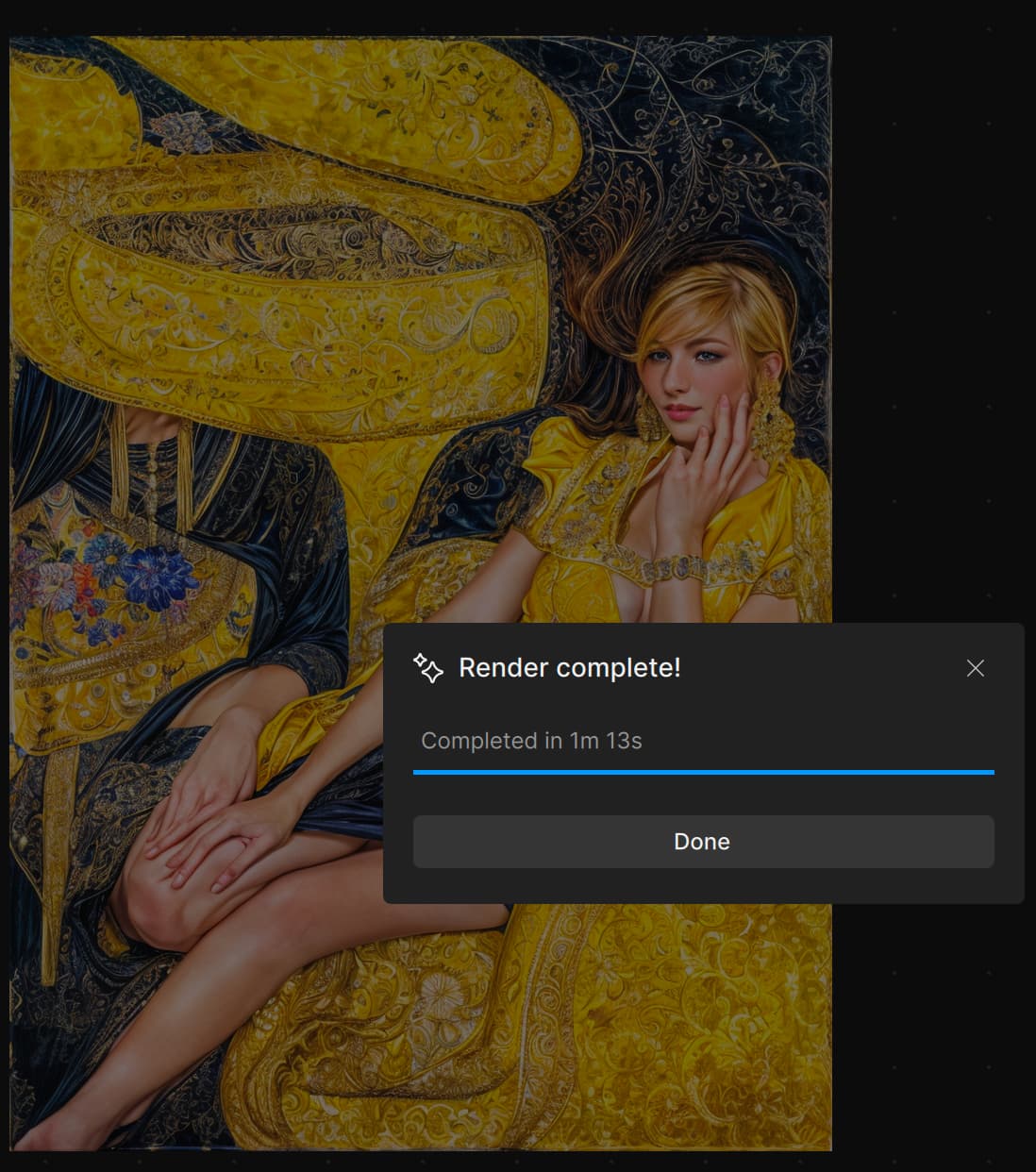
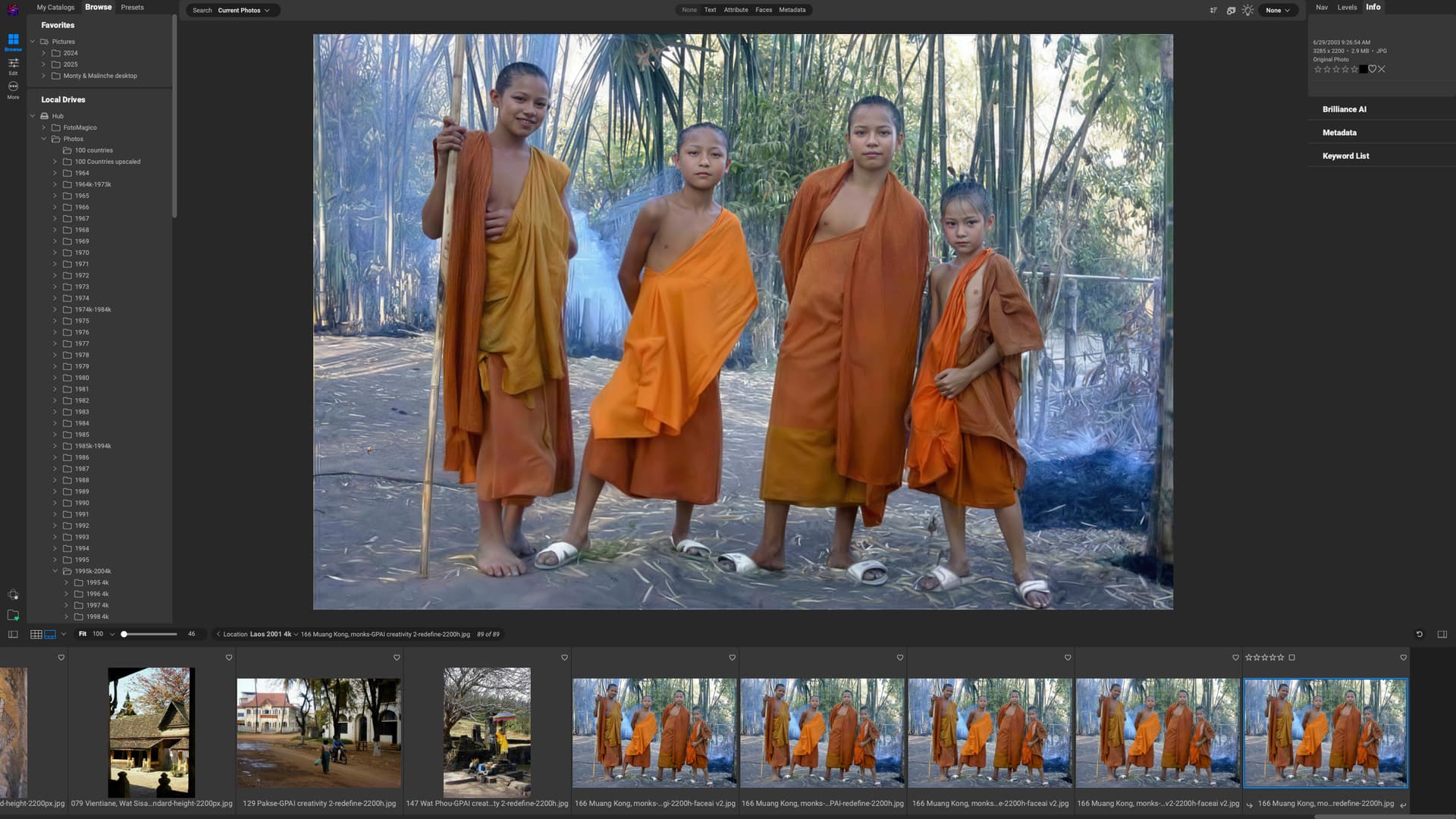
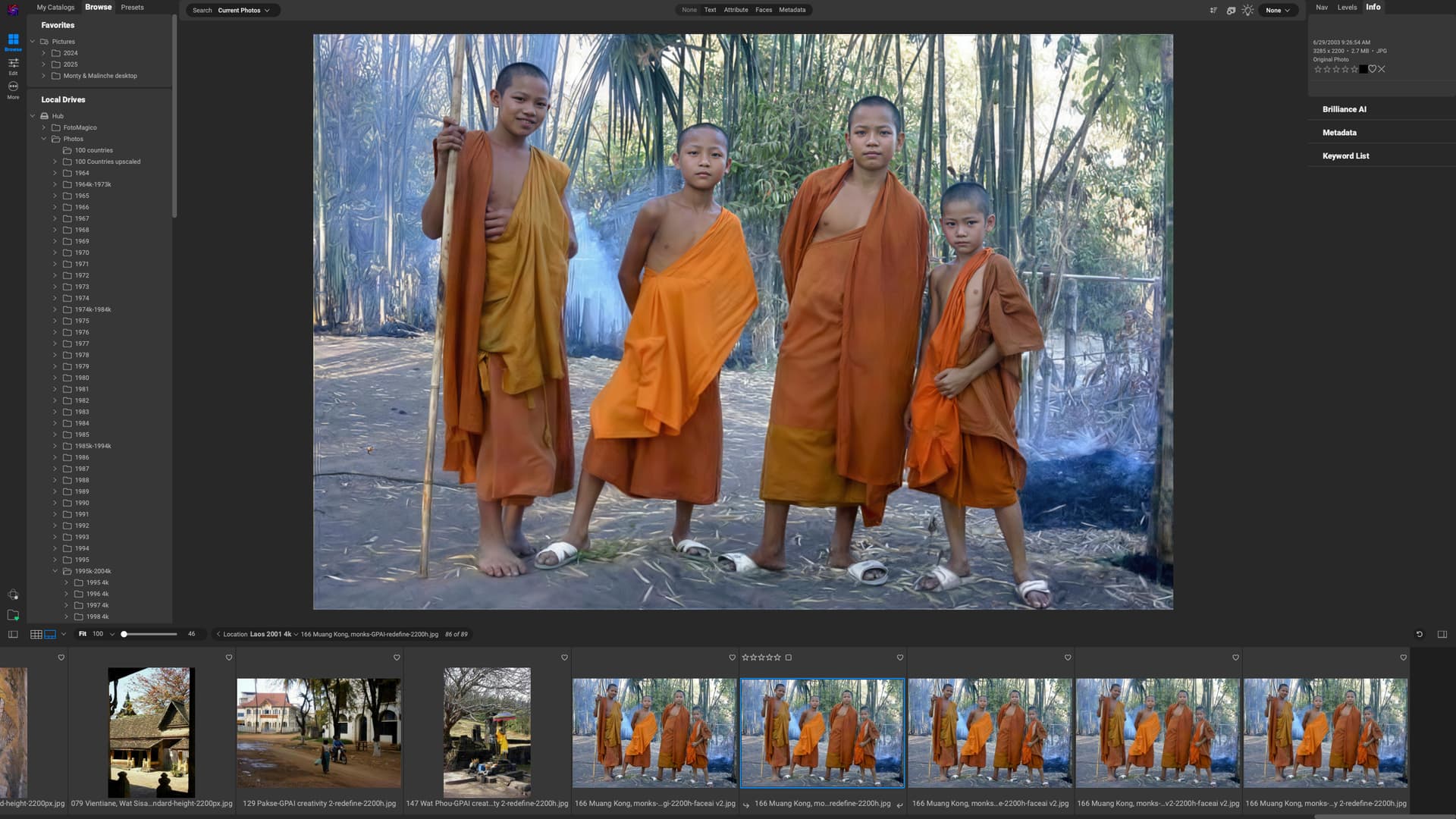
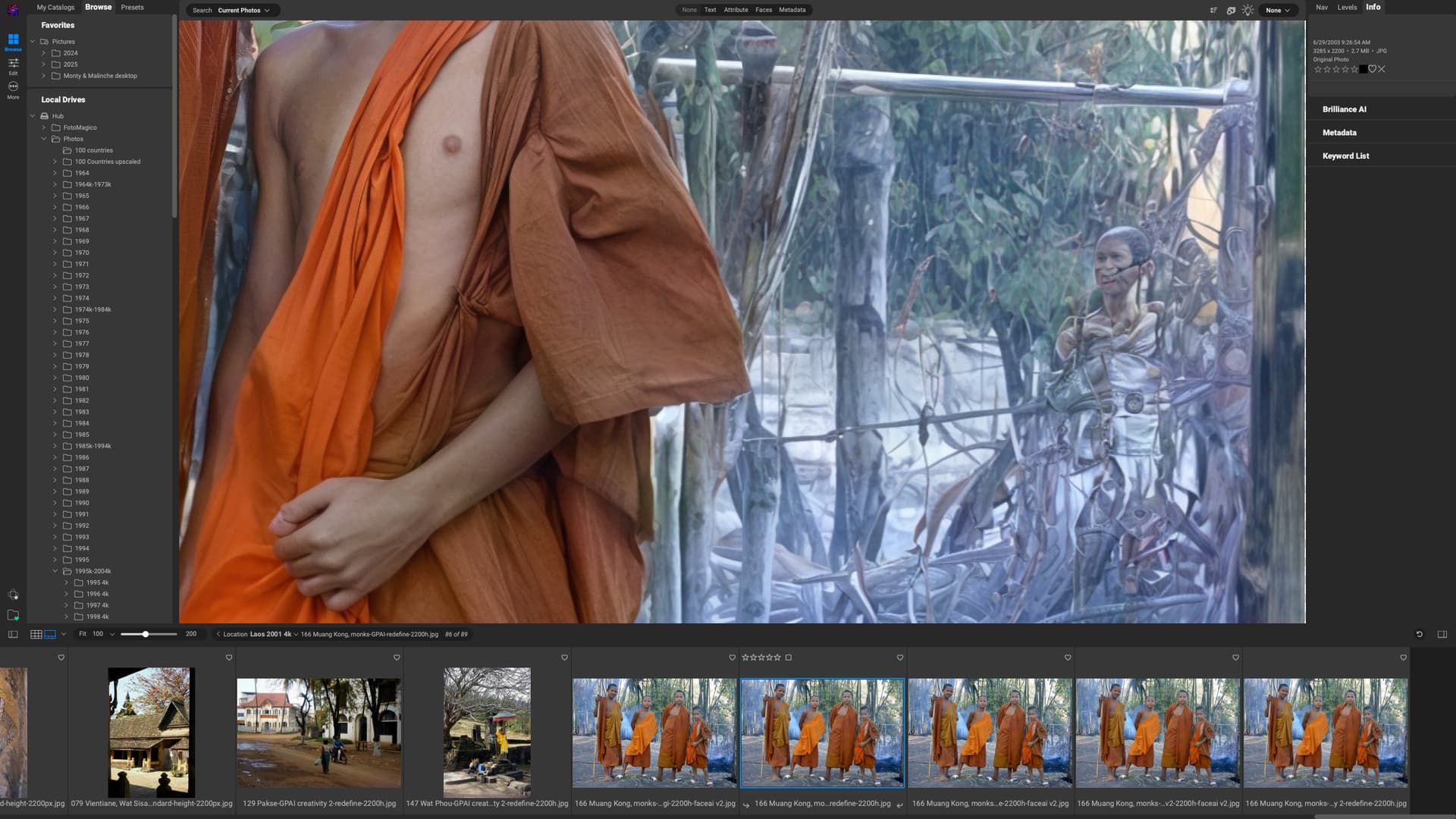
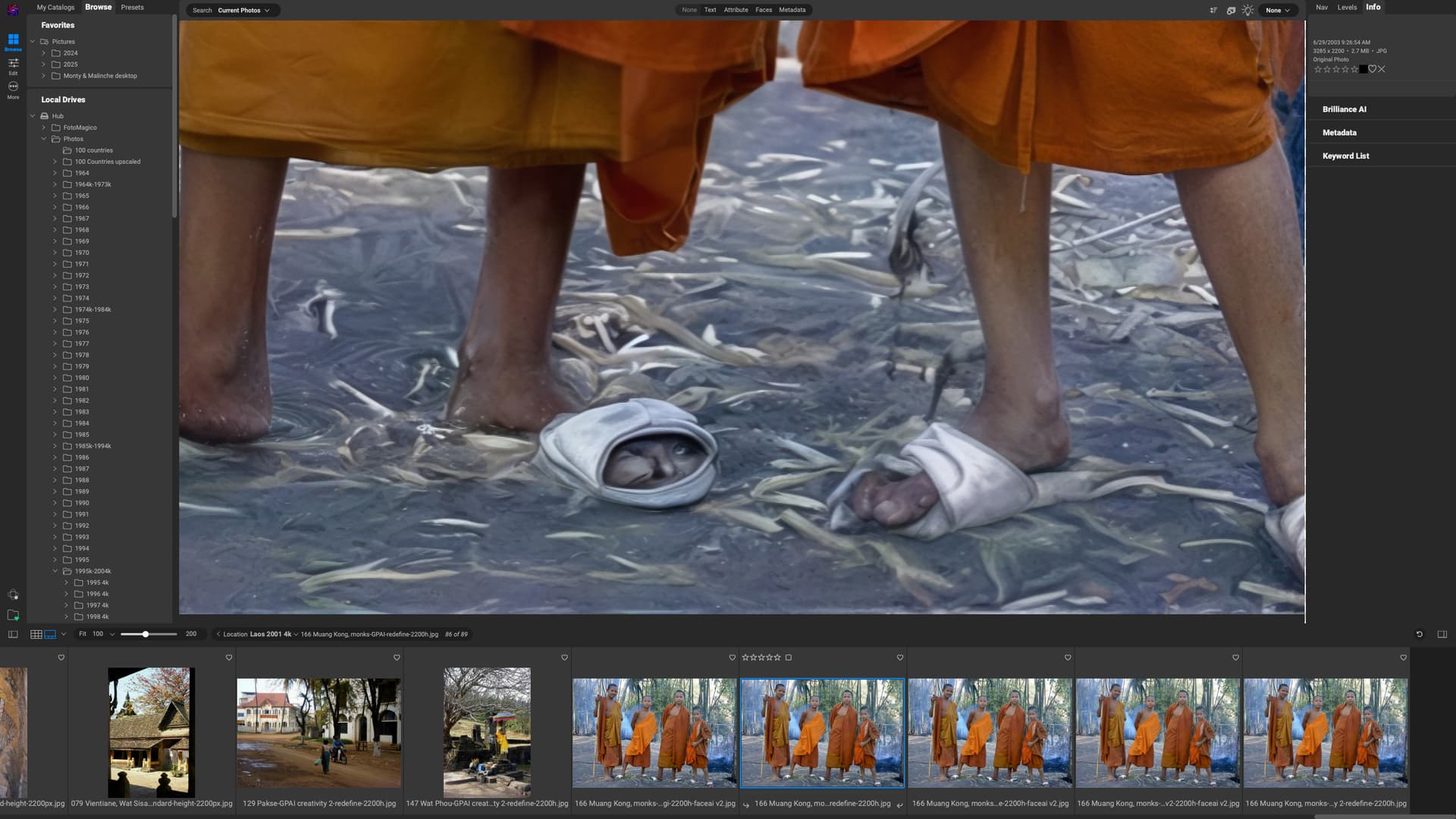
Here is my first attempt at upscaling an old JPG to 4k using Redefine set to Creativity 2 and Texture 3.
Topaz Girl took over the features of all the boys, especially the one now with tresses on the right.