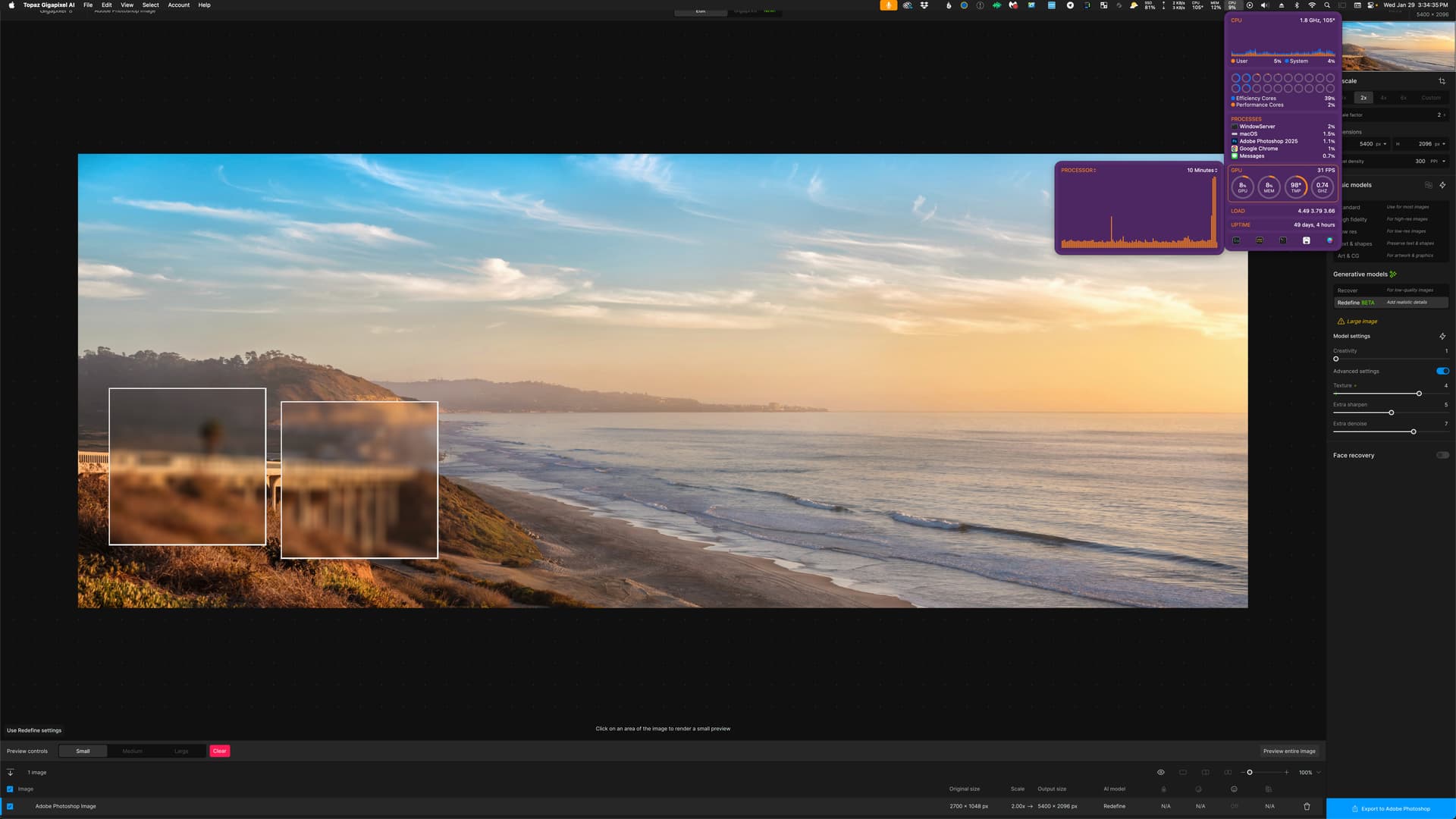
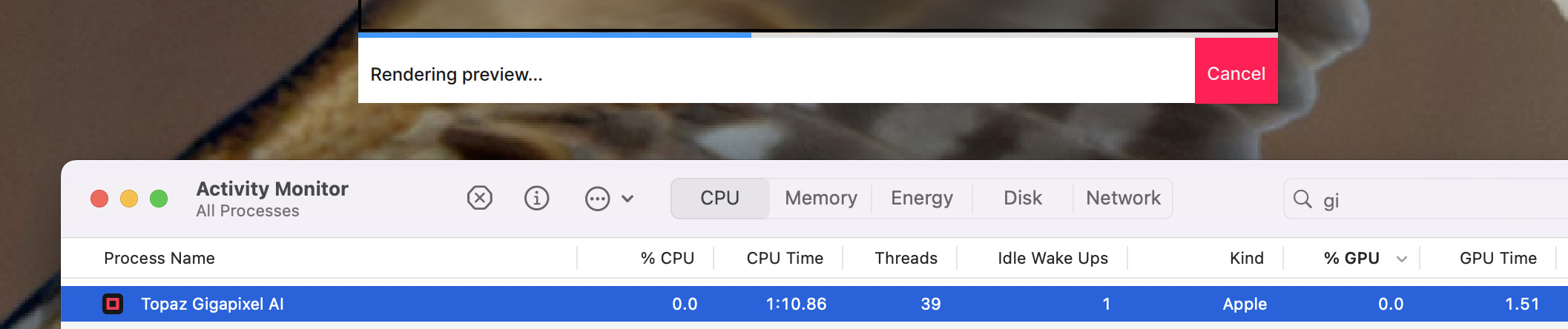
Just doing a small preview of Redefine and the first time, the GPU/Neutral wasn’t used (small spike) and the second time it pegged at 99%. Both times, I get no preview. Just a blurred out box.
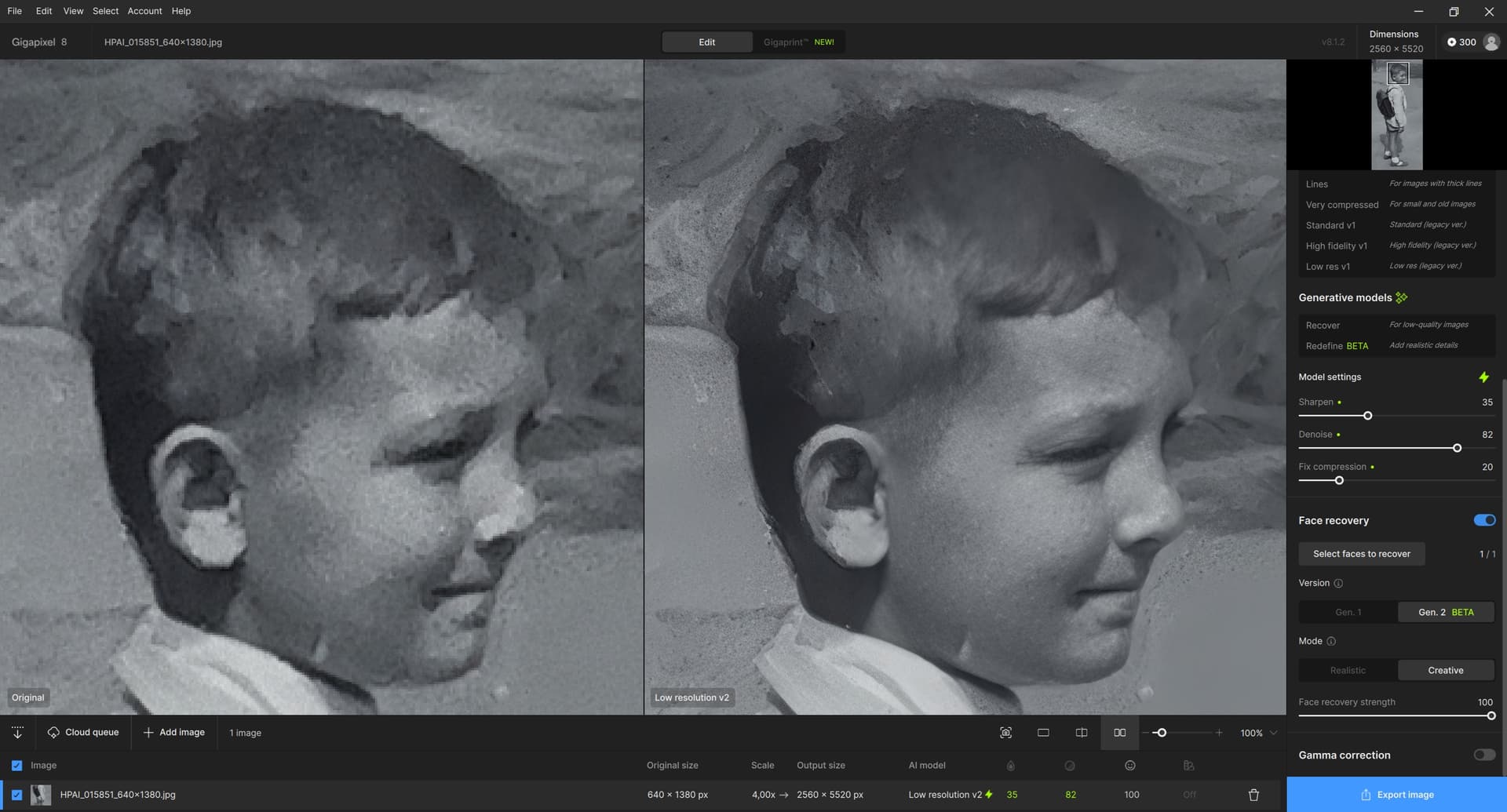
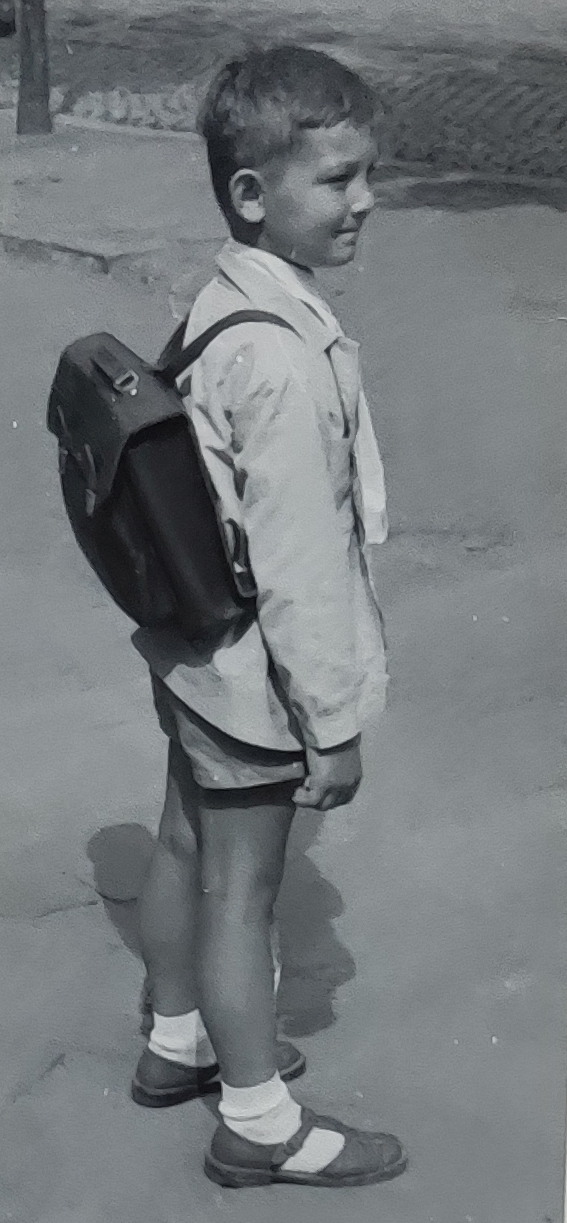
My secret wish is that Gigapixel, in addition to enhancing faces, would also enhance people’s hair. Perhaps it could be helped by manually selecting a suitable area on the head. To make it at least a little closer to reality. On the sample clipboard, there is a schoolboy (that’s me) as a cutout from an ancient, very bad black and white photo (in fact, it’s a photo of a photo taken by someone). Gigapixel recognized the face without any problems and improved it (one can’t expect miracles here). But it would need – at least slightly – to transform the area with various gray spots on the head into something that would look like hair.
If it can create hairy arms on Topaz Girl… then why not hair on the head? At least a little.
P.S. By the way, the photo comes from the year the (linear) perceptron was discovered and used for (from today’s perspective primitive) image recognition. I had other worries at that time and had no idea that ages later I would be struggling with editing photos on a computer. And here’s a quote about the perceptron (no deep learning, just very superficial, but without it we wouldn’t have e.g. Topaz today and would have to spend money on other things):
To be honest I understand what you’re asking for the ability to expand the selection area however, if you could do that it wouldn’t help in this case because, there’s obviously no hair detail in this image so, I suspect that all software would struggle with your image
You’ll probably get better results masking and replacing the hair with hair from another image or painting the hair in your self
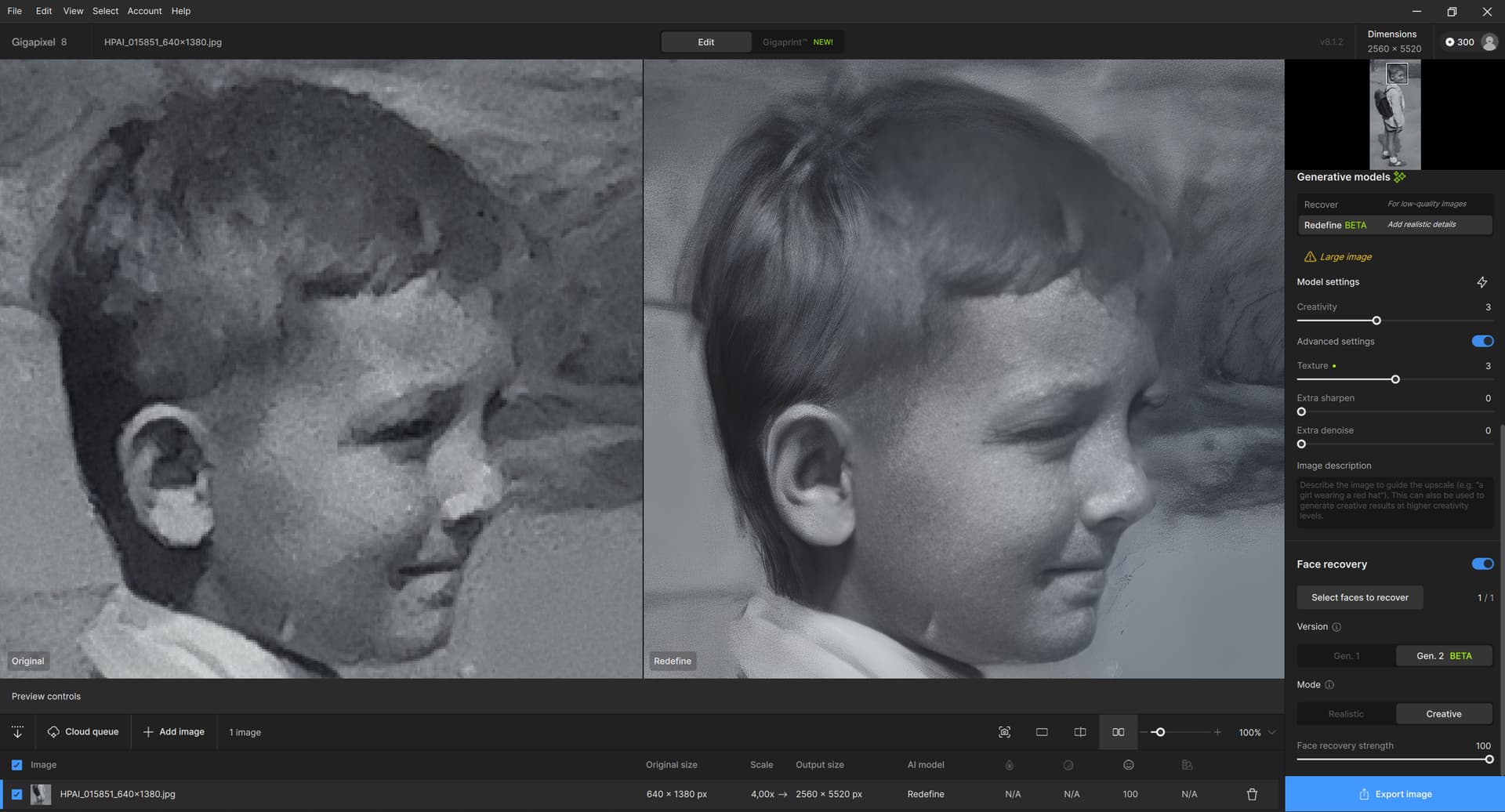
Yes, you’re right, it’s not an easy task. I’m just hoping that it might be possible somehow. I’ve tried a few things from Gigapixel. Redefine Beta offers promising results (creativity = 3, texture = 3, face recovery on), please see the attachment. The problem with Redefine is that it doesn’t allow you to set the selection of a “redefined” area on the photo and it “redefines” the entire photo (or I am not able to set it). So in addition to creating a hint of hair, it also (at higher creativity) changes things that it shouldn’t (e.g. cobblestones on the road) when I want “redefine” only the hair. I was just inspired by the above post from Fotomaker regarding Face Recovery.
You could try a stand-alone generative AI model on this. There is a process called inpainting that can be used with those models, which can replace facial features that are hard to recognize for whatever reason by an AI created fill that gets the better the more precise you describe (“prompt”) what you are looking for. I am not sure if there are (free) online spaces that offer generative AI inpainting, so you may have to install it on your local machine. Automatic 1111 would be a good starting point, it is not the newest AI frontend but it offers easy-to-use inpainting with a quality better than most other frontends offer.
If you want me to, I can run your picture through A1111 inpainting and see what the AI spits out.
If I may ask, could you try it? I tried Topaz Gigapixel and Photo AI, with various combinations of tools and their parameters, but the result from such a bad photo was not good. If the face (and hair a little) was somehow improved in Redefine, then the real appearance of the face began to disappear, or rather changed to a different appearance. And strange artifacts began to appear.
I am attaching the very initial cutout from the original larger photo, 567 x 1223 pixels. The original was taken in 1958, probably by my father. I got it by e-mail from someone from a distant relative (from another country), who only took that photo with a mobile phone (photo of a photo). Many thanks in advance for your help and assistance! I am happy to learn, I do not know A1111.
Very nice, it created realistic hair! I guess I was making a mistake by always using Face Recovery On (“logically” it suggests itself), and maybe by always magnifying it (4x, 6x). Thanks!
Here is a very quick and dirty hack using Stable Diffusion inpainting. The only thing that is a little tricky is the masking of the area to be inpainted, as the transition of the hair to other structures in the image is a little bit of guesswork due to the slight blurriness of the image. You can see that apart from the hair, the image is unchanged. As in Gigapixel, the creativity for the inpaint can be set in Stable Diffusion. I used a value of .41. Lower values won’t add enough texture to the hair, while higer values can result in ZZ-Top hairstyles.
For your next trick, see if the relative can mail you the originals (they are of you after all!) or perhaps properly scan them.
I know it takes work to get old family images from the relatives! My grandfather’s brother across country died a decade or so ago and it was like an Act Of Congress to get his grandson to finally crack open the old suitcase after a few years (his father could not bear to look into it) and get some old tintypes and other images scanned at his workplace.
This is one of the scans he did (I have yet to see the original), colorized in PS and Topaz-ized:
Did you try any add’l processing in the Denoising func of GAI (lots of color noise in the image) + tap the Ps neural filters to fix the mixed clothing colors and get rid of the “scratches”?
Were you primarily upscaling? Just wondering why you used GAI vs PAI…
I tried to get technically better photos, but the relatives (very friendly and willing to cooperate) are from the opposite end of the technology spectrum. So they only deal with photos and the Internet via mobile phones. After all, this is not a matter necessary to maintain the universe. The photos were supposed to support the belief that they are really my relatives. I just wanted to try what can be done with it. I appreciate all the advice and help here. And some improvements can be achieved, as one can see. That is, by combining artificial and human intelligence .
I open the program… It’s OK…
I upload even just one picture … The monitor display get black and flickers, like I had ““set””?? an not supported by the graphic card.
Concluson: I have always to turn off the pc every time pressing the button!!!
I want a program (and I have paid for it), not a beta version time wasters and computer breakers.