Good stuff!
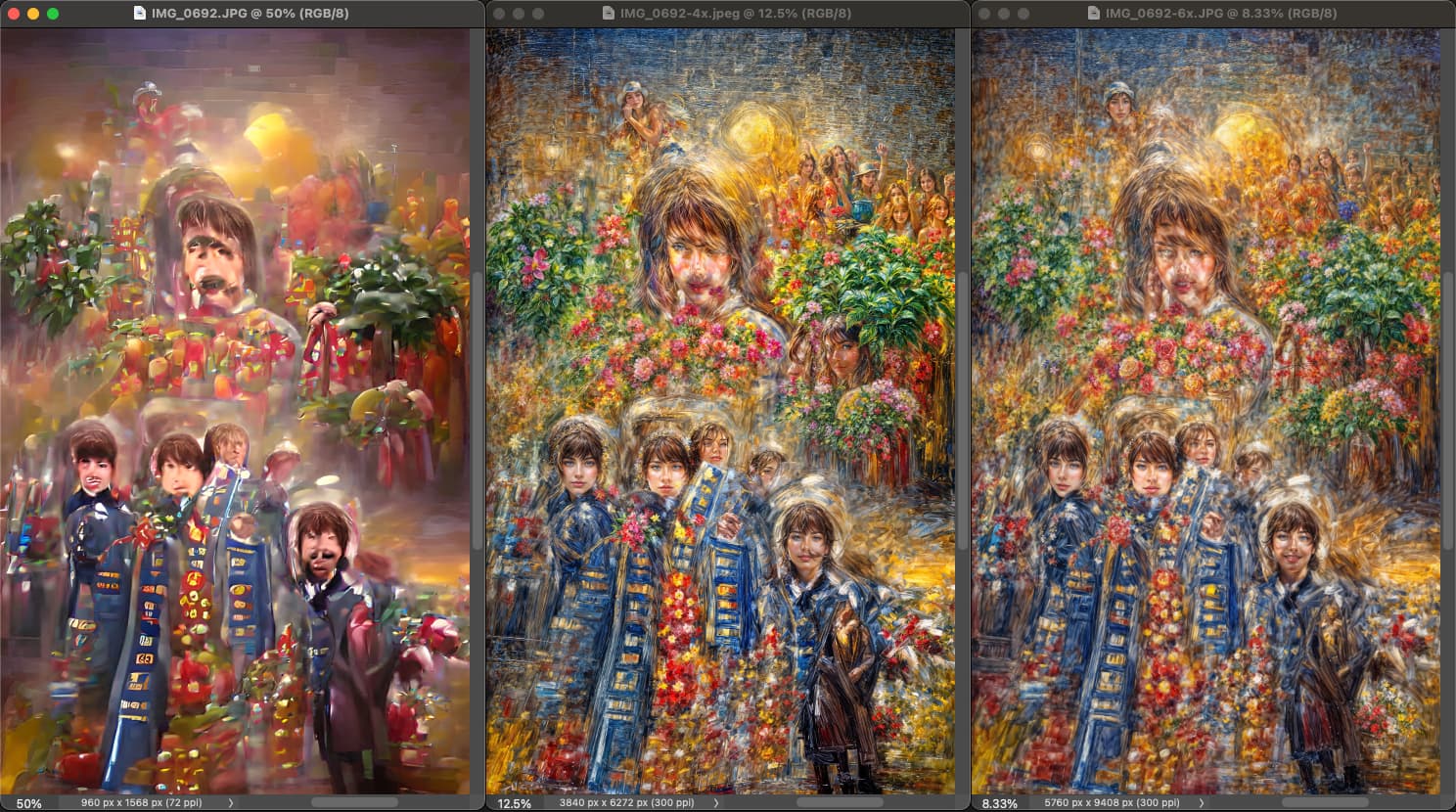
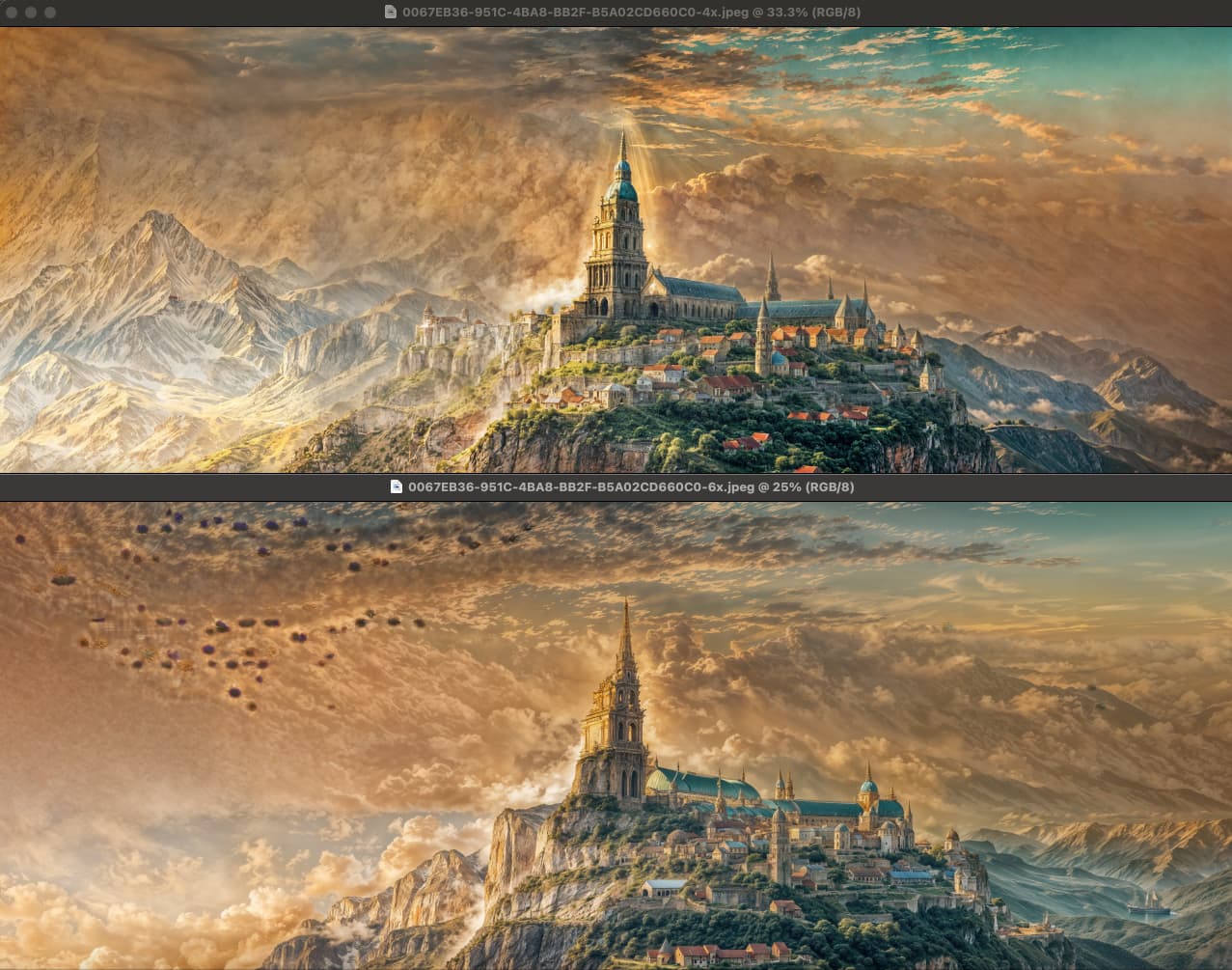
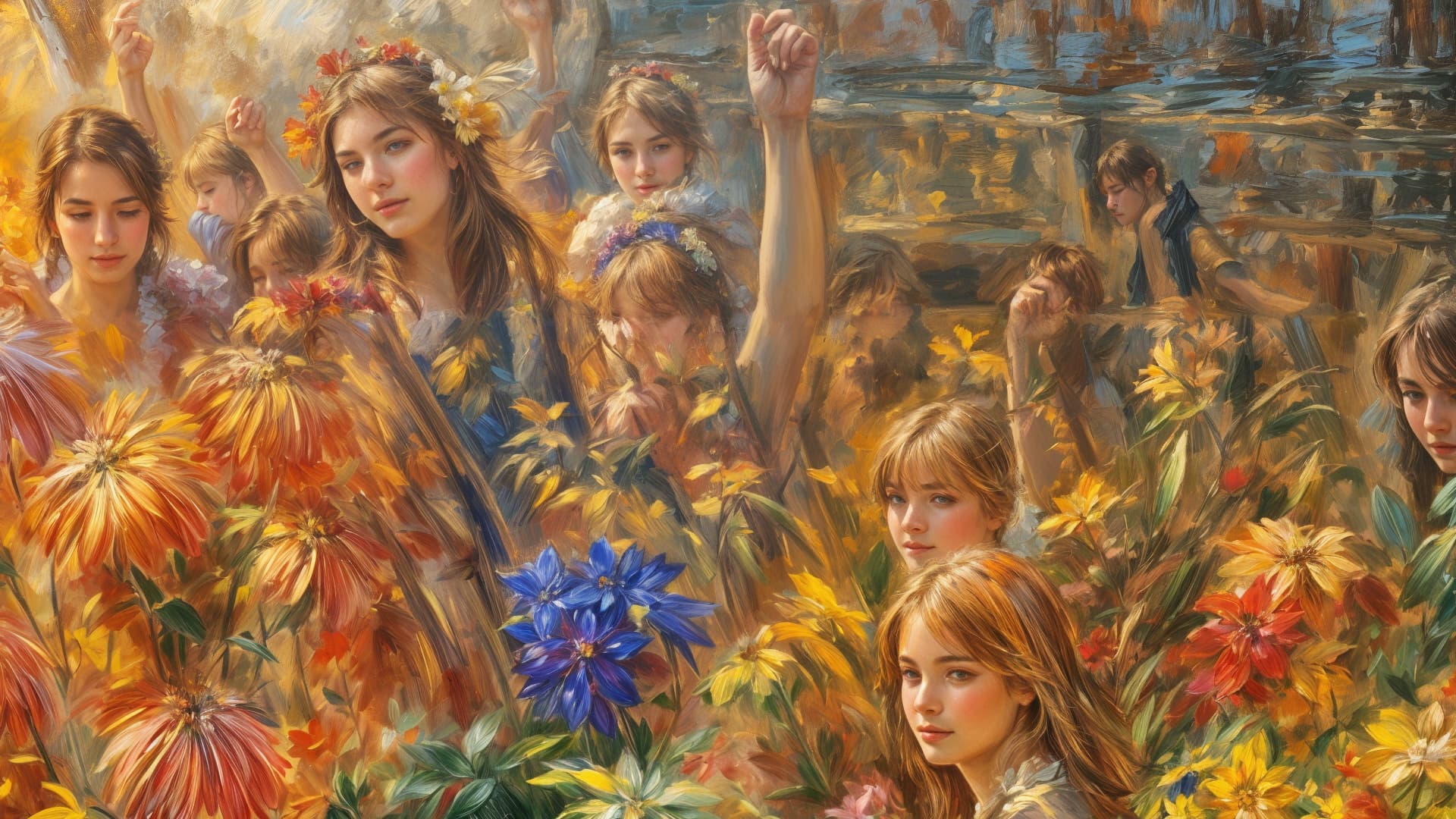
Be aware also that 4X and 6X give slightly (and sometimes more than slightly) different results.
4X:
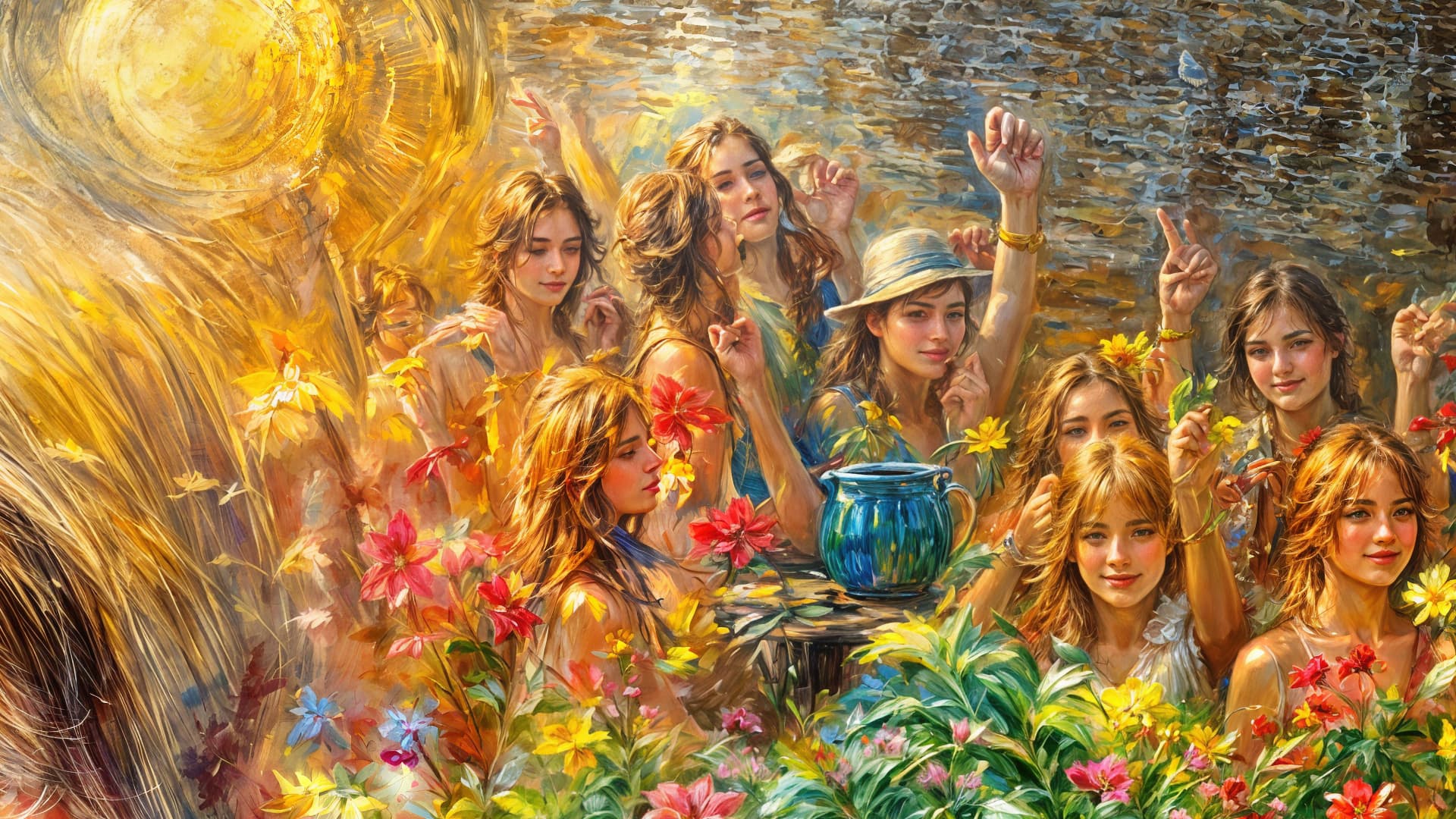
6X:
Sourced from (John, Paul, George and Topaz Girl!):
Good stuff!
Be aware also that 4X and 6X give slightly (and sometimes more than slightly) different results.
4X:
6X:
Sourced from (John, Paul, George and Topaz Girl!):
Thanks for the advice, I’ll try it. As I see, quite a big difference.
Another quick example.
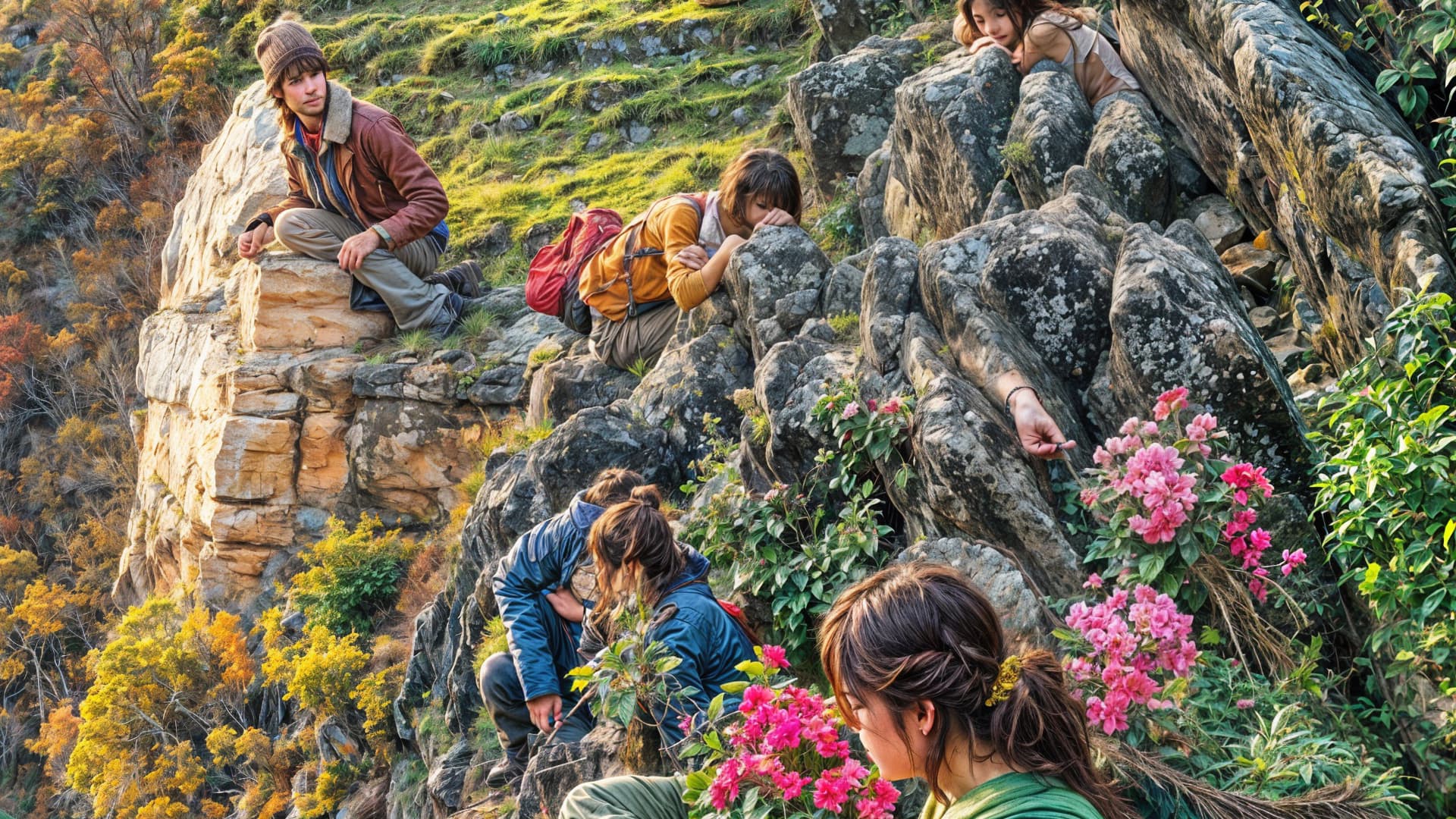
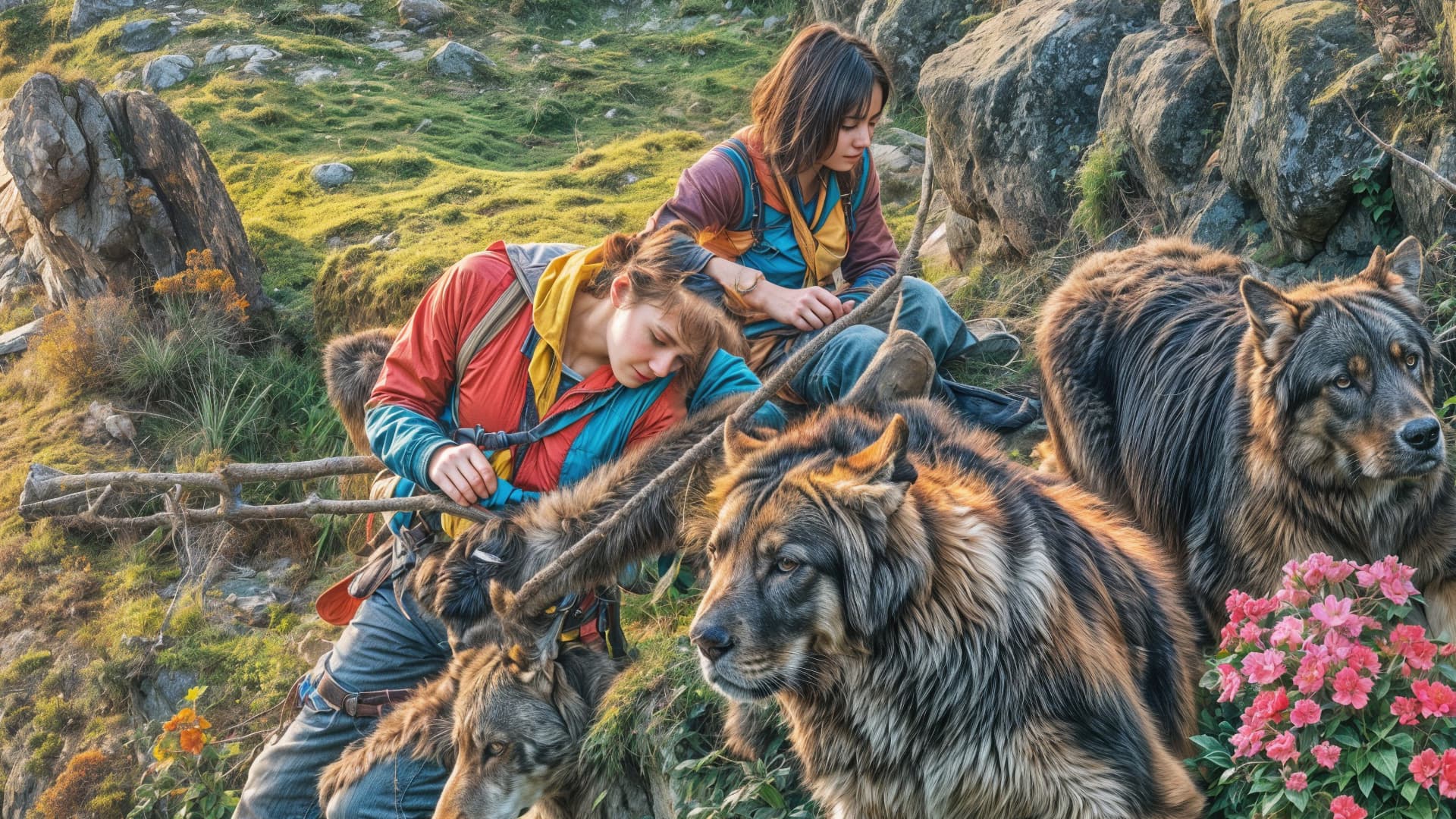
BTW, people generally turn out better at 6X but not always (better details in the face and such).
4X:
6X:
Source:
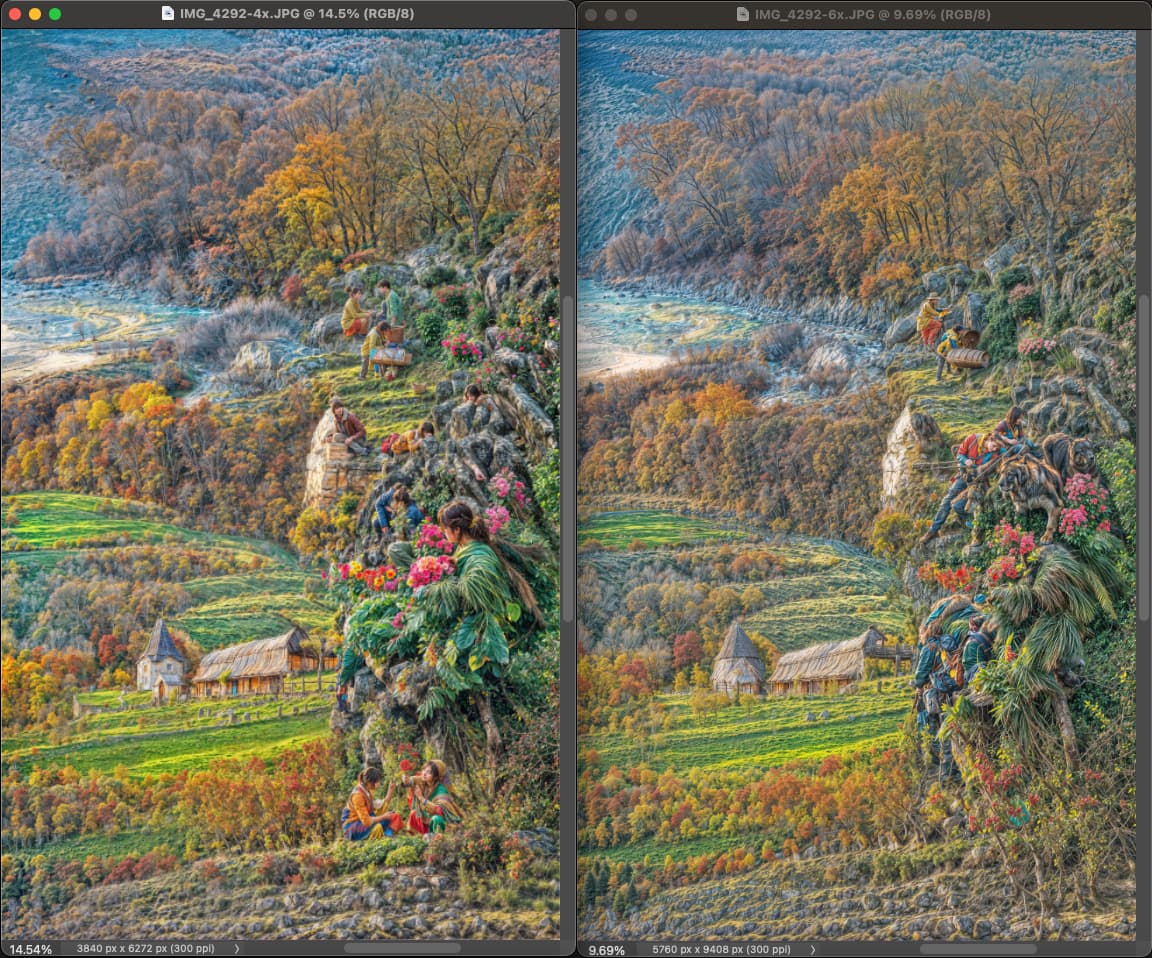
Architecture often changes as well:
I had no idea; the differences are dramatic. A nice change is where there is either a boulder with an arm, or wolves; or a landscape with architecture – amazing (and mysterious). It’s a shame that you have to (almost) always wait quite a long time to see what the result will be, it would be nice if it went faster. Maybe when it’s no longer a beta, I hope.
I just banged these out in batches all day long over a period of time. The speed was decent and the software was stable (once the GPU driver was updated early on in the project).
Now I am slowly reviewing the thousands of results and cropping out interesting things for other use!
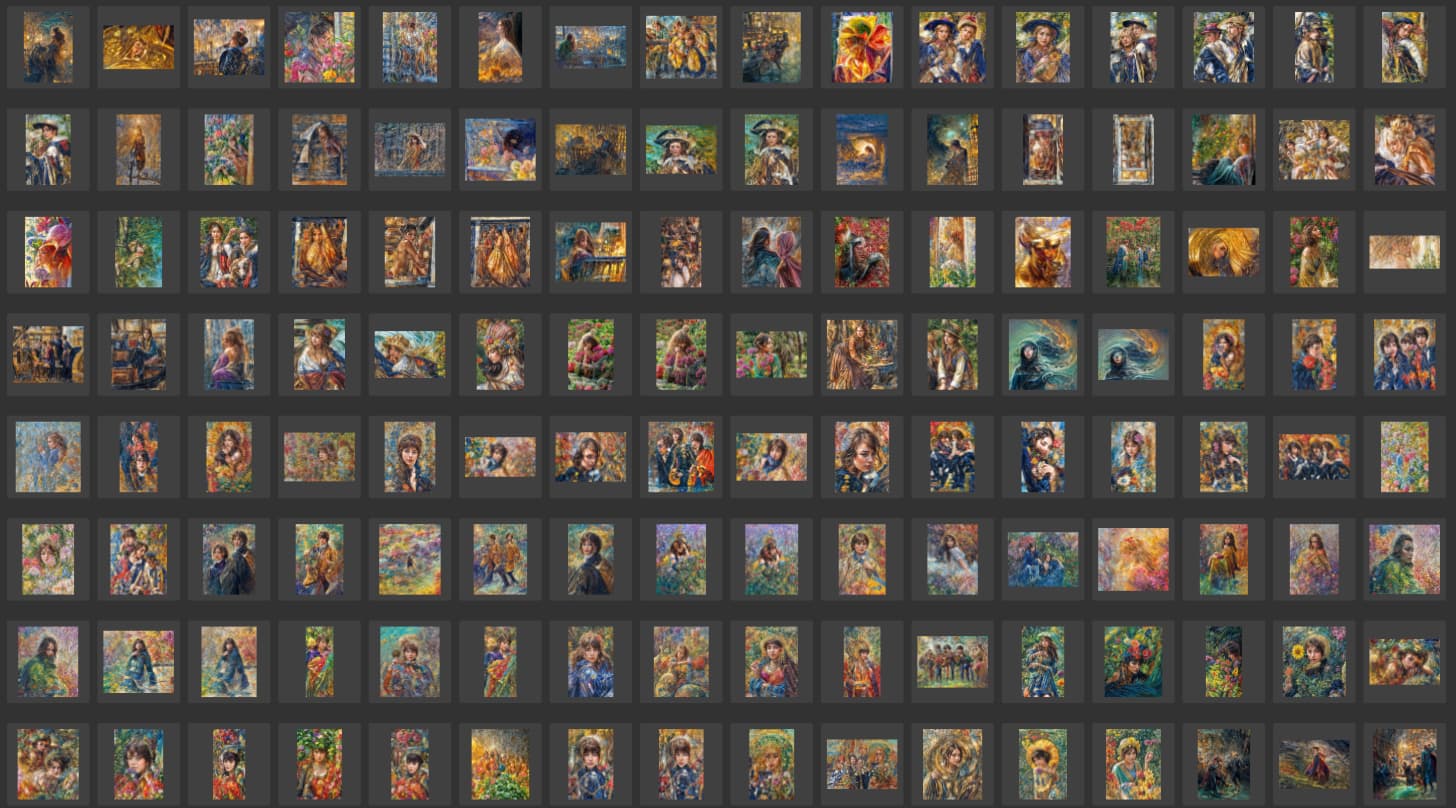
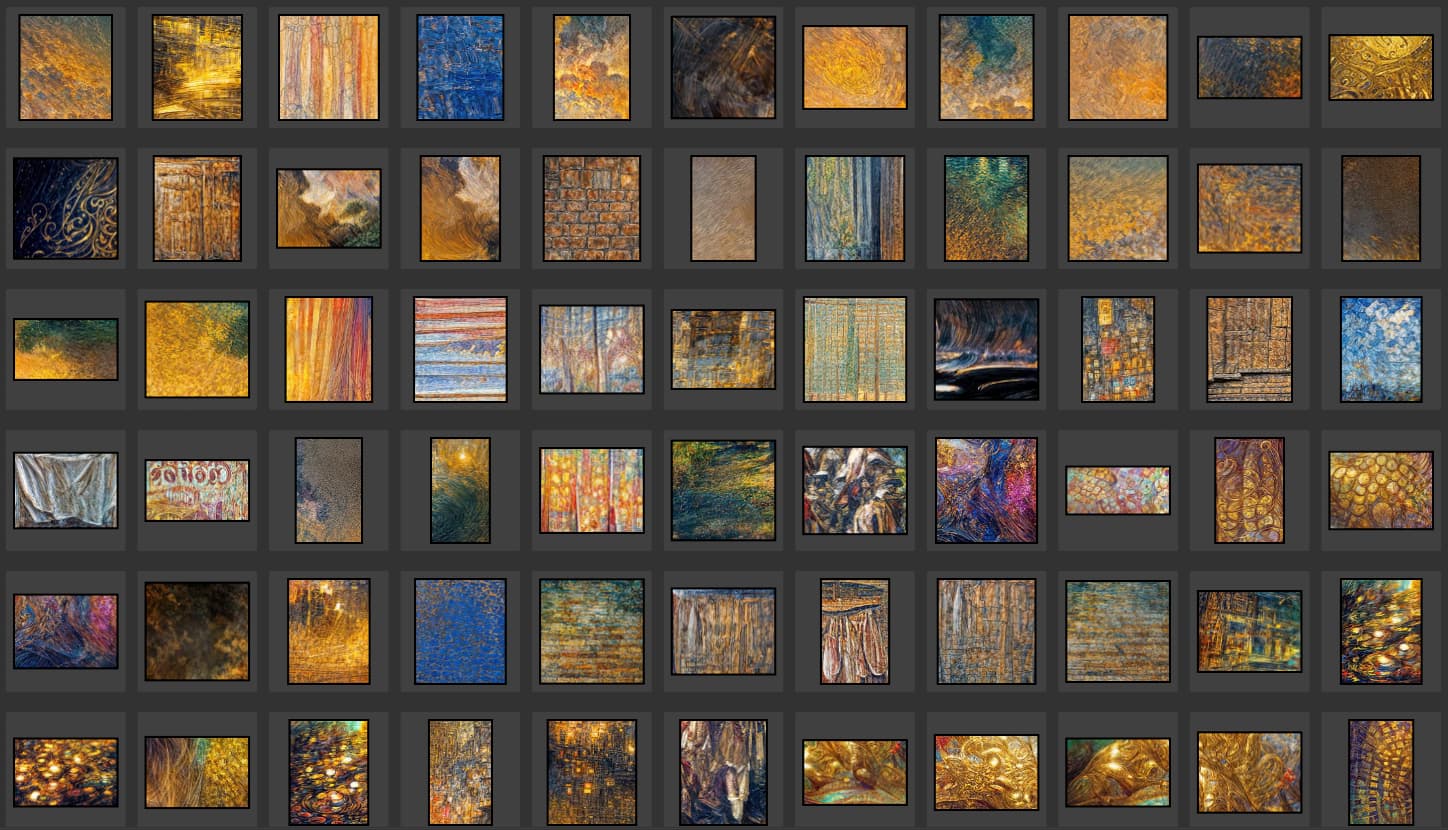
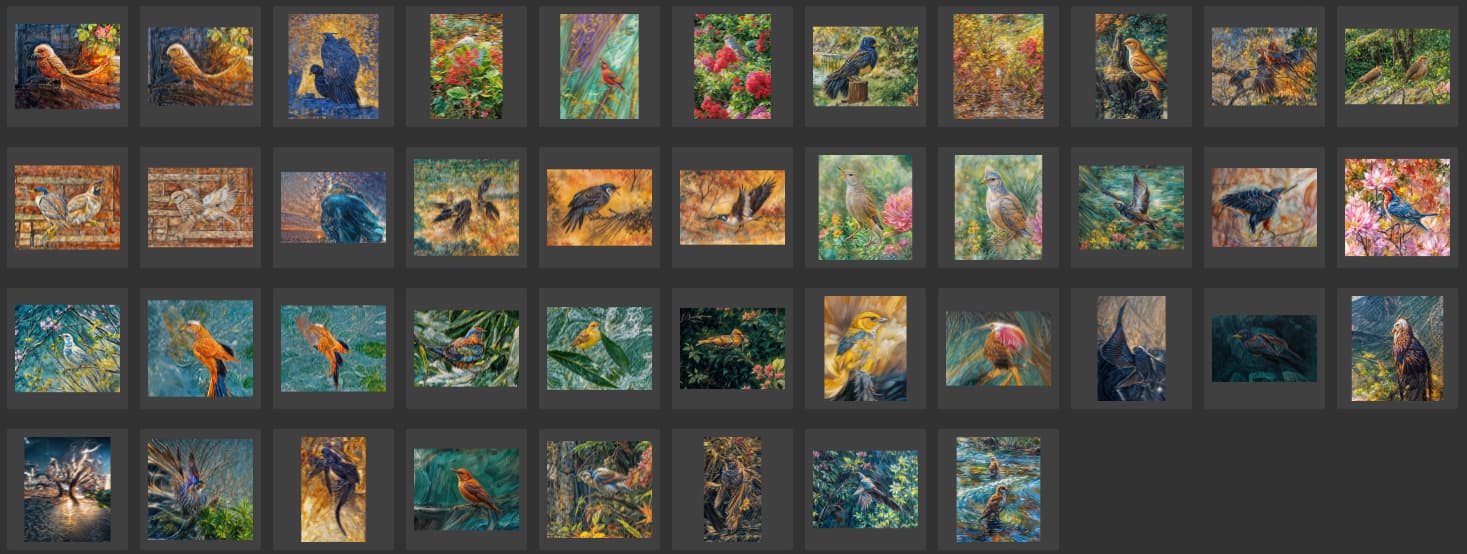
Some few examples out of many subjects:
Topaz people:
Textures:
Birds:
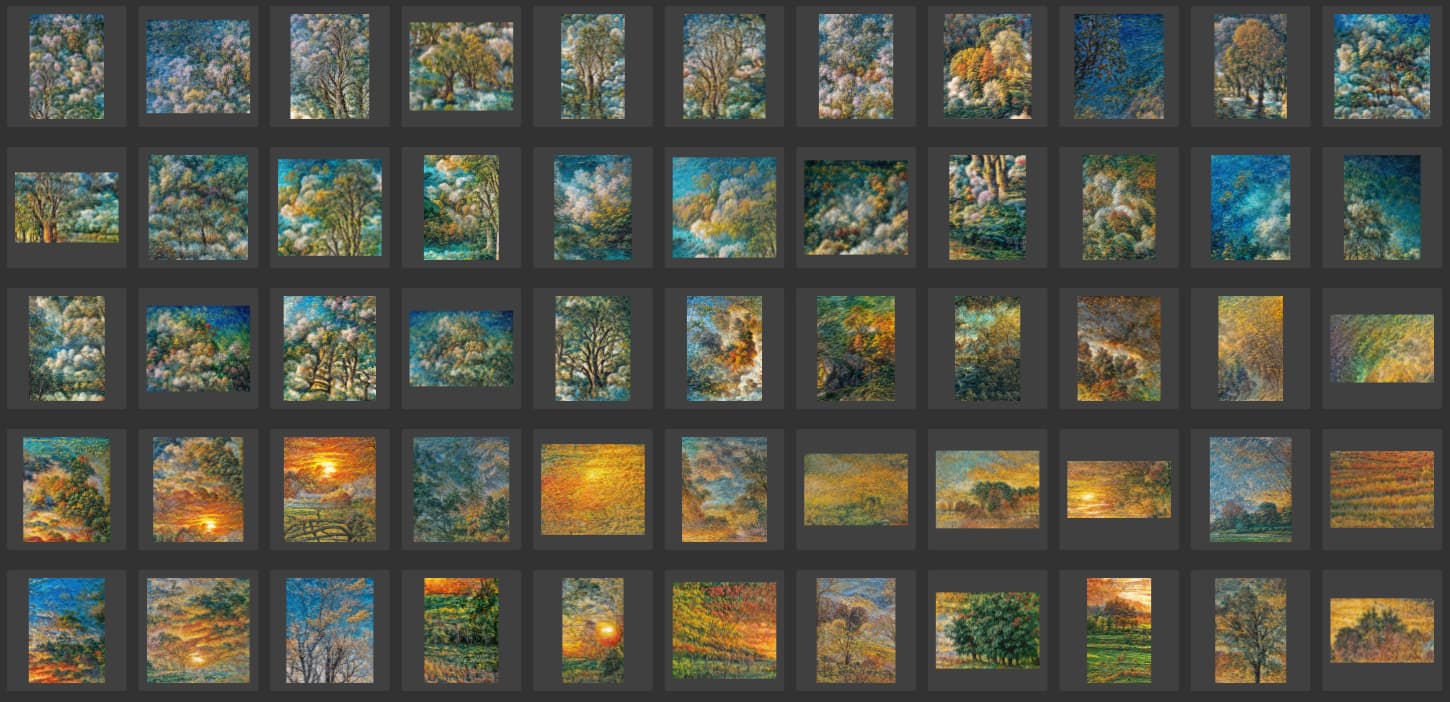
Trees and foliage:
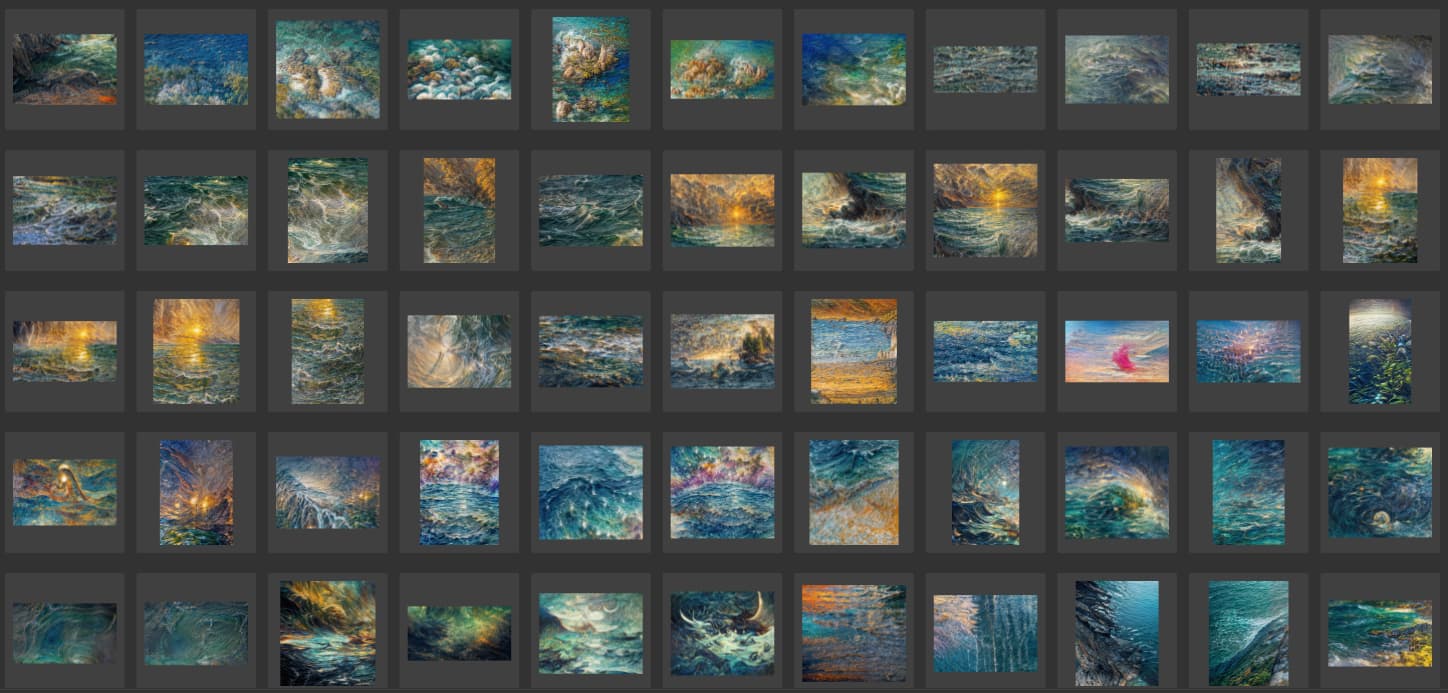
Ocean:
I never knew that! That’s cool to learn. And, I used to teach art history (as a volunteer) for a while.
Her name was Jadwiga (Yadwigha). Redefined: Topaz Jadwiga. I didn’t know that either, until after using the image for the experiment.
Bonus passing thought - what happens about Cloud Credits for people who drop off an upgrade plan? (Mine ends next month and I’m not sure if I’ll continue, for example.)
Will they just cease to work? Is a refund possible?
Will they be Cloud-Processed at the current version?
Will they be Cloud-Processed at the version the person owns (which could be a heck-of-a-lot of versions to support?
The pose and style of Rousseau’s model reminds me of a famous Manet painting with reclining nude … I think his was titled, “Olympia”. Only Rousseau’s is more primitive in style. He was self taught, so did a really admirable job considering he wasn’t trained in an academy. I believe he studied the foliage and animals at the Paris zoo for reference of what he painted. No actual jungle visits. 

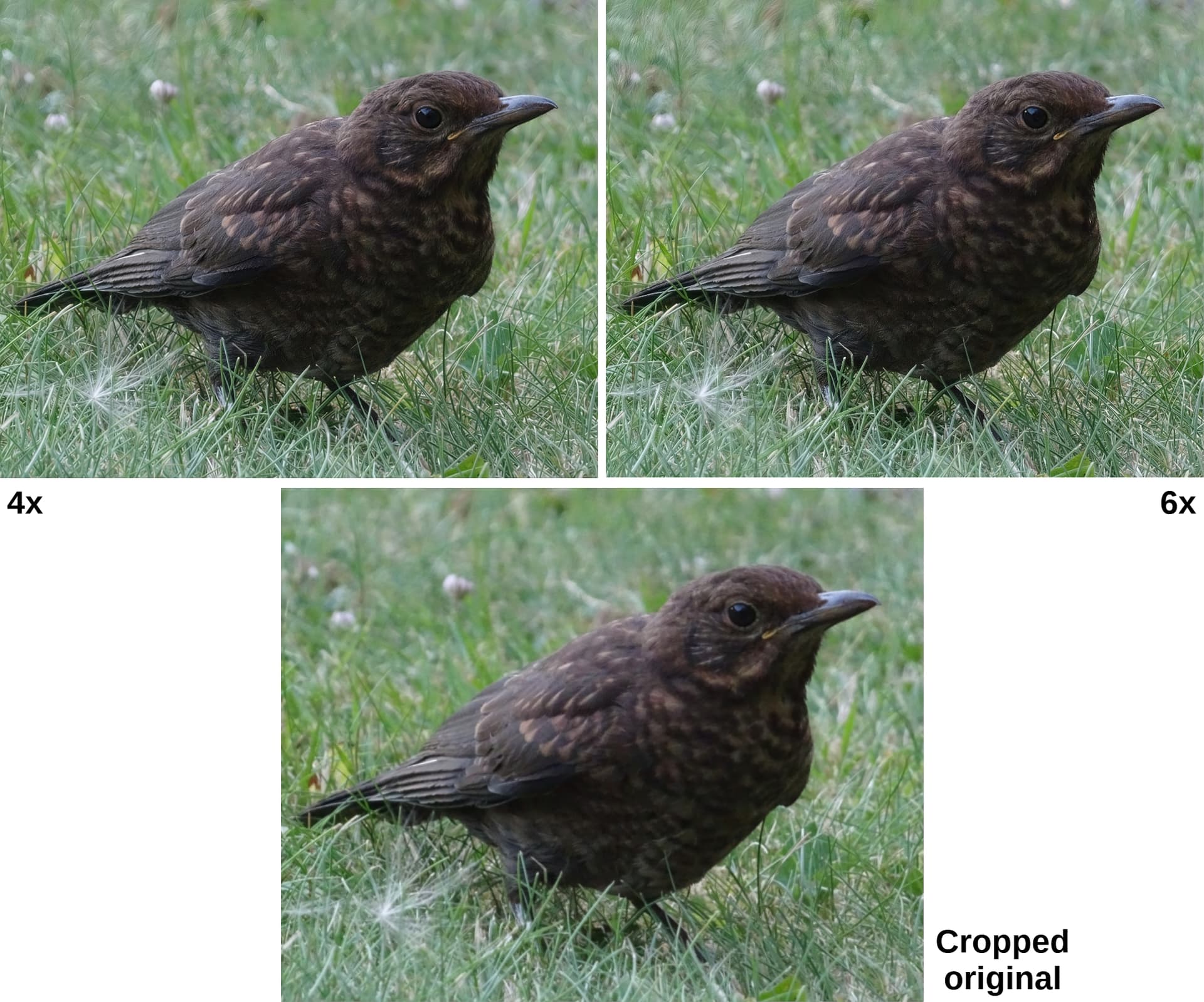
Redefine 4x or 6x: I tried it on a part of a photo with a young blackbird (taken lying on the ground; I lay down on a wasp that took revenge on me), 640x512 pixels. I liked Redefine best with Creativity and Texture = 3. There are small differences in the rendering of feathers, I can’t guess which is more realistic (without the blackbird by the keyboard right now). I like 4x better, I think it’s a pretty well-improved original and unlike 6x, there are no white dots in some places on the bird’s body (or rather, they are less obvious). Maybe I missed something else.
I have the impression that the smaller and more indistinct the image (low number of pixels), the greater the difference between 4x and 6x (due to the greater amount of artificially added information for 6x). But I have to check it on a different type and smaller size of another image.
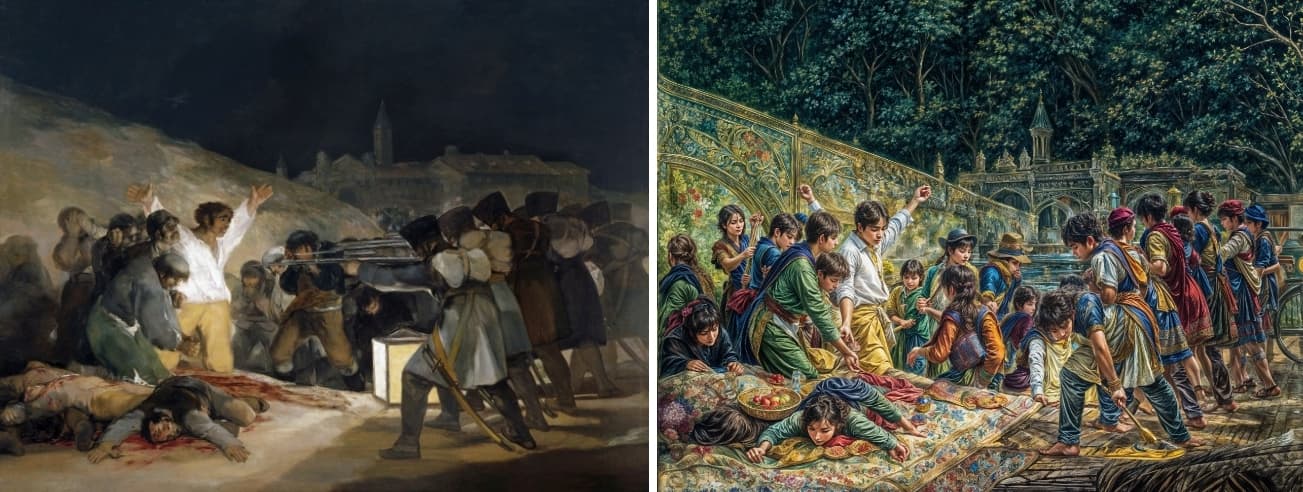
I know about the famous Naked Maya by Francisco Goya (1800). I tried to create a work of art called Topaz Maya, but the result was not interesting. The head was replaced with the head of the Topaz Girl and the feet looked half like hands. (I know Goya from Miloš Forman’s latest film, Goya’s Ghosts.) It’s not always that inspiration from another photo works properly. On the other hand, Goya’s The Third of May 1808 was completely redefined! Instead of an execution (original, left), there is a celebration of the Topaz people. Quite incomprehensible to me, but AI apparently knows its stuff.
I was using max Creativity [6] and Texture [3] on all mine if that helps.
Well, at least your ‘Topaz people’ aren’t wearing Mardi Gras beads or doing Lion Dances at their “execution” celebration … yet.
Erm…I think AI knows how to make everything look the same (cr*p) 
Hello good day.
The program closes itself when I try to render an image or export.
It didn’t happen to me before so I installed a previous version and nothing.
I have a 4070, i7 14700k and 64 ram.
Any solution?
Henry,
Does the app stay open long enough for you to get to the Help menu and grab the Log from your previously crashed session(s)?
If so, someone in Topaz Tech Spt could assess what’s going on.
I think you’d email that Log(s) to Support@TopazLabs.com
With a description of what you’re experiencing.
Ange might be able to verify best approach…
Logs are stored on the hard drive and can be accessed without the apps open, it’s just less direct 
For PC, please open yours and give @henry.carrillo the path.
I just thought it would be easier if Henry can open GAI, go to the Help menu then down to Logs Files as a 1st option (quick & easy that way)… if the crash occurs as soon as GAI is launched, then the file hierarchy on the Win PC is needed.
Of course it would be, but there was concern the app was closing too quickly which requires Plan B
I’m prepping a YT tutorial. Henry said it happened when he tried to render. If any issue & he asks, I’ll track down the file hierarchy for him. 

C: Program Data > Topaz Labs LLC > Topaz Gigapixel AI > Logs