Here Gen2 „creative“ seems to constantly give better (and despite the naming also more realistic) results than the so-called „realistic“ model.
So if you’re not happy with a certain face rendering you might want to try that.
Here Gen2 „creative“ seems to constantly give better (and despite the naming also more realistic) results than the so-called „realistic“ model.
So if you’re not happy with a certain face rendering you might want to try that.
That’s a great example of the square blur boundary artifact that Face Recovery imposes on top of the redefined image. Otherwise it does a pretty nice job.
I think the reason it’s so noticeable is that Redefine does a lot to improve the look of their hair, and Face Recovery takes a completely different approach to blending into the surrounding hair. To ever make them work together in a way that’s usable, there probably needs to be a seperate Face Recovery model for use with Redefine.
Unfortunately on a Mac you don’t want to venture near Recovery or Redefine, no no no. That’s what PCs are for. 
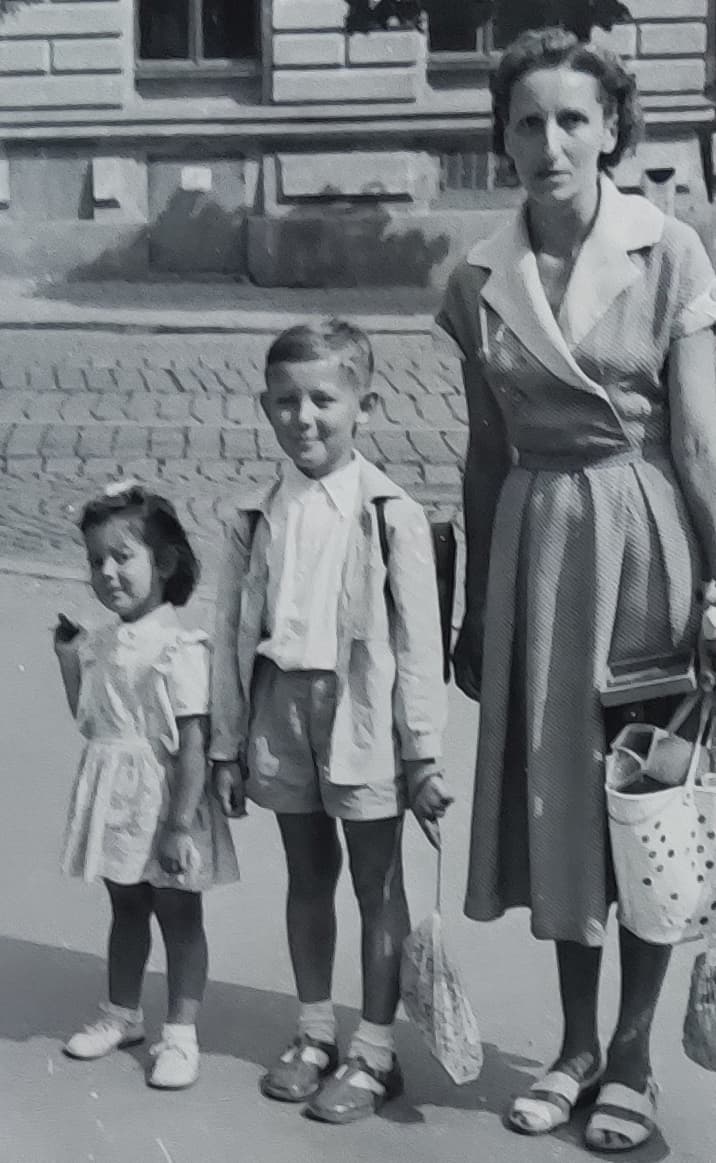
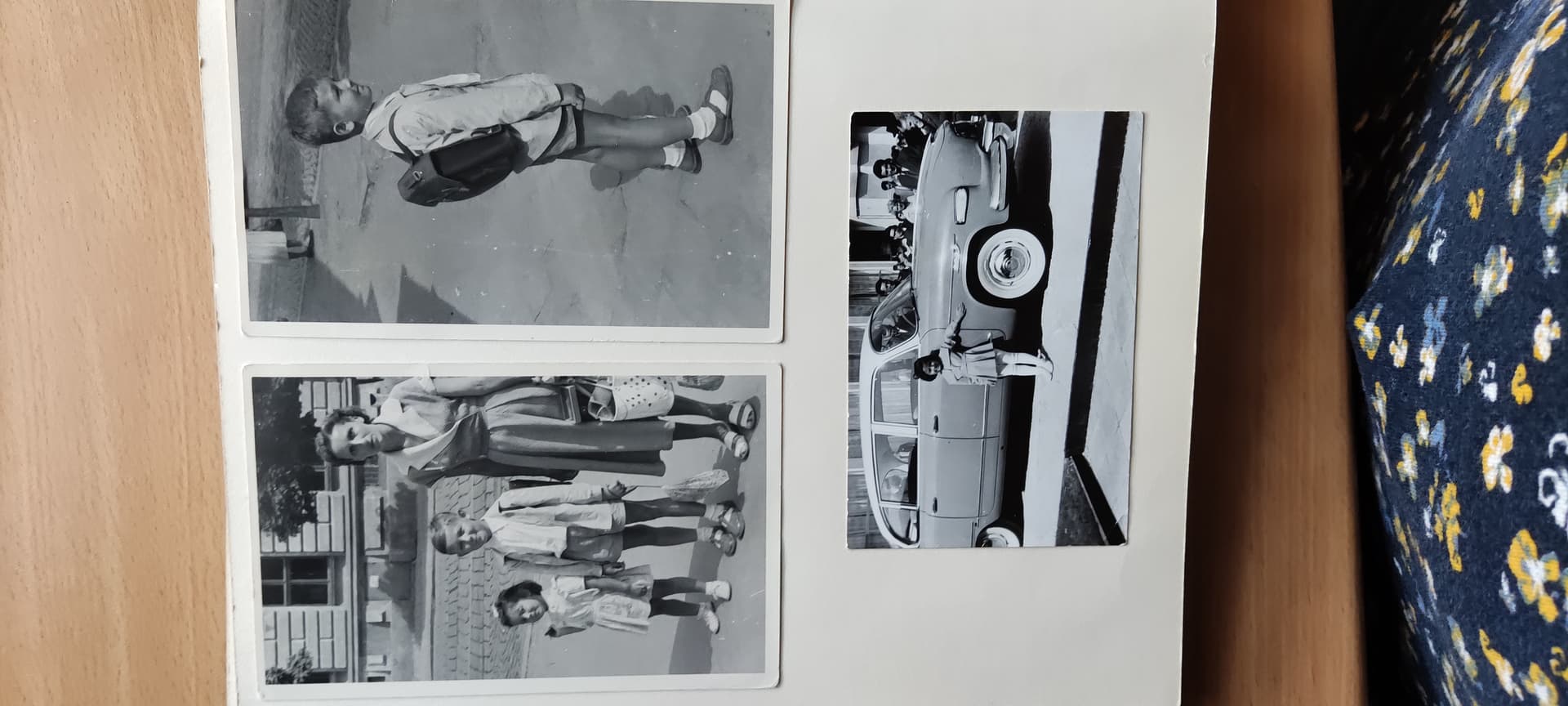
Interesting discussion. I tried to improve an ancient, extremely bad photo a little. The real original is a photo from the last millennium (maybe 1958). I’m the person in the middle (and incomparably prettier than now!). However, the photo (the first picture below) was supposedly taken two years ago with a Xiaomi-mobile (just a photo of a photo, no scan or so), thus it’s not a real original (I just used what I received). That explains why the source photo (presented here) is so bad. It was sent to me by a (much younger) relative I didn’t know about until then – she lives in another country, has a different nationality, but we are related through my father. She’s trying to compile a complex family tree of people from three countries; she found me somewhere somehow on the Internet.
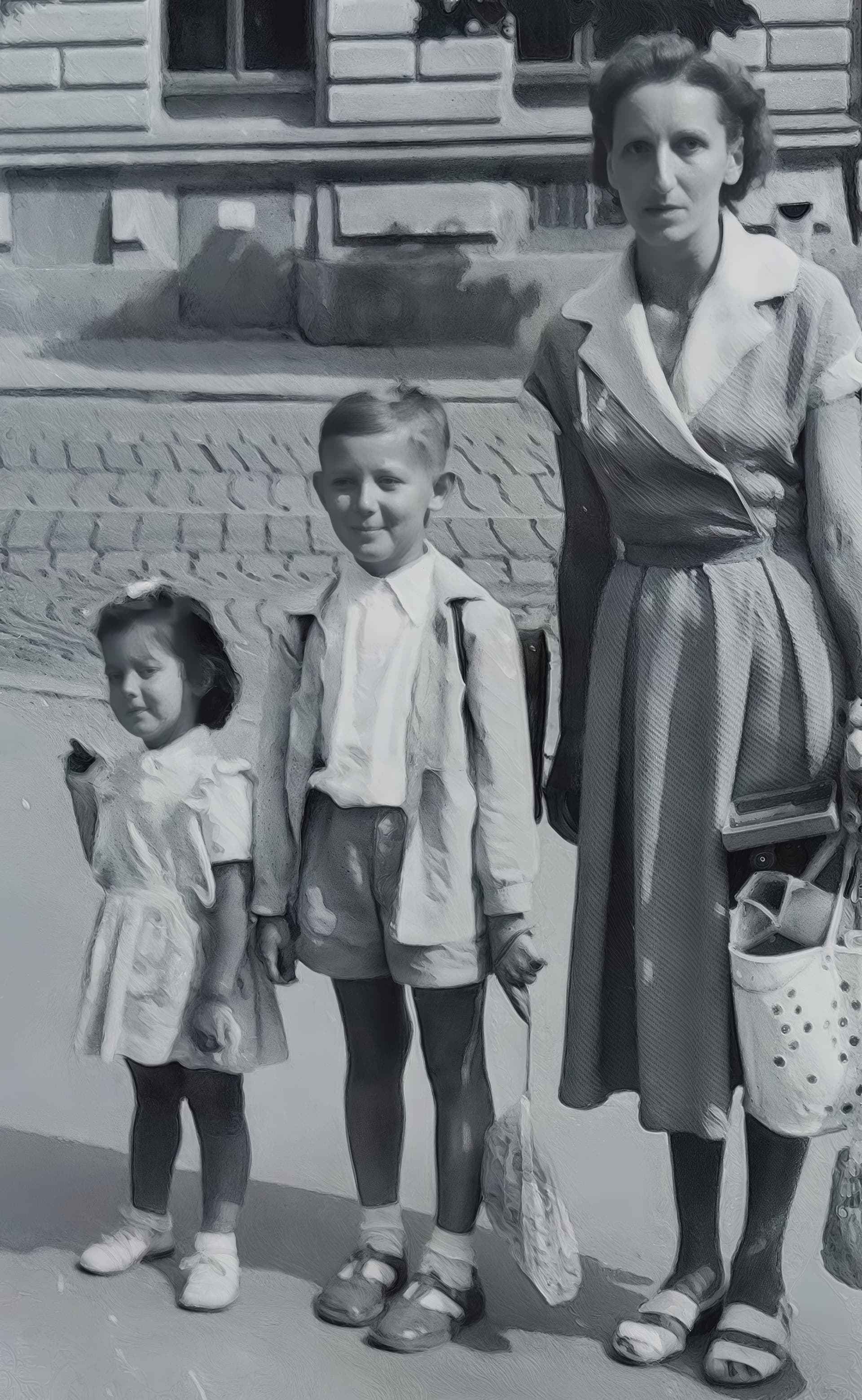
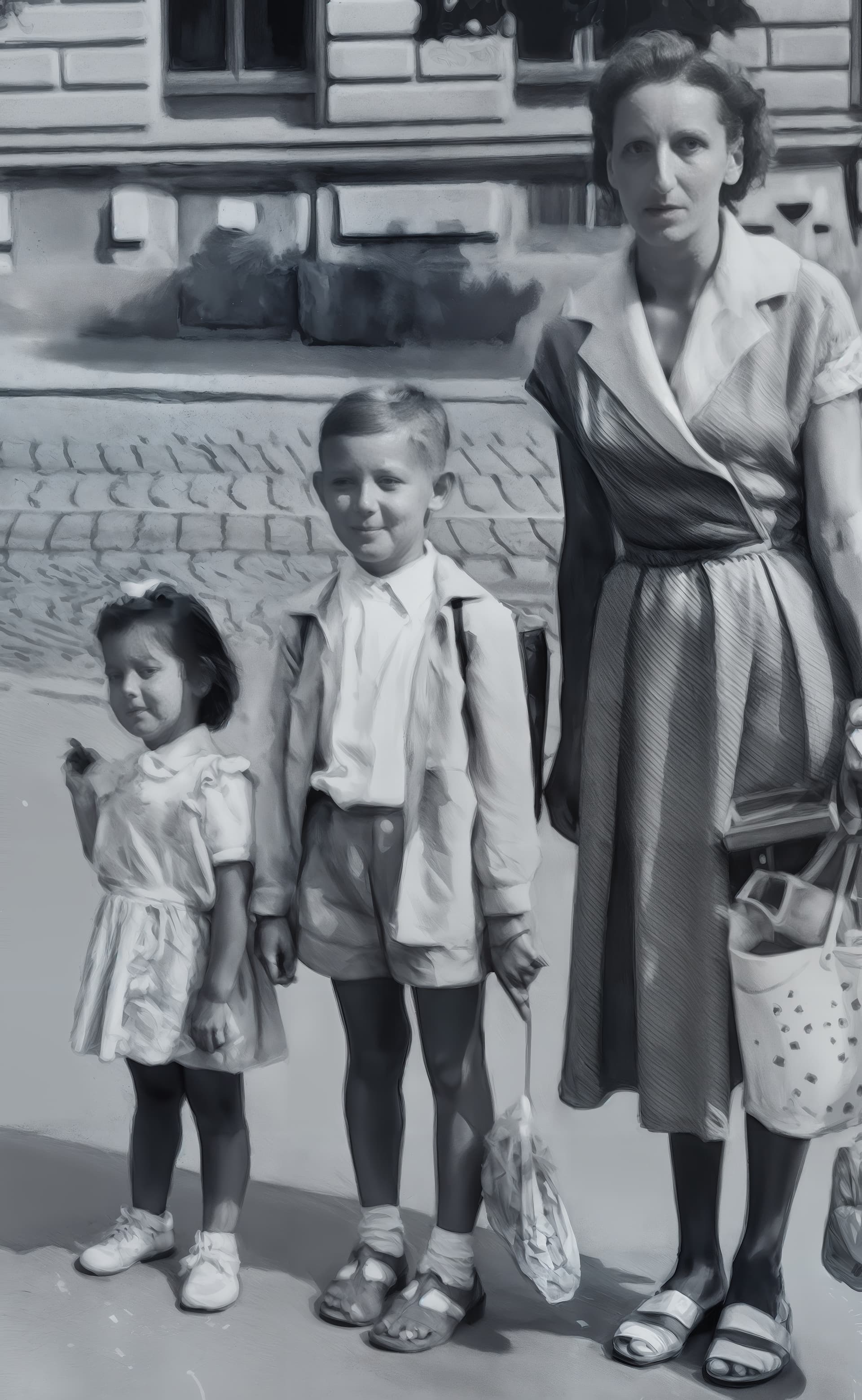
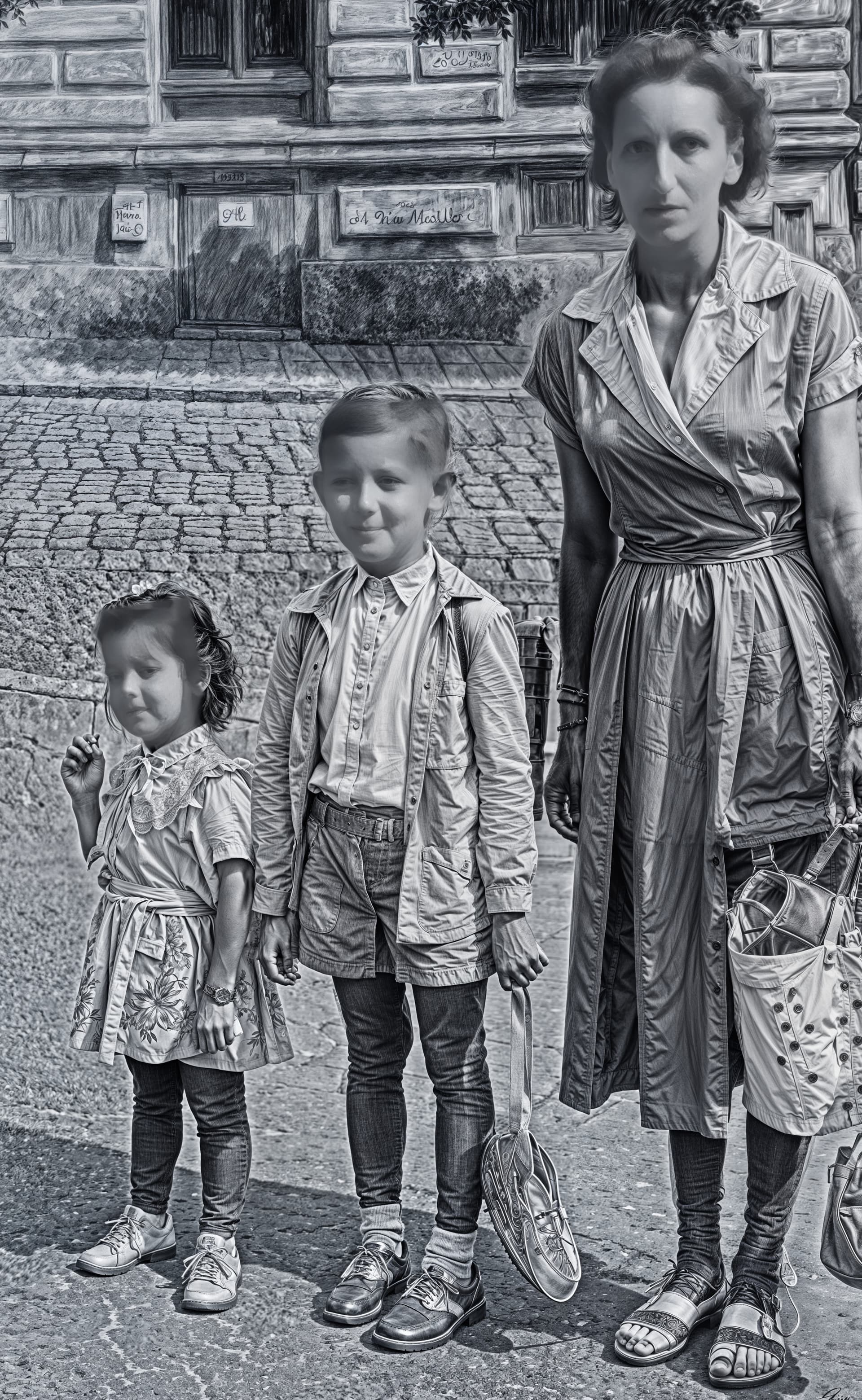
Reading the discussion, I thought I might as well try some face improvements. Redefine with Creativity = 3 plus Face Recovery Gen. 2 Beta with Mode Creative probably worked best. It didn’t do any miracles for me (I couldn’t do it better), but it’s better, I’d say. It was also mandatory to try maximum Creativity and Texture (last picture). Technically good, but too far from reality (and Topaz Girl, strangely enough, did not appear there).
And here we have the final version, fully restored to the best possible quality, given that the original image was quite small in terms of resolution.
For your information, I then completely redid the background in brown tones.
Don’t you love it when people unexpectedly send you unknown photos of yourself (or other relatives) from years ago!
Don’t you hate it when these same people don’t have proper scanners and live too far away for you to go do it yourself-!
I do! I do! And the distance? At least 505 miles.
Face Recovery does prevent Topaz Girl from showing up, but those blurry rectangles just kill me…
So far I’ve been looking at Redefine with scans of colour slides.
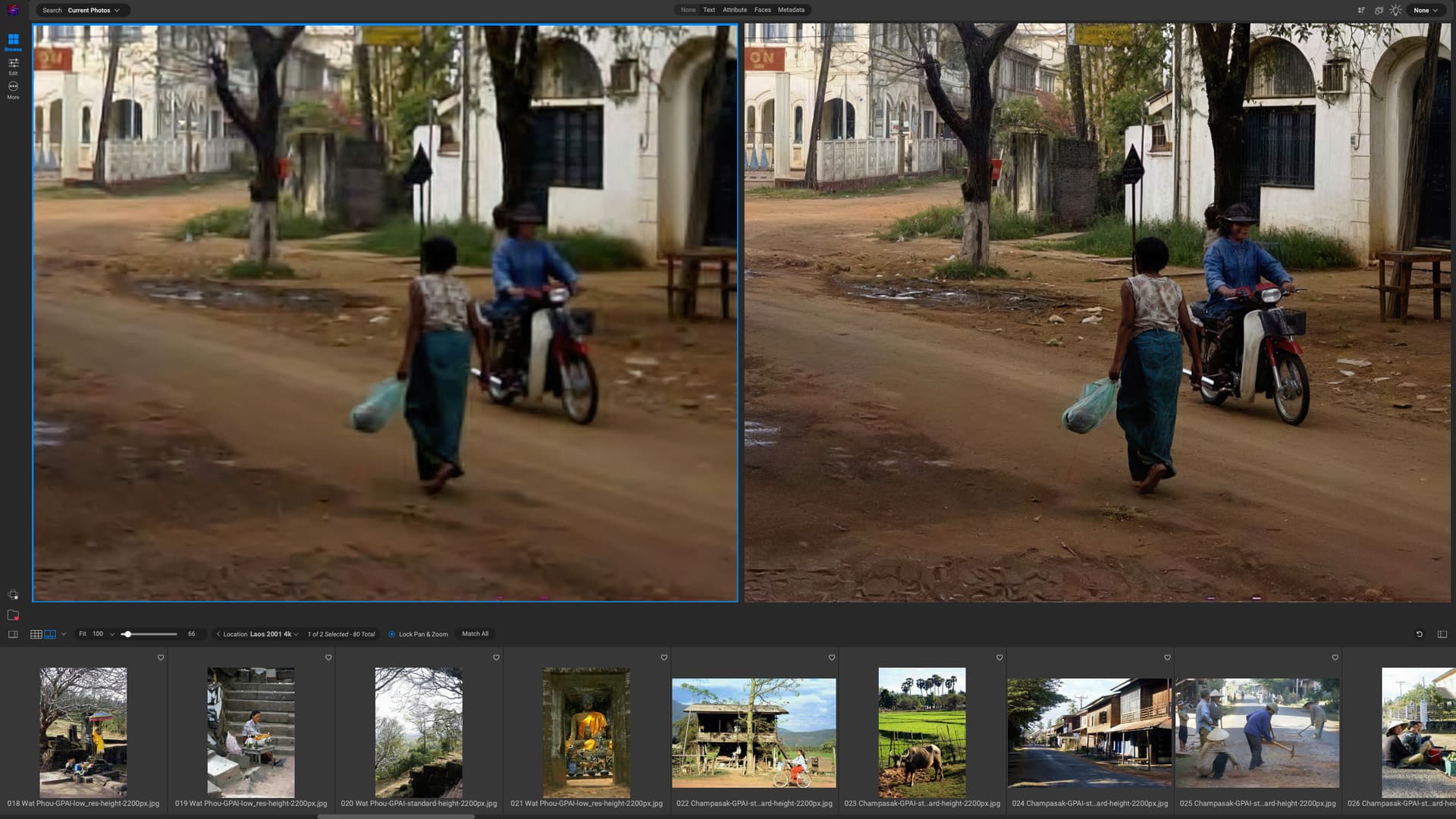
Now here is an example of an upscale to 4k from my very first digital camera back in 2001. On the left is a low-res rendering, on the right what Redefine achieved, with creativity set to 2 and texture to 3. I am quite blown away. The mud at the bottom looks wrong, but is easily fixed. Wow! (It’s only pity that it all takes so damn long on an M4 Mac!)
You can always deselect hair and neck from face recovery diminishing that effect (but also introducing other artifacts at times…)
Good point!
There are, however, some details present in the final version that are not in the original. In particular, the windows on the right of the picture. I don’t think there were any bars in the original. Also, in the top left-hand corner of the image, the 2 yellow letters on a red background have also changed. On the original, there appear to be the letters “O” and “U”. On the final, the “O” has changed a little to “C” and the “U” to “N”.
Even the small window next to the road sign looks a little different with bars than the original.
The rest seems perfect.
After all, we’re starting with a fairly small image that’s highly compressed. The AI interprets the details but can’t work miracles when it comes to the fidelity of the original.
Did someone use Redefine with a Radeon 78/9XX X/XT card and has some performance numbers?
One weird thing in the last image, are the adult hands on children. Also, the woman with 6 toes hahaha.
Also, the background is somewhere between an HDR effect and a painting/drawing effect.
Tried a first scale-up with SUPIR AI by adding a prompt. This AI is pretty good at restoring images and enlarging them. The only problem is that it’s very resource-hungry.
You are very observant to notice those changes. Someone seeing the upscaled picture, without the original to compare it to would not think there was anything amiss. Where I had less success was with an image of a group of young monks, all of whom were feminised. And the youngest was changed from a little boy with a bald head to a little girl with long hair! I can’t upload the image now as I’m away on a trip for three weeks. So no more contributions from me for awhile.
Well, the last picture is definitely useless. I think the unaltered photographed photo in the first picture (which I don’t have, but probably isn’t very good either) is even more useful – but only as a meaningless document. I just wanted to try what would come out (and whether Topaz Girl would appear, of course). Moreover, the historical photos sent to me by e-mail were not quite individual, but were taken in groups (I’m attaching an example, just for illustration). I don’t have any hi-professional photographic tools and I’m just an amateur, but it gave me a slight face improvement. I probably wouldn’t have even tried it, but the discussion about face enhancement intrigued me, so I tried it too. My two cents’ worth of discovery is that for good enhancement of a photo, it is advisable to have the best possible original photo as a source  ! Maybe, when there’s nothing else to do (but there always will be), I’ll try playing with other photos, too. So let Topaz improve its tools!
That’s right. I’m a stickler for detail  . But it’s true that if I’d never seen the original, it would be harder to see the flaws.
Perhaps when the Redefine model emerges from its beta phase, it will be even better.
Maybe Fidelity V2 @ 0 - 0 - 0 → then Redefine.