It was much more complicated.
1 Like
The latest version has a weird bug. I’m scaling a vintage poster for restoration. For the test, I’m using Redefine. The base resolution (a resolution already increased by other models) is 2944 x 4548. And I’m scaling it up to 9090 x 14043. After more than 1 hour, it had reached half +/-. Now I come back to see where it is and I see that it’s back to the very beginning.
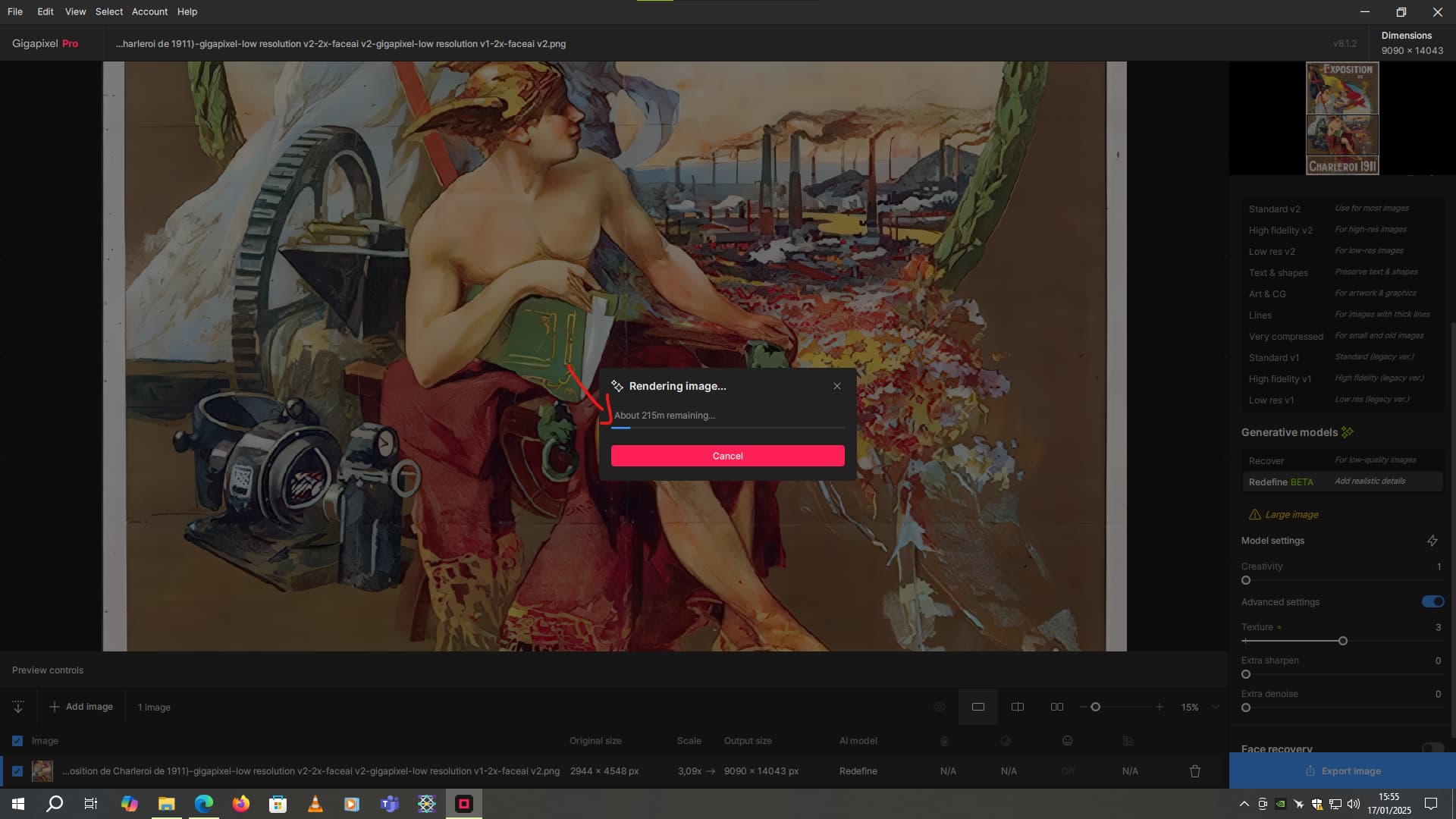
I hope it’s not a loop, otherwise I’ll never be able to finish this picture. It’s very, very boring.
The progress bar can be ignored. On one image of mine it started at 2m (Ha bloody ha on an M-series?), then went to 75 then 62 and finally completed in about 30m!
Any plan to optimize the processing time in the next releases ?
1 Like
And now he’s finished. He indicated 1h5 of rendering It had already been running for over 2 hours… But as soon as I pressed “done”, it recalculated the image.
At the moment, it’s been running like this for 3-4 minutes now.
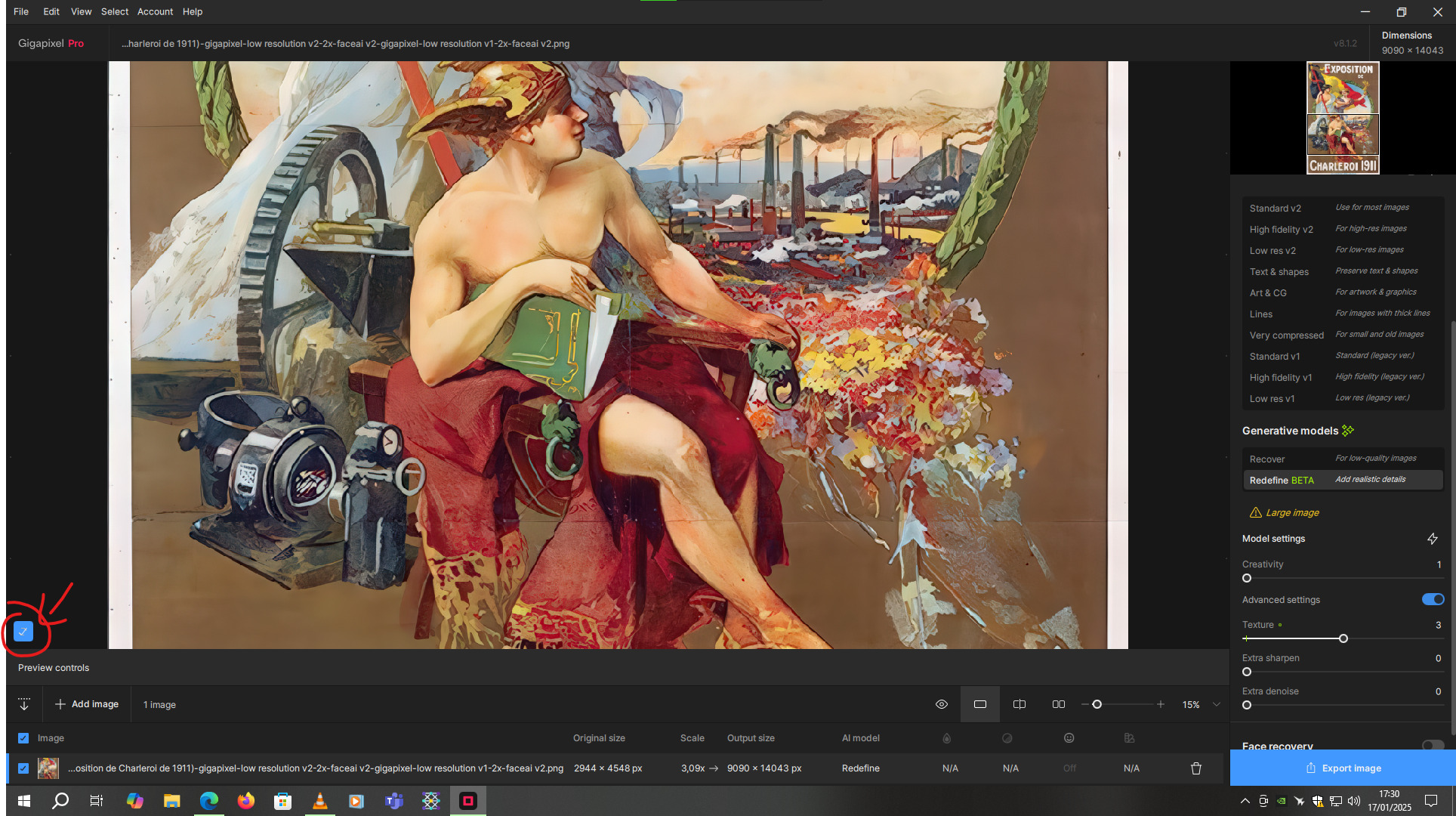
I think it’s a major bug.
I have the impression that I’m back to the same rendering time as before. It will be double in all. Unless I get the same thing when exporting. Which has happened a few times before.
But it’s not just Redefine that does this. I’ve already had the same problem with Recovery. In short, with the only 2 models that are very resource-hungry, despite my RTX 3070.
1 Like
Probably. It was the 60’s. Completely different components (I assume). That was before my time to be doing stuff like that…
My image, that wasn’t that large, ran longer than it should local to my RTX 4090 (or, my AMD RX6800 XT) only it did so in the Topaz proverbial “Cloud”.
 in the 90ties until 2K7.
60ties is like “build everything yourself”.
1 Like
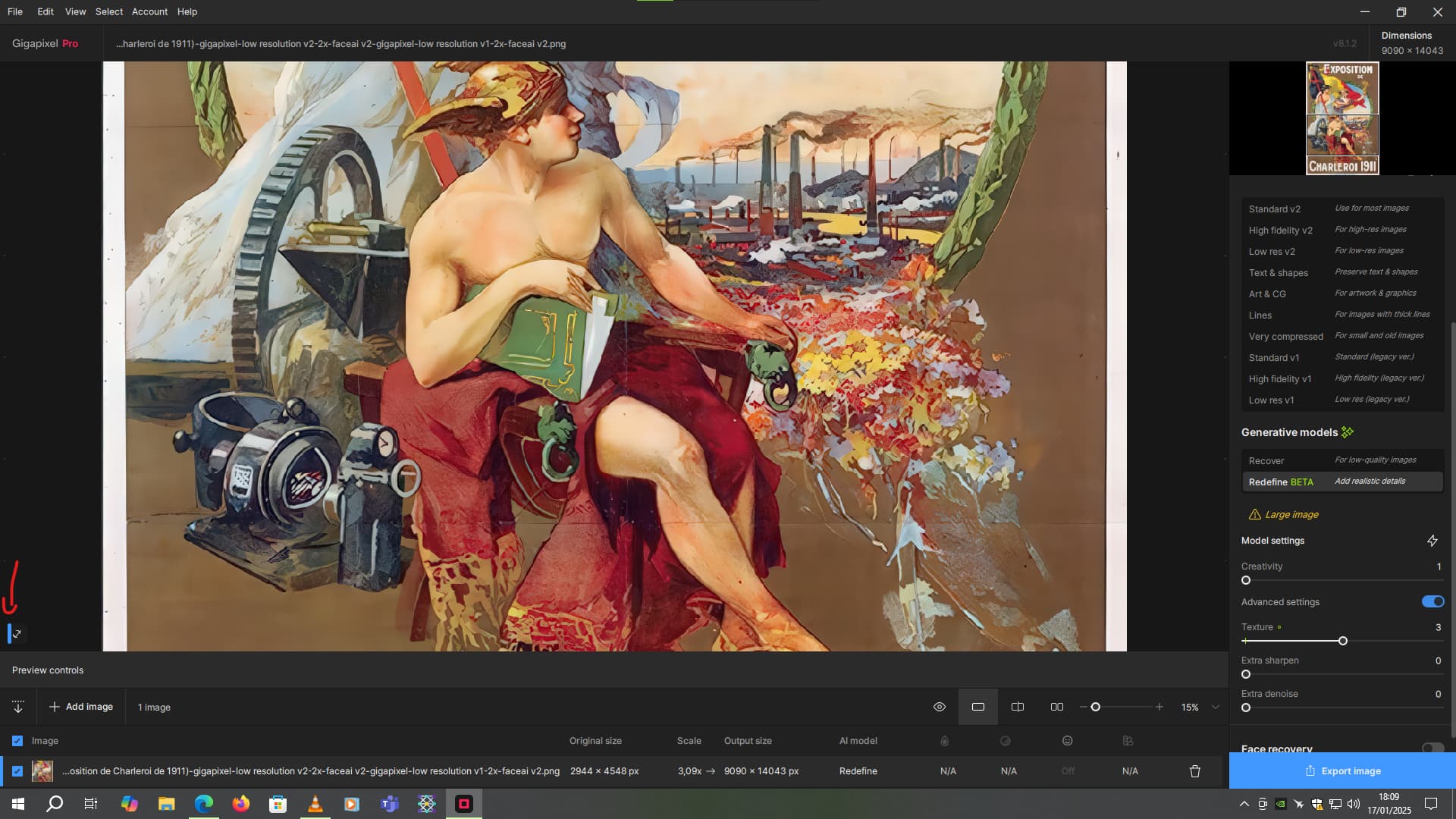
Well, you can see the parameters in my screenshot.
For the image I’m scaling, here it is:
By the way, the export must be in png with compression set to 2 to avoid compression artifacts.
1 Like
Yeah so like I say, there’s a big bug.
1 Like
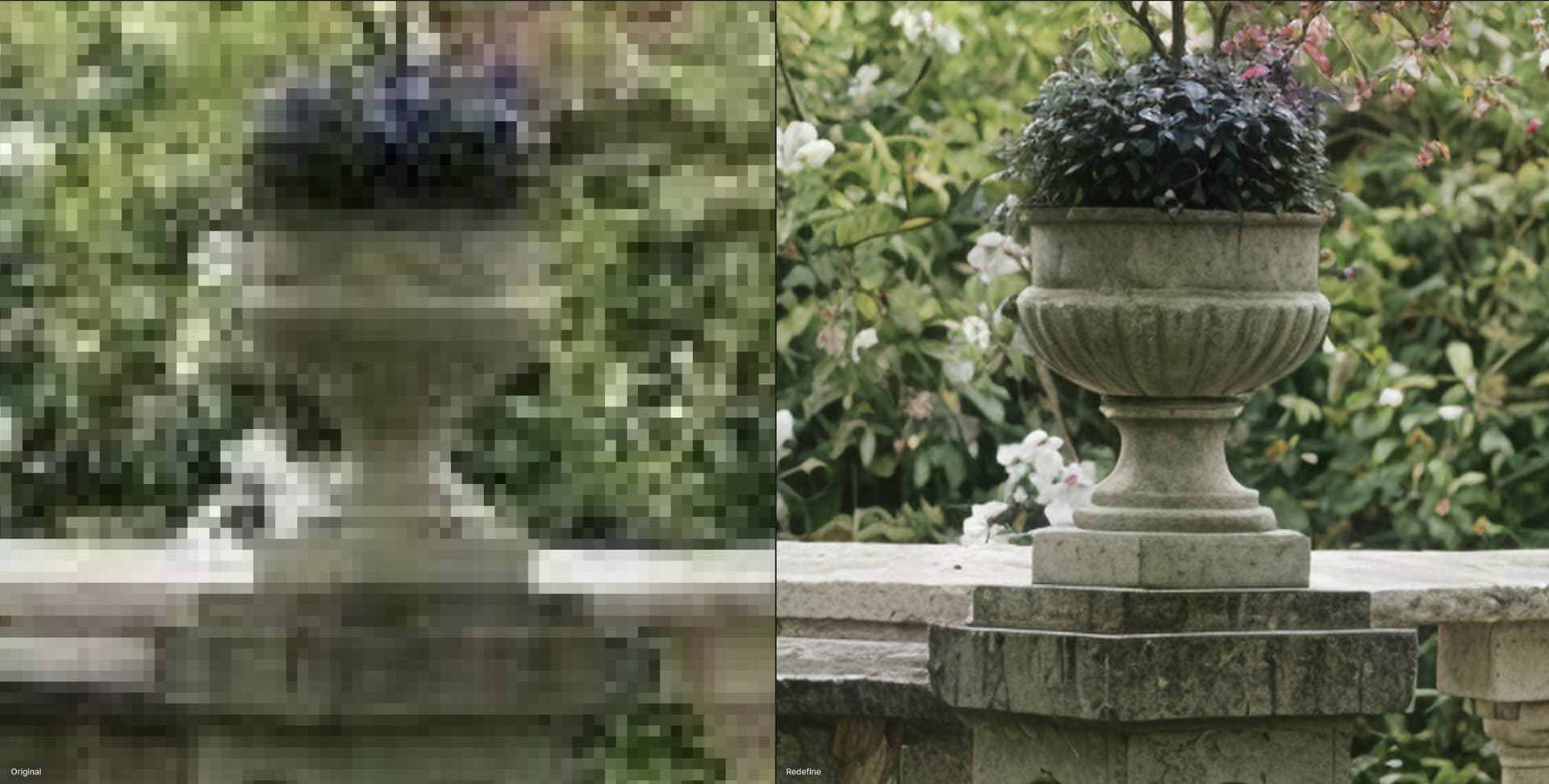
Well, this is insane. Even if the prompt wasn’t followed that much. 
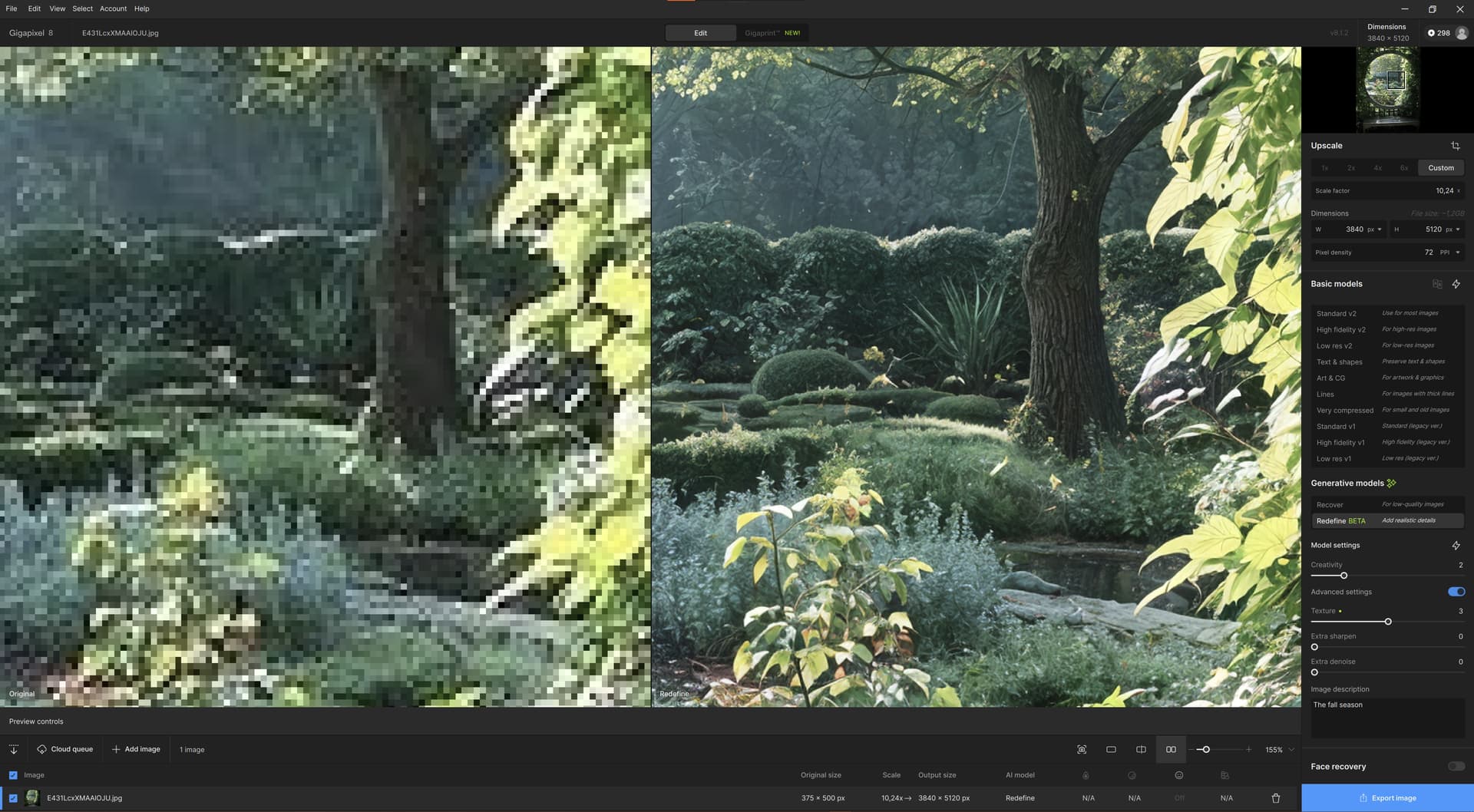
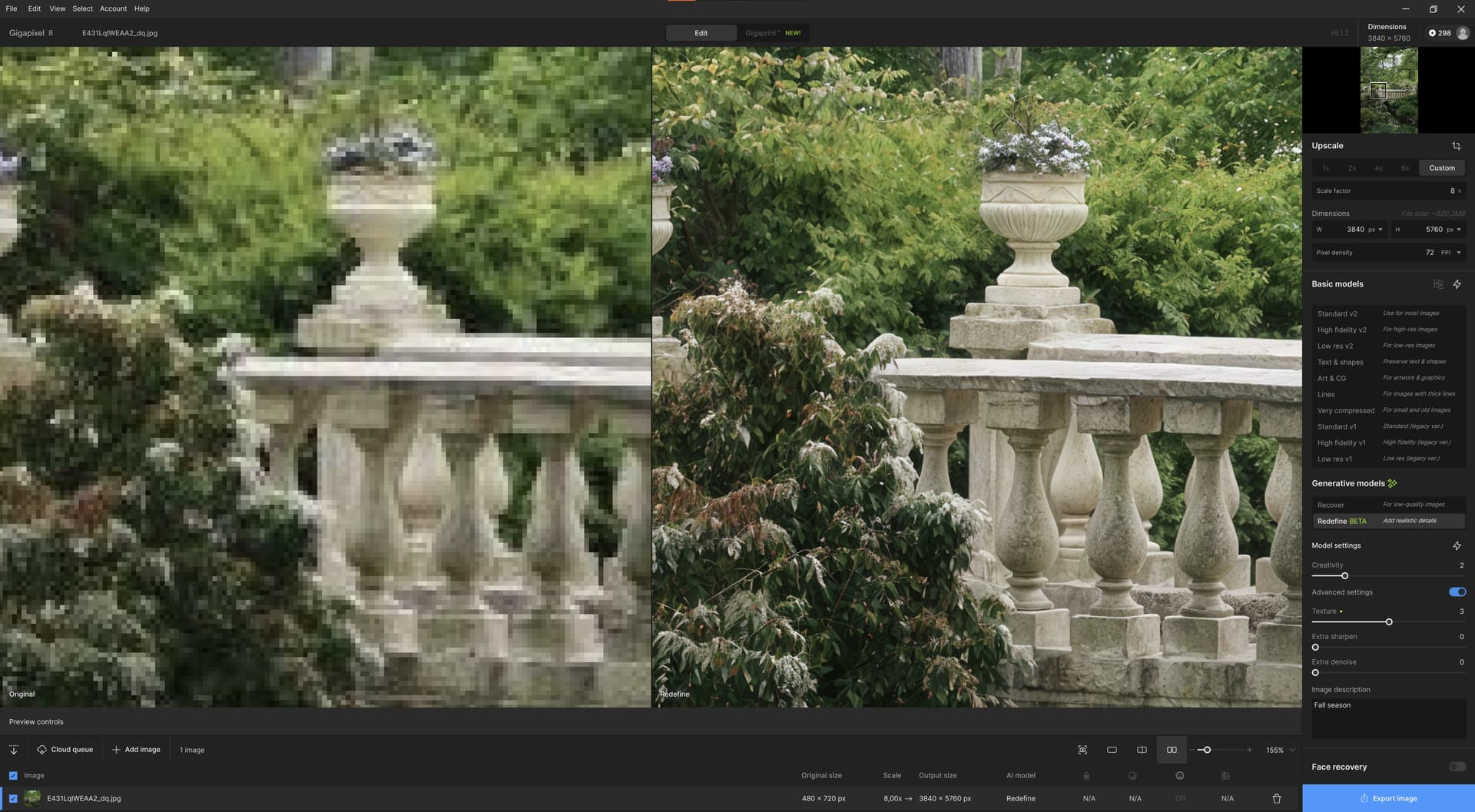
From 375x500 to 3840x5120
I’ll include the source image for anyone to try!
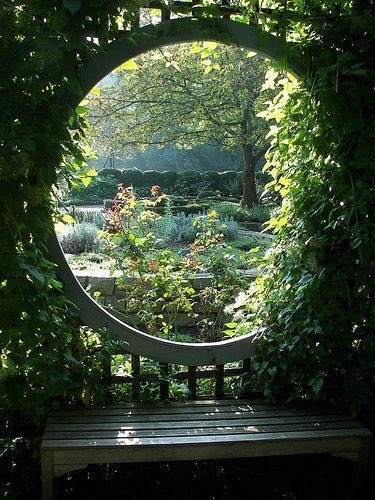
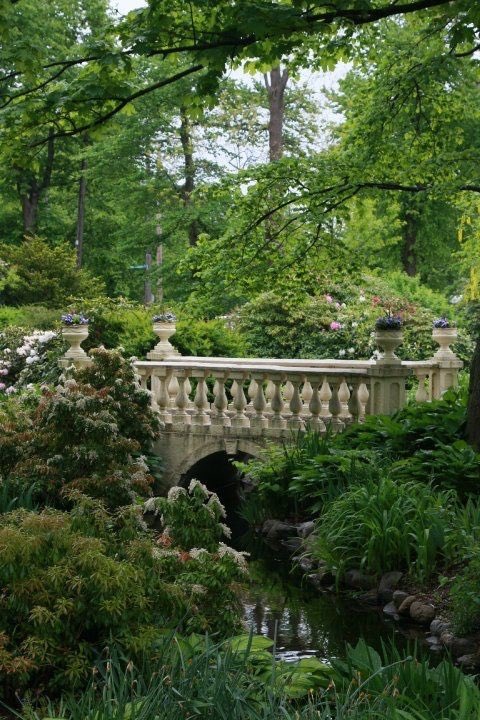
PS. Holy mackerels.
3 Likes
Why that wierd resolution/ scale-factor?
This is the result of Gigapixel for iOS (on device rendering „just faces“):
Not too shabby for a mobile device - and done in only few seconds.
Online renderings of course give MUCH higher quality.
1 Like
It’s actually decent! For my screenshots I used totally offline processing, of course.
1 Like
Yes, unfortunately there is no option to do those Redefine renderings on device in the iOS version (even though the hardware should support it with acceptable speed as long as you only deal with low res images).
But I guess there would be no way to monetarise the app otherwise…
1 Like
And this is the second image, this time using the offline/cloud-rendering of the iOS App:
Quite stunning.
1 Like
This is very good!
I wish there weren’t an incentive to monetize the application development at all. But the resources/ access to the GPU farm to train the models costs A LOT.
1 Like
