I would not say these are “defects”, because you are Redefining! If you want straight upscaling you need to stick with the classic models or the very lowest Redefine settings possible (which still re-define).
Update on my WOMBO Redefine generative content project for those who are closely following, ha!
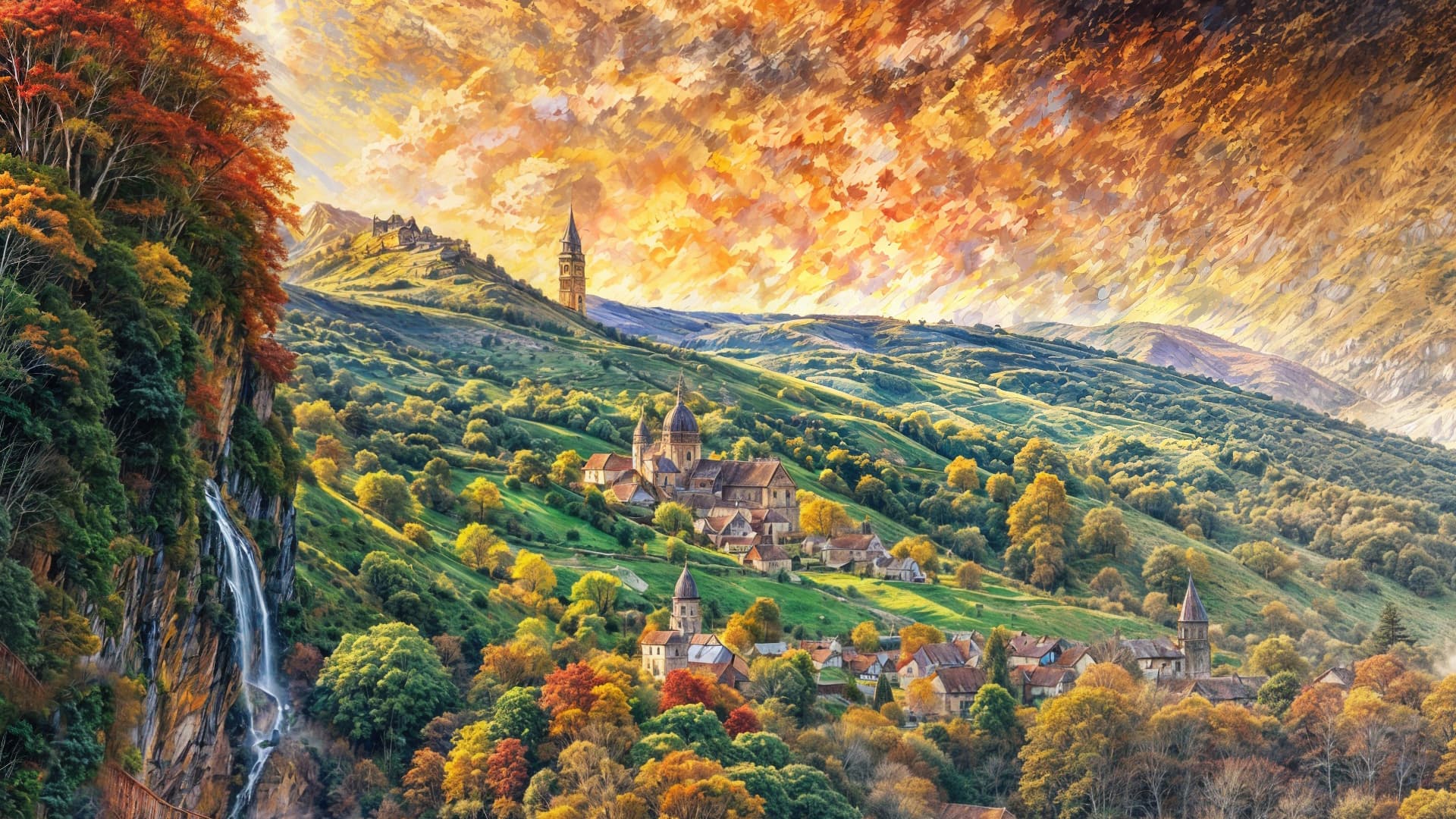
I am getting some gorgeous scenics as well as fun stuff. I am very excited at the imagery I’m pulling out of otherwise worthless abstracts! These are 100% enlargements of sections from various much larger results (“Farm scene” style collection):

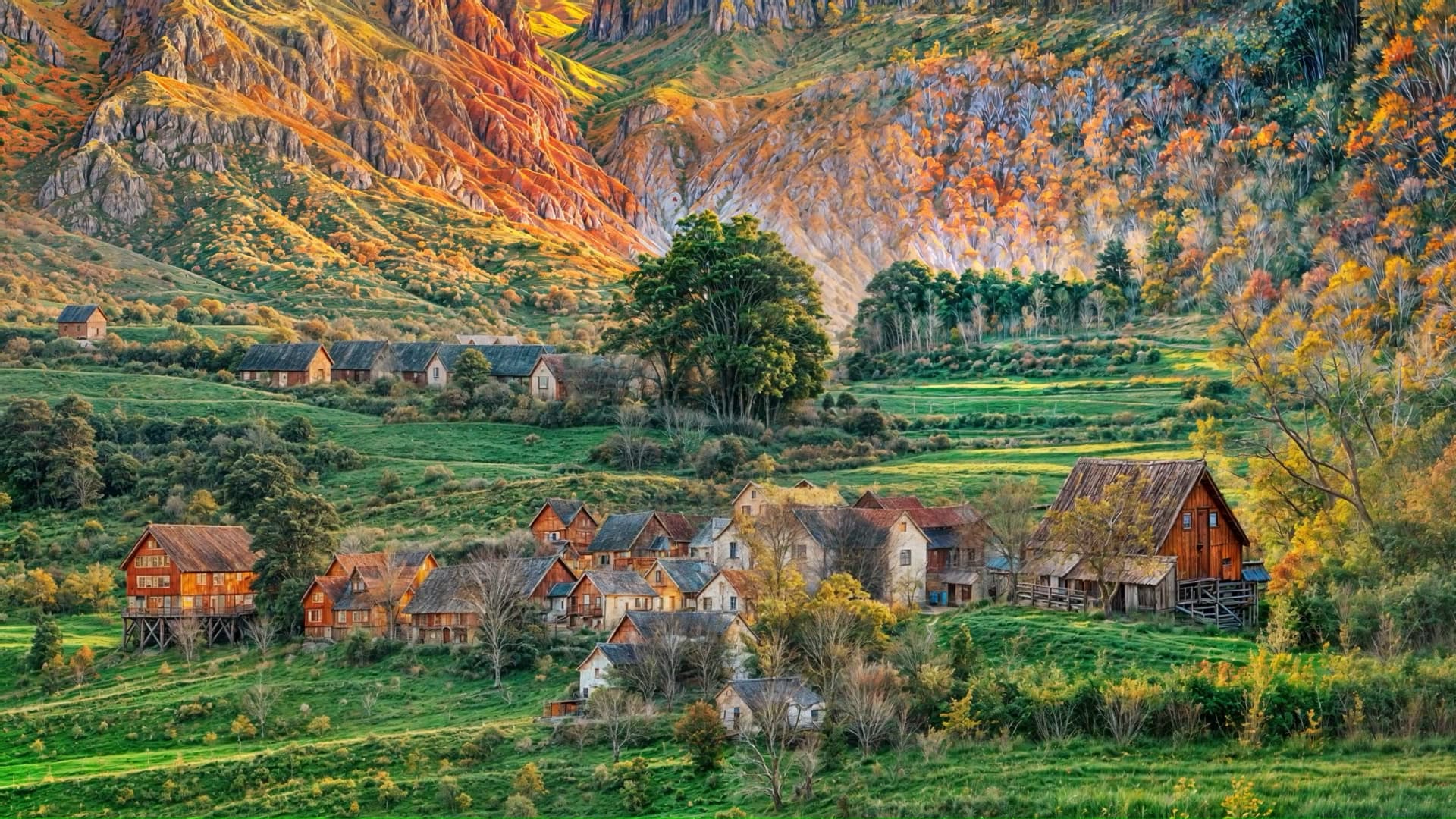
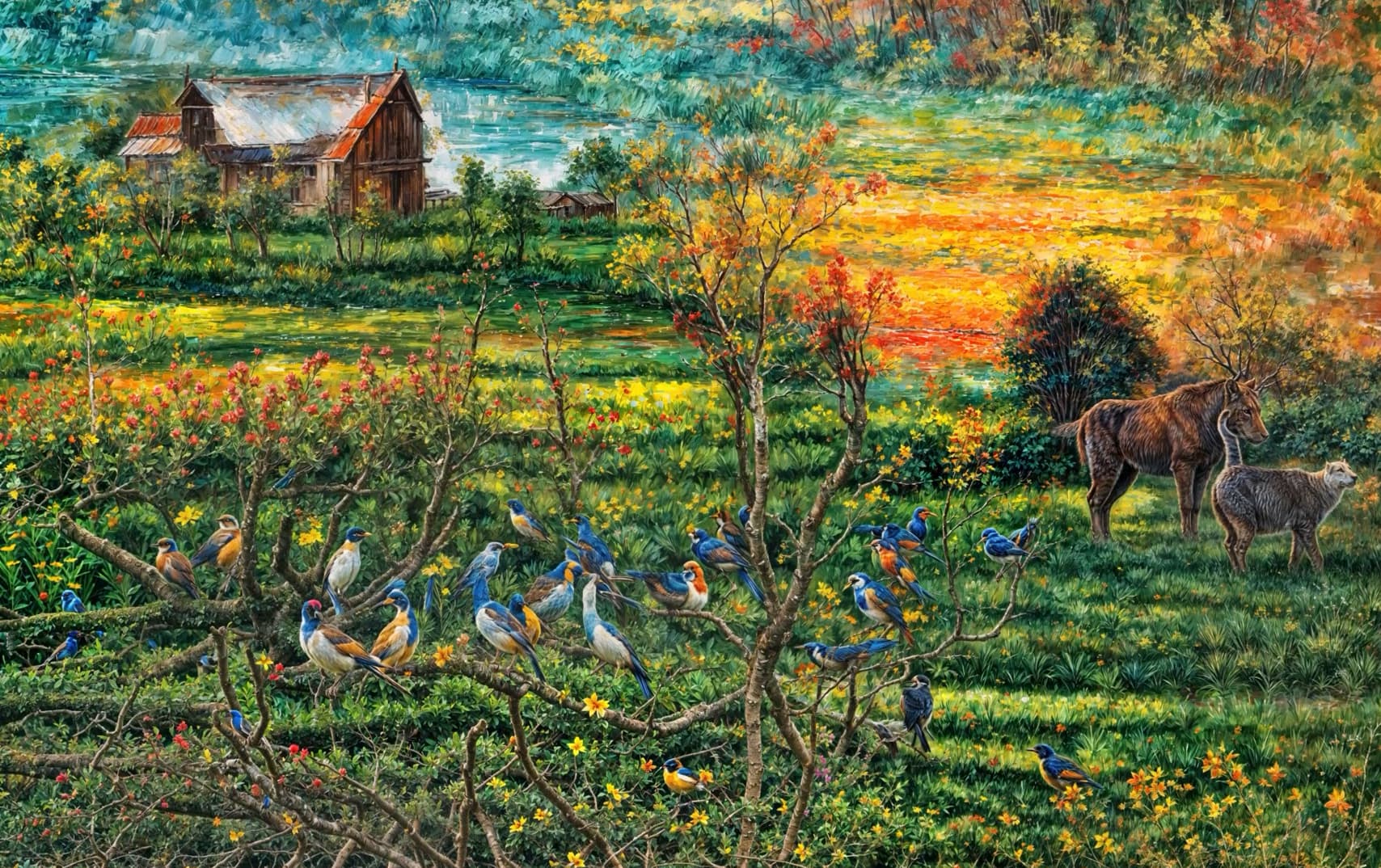
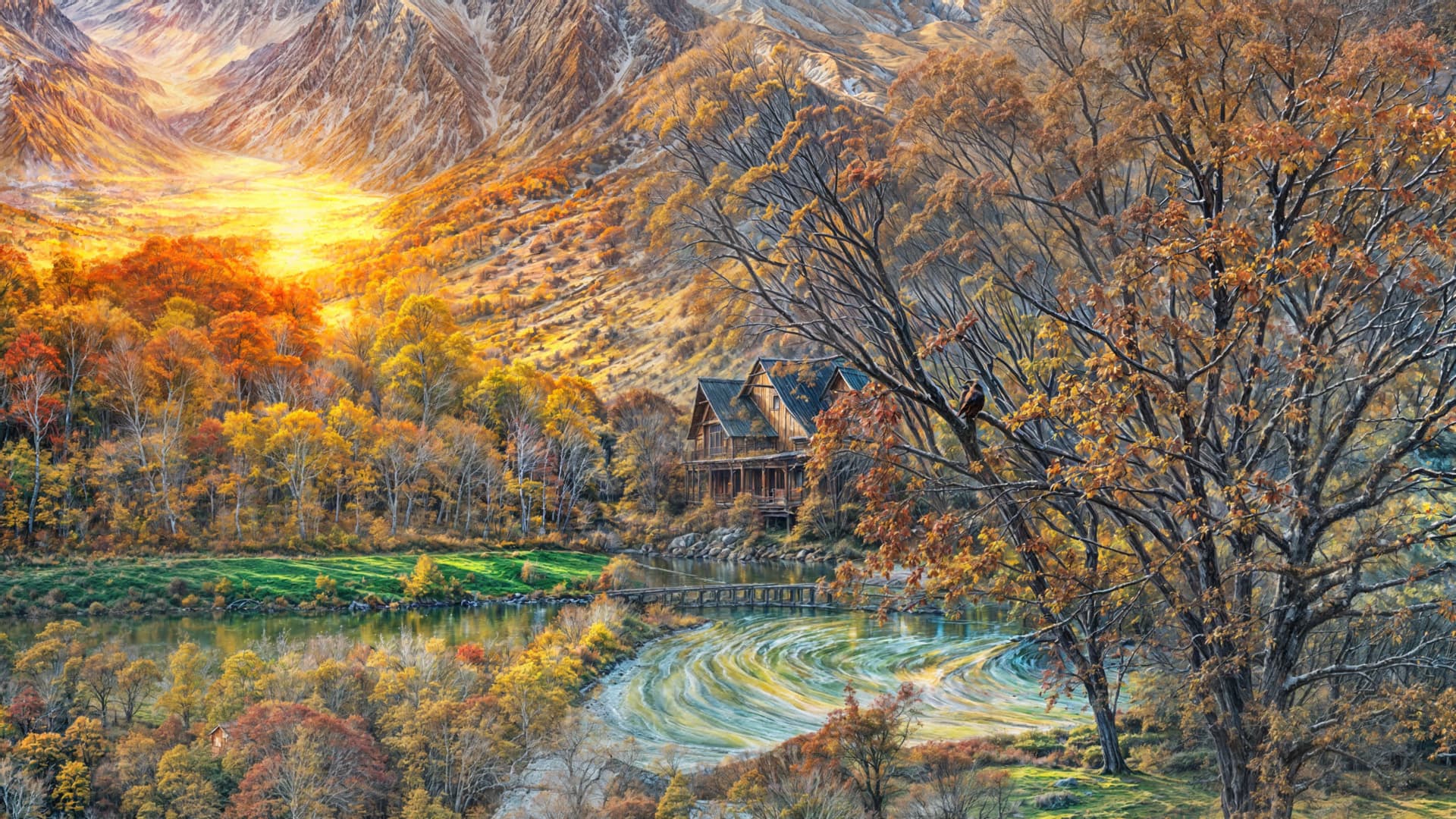
These new renders are completely unprompted, so Topaz Girl’s friend is doing this type of thing on her own… Cheeky devs!
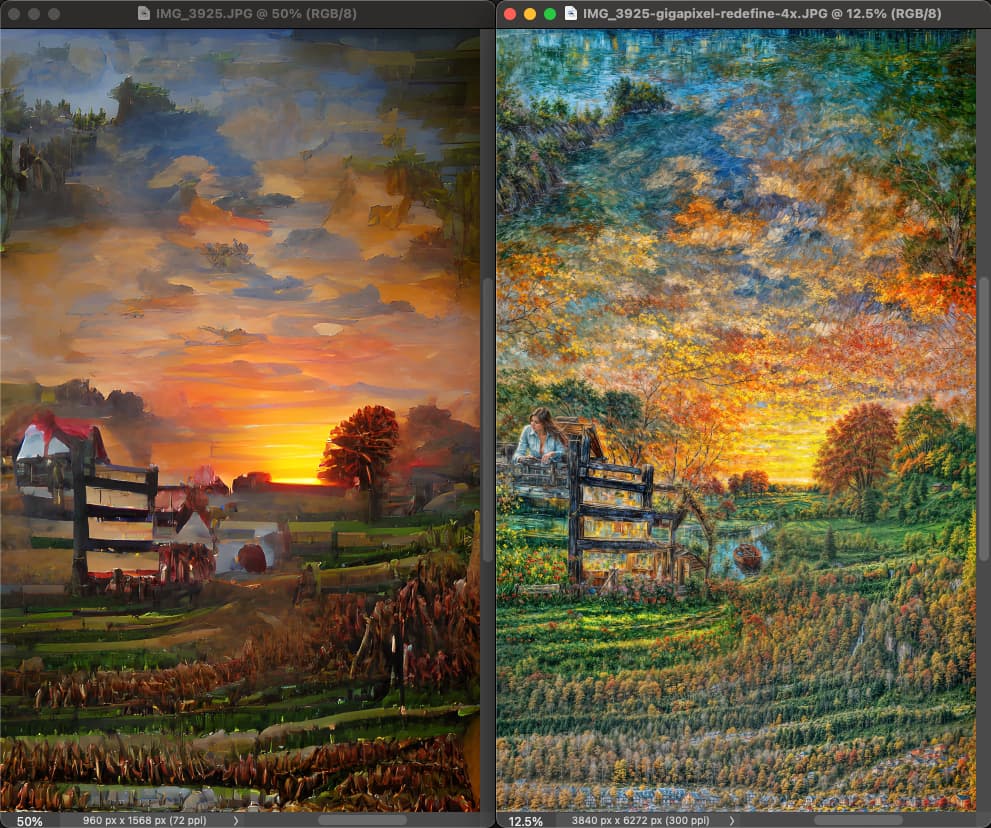
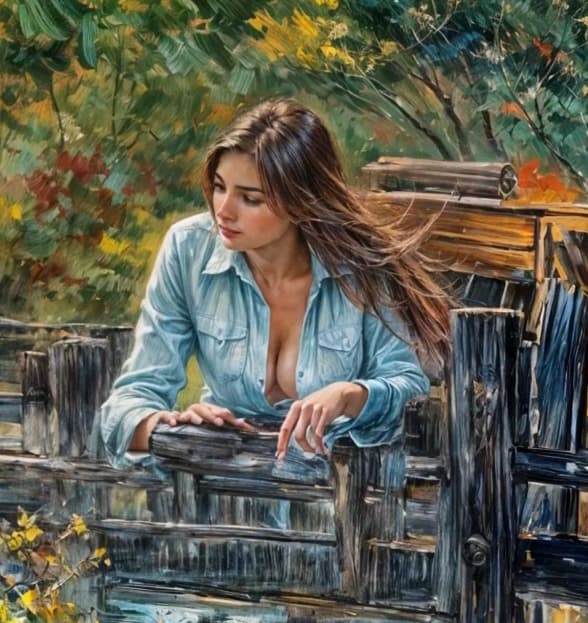
Topaz In The Sky With Diamonds!
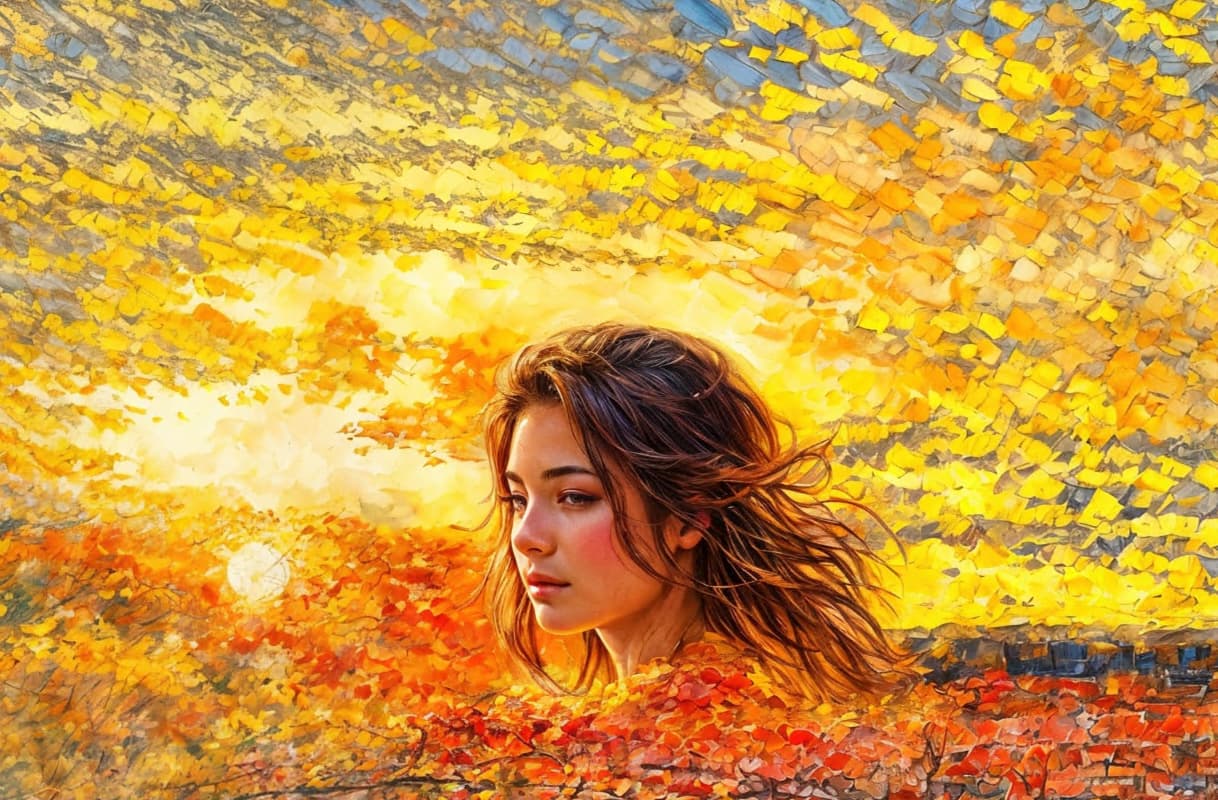
Topaz Guy is a well-dressed citizen scientist:
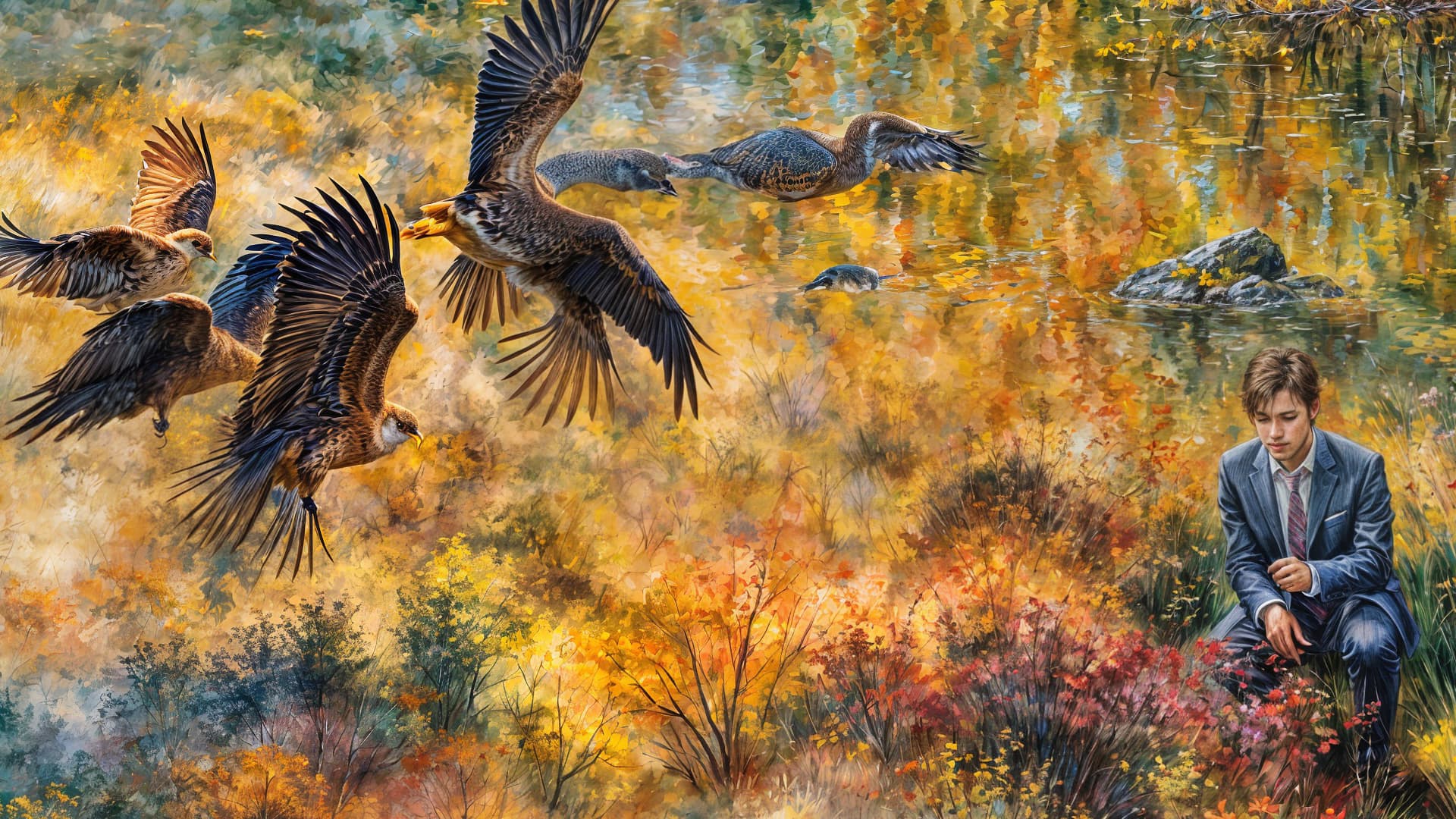
That’s pretty wild that Redefine generated tiny parrots to create the textural detail!
Now I have to see if the prompt you used is in the snip.
In some contexts that could be very artsy. Especially if there were tons more tiny parrots used to create the feathers. Where if you’re back from a printed piece you only see the detailed large parrots but if a viewer walks up close they see all the detail is comprised of tiny parrots. But if going for a ‘straight’ enhanced details look only, than not so great.
And, I love that you’ve designated the crazy Redefine choice-maker, appropriately, a “he”. 
Not exactly the usual paintings… peaceful landscapes, all very colorful, I can’t think of anything better than post-impressionism (something like post-Claude Monet?). And that Topaz Girl, leaning against the fence gate… perhaps a flicker of fading realism (Girl, You’ll Be A Topaz Woman Soon – Neil Diamond)? Interesting images.
Thanks, they certainly have some sort of style but I am not an art expert so can’t pin it down…
Here’s what happens when you add various degrees of artsy to the artsy:
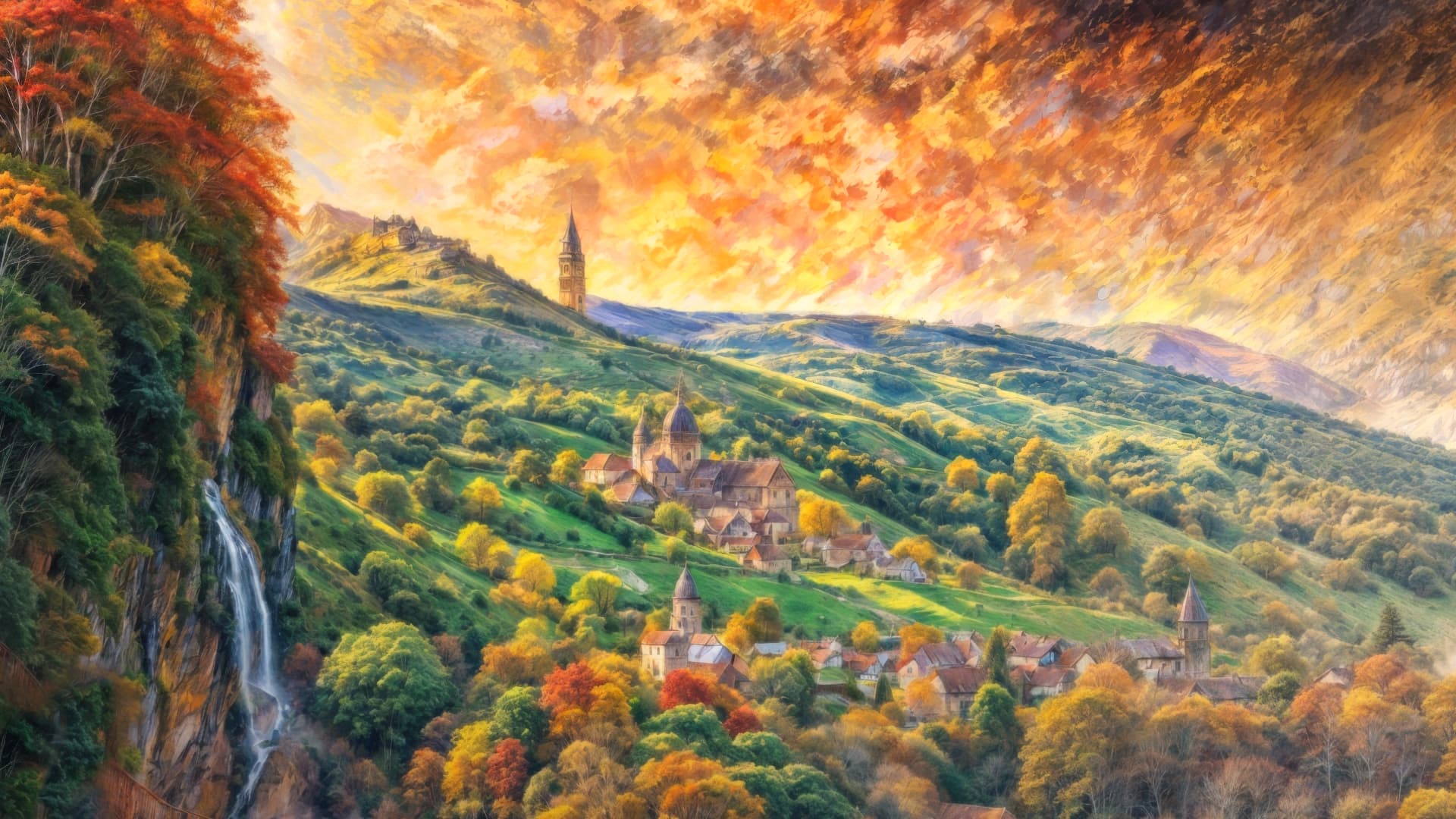
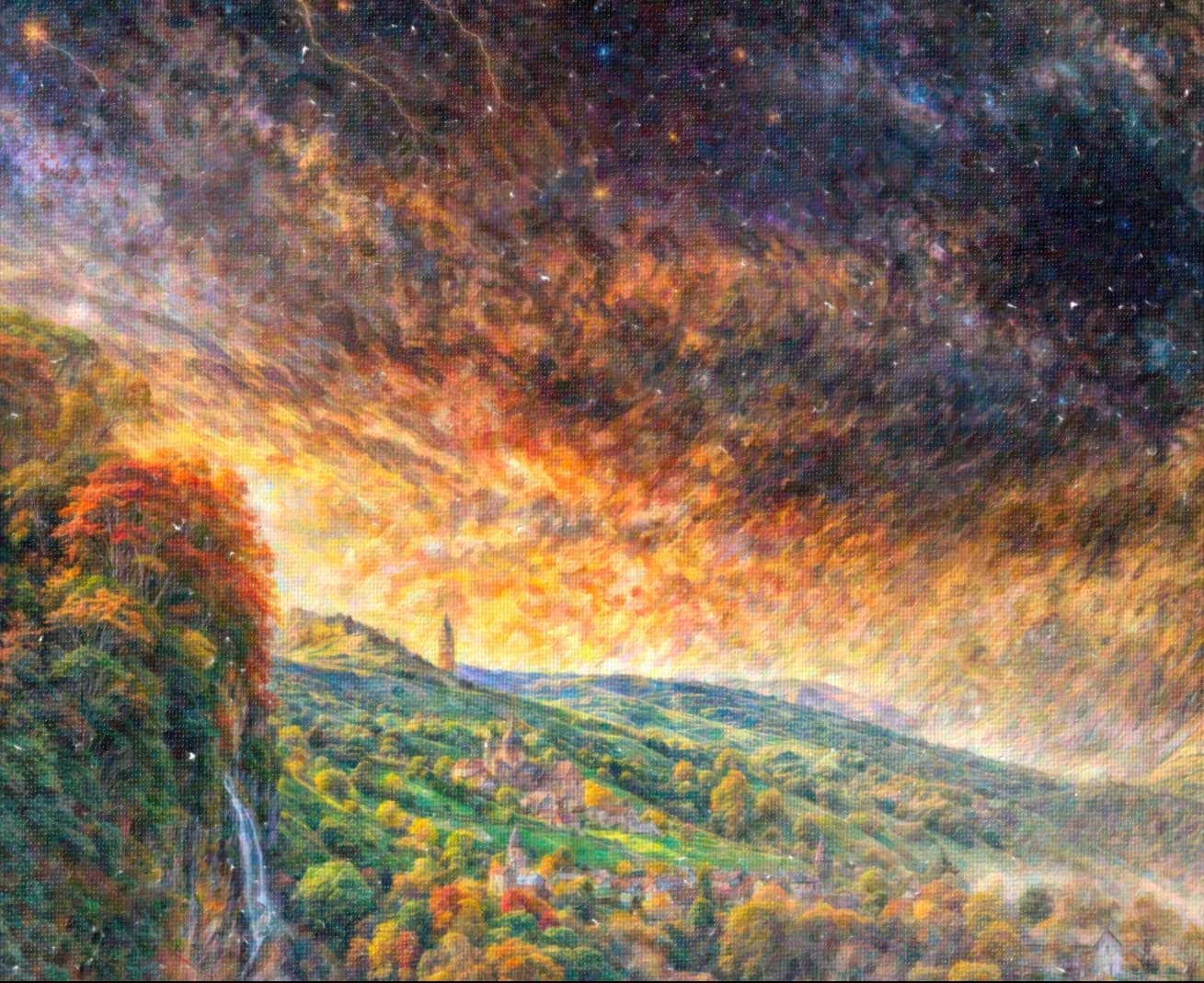
Win 11 Pro. Ps Plugin.
Continuing my experiments with “mixed media” - aka, starting with a photo and converting a portion of it (in Ps) to a drawn or graphic design look of some ilk. (I told you I’m not a photo purist all the time…).
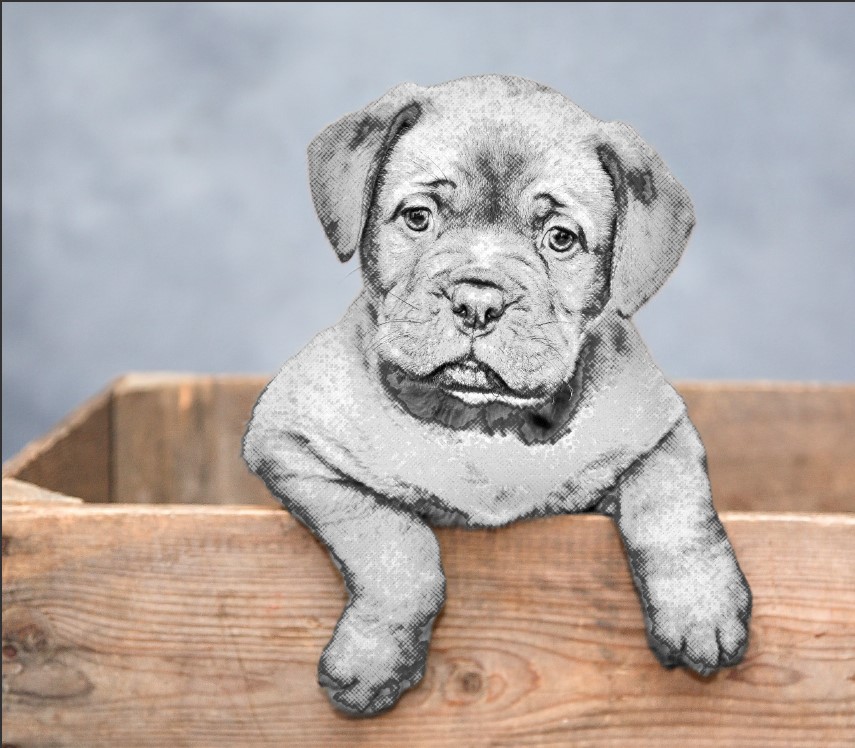
This time working with GAI 8.0.2 Ps (2024) File > Automate Plugin. Before view in the GAI UI.
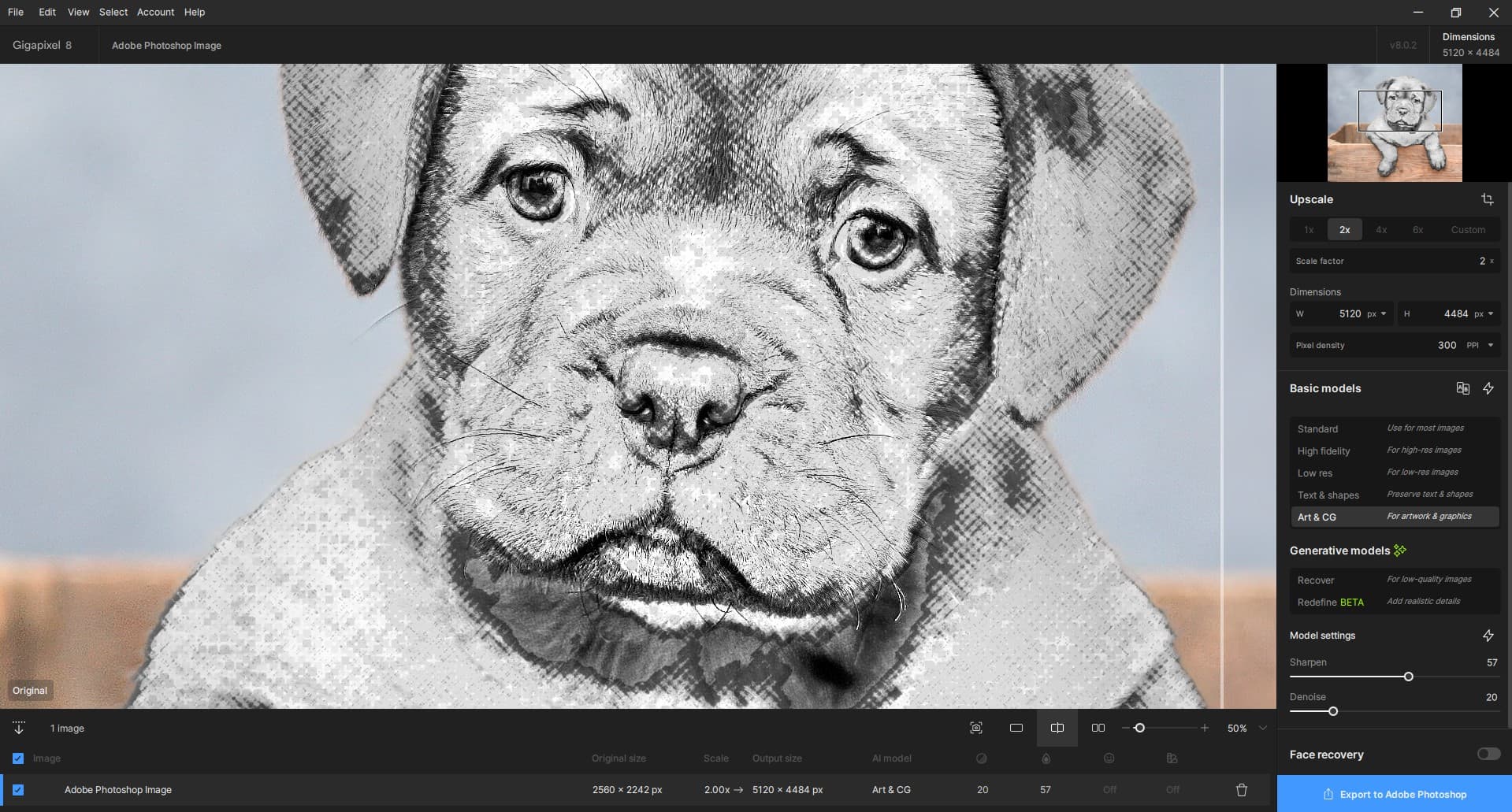
My Goal: Compare results of using one of the “regular” models with either of the 2 newer AI models. And, try to assess if for me and my images any value to the newer, time consuming models.
To my way of reading “ReDefine”, the emphasis is on the Define and not the Re. As in, the product is Gigapixel AI which is a scaling-oriented product. So if I want to scale an image and need more definition than is in my original image then I should be able to give it more definition than it has to start with using a tool in the product (called reDefine - aka, add definition beyond what the starting image contains); which is in line with the scope of the product (vs creating Midjourney-like type of “art” - sometimes that term is stretched to the bounds of subjectivity - outputs).
1st test for this image: Started with Comparison View in GAI (where there is a Comparison View…). Selected Art/CG and manually adjusted settings sliders (no AP). In the After I see some Denoise happening but don’t see any add’l. Sharpen to elements in the image vs the original/Before Split View:
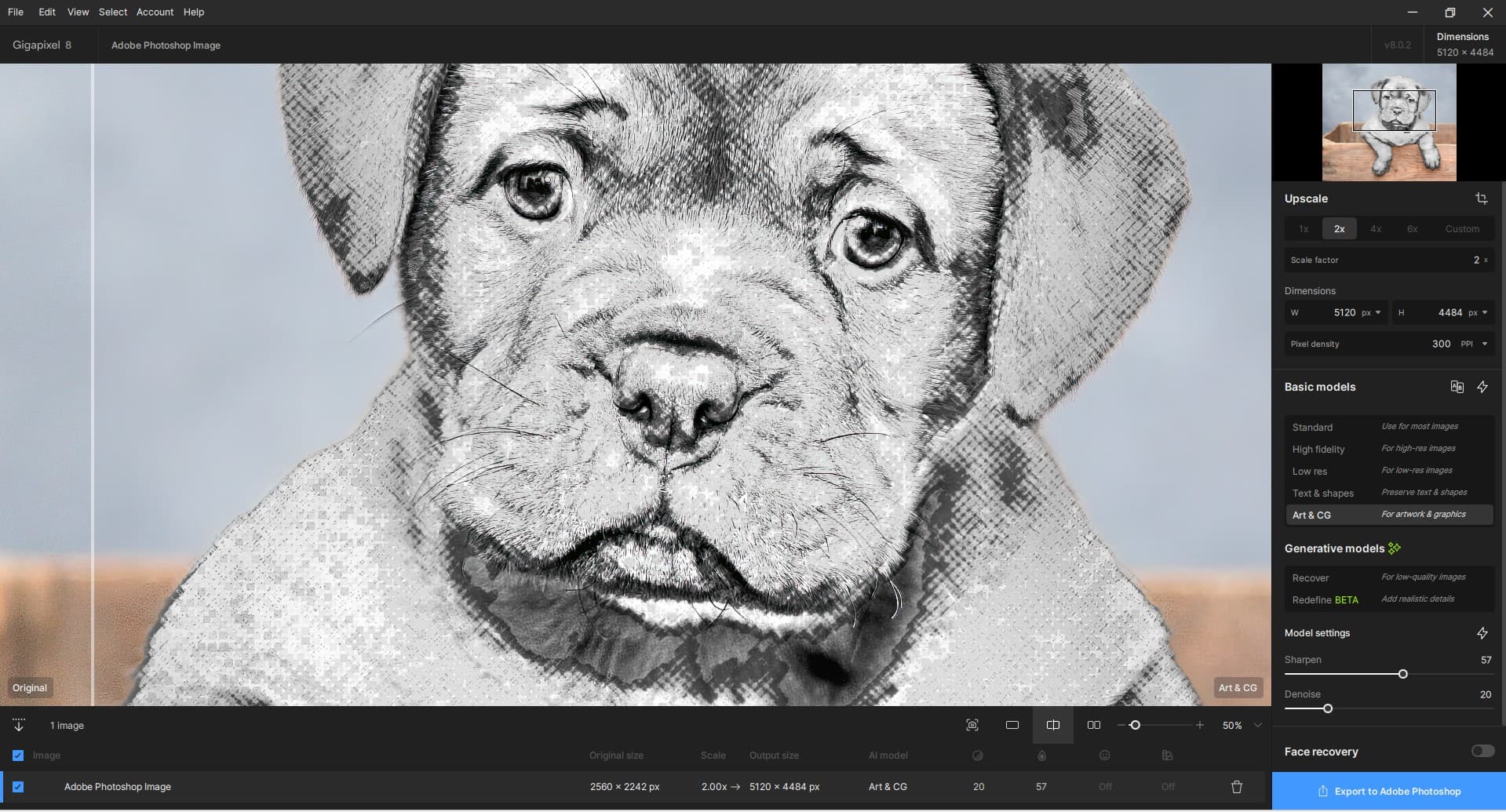
When saved back to my Ps layer (& turning the Eye Icon visibility off/on) I can see a bit more distinction (ah ha, Defined) or sharpened edges in the ‘sketch’ part of the image that I was focused on.
I’ll see what happens (if it can be operated from the plugin)… with either of the newer models as Test #2 & #3. Since we’re public beta-ing…
Still No Logs being generated when using GAI.
Con’t.
Test #2 - Recover: Just tried preview squares in different portions of this same dog image. Based on the previews, no motivation to try Recover. Both b/c the image was tagged as “large” & it took over a minute for each preview square to process (so no way the full image could process on my system) and b/c I didn’t see a noticeable difference in the caliber of the original illustration portion of the image I was viewing relative to adjacent Recover Preview areas. Aborted this approach.
Also: BUG ID’d: The blue processing bars in the Preview Squares fly immediately to the right as if the processing is completed instantaneously. There is no tracking of the blue status bar from left to right for the time it actually takes to gen the preview.
Test #3 - ReDefine: Had to abort the test. It was tagged as a “large” image and the Preview Box Gens (aka, renders) were taking over 5 minutes and still not completing. Wasn’t going to spend credits on a guess of potential outcomes.
I experimented with slider settings (it made no difference b/c I didn’t get to see previews…) including: Creative = 1 - 3, Texture = 1 - 2, Sharper = 1.
Also: BUG ID’d: The blue processing bars in the Preview Squares fly immediately to the right as if the processing/rendering is completed instantaneously. There is no tracking of the blue status bar from left to right for the time it actually takes to gen the preview.
1 Like
Can’t do 4X on this JPEG. Might have to downsize first:

After downsizing the original, we get this (864x648 @72):
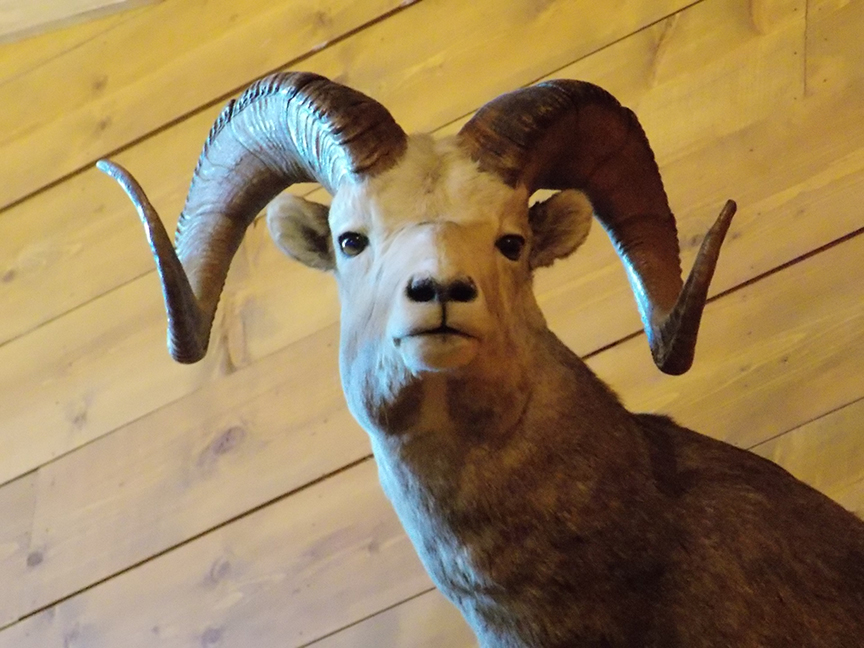
4X “classic” Gigapixel render on autopilot (100% crop):
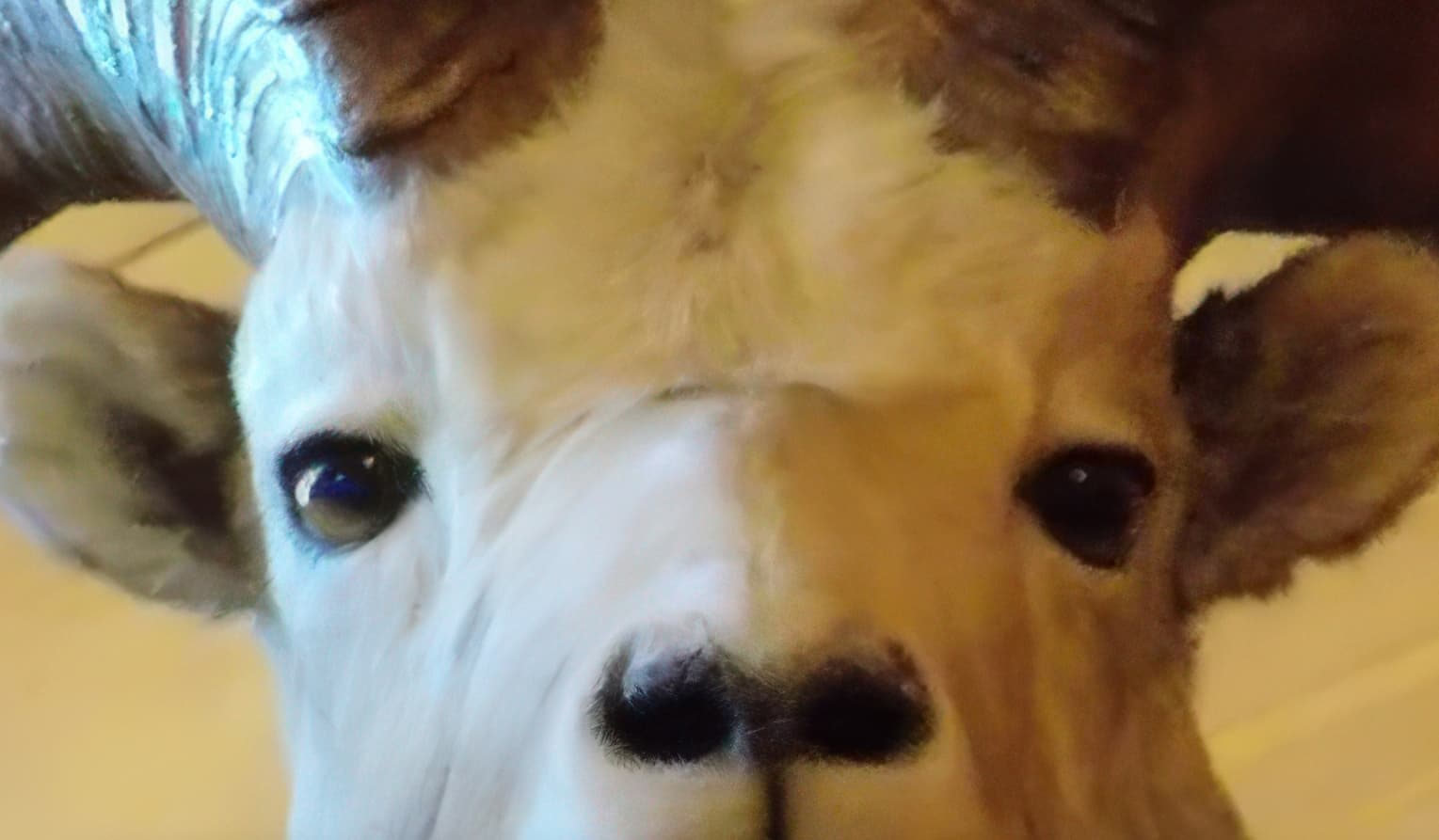
4X Gigapixel render with Redefine at lowest settings (100% crop):
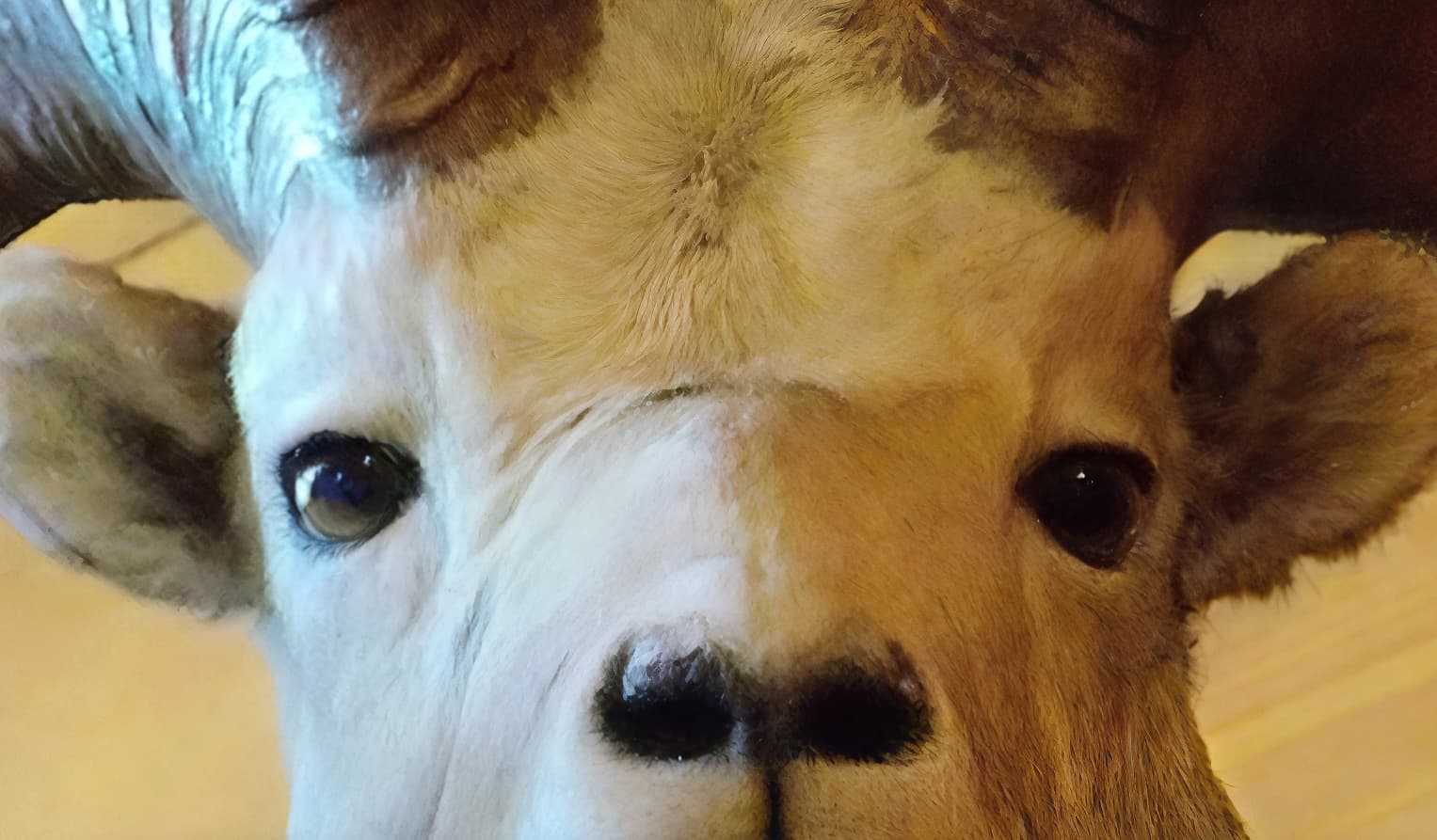
4X Gigapixel render with Redefine at these raised settings (100% crop):
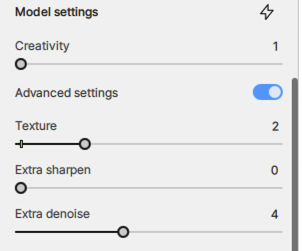
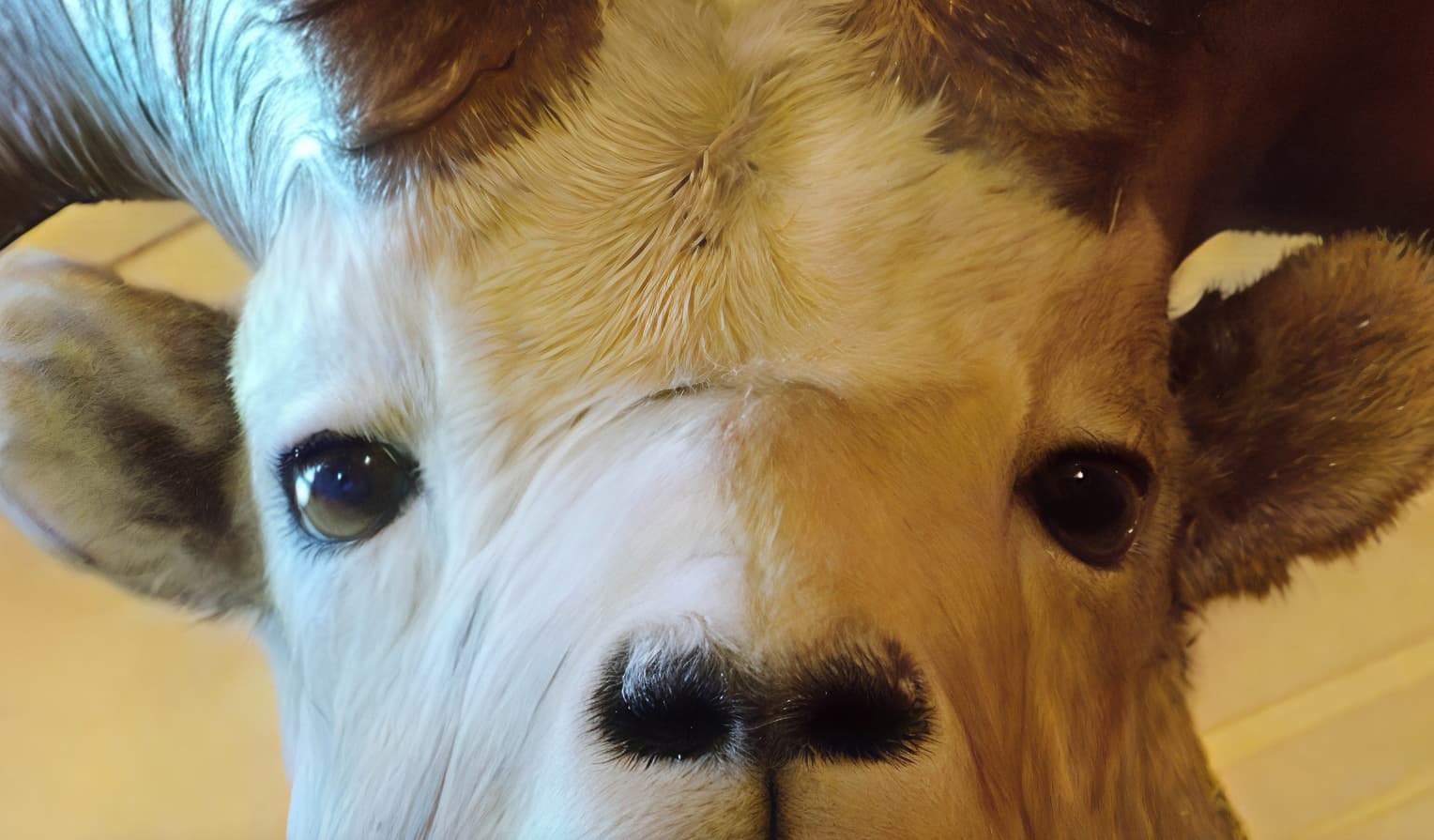
4X Gigapixel render with Redefine at these raised settings (100% crop):
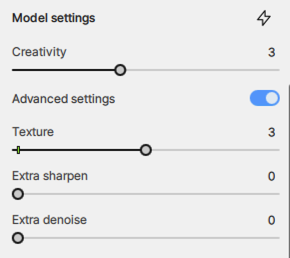
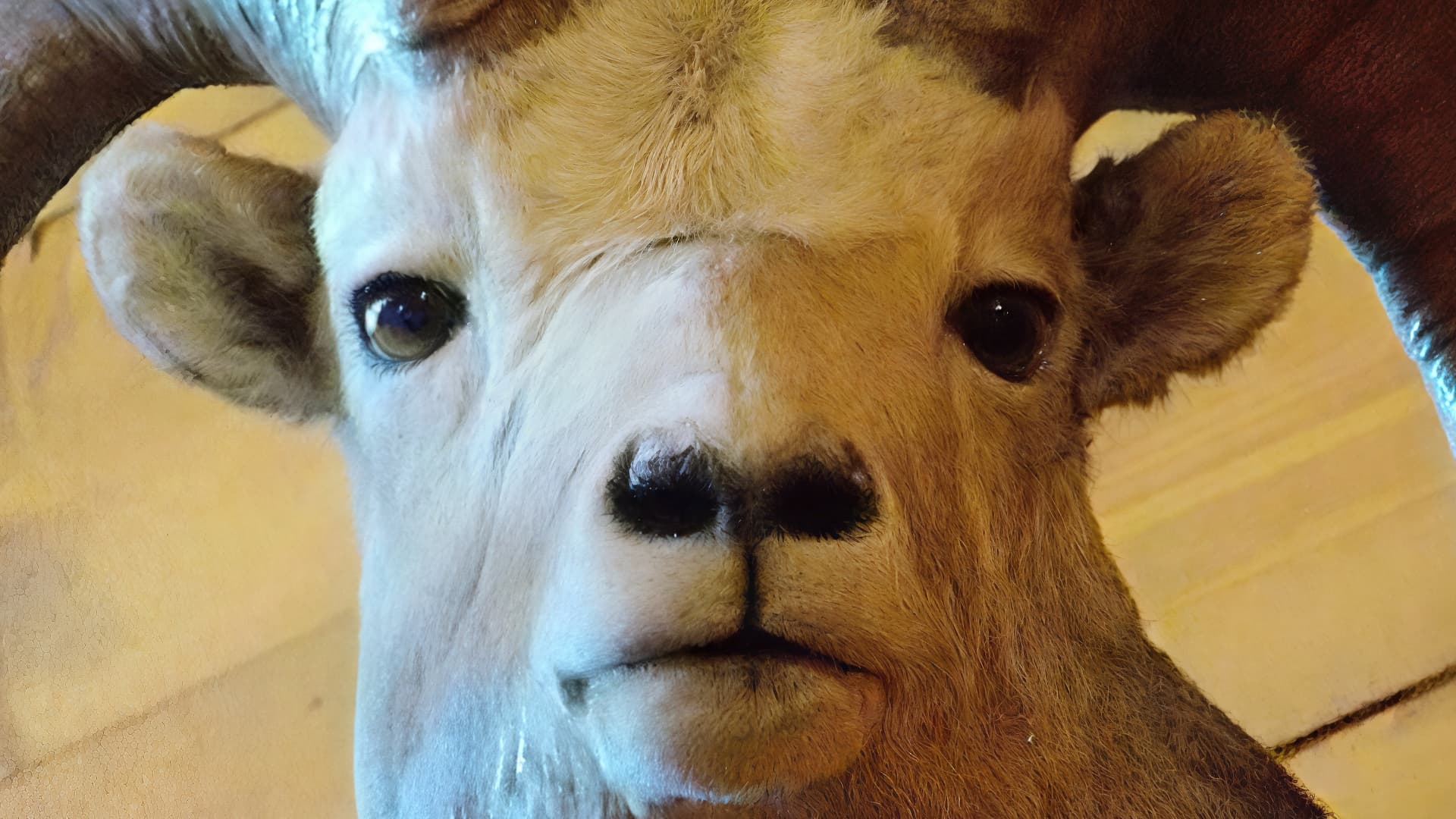
4X Gigapixel render with Redefine at these raised settings (100% crop):
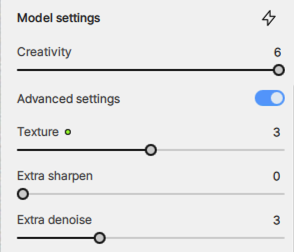
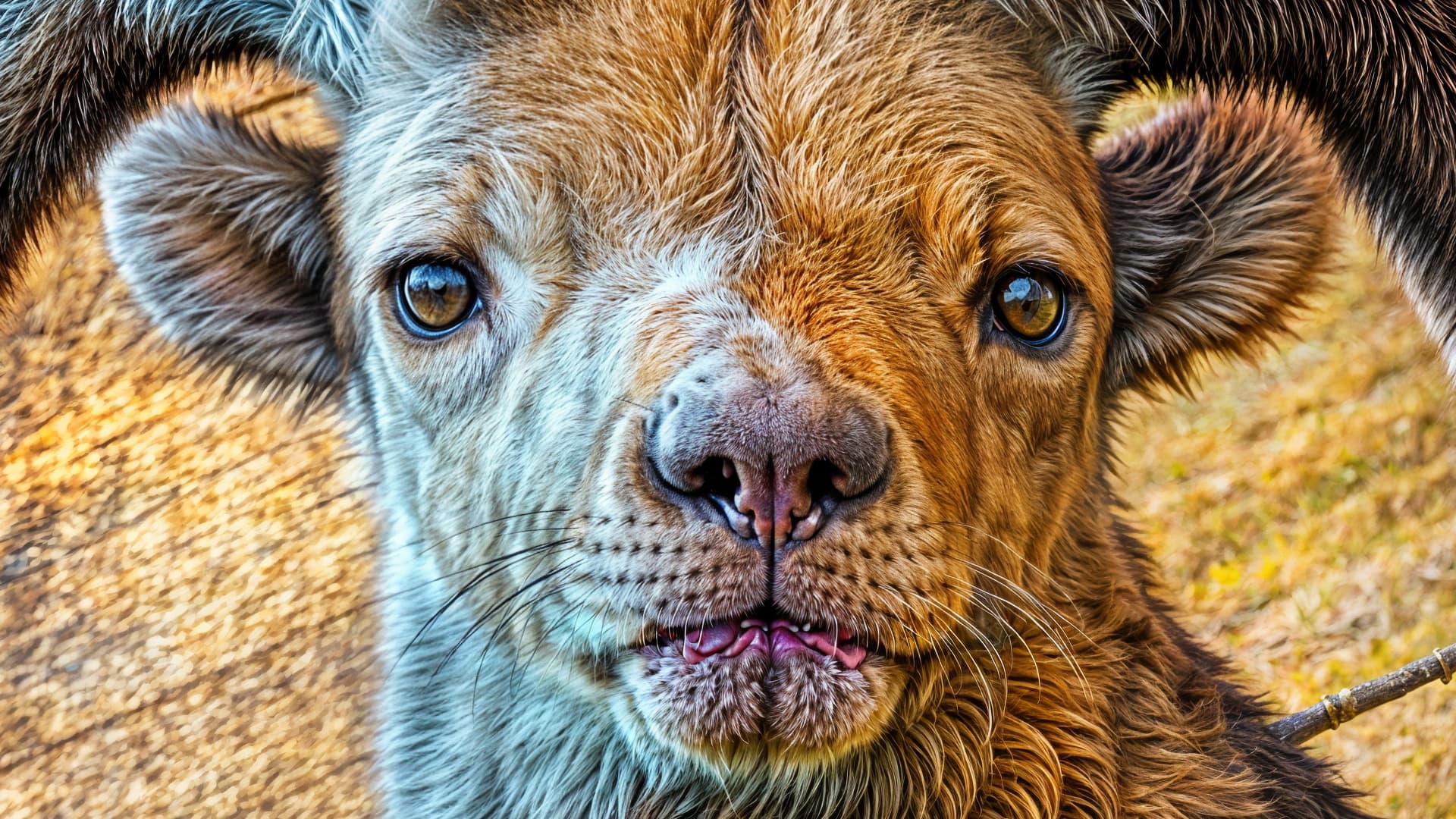
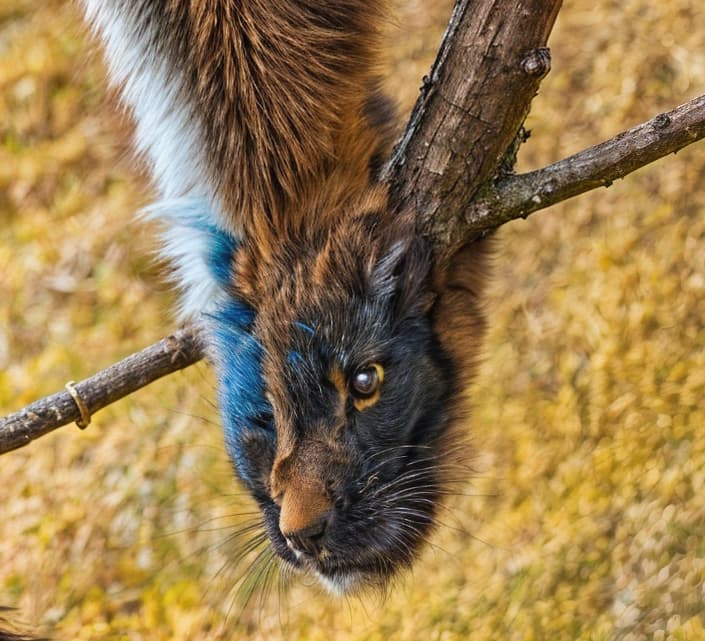
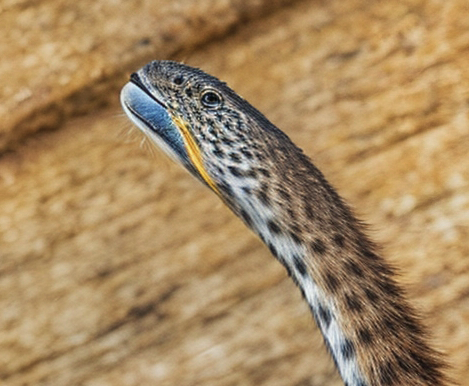
So in this case Redefine did a better job than “classic”, unless pushed too far
If Redefine could only do the basic “slightly better than classic Gigapixel” fix it would be more than enough, but I personally find the heightened Creativity results much more interesting!

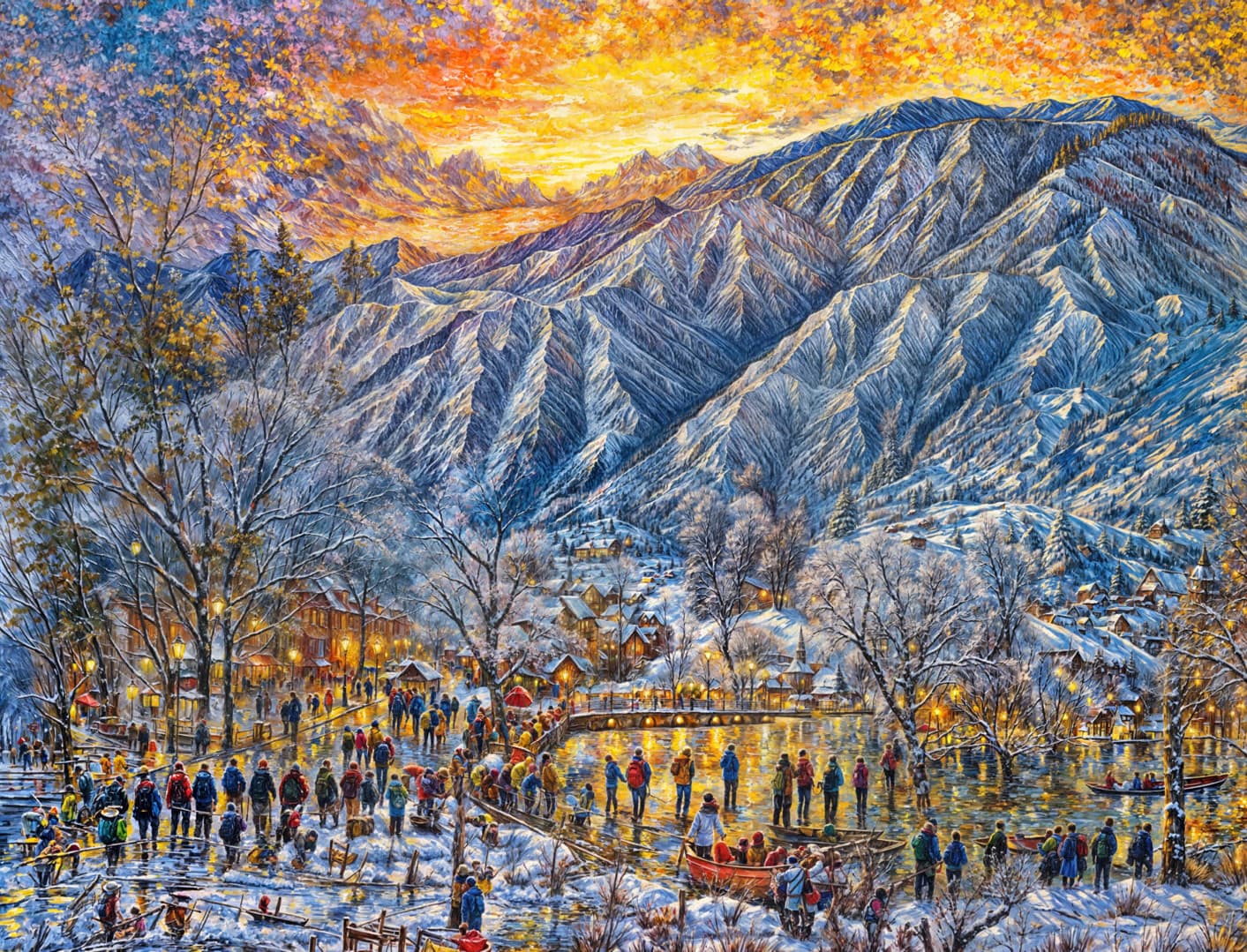
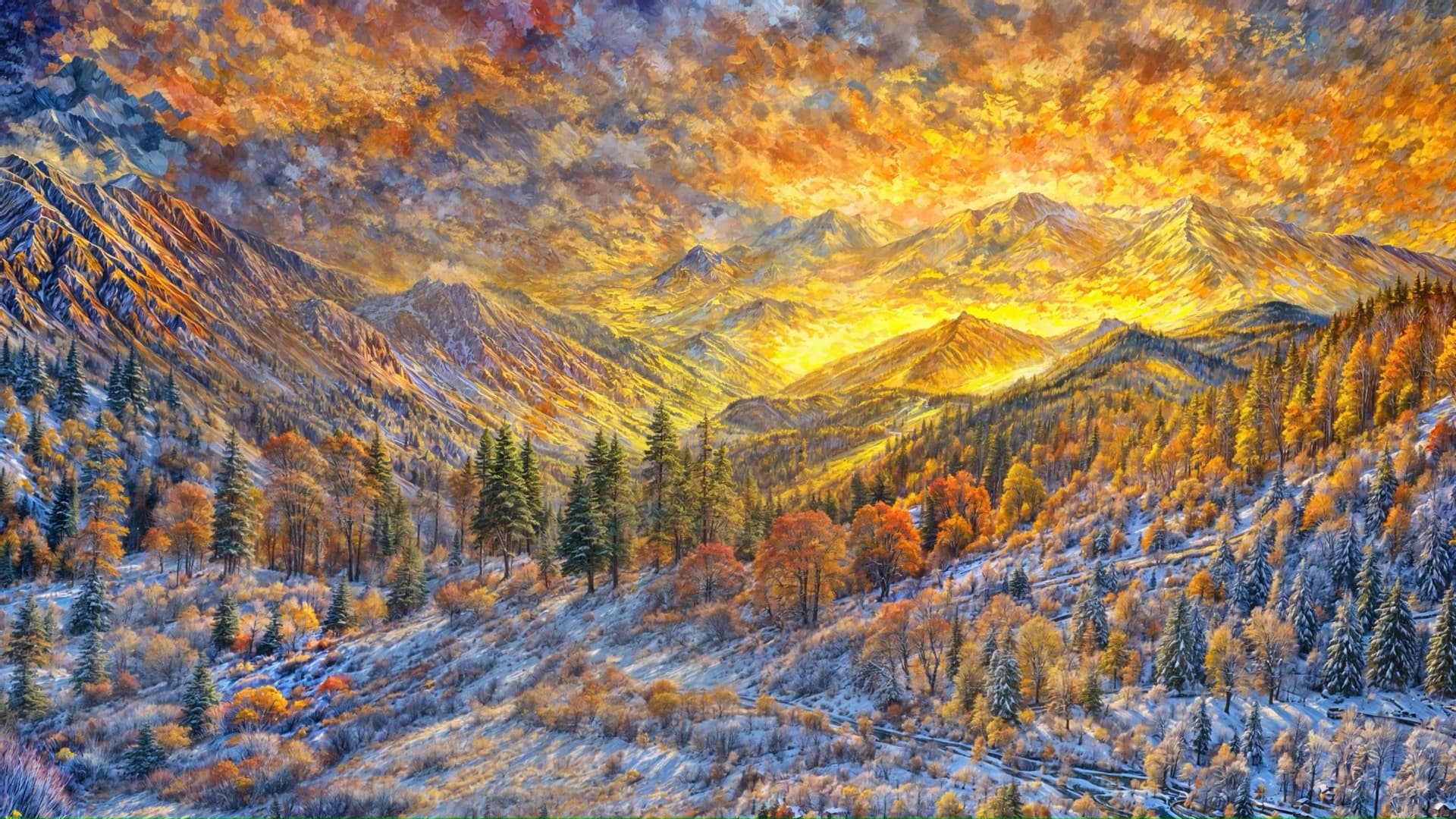
Hi, I was triggered by this same point as I need to enlarge a picture with a mask (at the moment, but bas flatten it and make it a basic transparent image -with complex transparency effects, not just a basic cutout shape-) and was wondering if the new version would allow me to enlarge this pic. Buying the updrage depends on this for me so hanks to anyone who will be able to provide more info on this feature.
Kind of disappointing the two biggest elephants in the room for redefine are still not addressed (resolution limit and mismatch between preview and exported image). Is there any progress here?
2 Likes
To me it is by far too much of everything.
There is no point of interrest.
The position of something it declared by size not by brightness or position in the image.
The images are flat because of “declared by size”.
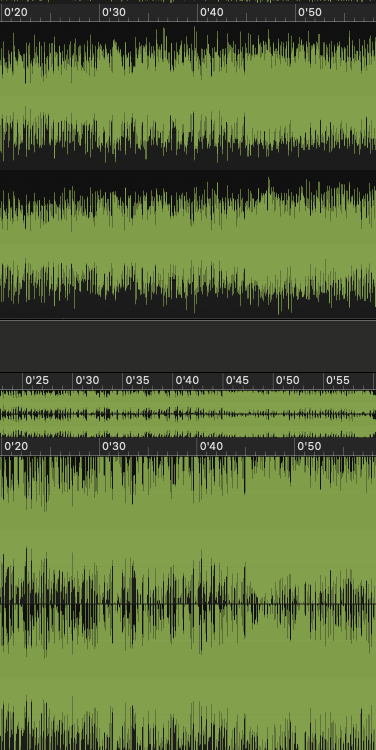
In the audio field, one would say that the “hard limiting” is too heavy.
At first I thought wow, now I know all the mistakes.
And AI images fit the zeitgeist.
Everything has to be the best of everything, like a youtube headline. Either the very best or the very worst.
4 Likes
I have to agree. No disrespect to plugsnpixels, but I don’t think I’ve seen even one that I think looks good. Way, way too busy. In most cases, I think the originals look better, before ‘redefining’.
2 Likes
Thanks Thomas, I do hear (or see?) what you’re saying. The audio term would be “brickwalled” and unfortunately most new releases are like that, as in this comparison of the same song between vinyl and hi-res:
So in the cases of my WOMBO re-renders (the most obvious test use-case in my collection that I could think of), because of the fantastical way the originals are globbed together, one must be selective and perform even further creative edits of the new renders in post. I consider these results raw material to do something else with, not so much present them as-is other than to show what Gigapixel can now do that it couldn’t do before. If you think the crops are busy, you should see the full-frames at 100%!
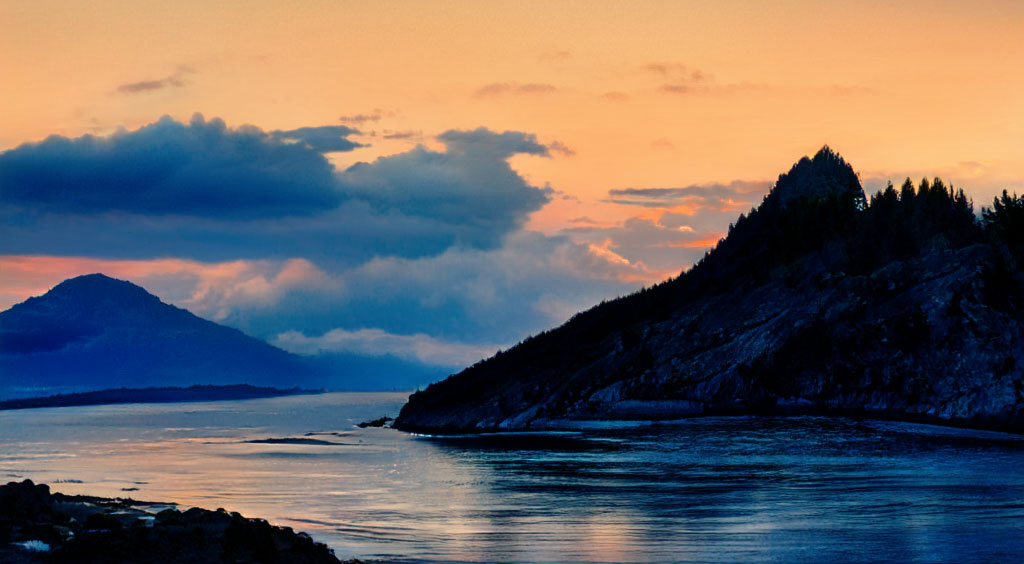
I also think the subject matter greatly impacts the quality of the results (that seems to be an obvious statement!). The WOMBO sources were basically random abstract mush that loosely resembled real objects and places. Perhaps this example I did last evening with Redefine from an NVIDIA Canvas render of a more “normal” scenic illustrates this point. Perhaps you will find these less “brickwalled”?
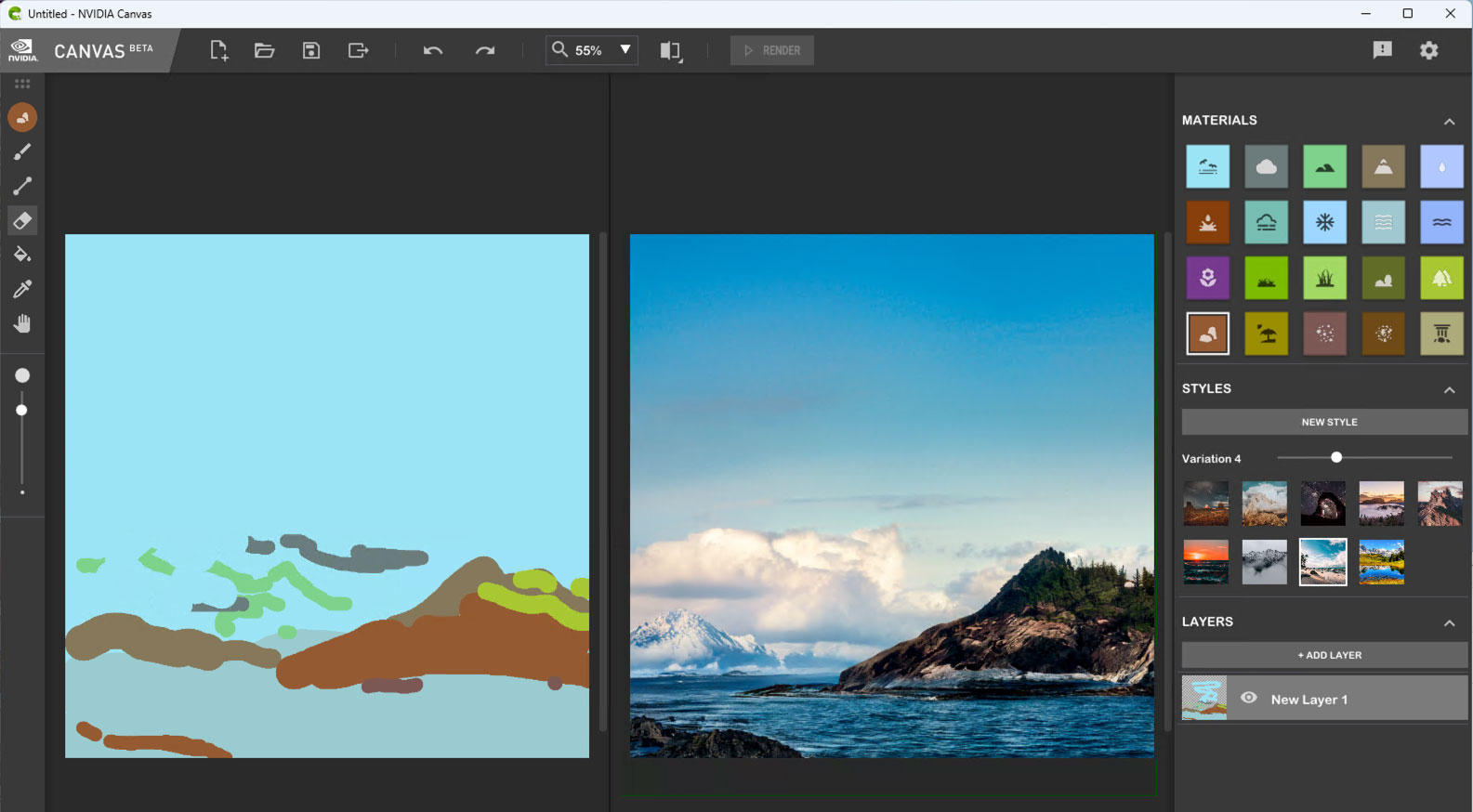
Source render (one of a few Canvas styles I tried):
Redefined from 3 different Styles:
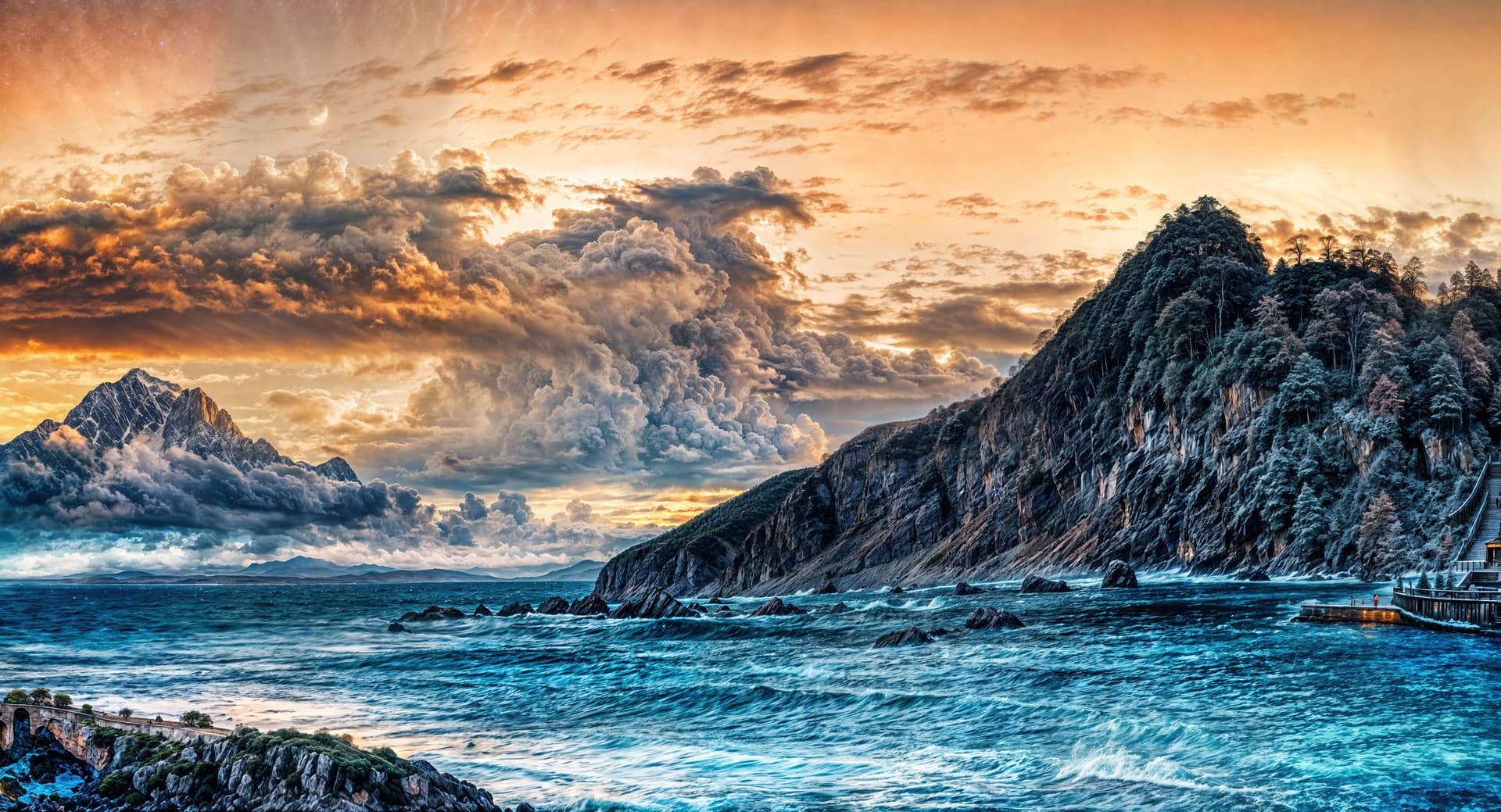
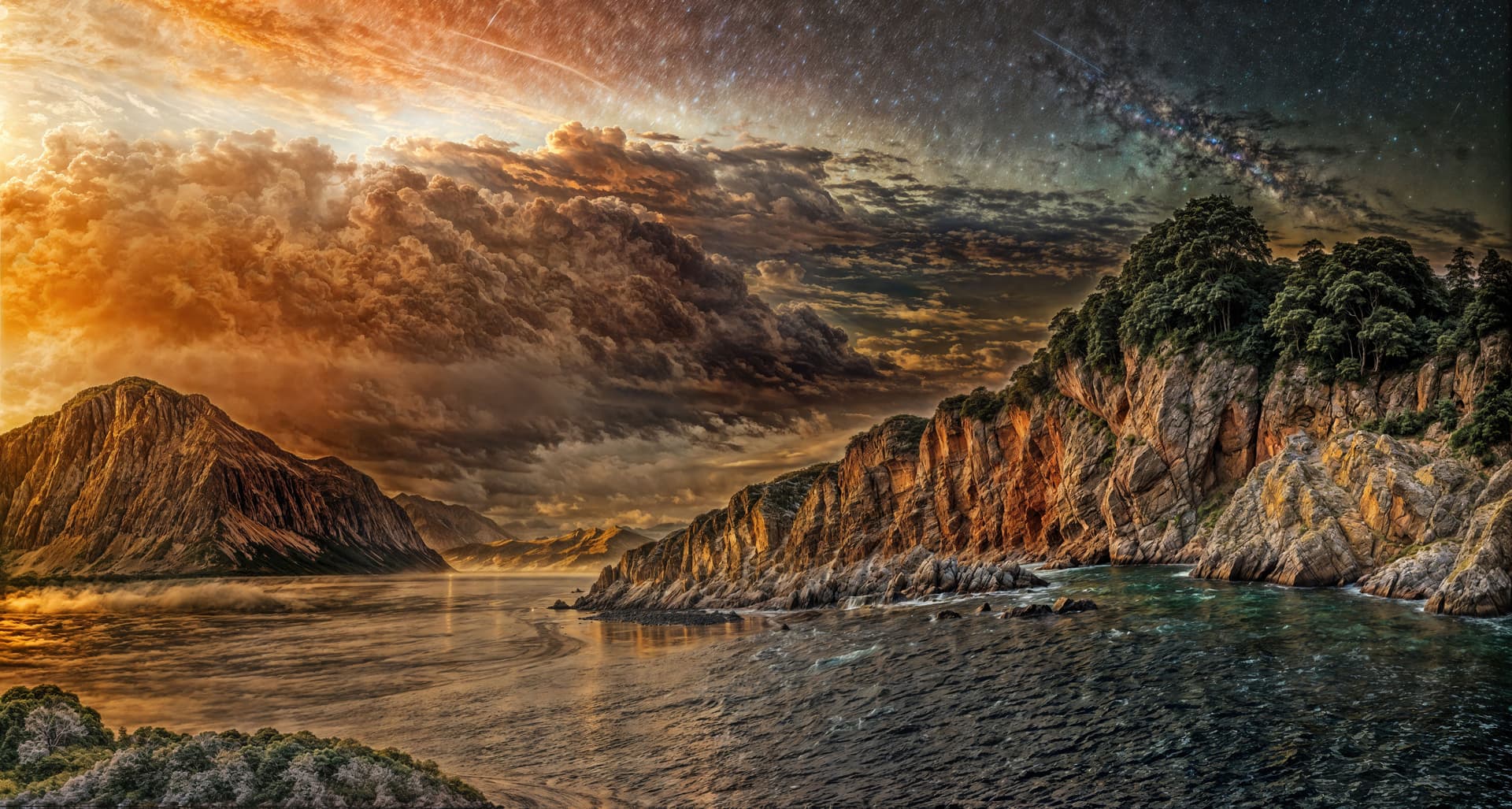
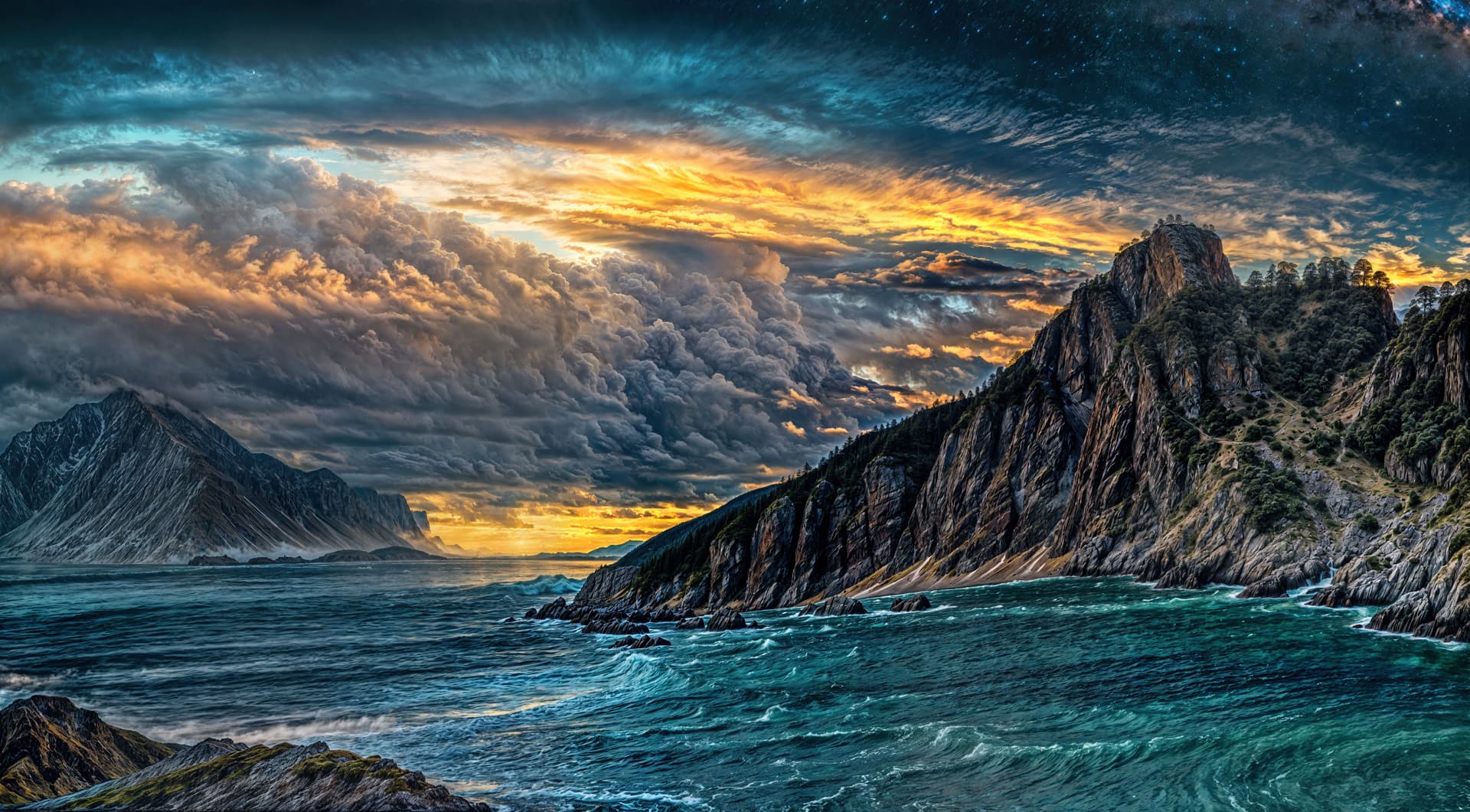
I could have also backed down on Creativity and/or Texture to modify these further toward “normal”.
You’ve seen in earlier times how excited I was to use Gigapixel to restore old family photos (the corrective aspect of the current Topaz apps). That is still true, though Redefine opens up a whole other area of creativity to explore (and we’ve actually lacked creative options in Topaz apps since Topaz Studio went away). And of course this type of output won’t be to everyone’s taste, but I’d rather have more useful functionality for the same price than less.
So now that I’ve Redefined over a thousand of these otherwise useless WOMBOs (successfully batch processed in Gigapixel for many hours on the 4090) I need to explore what I’ve got!
I just did a quick edit of a severe crop using Luminar and Snap Art to show what one might do with these results.
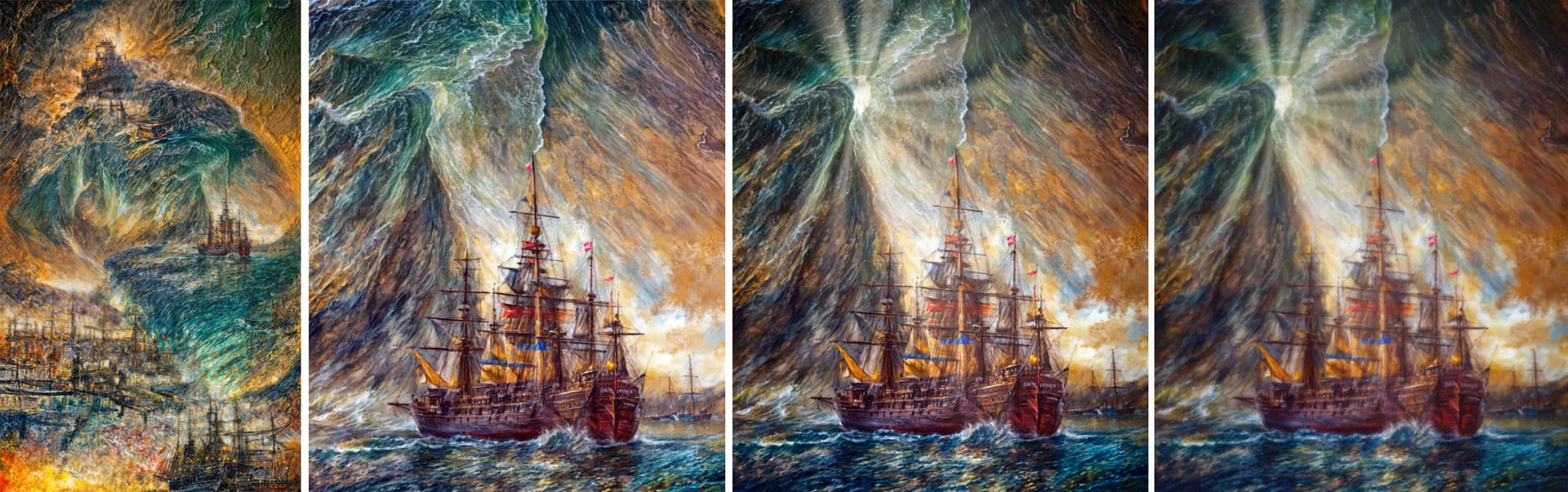
Not a problem, they are what they are! Proof of concept maybe. Very subjective, as all art is.
Other than that I would like to address where you said “the originals look better, before ‘redefining’”.
While I’ve often heard that before about my post-processing (ha!), in this case the WOMBO originals are just useless mush. Here are a couple of examples from this WOMBO original (reduced here):
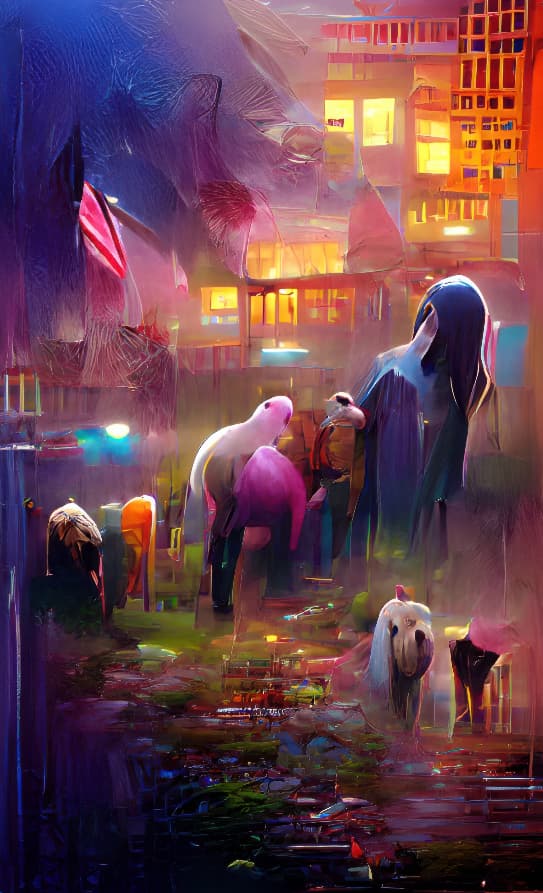
In Redefine, this crop:
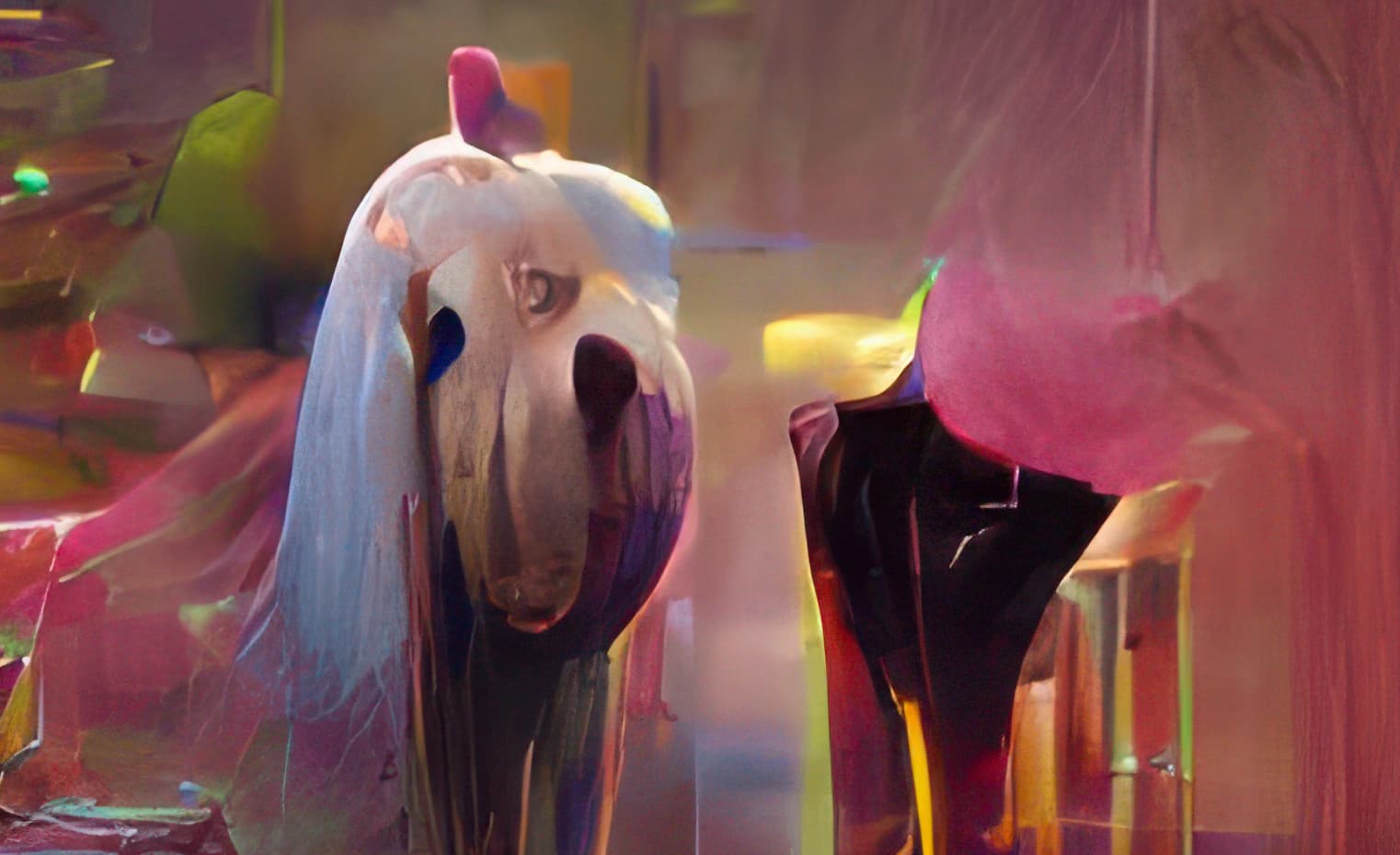
Turned into this:
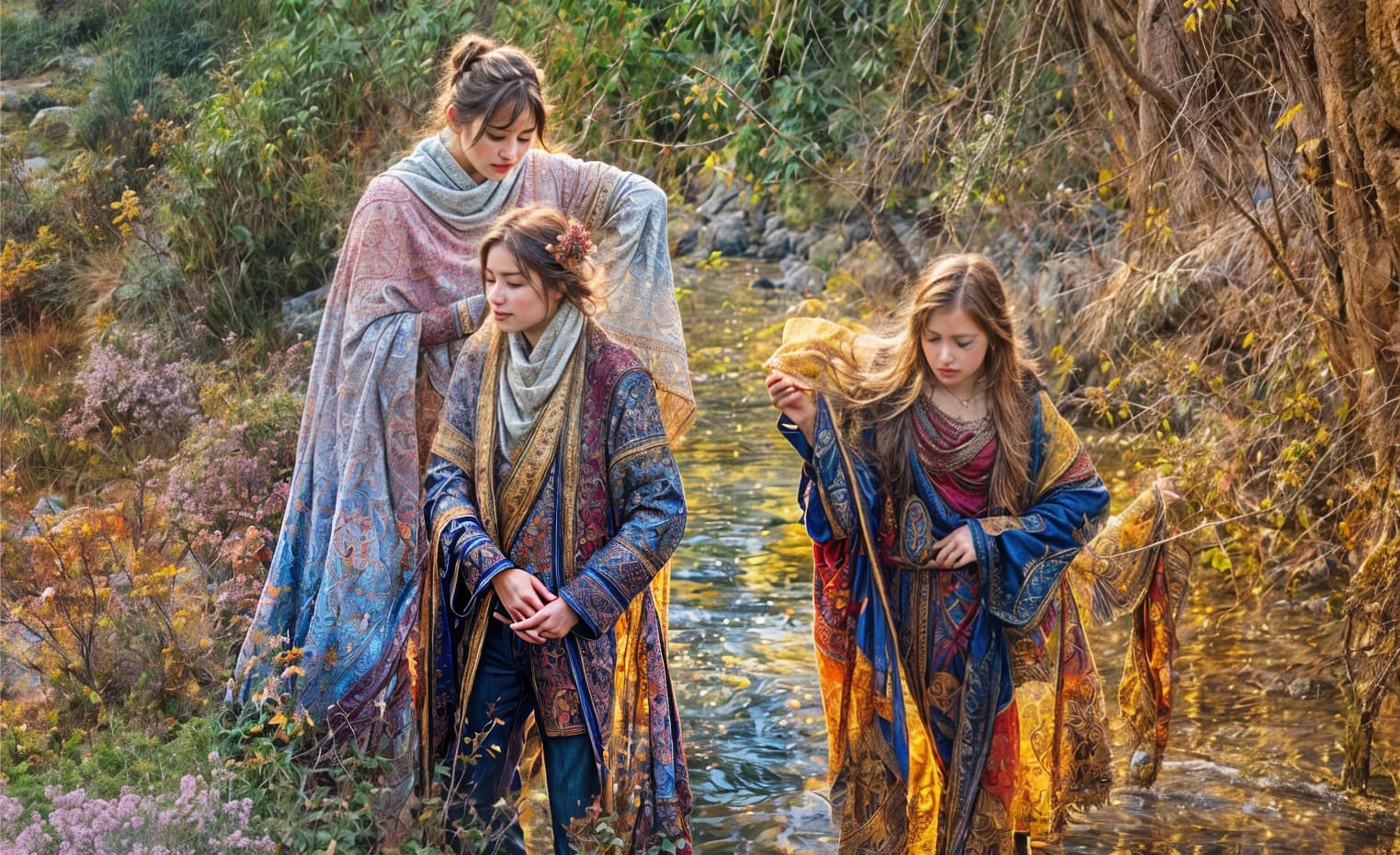
And this:
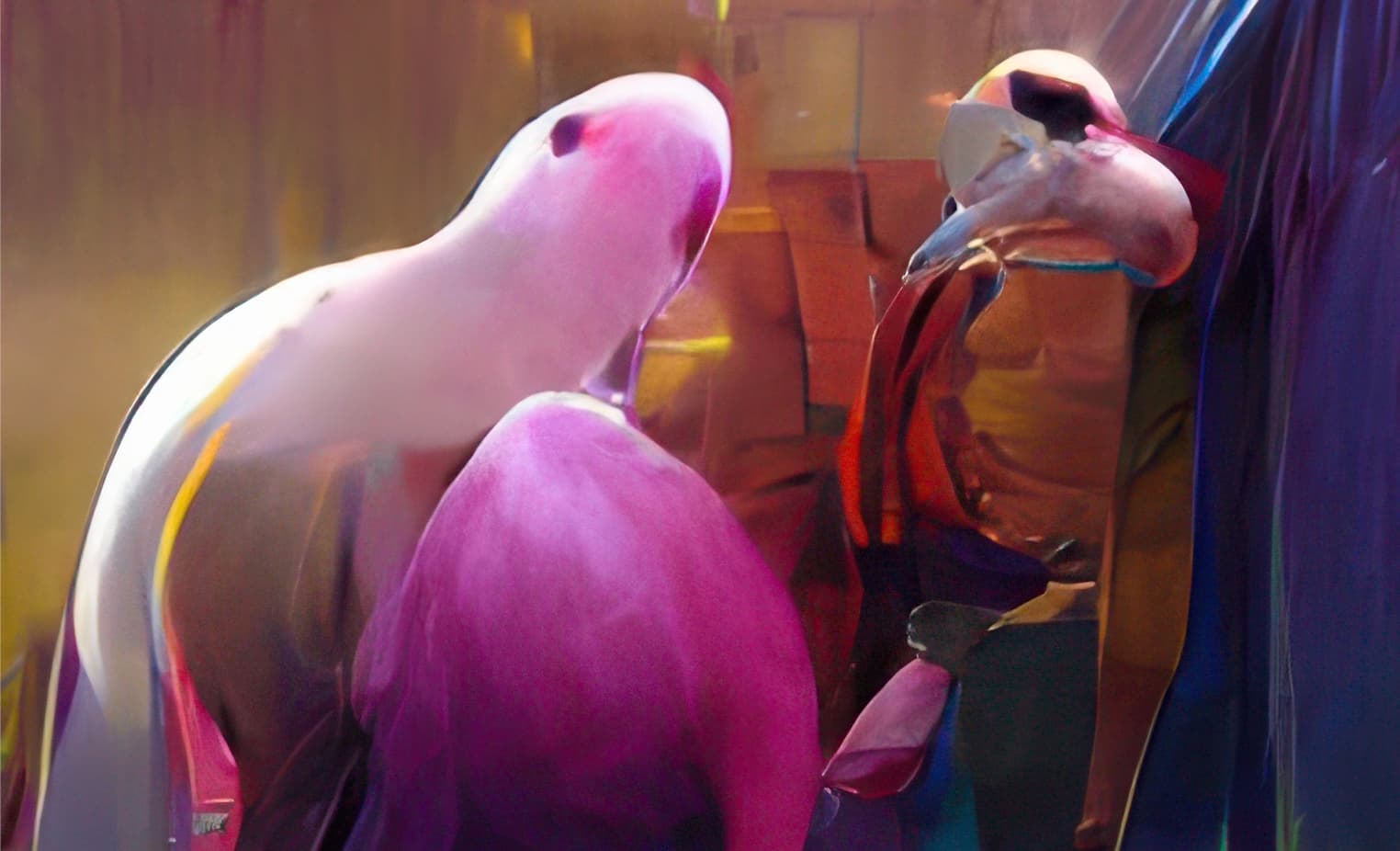
Turned into this:

Blend the source and Redefine results and you get this softer look:
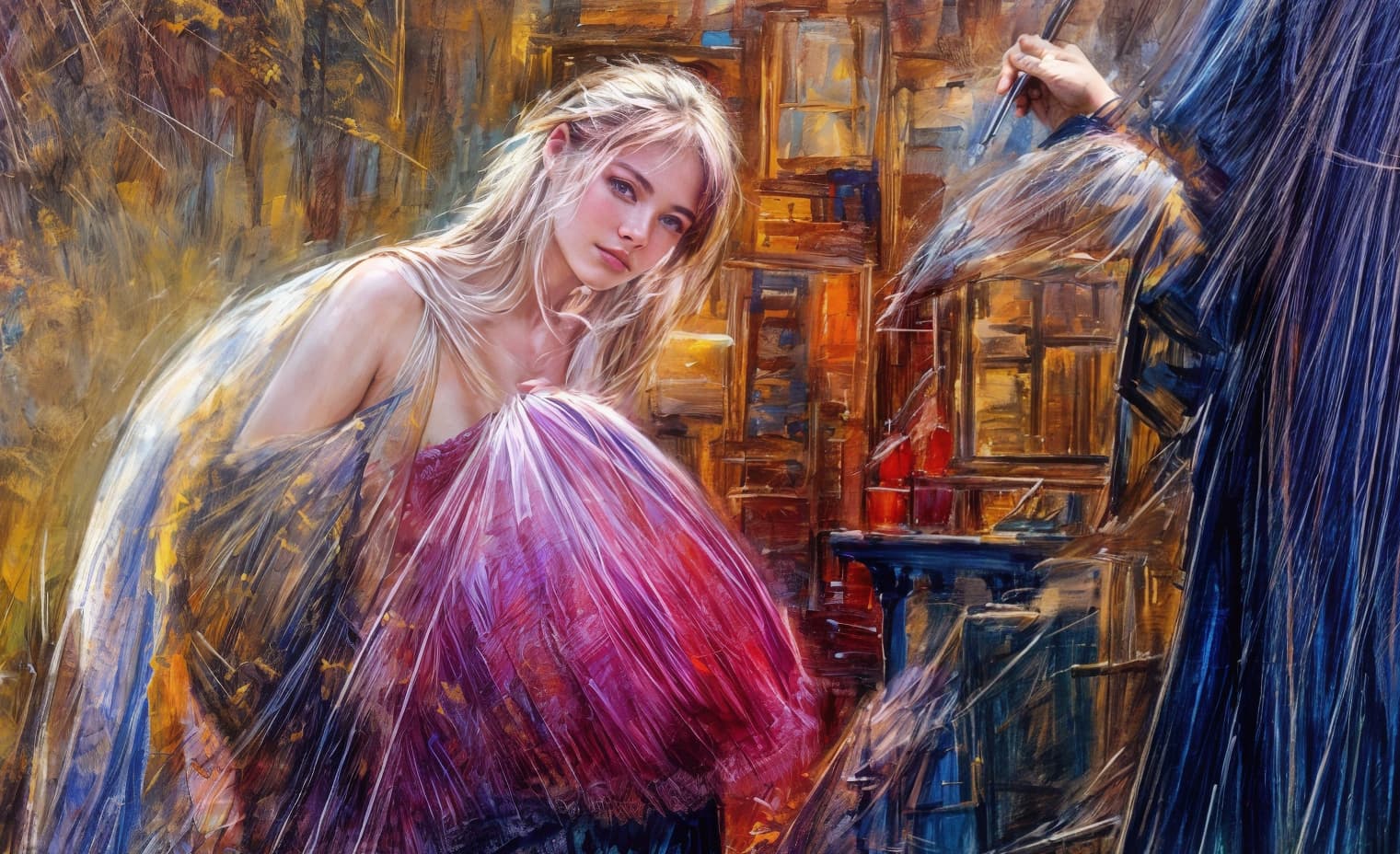
I’ve illustrated my point about improving upon the originals but I haven’t answered, “What do we do with these?”
Yeah…
I’m sorry if I’m placing myself on the sh**list of people in this community, but the freak show that Redefine is mounting with the fixation with bringing new animals that nature have never seen in real life or pictures turned into what I feel looks more like landscapes made during the acid trip of a junkie/street artist. In between there are "enhanced"landscapes that look so far from real that I’m wondering how it can be that people complain so much about overcooked HDR and at the same time satisfied with what Redefine spits out. And whats up with the cats?
Pleas everyone - and you in particular @plugsnpixels - this is not meant as an offense directed to anyone who enjoy pumping out picture after picture after picture of this stuff (even though you might feel that way). Not at all. I’m actually grateful that I get so see so many examples of how inconsistent (except for Topaz girl - her family seems to be the only thing that Redefine can spit out when it comes to people) and unreliable Redefine is. I’m grateful because the direction things are taking with Redefine I feel that can probably save my money when my renewal date comes up in February and focus on PAI instead. If normal upscaling have reached it’s peak with regards to quality I can still do that for many years to come without investing more into the development of something that I still don’t think belongs in an app dedicated to upscaling (unless the new T&C comes back and bites my sweet behind like many people feared not long ago).
I have yet to see a really good example of Redefine getting it right - for me it’s as simple as that.
Now I’m done. Sorry for the long rant, and feel free to report this post if anyone should feel like it. An opinion is after all only one opinion.
7 Likes
Thats the right word for it.
Let’s get back to GP realistically enhancing and improving photos…not turning them into oil paintings from the 60’s…
7 Likes
I appreciate your opinion, no problem! Despite the fun I’m having, I too can see that the results are over-the-top (and to be clear, I am purposely pushing Creativity and a bit of Texture to do that) and understand that uses for the over-HDR’d results may well be limited (though I think a lot of good texture crops in particular can come from these).
Since you all get the idea, I’ll spare you more examples of this stuff going forward ;-). And do be aware that Redefining digital abstracts leaves the door wide open for generative AI to “do its thing”. On less radical images you will get less radical results, though even a tiny bit of artifacting such as we see on low Redefine settings is still taking place.
But do realize, the Topaz devs (not me!) put this “stuff” into Gigapixel so I’d really like to hear their thoughts and rationale for doing do. I think most people here would prefer the “classic” models to have a little more top end added rather than us going into a separate model to re-define.
Speaking for myself, I’m having lots of fun lately regardless so I’d hate to see the high end of Creativity go away. I also think it’s great that Redefine is not a separate app, though it well could be – but we get it for “free” with Gigapixel as it were.
PS: @david.123 and others, I bought you a bunch of forum credits so you can post as many examples of “real” photos as you want, ha! @TPX, I owe you after all this so please post as many bug photos as you want!
1 Like
No problem, it’s just my opinion.
1 Like
