@Lingyu I am using MacOS 14.6.1 (23G93) with M1 Max 64GB
Nice to see that Alice actually has a name! I wonder if she is somebody’s ex?
Thank you for sharing this Michael! Also, actually a great Face Recovery result. I’ll make sure this is on our list of known issues.
1 Like
ISSUE: MaoOS GAI is sitting doing nothing… not using CPU/GPU resources
This has been running for over 11 hours:


2 Likes
Looks like you’re upscaling one of my renders, ha!
One possible problem is you’re using “MaoOS”… 
When you see this stall, don’t waste time waiting – cancel and start again.
yes, your example showed an intriguing change of texture from the original image, I wanted to witness the magic. But then I wanted to see what if I upscale it further with same GAI parameters. and that’s when GIA started spinning wheels
The magic of Redefine! I suspect it would have gotten even more wild.
Remind me next week and I will run it again on the 4090. My M2 Mac Mini’s not gonna cut it!
Beginning to feel that it’s no coincidence after having seen this one a number of times since updating to 8.0.1
During processing (Redefine) progress seems to either halt - it’s not always easy to know if it is creeping or just stops - or slows down to a real slow progress. So I wait a couple of seconds, screen goes black and I either have to do a hard reset or the computer reboots for me.
And - I’ve also seen these a couple of times:
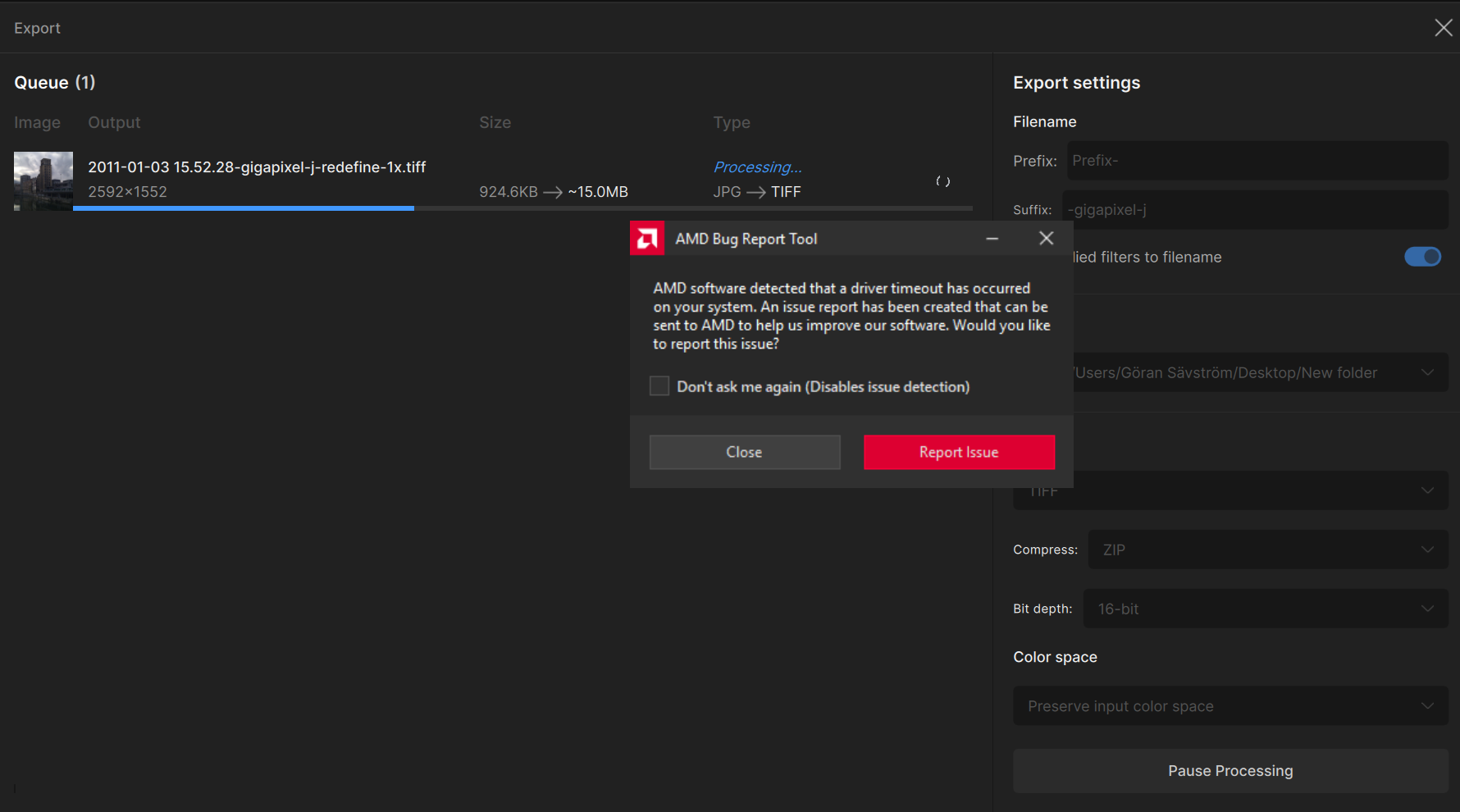
Gonna return to 8.0.0 in a bit to see if I can provoke the same type of incidents there, but I have to spend some times with the kids first… 
2024-11-01-18-12-46.tzlog (76.6 KB)
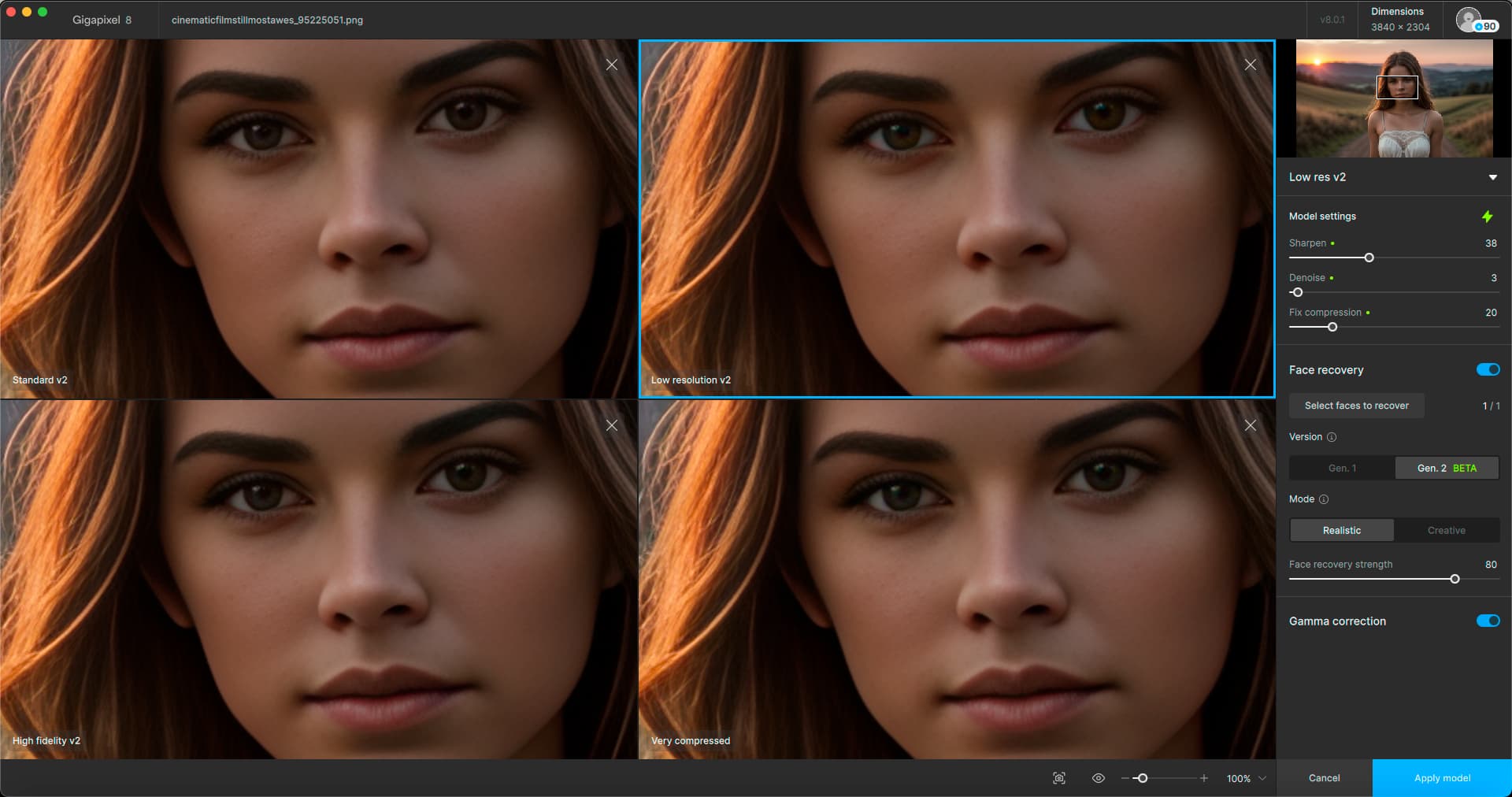
I don’t see anybody talking about the return of this comparison feature yet! Or was I sleeping through a couple versions?
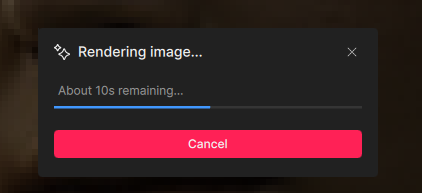
I call this the “Lying timer”. I think it means 10 minutes (or hours)… M2 Mini is clogged up, but I knew better than to preview Redefine (on the whole image no less, there is no white box)
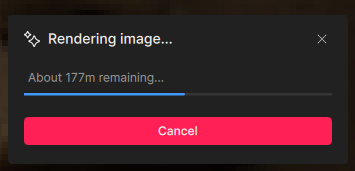
OK, I see, the truth comes out…
Cancelled – that’s it for today!
2 Likes
I thought it was missing from PAI.
Maybe I’m now mixing up the products.
But, then, I can no longer access/use PAI in Photoshop.
Yeah, that was it… Today I just noticed the little A/B in GPAI for the first time somehow! Too busy Redefining I guess!
1 Like
Hi, I’m a new Beta tester for Gigapixel AI. I have a problem with the current Beta as well as the production version sometimes removing GPS location coordinates and Altitude from images processed from Lightroom 6.14. I always use the “Edit Copy with Lightroom adjustments” option and somtimes the GPS location coordinates are retained and sometimes not. I have the same problem with the current production version of Photo AI and I believe that it is caused by the same issue. The problem is well known in Photo AI but I haven’t seen any reports of it for Gigapixel AI.
Here is an example of a photo that has been processed with the Beta software and has lost GPS coordinates.
First the original photo cropped in lightroom before processing
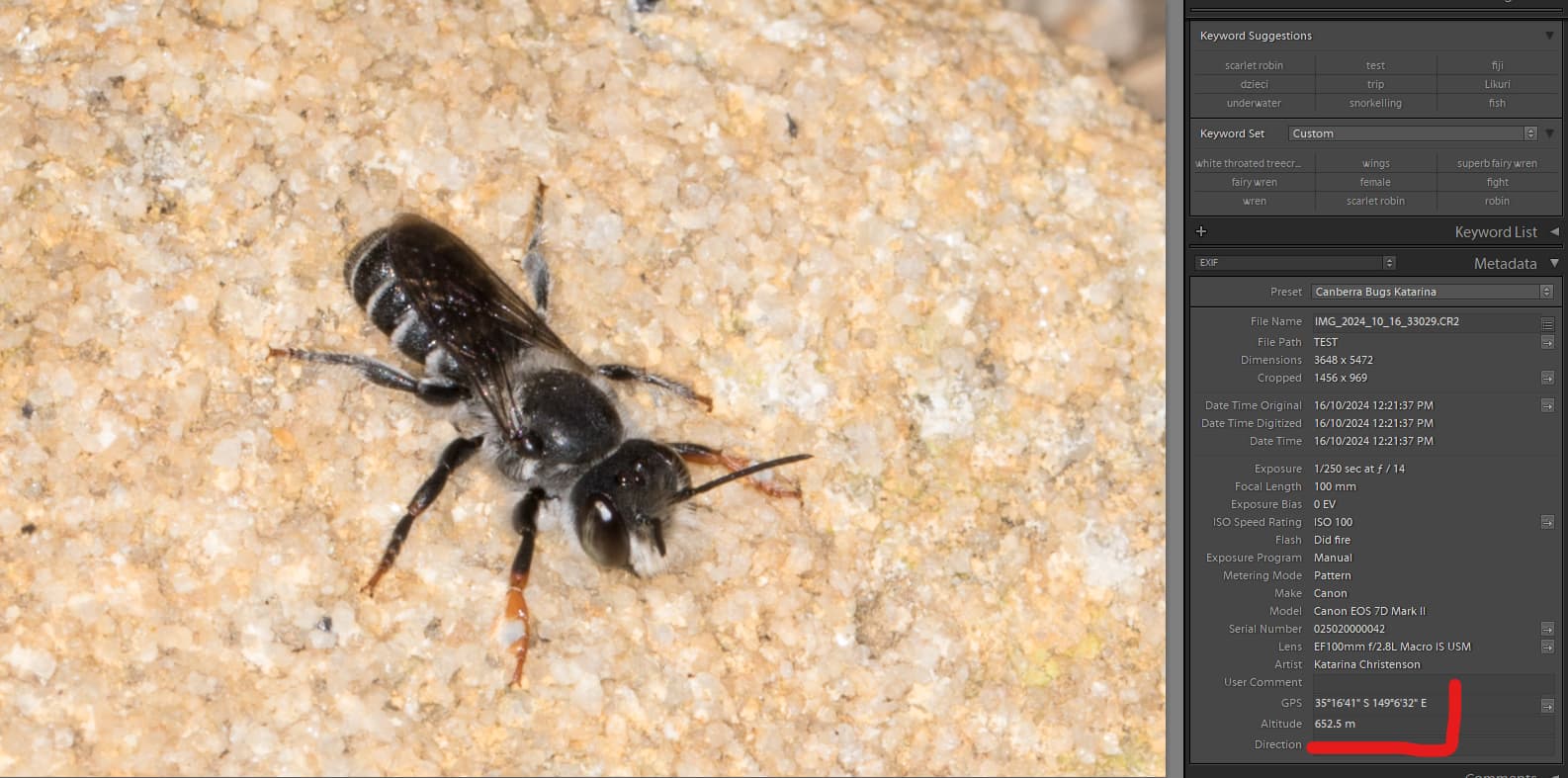
And then output from Gigapixel
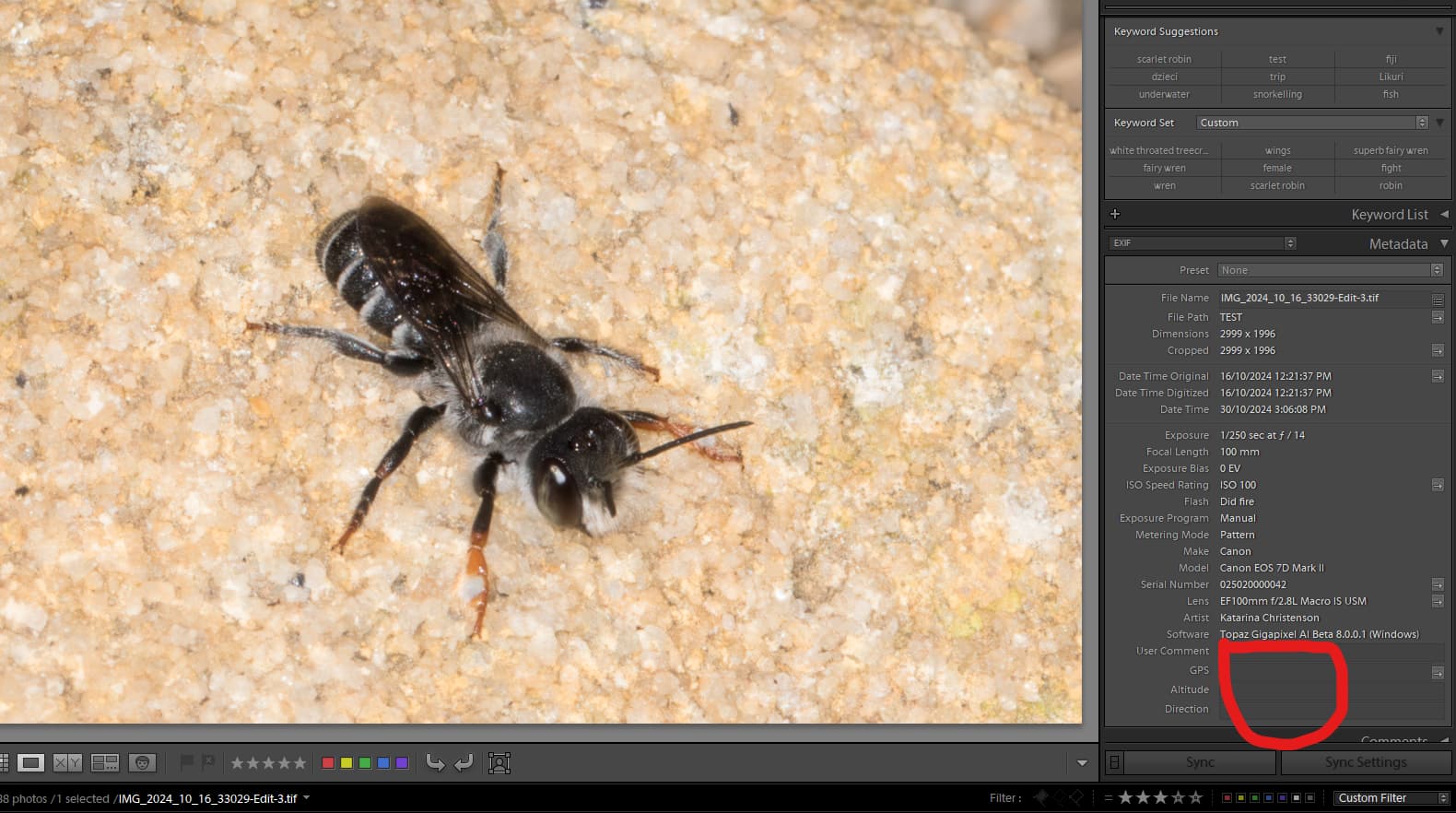
This is a big problem for me because I usually process multiple insect photos for later uploading to a citizen scientist platform that records sightings and having a location for the sighting is critical.
From what I have read in the discussion of this problem in Photo AI, the problem started occurring when the mechanism for writing files back to Lightroom was changed. This problem is intermittant but happens almost always when processing multiple photos.
Please let me know what information I can provide to help you track it down.
Thank you,
Katarina
I moved this posting from the 8.0.0.1b thread as advised 
1 Like
I have just re-run the process in the 8.0.1 version (still failed to retain GPS location) and I have the following observations:
-
When I installed 8.0.1 it replaced the production version not the Beta version, which I did not expect. I guess the fact that the version number no longer has a “b” should have given me a clue that it was production. It also replaced the production plugin in Lightroom.
-
I re-run my test of upscaling CR2 photos in Gigapixel 8.0.1 and confirmed that the GPS location coordinates and Altitude are still lost in the processing. I ran several tests and the GPS coordinates were lost every time.
-
I also run upscaling of a tif file (previously edited with Sharpen AI) and the GPS loaction coordinates and Altitude were also lost. Here are the screendumps from that process.
Original in Lightroom:
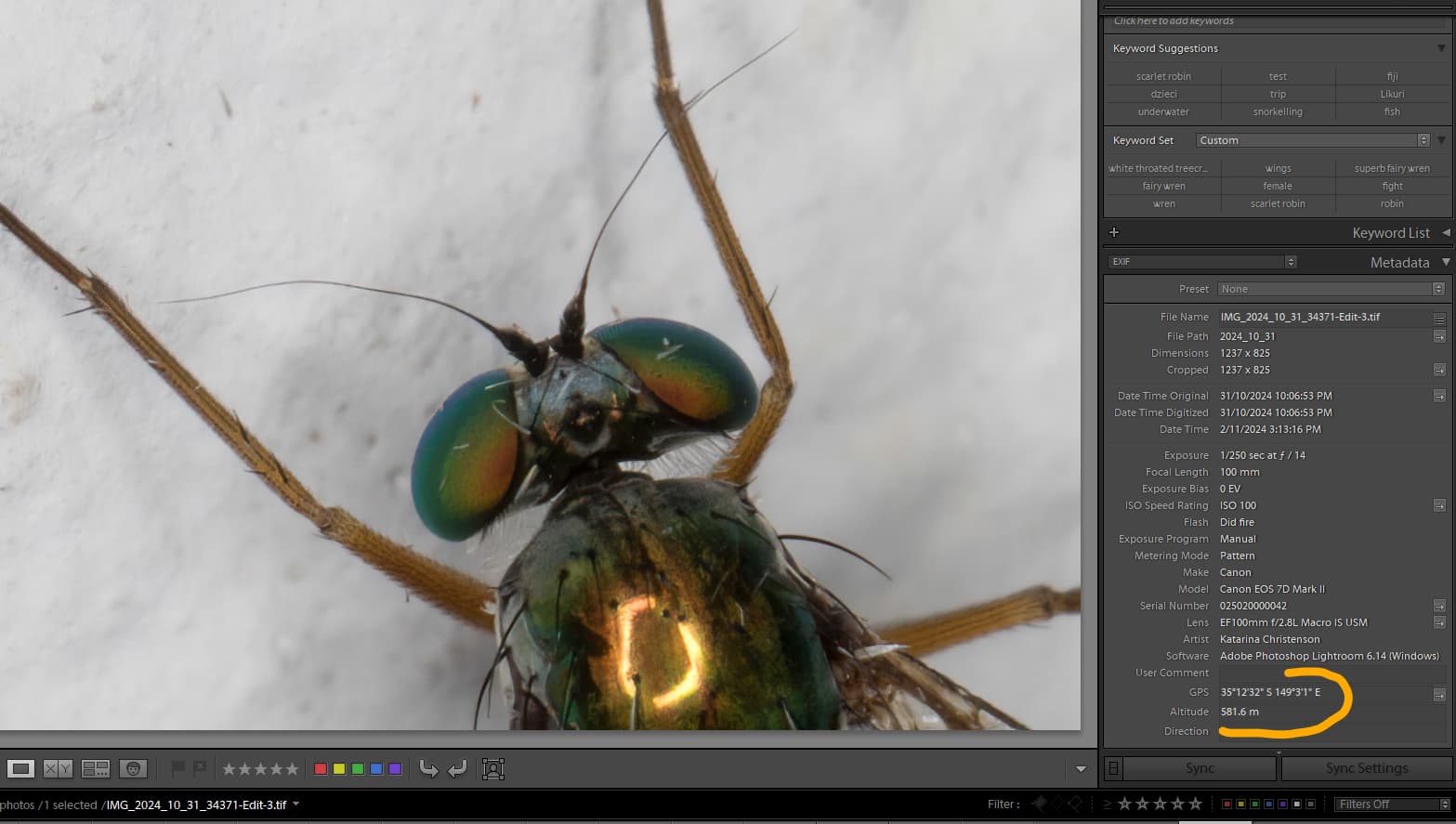
Settings in Gigapixel
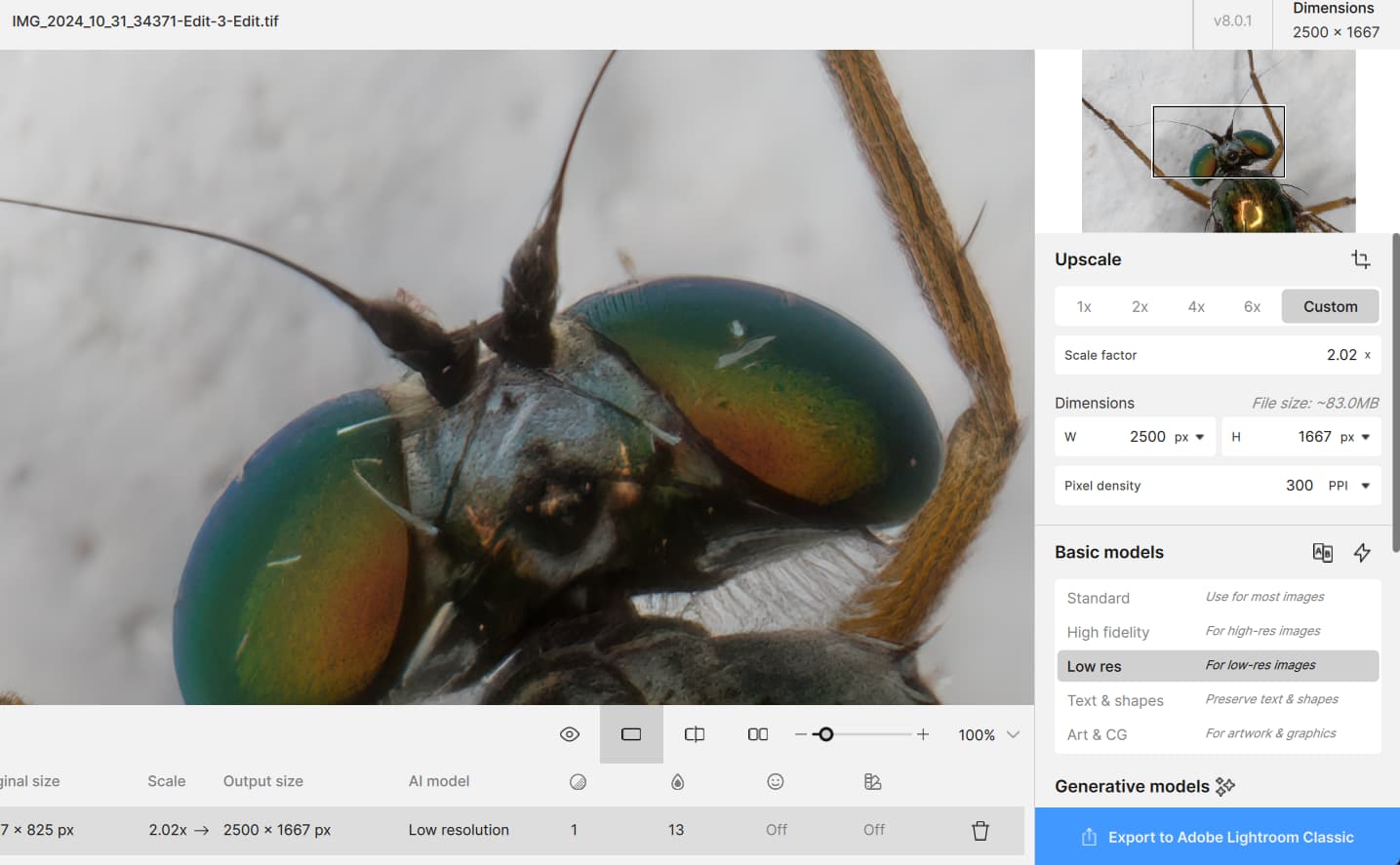
Output from Gigapixel AI 8.0.1 in Lightroom
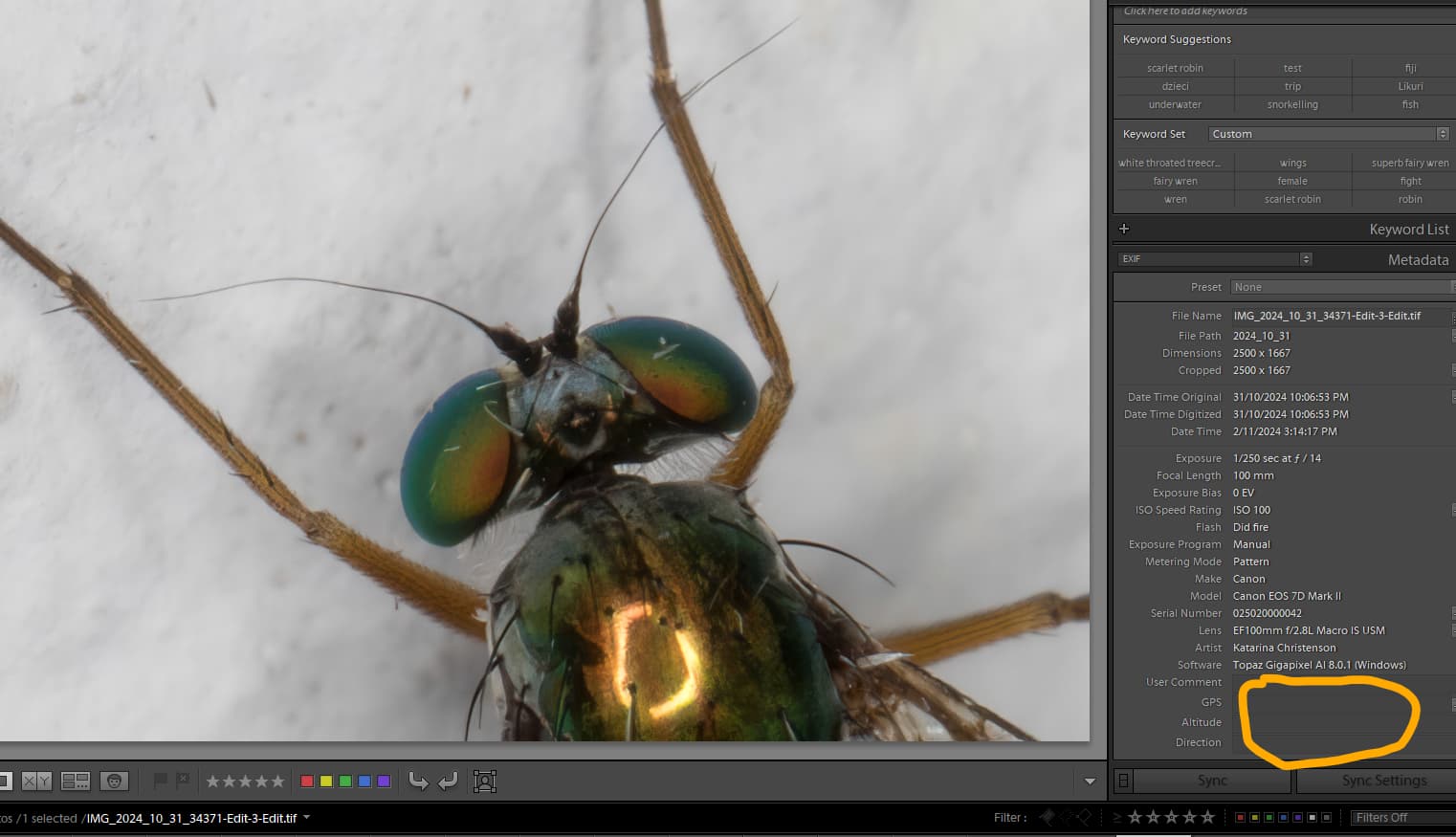
Please let me know what more information I can provide to help you track this problem down.
Thank you,
Katarina
Redefine is the only model I use now now, It has everything needed included in it.Redefine without prompt is superior in quality than the other models.I hope over time it is optimized further.
1 Like
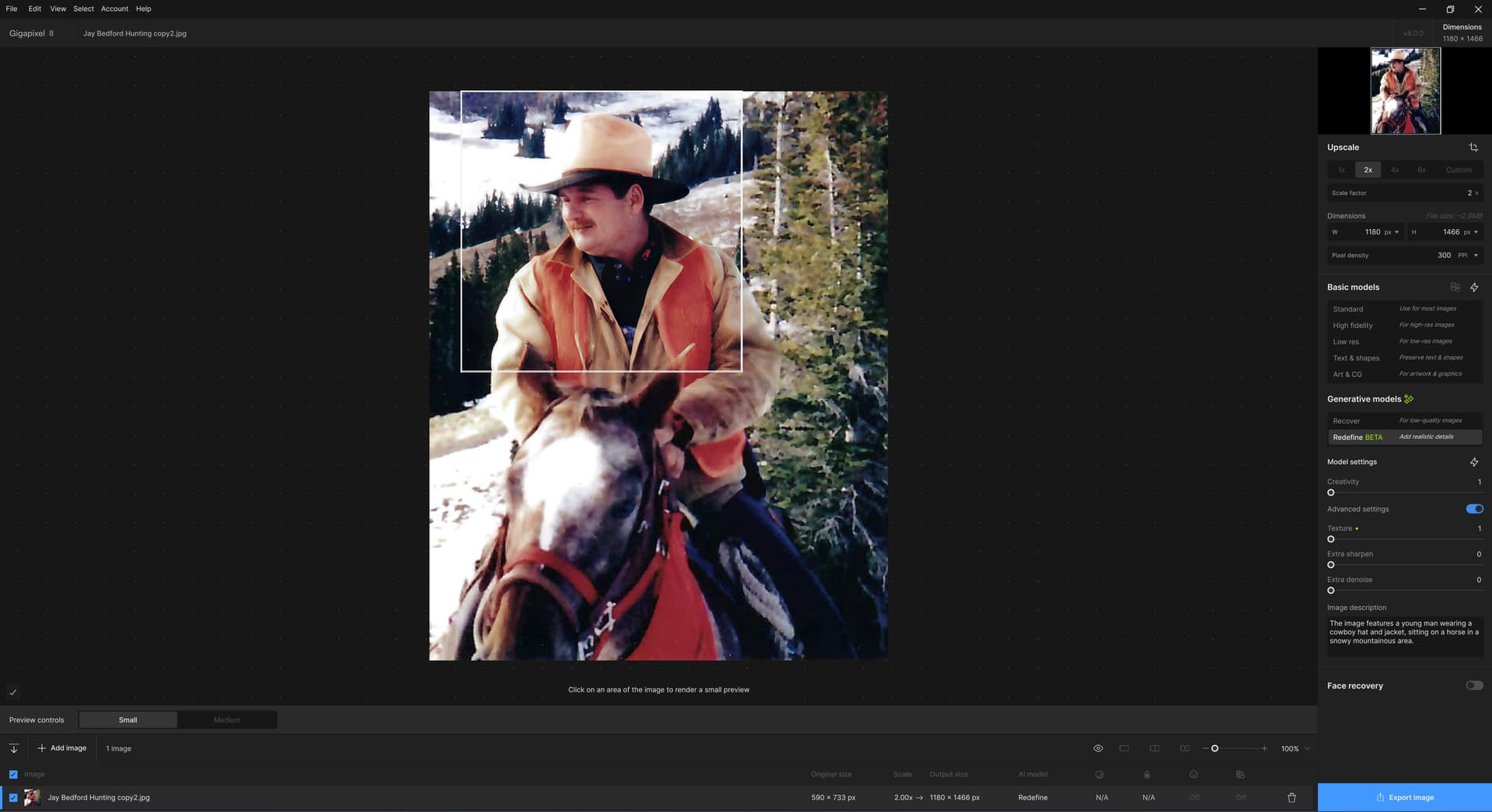
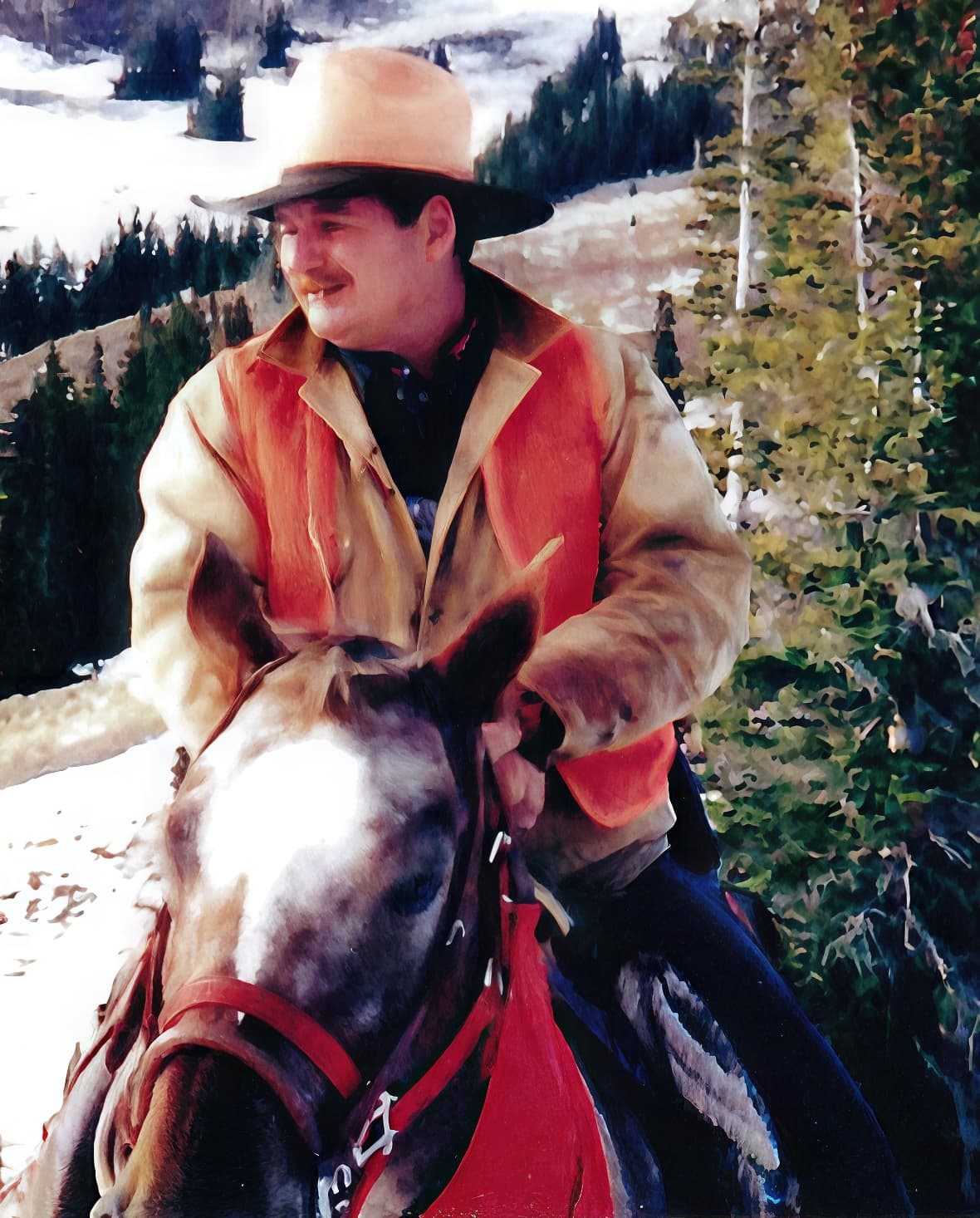
Running some new DiffusionBee renders through the Gigapixel Cloud option (Redefine Creativity = 6, Texture = 3), then again locally in GP at 4X on the M2 Mac Mini – the last upscale/export is pretty quick.
Originals, Cloud renders at 2X (reduced slightly here) and 100% crops of the local 4X re-upscale:


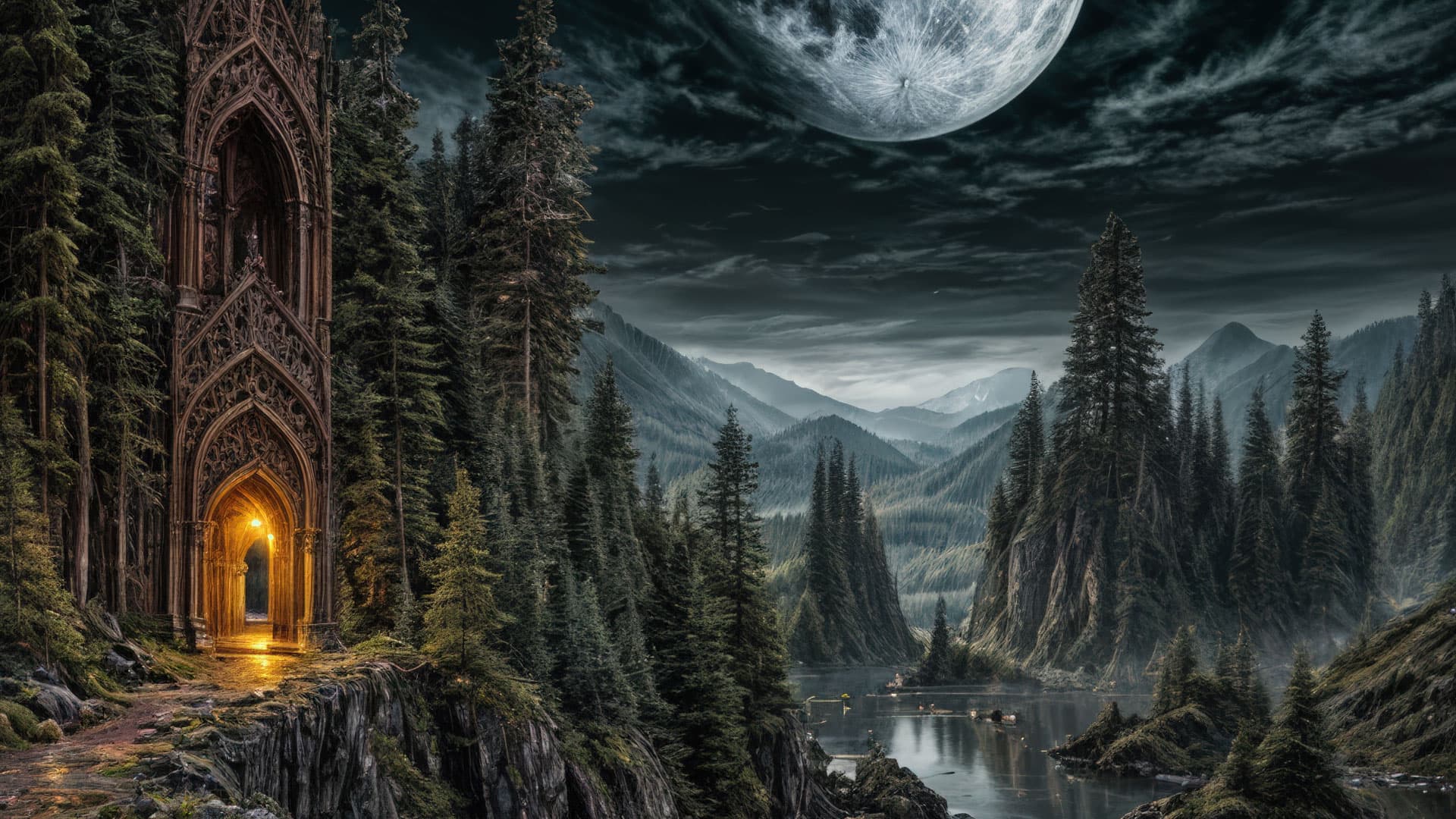

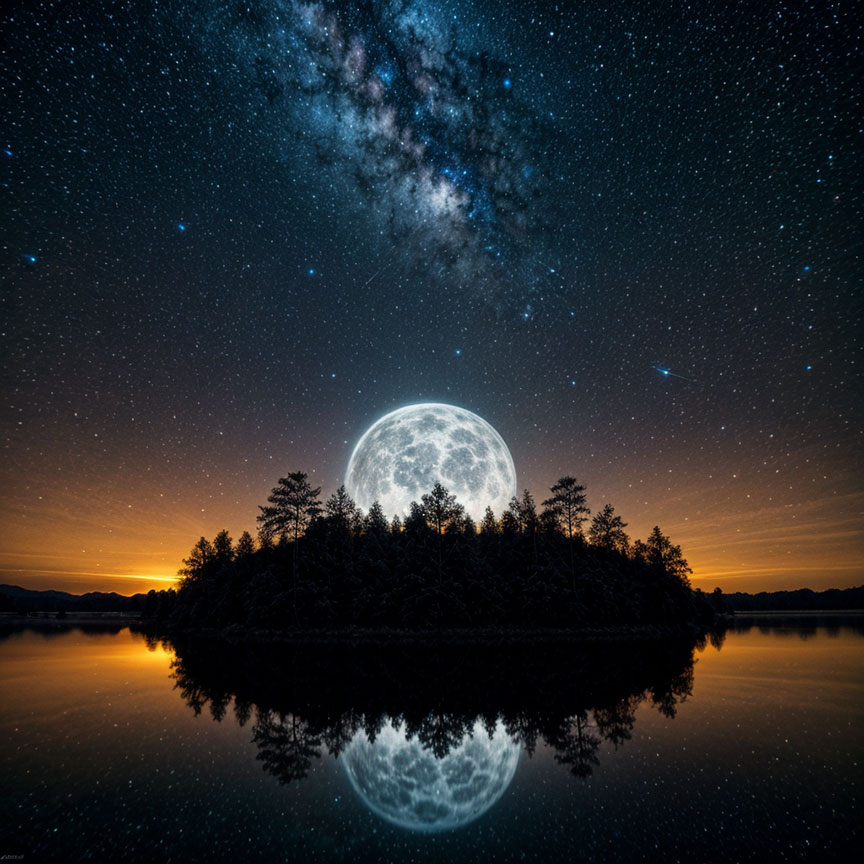
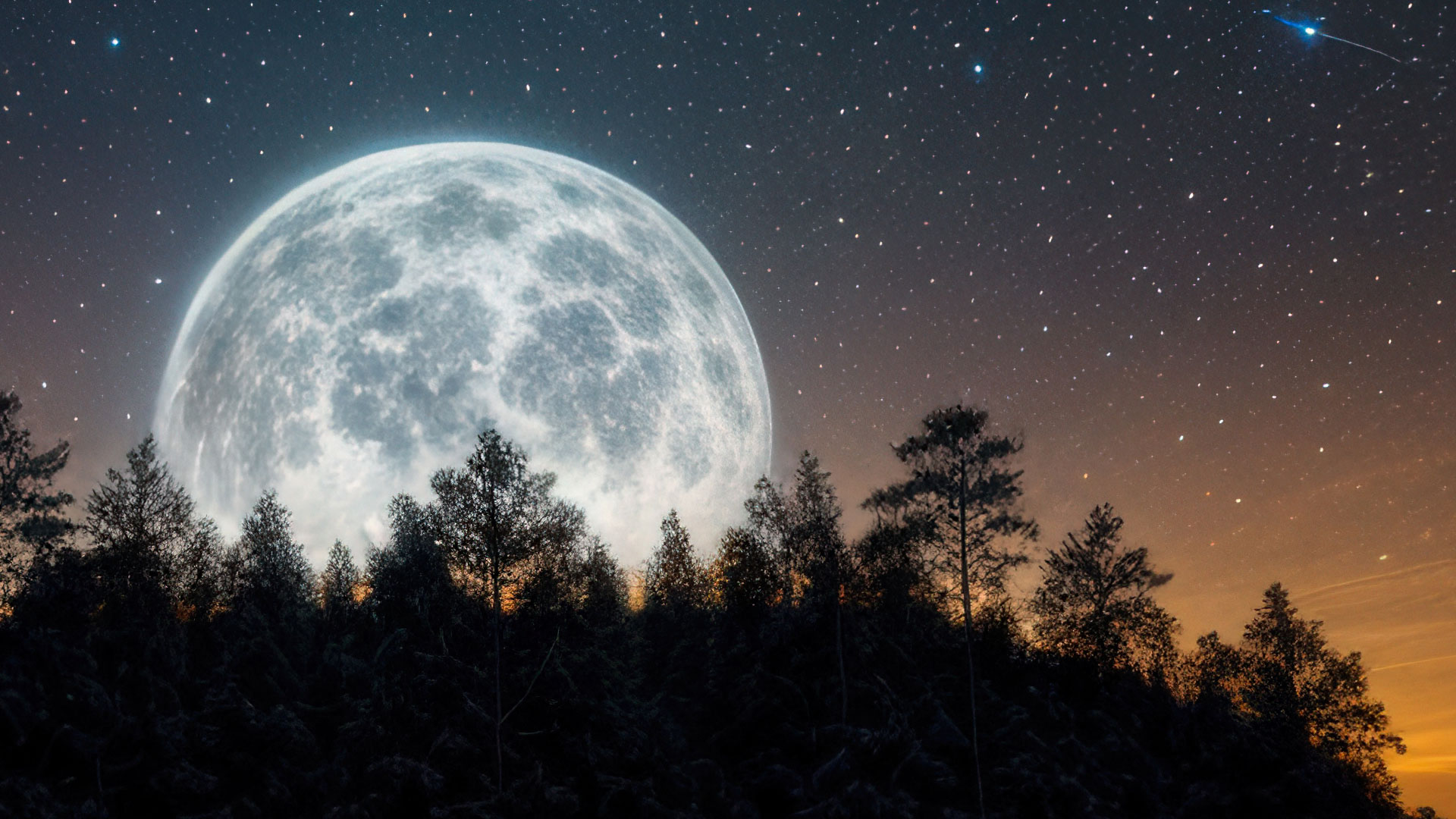
Yet the inconsistencies continue… the preview window shows a much better result than the final export
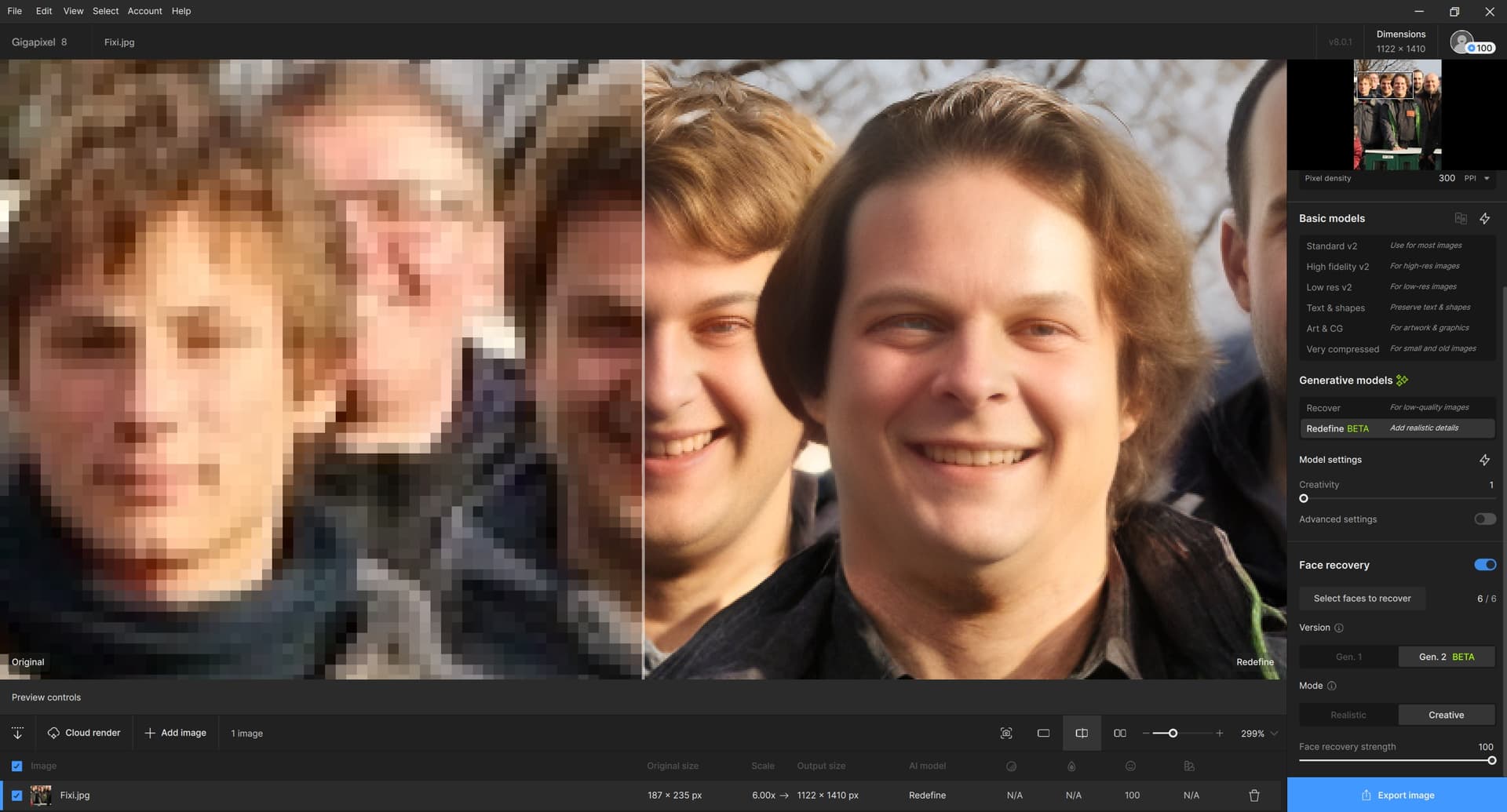
It seems that face reconstruction is already usable in Gigapixel 8. At least for my test case; especially the guy in the middle. (Or has a better optician and dentist been found?)
Anyway, the best artistic result, as usual, is given by Creativity 6 (but without Face recovery – with Face recovery, it’s more or less down-to-earth realistic, almost identical to the picture above)  :
:
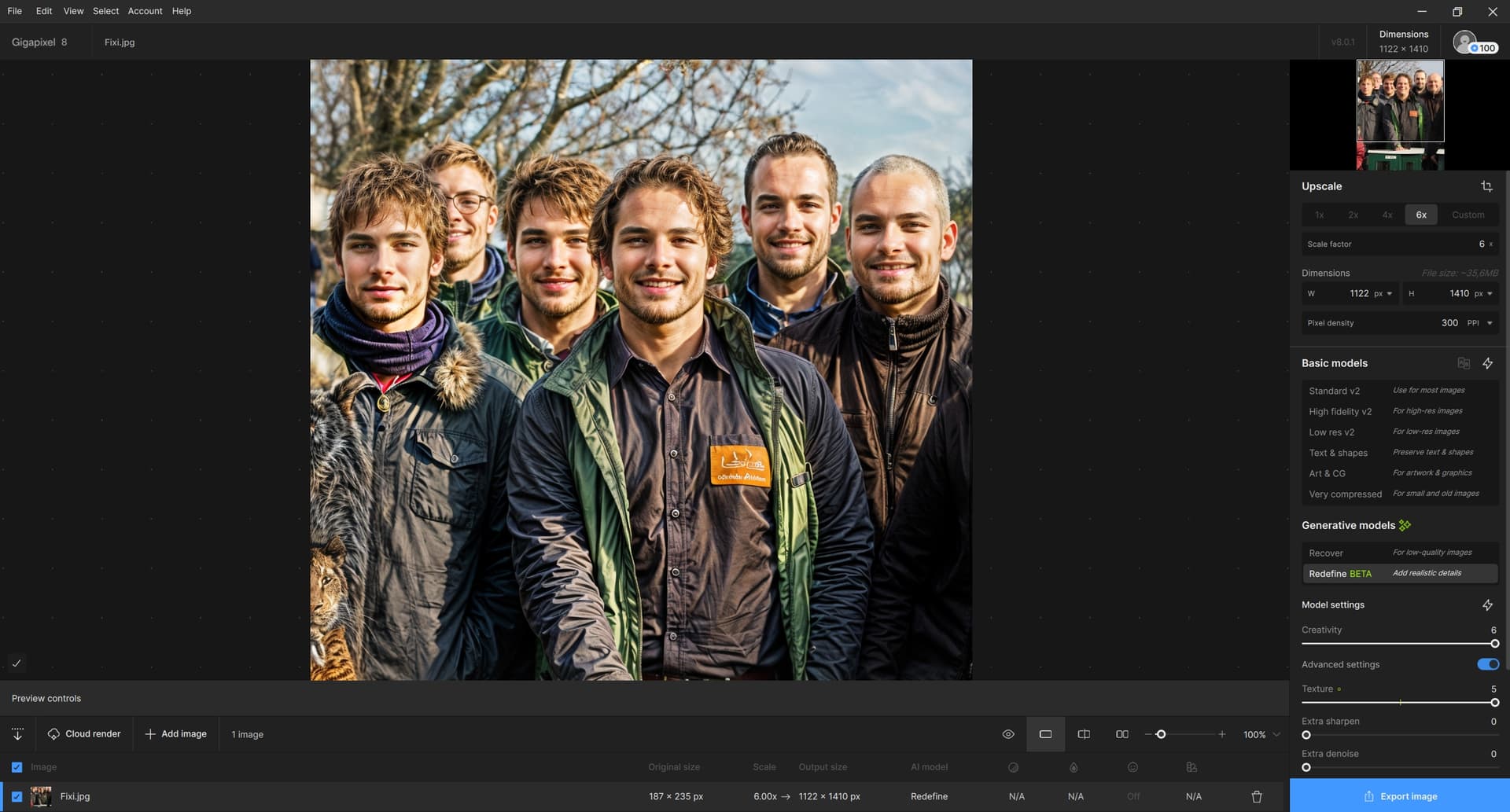
I think Topaz Girl has a brother!
3 Likes
Does anyone use the ASUS 16" ProArt 2023 (or, later gen) laptop (32GB RAM) to work with the current releases of GAI (or, PAI & Photoshop beta) for photography processing?
If yes, can the the newer Topaz features be run locally on that laptop, quickly?
The only ref I’ve seen to someone getting all sorts of results has been on an NVIDIA 4090 (I believe) in a commercial IT dept & the laptop I’m asking about may have an NVIDIA 4060…
I am a Win 11 Pro desktop PC (AMD RX6800 XT, Intel i9 12th gen, 64GB RAM) user. Not switching “teams” to Mac.
Thx.
