It’s very often happening that the Photoshop Plugin don’t bring back the rendered Result! The Plugin is currently unusable 
That’s good to know, and makes sense. I am finding, as in TPAI, that the two versions are each useful on different images. Version 1 is better on most, but sometimes v2 is best.
…Sam
1 Like
The new Recovery mode is great overall! On many small images, it works where nothing else does to make them in to clear, sharp, compelling photos.
However, I did notice one bug in its logic. On images where compression, or perhaps previous sharpening, has created a thin white border around objects, Recovery tries to sharpen and clarify these artifacts instead of eliminating them. If this were fixed, a great percentage of photos would be helped by this new mode.
…Sam Brown
301-455-0170
2 Likes
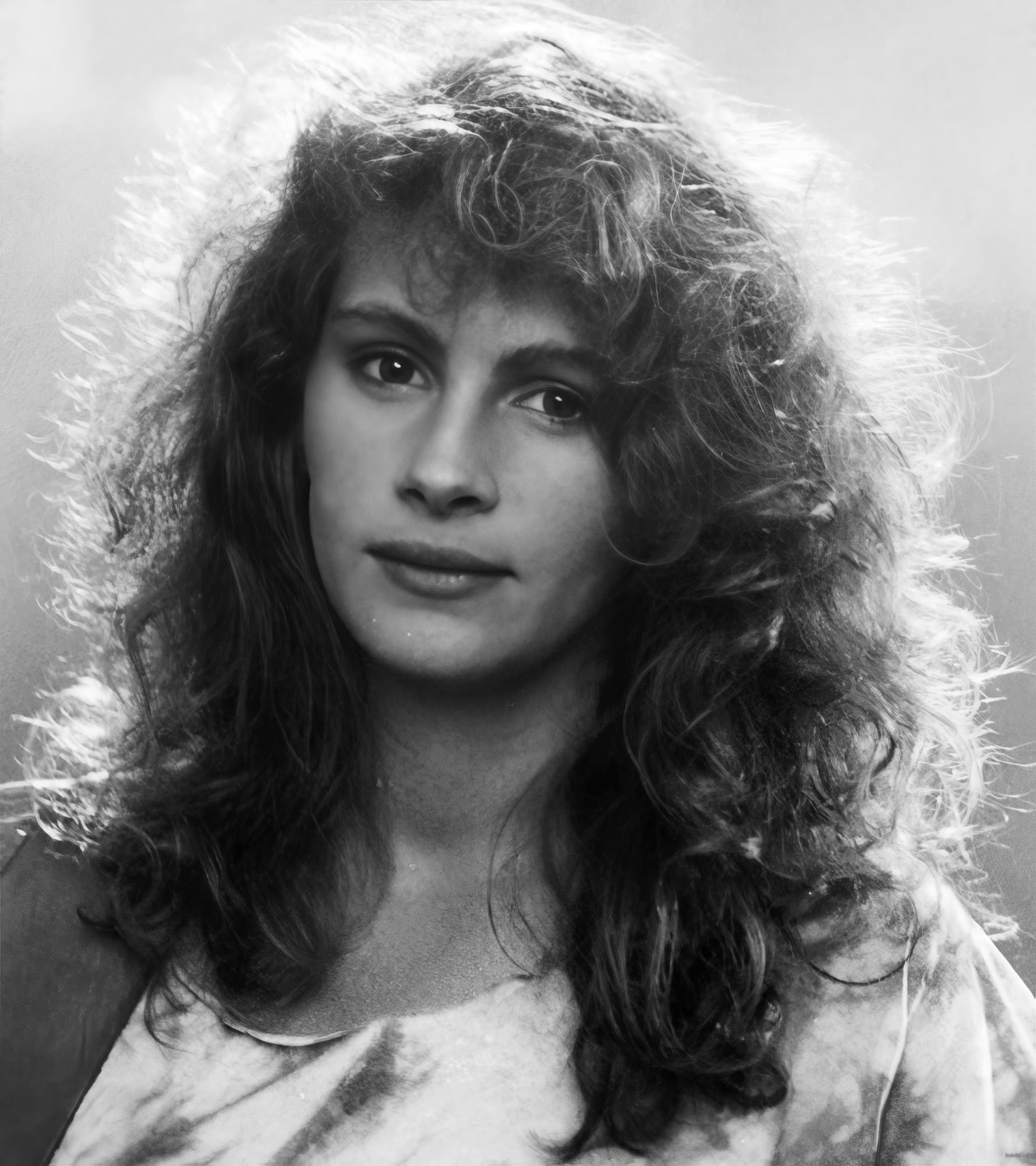
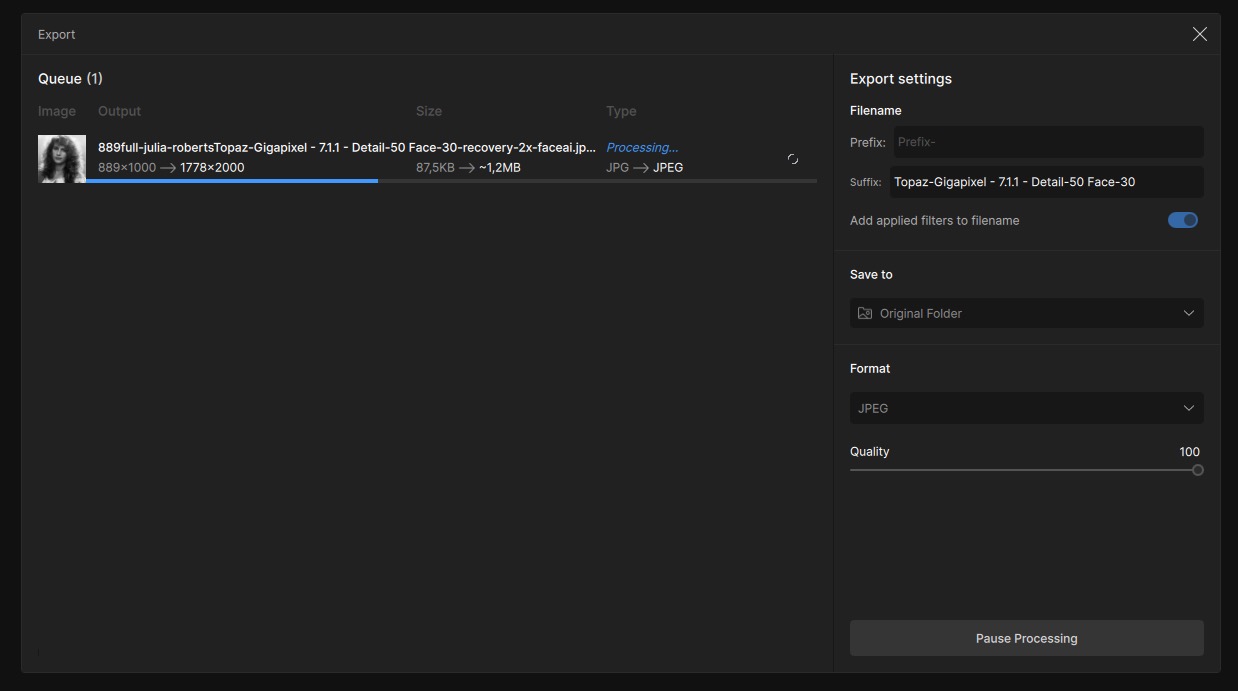
Downloaded the 7.1.1 version of Gigapixel today. I already noticed the beta version would after a recovery sort of freeze. It’s a bit the same in V7.1.1. I recovered this lovely image of my favorite actrice. The first time it hanged (froze) while exporting. I quit the program and started over.
The second time – anóther 30 min waiting (duh!), I could export it once. When I changed the level of detail and face recovery it froze again (it remained at 30-ish percent). I was able to export some other variations, but no more “recovery style”. Bit frustrating.
1 Like
Running into the same issue with version 7.1.1. Images similar to those that would only take a few minutes to render a preview with a 2X enlargement in Gigapixel versions 5 or 6 were taking forever and whenever the progress bar reached about 85%, the progress bar would suddenly drop back to 5% (or so) and start over. Again and again. I canceled, and tried a different image (all iPhone 14 Pro JPEGs). Same behavior. Tried another. Same.
After watching the progress bar cycle back several times over 90 minutes, and never completing even a preview I opted to just save out a file (without bothering to make a preview version) to see if I could even get anything to render out. After just over an hour, I finally got a rendered file to open and the results (using the Standard model) were worse than with prior versions of Gigapixel.
On the left side is the original. On the right is the Gigapixel output. Ghastly.

1 Like
This new chapter in topaz gigapixel is making me very happy, I know it’s not there yet, but recovery mode is the way forward for Topaz!
4 Likes
original
Standard V2 4x
Recover beta 4x
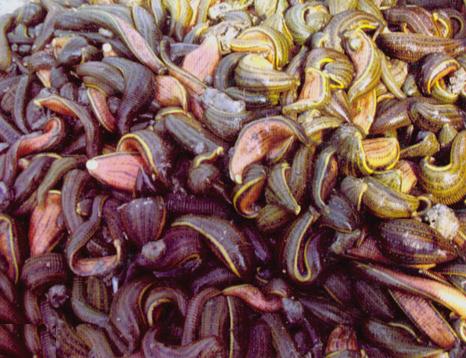
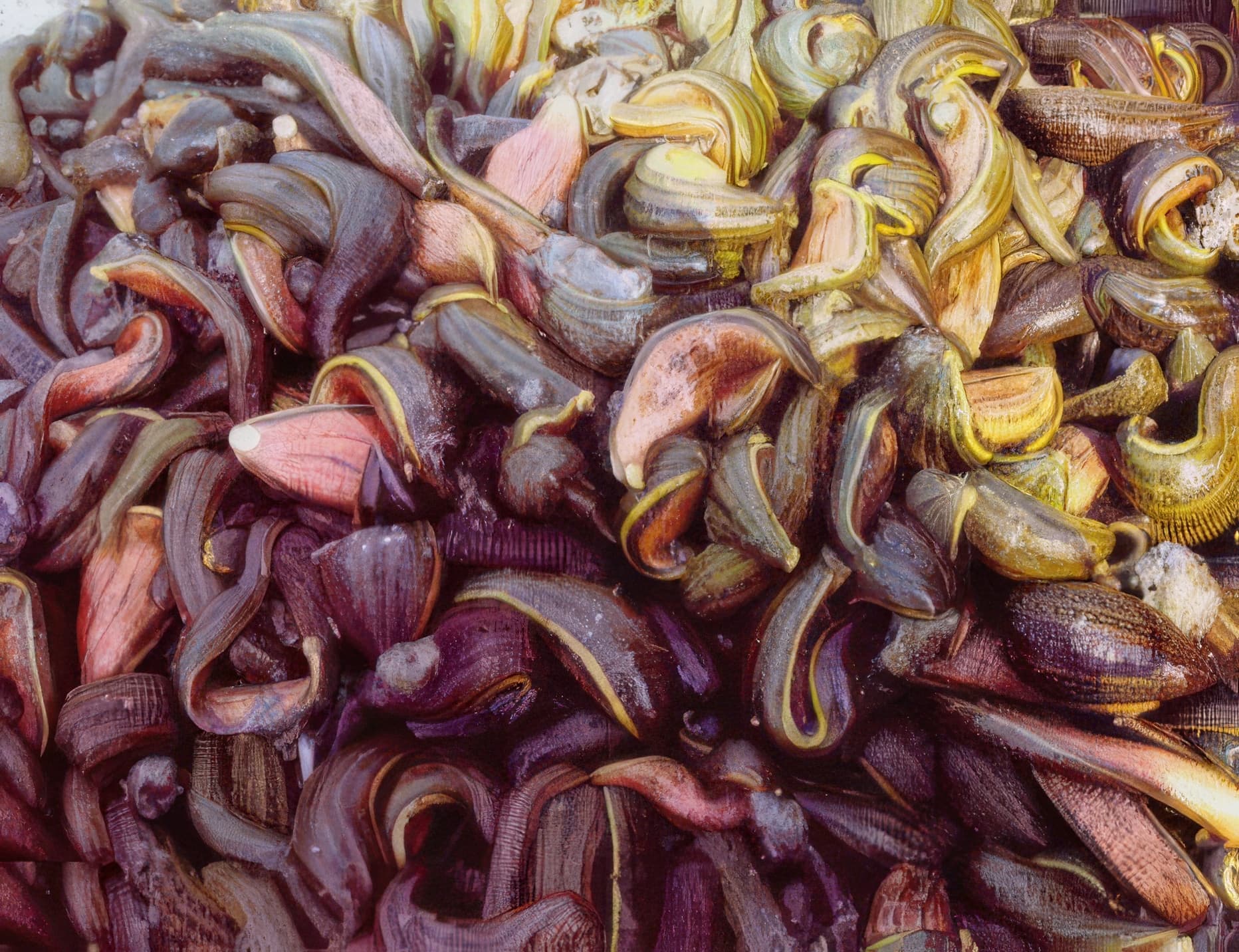
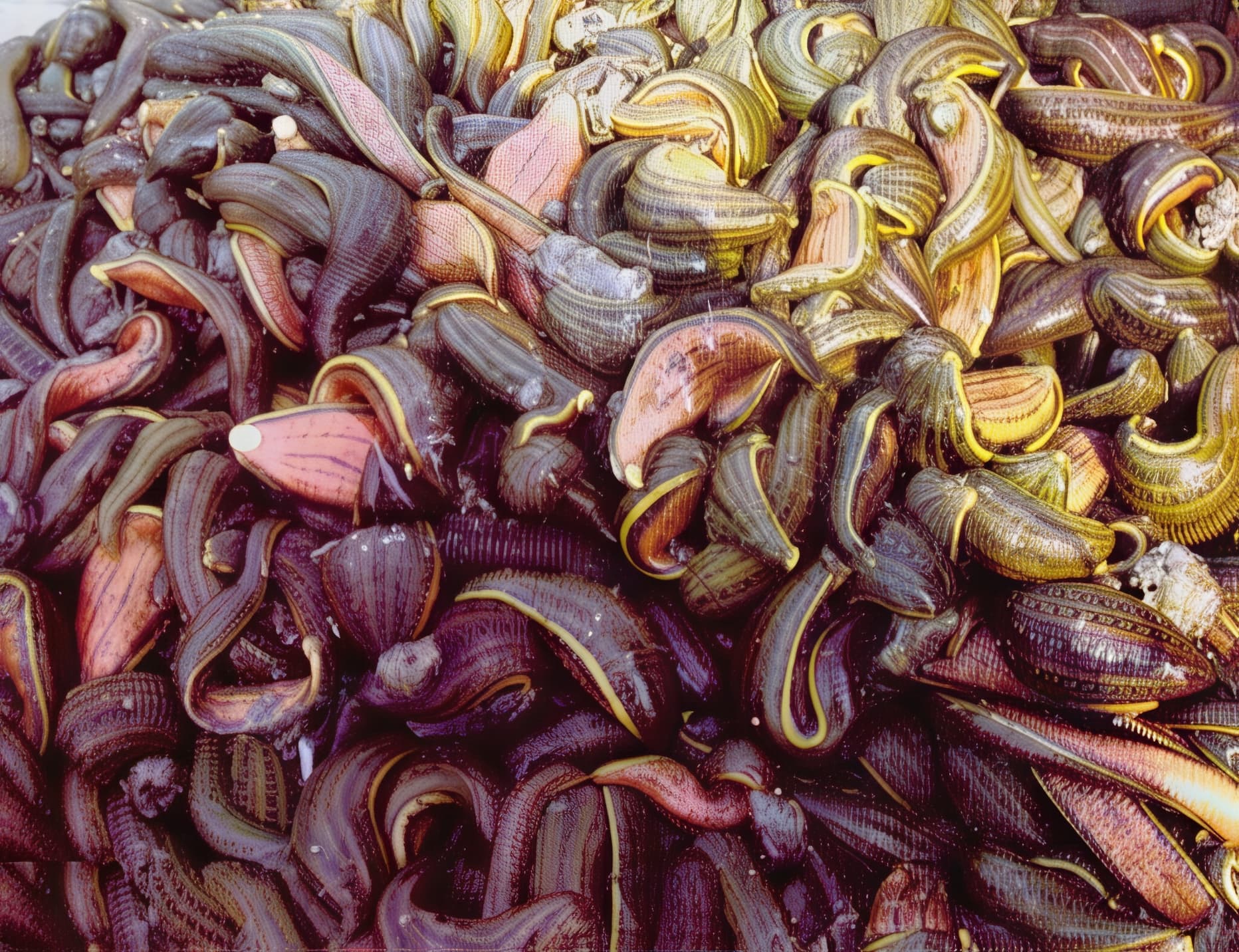
Recover Model has much more real detail,This Model need a Tomorrow’s GPU,Render as 3d studio(now 3dmax) In the 1990s.
1 Like
Most of us don’t have that. And, won’t be getting that any time soon. Sadly. Unless Topaz is offering scholarships or research assistantships that include such gear.
1 Like
I’ve since redone them vector based for clarity rather than fudged from the icon bitmaps, more subtle outlines and gradients, more faithful to the originals. Also had a bit of fun creating some icons in the same style for the older applications.
Topaz Suite Icons.zip (157.1 KB)
7 Likes
You only missed JPEG to RAW AI from the suite of legacy AI apps. 
1 Like
It’s all very nice.
1 Like
Small defect here on this one. I notice that the yellow outline has been added on top of the rest. I can see a thin dark border extending beyond the yellow line.

One issue found: When minimized the speed gets further down - it seems the program is not properly utilizing the GPU. Also ‘double-processing’ is a real issue in most of the cases.
I would further request the developers to optimize GPAI to make it faster. GPAI 6.3.3 is up to 20x faster than the latest version. Presently I am forced to run both versions parallelly.
System (Laptop, Win11 & all drivers updated): Wndows 11, Intel i7 12th Gen, 16GB DDR5 RAM, NVidia RTX 3060, 2 storage sticks PCIe Gen 4 NVME 1TB, both.
2 Likes
Hey samb - I’m interested in this note, do you have any example images I can take a look at? Cheers
Awesome results mik!
1 Like
I agree - it isn’t clear it is a “free” operation so some people definitely miss it. Great feedback
1 Like
Good day! I must say I am really impressed by the new recovery model that came with the last update. Before I was mostly using hf2 or low-res model for my upscales but now comparing with the results of the recovery model I thought wow not that’s a whole different category. An upscale significantly takes longer with this model, on an RTX 4080 it’s still ok, a few minutes. But when it comes to upscale quality this model beats the other ones by far. Especially on faces, portraits it does a very good job. Hair, eyes and eyelashes are super sharp and without any irritating staircase noise that you’d still get when using the other models. Also skin structure looks much better with this model.
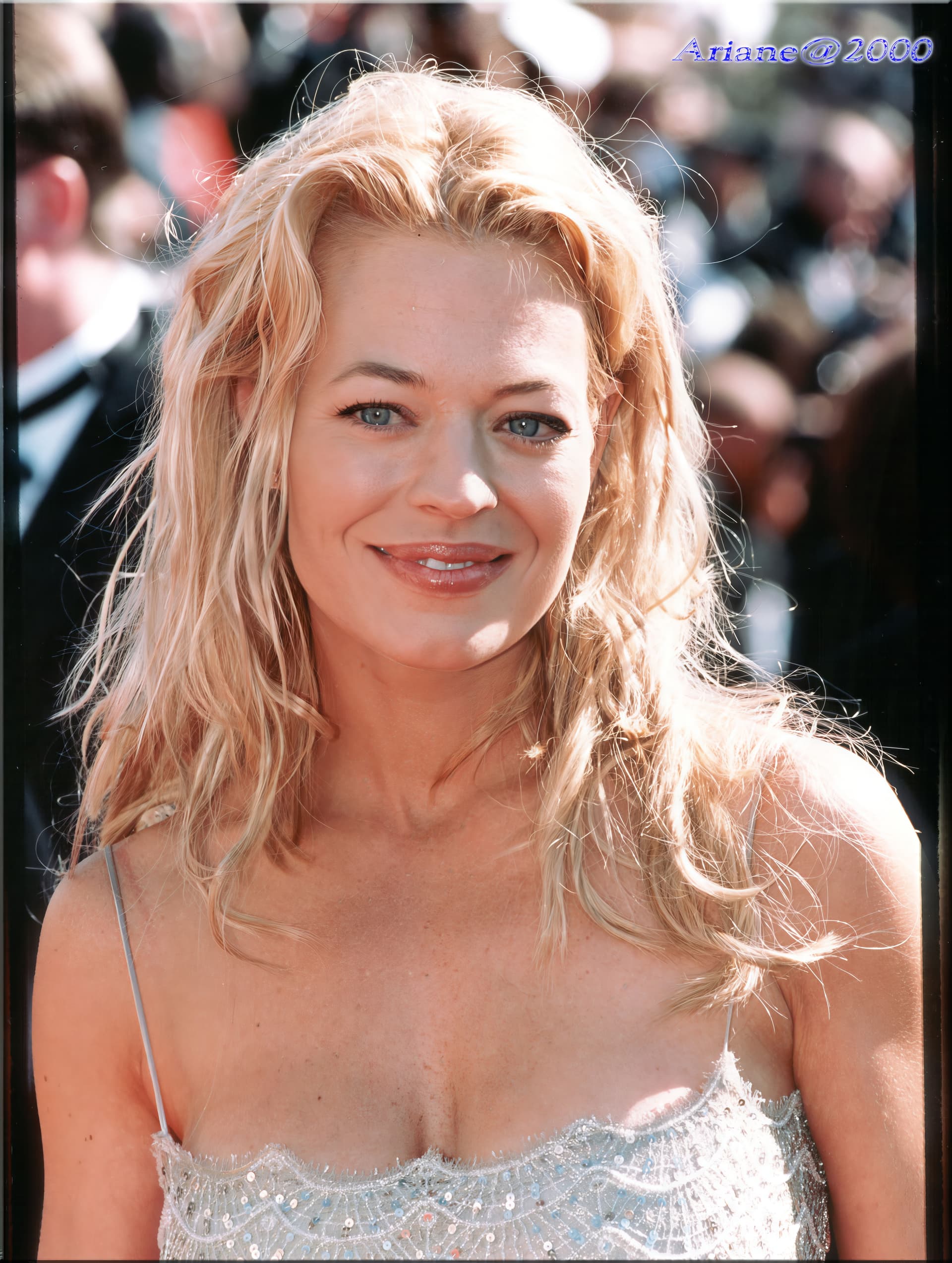
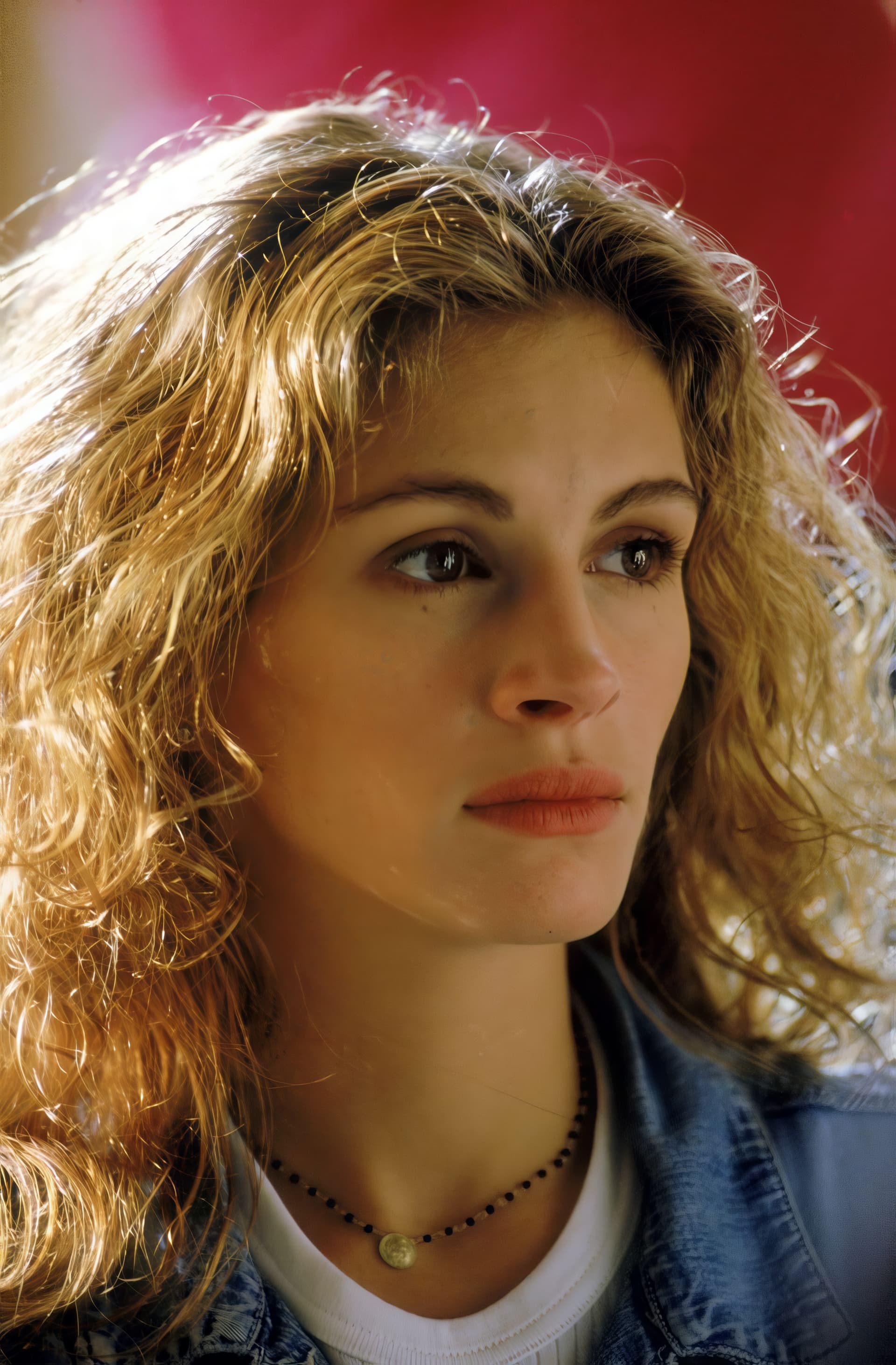
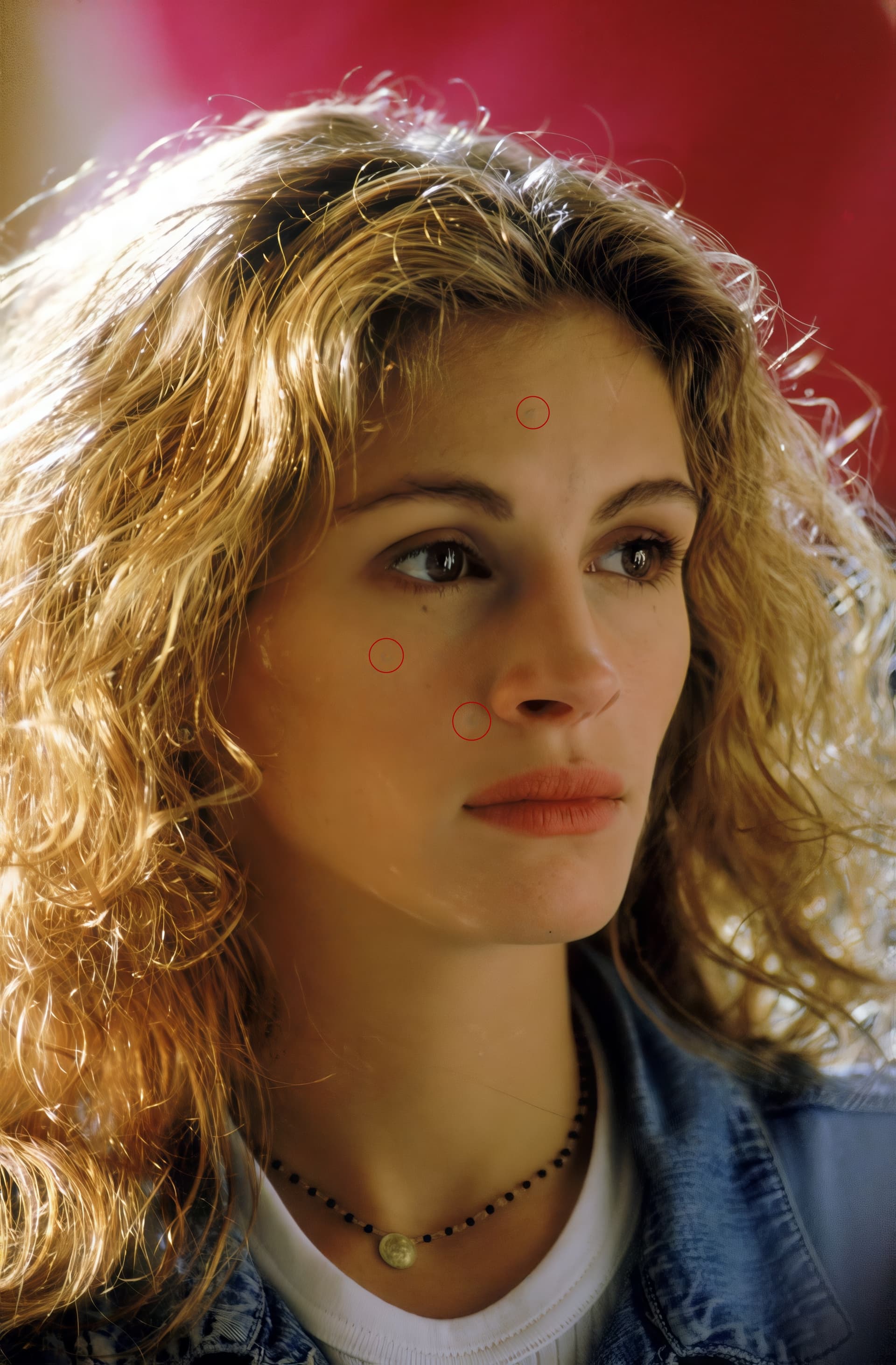
However I noticed a flaw that spoils the pleasure with this model quite a bit and I think this would not happen when using the other models. The results of the recovery model sometimes have darker spots that you’d not find like that in the original picture. They look somehow greyish or bluish like mould stains in a way. If that happens on the background it’s probably not such a big deal but when you find it on a portrait or the face it looks quite strange. Don’t know what causes these spots maybe jpeg artifacts interpreted wrongly. At least the color does not look right there.
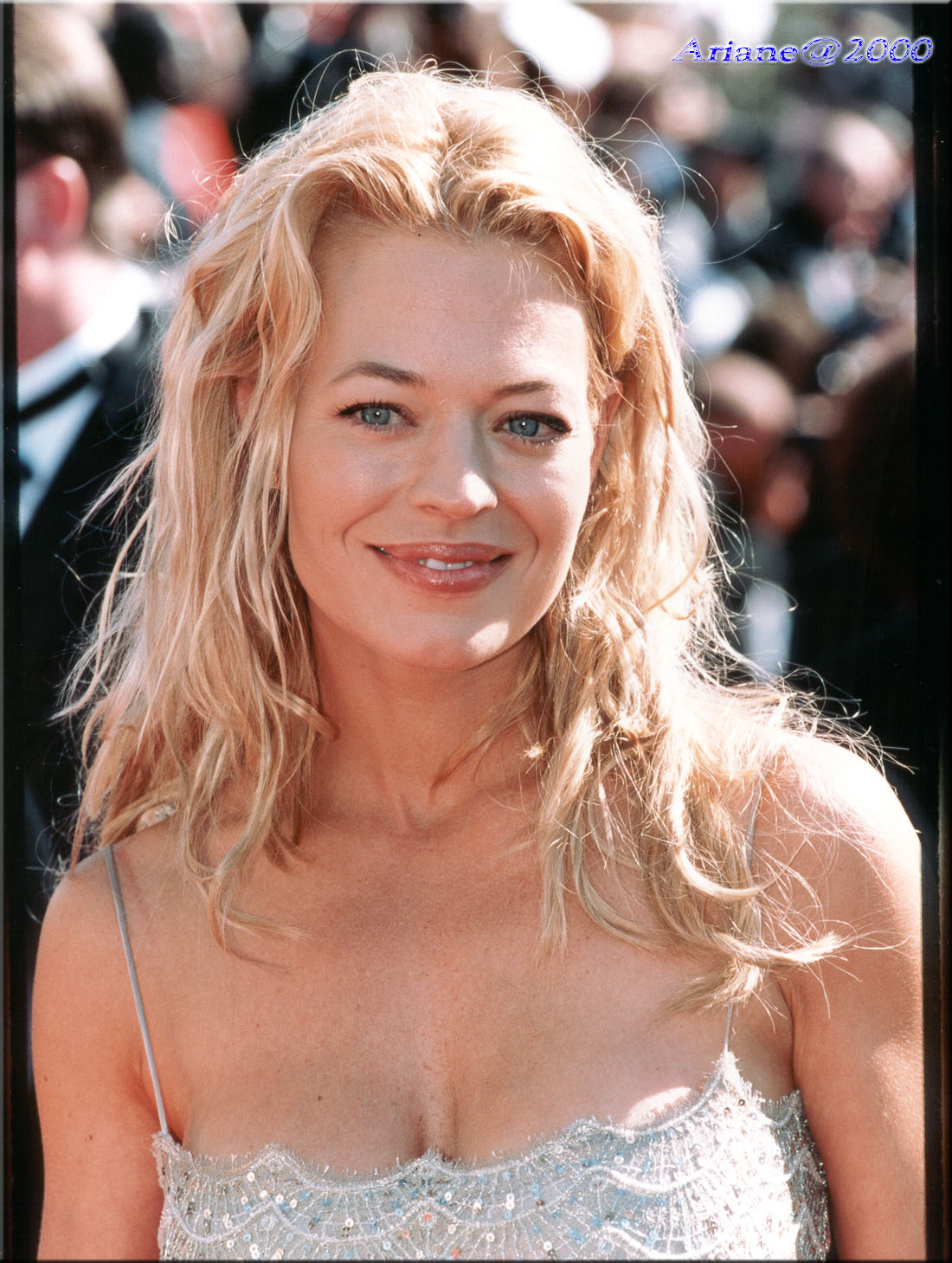
Trying to find a good example I ran across this picture of Jeri Ryan that shows the issue.
The original picture:
The 4x upscaled result with recovery model, Detail=25, no face-recovery:
And the strange spots marked on the upscaled picture:
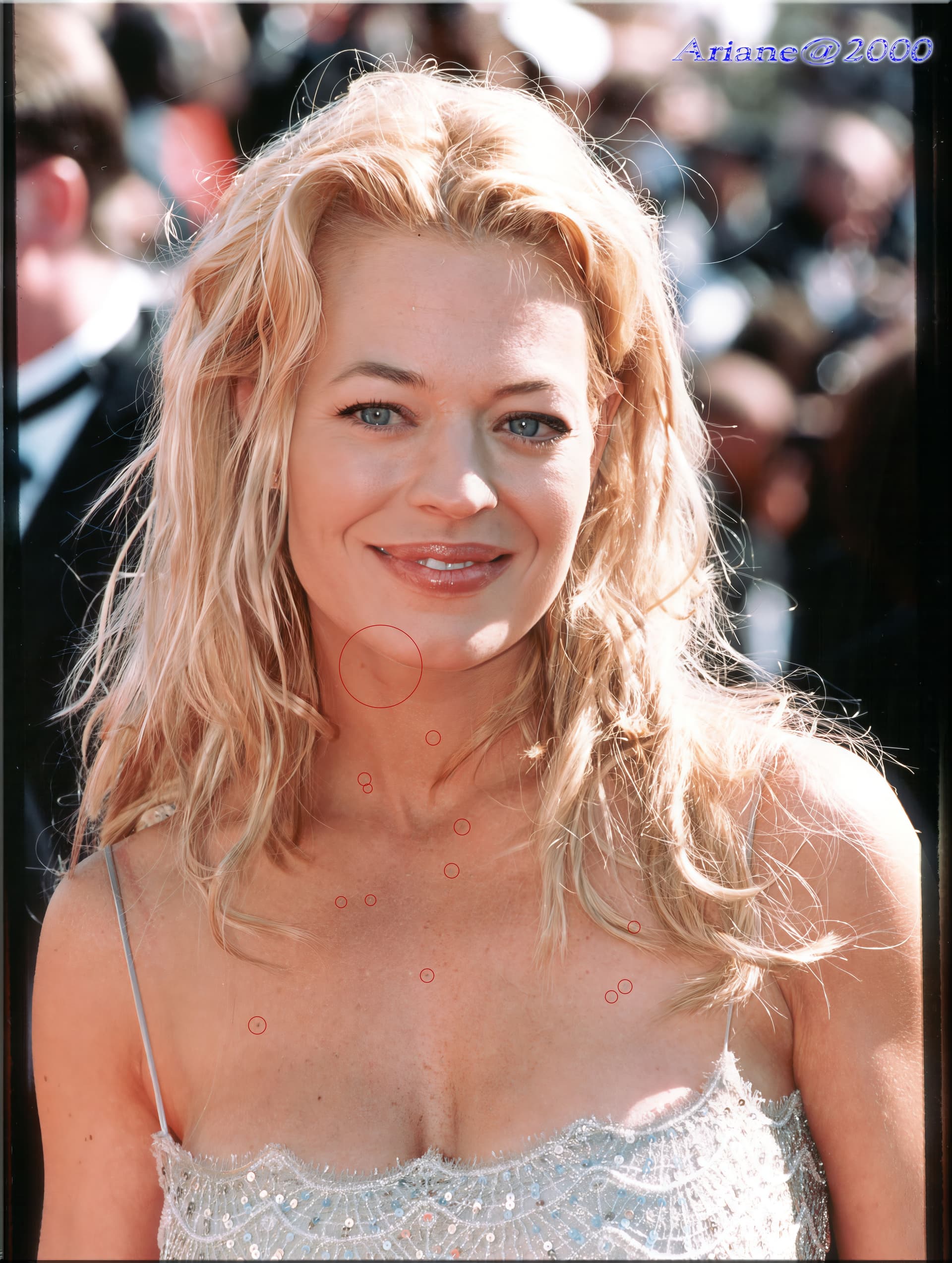
On the previews here you almost don’t see these flaws but when you compare the original picture with the upscaled one (I use XnViewMP with fit image to window width) on a full screen you see it quite clear. Ok, the pictures I uploaded had been resized but anyway you’d see the darker spots on the pictures.
2 Likes
Ok, a picture with Julia Roberts maybe shows it even better.
The original:
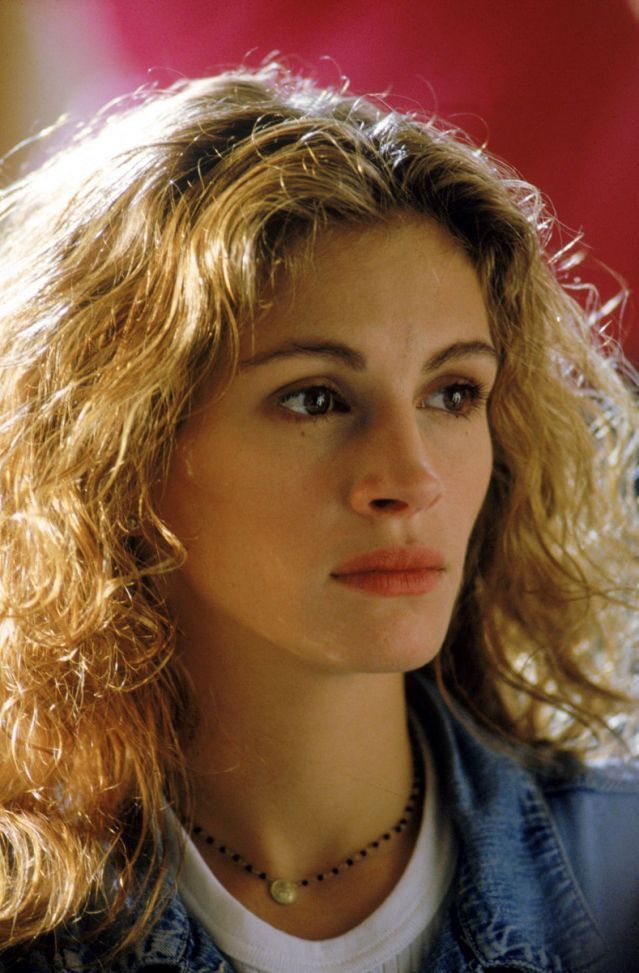
The 4x upscaled result with recovery model, Detail=25, no face-recovery:
The strange spots marked:
2 Likes
Great notes zele - thank you, this is helpful!
Hey Richard - good point on the preview zoom, I’ll take a look although we may be making changes to the recovery preview regardless.
Regarding removing the rendered Recovery preview, why are you looking to re-render? Are you hoping for a different output entirely?
Re: Text & Shapes, I love it too - although I don’t use it on many images. What types of images do you upscale with it? I do wonder how it works on scanned graphical imagery vs Art & CG actually.
Cheers
