My link is just to their sale page, but do contact Support to have them clarify.
Well, we can compare a little, Different artifacts in different parts. Can’t paste it here, compression kicks in.
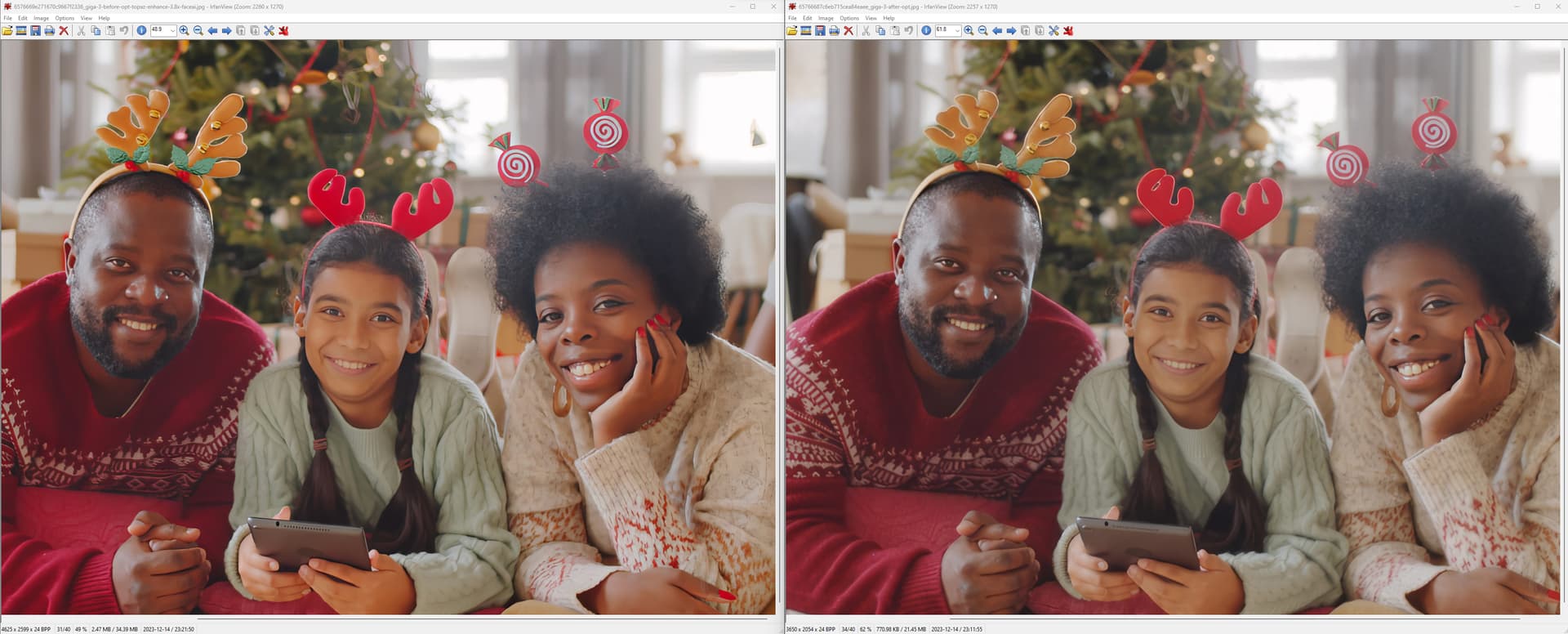
Thanks, what are you comparing? GP v7 is not available to try. Comparing with v6 is not relevant 
Aaaaand this one is just original photo. No way it is upscalled. And others seem to be unlikely, that they are upscalled too. Just a family photo is upscalled.
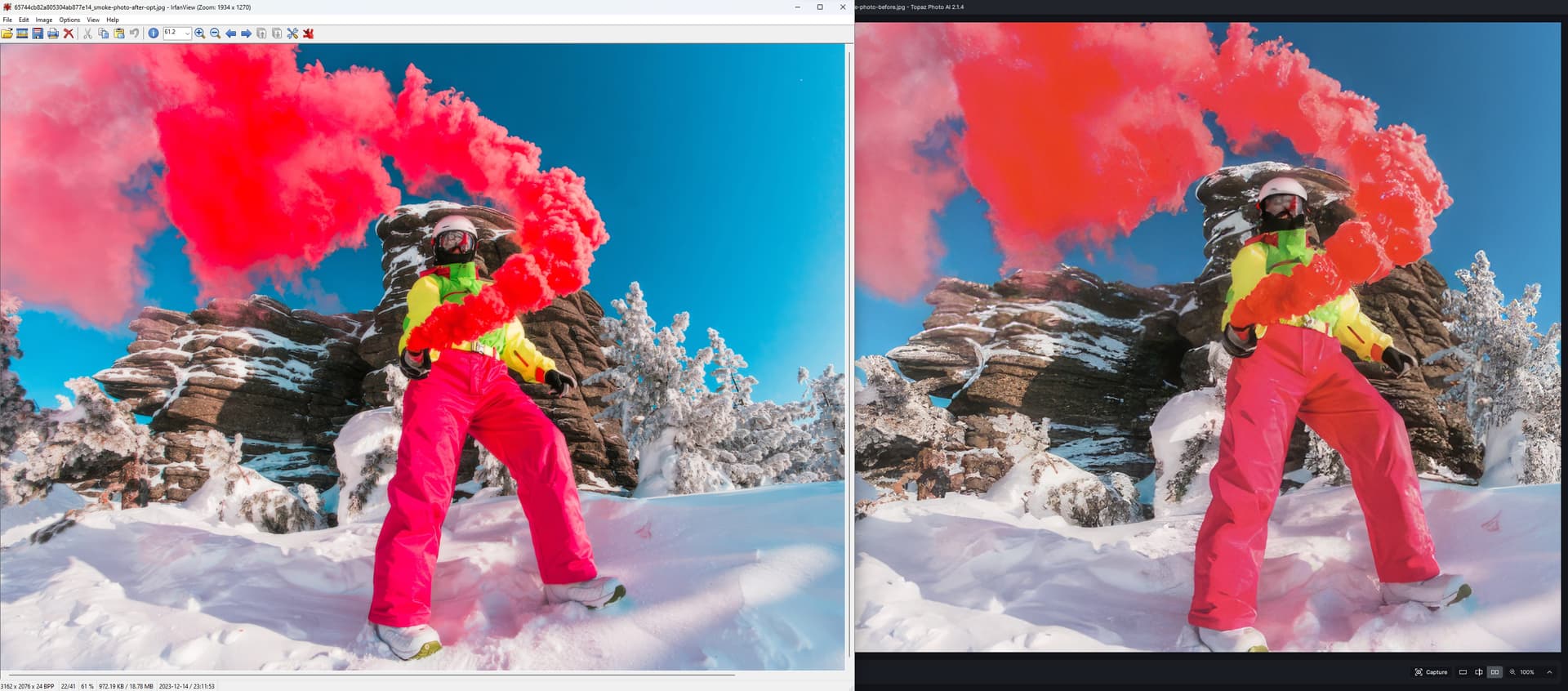
I’m still not clear what you’re showing us.
You can tell by the file size, if they have been upscalled.
There is absolutely no information on what is changing/new features in Gigapixel 7, yet they are offering pre-orders so they can hold onto my money? I don’t understand.
1 Like
Interesting, yes! Time will tell…
Gigapixel has always been my favorite Topaz app (enlarging, clarifying/denoising, facial recovery), covering all the bases I need.
Wait until it is released then do a free trial for a month.
Is there a way of adjusting the sharpening on Gigapixel?
I find it too strong.
You need different sharpening for different things, such as websites or prints, print sharpening can be different depending on the print material.
I would rather Gigapixel did no sharpening. I think it is the sharpening that is introducing colour artefacts.
I pressed the Buy-button in Gigapixel AI 6.3.3 (trial version), and went through the purchase-process.
However, I didn’t end up with a license I can use, but a Gigapixel AI 7 pre-order. Well, cool, except my email didn’t work for activating Gigapixel 6. Cancelled my pre-order now.
Am I supposed to gain access to Gigapixel 6 as well with a pre-order for version 7?
If you own the current version, you should be able to download previous versions.
I did this when having problems with the current one.
Please contact support at the main website as all others on this forum are users and have no idea of the sale conditions.
I have contacted them but no response.  That’s why I came to ask here. Weirdly though the Send-button on the “Ask Support” form doesn’t give any feedback as to whether the question was sent or not, so maybe that Support-form doesn’t actually work for me for some reason.
I really liked the Gigapixel trial, and would like pay for the product now please.  I’m happy to pre-order Gigapixel 7 if I would get access to Gigapixel 6 immediately.
On that form it says you can send a email to help@topazlabs.com or fill out the dialog. Try that.
I am a little confused as you said you pre-ordered then cancelled and asked for your money back. So your browser must work on the site because if you order there are popups to logon etc.
Thanks for the email-address, I’ll try that. I couldn’t find that email-address myself. I only see this, which didn’t seem to work for me:
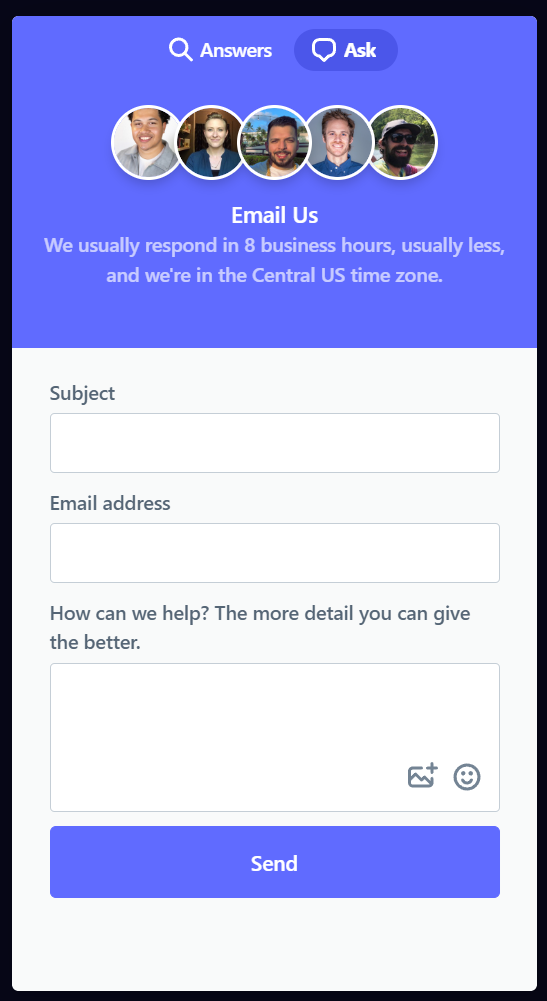
As it says that is the email form.
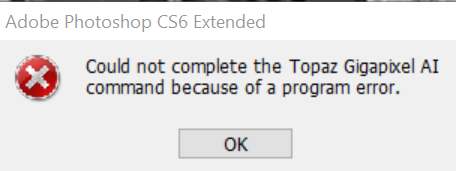
I see both GPAI and PAI install in File->Automate in PS CS6 but neither work (I’d have assumed they wouldn’t appear there if they couldn’t work). Sharpen and Denoise install as Filters and work, as does PAI (in a repeat appearance). However running PAI as a filter works fine except it says it won’t resize and you need to use the File->Automate version to do that. Is it possible to get GPAI and/or PAI working in CS6 for resizing? It is odd PAI works as a filter but not in Automate, clearly it can talk to CS6.
Or is there an older version of GPAI I could use just for CS6 (and keep the current one for stand-alone use)?
P.S. “Preorder the new Gigapixel” is a bit cheeky, as I’ve had no updates since January for my 12 months of support (which is just running out now)… plus the 6.3.3 Standard model is NOT GOOD! (I’d have settled for an option to run the 6.2.0 model instead…)
Yes I had that problem, have to use as a stand alone. Upscale in PAI does not work either.
