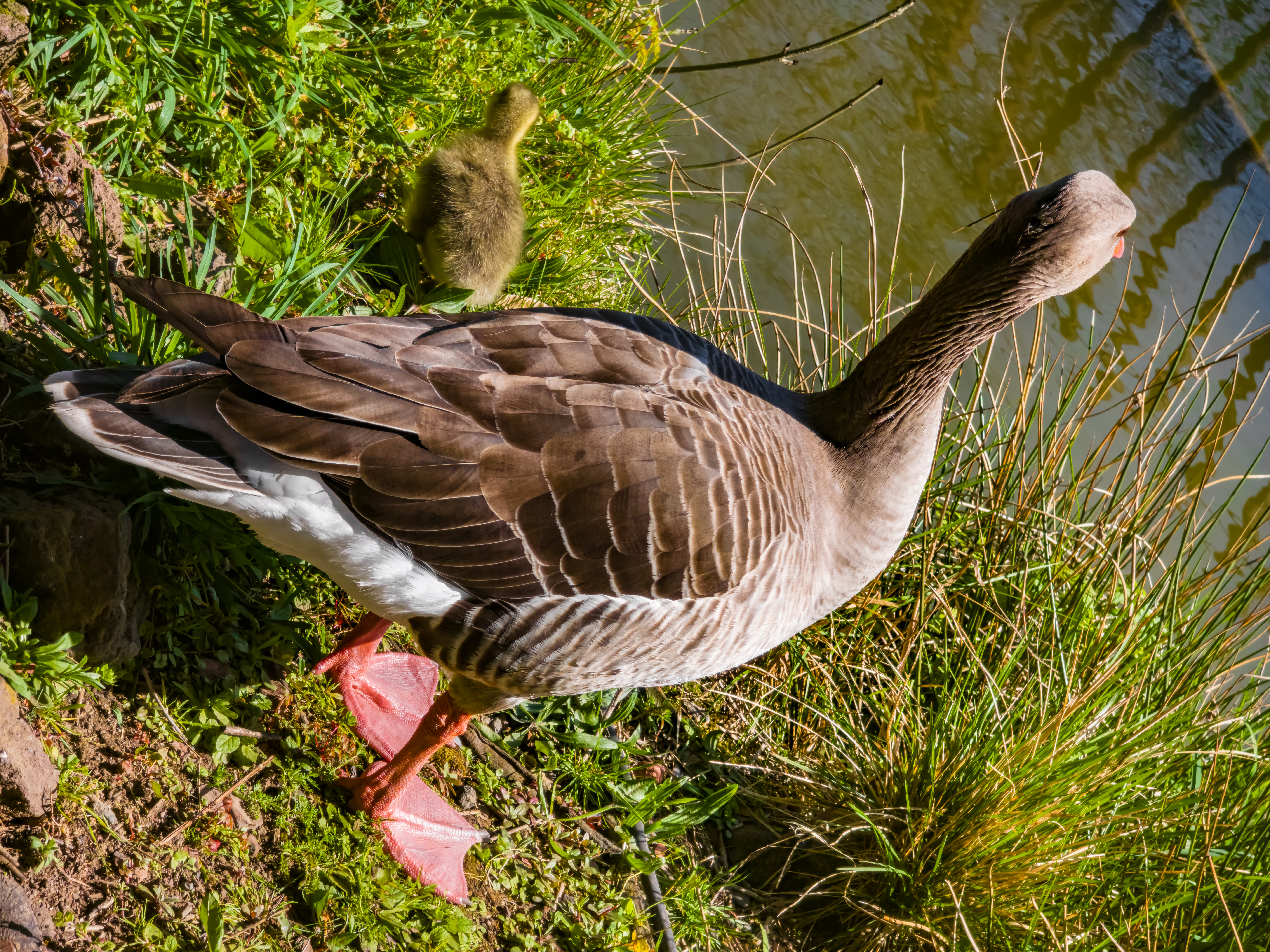
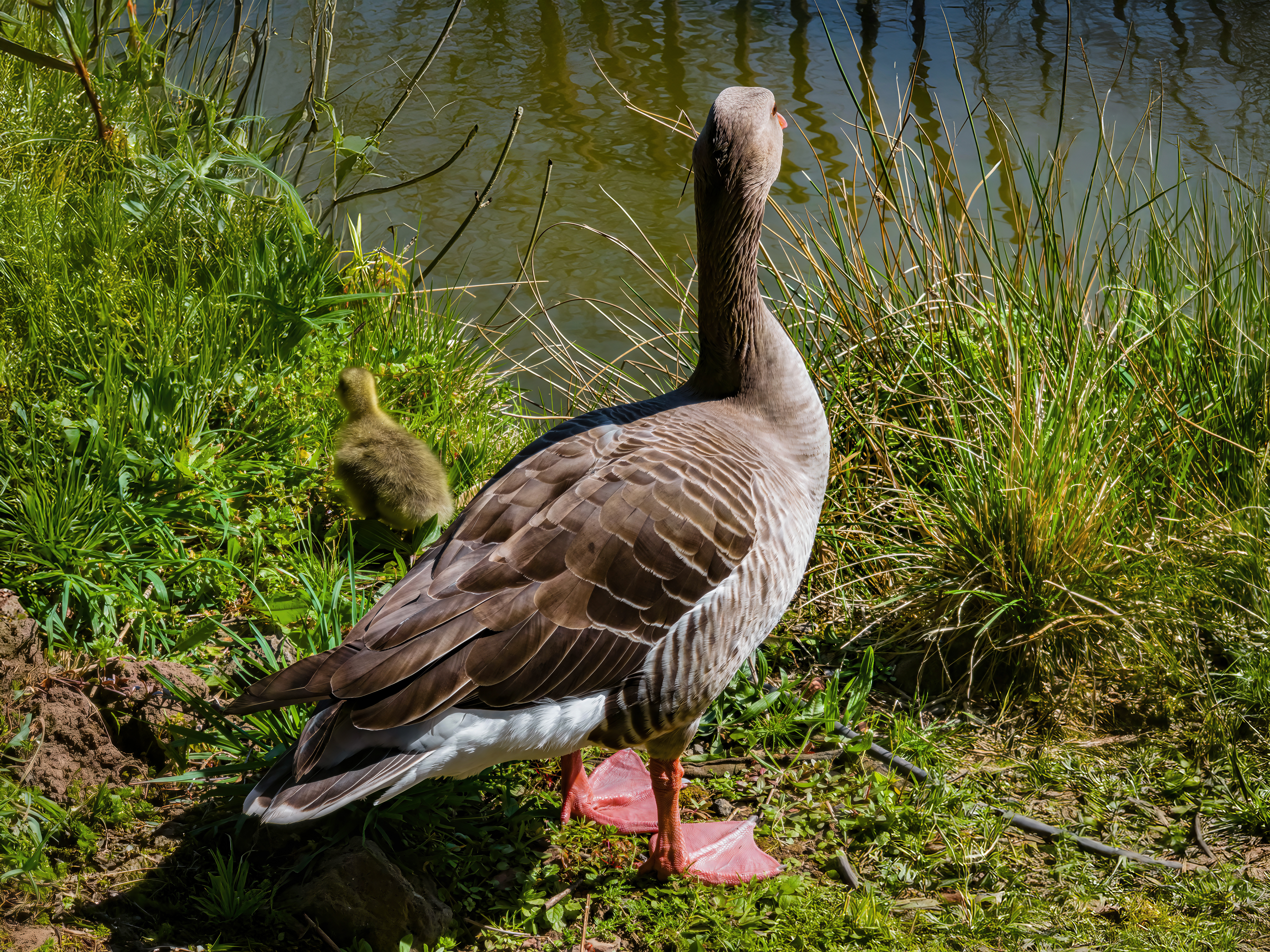
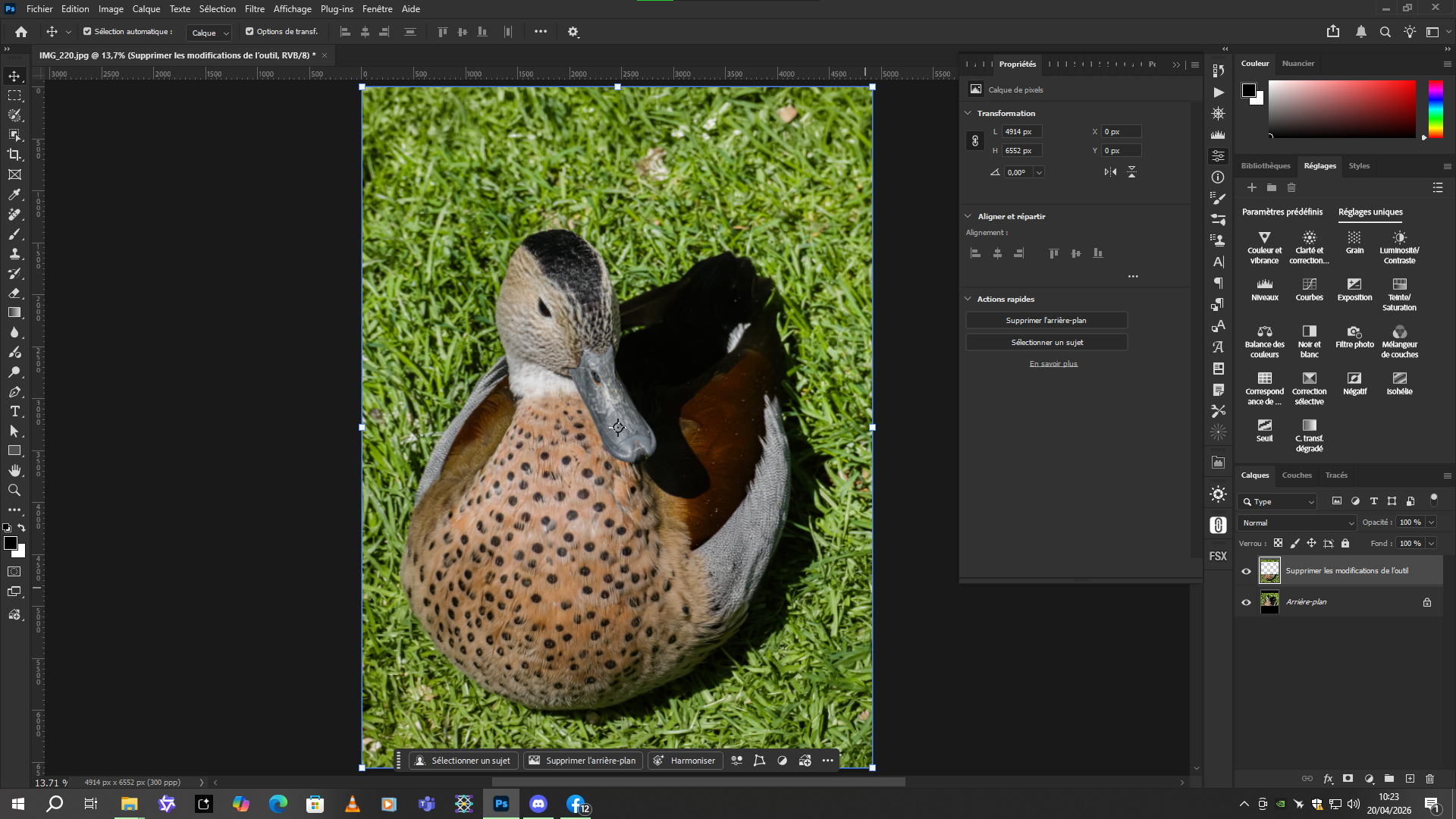
@unrelent Also, if you want to generate more images to enhance your photos with Nano Banana 2 or Pro, you can try this. You get 400 free credits per month by signing in with a Google account.
You can choose the aspect ratio and image quality: 1K, 2K, or 4K. And you can choose between the Pro and v2 versions. The prompt will appear at the top. Leave the content at the bottom alone.
Nice. I can only answer that with a photo of a sacred cow parked and waiting for its next journey. In India, cows, revered as sacred, can do whatever they want (Chennai, India, 15th July 2012).
The main intention was to improve the fur, but only Gigapixel Redefine Realistic with prompt helped a little. Nano Banana kept changing and deforming the horns, ears, hump behind the head, although the fur was perhaps a little better.
As I see it, 14 years ago, cameras had a much lower resolution than today. That’s why the original photo is not very perfect. Other improvements, although probably possible, I haven’t managed to make.
By the way, you can also use other hosting services when you’re working with higher resolutions . I used “PostImage,” but its drawback is that it reduces the resolution to 1280 pixels with a high compression rate in its free version. Other image hosting services don’t offer this quality degradation. And you can also specify (if you want) how long the photo should remain on their site. That’s a big advantage. I say this because I can barely see the difference between before and after in your photo, due to the loss of quality caused by the compression applied by PostImage.
@unrelent If you want, I can share this with you to add the other translations in the other languages of my comparator list .
I have the perfect prompt for improving photos in Gemini Nano Banana. Just give it a photo and it will adapt the important elements of the prompt to the image. It’s in French, but if you tell it in another language, it will do it.
Red Ruffed Lemur (primate; in the wild it only lives on part of the island of Madagascar, critically endangered), photographed at Dublin Zoo, Ireland. An attempt to improve the fur, especially. Nano Banana 2 (NB2) and then Gigapixel Wonder 2, enlarged 6x. I also changed the background a little so that there were no planks. Quite a good AI result, I would say. For the NB2 prompt I used Image Prompt, slightly modified (mainly to avoid artistic attempts to change the position, size, etc.). Here is the result:
A happy family of rhinos. The same zoo as red lemur, same processing (with added minor color adjustment) and with a smaller necessary size reduction to 32 Mpixels (otherwise I wouldn’t have taken the picture, it was 38 Mpixels). Respectable animals.
Bald Eagle – an old photo surfaced in the dump. I first removed the mysterious fog in the lower right corner using ACDsee with its dehaze tool. Then I fixed the eagle eyes (out of my limited arsenal, Nano Banana did the best with strict orders to only take care of the eyes). Then Gigapixel (I think Upscale and Wonder 2) and finally Photo (Refocus). I had to experiment a bit. I hope I didn’t forget anything and didn’t mix up the order.
I was intrigued by the appearance of the number on the eagle’s leg ring. There is something in the original, but it’s probably not the final one (even if it doesn’t matter at all).
This eagle was photographed at the Zoo in Moscow (Russia) in April 2017. It was having its lunch and was eyeing me suspiciously. I cleaned his beak in the photo, after all… an official portrait… VIP must look dignified. In any case, this bald eagle looks really majestic.
Nice detail.
I think on the original, on the ring, it appears to be either “PGE” or “PQE”.
Perhaps playing with the highlights by reducing them and adjusting the brightness/contrast might make the inscription on the ring more visible.

 . I used “PostImage,” but its drawback is that it reduces the resolution to 1280 pixels with a high compression rate in its free version. Other image hosting services don’t offer this quality degradation. And you can also specify (if you want) how long the photo should remain on their site. That’s a big advantage. I say this because I can barely see the difference between before and after in your photo, due to the loss of quality caused by the compression applied by PostImage.
 .
.