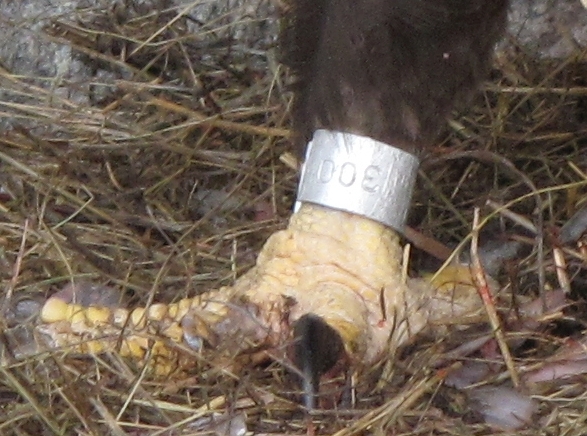
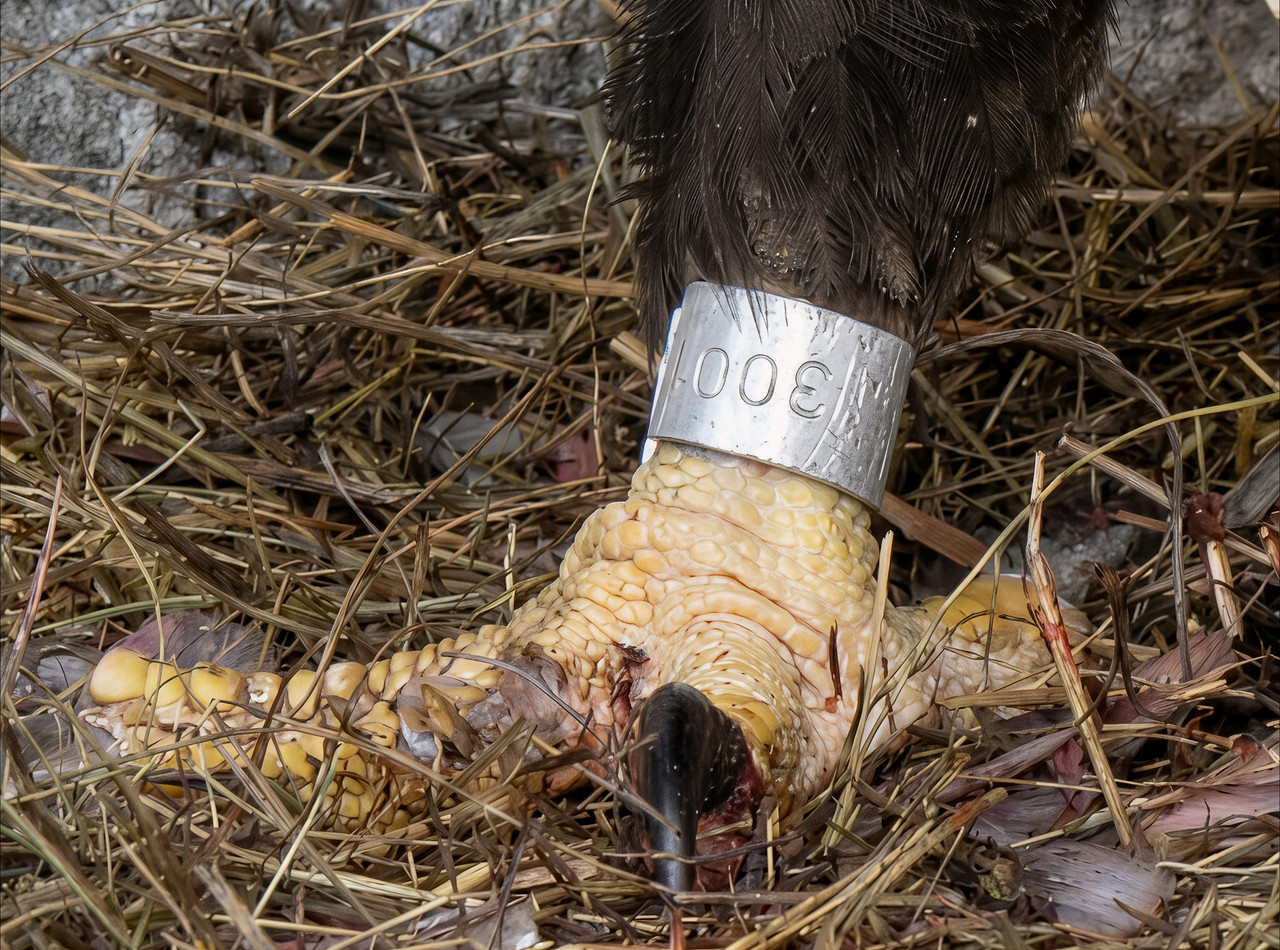
You’ve piqued my curiosity. The original and the enlarged focused crop of the ring on the eagle’s leg only show the number 300 (upside down). Theoretically (though I don’t think so) it might not be “3”, but the Latin letter “Z” in Cyrillic, if this eagle is in the Moscow Zoo (the Cyrilic letter “З” looks exactly like the number “3”). However, “300” (without more letter addition/abbreviation) doesn’t say much. I tried searching, but there is no unique common marking system on such rings, so it’s just an interesting point here. At least I learned something  .
.
 OMG. The improvement there is phenomenal. It’s amazing
  .
.
Finally, I redid the enhancement of my heron. 100% with Flux2 Klein 9B Distilled in 2K from the original cropped source.
And here’s what it looks like with the entire image.
Note that I also applied a subtle Redefine and scaled it with Standard Max, setting the slider to 50%, to achieve a soft, natural texture.
Now that heron has a nice head. Nice picture, including the surroundings.
I was surprised too (positively). The cutout with the leg was only 587x436 pixels. I used NanoBan 2 with the prompt Bird ring on bald eagle leg. Sharpen markings on ring. Improve leg and feather and straw depiction. Do not change size or position of anything in image. And finally Gigapixel for enlargement along with Redefine Realistic, or Wonder 2 (maybe that Wonder, I can’t remember exactly). NanoBan was friendly this time.
Yes. And thanks
Yeah Nano Banana is really very powerful when you use the right prompts.
It would be cool if we had the models locally, hahaha. We could render without any limits.
We should test it with Flux 2 to see if it would produce a similarly good result.
Send me the cropped original of the leg so I can test it.
Thanks.
Here is the comparison between your final version and mine with Flux2 + Wonder2 + Gigapixel Subtle Redefine using your prompt.
Here’s another improvement: switching from a 4:3 to a 3:4 aspect ratio to capture the entire duck. For this, I used Adobe Firefly. Then, I made further adjustments using my usual software.
For this one, I simply refined the feather quality with Hypir Ai, and for the rest, I used Gigapixel Recover V2 on the legs, head, and grass with the settings set to none and medium. I also corrected the framing by recreating the missing section at the bottom.
Same thing with this one. I recomposed it with Firefly and then used Hypir AI, Gigapixel with Rcover V2 on none and medium, and to make the feathers more detailed, I used Redefine subtle. Finally, I added a slight depth of field blur with Adobe Camera Raw.
So here, I combined Nano Banana 4K with a little Flux2, Wonder 2, and subtle Gigapixel Redefine. And maybe also a little medium Recover V2 for the stone and wood. And I removed the troublesome branch with Nano Banana.
Okay, here’s my last photo I’m showing. A close-up of a cockatoo’s head.
A nice ending to the collection of beautiful birds. The way you fill in the missing parts of the photo is remarkable! I have to try something like that too.
Thanks
Yeah, Firefly in Photoshop has really improved a lot since its beginning.
So I tried to add the missing (bottom) part to one photo. The original is a crop from a video camera image (the “start recording and disappear” method, otherwise the shy bird won’t fly to the feeder). The main character is the Blue Tit, a small (but combative) bird with a blue cap.
I gradually used NanoBan 2 (prompt Blue tit on the side of a bird feeder with sunflower seeds. Fill in the missing bottom part of the image. Sharp color image with perfect details. Nothing in the image should change position, size, or shape.). Here NanoBan added the bottom of the photo quite well, I have no objections. Then followed Gigapixel Wonder 2, Upscaling 4x, and finally Photo Superfocus Minor plus Balance Color All.
The original has 941x706 pixels, the result is 4778x3584.
Original:

Result:
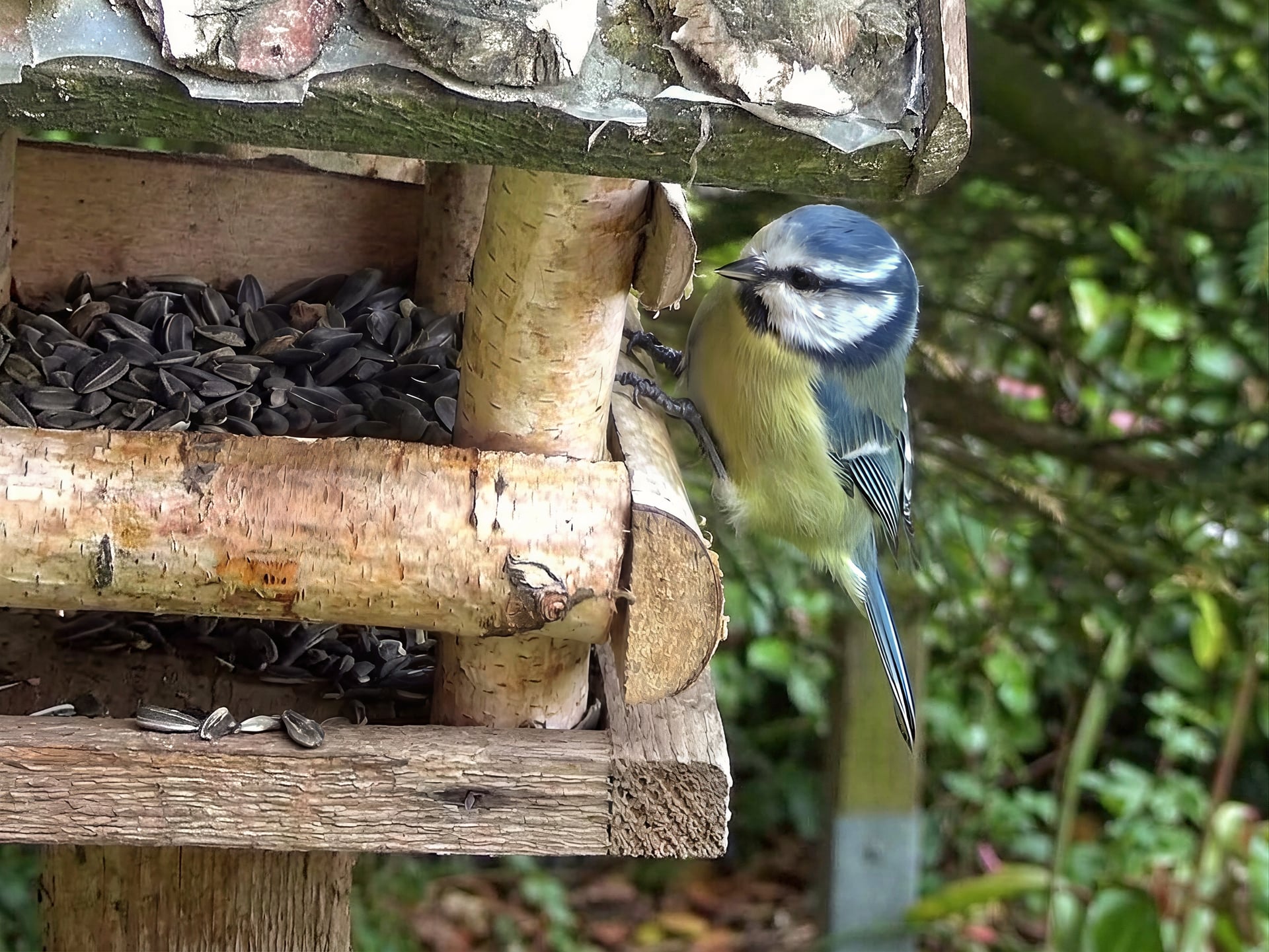
P.S. I find it amazing how NanoBan was able to expand the image to the sides (on the left, the extended feeder with added seeds, and on the right, the nicely blurred background).