mehdi_31
February 28, 2024, 9:39pm
1
Hello everybody.
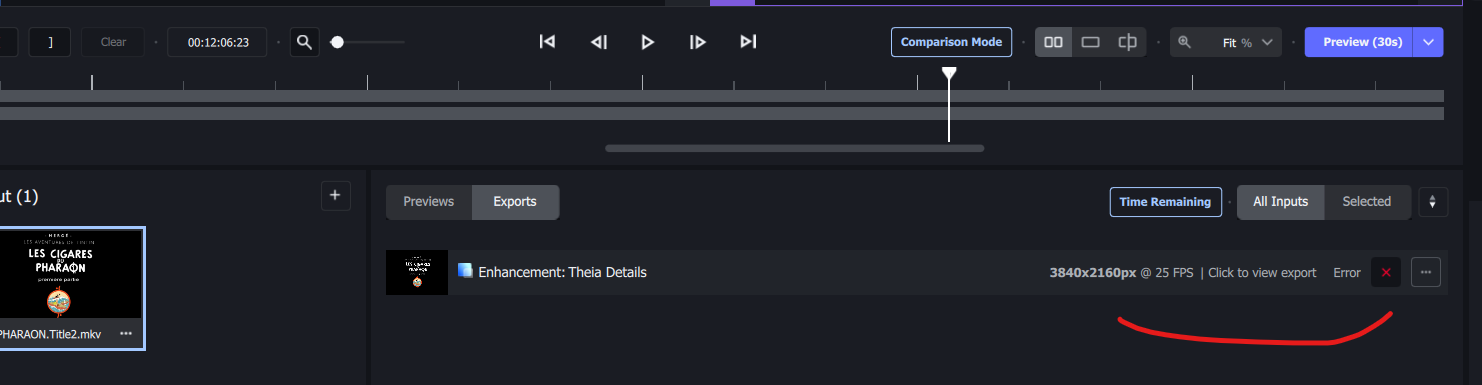
i just bought a new PC and a RTX 4090 to speed up the process on Topaz Video AI.
1/The bug / behavior you have encountered
2/ System : Win 11 / RTX 4090 / Intel I7-14700K
3/ Your log files (Help > Logging > Get Logs for Support)
logsForSupport.zip (364.2 KB)
Any screenshots as necessary
Thank you for your help.
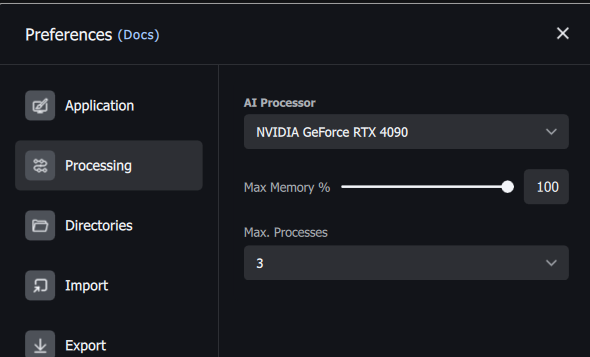
Check your Preferences setting to confirm that the AI processor is set to the new 4090 and didnt revert to auto.
mehdi_31
February 29, 2024, 7:44am
3
Thank you for the reply, but it was set up on RTX 4090 (not auto)
What driver do you have on that card? The latest v551.61 has being causing some issues for others users. v551.23 seems to be more stable right now.
mehdi_31
March 1, 2024, 6:04pm
5
Drivers are the 551.61
i will try downgrading them.
mehdi_31
March 1, 2024, 7:01pm
6
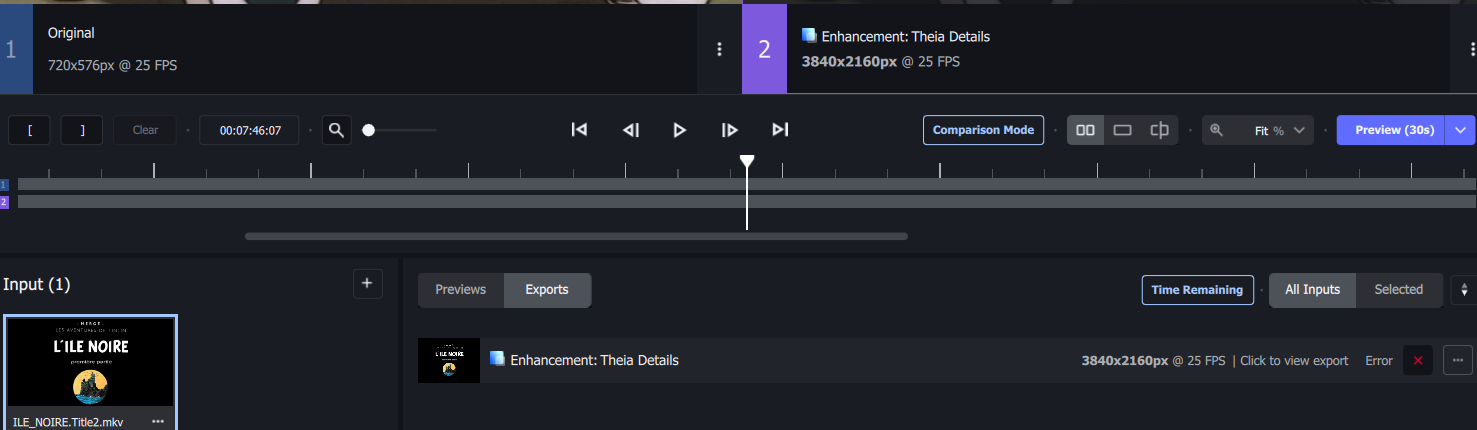
After downgraded to previous version of the drivers → still an error at 100%logsForSupport.zip (990.9 KB)
mehdi_31
March 3, 2024, 12:21pm
7
A quick update.
I will try by dichotomy to find the specific moment where the export is not working anymore.
mehdi_31
March 3, 2024, 2:49pm
8
I think the issue is related to my videos. Indeed, if i proceed the whole video except the last second, it works fine.