This issue has been commented and voted for so many times and it is both frustrating and extraordinary that Topaz have not or cannot fix it.
Why is nothing being done to fix this ???
1 Like
Still seems to have the same issue. Will sharpen faces and hair, and then boom- super blurry body and long hair. Cannot get entire photo to sharpen like faces.
Hi.
Have you tried running Super Focus first to recover the whole image then, applying Recover Faces
Finally, Upscaling or Sharpening your image as a finishing touch
Hope this helps
1 Like
I’m a bit late in replying to your post and I’m most likely talking to myself but are these any good? The third picture was done using Super Focus. But it makes it too easy. Now were is the fun in that!!! 
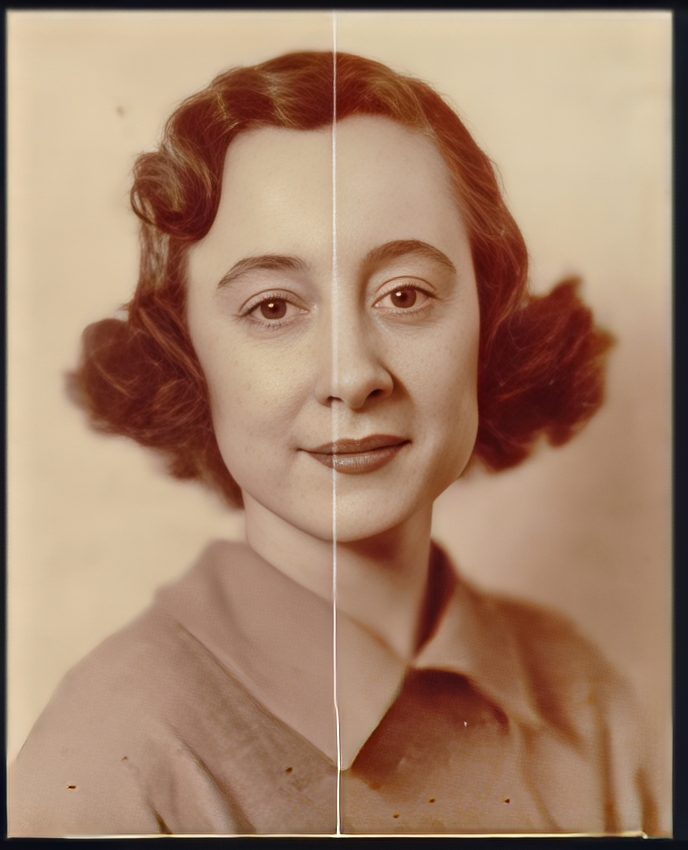
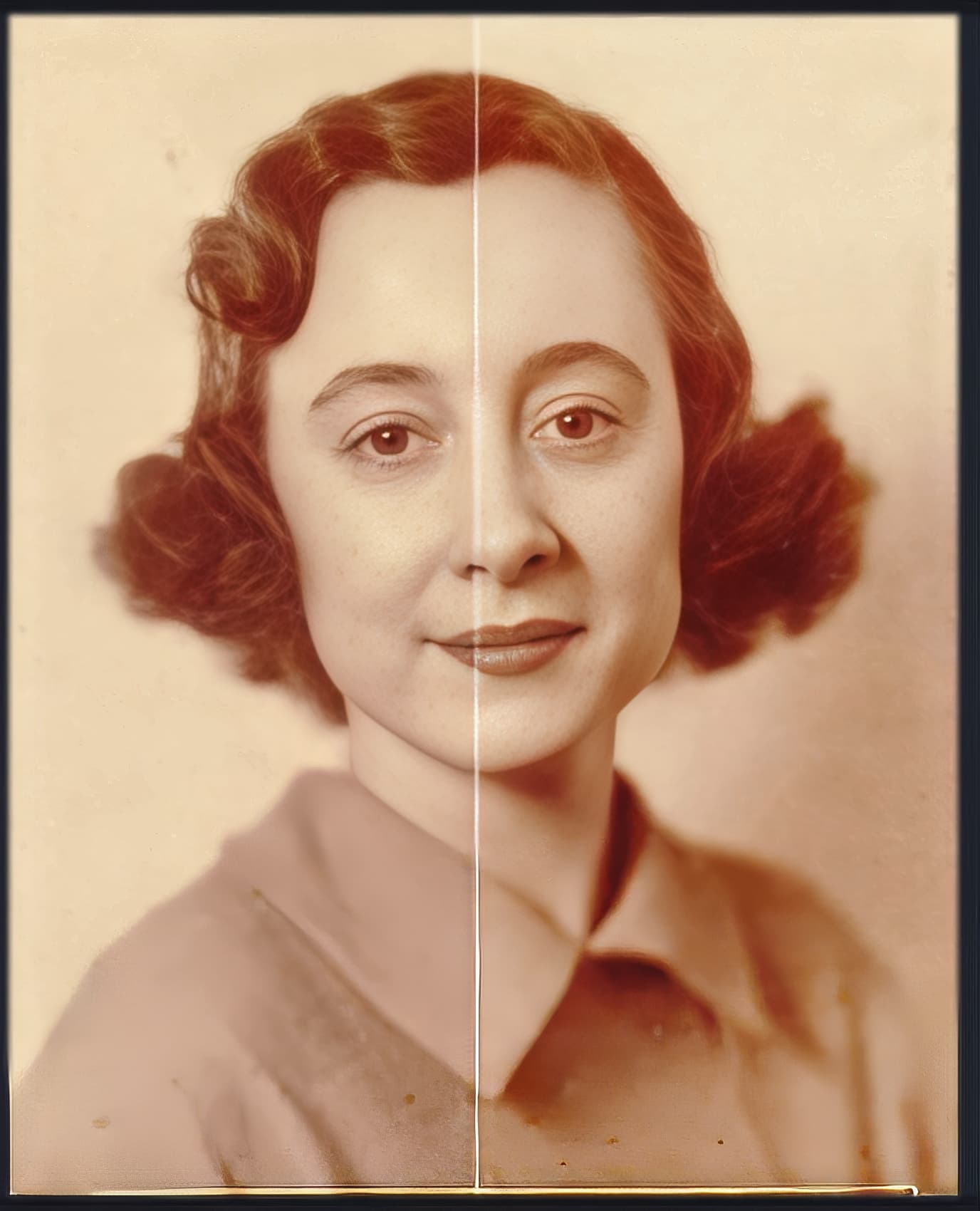
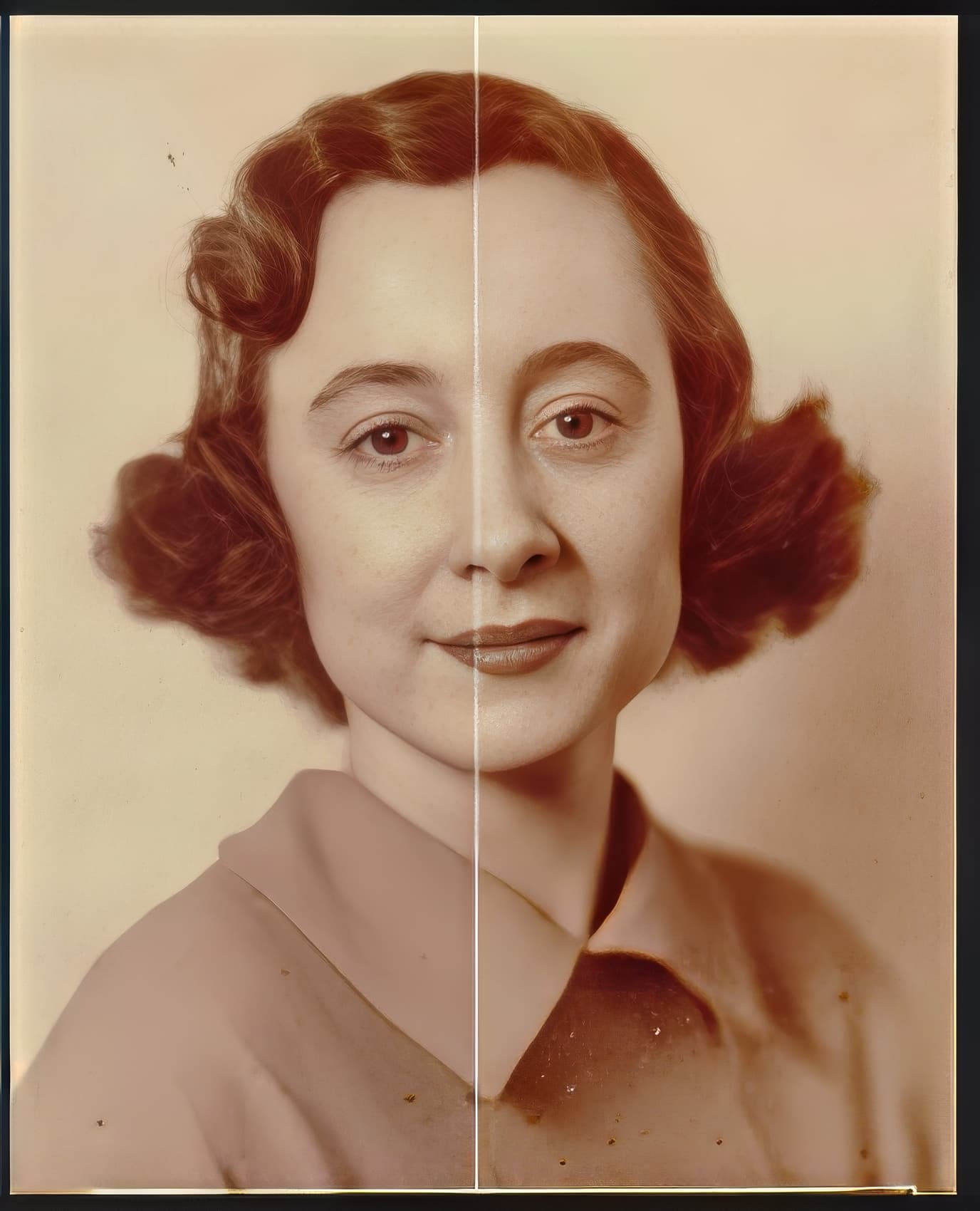
1 Like
Especially if they have a hairy chest.
1 Like
I just hate it when the facial or head hair is sharp and the chest hair is blurry! Don’t you? ;-]
1 Like
I agree. I suppose it’s chest a case of having to put up with it and not making a fuzz. 
2 Likes
A friend asked me to try to improve a low resolution picture of her mother. What she sent me looked like it was a small section scanned from a print on textured paper. But it was very obviously a face. In fact, the entire image was a head shot. But neither Photo AI or Gigapixel recognized it as such. There appears to be no way to manually select the area and ask the software to consider it a face.
Is the pic something you can post?
Especially b/c you mention ‘textured’, there may be other fixes needed b4 Face Recovery…
That said, the products were just recently changed to improve larger heads/faces. But I’m not sure a frame filling face qualifies.
There are people on Reddit who have the tools & skills to recover & retouch devastated photo portraits…
1 Like
When selecting Face Recovery, it would be helpful for the square window to be adjustable, or even an oval shape to closer match the face. As it is now, the window cuts across the models neck so that one portion is corrected, and the other is not. Looks horrible and needs manual retouching to fix.
Hi. You can add Hair and Neck to Face Recovery within Preferences under the edit menu
Hope this helps
Hi. Thanks for the suggestion, but Neck is already turned on.
Whole body skin recovery option in Topaz Video AI, please.
It would be a BIG deal.
Hi Maveno.
I totally agree with you but, let’s please keep thoughts and Ideas within their own Topics, this one’s for voting on a Photo AI Idea
This is a good suggestion so, why not post as a Video AI Idea
1 Like
@Maveno We appreciate the feedback, if this is something you’d like to see as a option for Video AI I would recommend posting your idea in to the Video AI Ideas section 
1 Like
It would be great to be able to adjust the strength of Face Recovery separately on each Face !!!
Yes, and the Hair, Neck, (and Glasses) preferences as well.
We’re adding some increased and improved functionality to Face Recovery including hair/neck/glasses in a future release coming soon.
2 Likes
When using autopilot, faces that are closer to the camera or those that are better quality tend to get enhanced better with higher strength. However, faces further away or just poorer quality would result in terrible, often very creepy, face recovery results. For those faces, I’d like to reduce the face recovery strength. It would be nice to set up certain thresholds on when to use certain face recovery strengths. After a certain level of missing information, I think it wouldn’t make sense to recover the face at all.
Thanks for the idea and suggestion! Make sure that you do not forget to vote for your idea 
