This is already possible, albeit by an a bit awkward procedure:
Add a Face Recovery and then only include the first batch of faces that are similar quality, then set the Recovery strength.
After that just add another Face Recovery step for smaller faces with lesser settings.
And so on..
3 Likes
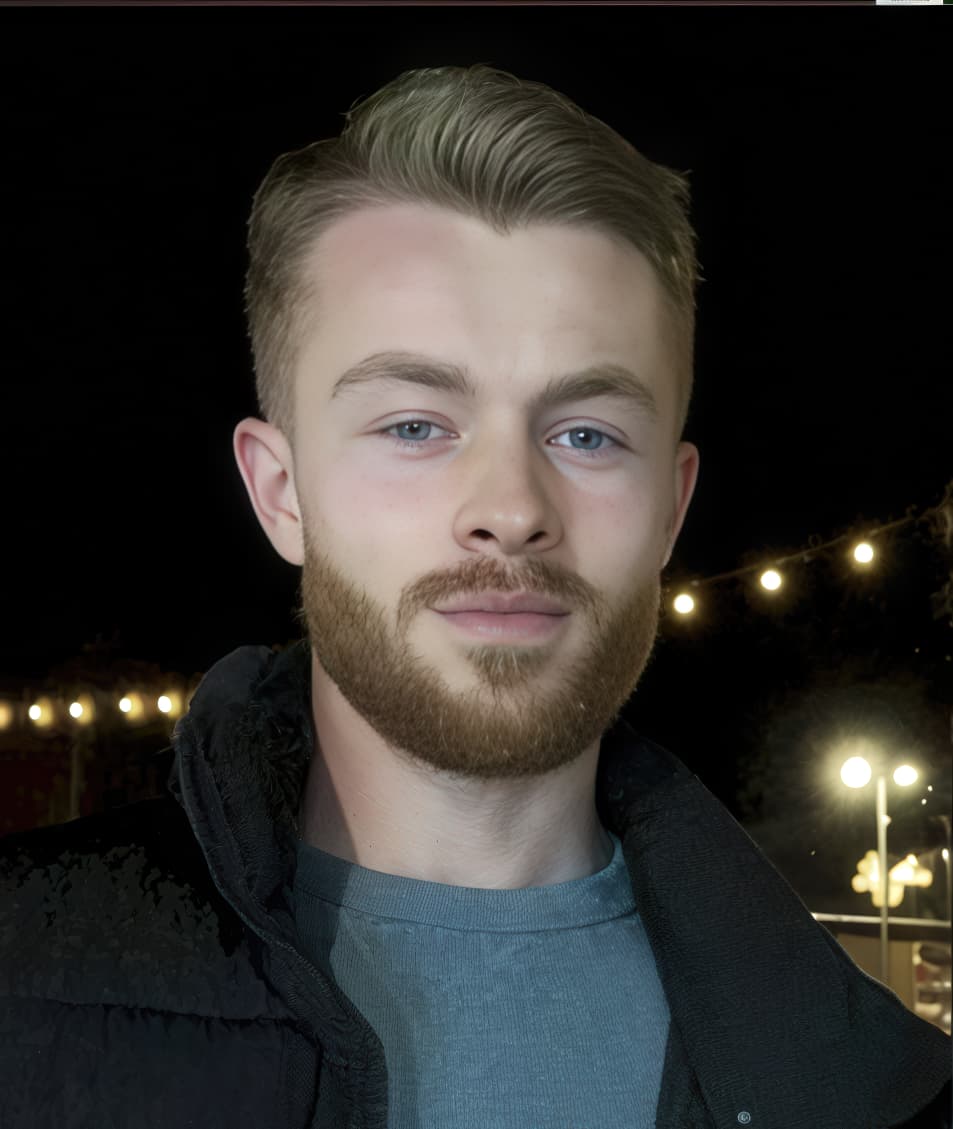
A Wishlist:
As options, the listed below suggestions will be helpful for editing the most graphycally challenging images. In my opinion, it may be helpful until your algorithms will excel at processing heavily cropped, very noisy and graphically complex images, for example.
• Add individual or dedicated “Recover Face” control for every software identified face
• Greater control to user for local (vs global) adjustments. I do not know what is really a global adjustment is when machine learning algorithms are involved. For now, user input is still critical.
Including the Layer-based editing, if doable, makes sense.
Offering these features, as options, is important because not every user needs or wants that degree of quality and creative control.
now: face area is a rectangle
future: user draw the area
the most important is: hair
because some people’s hair is long, hair would be two effects if the hair around the face is enhanced but the other hair not
1 Like
Hi.
I hope as do you that Topaz are somehow able to expand the selection area but, how far do you go after all, Recover Faces means exactly that Face Recognition
In the meantime, I often get great results using Recover Faces in combination with Super Focus which does a fantastic job of recovering other parts of the body including long hair
It’s the transition from the face recovered rectangle to the rest of the image enhanced with a different technique that usually causes me trouble. If we had a better method of eliminating the noticeable transition it would great.
Here’s an example:

After a lot of hand retouching, here’s the way it should have looked:

1 Like
Hi Andy,
As I mentioned in my reply to lxyfj, how far do you go between enhancing the face and the hair, including smoothing the transition after all, it is called Recover Faces also, with lxyfj I was referring to Photo AI as that’s the topic.
In my own workflow I would normally use a combination of Photo AI & Gigapixel’s Redefine for recovering the face & body and yes create more than, one instance of the same image for compositing later to achieve the results I require.
Besides, the latest version of Photo AI now has the ability to turn off Hair and Neck within the main interface without the need to go in to the Preferences Menu which, helps a little bit because, the transition between the face and hair or neck is less abrupt.
Hope this helps and before I go I like to say I enjoy reading your interesting posts a lot.
Andy
perfect effect
I’d like to be able to ID faces that the product doesn’t recognize at all - like click to manually add a square around a face/neck/head to be handled by Recover Face(s).
Topaz Video does astounding things with video – and that’s not just one picture, it’s thousands of images in a stream. So why can’t we get the same imaging power in Photo AI?
Why does Recover Faces stop at the chin in Photo AI, but Topaz Video can recover faces, long hair, beards, clothing and everything, without clipping the effect to a rectangle shape?
I’m working in a production environment, fixing archival photos – and I’m supposed to be able to push through a significant amount of work in a day. But Photo AI costs me time when it won’t recover the entire person (just the face), and I don’t have time to make masks in Photoshop to bring in the best parts of various trial-and-error attempts in order to rescue a single photo.
Is the solution to buy Topaz Video and just upload a single (freeze frame) image made into a video file?
Have you tried the Recover and Redefine Generative Model in Gigapixel ?
May be that is what you are looking for. 
I bought Photo AI 4, expecting it to bring in the very best Topaz has to offer.
I’m requesting that the Photo AI engine be updated to bring in the Very Best
that Topaz can put into it, which seemingly should be technology from Gigapixel and Topaz video.
Why not?
Why are the needs of photographers any less important than the creative needs
of video producers? We need to recover faces, hands, AND hair – no matter how long.
Why does Topaz think that a person’s personality stops at their face?
As far as I understand (and observed), Recover Faces of Photo AI does not stop at the rectangle. The rectangle does only mark the face covered but not the actual boundaries involved. Recent versions even include options to include hair and neck.
This said, I feel Recover Faces indeed leaves room for improvement. I often try it after Super Focus and/or Sharpen (which work wonders), but reject it as I dislike the result.
Hi Michael.
The rectangle isn’t actually part of Recover Faces it’s merely the Face Selection Box so, that the user can decide which Faces need to be recovered or not.
Super Focus:
Super Focus as the name suggests, recovers Super Blurry or Out of Focus images meaning, it’s not a good idea or recommend to apply Super Focus and Sharpening to the same image as this, can introduce Halos and other unsightly Sharpening Artifacts within the image.
Hair & Neck:
As yourself, I also have found more often than not the Hair & Neck option to be more of an hindrance than a help and the only good thing is that Photo AI, now gives you the option for toggling it On or Off within the main Interface instead of having to select the option within the Preferences Menu.
In light of that, applying Super Focus first is an excellent, way for recovering Subjects and People including Hair, Neck, Hands and other Body parts, especially now with Super Focus V2 and Focus Boost which can automatically reduce the image size apply the Topaz magic then, enlarge the image back to it’s original size for even more clarity and definition.
Next, apply Recover Faces without Hair & Neck so, it doesn’t interfere by, allowing Recover Faces to only concentrate on the Face which, again can yield superior results.
Alternatively, engage the power of Gigapixel’s Redefine and Recover Genaitive Models along with Photo AI for even more incredible results.
Not forgetting before, Super Focus there were and still are the traditional tools, which shouldn’t be over looked for instance, apply Denoise for smoothing the Skin then applying Sharpening to increase detail next Upscale the image which will add even more definition and finally applying Recover Faces either before or after Upscaling to finish.
Andy
The OP likely refers to the noticeable quality difference between areas enhanced by the Face Recovery Model and the surrounding regions. The distinction between these areas is clear, with a prominent borderline visible in some images.
This issue is not unique to Topaz Face Recovery; other open-source face recovery models, such as GFPGAN, CodeFormer, GPEN, and VQFR, exhibit similar behavior.
The reason lies in the training process: face recovery models are trained exclusively on facial features, which have less variation than broader scenes. This focused approach results in smaller, faster models that can run efficiently on low-spec computers. Typically, face recovery models are only a few hundred megabytes in size. In contrast, training a model to enhance entire subjects and their surroundings would produce a model 10 to 100 times larger, often reaching 10 to 20 gigabytes, as seen in full diffusion models.
I suggest trying the Recover and Redefine generative models in Topaz Gigapixel. These models utilize diffusion-based generative AI to enhance the entire image, ensuring consistent quality across both facial features and surrounding areas, eliminating noticeable differences between them. However, the trade-off is that they require significant processing power, meaning they won’t run on low-spec GPUs and may take a considerable amount of time to process, even on decent GPUs.
What is the workaround for those of us who bought Topaz Photo 4? There has to be a way for photographers to use the program without complex masking to pull the the best parts of various Topaz generated images in Photoshop.
-Can Topaz merge Photo 4 and Gigapixel into one photo-suite, because they’re really offering the same thing – an AI method of photo improvement.
- Can Topaz give a deep discount on Gigapixel to Photo AI customers so we don’t feel that we’re running the second-best program? Honestly, it hurts to discover I should have bought a different program. I had no way to know without extensive trial and error.
Please understand – my objective here is not to make noise – I"m happy with PhotoAI 4. But I have a LOT of archive photos I need to fix and Photo AI 4 was supposed to be my solution, but now it’s becoming an obstacle. And none of the above-mentioned issues/limitations are mentioned in the pre-sales marketing information.
What is the best workflow to improve old, archival photos when you want the AI to improve the entire body, with the same amazing results as the face?
The original intent of Topaz Photo AI (TPAI) was to integrate the functionalities of Gigapixel AI, Denoise AI, and Sharpen AI into a single application, enabling users to perform all tasks within one platform. Historically, Topaz typically tested new models in Gigapixel AI first, incorporating them into TPAI once they matured.
However, the Recover and Redefine models are unique because they are diffusion-based. Integrating them into TPAI could present challenges, as many users with low-spec PCs or GPUs may struggle to run them. Even users with powerful PCs might complain about long processing times, as observed when these models were first introduced in Gigapixel AI. Additionally, Topaz would likely need to raise the minimum system requirements for TPAI, which could deter potential buyers unwilling to upgrade their PCs for a single software application.
It’s possible that Topaz views the Recover and Redefine models as compelling enough to maintain Gigapixel AI as a distinctive standalone app, potentially for increased profitability. However, these models are not yet perfected and have significant room for improvement. I recommend testing them to ensure the results meet your expectations before purchasing. They can still produce artifacts, such as distorted “monster faces,” if the source image resolution is too low. Additionally, depending on your GPU specifications, processing times may be unacceptable for some users.
Sometimes blurry faces are NOT detected. That us why manual selection of face area, so that to force AI detect blurry fac, is essential feature. Thank you, Topaz.
2 Likes
Agree.
I’ve proposed manual selection of un-ID’d faces in the past. Others have too. So you’re not alone.
1 Like
