While in general the automated Dust & Scratch removal tool in v1.0.1 is good, it has no fine control. An old picture I am working on was scanned in RGB, but clearly has no discernable color. After applying Dust & Scratch removal the picture has a slight pink tint. A lot of dust spots were removed while others were enhanced. With SilverFast you have a dark/bright effects checkbox, detection and tile level, and a preview step to see what will be affected. This would be welcome in an update as I can’t see using this tool in its current form.
I find the performance of Dust and Scratch still quite unsatisfying. Having read similiar complaints in other threads (Photo AI) there does not seem to be much progress. Pity, as this was one of the main features I was needing in my workflow (Capture One/Topaz) for rejuvenating my library of scans.
unedited screenshot

after Dust and Scratch

white spots in dark areas seem to work much better, but the lack of performance in light areas is frustrating.
Another sample unedited
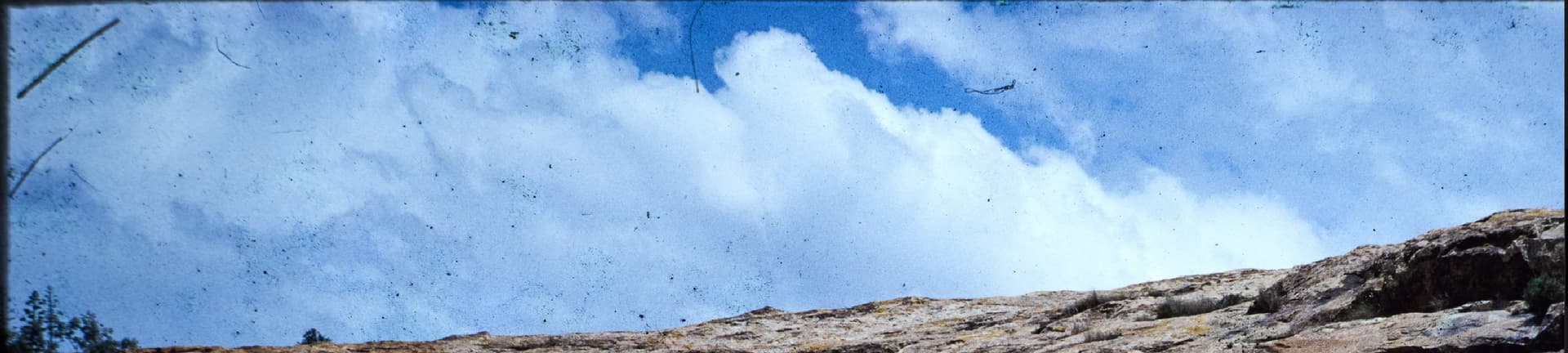
edited
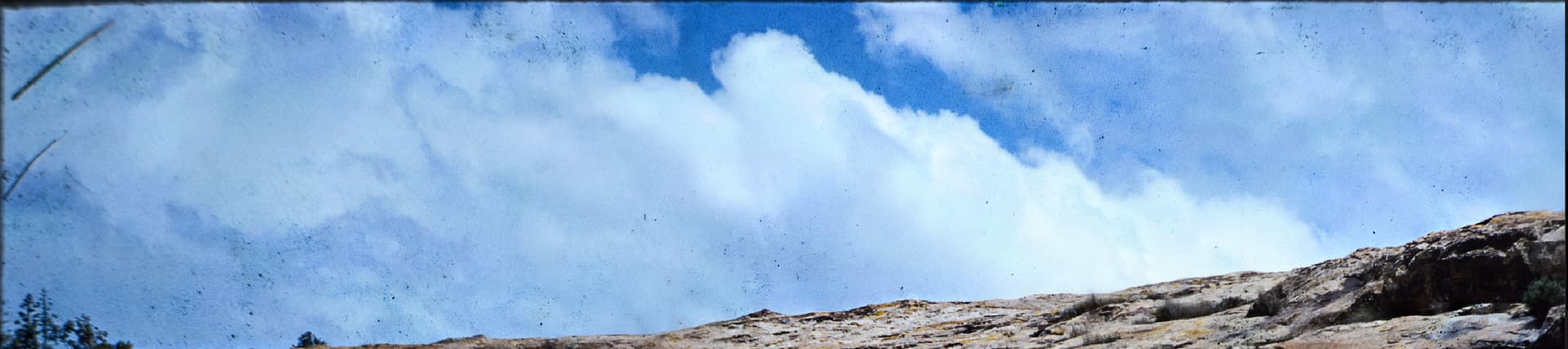
typical emuslion degradation patterns on slide film
unedited
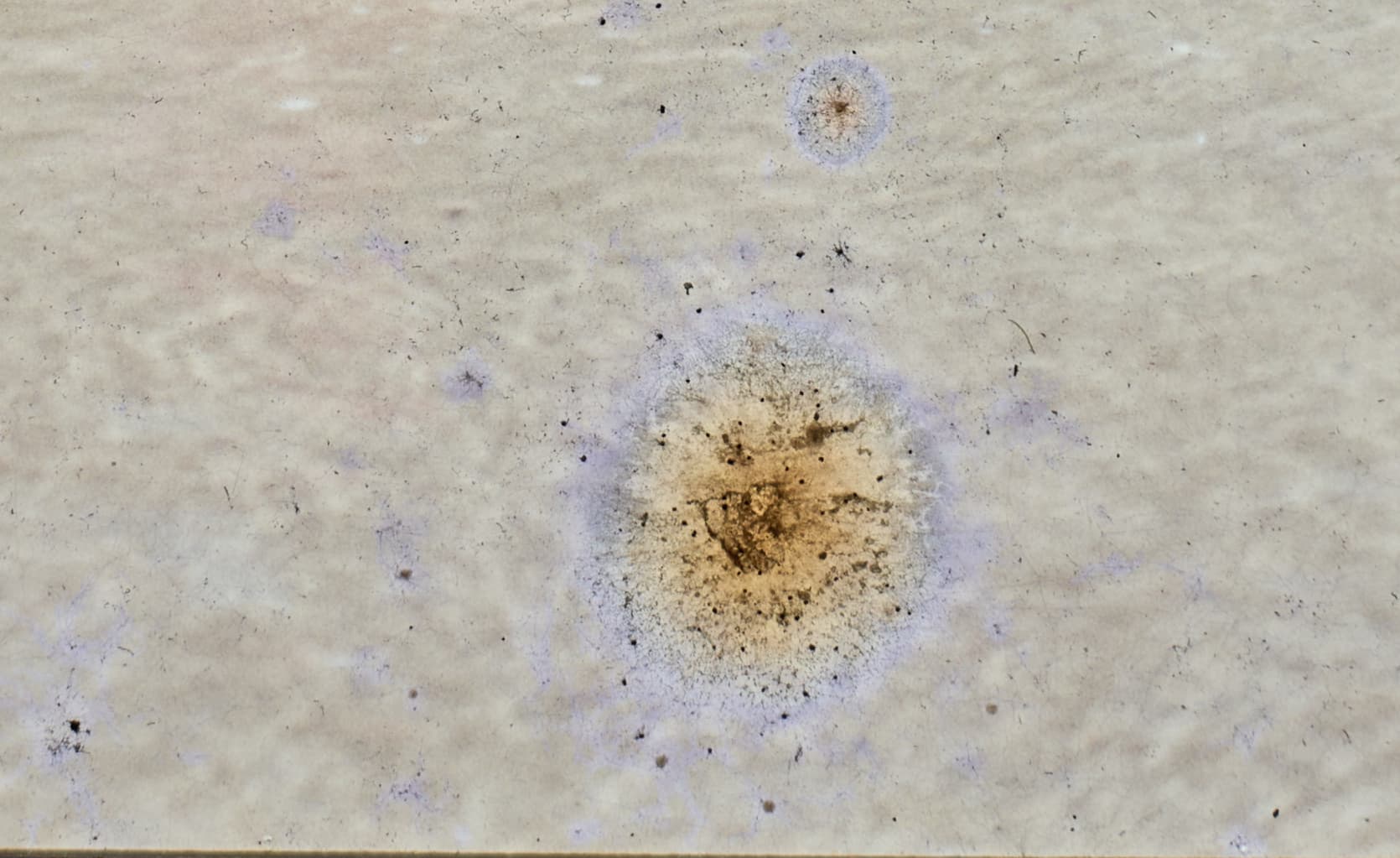
edited
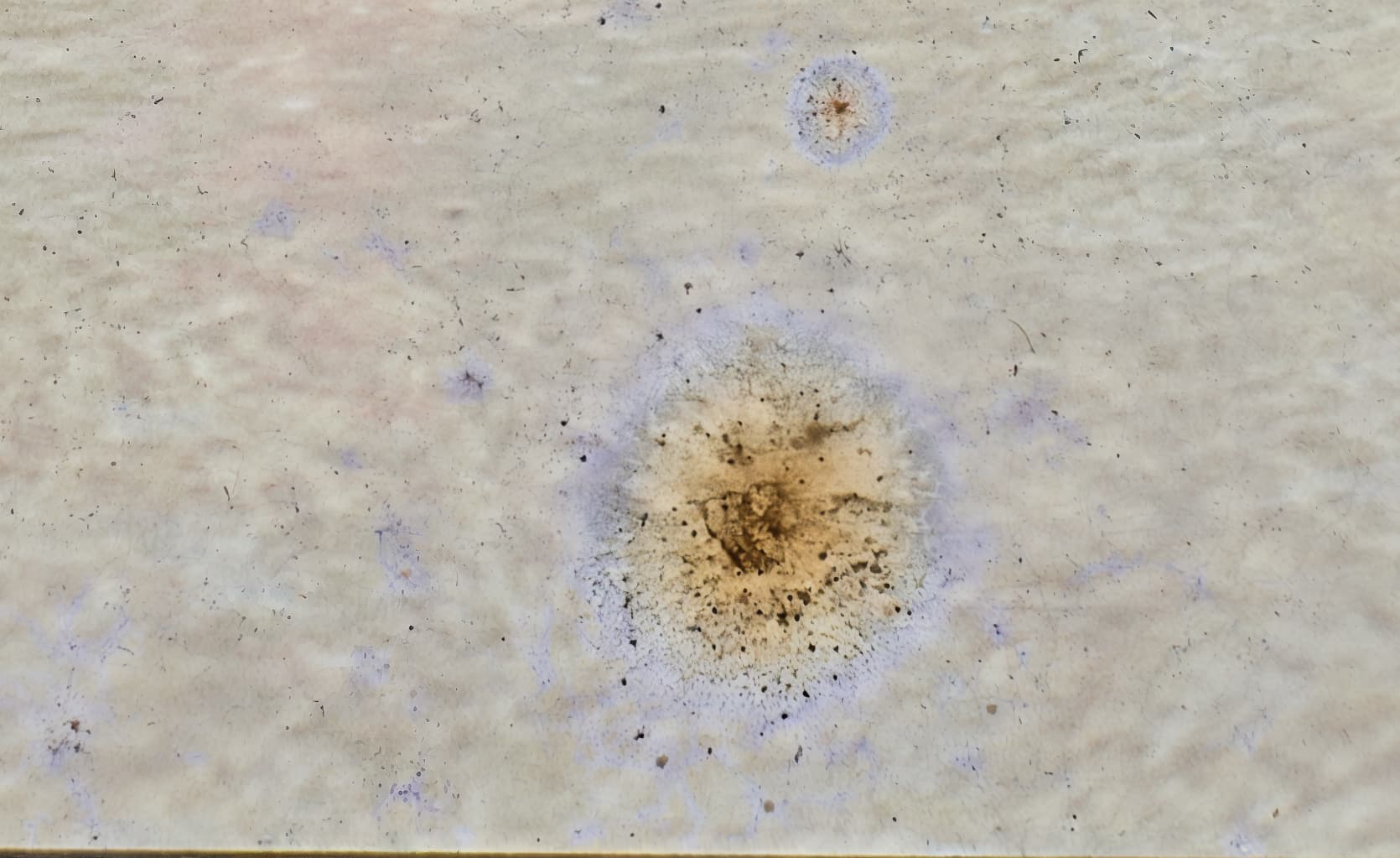
Any new models on the horizon? Adjustment parameters?
@axel.keiffenheim - moved the post here for others to be able to vote and the development team will look at these too. Does using the new Healing brush help in any of your remaining dust spots?
Sure, thanks.
I am attaching the source file so you can see what I am talking about first hand. Using only the AI Dust & Scratch removal tool I see a couple of issues:
1 - Notice the faint pink in the background that has been added.
2 - Look at the girl’s cheek on the right-hand side. Some dark spots appear to be added.
For another color photo I have it did a pretty decent job, with only a little blurring noticeable when zoomed. I am sure other filters can help out; e.g. healing.
(Attachment Cropped1.2.tif is missing)
I have been restoring some old photos that have dust and scratches. I find that sometimes the Dust and Scratch Removal V2 tool is too aggressive. It leaves the image a little too perfect. It would be helpful to add Strength and Opacity controls to tone down the tool, similar to the controls in Super Focus. Also, I find that the tool sometimes removes features that are not dust or scratches but rather parts of the actual image. It would be helpful to have a brush to exclude areas from dust and scratch removal. Otherwise, the tool is pretty amazing and helpful!
This really is a key feature that needs to be added.
Absolutely agree on more control, especially after the new cleaned image was renedered but not confirmed yet, so after couple minutes of waiting you know where it went wrong removing part of the picture itself or producing artifacts and quickly exclude the area or soften the strenght. Another nice addition would be abillity to retain some natural grain especially if working on old film pictures. Currently it not only gets rid of dust and scratches but also does a lot of denosing.
Just happend for me that I am currently going through a ton of my dad old film scans that are in quite poor condition after some 50 years. Generally Dust and Scratch does amazing work however quite often it goes way too far removing/fading objects and textures or producing some artifacts instead. Currently my work around is having separate denoise and dust layers in PS and working with masks. Then eventually re-adding some grain. It works quite ok but requires addtional editing software and a fair bit of more work on the pictures. Apart of that when it works right it works brilliantly !
100% Second this. I often have images here where Dust&Scratch (as well as Focus Fix) are real game changers. Both often are doing too much though and sometimes at areas where it isn’t needed.
With Focus Fix this really isn’t an issue as you can tone down the opacity and exclude areas from being (over)processed. We absolutely need something similar for Dust&Scratch.
I posted a new topic on this and was asked to move it to here by andymagee-52287. Not sure how but here is a link.
Got a very useful reply from AND-E from which I found that you can use the custom selection of Preserve text to remove areas of unwanted dust removal.
Never worked for me, still does not do a thing, I can minus all I want, it still removes the detail i want to keep.
Hi.
Dust & Scratch does indeed work and here’s the information on how it works
https://community.topazlabs.com/t/dust-removal-need-to-work-on-controllable-areas/101861/2
https://community.topazlabs.com/t/dust-removal-need-to-work-on-controllable-areas/101861/6
Hope this helps
It does not work, I didn’t touch anything, pressing done and waiting still does nothing, neither does adding other areas with Plus.
Did you follow the information I gave you
Yes I did, I did not touch any reset or something, I held Alt and used the minus to paint over the area i wanted to exclude, I even added with the Plus, then pressed the Done after waiting for it to process, after that generated the file, and no changes whatsoever.
I understand and I appreciate the way Topaz designed it is very confusing I hope the Preserve Text method work for you.
May I suggest contacting the good people at Topaz Support perhaps they can workout what’s happening with your application here’s the link to contact Topaz Support directly
Hope this helps
Did not try that one yet, and that one does do the trick, unfortunately for my usecase, it isn’t as usefull, because it also then doesnt remove any noise ( and yes the denoising is an unintended effect of D&S but it works for me unlike the classic denoise option) around the affected area, and since I use photoshop and the plugin, I can use the history tool there for a similar effect.
I have now got it to work on my image using the technique from AND-E. The only thing I changed in my workflow was to let the dust removal be performed in the cloud and not locally.
Seems like this has to be a bug in the local processing code.
Thank you so much for discovering this bug. They really do need to finally fix this!
Yup, that does seem to do the trick, and better then the text preserve one as well, where the unintended effect that it also does a great denoising job ( for me) even on the area painted to be excluded from removal.
Def would be nice to have that fixed for local, I use big files which likely get wrecked being processed for cloud use, and local is way faster here on my 5090 as well.
Yes, I too noticed that the cloud process was much slower than doing it local as.
