Currently, you can select the strength of the enhancement when applying Denoise Max, but to change this you need to delete the filter then apply it again with the desired new strength - there doesn’t appear to be any way to edit the existing filter.
Hi Rob.
This is expected behaviour as Denoise MAX doesn’t just remove Noise it actually reconstructs the image every time you use it this is the same for all Genaitive AI Models not just the ones from Topaz
Here’s a little bit of information about Denoise MAX from Topaz
Therefore, if you wish to adjust the Strength Slider you will need to Render the image each time
Hope this helps
Quick Topaz Denoise MAX Tip:
Here’s an original Topaz DeNoise Demo image
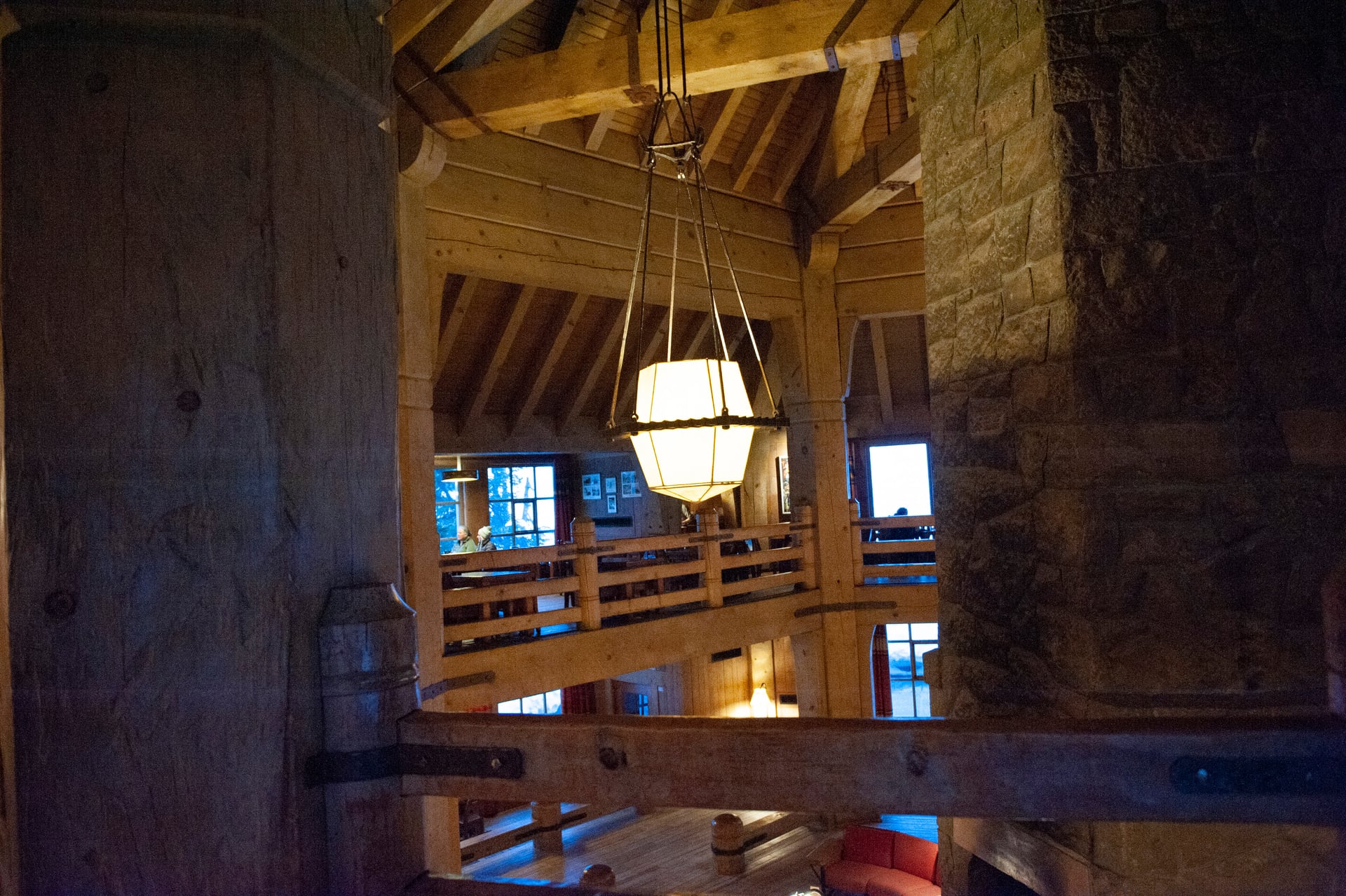
Here’s a small Crop of the original no Enhancements
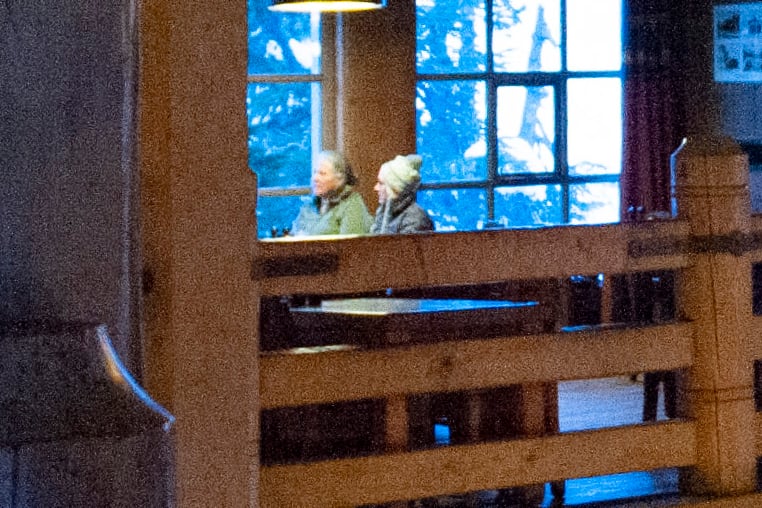
I first applied Denoise MAX with a strength of 50
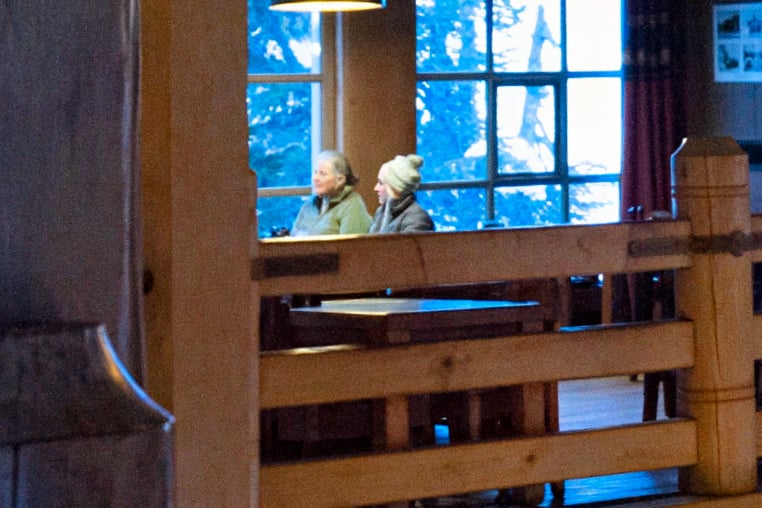
Next I applied a second Denoise Normal with a strength of 50 and notice how firstly, the final noise has been removed and secondly, the People’s Faces and the whole Image has been Sharpened.
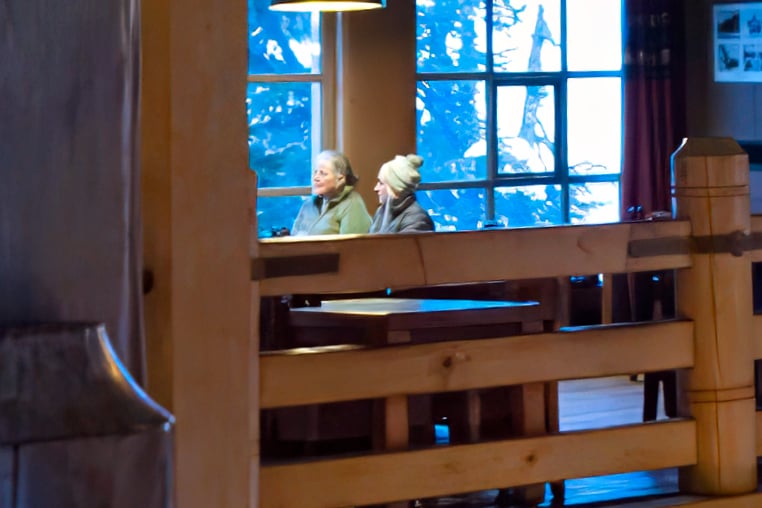
Finally I applied a small amount of Silver Rich Grain just enough to bring back Organic Depth
Original
Denoise MAX, Denoise Normal and Silver Rich Grain

Hope you like
I get that, but the same could be said about other models, where it is possible to amend the settings without deleting them and re-adding - Wonder being an obvious example.
It’s not a big deal, but a needlessly cumbersome step.
Along similar lines, I understand why certain models need the preceding operations to be ‘flattened’. However, it would still be helpful to be able to adjust the parameters of flattened operations (following which everything would reprocess) with having to delete everything and rebuild the stack.
As well as bringing back the ability to re-order operations, which I know has been covered elsewhere.
I would have to say Yes, No and it Depends.
Yes, reading the information if you haven’t tried this tip, would at first sight appear cumbersome however, unlike, Denoise MAX the regular traditional Denoise Normal is almost instantaneous therefore, a good quick and easy tip, that others might benefit from.
Another, quick and easy tip, after either applying Denoising or not is to Downscale your image by one half or one quarter it’s original size then, Upscale the image back to its original size for Increased Detail.
No, it isn’t the same as reapplying the same Genaitive AI Models Wonder for instance, yes the principal is the same but, in practice those Models take a long time to Render either Locally or though the Cloud because, they are basically, reconstructing the image each time now that’s time consuming long-winded Cumbersome step.
It Depends, this is more a reminder than an observation, it’s great having all these incredible Genaitive Denoising, Sharpening and Upscaling Tools at our disposal but, let’s not forget there’s nothing wrong with the using the old ones from time to time because, they held us in good stead in the past and are still very capable today and into the future.
In addition keep in mind, the Topaz AI reputation was built on those older AI Models
Yes absolutely, I agree on both points so, if you make that a suggestion I would certainly vote for it
The processing time isn’t the point, rather it’s the number of clicks that it takes to change to a different model configuration. Wonder and other models let you change this without deleting the operation, while still being operations that require a full reprocessing.
We now have the strength adjustment option for Denoise MAX in 1.6.1, thank you. However, the behaviour isn’t perfect - if you click away after clicking to adjust the strength, the option disappears and you need to start from scratch.
It would still also be good to get back the ability to re-order operations without deleting them.
How do you remove this filter?
Please could you elaborate on this what filter are you referring to and what context do you mean for example; remove the filter after its been applied or remove it from the application
I mean, how do I get the Denoise Max window back where you could adjust the noise level?
There’s an “adjust strength” button that was added with 1.6.1, or otherwise you’d just have to delete the filter entirely from the image and re-add.
I found the solution. Go to Edit-Preference-Autopilot -Denoise Max and change the setting Default Denoise Max Render Method to ‘Ask everytime’.
Congratulations you found the answer excellent I have rewarded you with your first solution
Well done 
