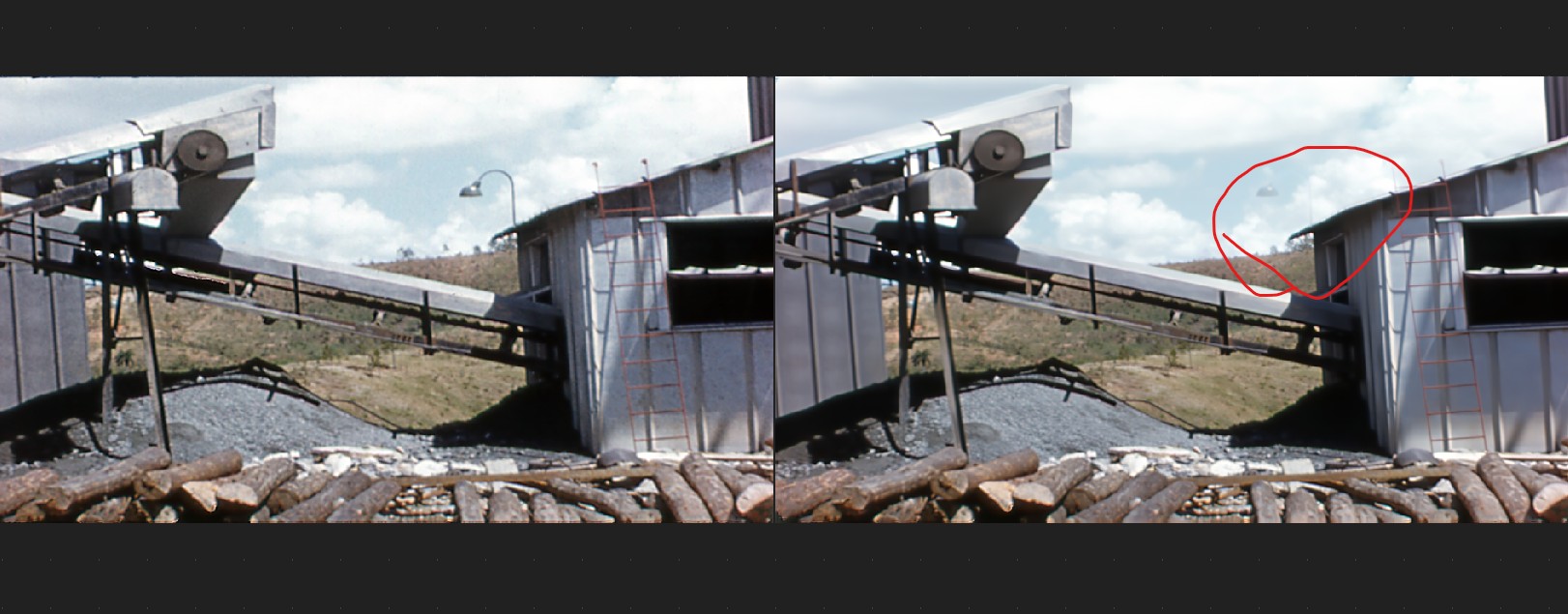
I have been scanning some old 16mm film reels and Topaz photo does a great job at restoring the frames but I noticed when using the dust and scratch model, it removes stuff from the photo that doesn’t need to be removed. For example, in this frame there is a light on the edge of the tin roof on the left but the model removed it on the right.
Hello David.
I’m another forum member. I can’t see why you would use Dust and Scratch on this picture. There don’t seem to be any major problems regarding dust and scratches. Maybe if you post the original scan it would be easier to see the problem.
Best regards Robert B. 
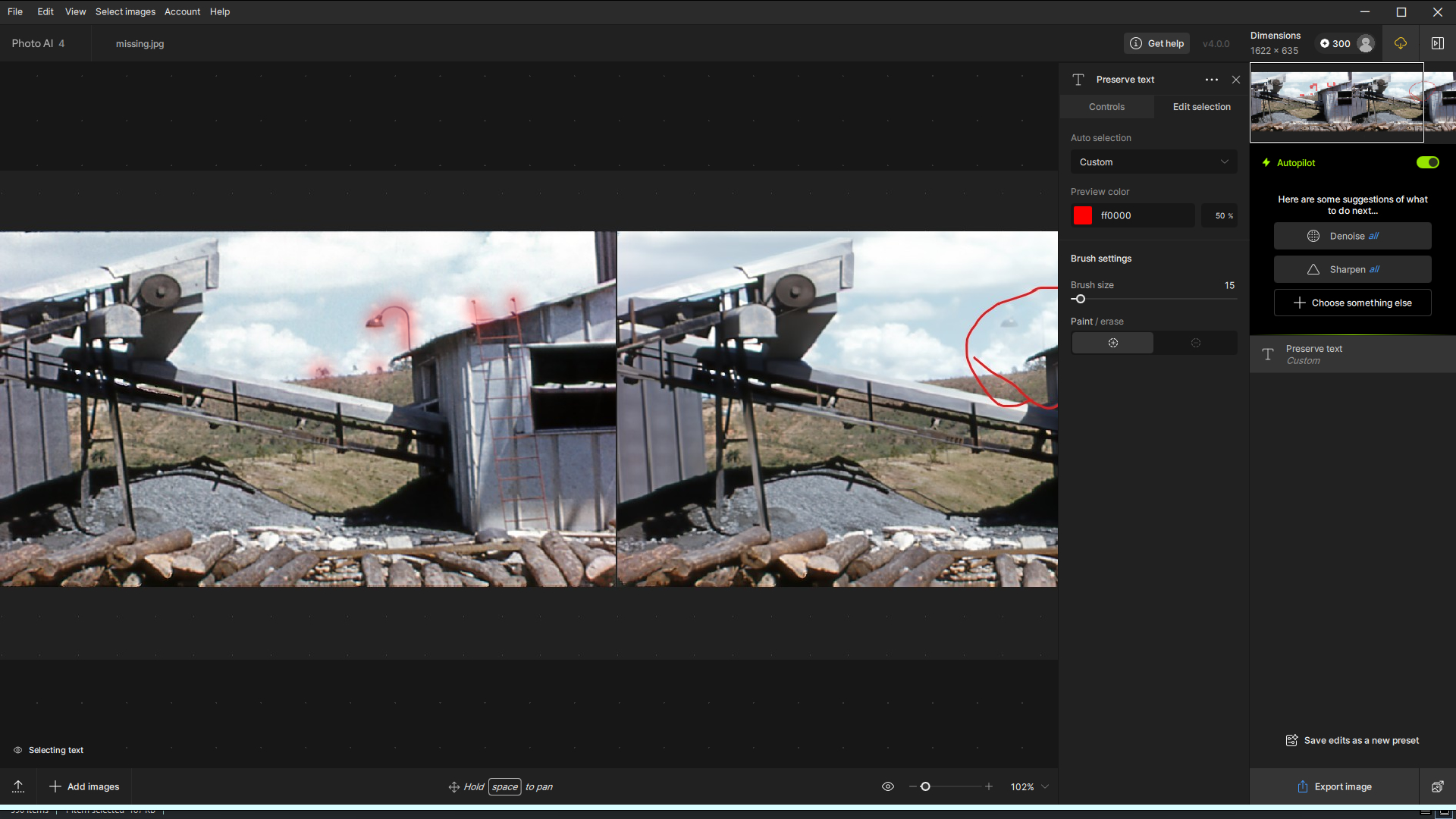
@david.S - you can see on the Dust and Scratch guide a Tip at the bottom on how to recover parts the enhancement removed.
Also, as @XpFan mentions, this would not be a case for the Dust and Scratch model; you can test Wonder on this file and get much better results!
The original scan is the one on the left. I use it because I’m scanning the film in strips on a flatbed scanner and because there aren’t any consumer level scanners for 16mm film so I have to draw out the frame myself and you can’t get the frame perfectly aligned, sometimes you get a little bit of the top edge of the frame being slightly off. The dust and scratch does a good job of filling that in. But it also does a good job of smoothing out some of the details too. If you look at the building on the left you can see some small dents in the siding but then on the right it’s a little smoother.
I tried the Wonder 4 on it and it did help. Thanks.
Also test the tip to use Preserve Text, if you do use Dust and Scratch, to recover parts it removed!
Hey Ange.
I think I originated the Preserve Text tip in May 2025 in the early days of Dust and Scratch.
Do I get brownie points for it? 

Best regards Robert B.
Thanks for the suggestions. I’ll give them a try.
