I clarify that everything is up to date, including Windows.
I have already restarted the system, reinstalled, and tried repairing the installation from Windows, but it still doesn’t work.
1 Like
Same here, after update it crashes when I open an image, any image.
3 Likes
Yes. I just updated before importing the image I was working on, and now the program does not work as described above in previous posts. D.
2 Likes
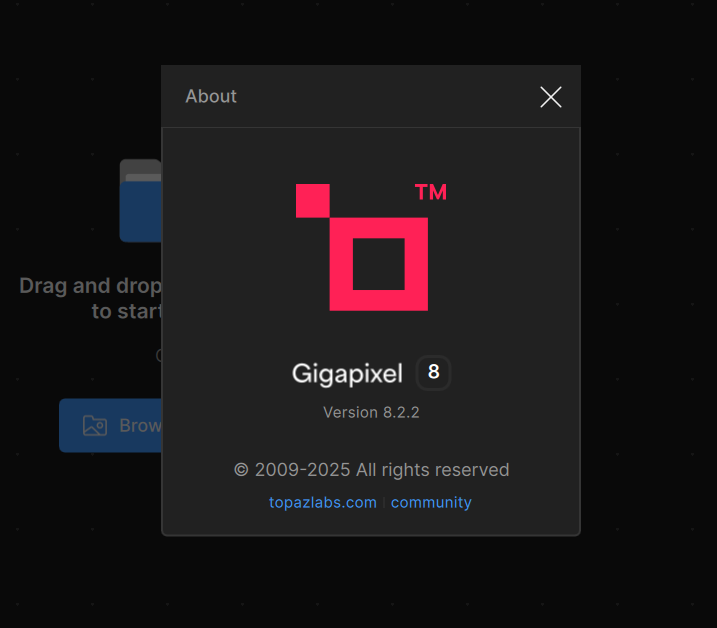
A solution: If you need the program, download the installer from the website (version 8.2.2) and reinstall it. (Just make sure not to update until the issue is fixed.)
Exactly same problem here… Windows 11 Home 64GB RAM, NVIDIA RTX4070. Nothing works anymore.
4 Likes
I’m trying the support instructions with the tool they gave me to see if it fixes the problem.
YES, I also have 64GB RAM
RTX 4060 Ti
Windows 11 Pro (updated)
iCore 7, etc.
installing update 8.3
cross your fingers
What they recommended I do didn’t work.
I still have the same problem.
What they recommended I do didn’t work.
I still have the same problem.
The program does not work after updating
And I see in the forum that there are several with the same problem. They should check that update. Something went wrong.
https://drive.google.com/open?id=1PEW_gW1D3Na4juusMa4noA9CZ9Cq-MtI&usp=drive_fs
1 Like
Hi there, I too am now having this problem. I’ve done all the above, + re-downloaded from the website. I have a MacBook Pro, only a few months old.
1 Like
Note: I have clients waiting on photos 
Well, then for the time being you should simply revert to the working older version you had before.
You can download those previous versions in the respective thread here:
1 Like
not only does 8.3 crash but also made word crash at launch
1 Like
It’s nice to see I’m not alone, but it’s too bad the program isn’t working. We’re waiting for a fix.
1 Like
I have exactly the same issue with my recent update to 8.3.0
1 Like
The solution, according to Topaz, is to reinstall version 8.2.2. Download the installer from the Topaz website.
AND YOU SHOULD NOT UPDATE.
For Windows users, reinstalling may not work (it happened to me), but reinstalling or repairing the installation will work without any problems.
We must wait for the update to be fixed so that it is functional (8.3) before we can install it again.
1 Like
I can open the image, but it doesnt process it in any type. Keeps trying to detect faces but it doesnt work. Im running it in windows 11 home edition.
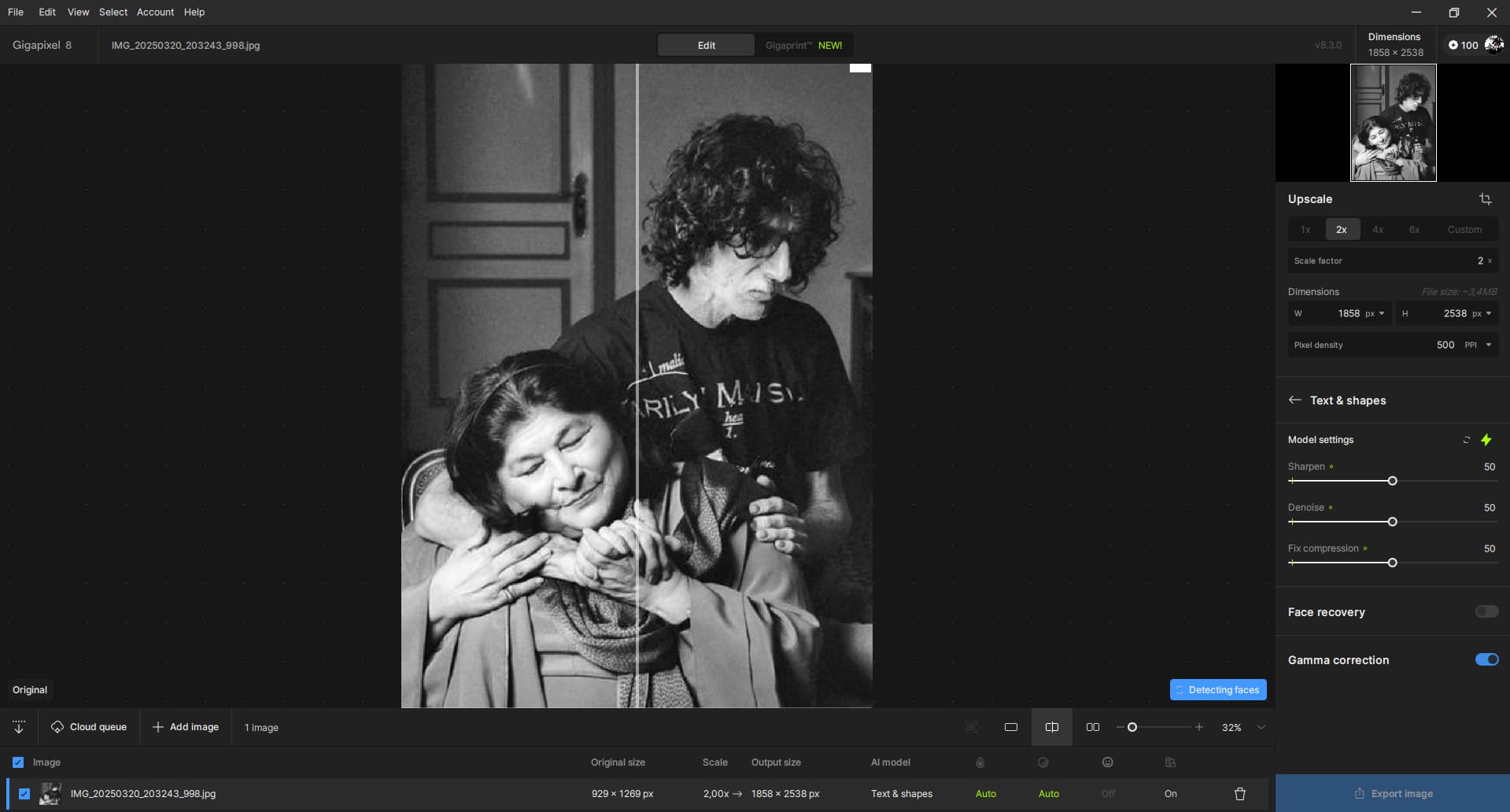
I should note, my problem is in Photo AI, not Gigapixel.
Same problem here. loading an image shuts down the program-Gigapixel 8.3 3/21
thanks so much for the link!
1 Like
Same here. Just installed Gigapixel 8.3.1 and it crashes opening up any image. Tried big and small images. Tried webp, png, and jpg. Nothing works.
It looks like all the versions on the site are 8.3.1. I do not see 8.2.2 anywhere.
EDIT: Just found it on the forum here:
https://downloads.topazlabs.com/deploy/TopazGigapixelAI/8.2.2/TopazGigapixelAI-8.2.2.msi
