You’re looking in Program Files, you need to be in c:\ProgramData (it’s hidden by default, but you can just type it into the address bar or do CTRL+R anywhere in Windows to get the run dialog box and type in c:\ProgramData and hit enter)
Thank you. That will fix one of my gripes and I will test it as soon as my first AI upscale is complete. (I began it at 4PM yesterday and the status bar says that it is almost halfway done. Another gripe.)
When opening an image of at least 2000 width on 4000 height and the implicit model is set to:
Low res
or
High fidelity
When the algorithm runs to detect faces, machine simply freezes, nothing else works and I have to hard reset each time. This happens for some images, not all. Not sure why this happens - other tools from Topaz and 3rd party do not seem to have any other problems, only Gigapixel
GigaPixel 8.2.0 on an iMac 2020 (Intel) running MacOS 15.3.1 (but this has been going on for a while).
I’ve turned off Face Recovery in the upscale settings palette, and in the prefs for Face Recovery I have None Selected.
I do mostly b&w lineart, but regardless of which model I use (auto or manual settings), it goes through the cycle of trying to detect faces to recover. It can be a frustrating slowdown when you’re trying to move quickly through images and you want to switch between settings.
Coming from Lightroom, the images open in Gigspixel, and then gets stuck on Recovering faces. The images have no faces. Images of the lunar eclipse. Is there a way to not have it try to detect faces, if there are no faces in the image?
You’re actually describing the Face Recovery Option in the Settings Category within the Preference Menu which gives you the option of selecting Hair and Neck
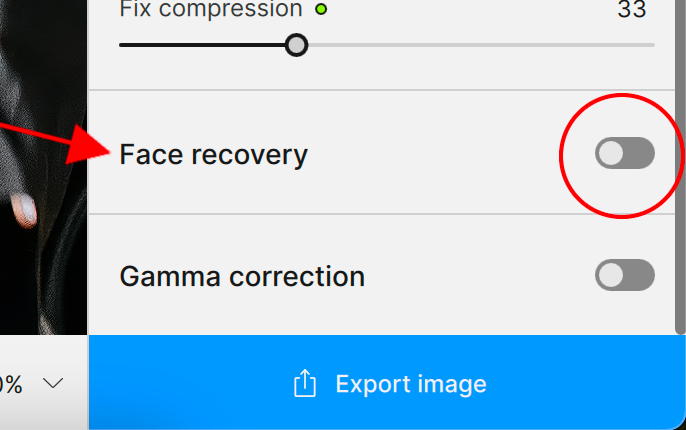
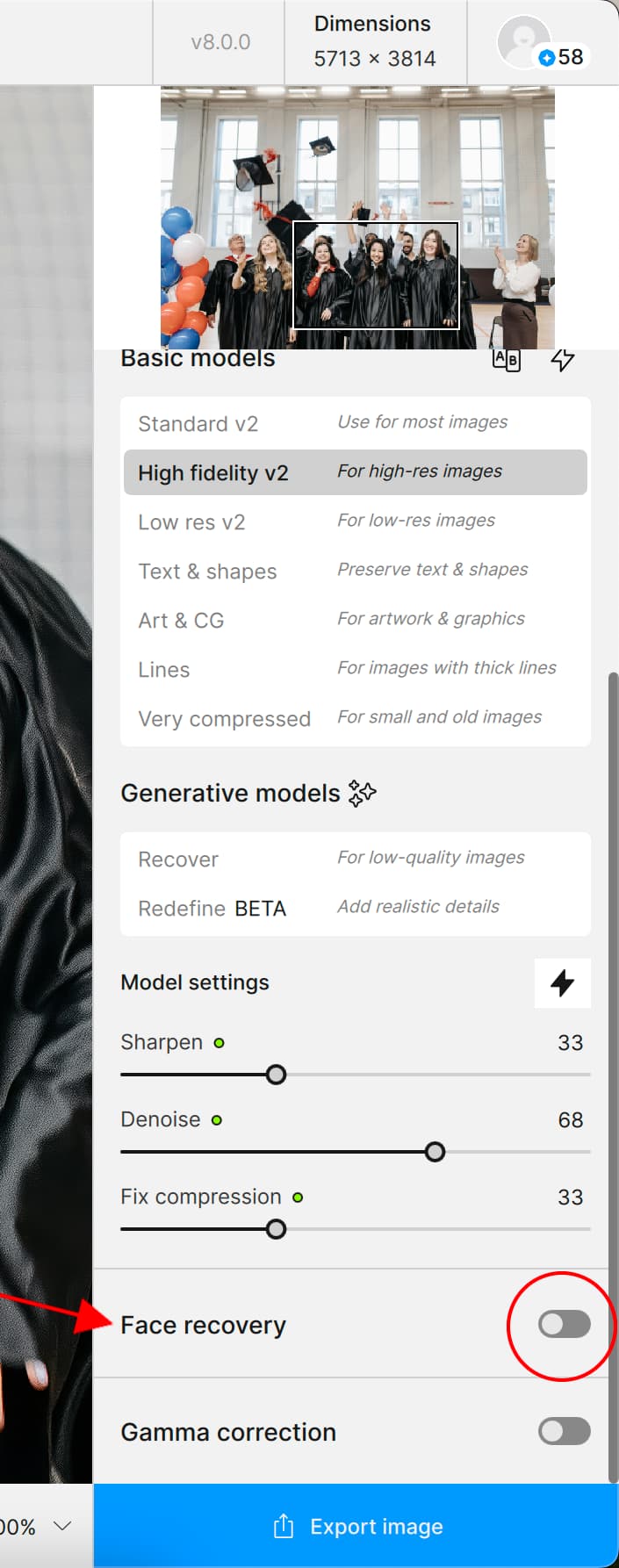
In My description on the other hand, I was referring to the Face Recovery toggle On & Off switch found at the bottom of the control panel to the right of the image preview
Apart from being able to obviously toggle the switch On & off Gigapixel remembers any settings you had made Previously.
Therefore, if you turned on Face Recovery for an image then closed Gigapixel the next time you open Gigapixel the toggle switch will remain On because, the application will have remembered your previous setting.
Hence, the issue Dave Drpetrick was having with the application constantly looking for faces when there were none
Here’s the link for information about Face Recovery
Hi Ricardo,
Is this happening when you import a large batch of images? It may be related to the size of the files or it could be something else but I’d like to see what you’re seeing.
I’m sharing a video of what happens after the update.
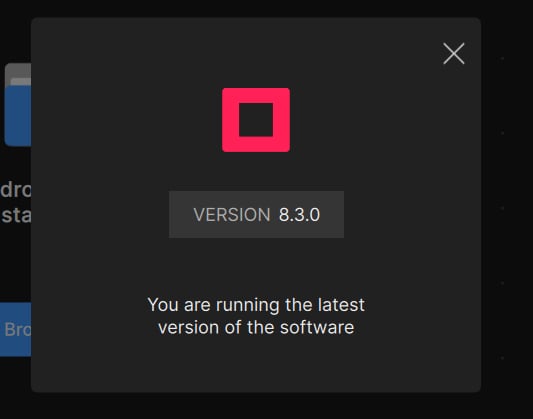
I already reinstalled the app and downloaded the installer from the website, which installs version 8.2, and it works correctly. However, after installing the update, it stops working.